Graham Equestrian Center
Apr 11, 2025●
2
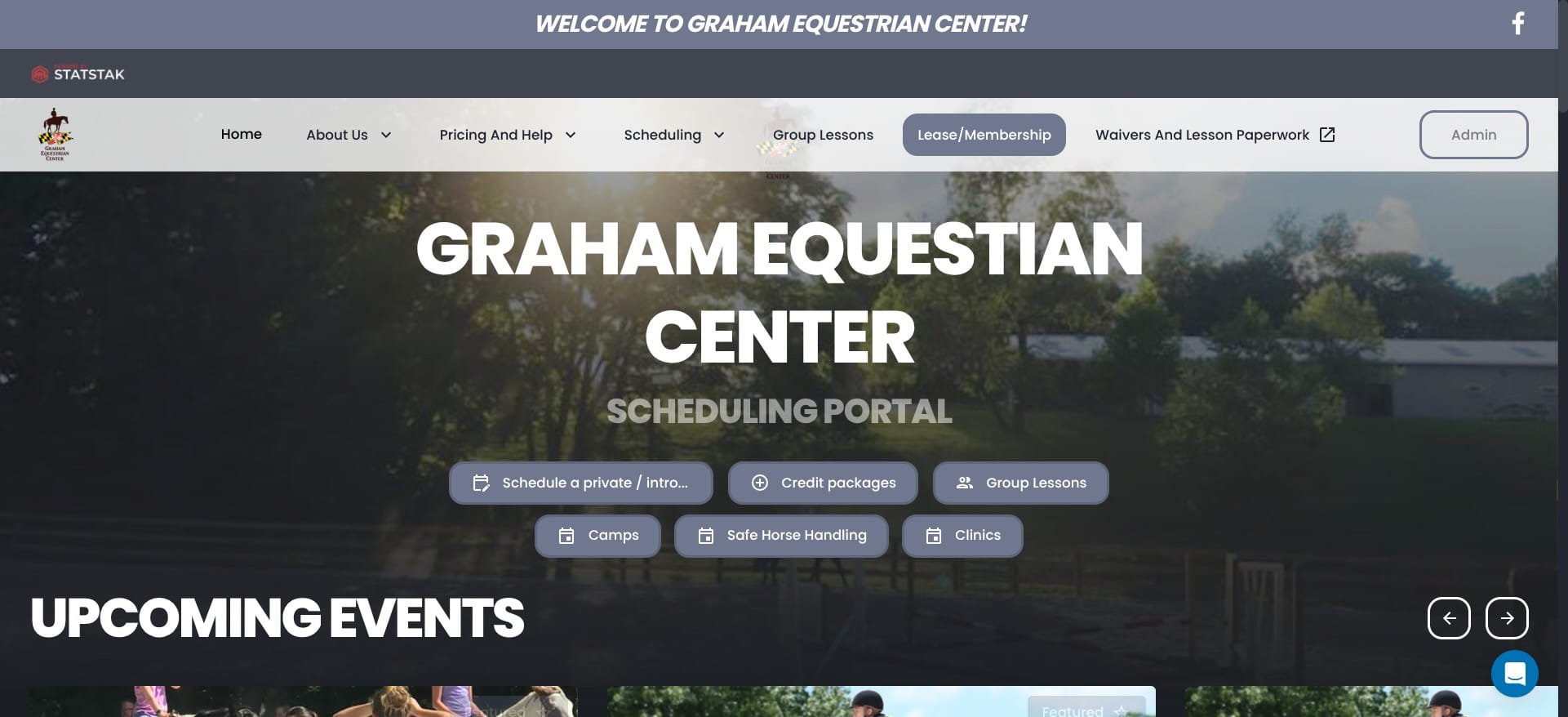
Click on "Lease/Membership"
3
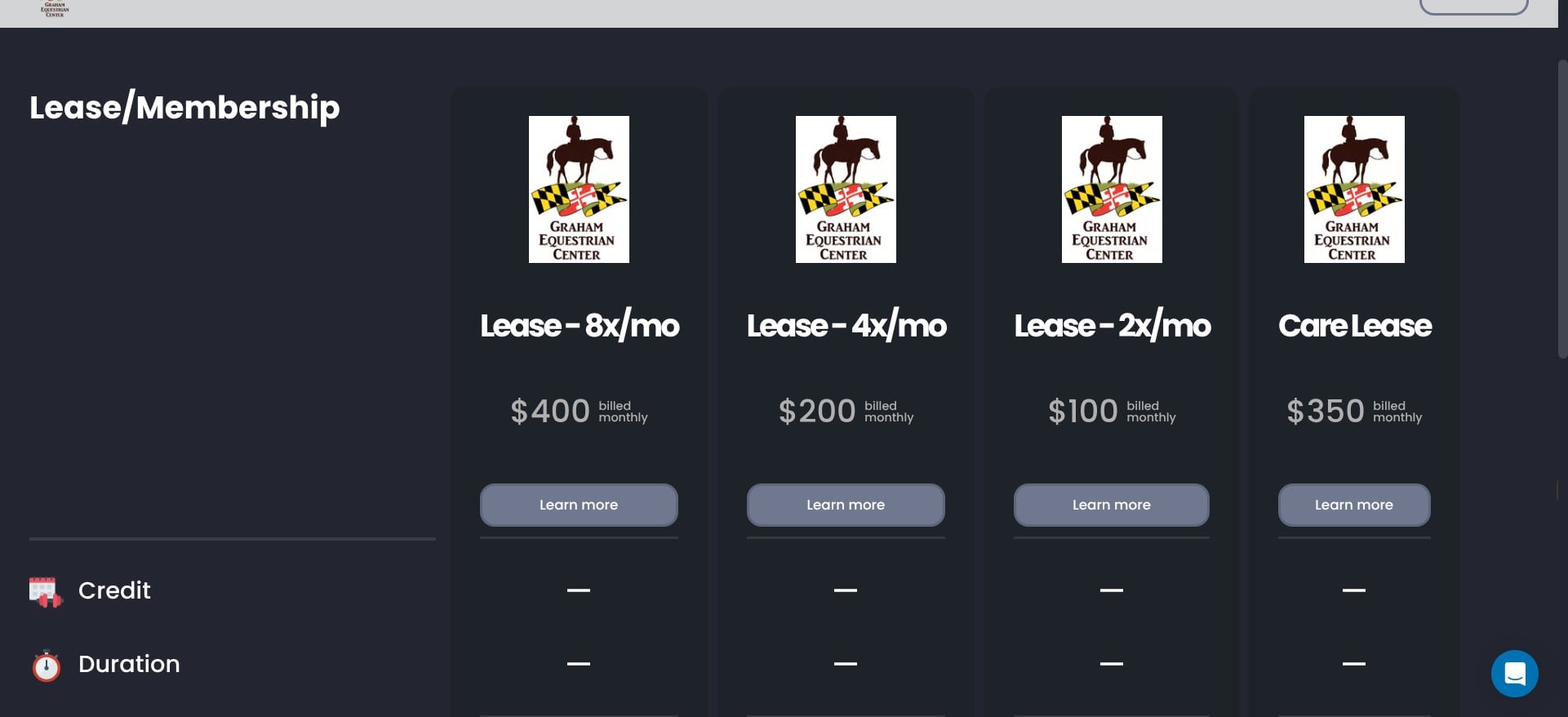
Click on "Learn more" under the lease option that you want
4
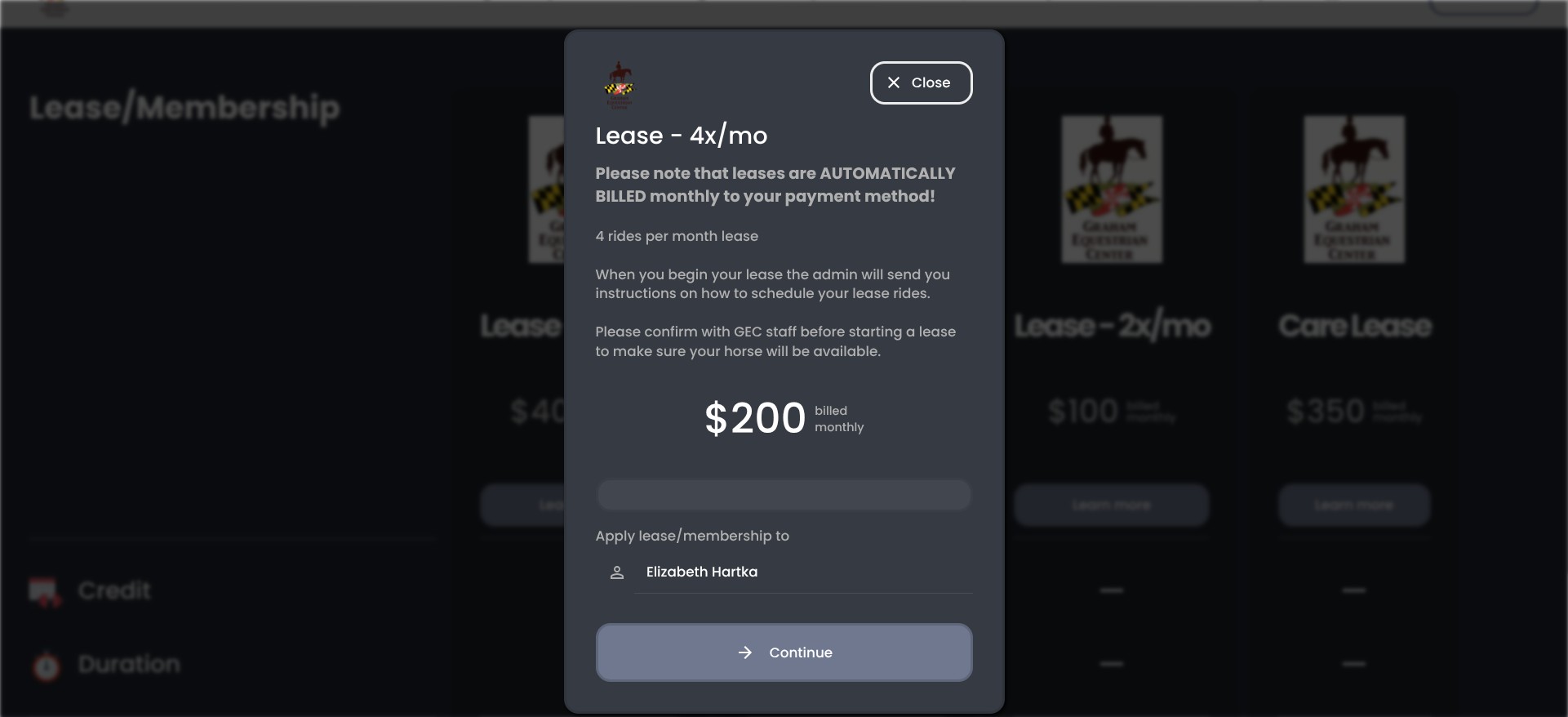
Click on "Continue"
5
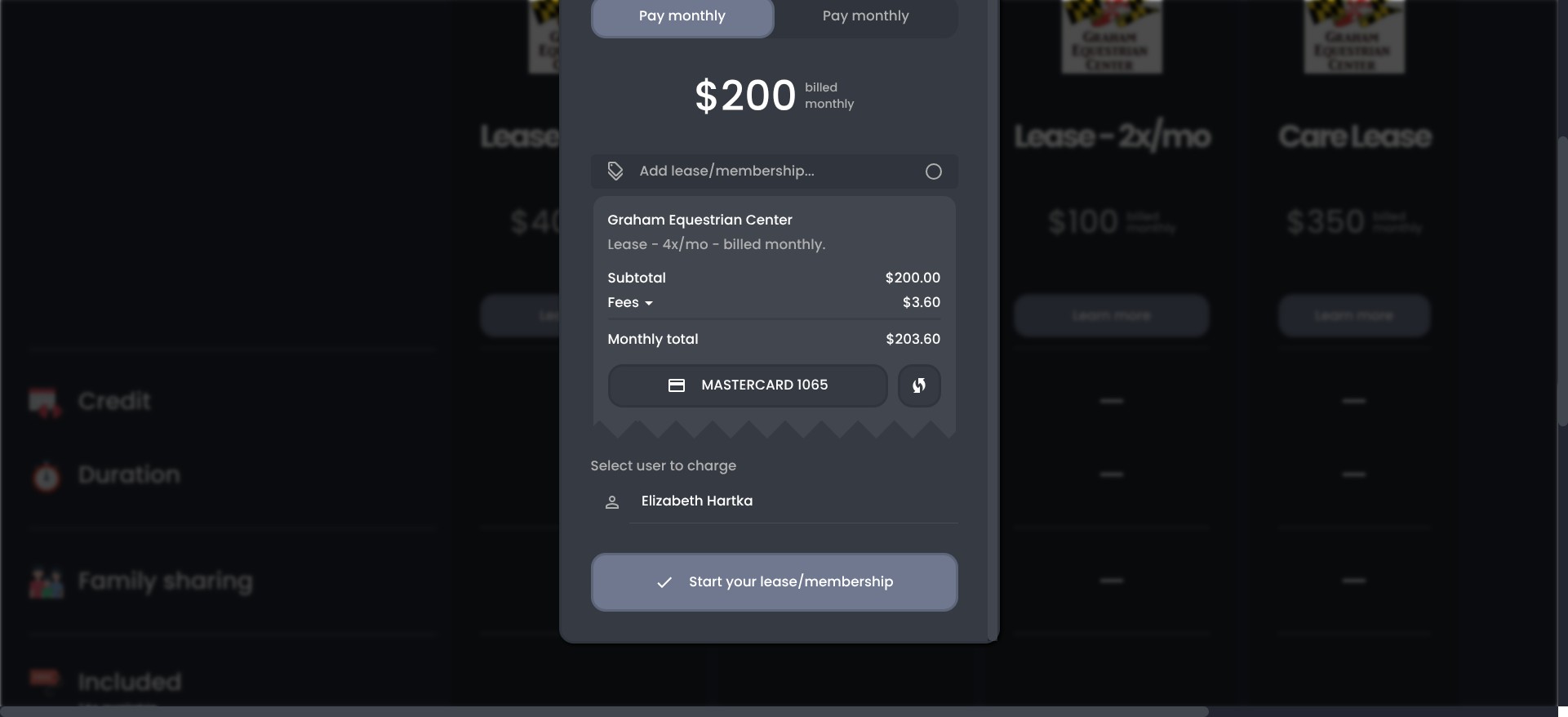
Once you click on 'start your lease/membership' you will be charged for one month, and your card will be billed on the same date each month going forward. It is best to start leasing as close to the 1st as possible so that you have time to use all of your rides. When you want to end your lease you will cancel your membership in the system under your profile.