

Home - Canva
1
Navigate to https://www.canva.com/
2
Click on "Got it"

3
Click image twice

4
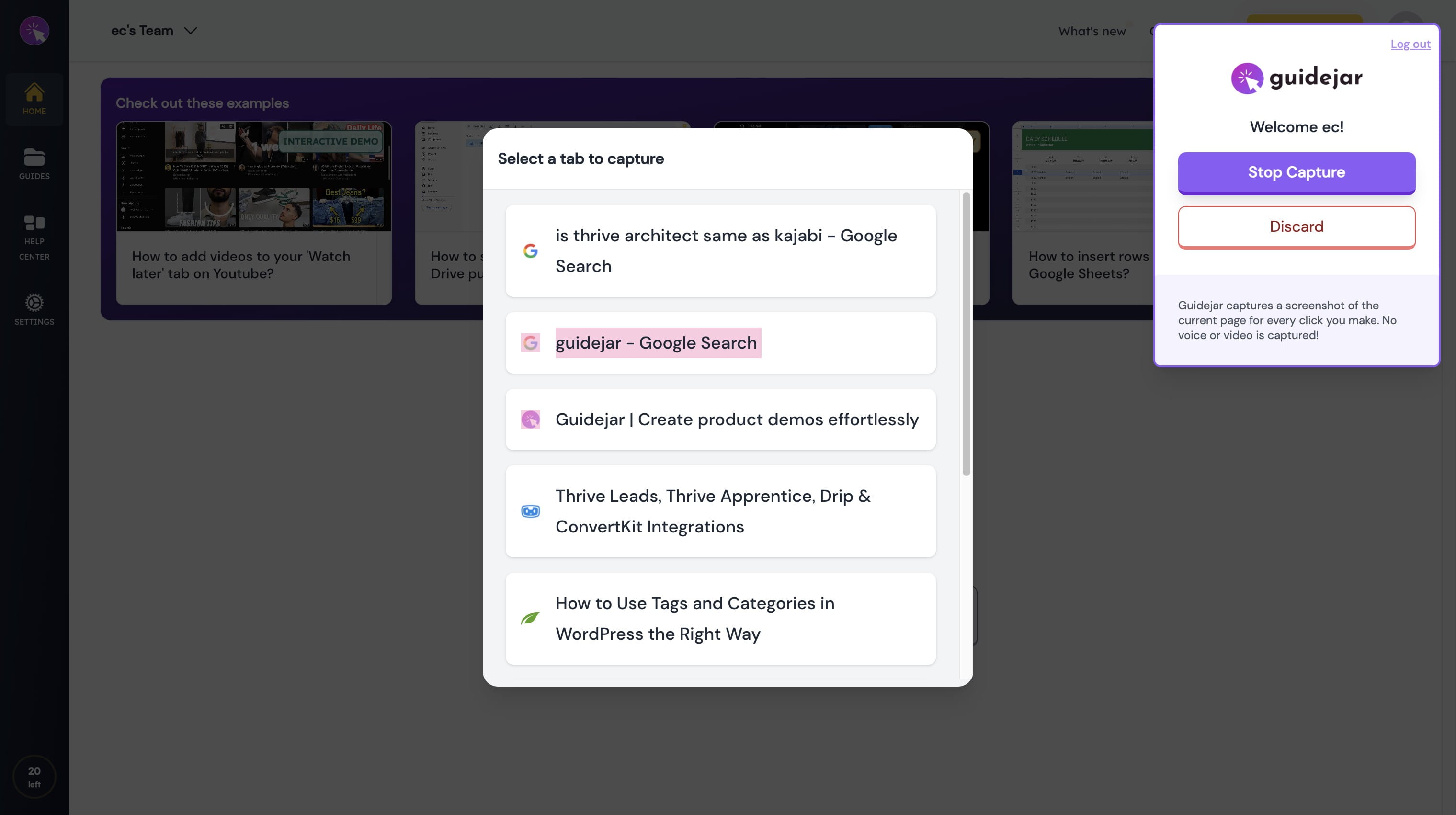
Click on "Select a tab to capture"
5
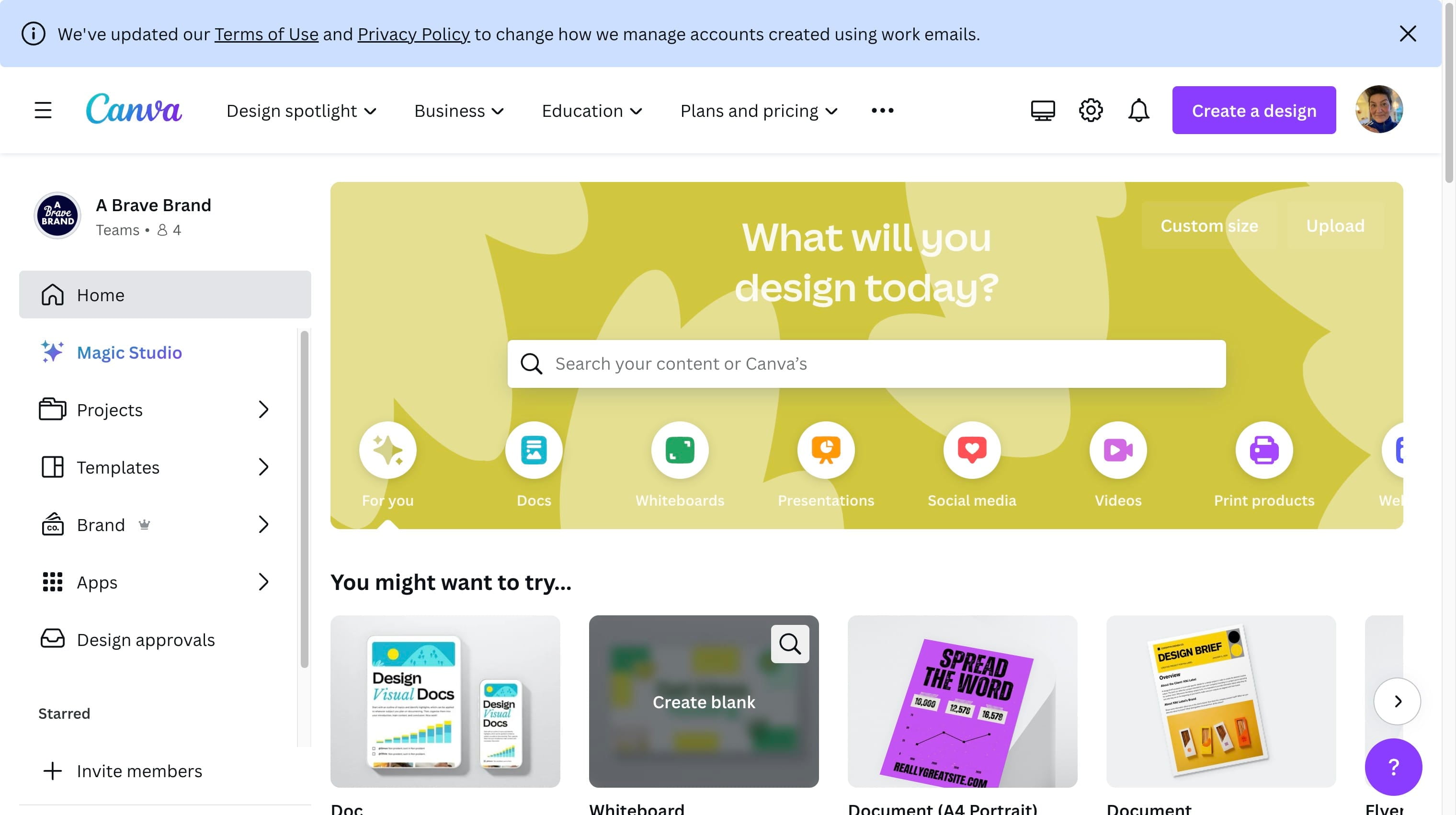
Click on "(opens in a new tab or window)"
6
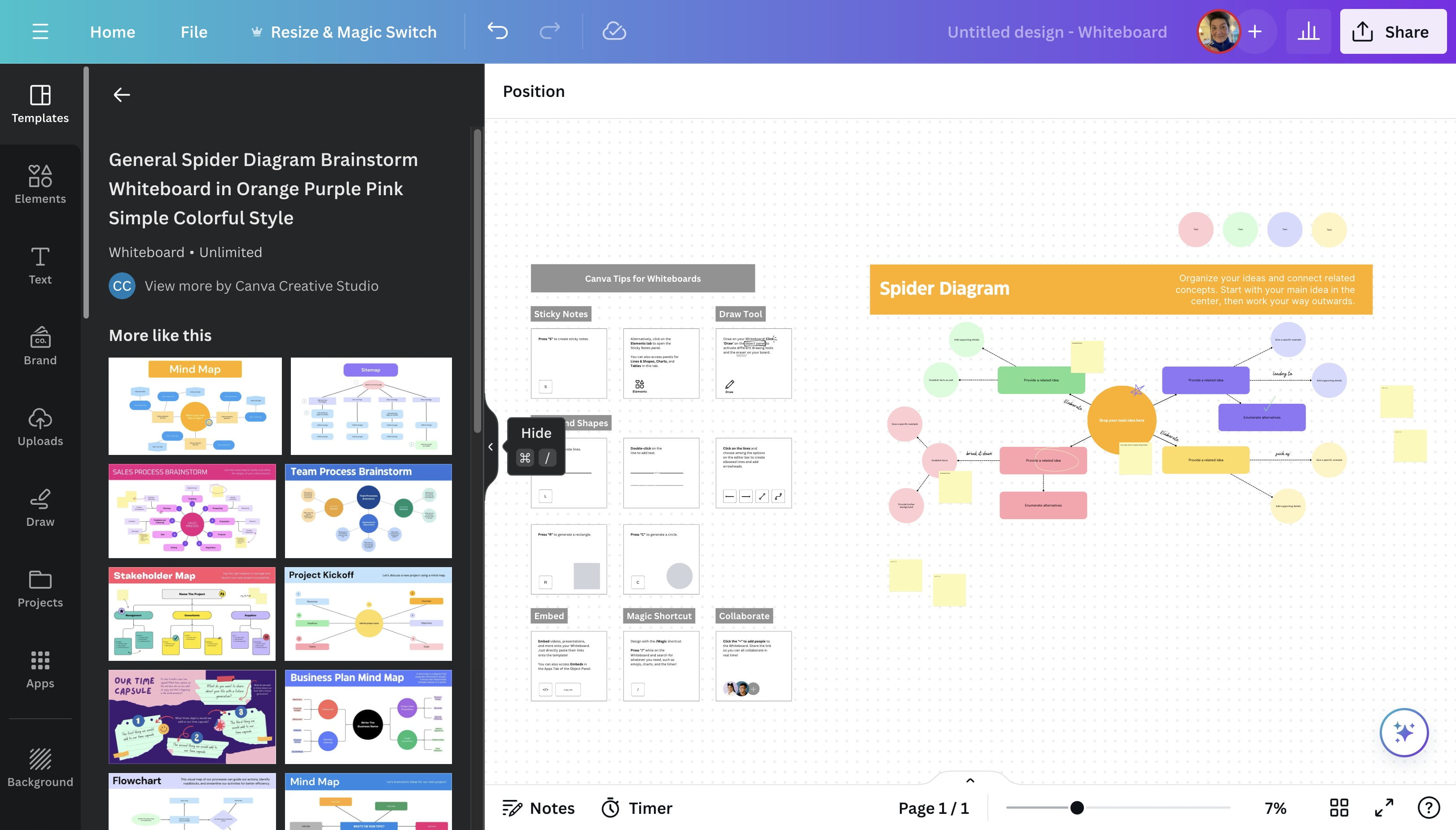
Click here Spider Web

7
Click here

8
Click here

9
Click here

10
Click here

11
Click this icon
12
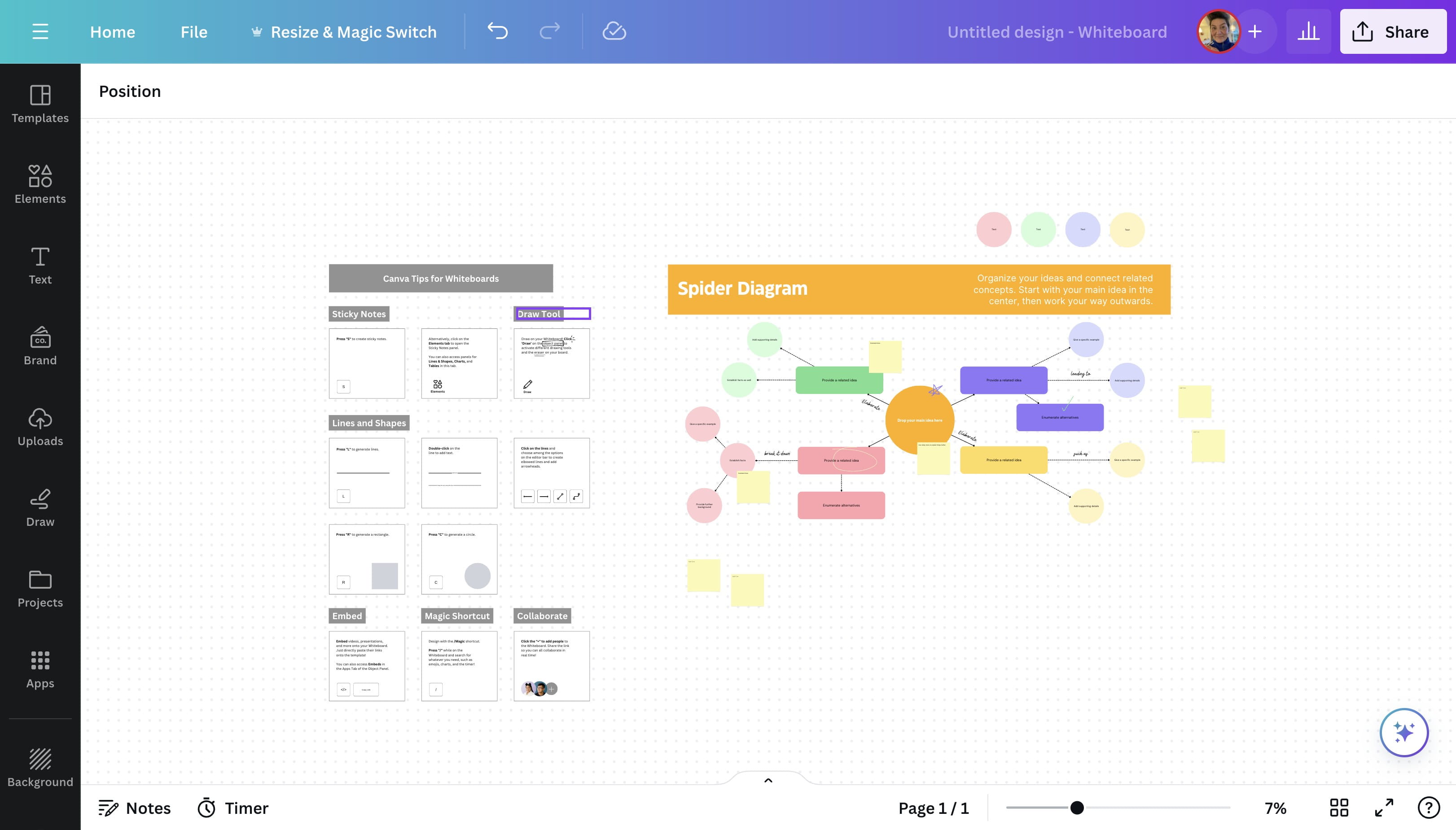
Click on "Draw Tool"
13
Click on "Draw Tool"
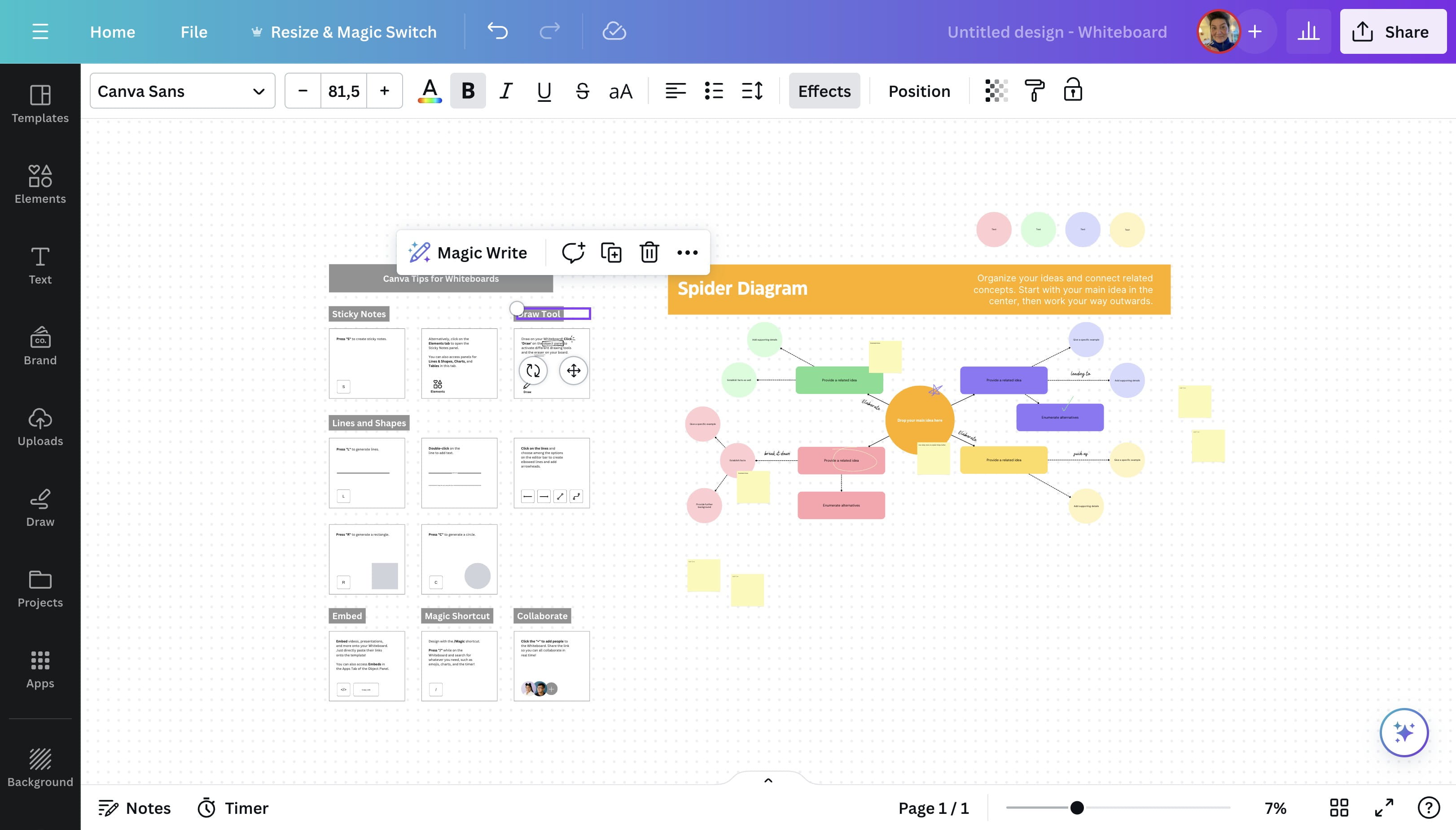
14
Click here
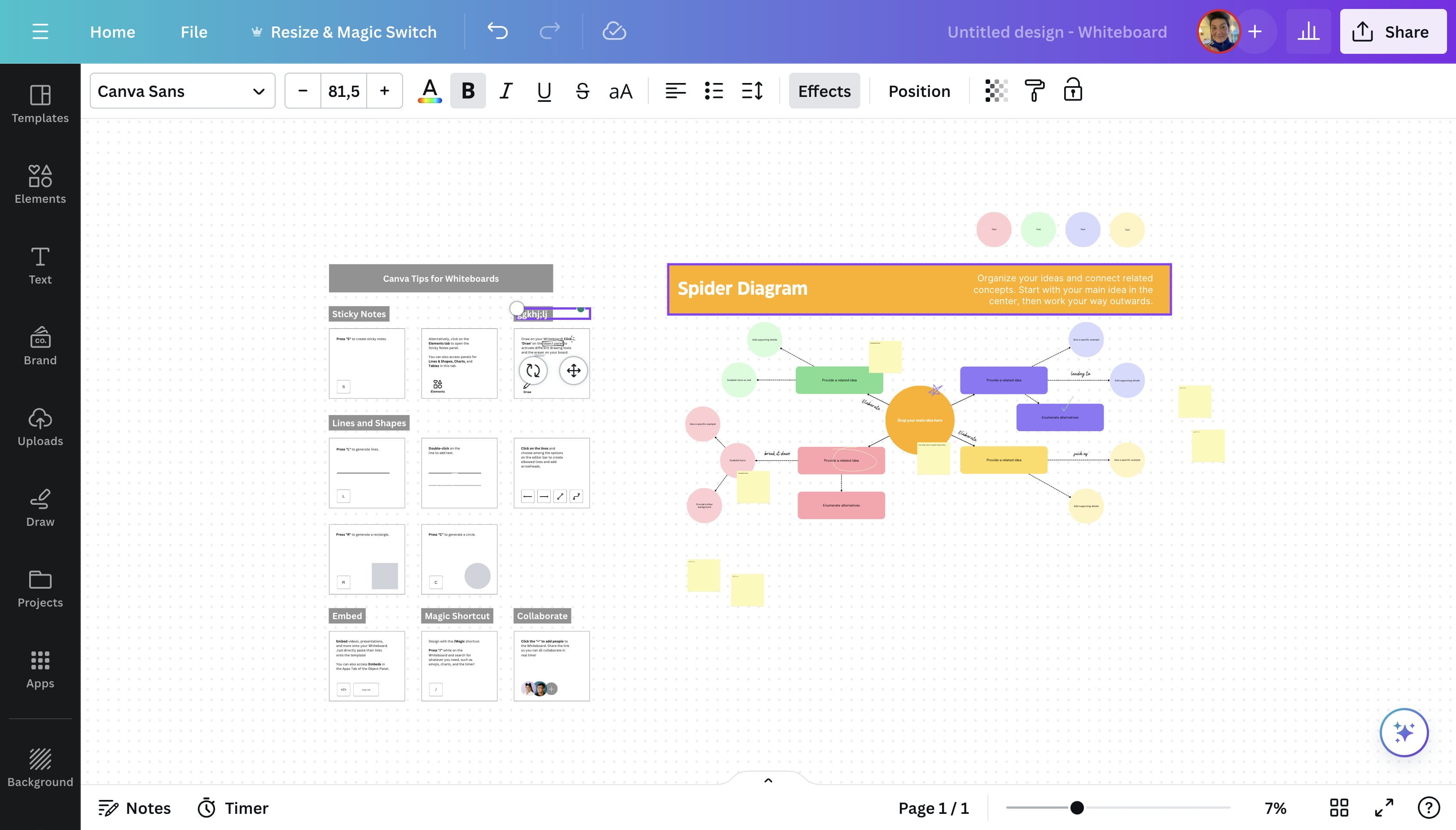
15
Click here
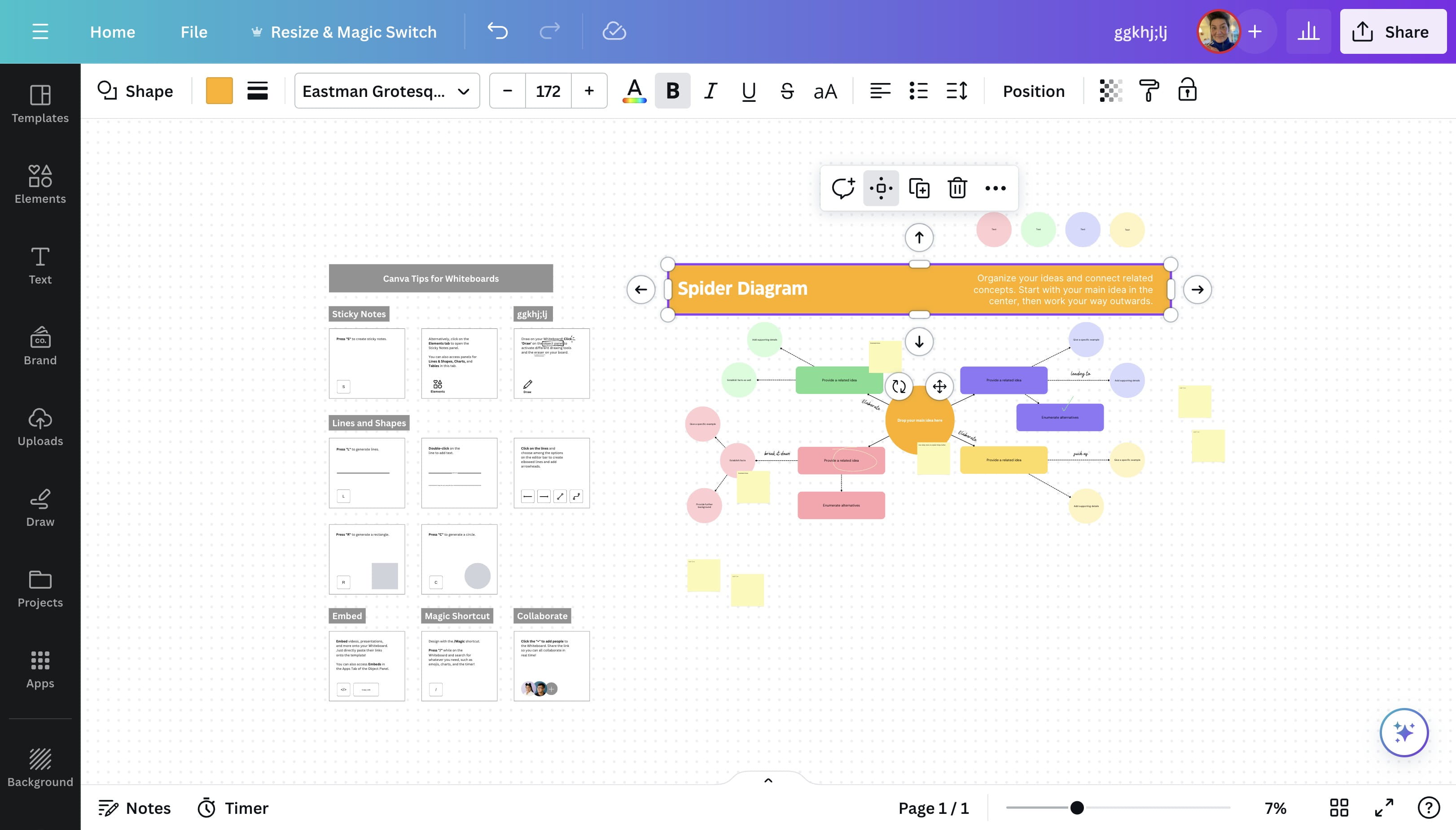
16
Double Click on "Spider Diagram"
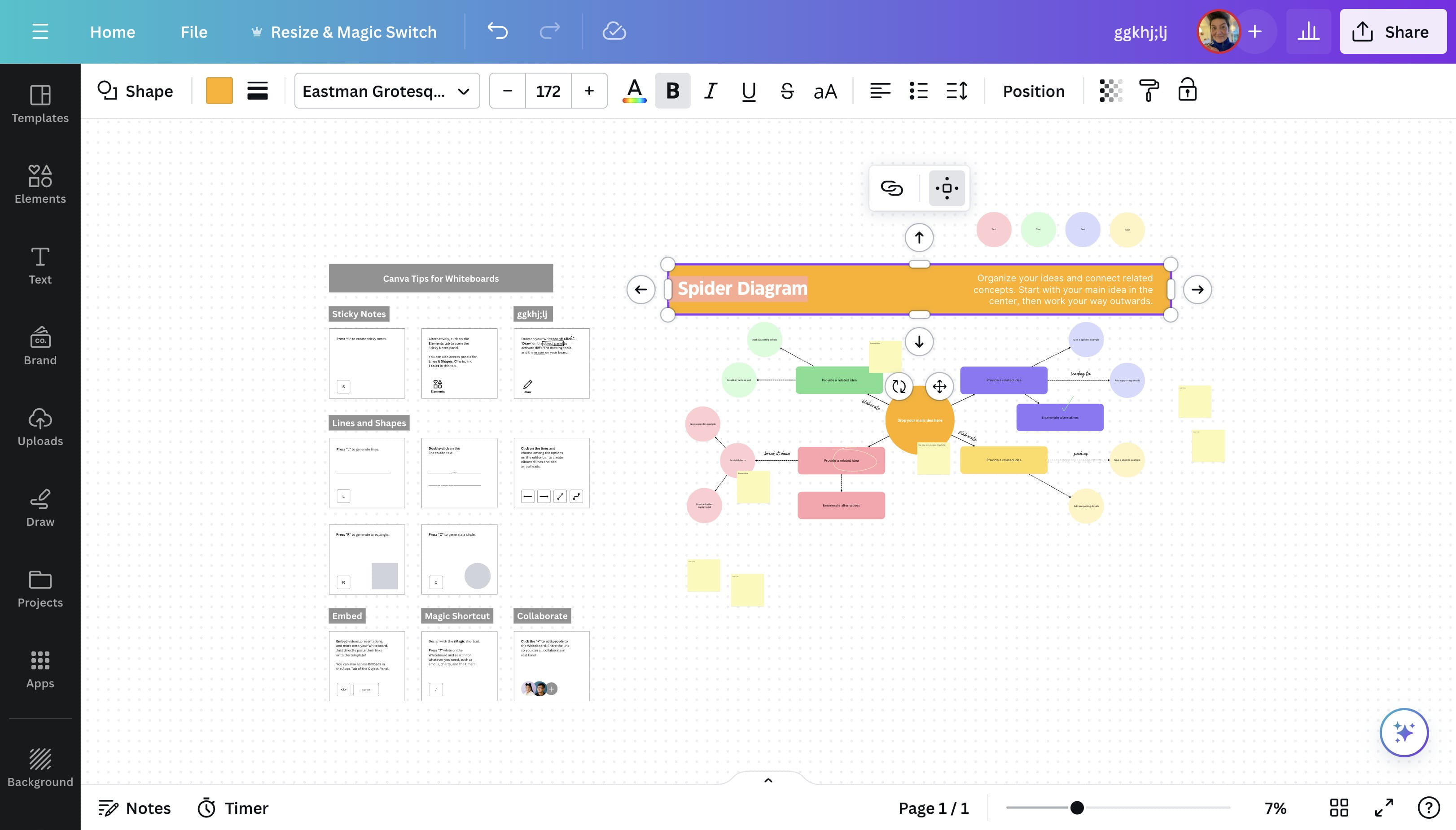
17
Click here
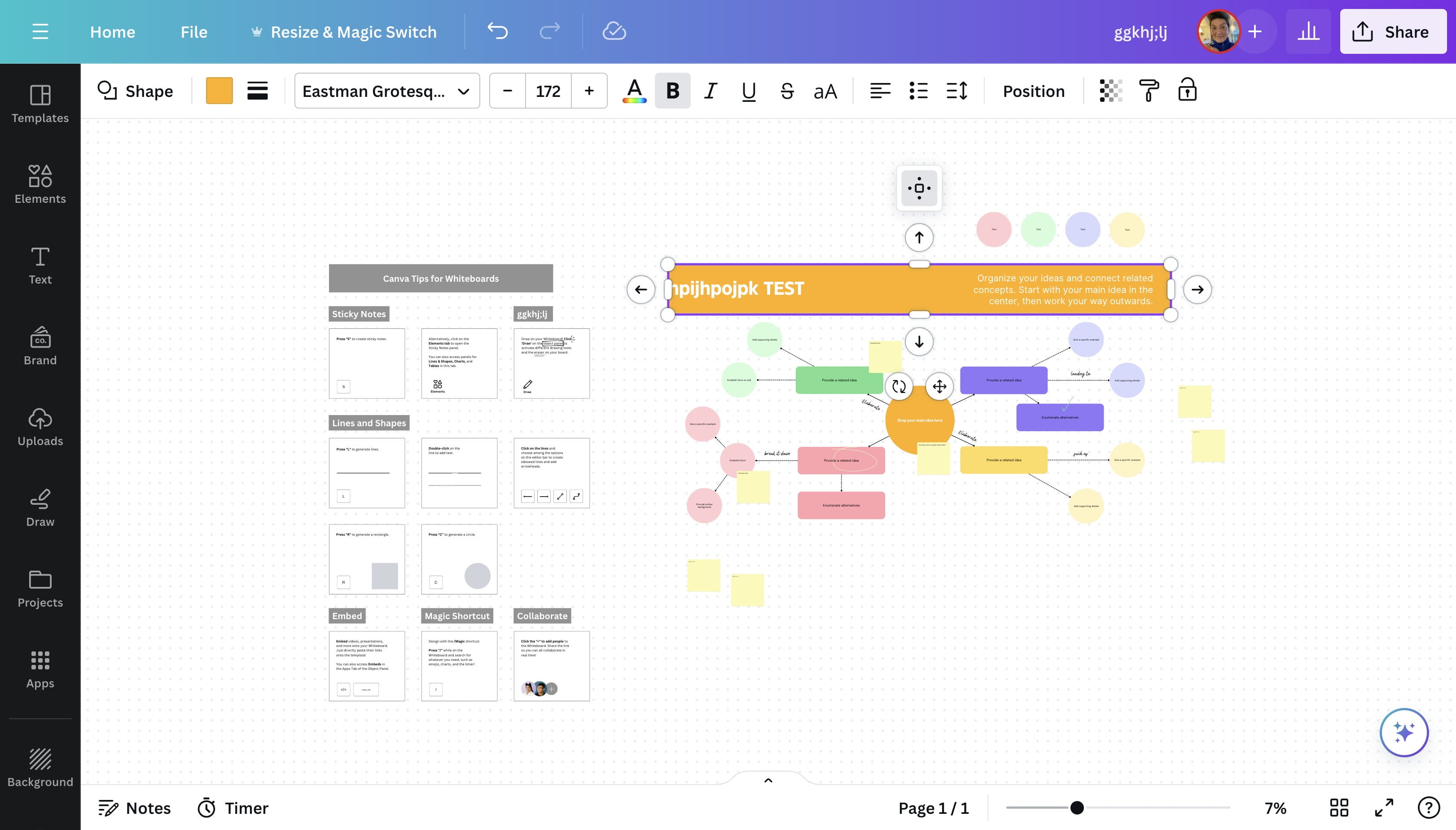
18
Click this icon
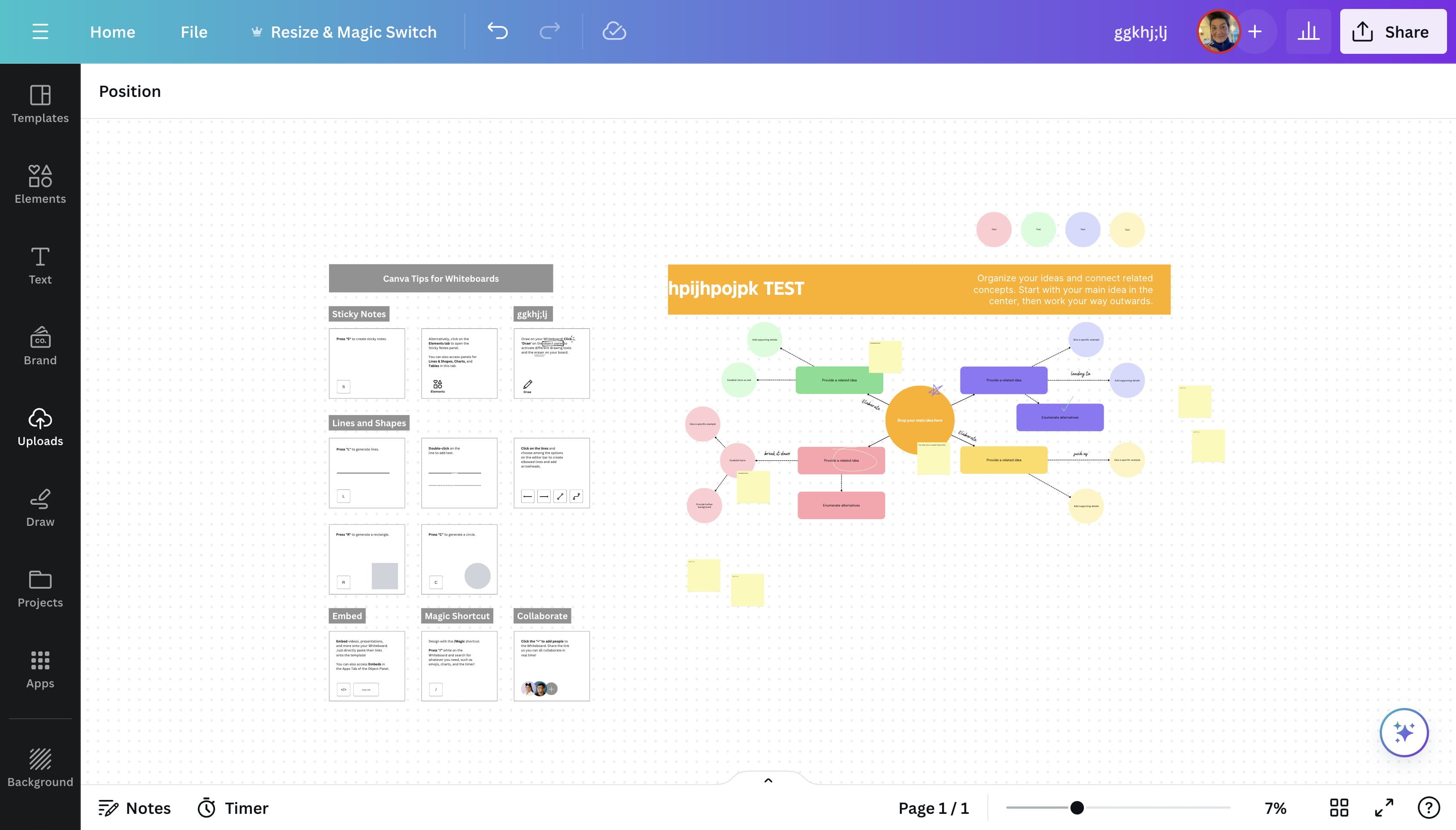
19
Click here

20
Click on "break it down"

21
Click this image

22
Click here

23
Click here

24
Click on "Eastman Grotesque"

25
Click this image
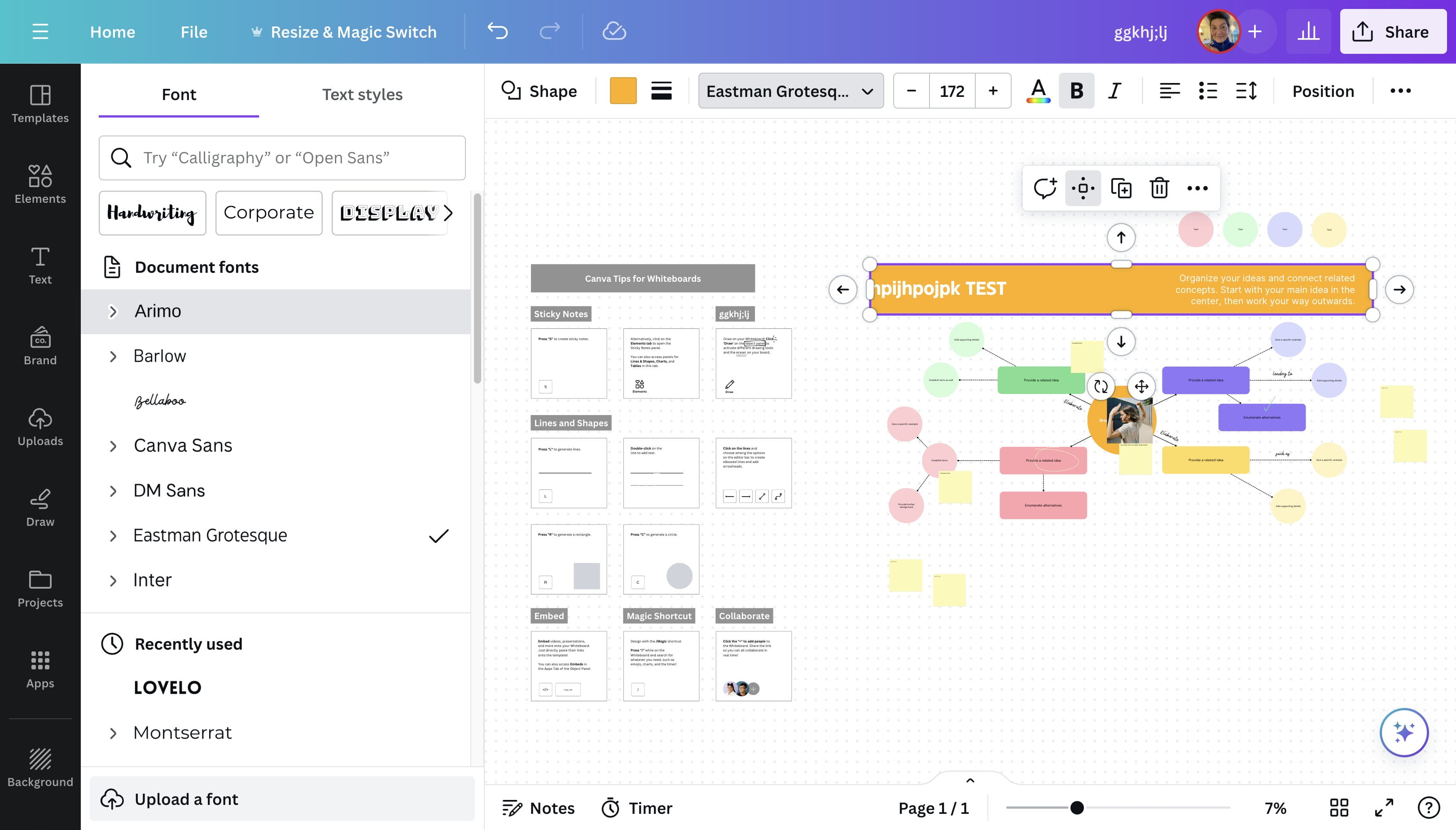
26
Click here
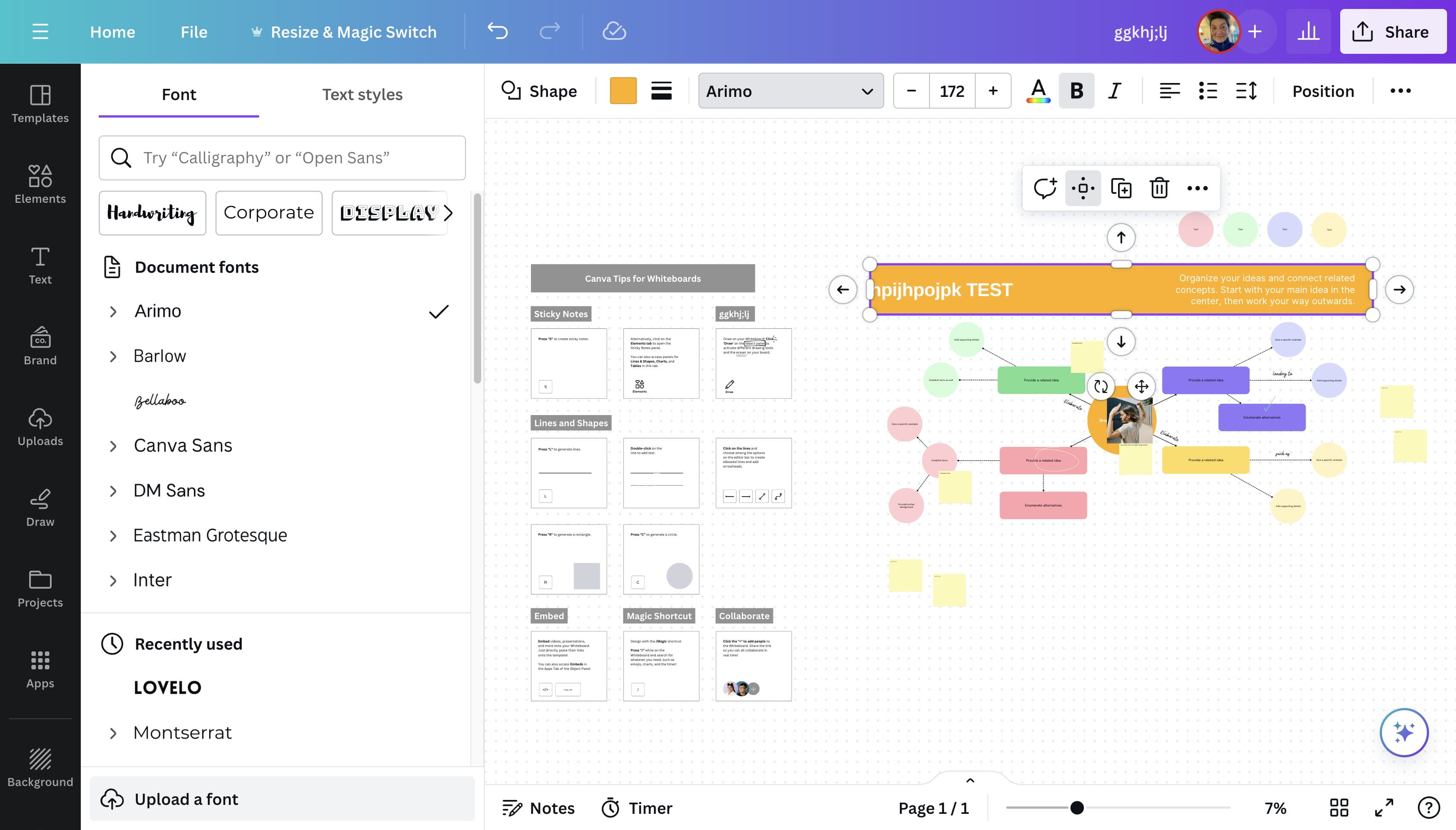
27
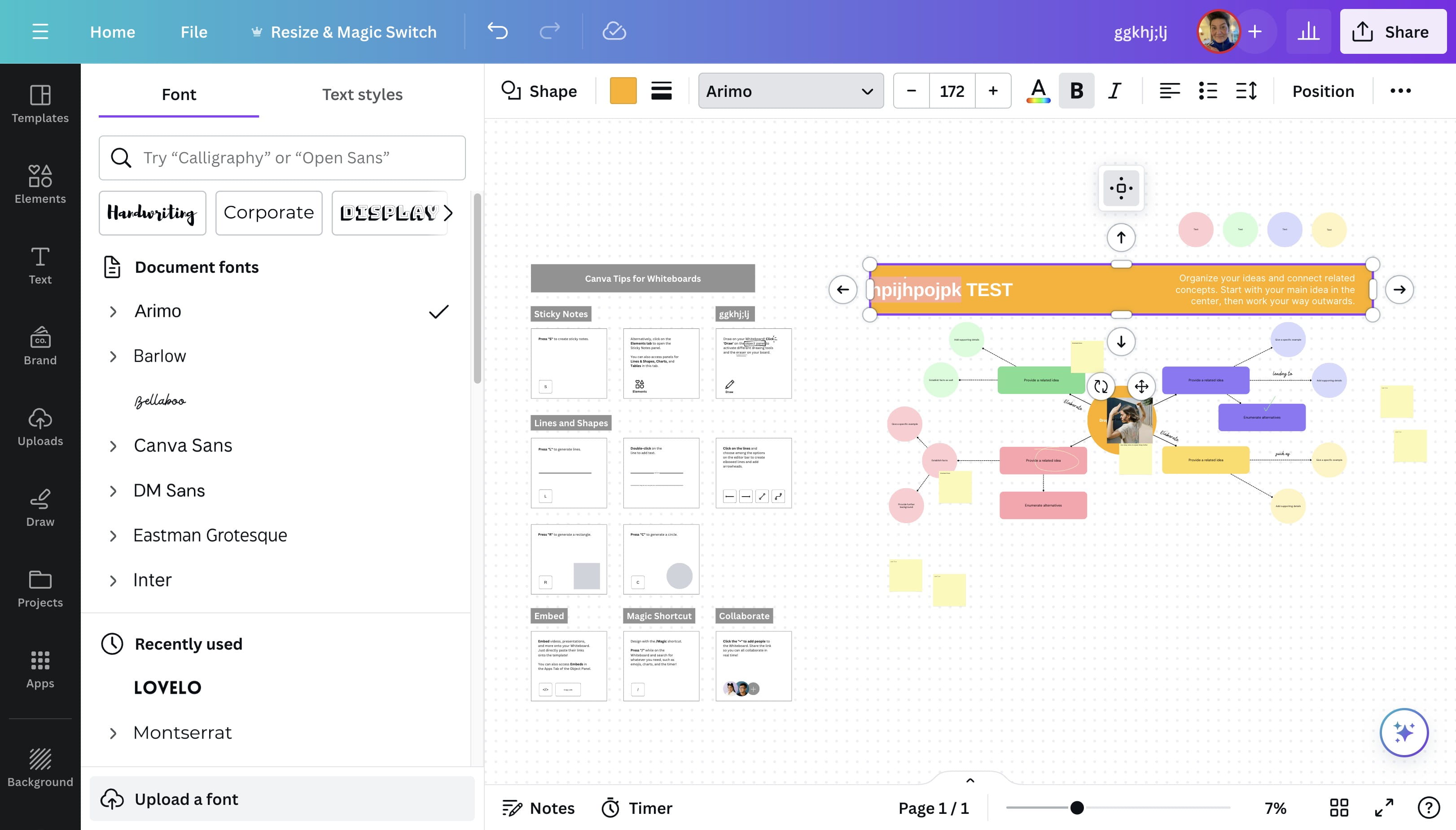
Click on "hpijhpojpk TEST"
28
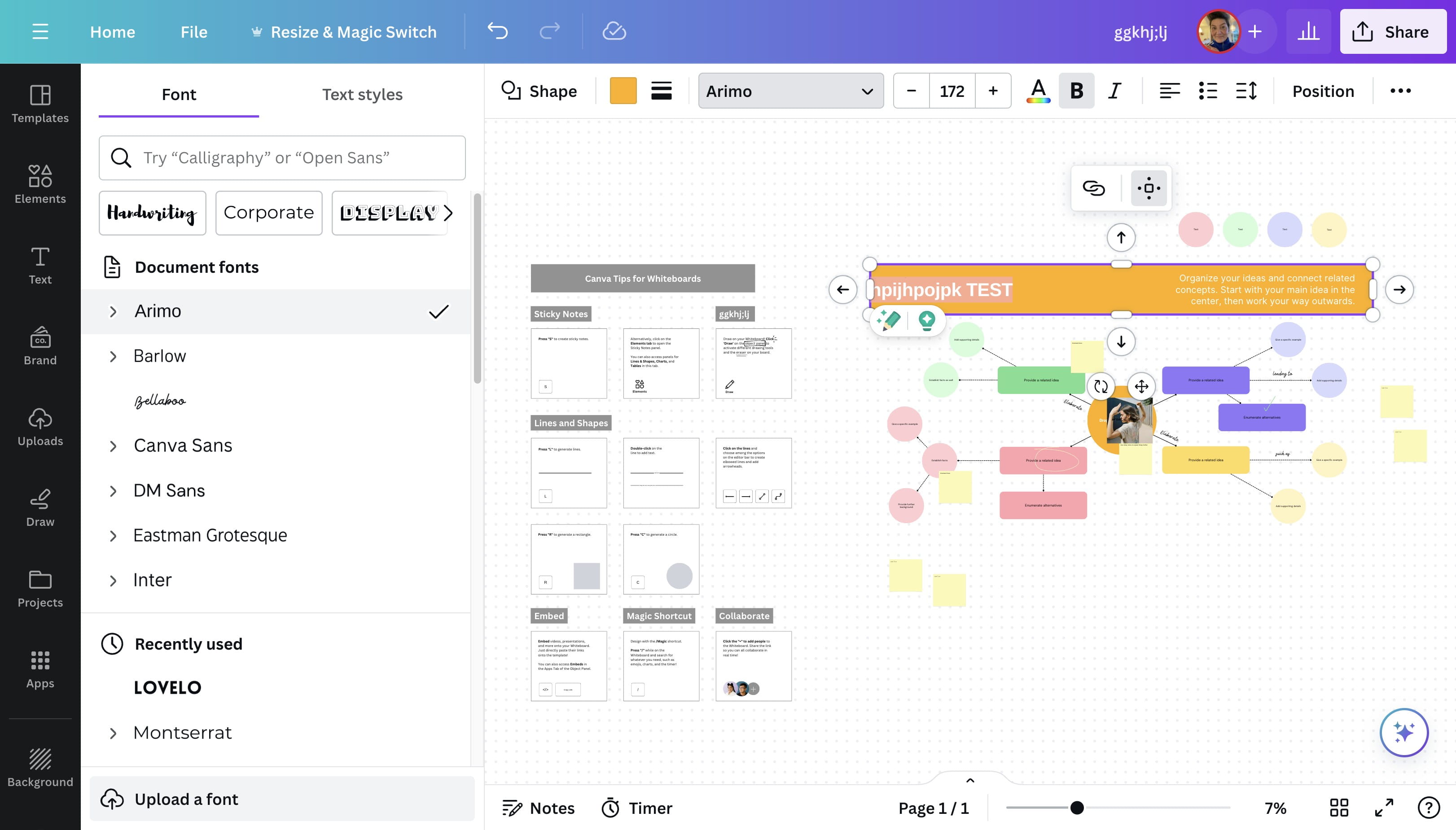
Click on new font (make sure you have selected text)
29
Click here
30
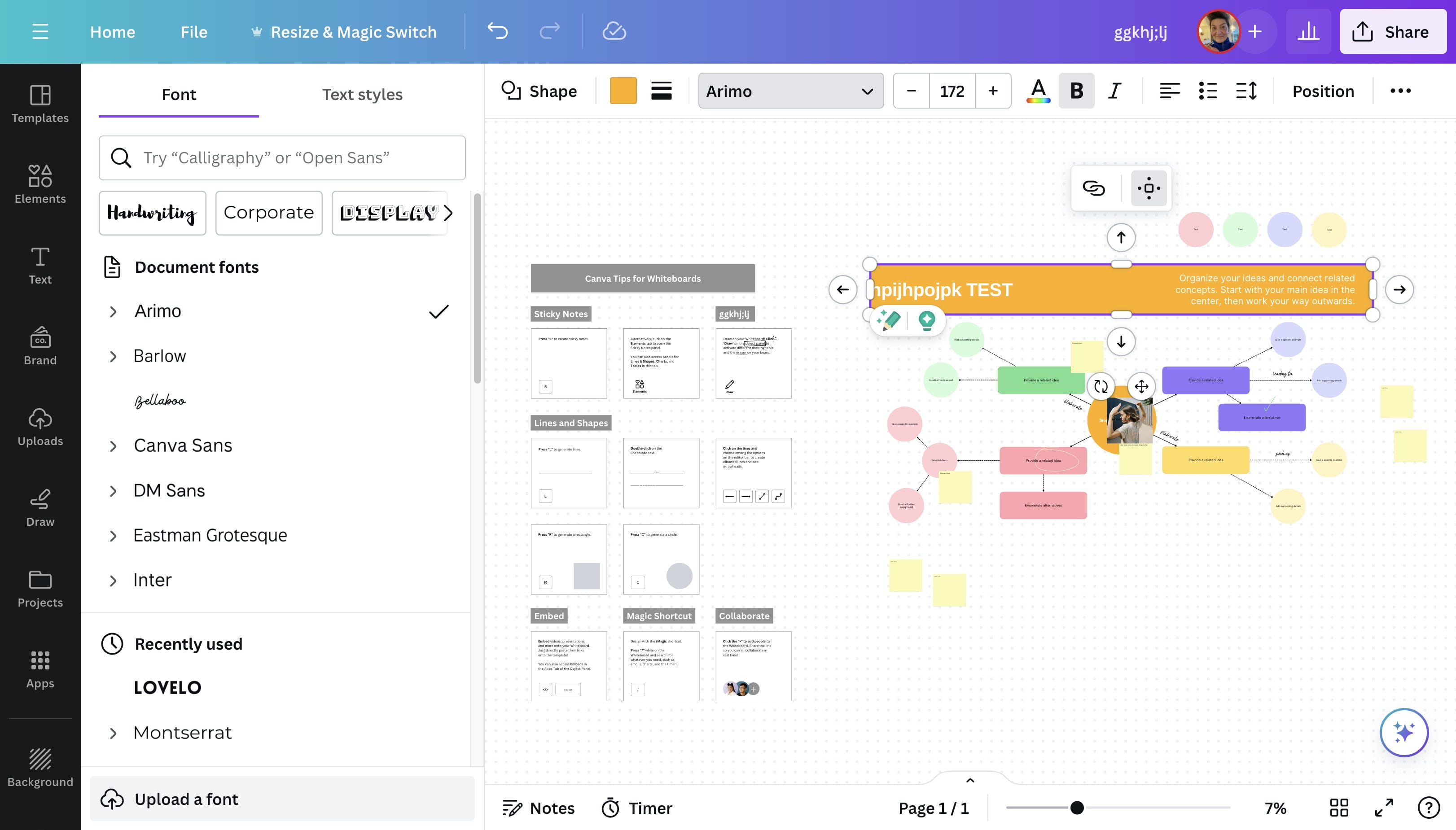
Click here

31
Done 🚀


Wanna create guides just like this?
Try Guidejar today.
Create informative guides and interactive product walkthroughs effortlessly with Guidejar and let your team always find answers to their questions.