KryptoBox
Oct 25, 2024●
1
Navigate to https://docs.kryptobox.io
2
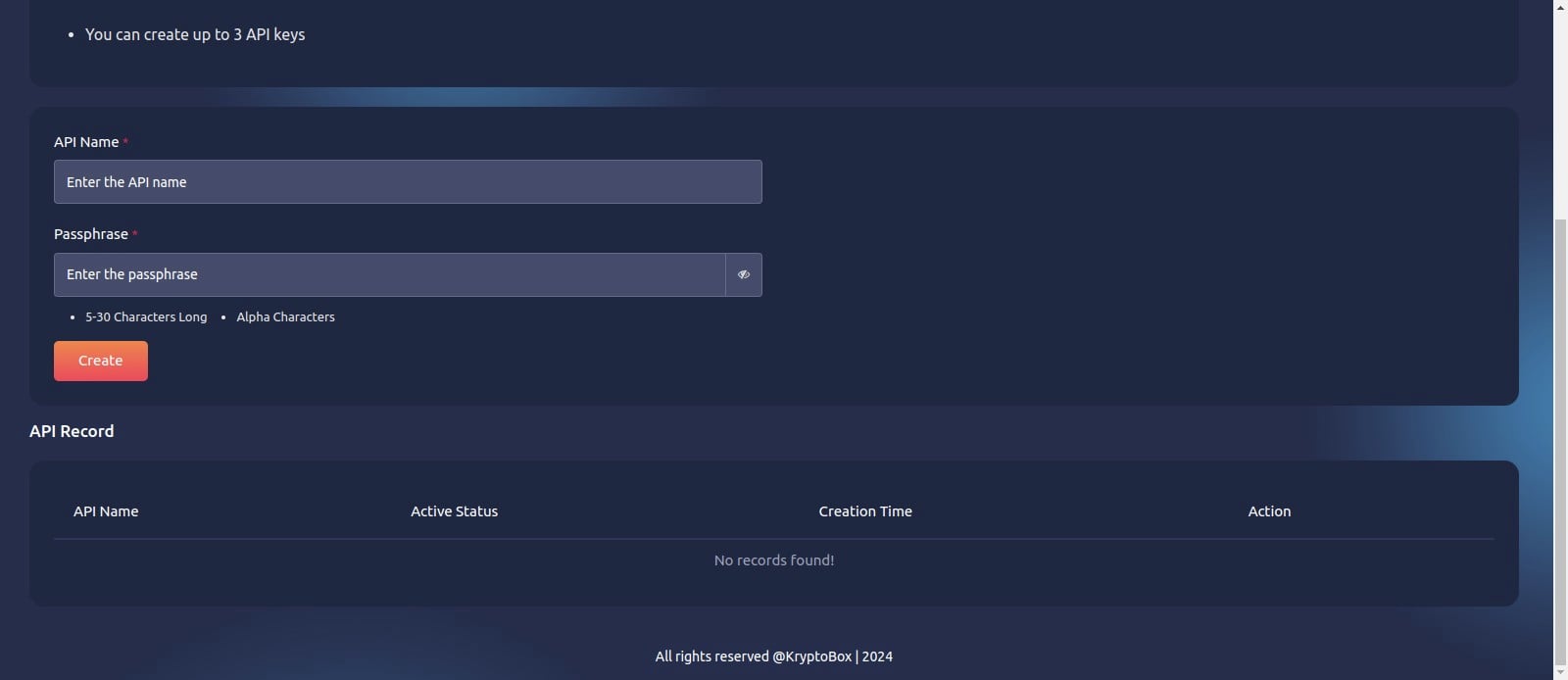
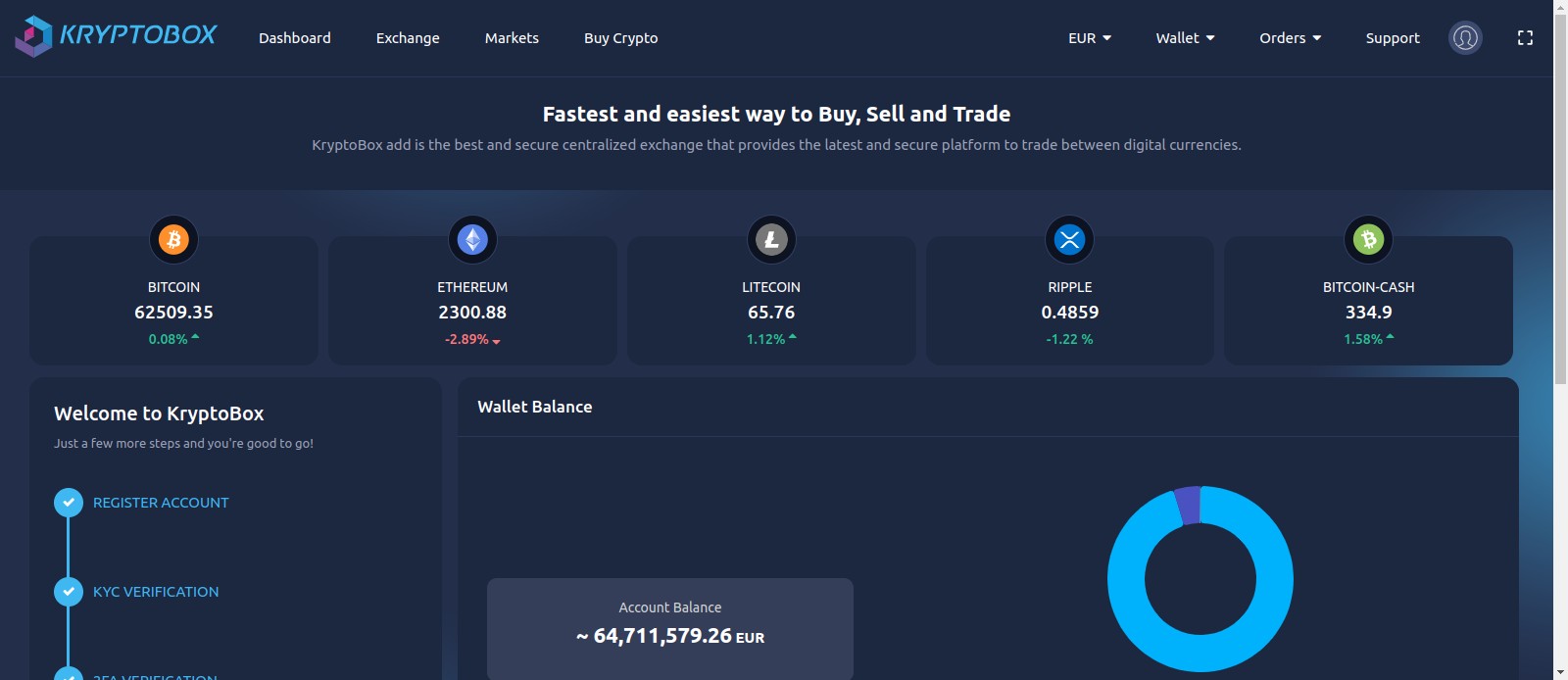
Click this image
3
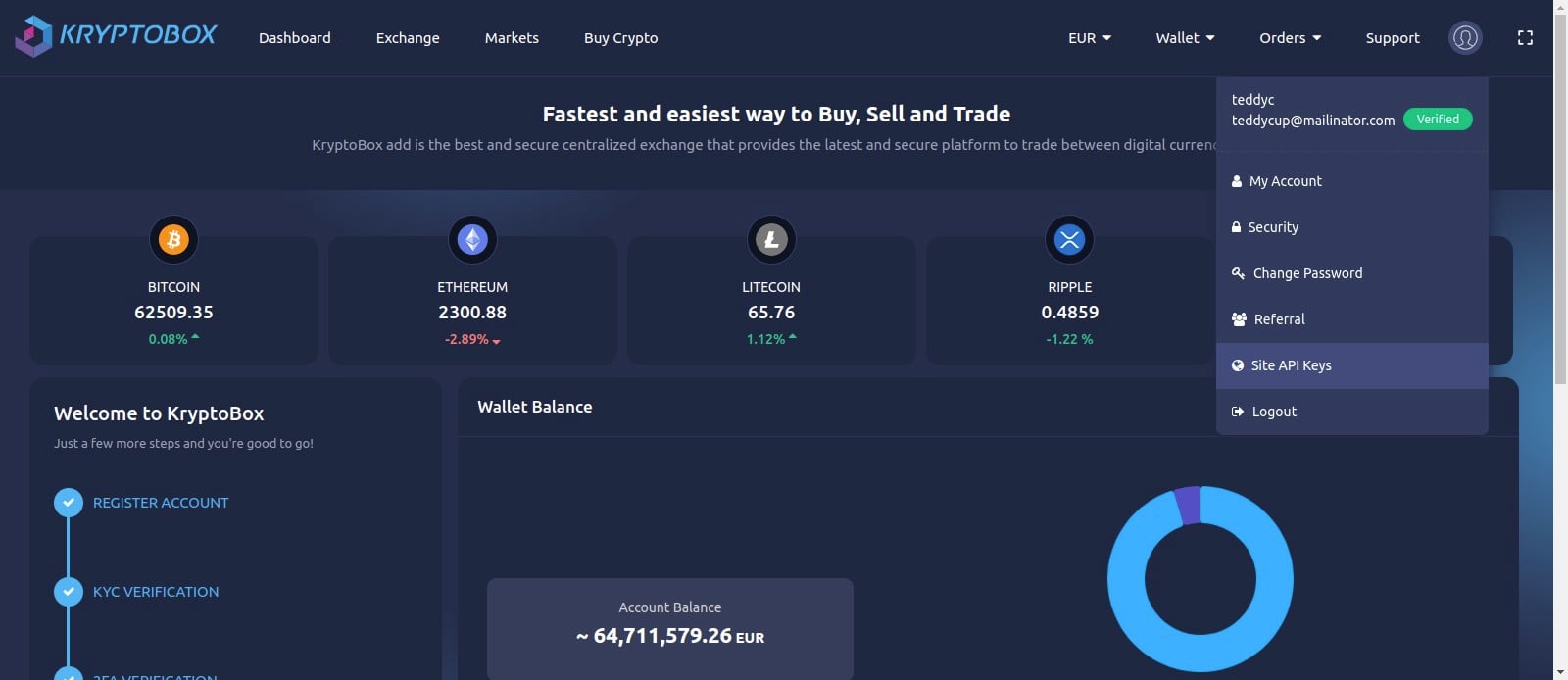
Click site API keys
Create Key
4
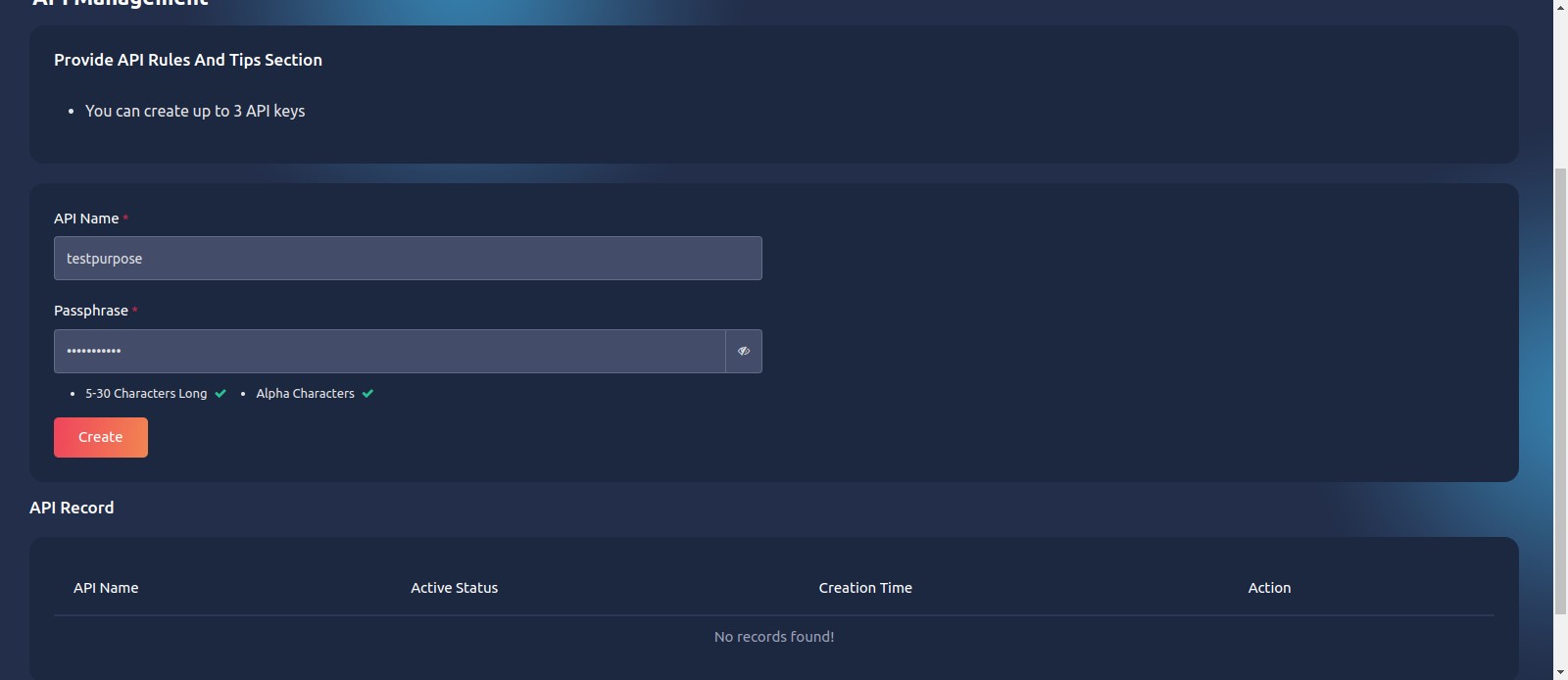
Fill then Click create button
5
Click here
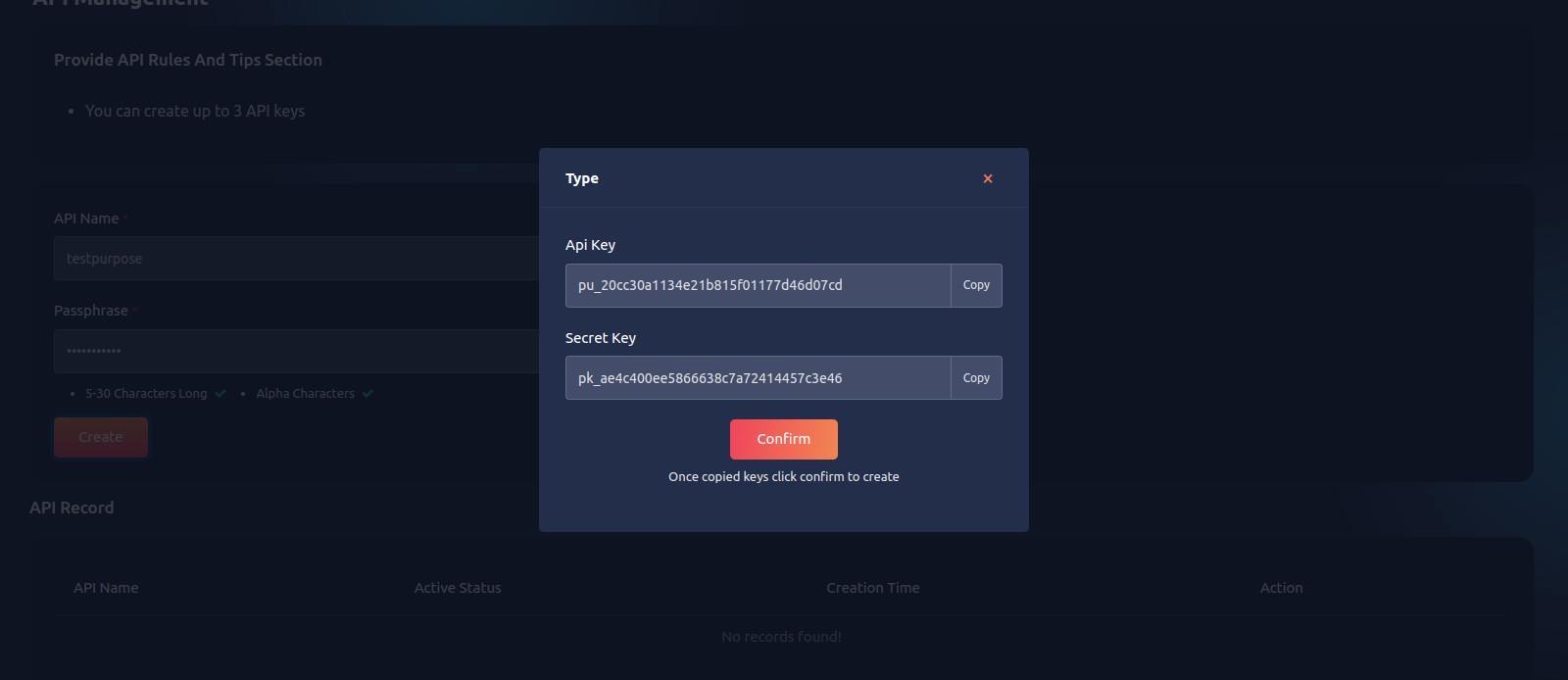
6
API key created successfully
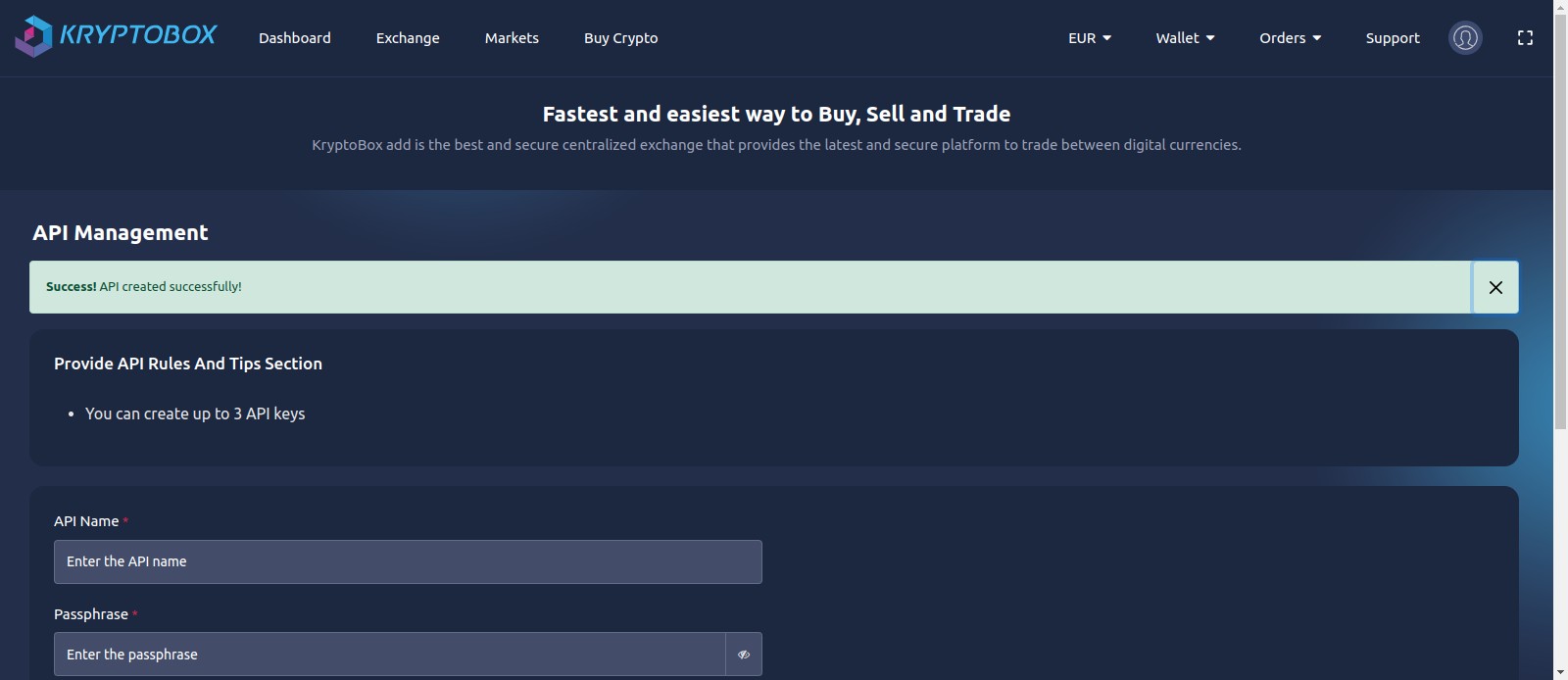
Show keys
7
Click on "show keys"
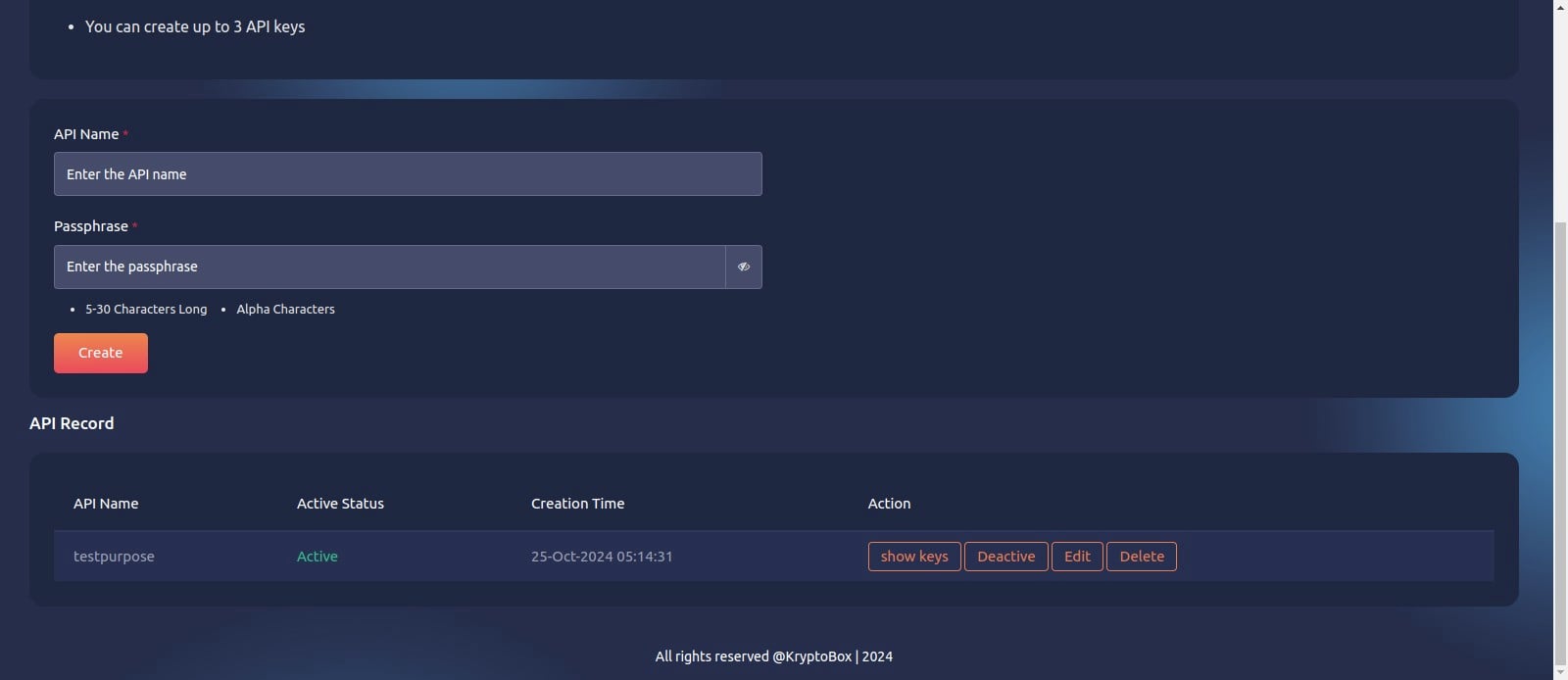
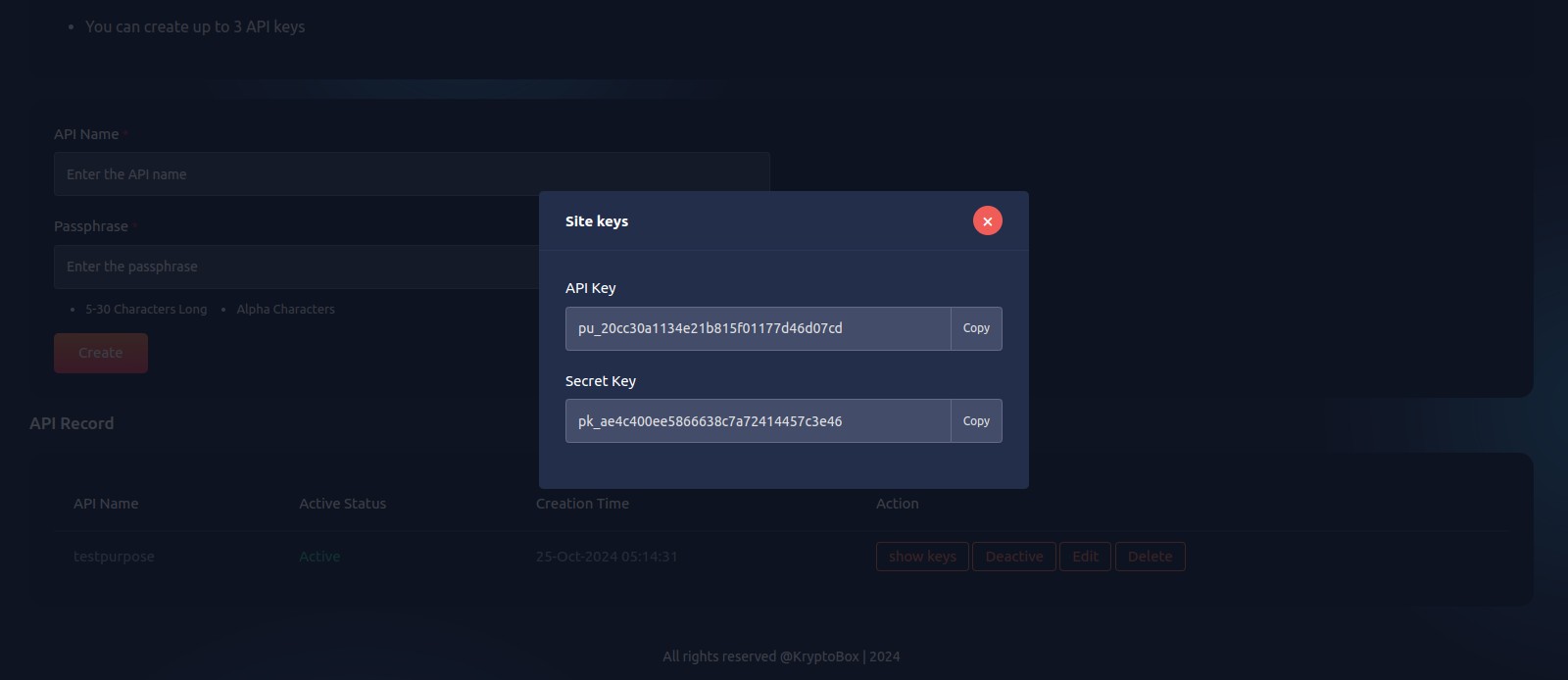
8
show keys
Edit & update key
9
Click on "Edit"
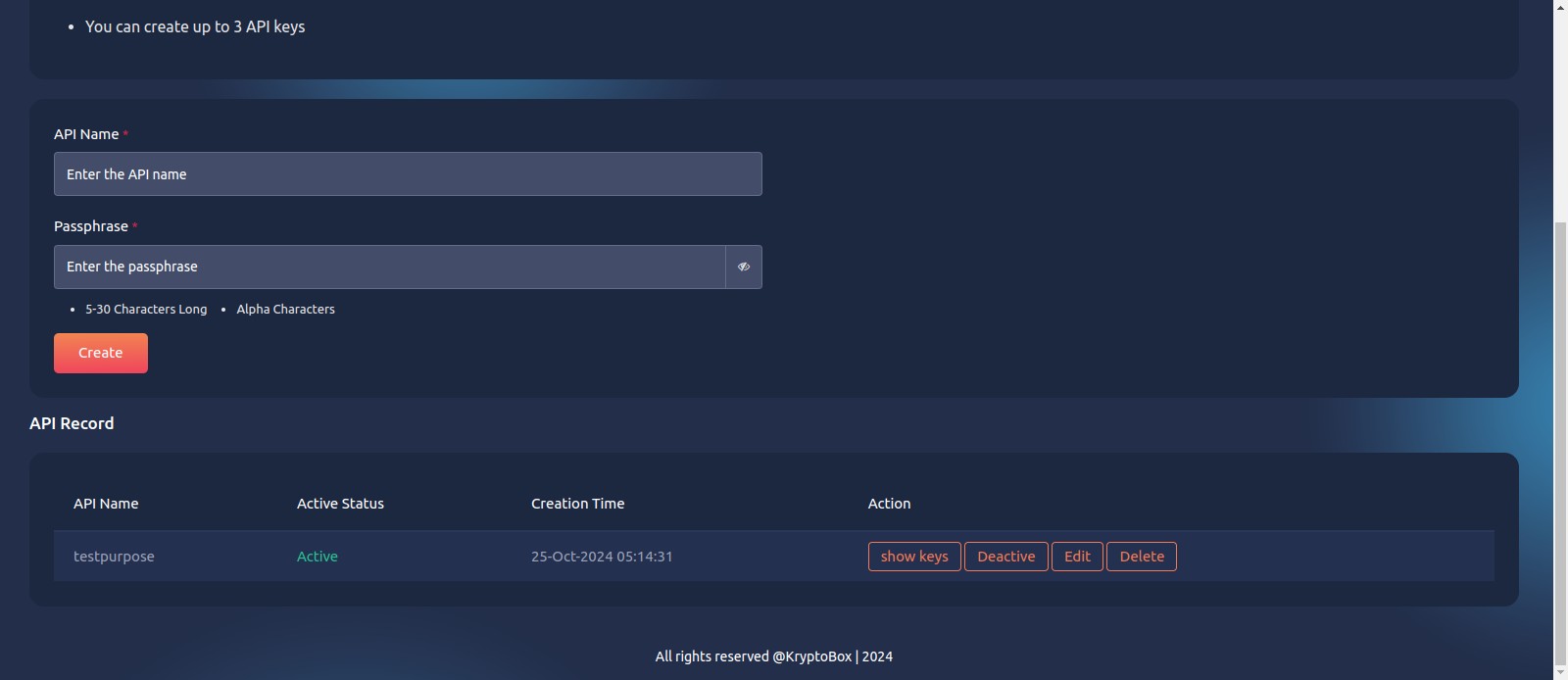
10
Any changes make then Click update
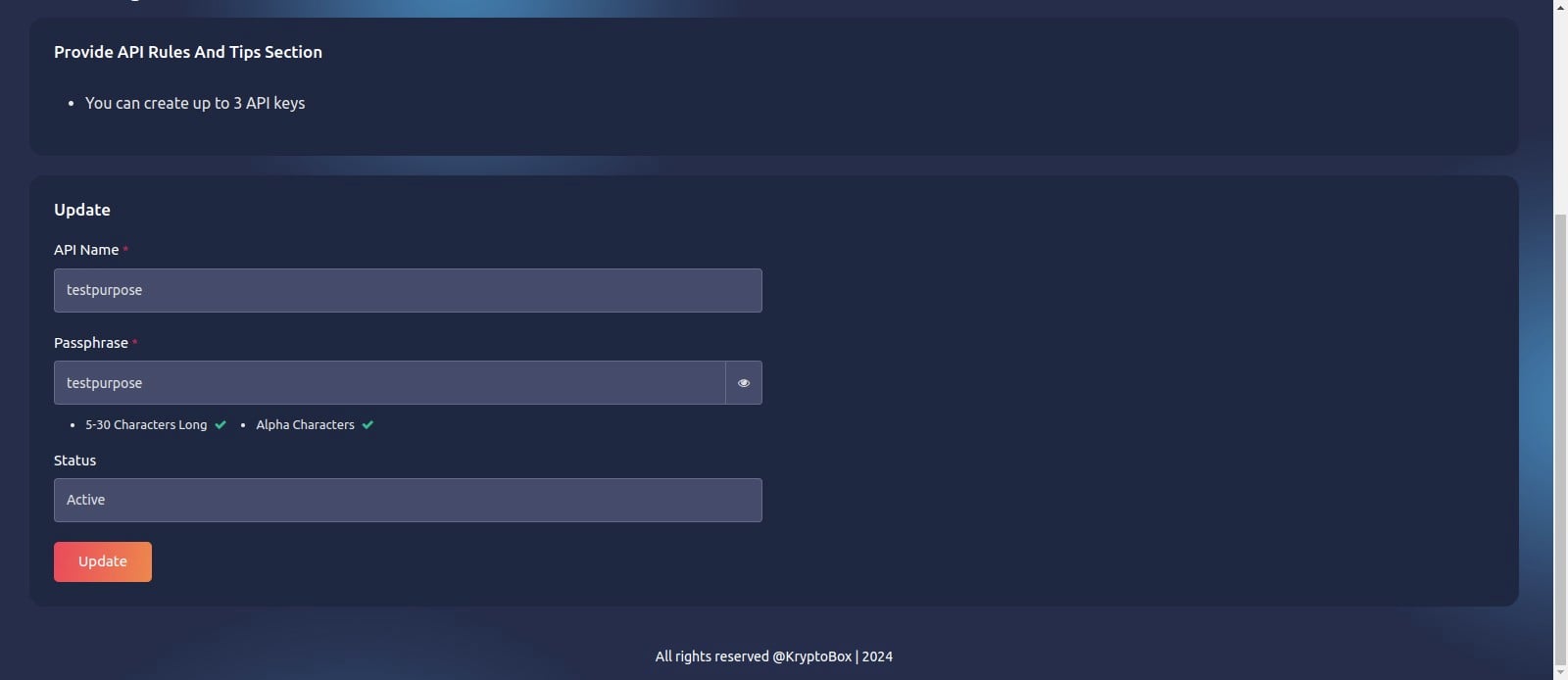
11
Updated
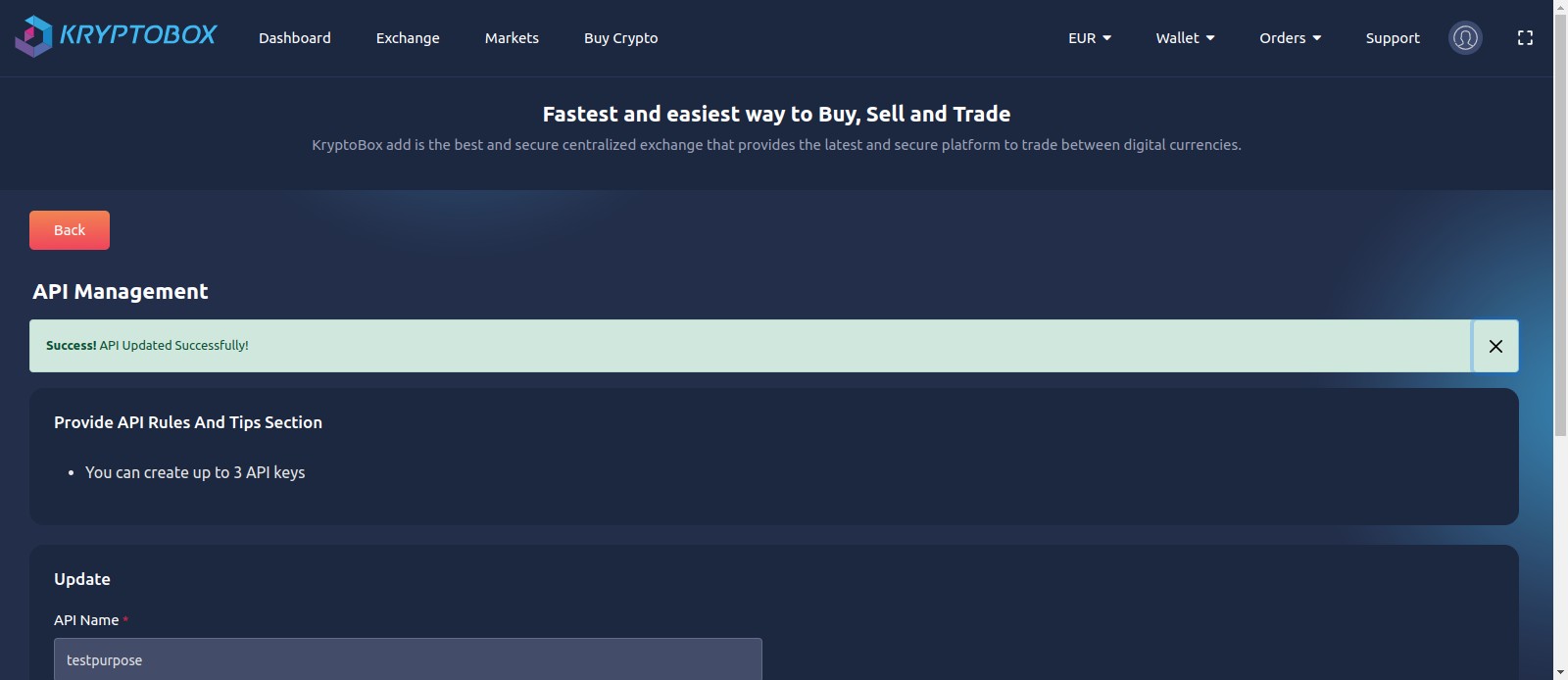
Deactive key
12
Click on "Deactive"
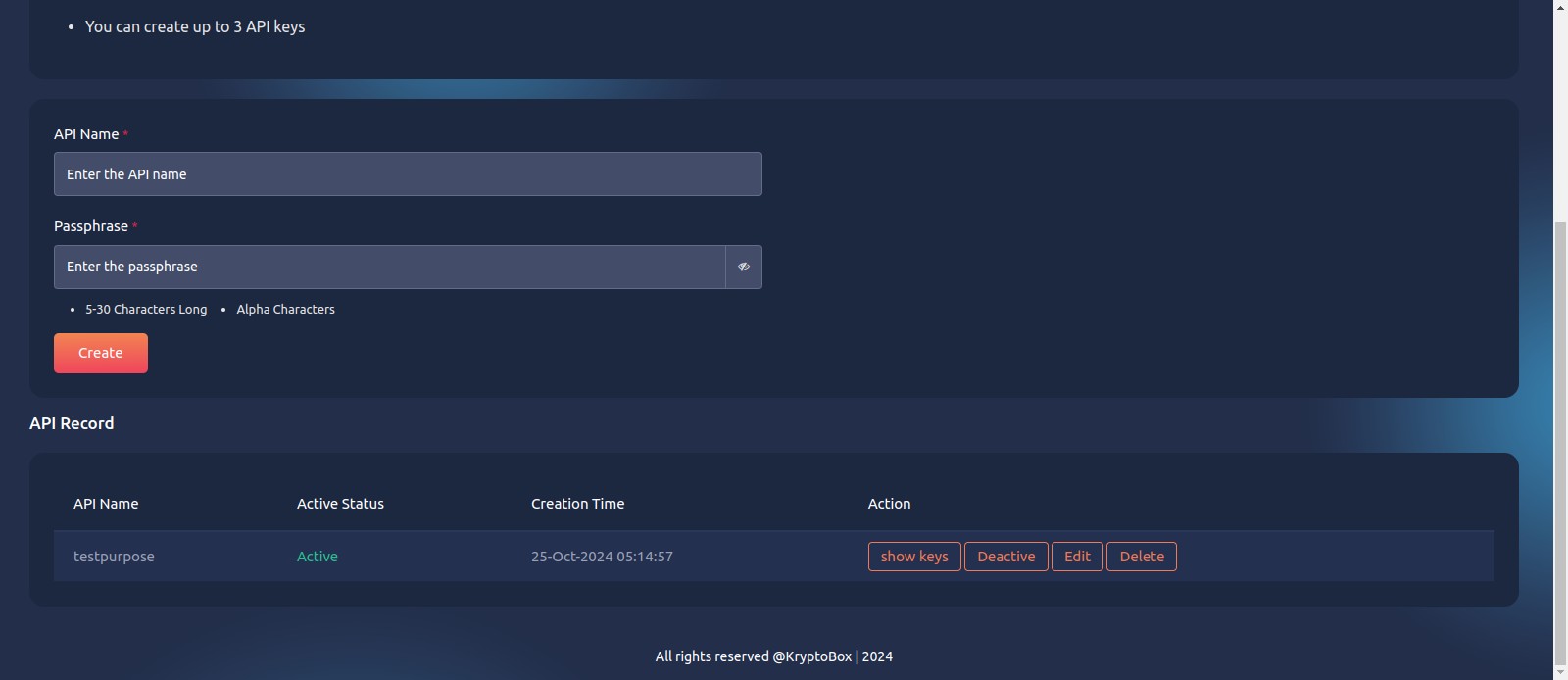
13
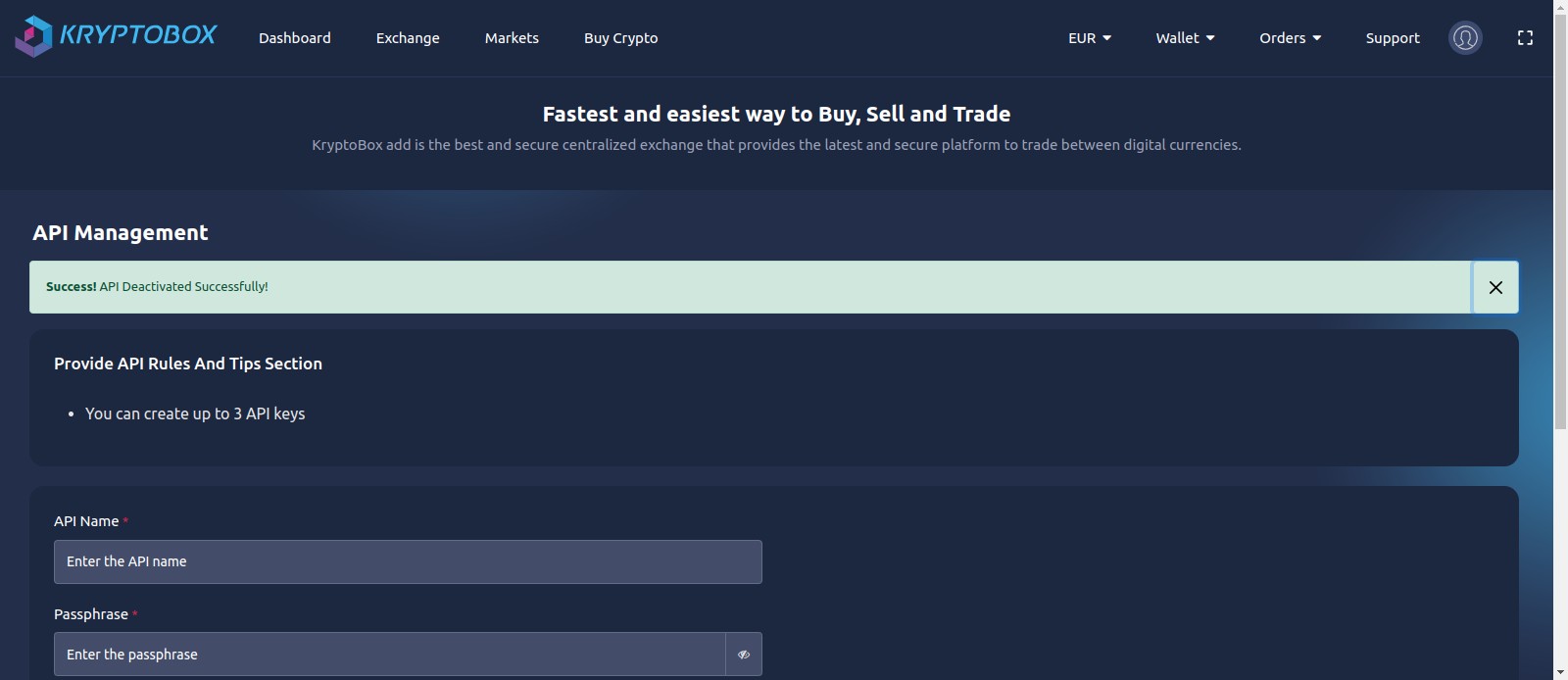
Deactivated successfully
Delete Key
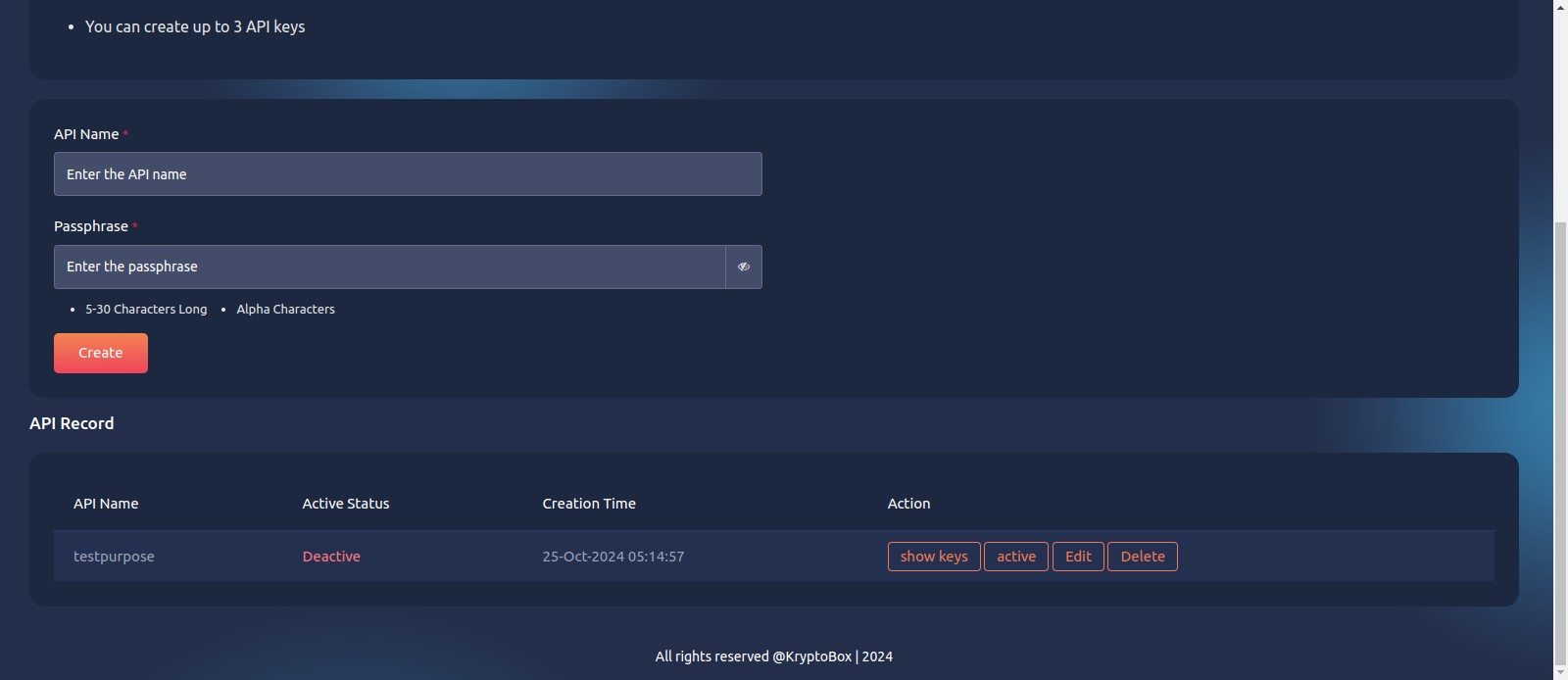
14
Click on "Delete"
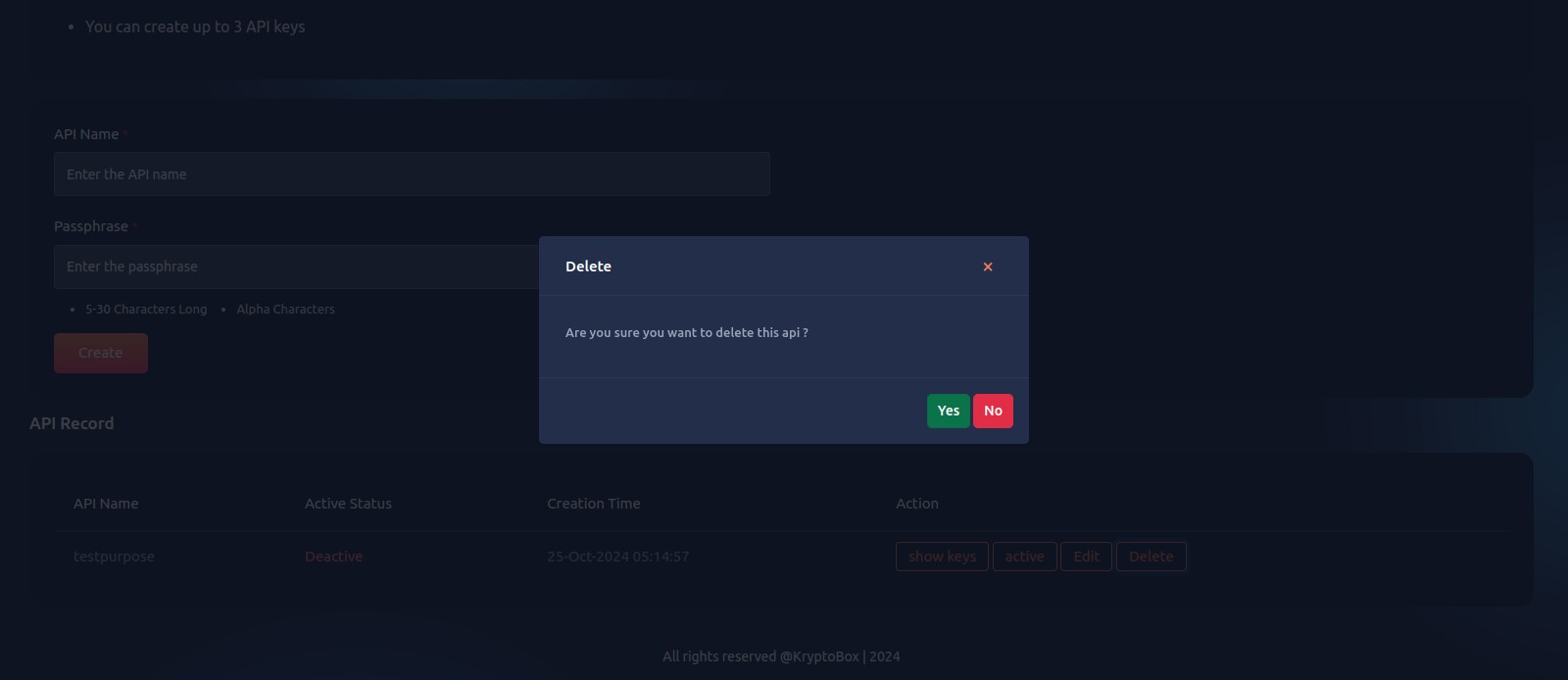
15
Click on "Yes"
16
Deleted successfully