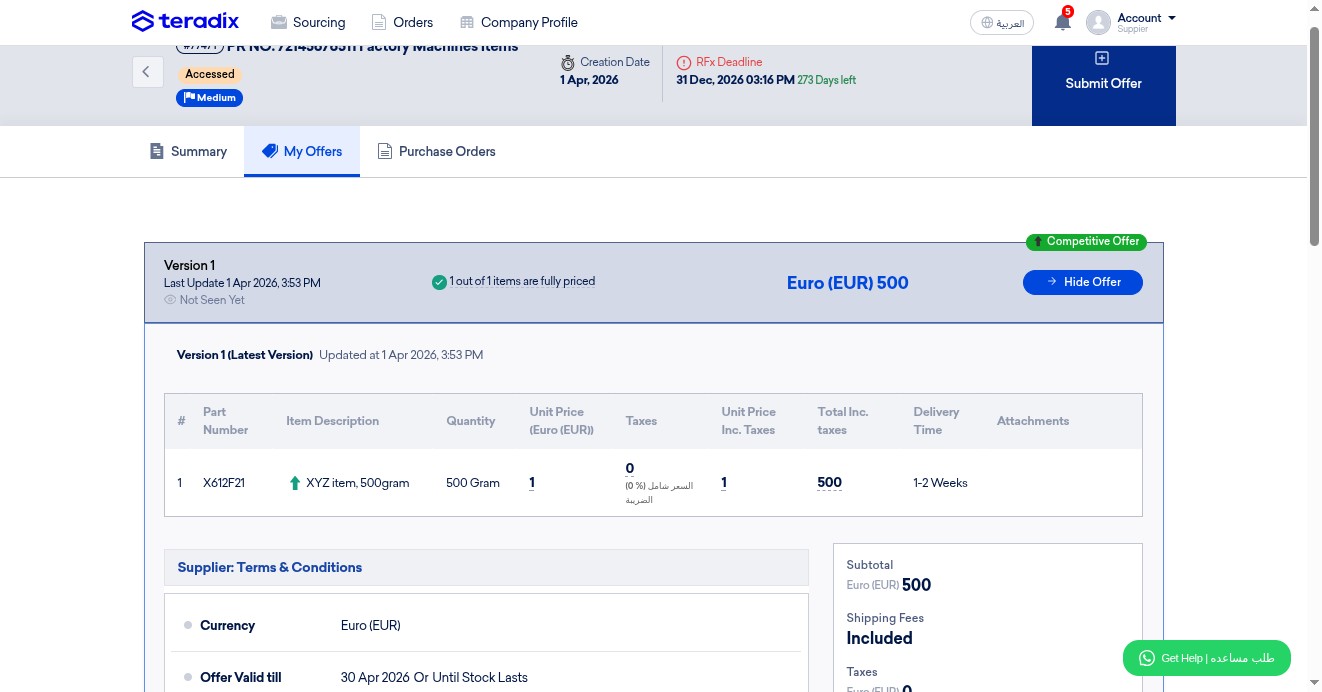
How to Submit an Offer on a Foreign RFQ?
Navigate to https://app.teradix.com/projects/invited
Click on "Sourcing"
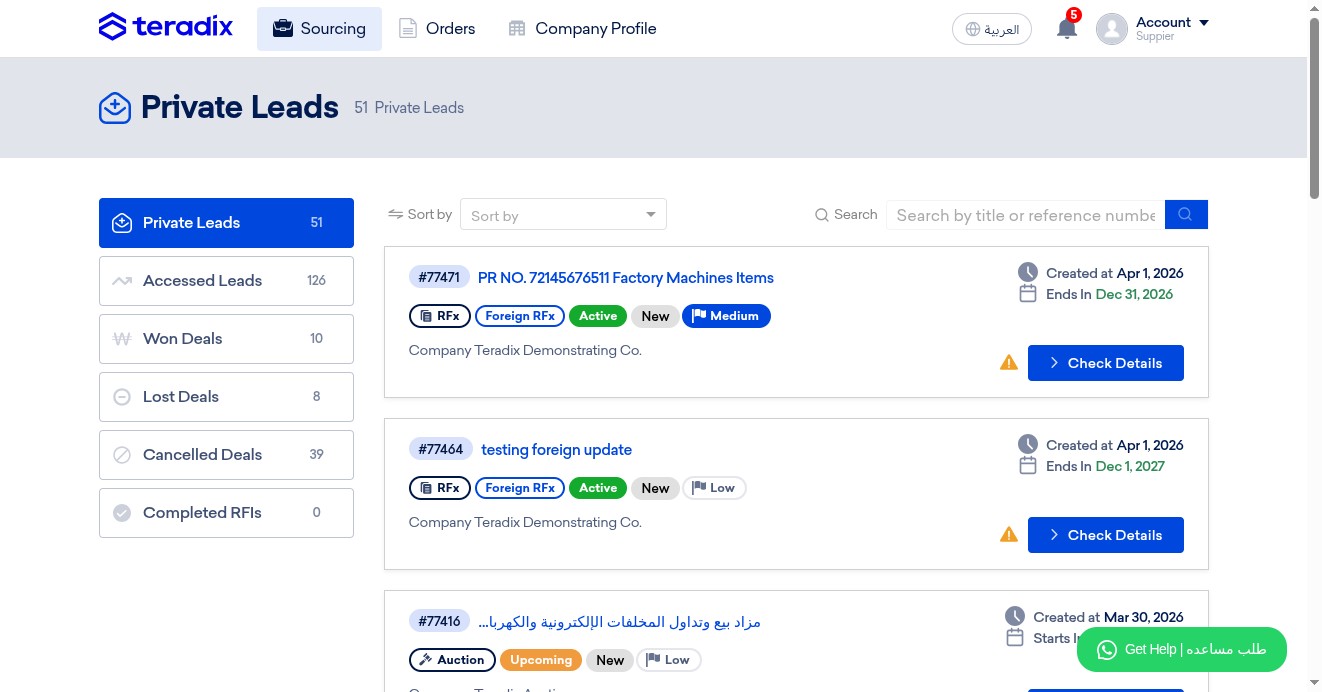
Click on "Private Leads", to find any new RFx you have not accepted yet
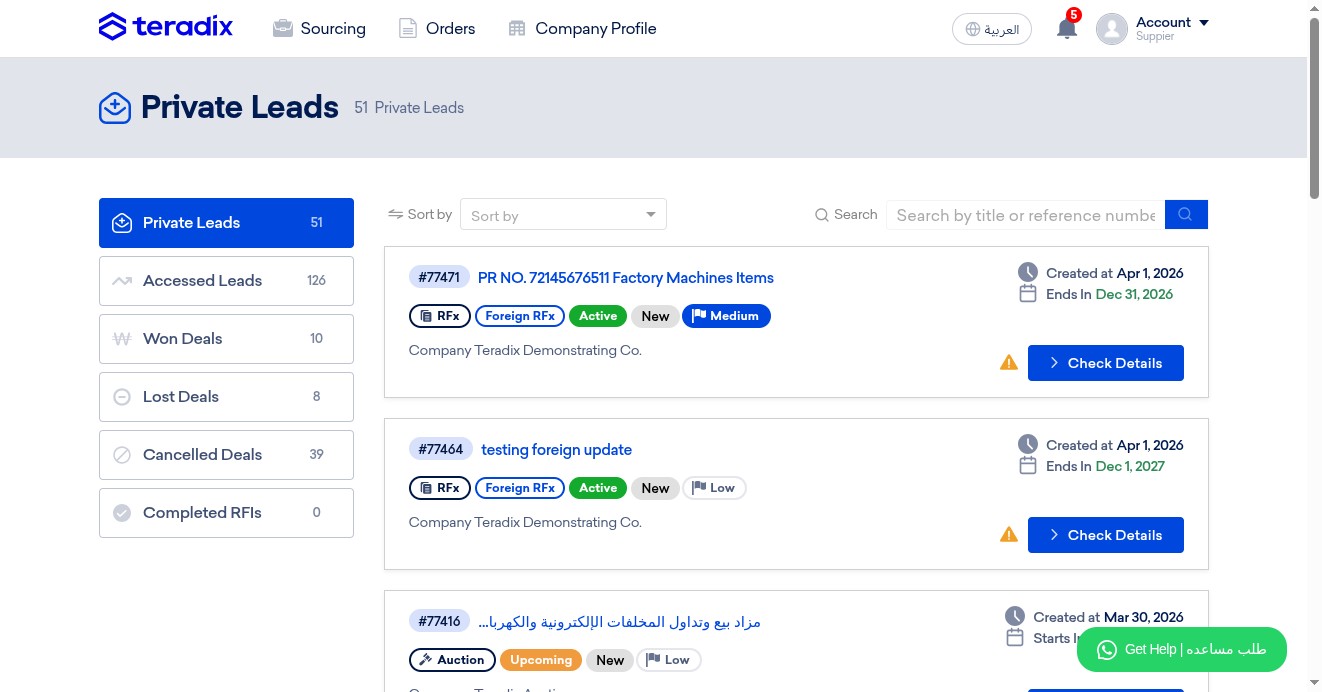
Click on "Check Details" to open the RFQ
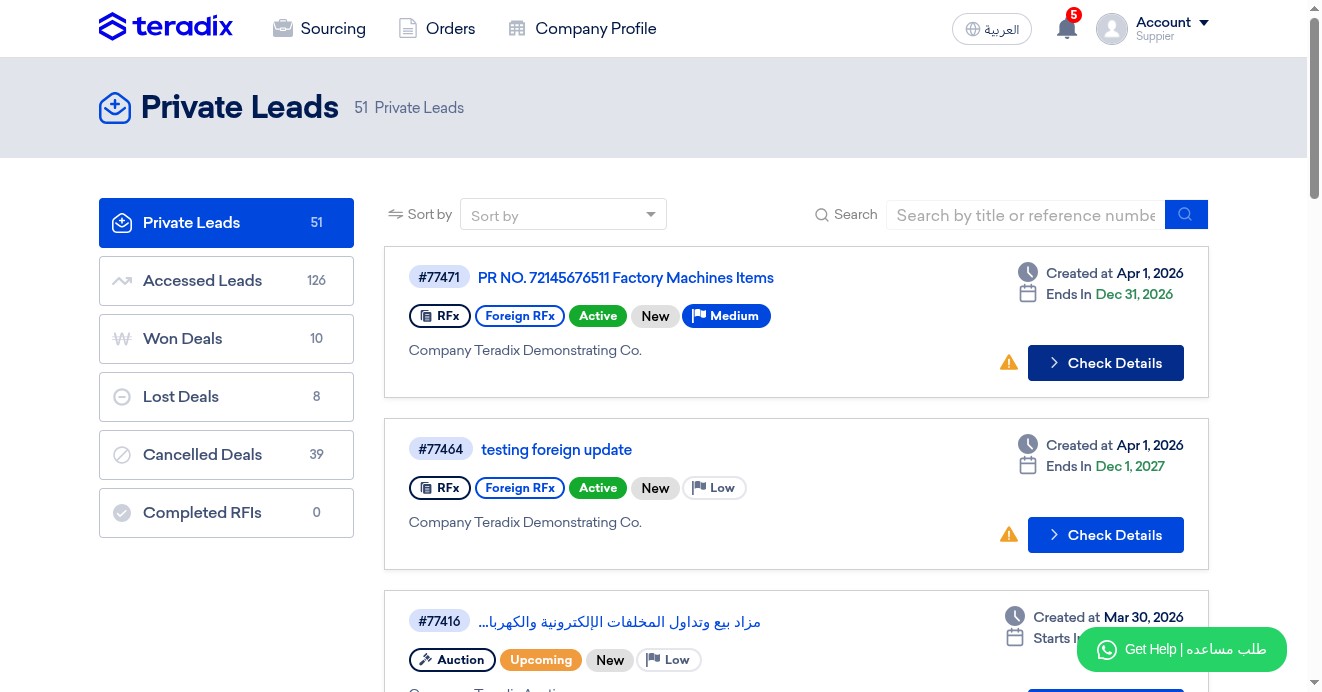
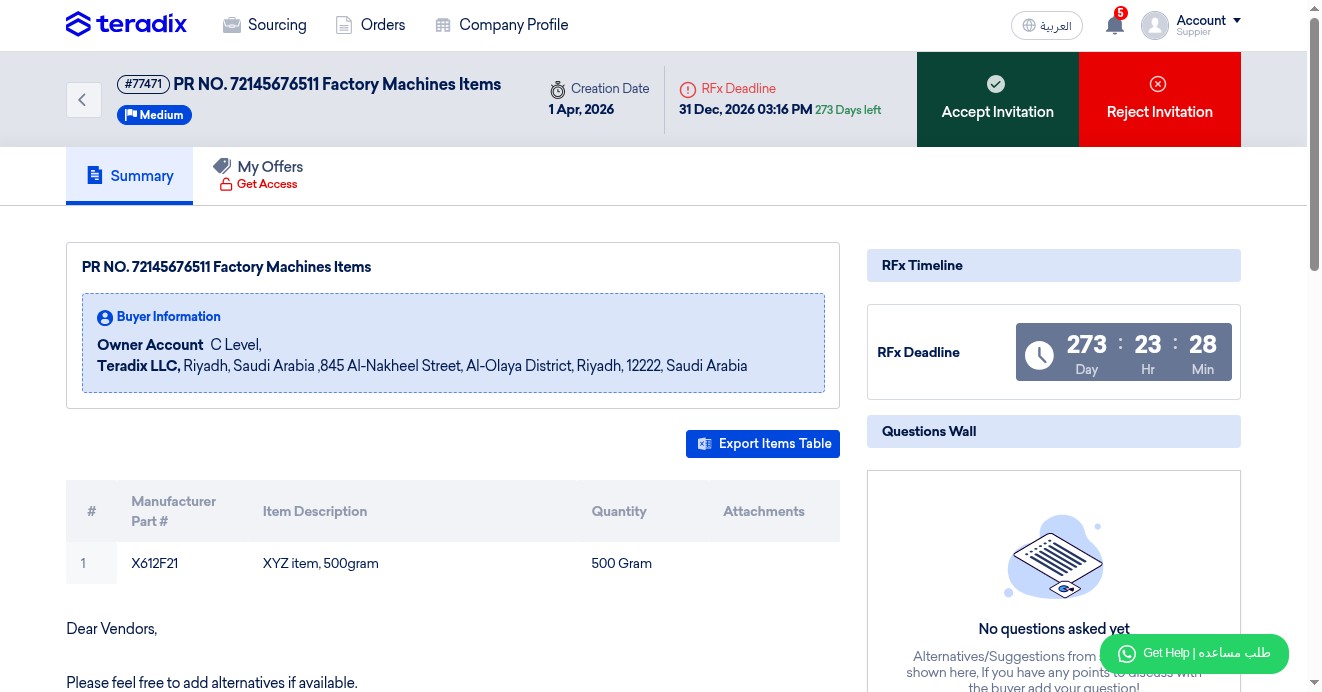
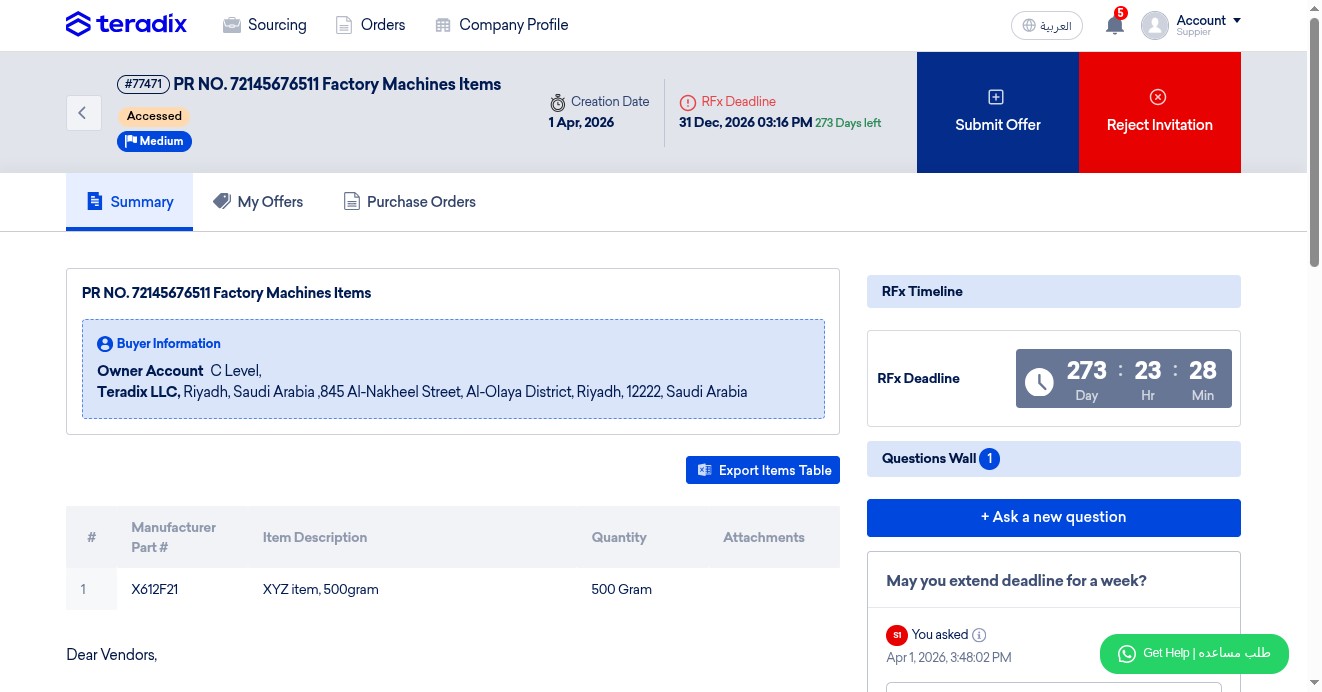
Check deadline of offer submission
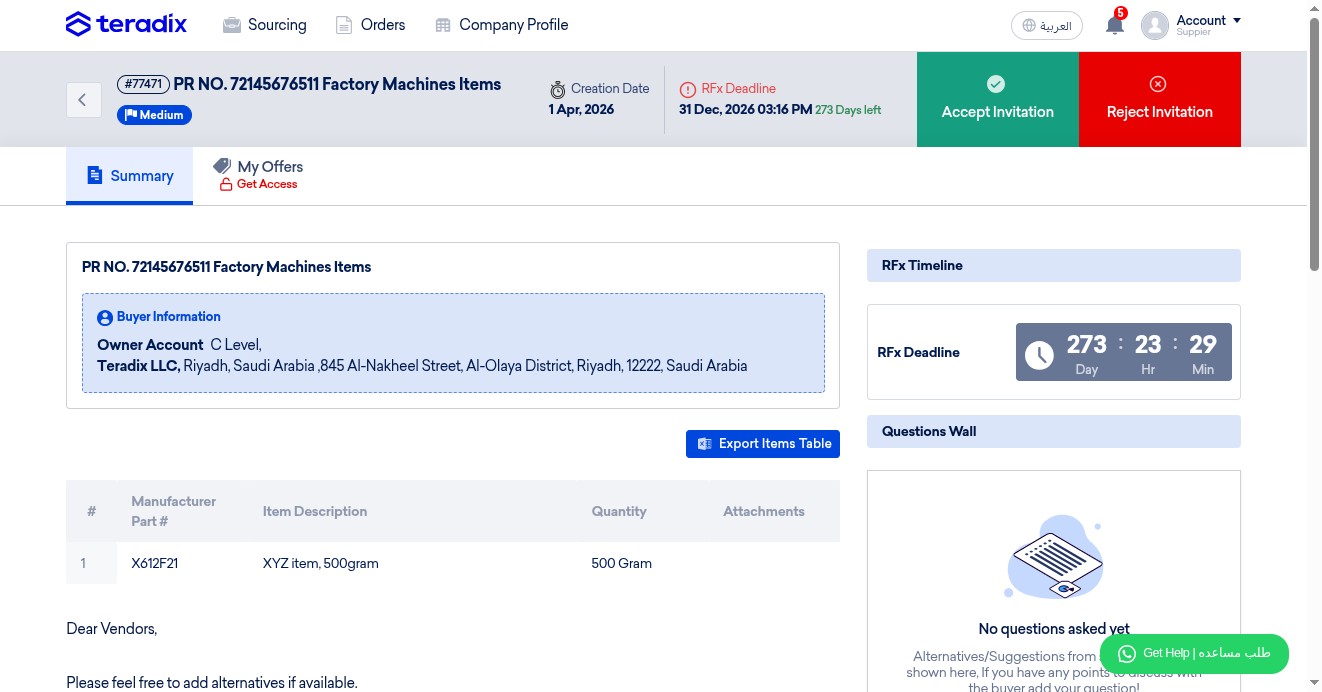
Read more info about your client
Check the Items table; the item(s) required to quote
Check carefully if your client has attached or written any more details
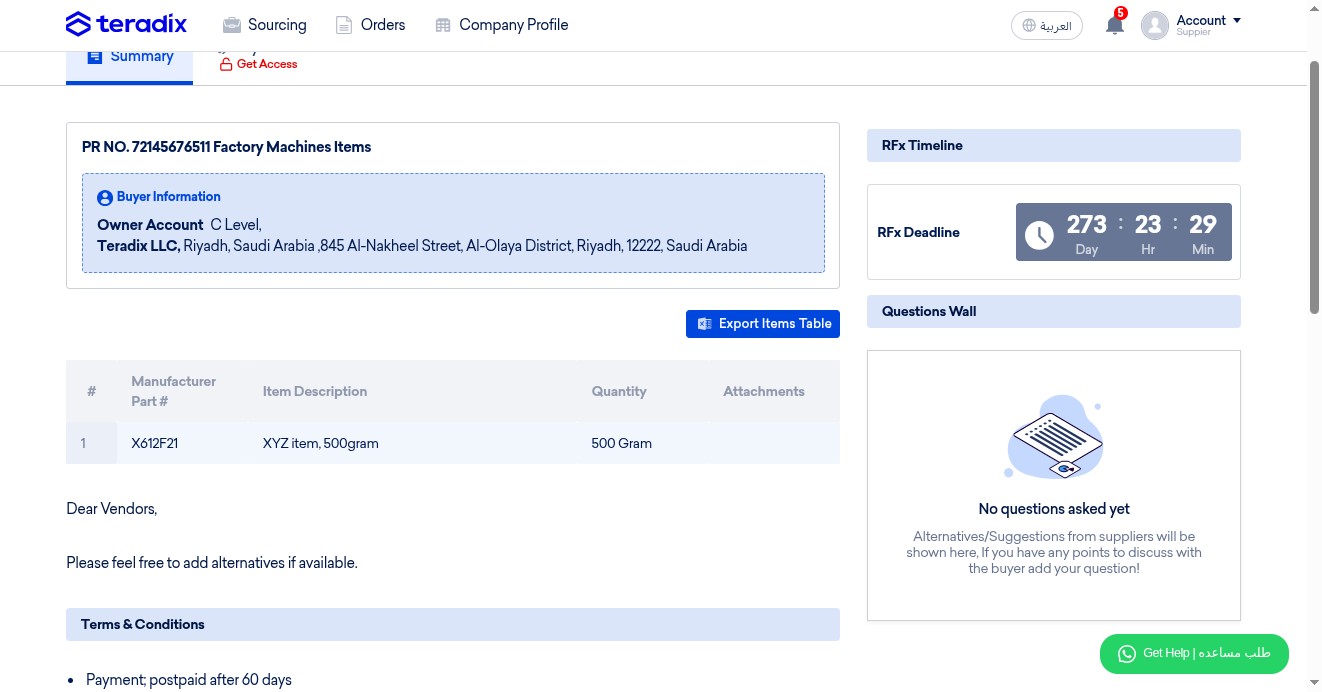
Read carefully if your client added any notes, terms, or conditions
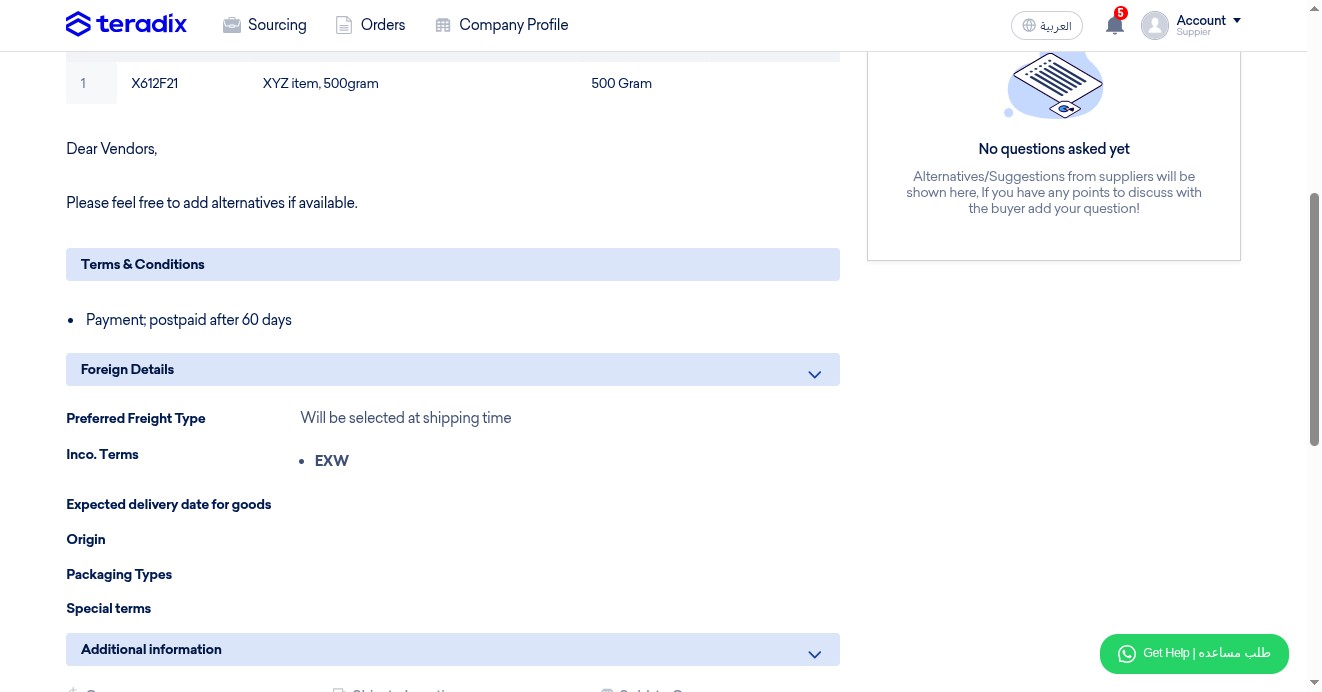
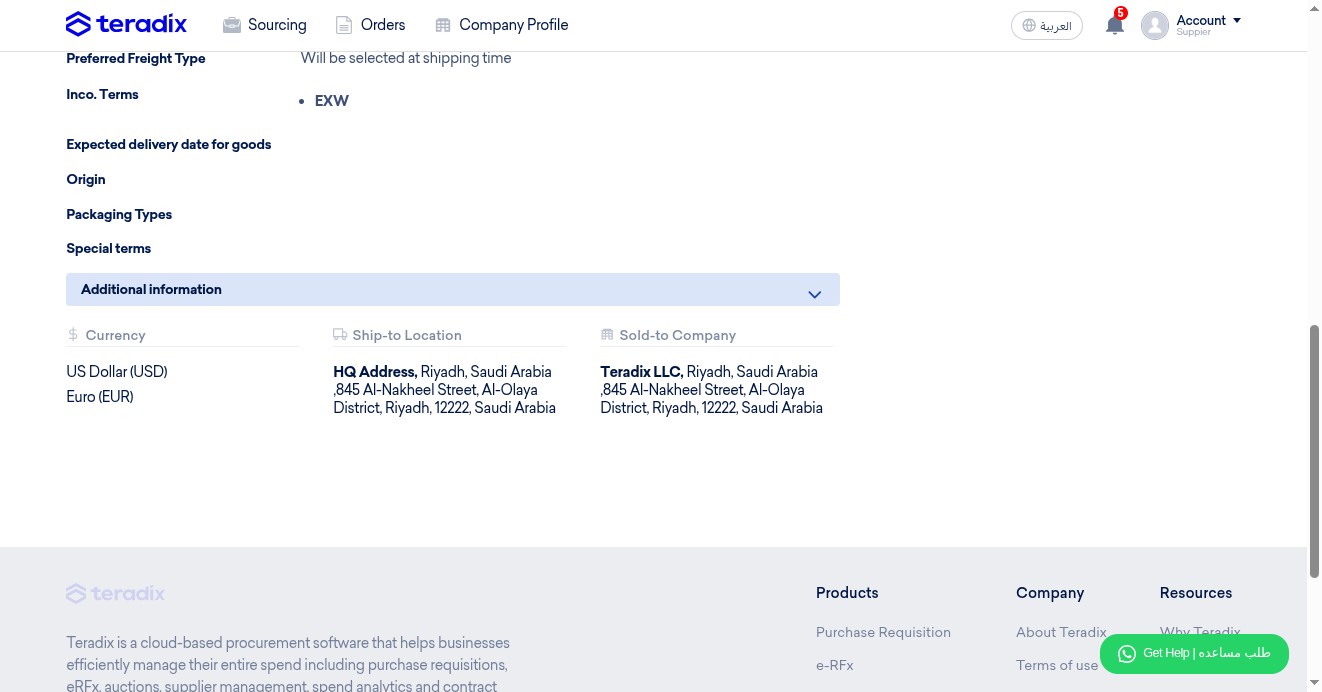
Check in case your client recommends a freight type
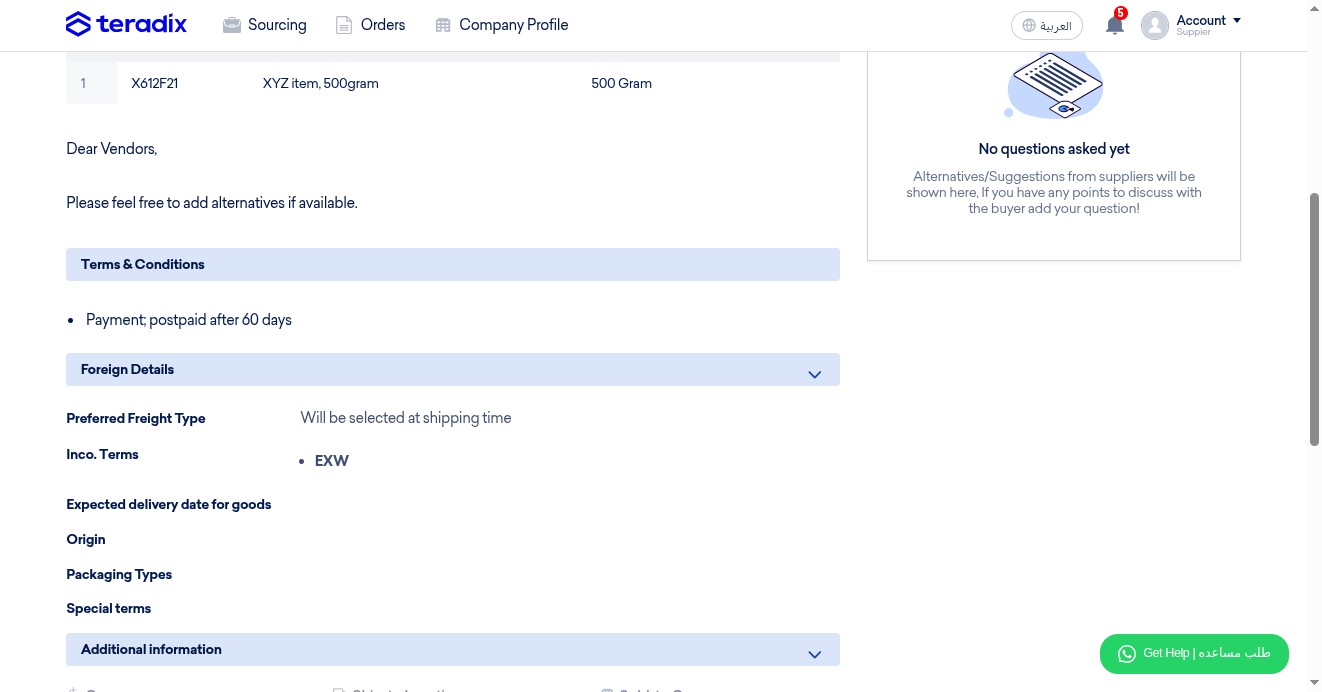
Check in case your client recommends specific International Commercial Terms
Check in case your client expects delivery of goods at a certain date
Check in case your client predefined Origin of Item(s)
Check in case your client recommends a packaging type
Check in case your client added other terms
Explore more info; currencies, shipping location, and the buying entity
Click "Accept Invitation"
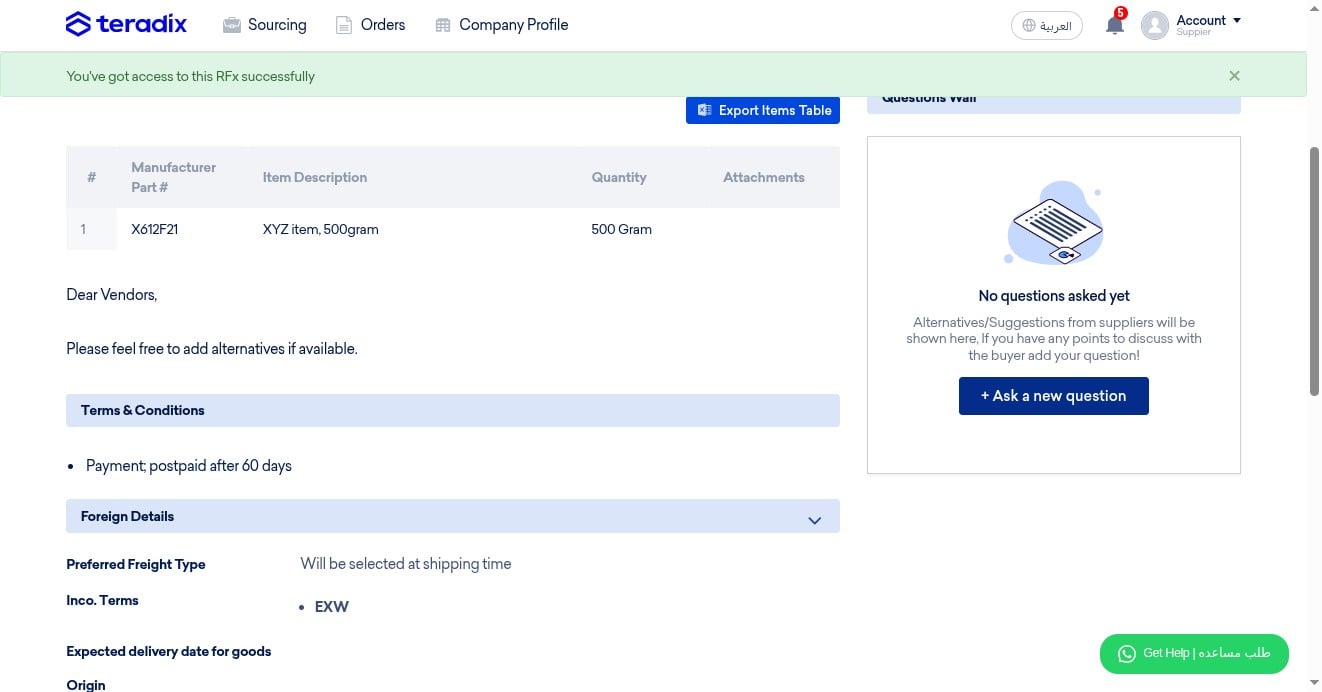
NOTE; Only after accepting, you can now ask your client a question
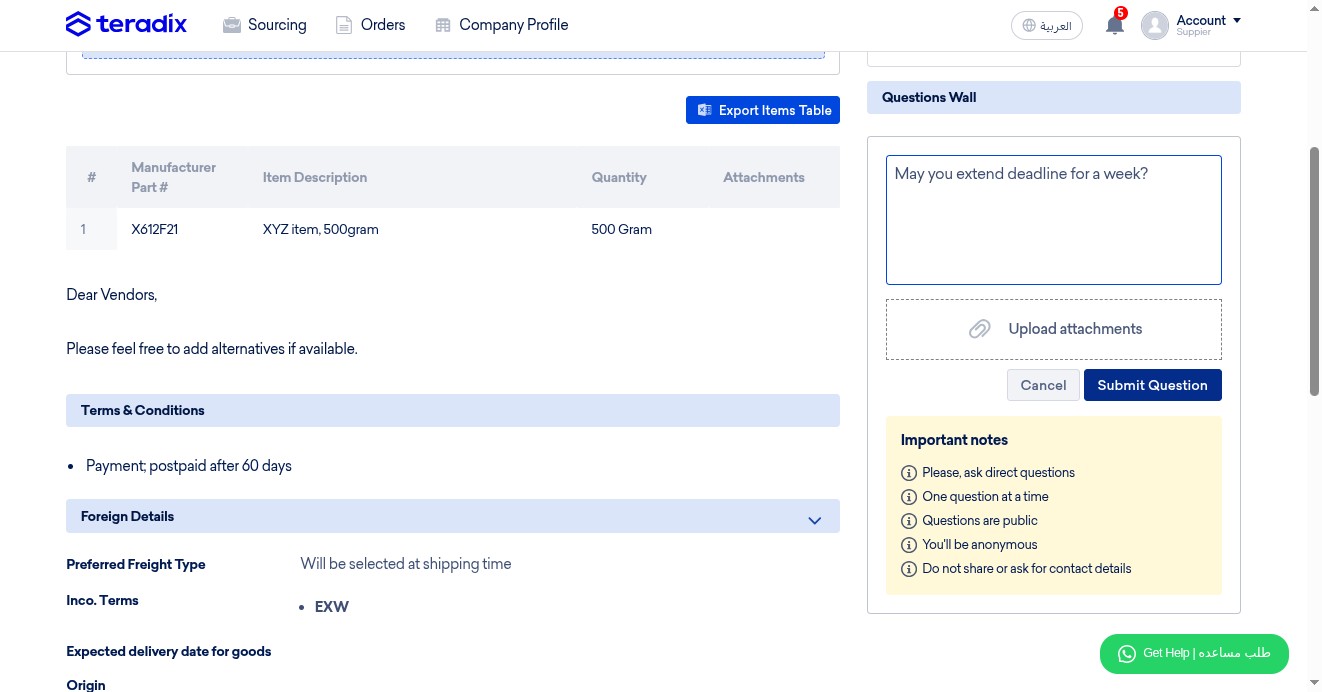
You can write a question and upload attachments
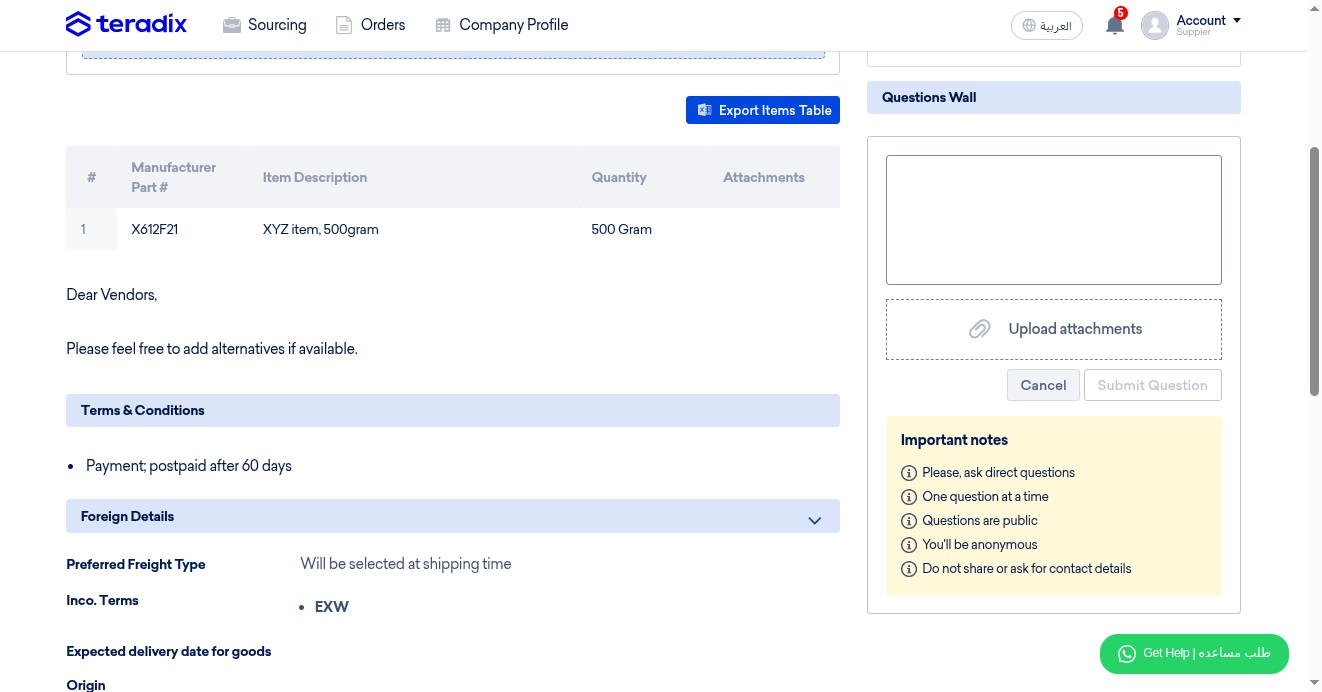
Click on "Submit Question"
Click "Submit Offer"
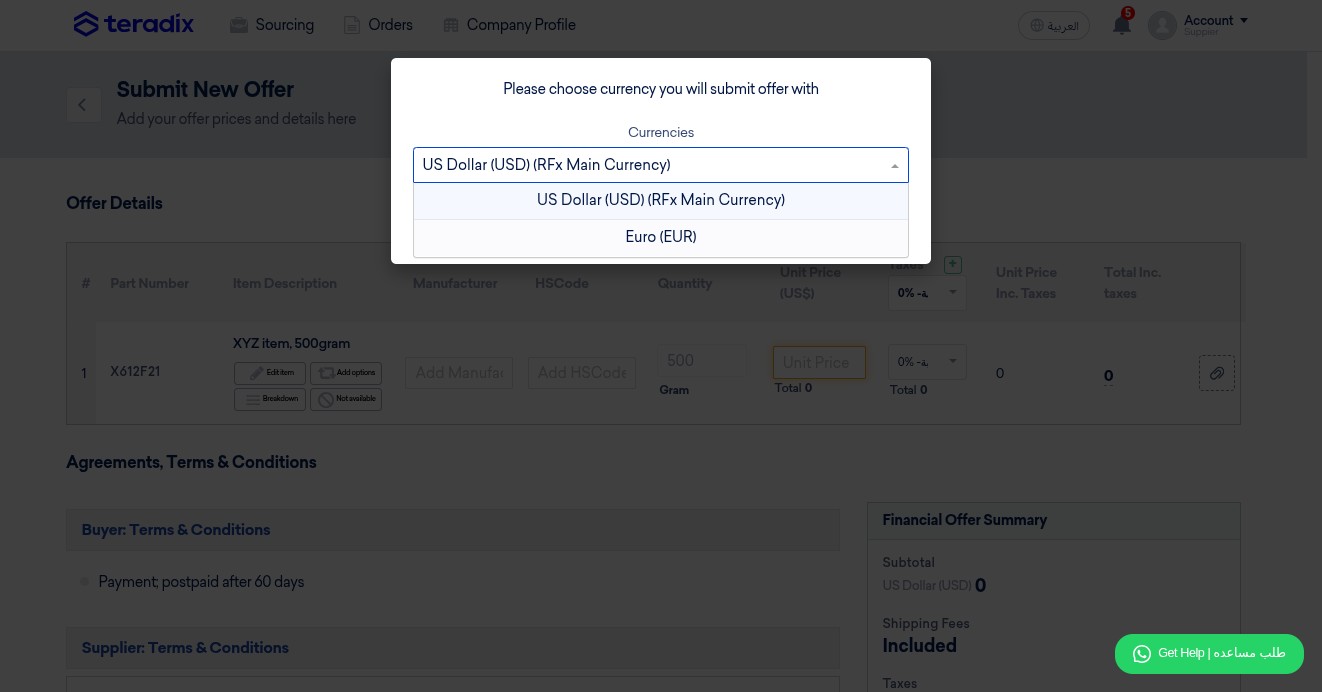
Select your currency (in case client permitted multiple currencies)
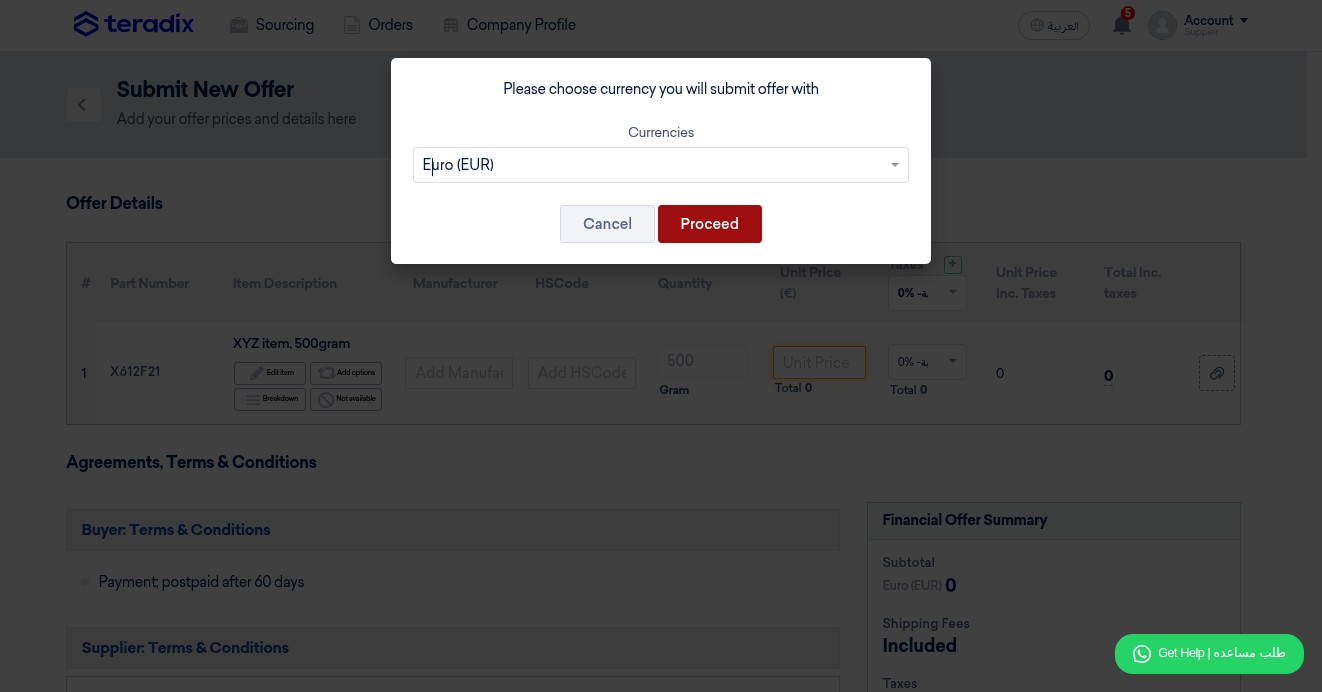
Click on "Proceed"
Click on "Edit Item" to change the item details; item descreption, quantity, part number, else.
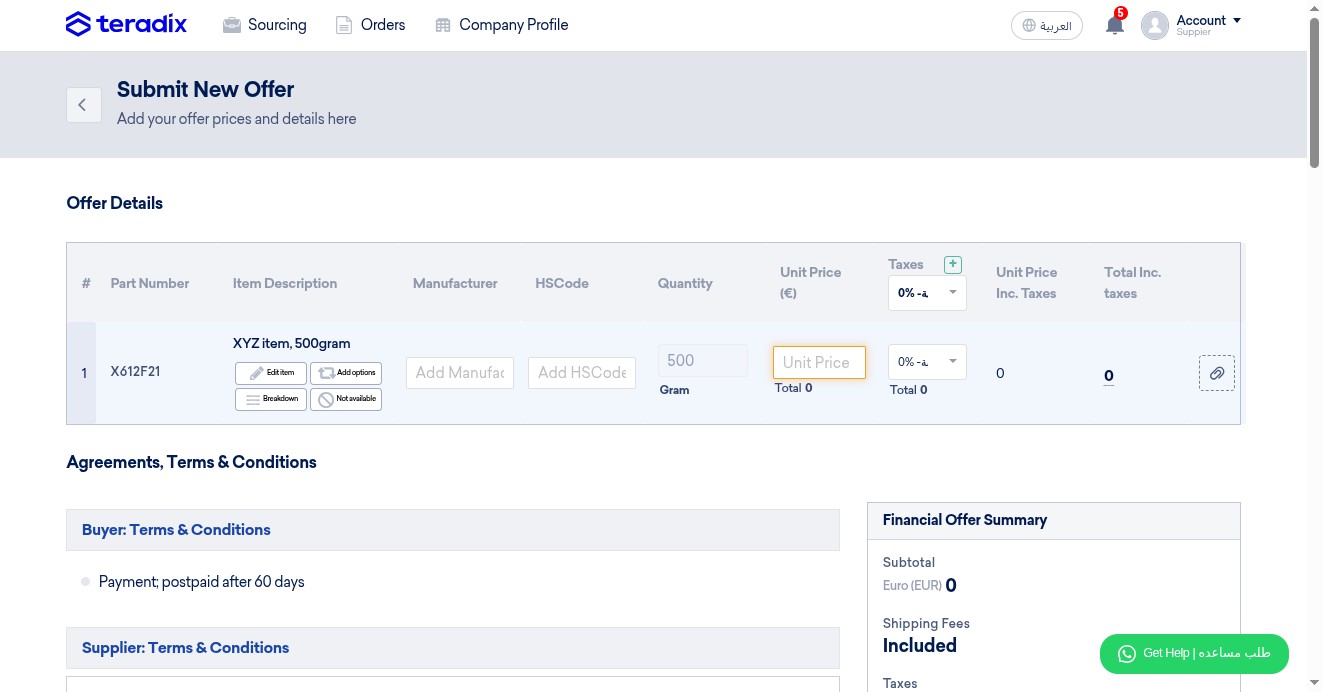
Click on "Add Option" to submit other alternatives with the original item
Click on "Breakdown", in case the item includes subitems; each is quoted separately (bundles, packages, etc..)
Click on "Not Available" if a specific item not available to quote
OPTIONAL; add the manufacturer details if available
OPTIONAL; add HSCode if available
Quote the item, only per unit of measurement (total quantity will be auto-calculated)
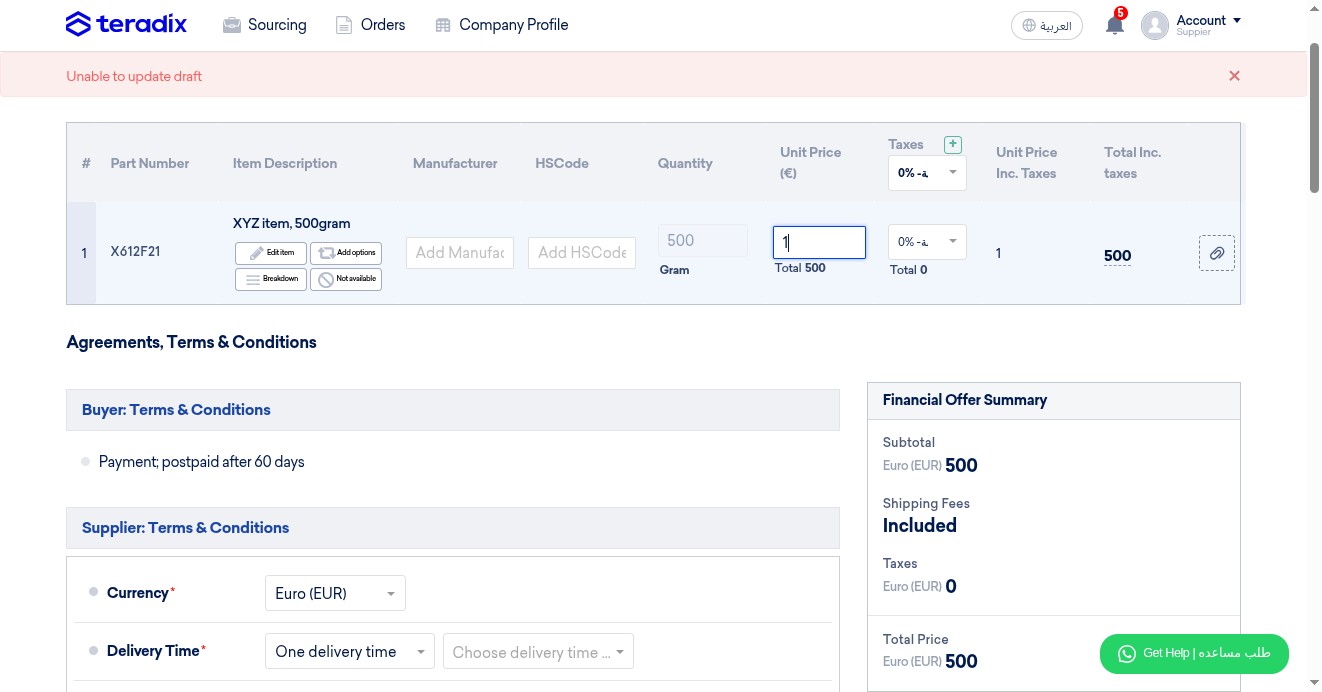
OPTIONAL; attach files per item (e.g., catalogue, datasheet)
Read carefully in case buyer states any terms, conditions or notes
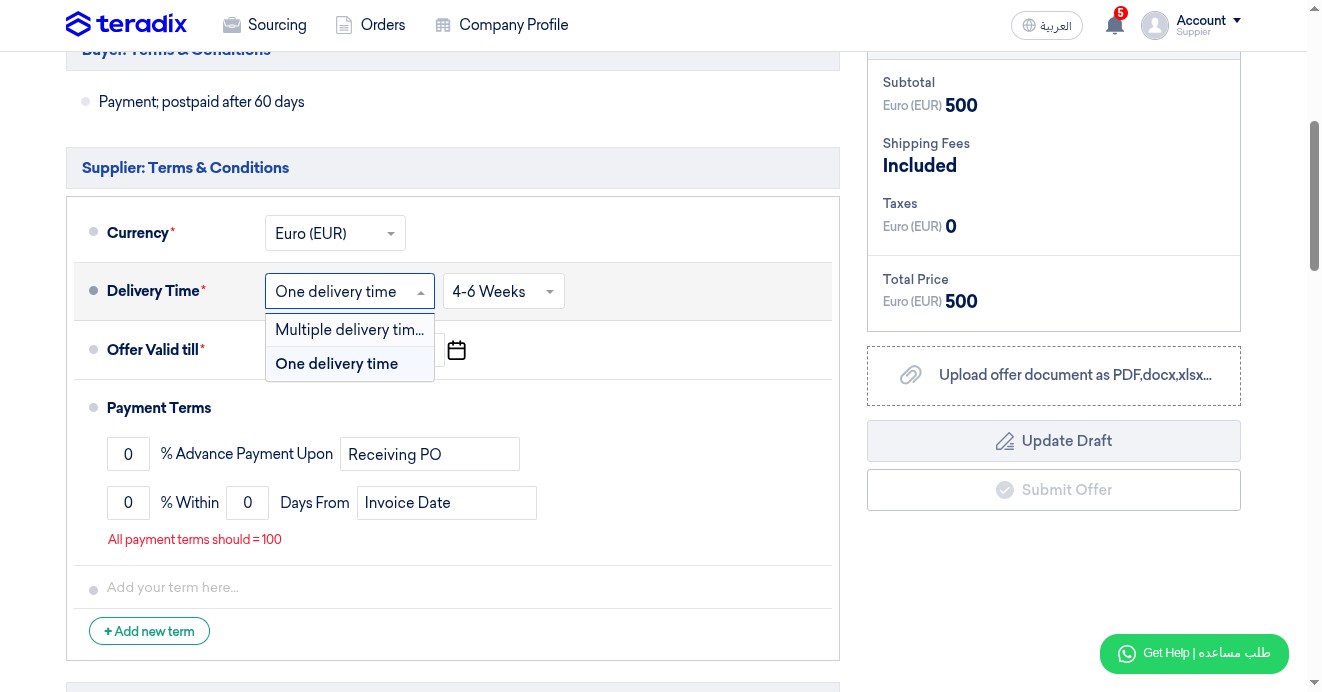
Click here to select;
- One delivery time; if all items quoted will be delivered in the same delivery timerange (e.g., 1-2 weeks)
- Multiple delivery times; if each item quoted will be delivered separately in different times
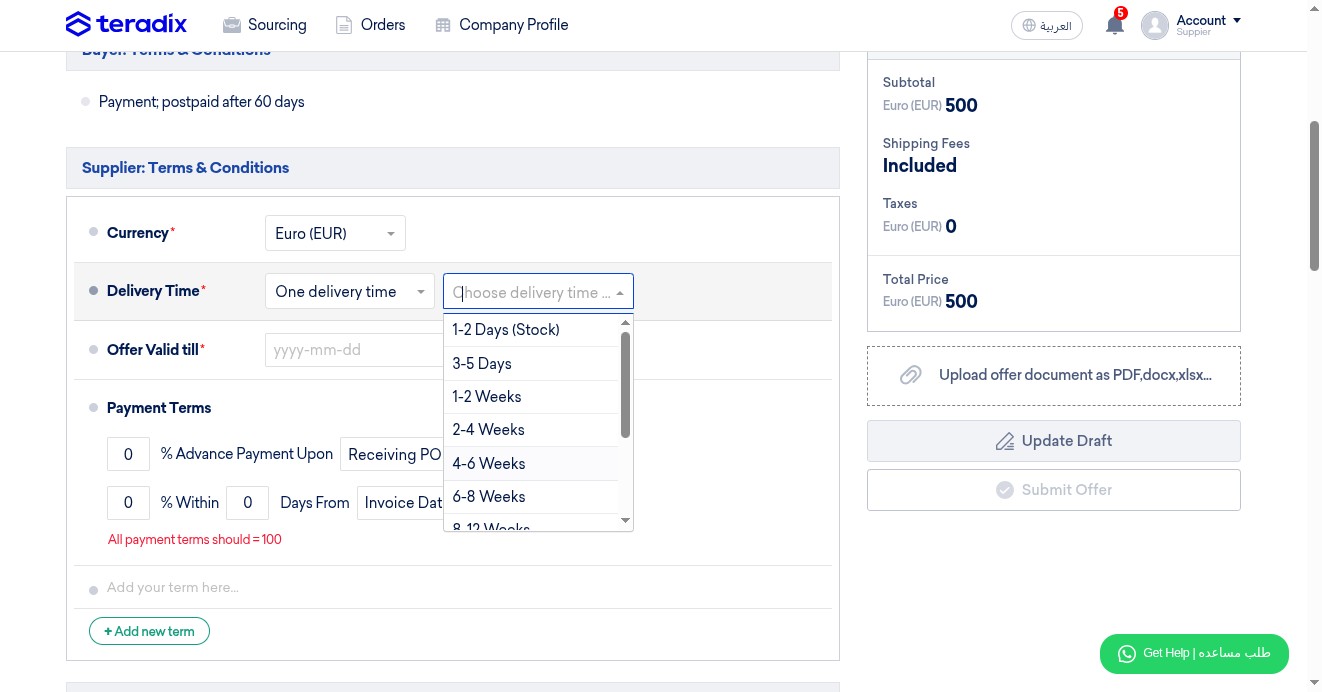
Click here to specify the delivery timerange, if selected "One delivery time" (most common)
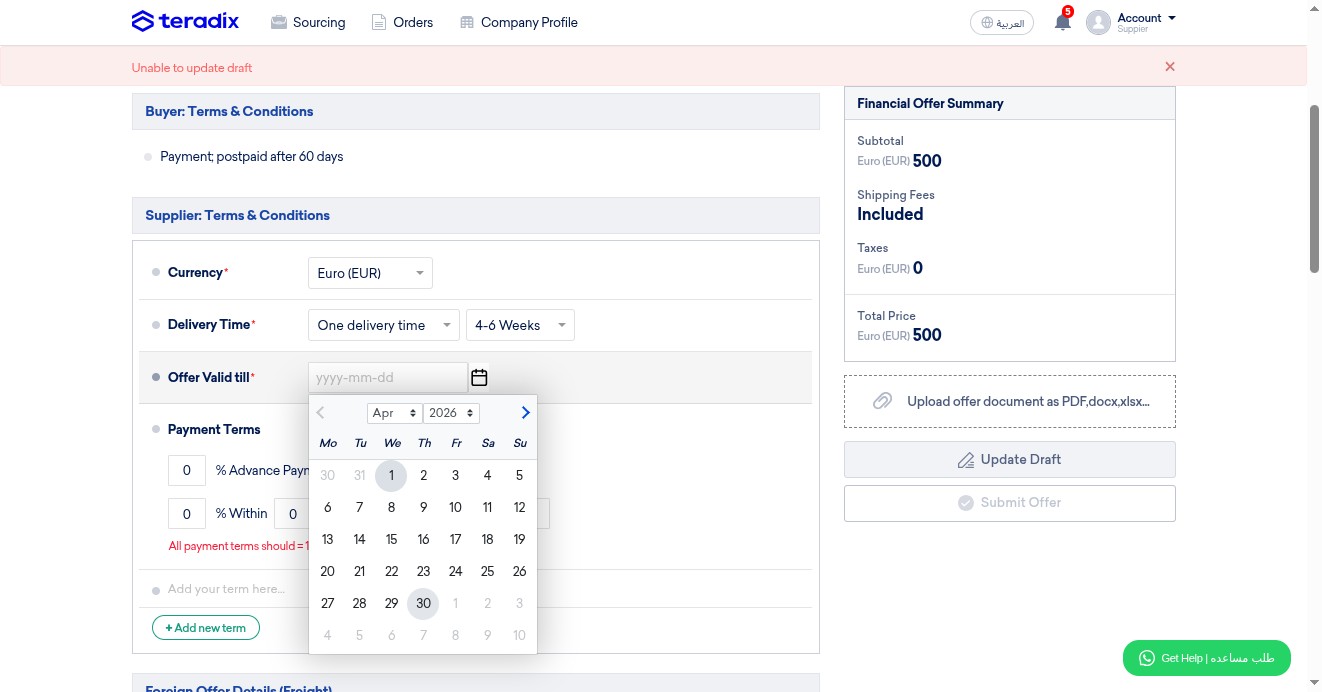
Click here to set date for offer validity
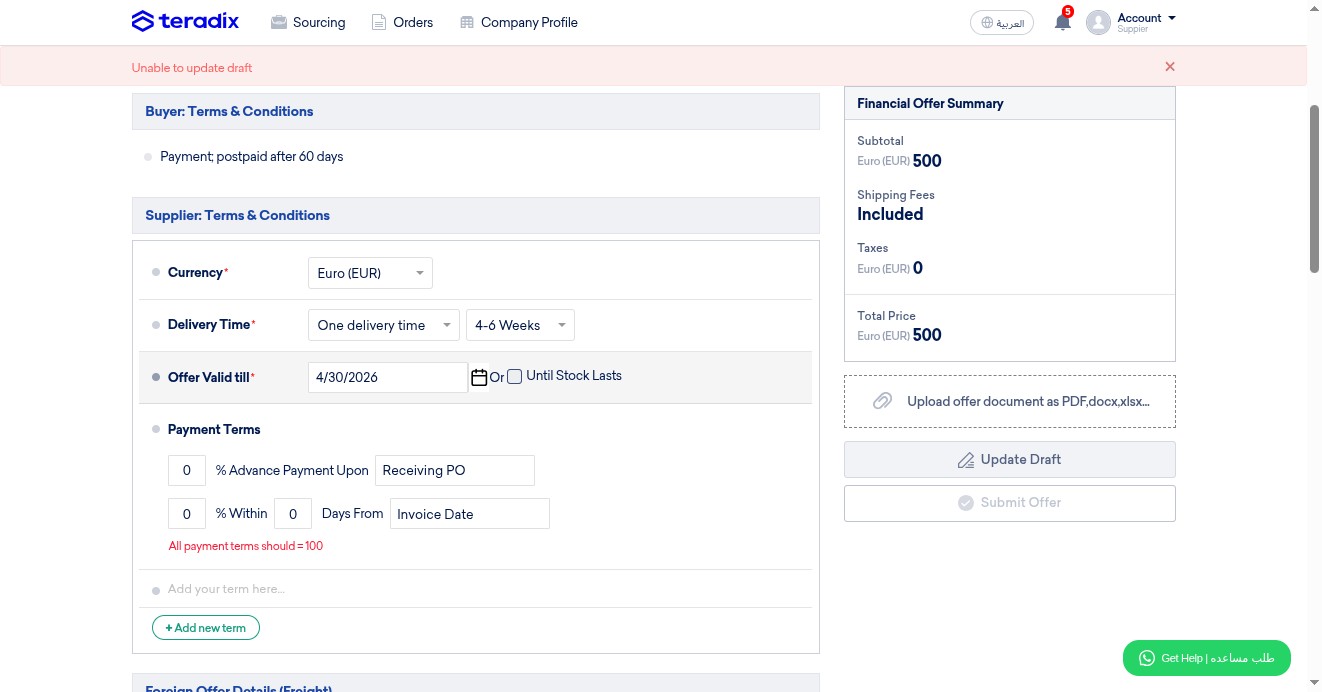
Or click here if offer is valid until end of stock
Payment Terms (important; read carefully): There are two options; "Advance payment" (first line), and Post-paid (second line) NOTE; The sum of both must equal 100 (e.g., 50% Advance 50% postpaid, or 0% Advance 100% postpaid)
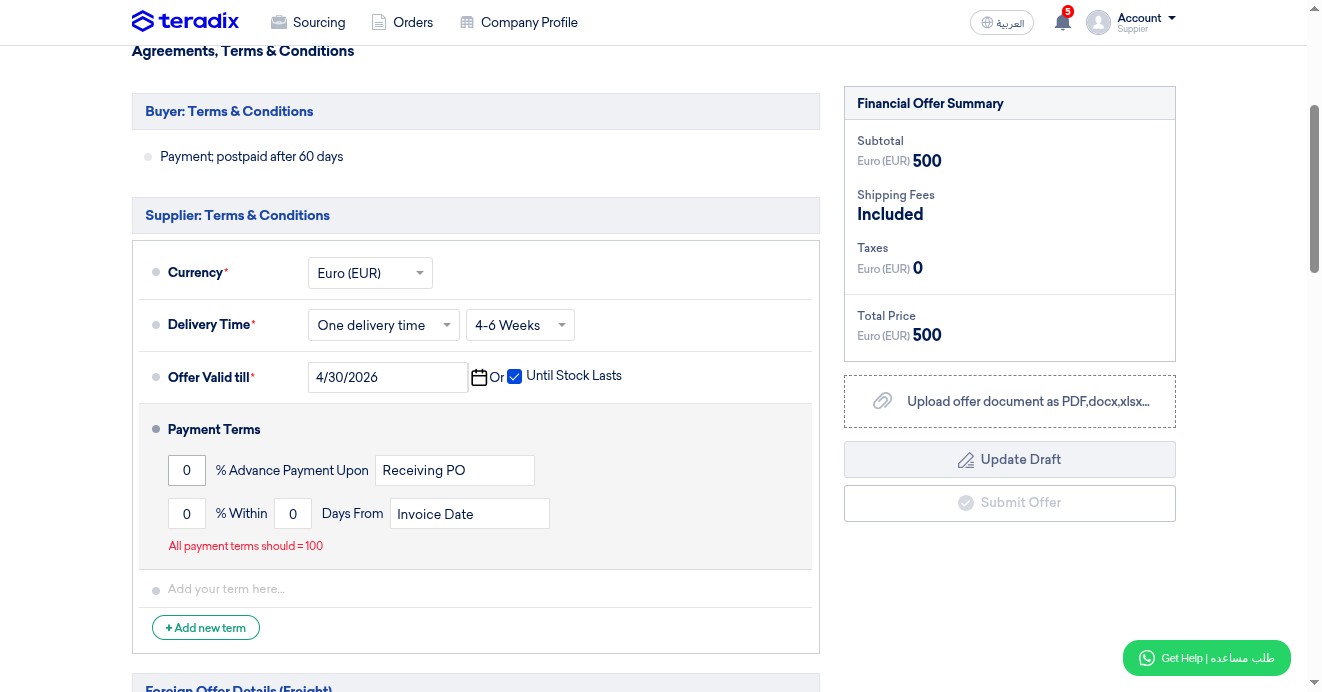
Click to enter percentage of payment to be claimed 'in advance' NOTE; don't enter "%" symbol (only numbers)
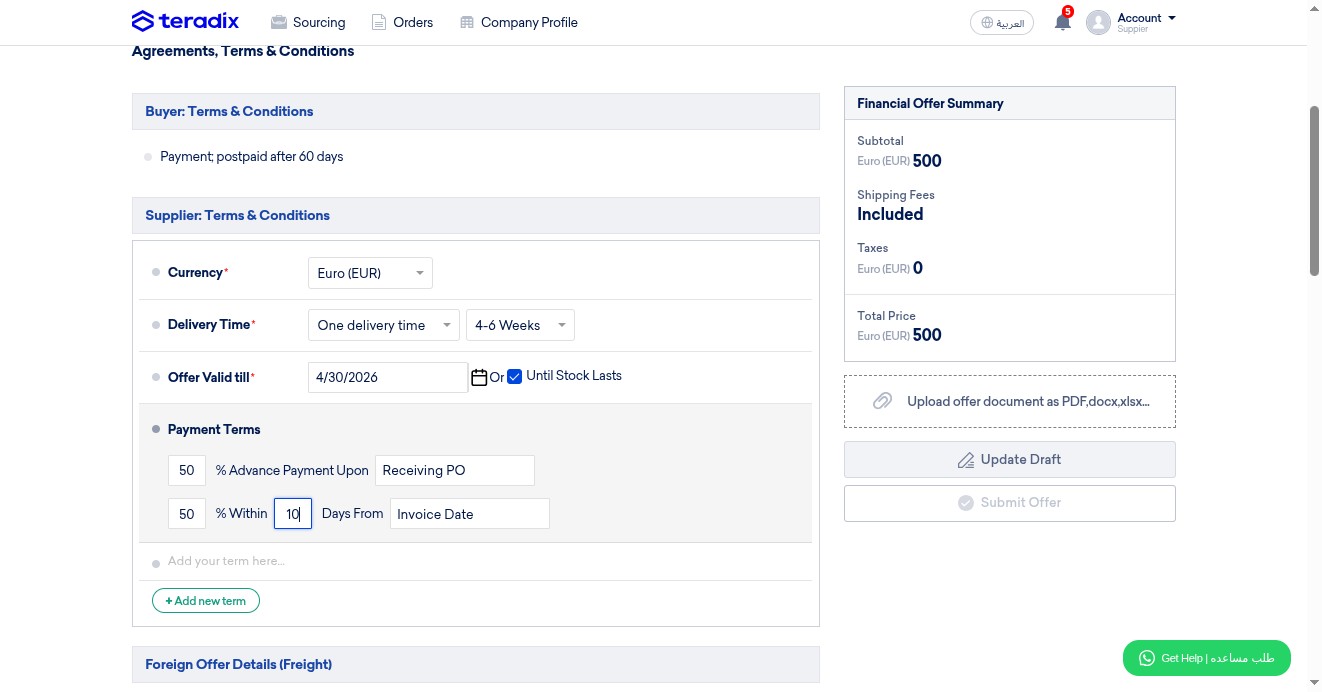
Click to enter percentage of payment to be claimed Post-paid NOTE; don't enter "%" symbol (only numbers)
Click here to specify number of days within which payment to be claimed postpaid
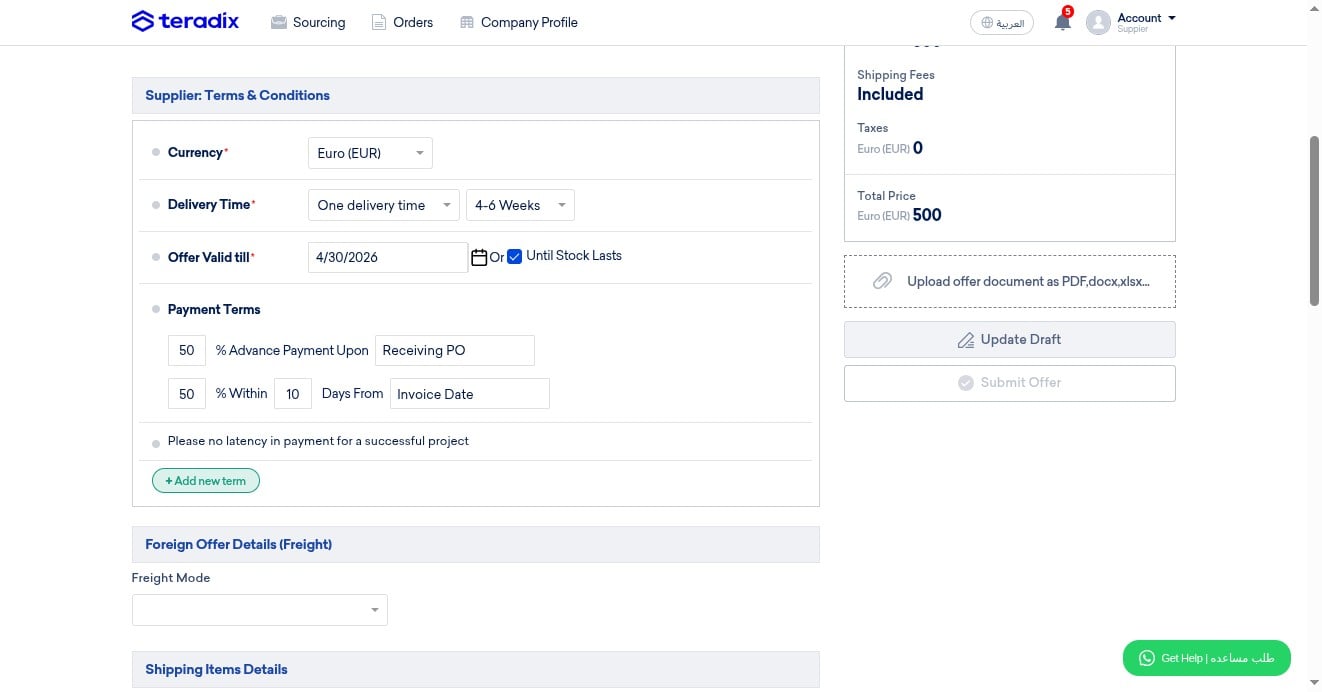
OPTIONAL; add here your terms, notes or conditions
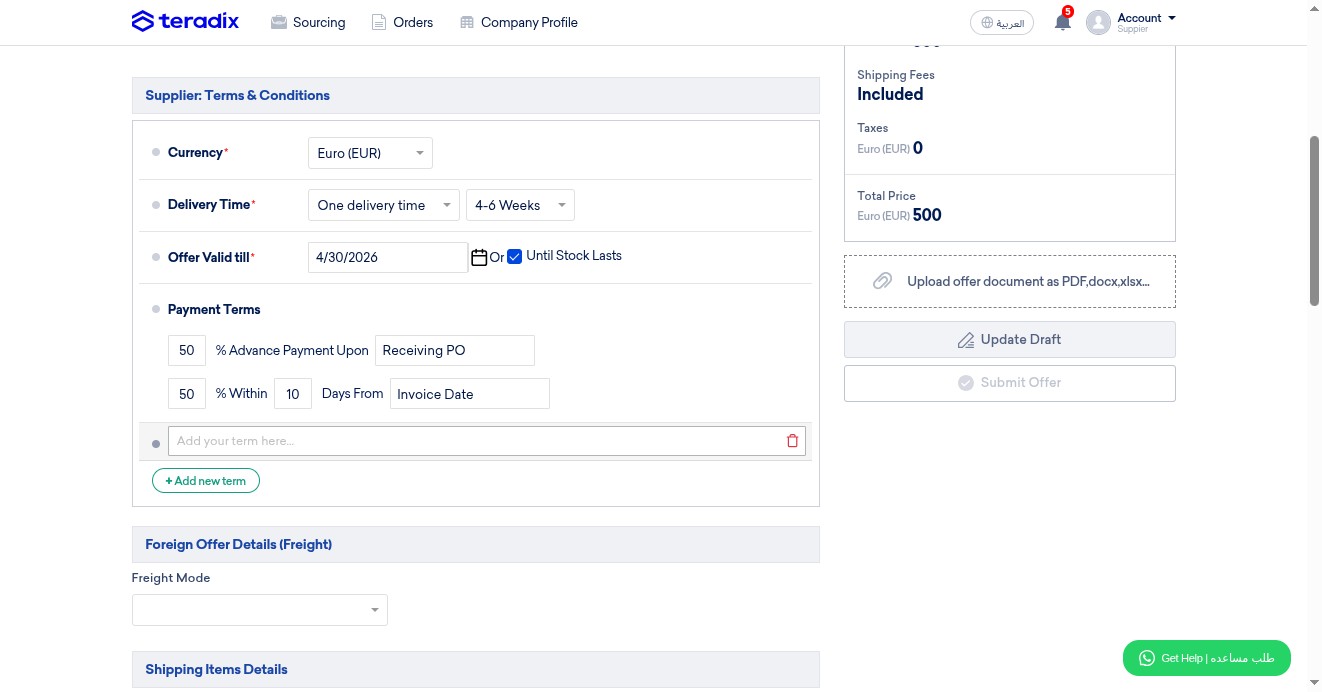
Click here to add additional terms
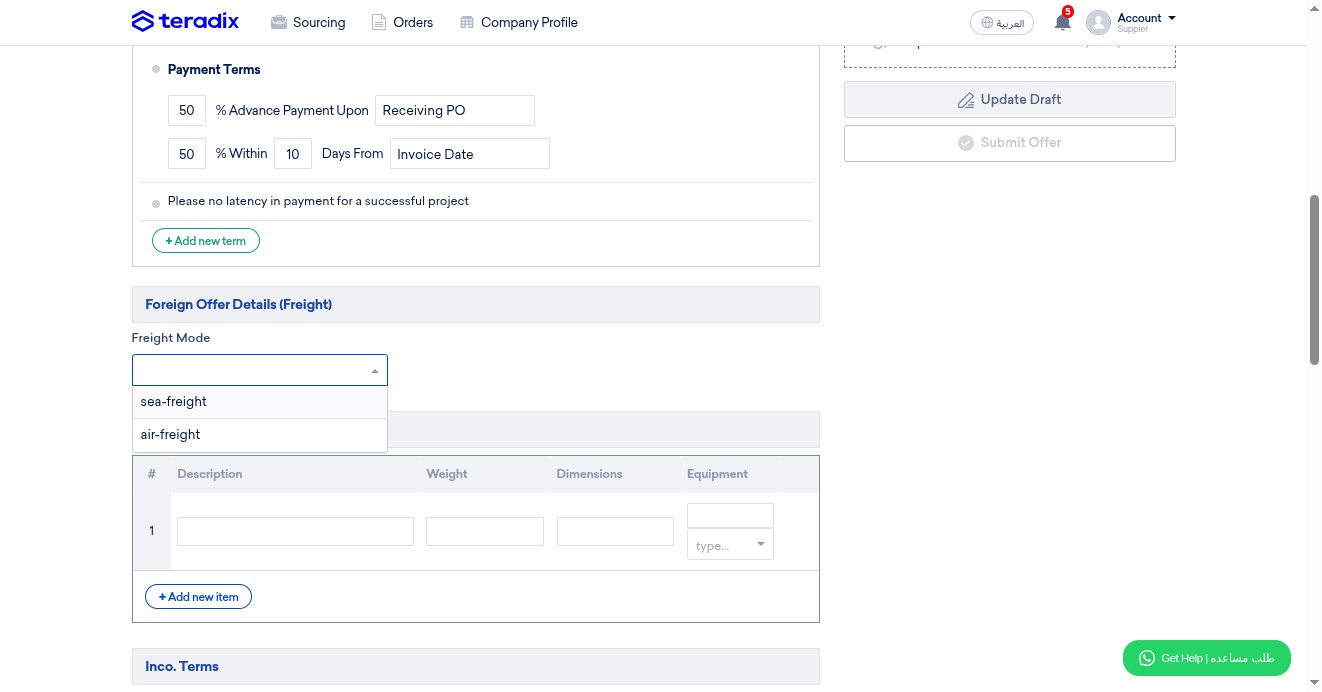
MANDATORY; select your freight mode
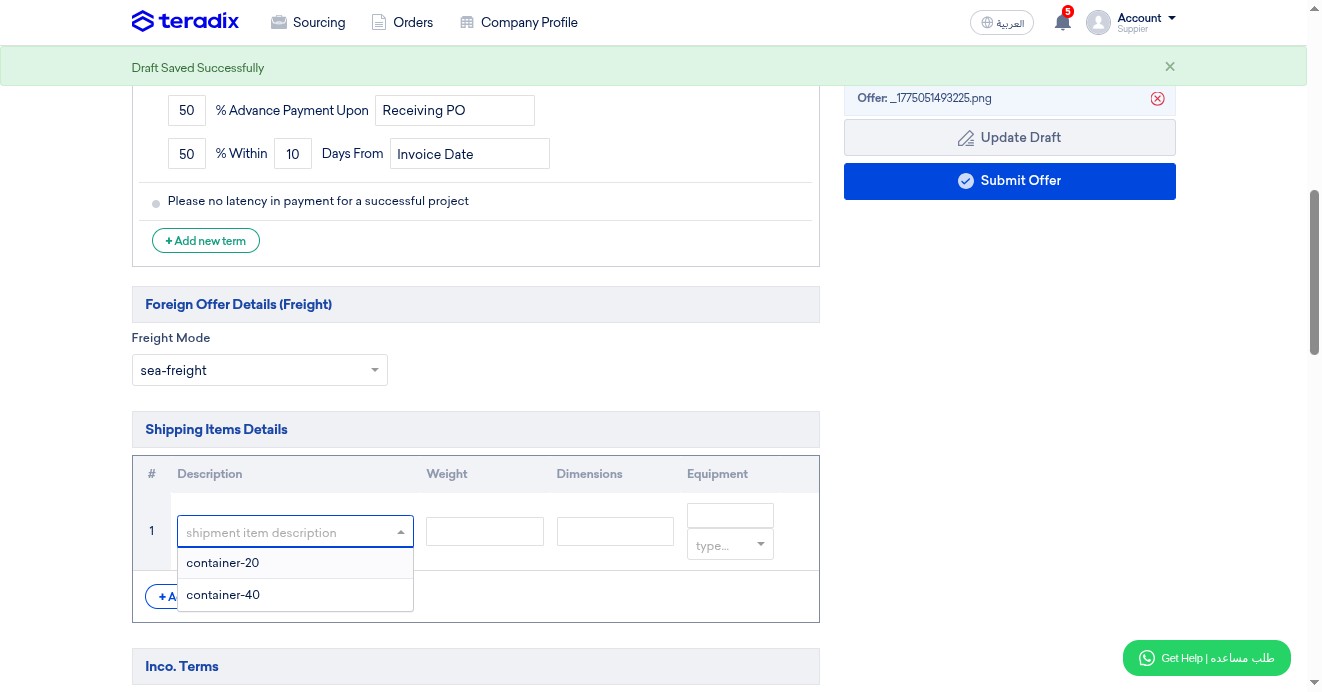
OPTIONAL; select container type if available
OPTIONAL; add shipping weight if available
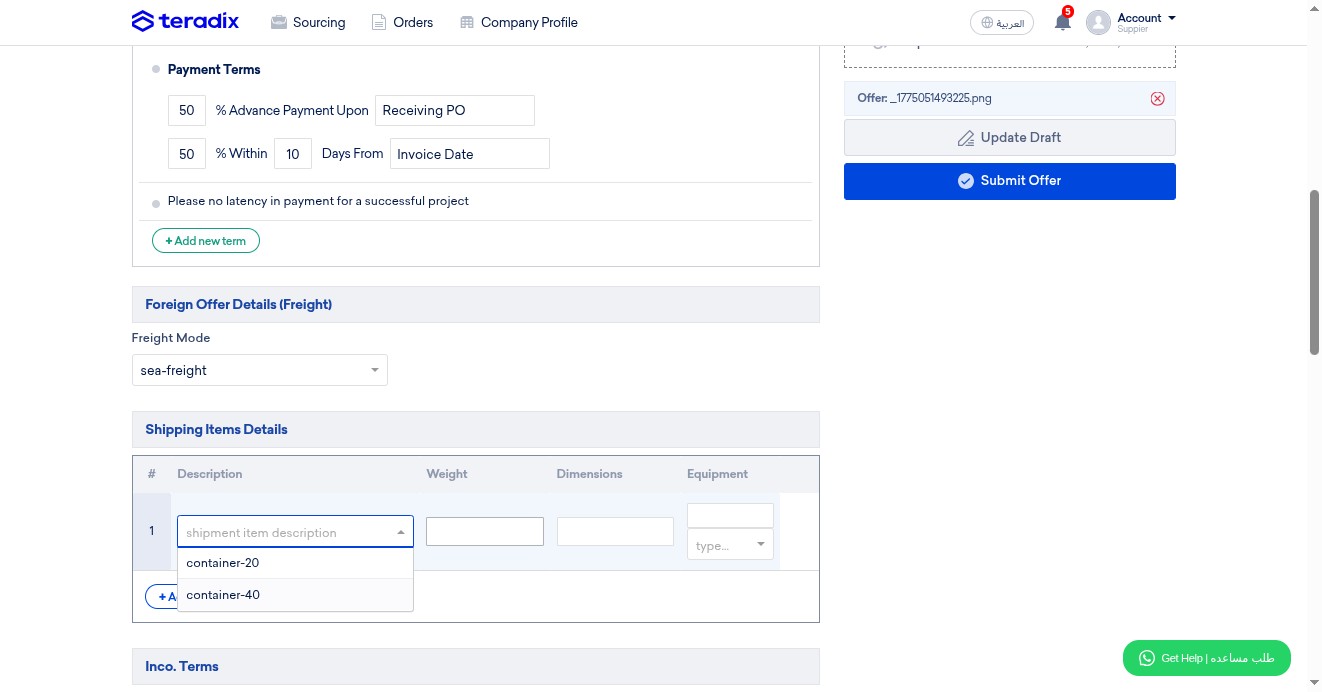
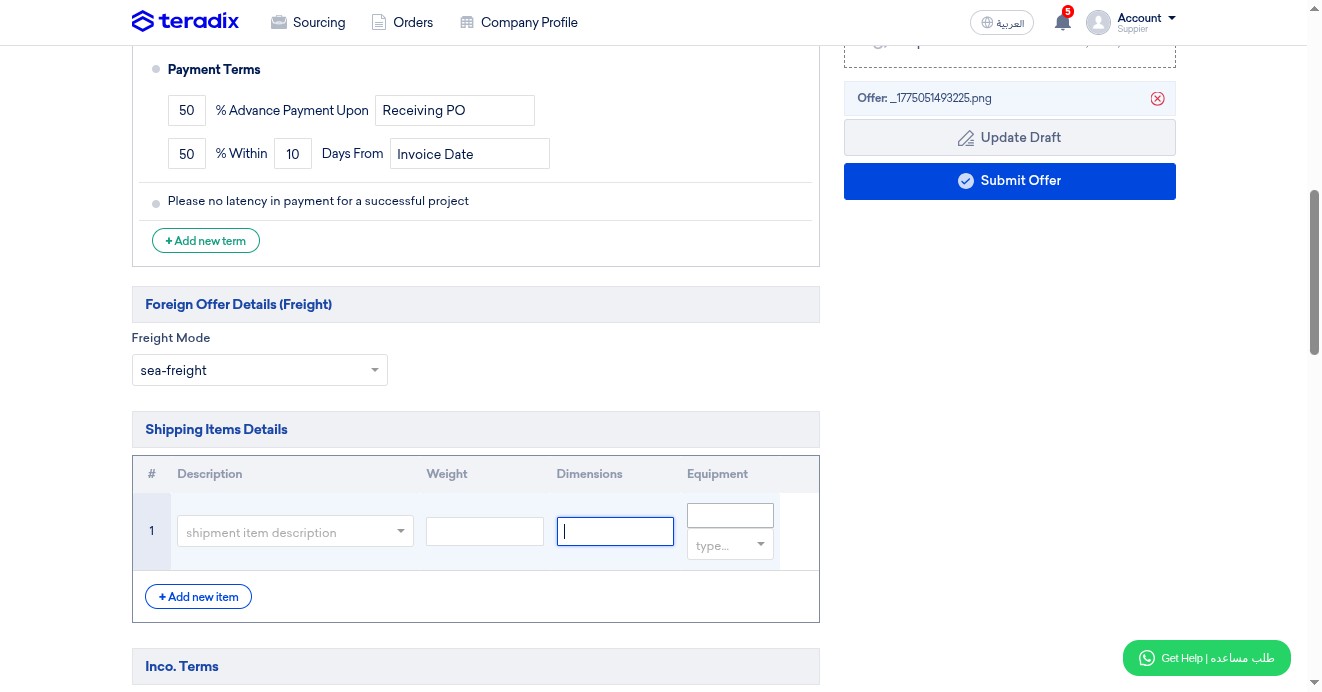
OPTIONAL; add dimentions details if available
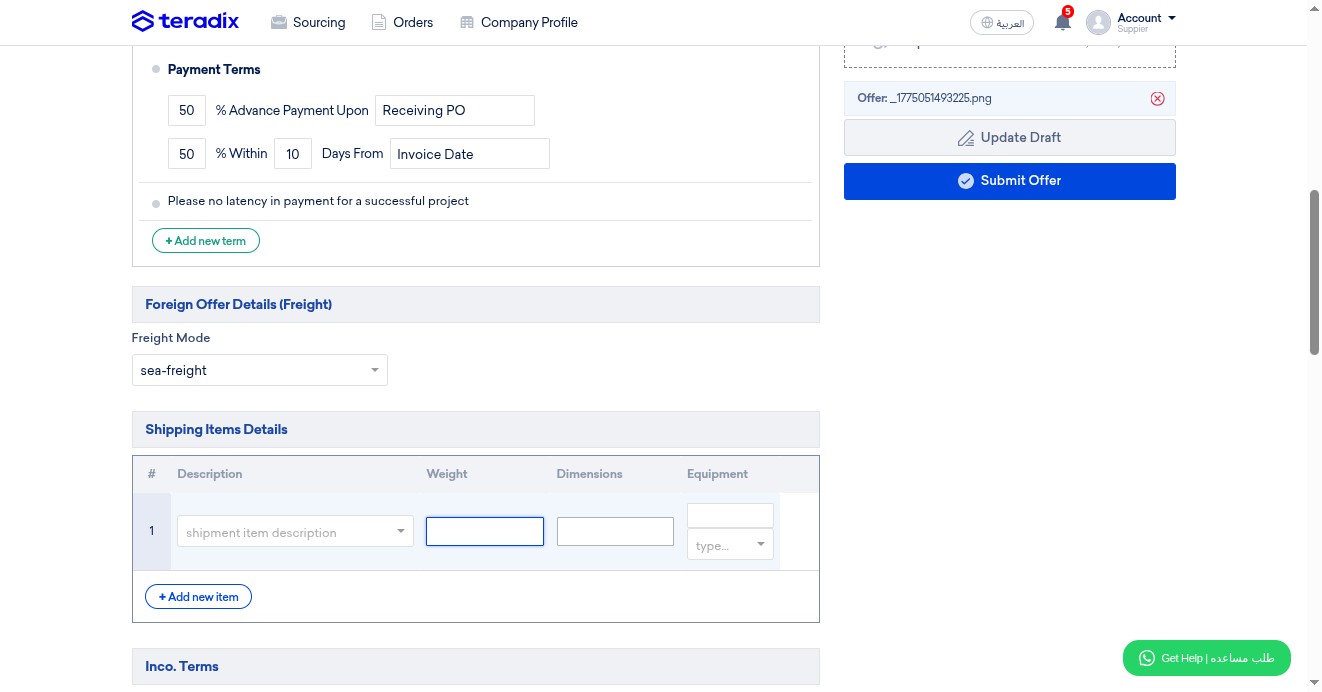
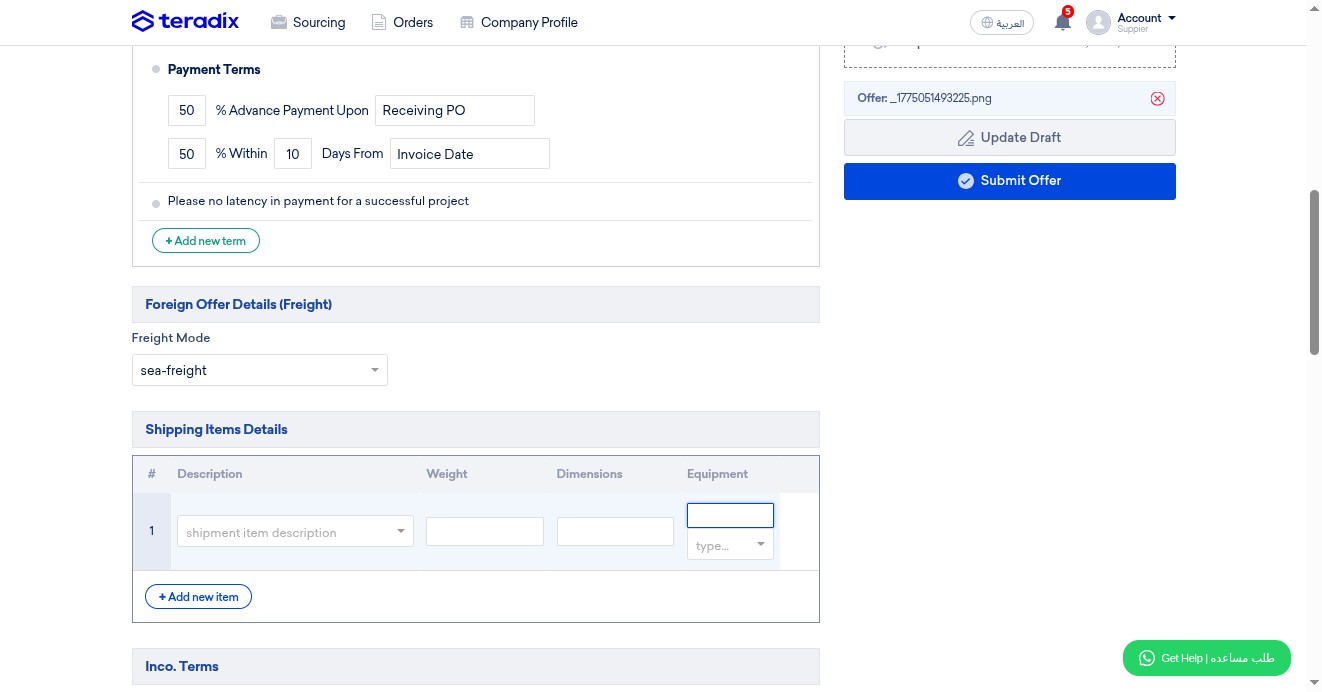
OPTIONAL; enter the equipment weight details in numbers
OPTIONAL; specify the unit of measurement
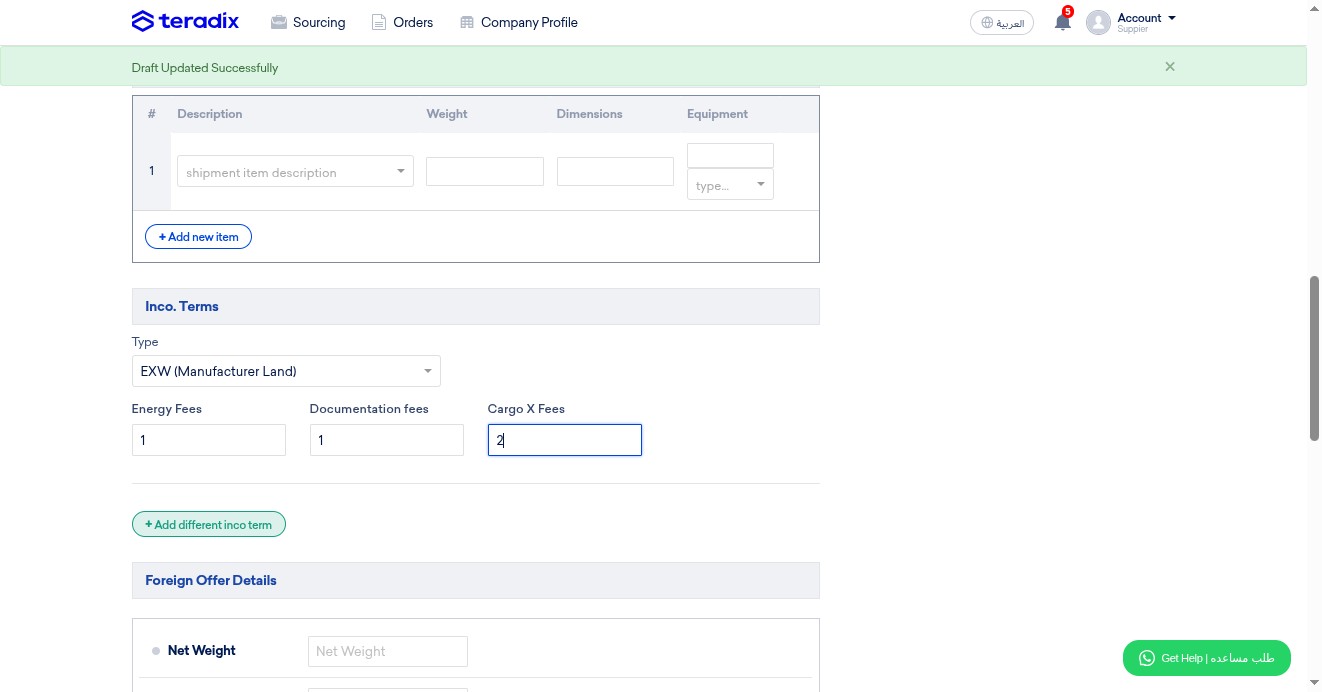
MANDATORY; Click here to specify your Incoterms
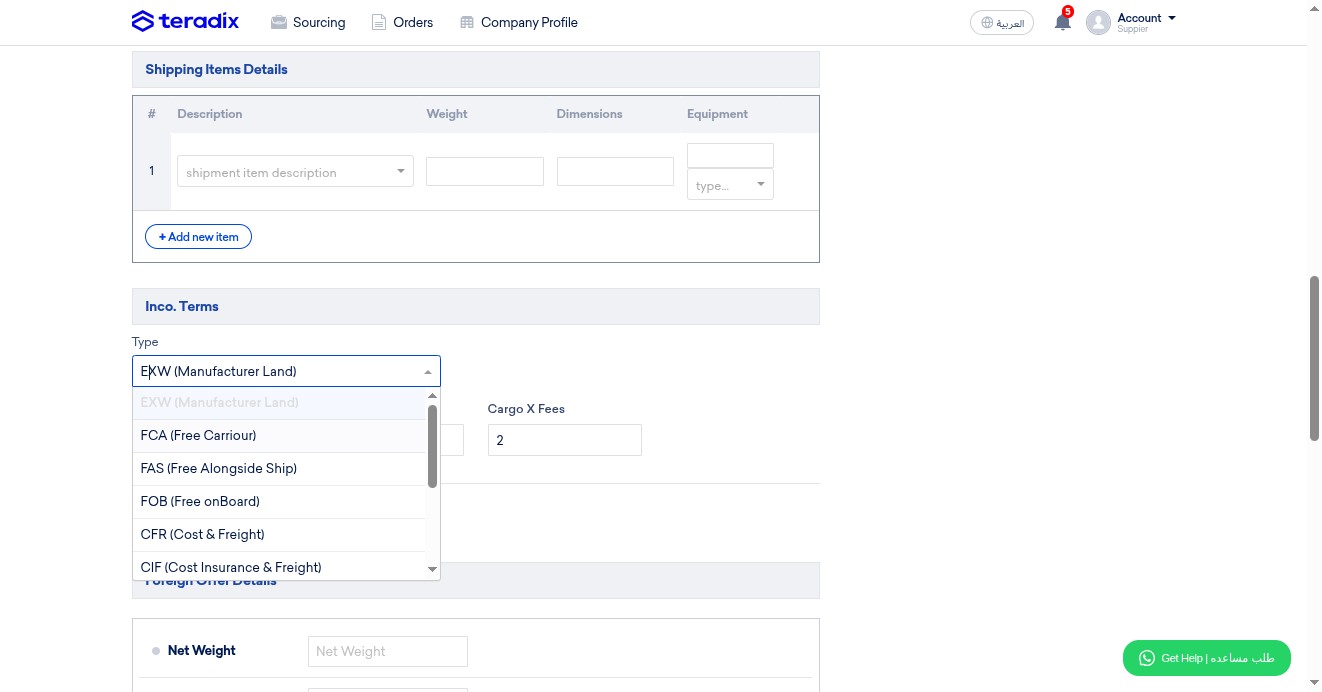
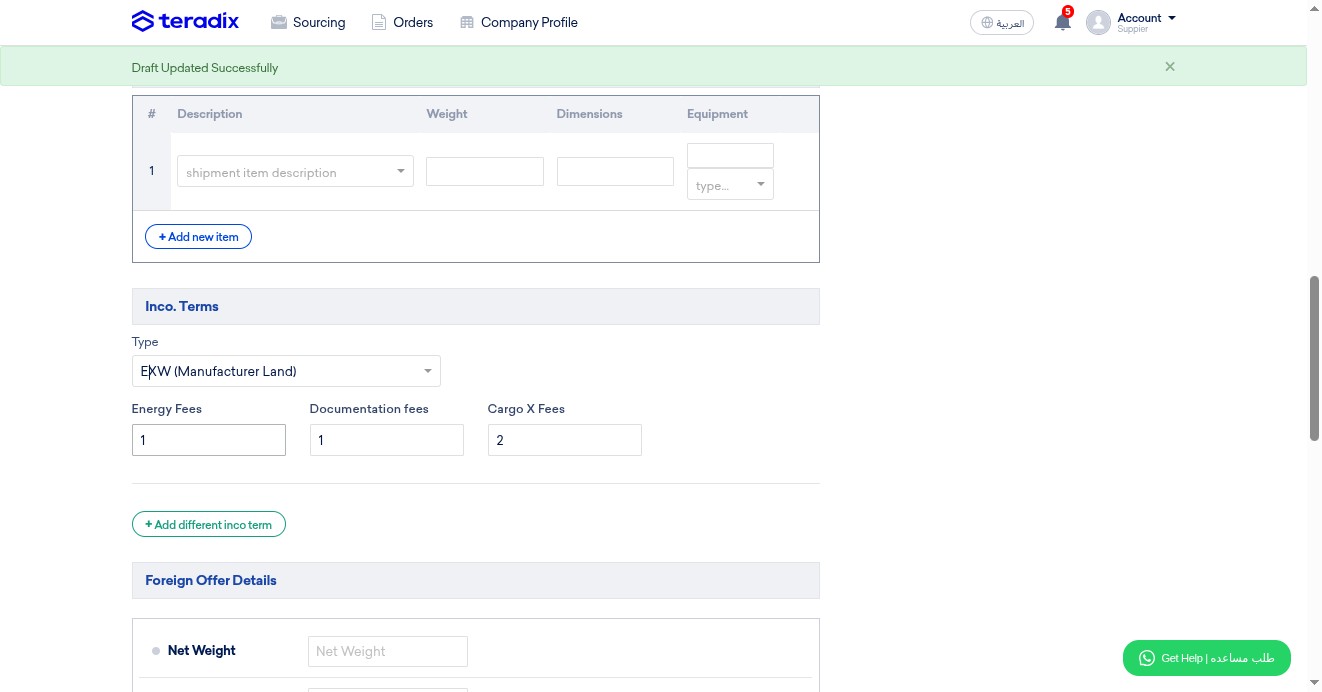
MANDATORY; add value of fees (energy)
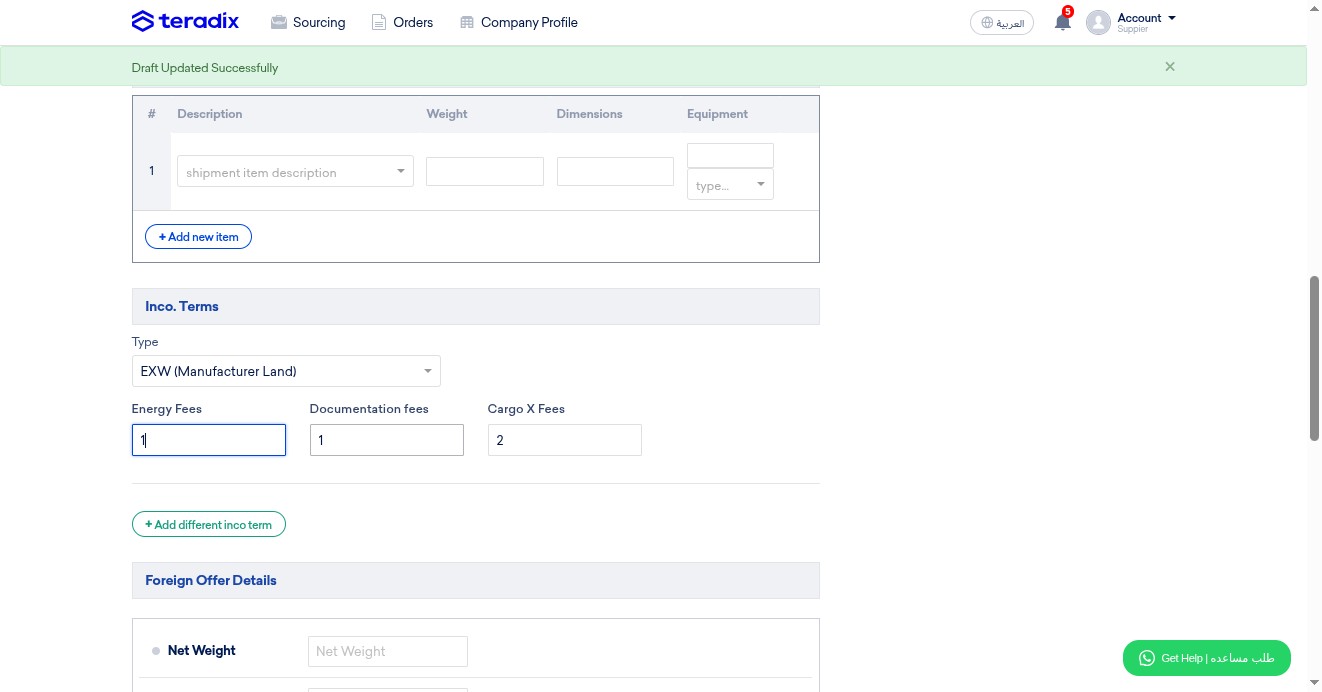
MANDATORY; add value of fees (documentation)
MANDATORY; add value of fees (cargo x)
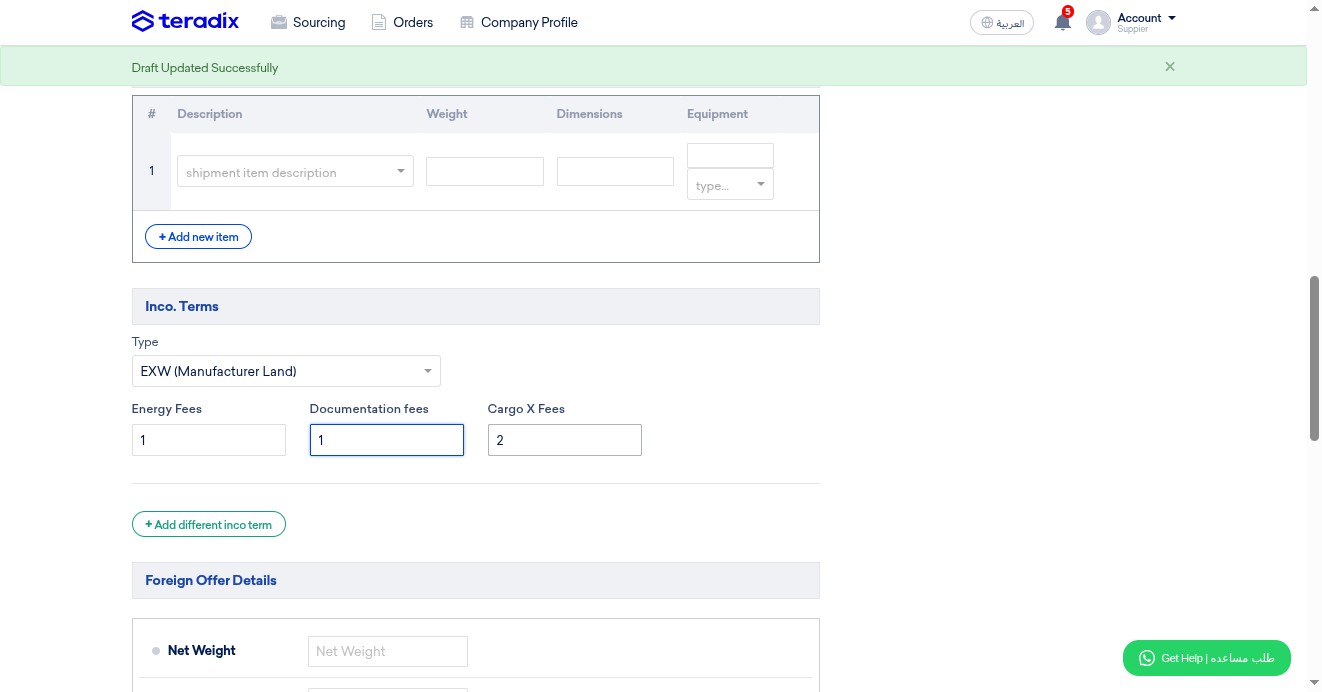
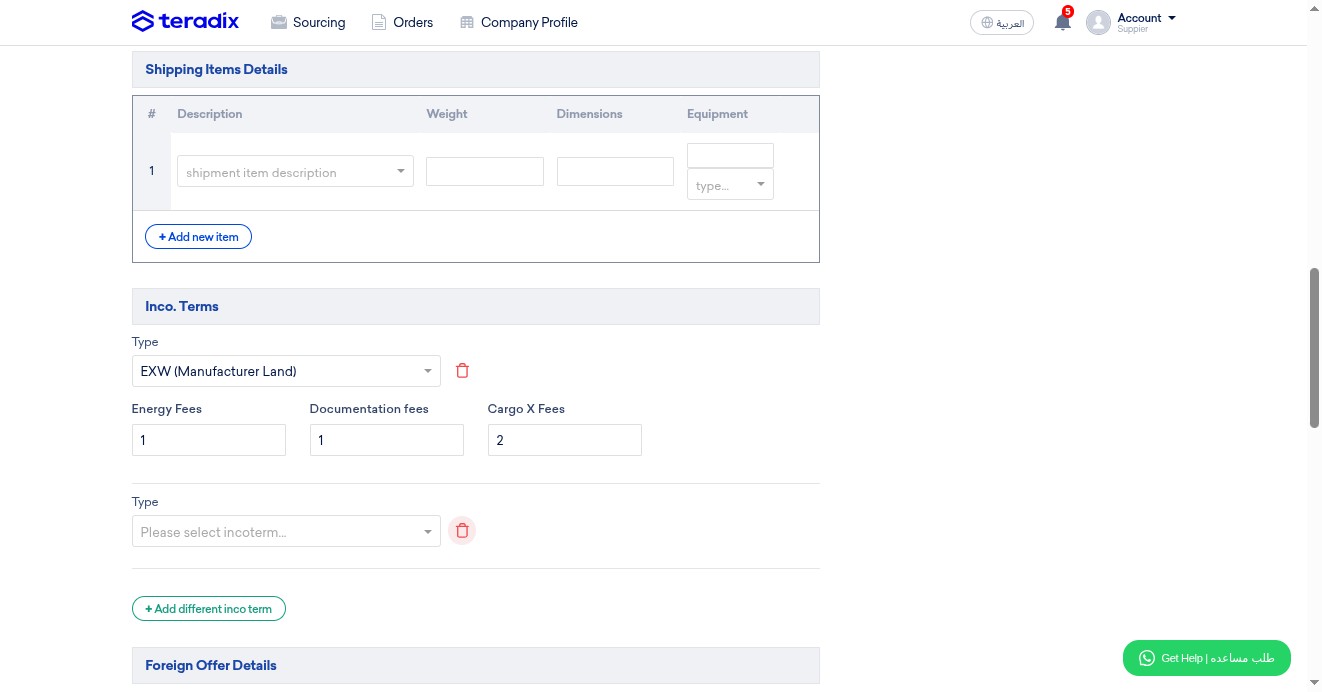
OPTIONAL; click here to add other Incoterms
Click here to delete Incoterms
OPTIONAL; add net weight if available
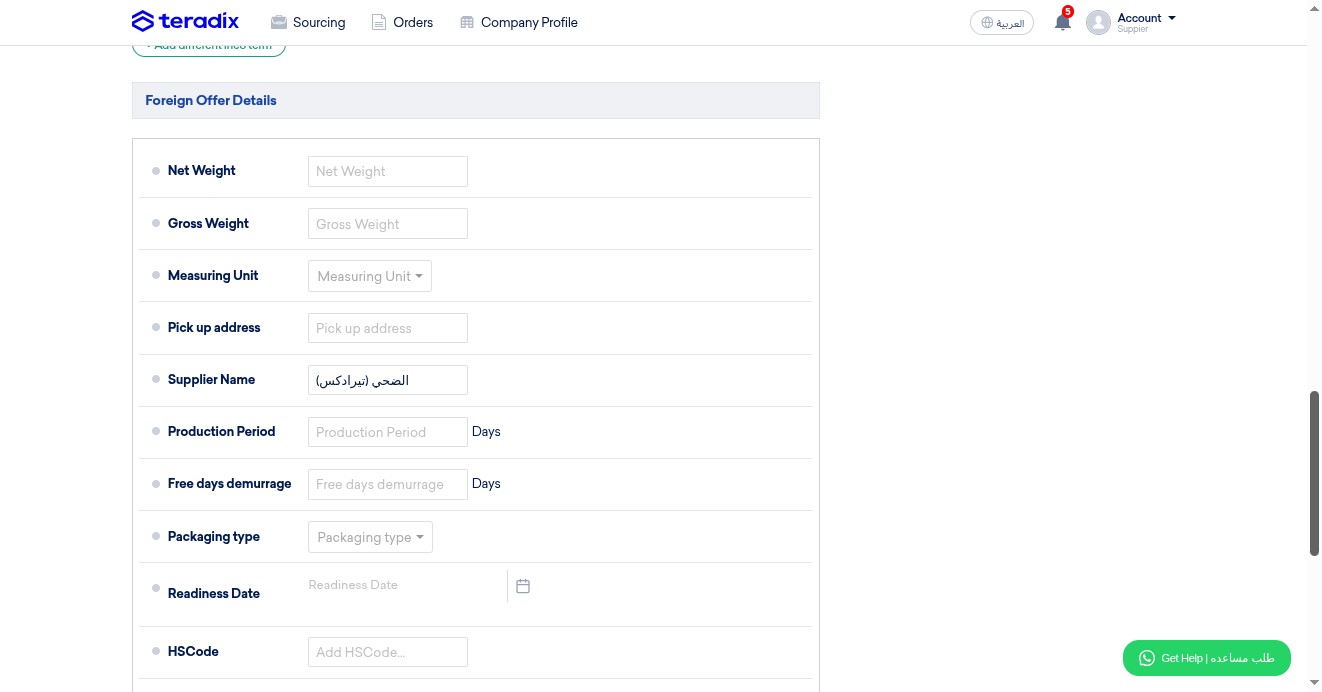
OPTIONAL; add gross weight if available
OPTIONAL; specify the measuring unit if available
MANDATORY; enter the detailed address for picking up
MANDATORY; write here the supplier name
MANDATORY; add here the production period (number of days)
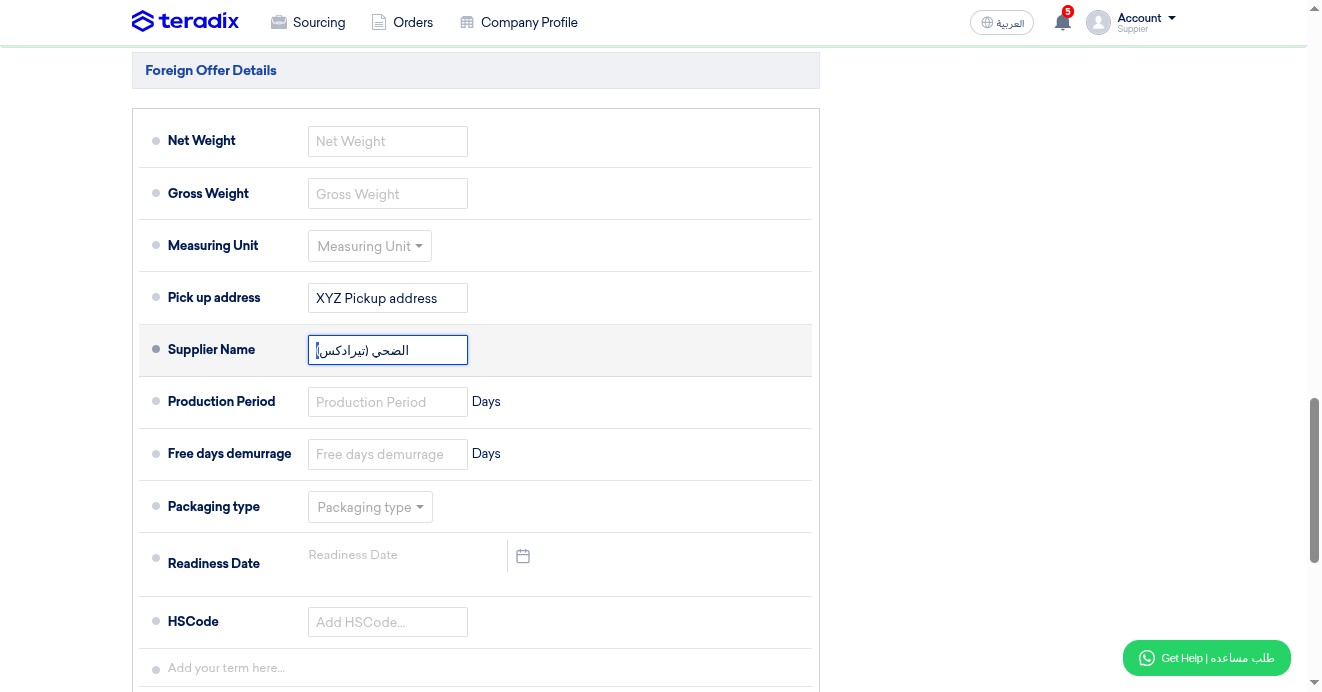
OPTIONAL; add here demurrage period (number of days)
OPTIONAL; specify packaging type if known
MANDATORY; click here to set readiness date
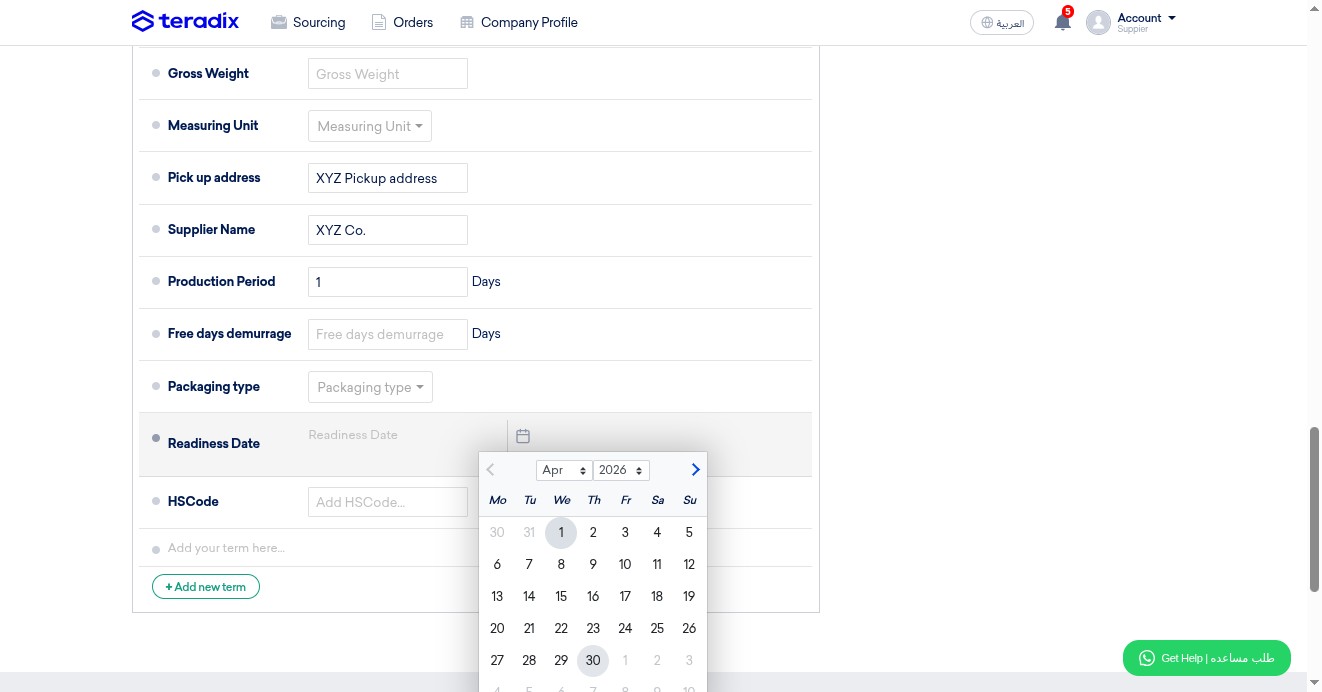
OPTIONAL; add HSCode if available
OPTIONAL; write here any notes, terms and conditions
Click here to upload attachments (offer as PDF, or other documents) NOTE: sometimes buyers enforce this option to be mandatory; i.e., if the word "optional" isn't there (as in this example), thus you have to attach
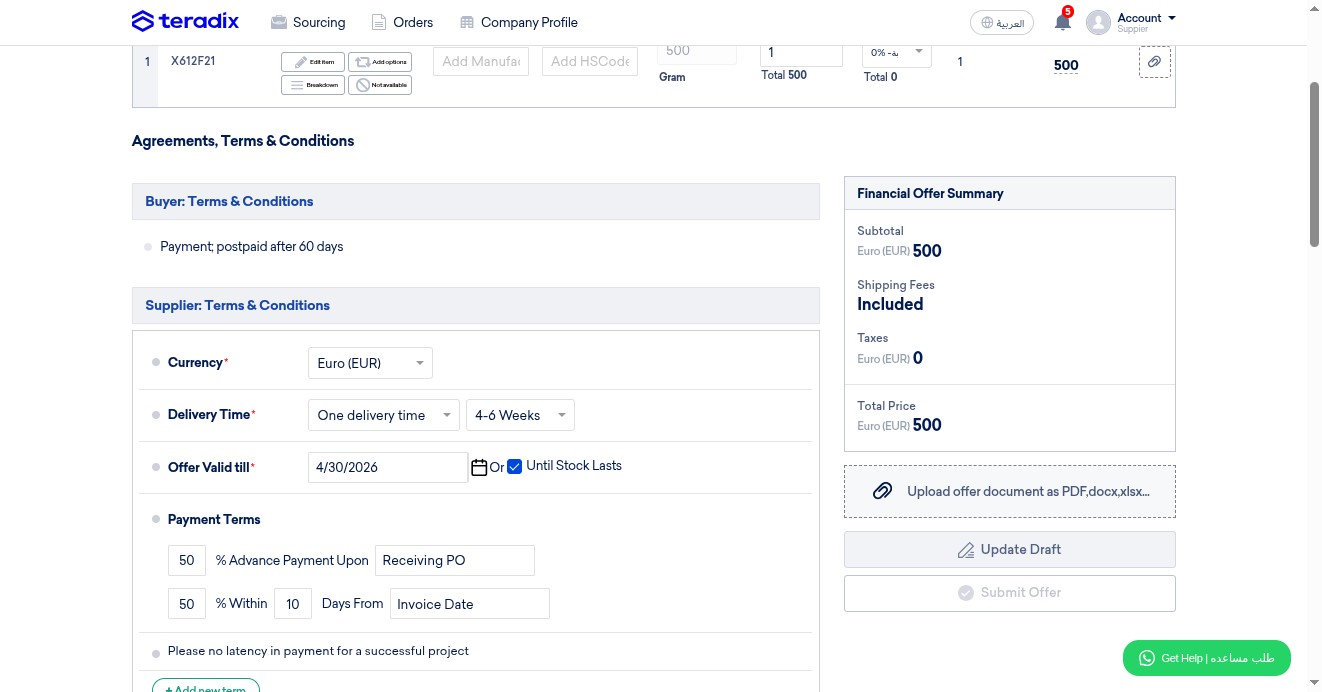
Click here to submit your offer
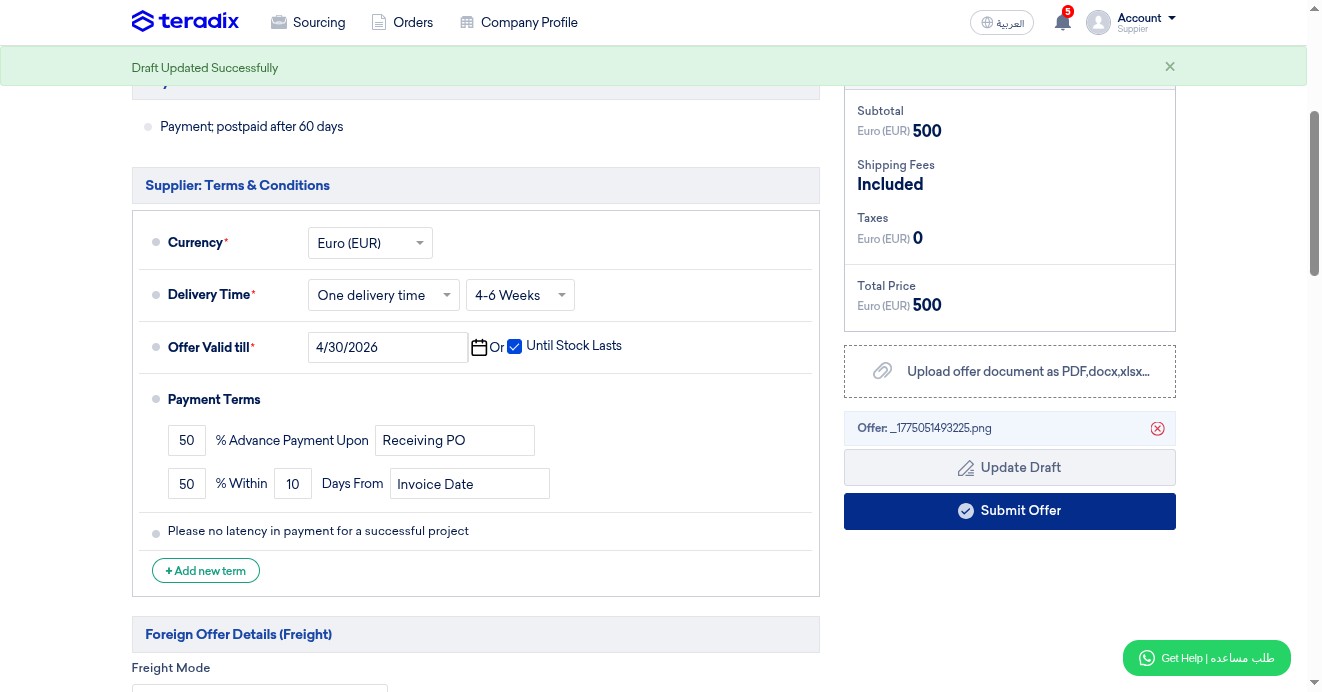
Review carefully then click on "Submit Offer"
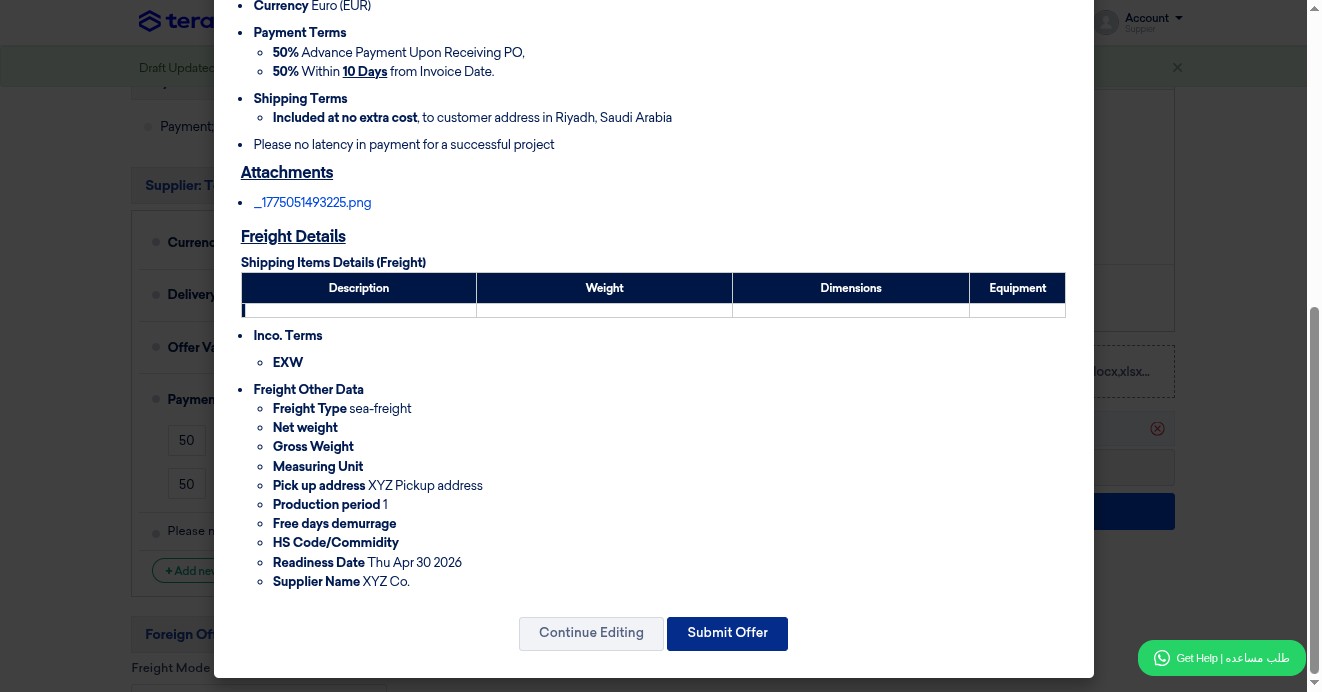
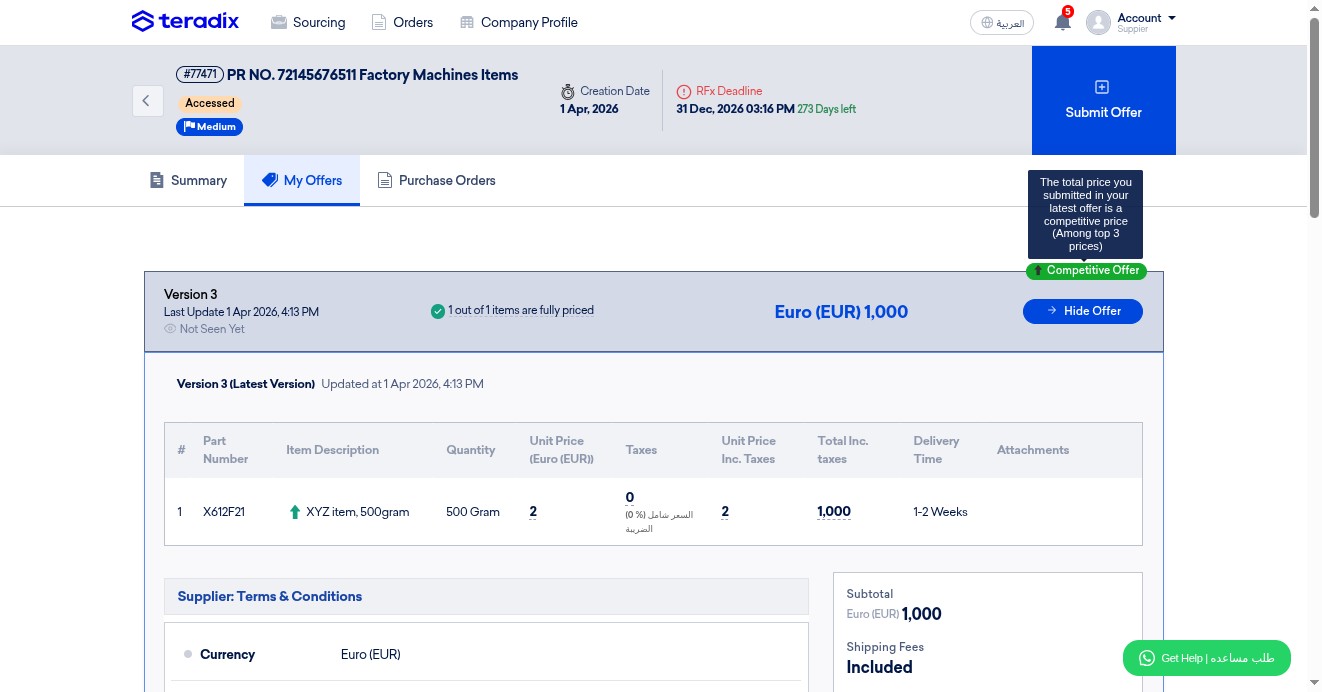
Check here if your offer (total) is competitive against your participating suppliers in this specific request
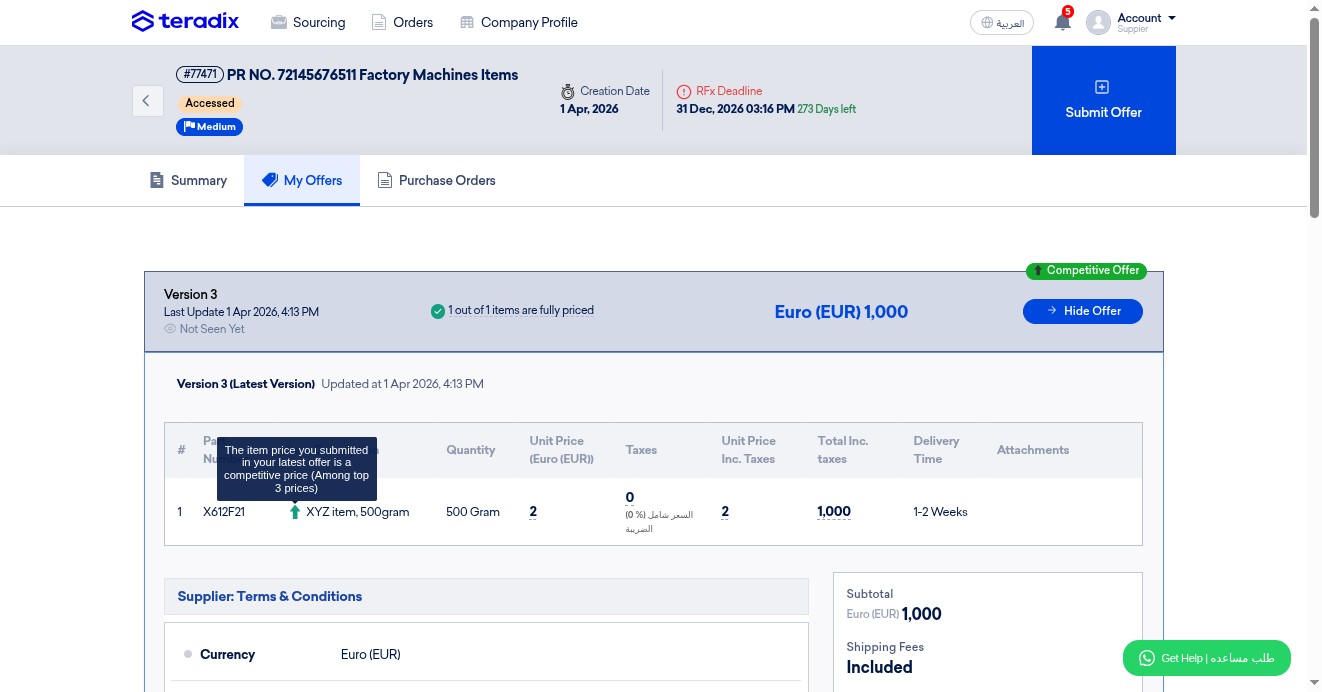
Check here if your offer (per item) is competitive against your participating suppliers in this specific request
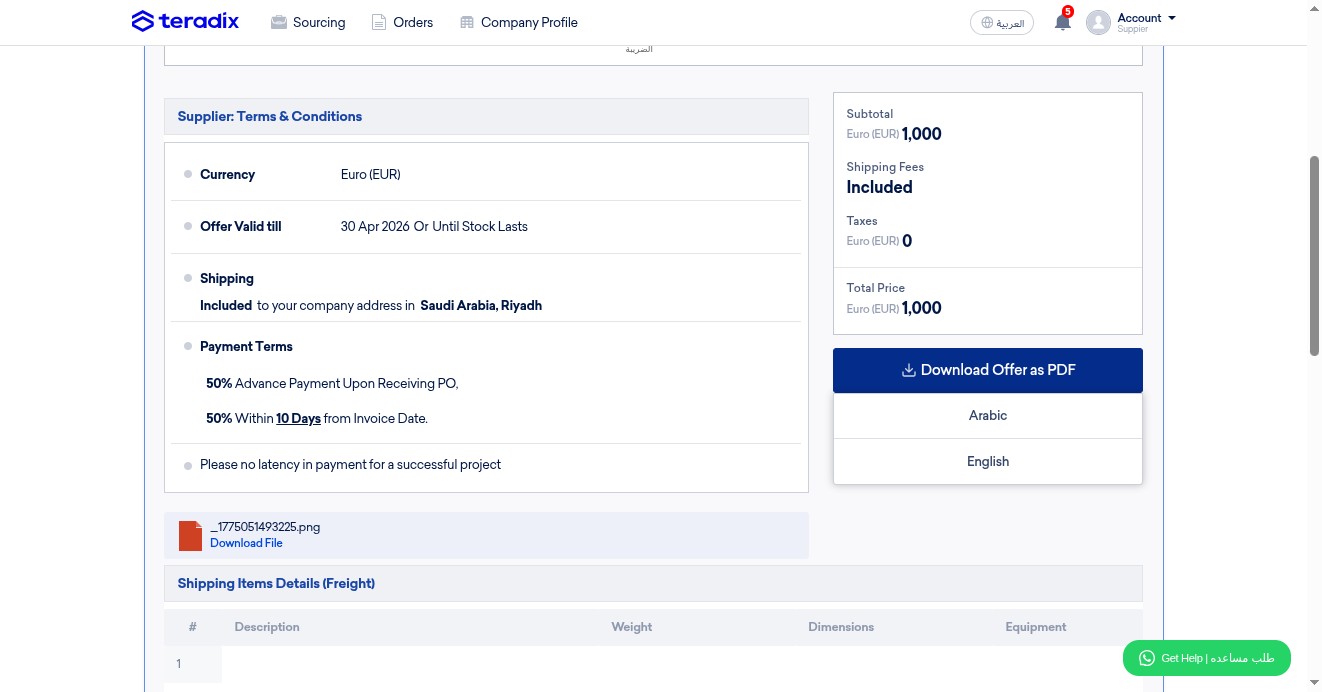
OPTIONAL; click here to download your submitted offer (e.g., to archive it locally)
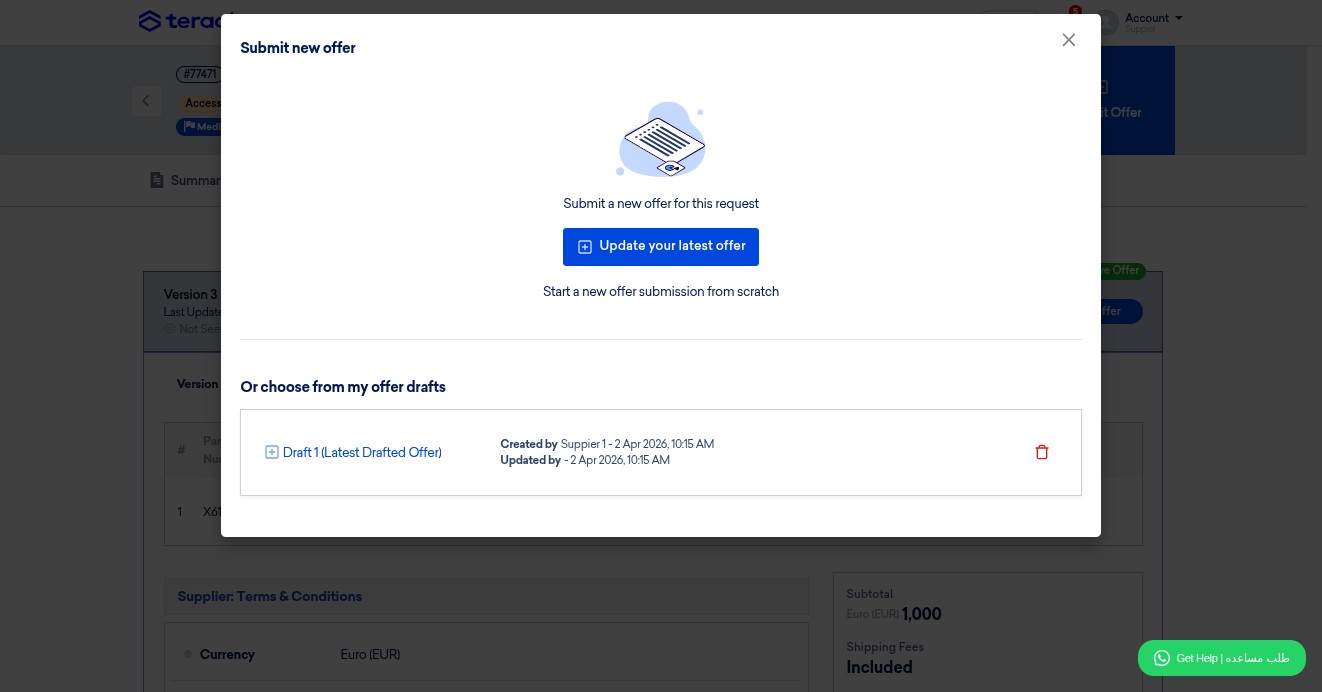
Click to update your offer (if needed)
Click to update your latest offer (or offer "start anew from scratch")
Done 🚀