Create Your First Quote (2026)
Build a new-business quote in MonetizeNow: pick the account, set contacts and contract term, add an offering with optional products, set quantities and a discount, review billing, and submit for approval.
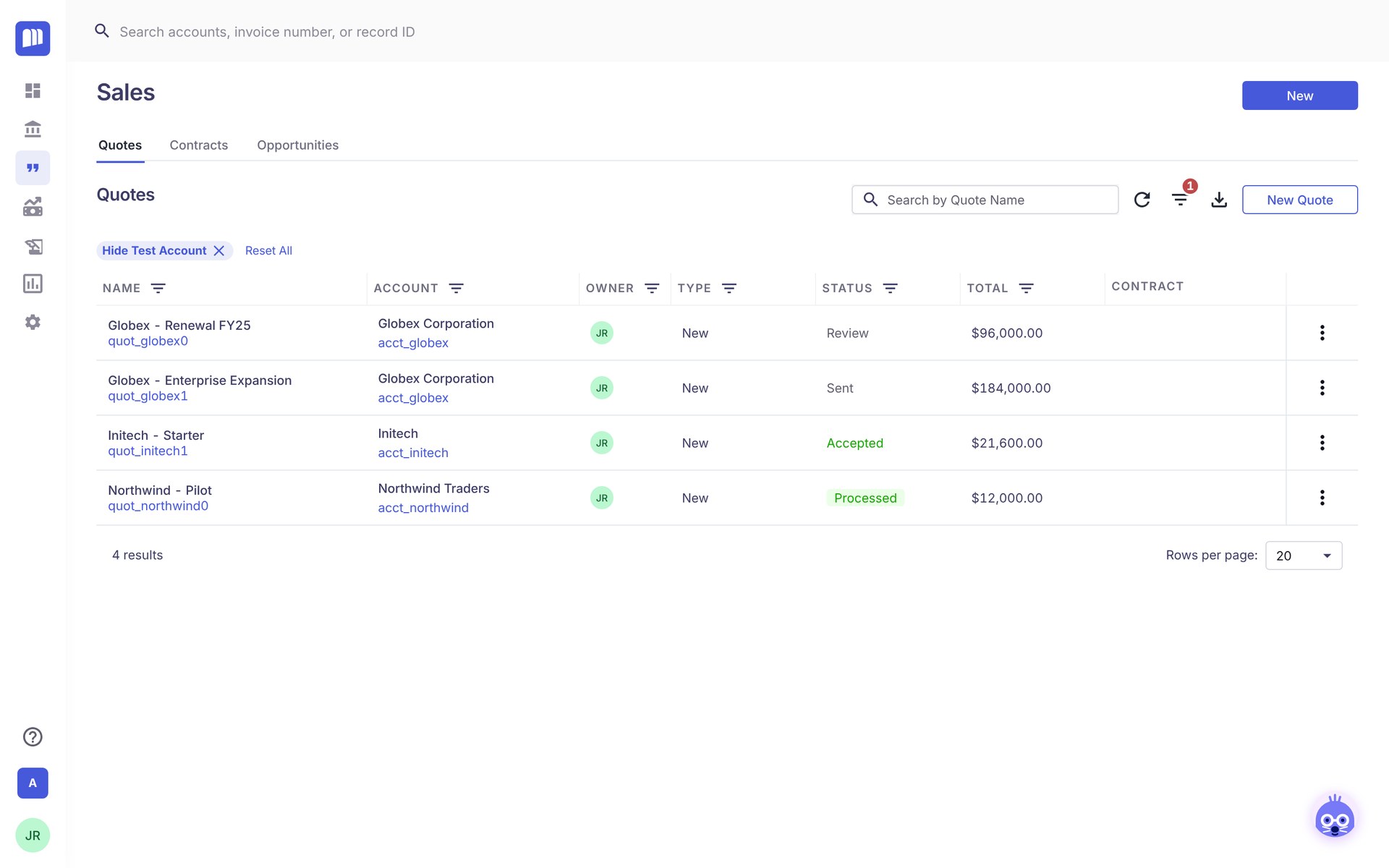
Create your first quote
About 3 minutes. You need at least one product, offering, account and contact before you start.
Frequently Asked Questions
- Do I need to click Save on the quote page?
No. Quote changes save automatically. Only pop-ups such as the Contract Term editor and Select Products for Offering have their own Save button.
- Why is Submit greyed out?
Hover over it to see what's missing. Common causes: no offering on the quote, a missing Shipping or Billing Contact, or an expiration date in the past.
- Why does my quote need approval?
Your admin sets approval rules, such as a discount of 10% or more. When a rule matches, the progress bar shows Get N Approval(s) and Submit sends the quote to the approvers instead of moving straight to Send to Customer.