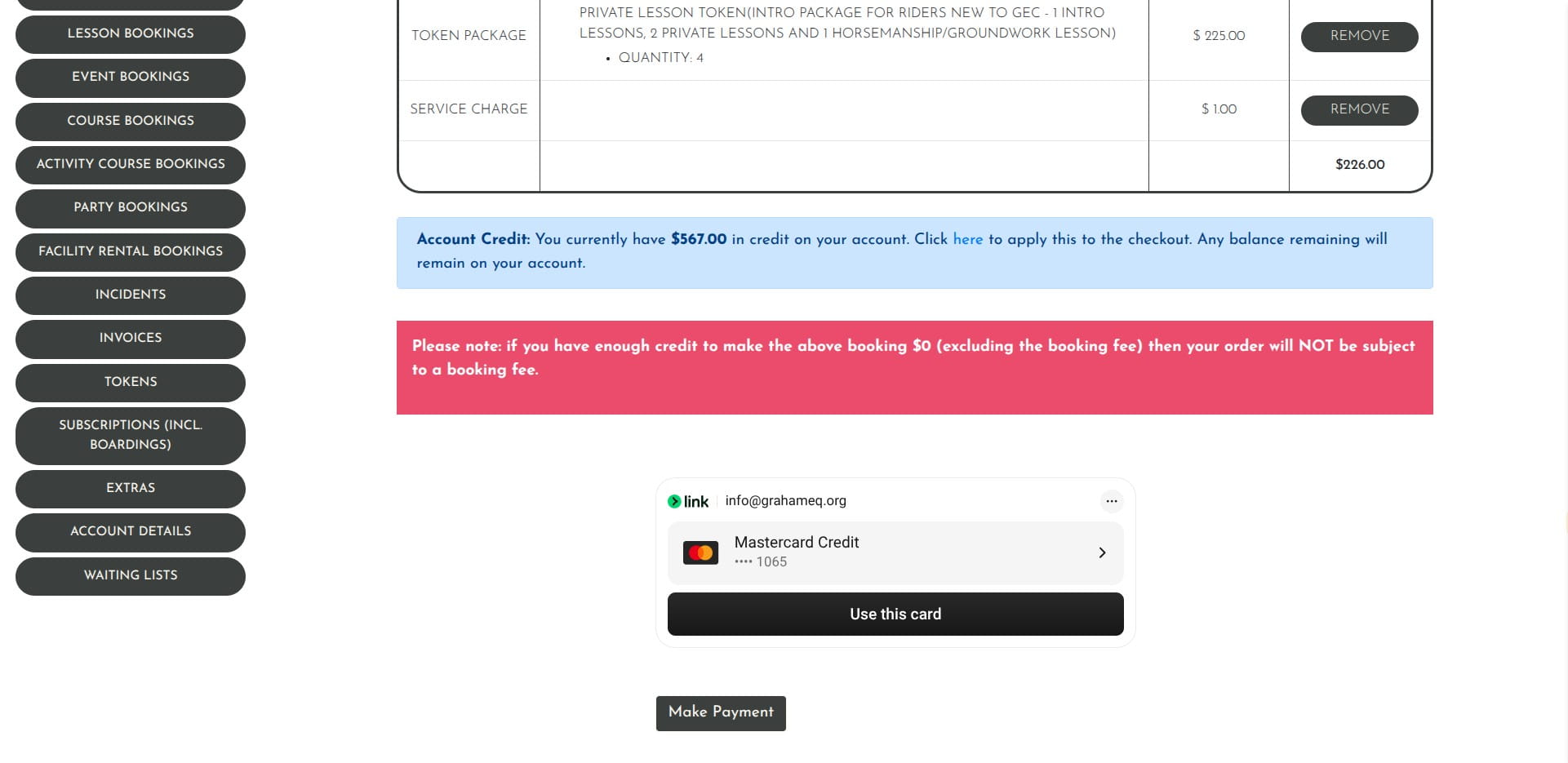
GEC ECPro - How to purchase the Intro Package
Aug 06, 2026●
1
Navigate to https://grahamequestriancenter.ecpro.us/
2
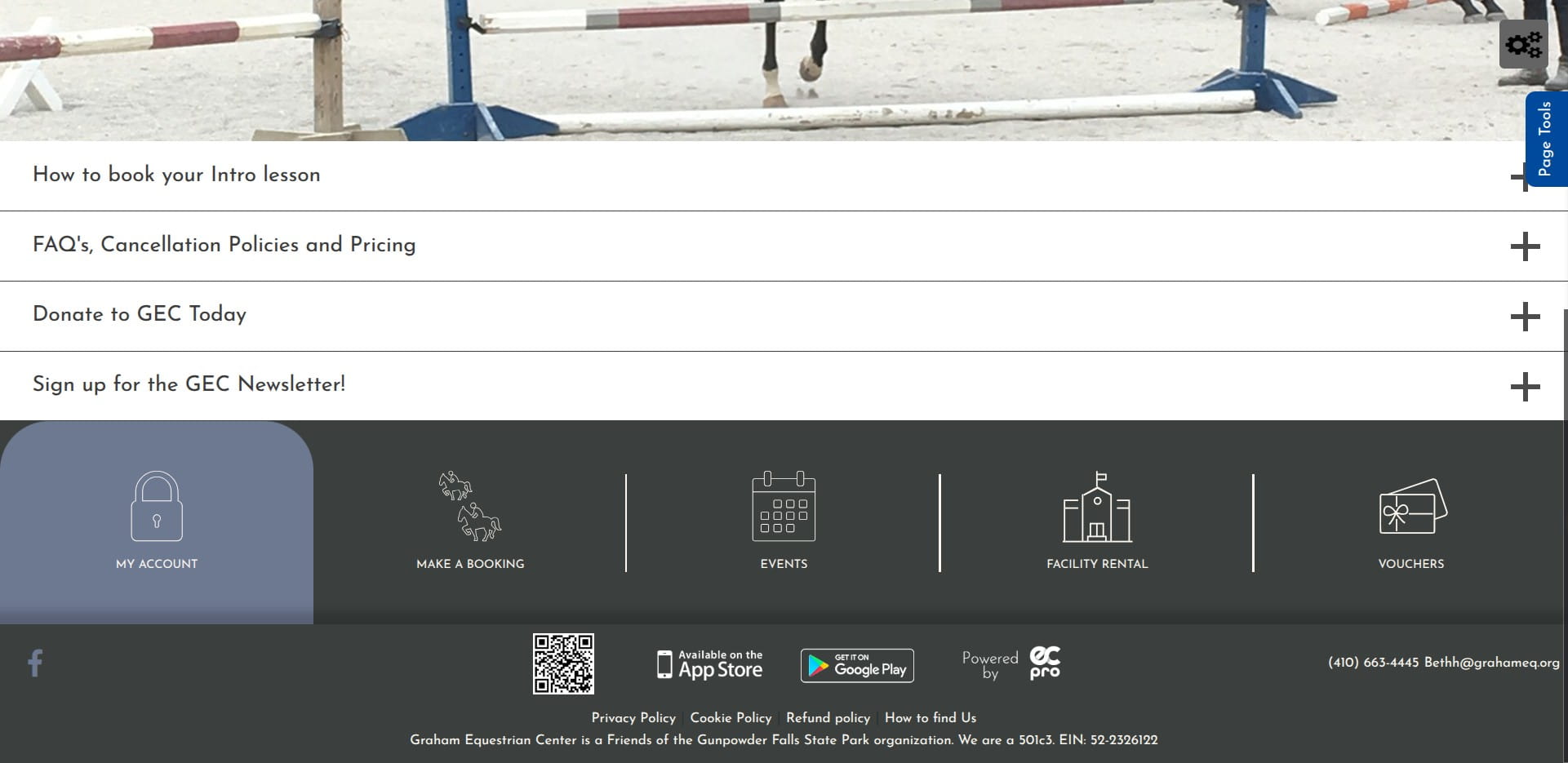
Click on My Account
3
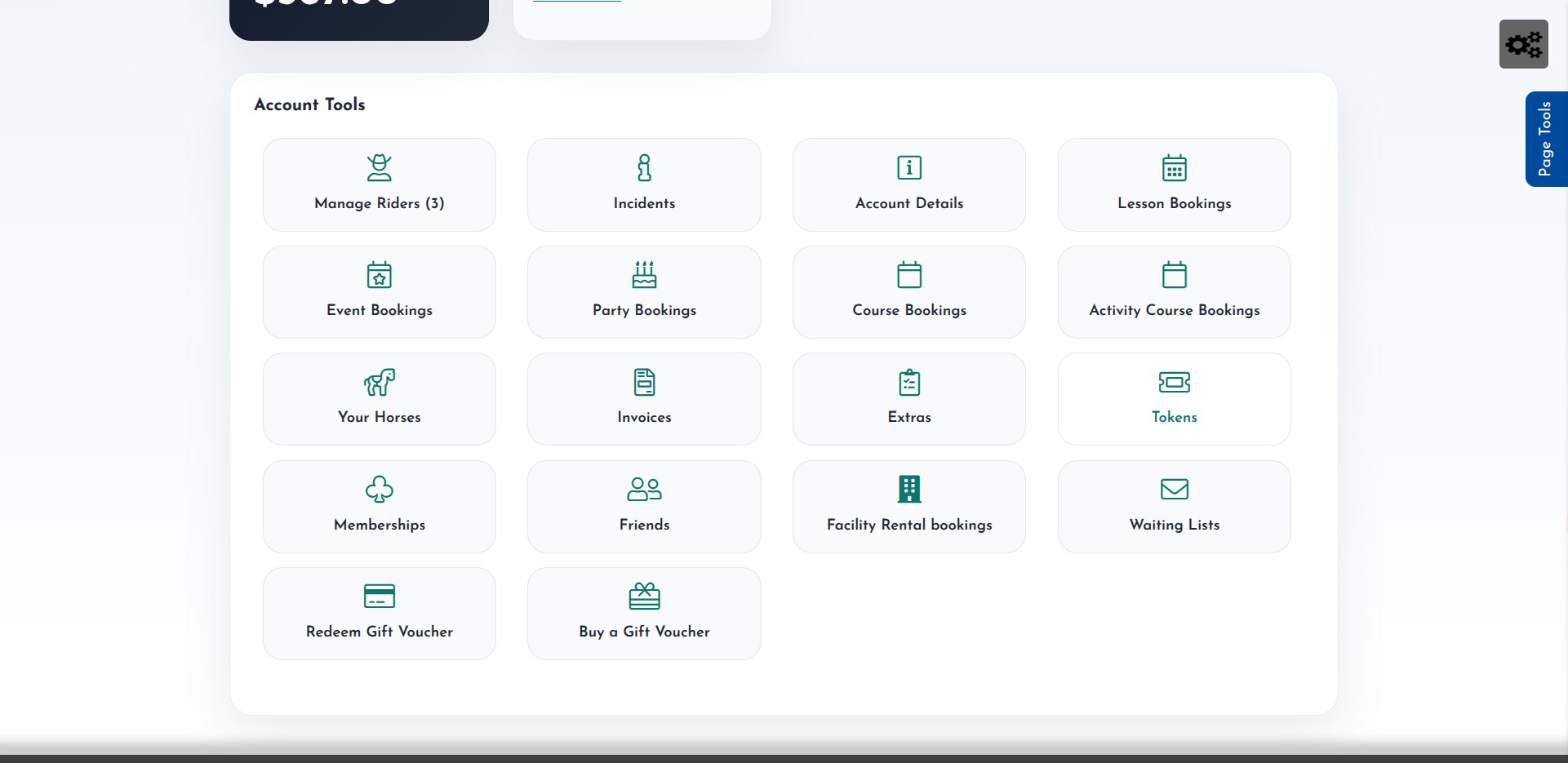
Click the Tokens icon
4
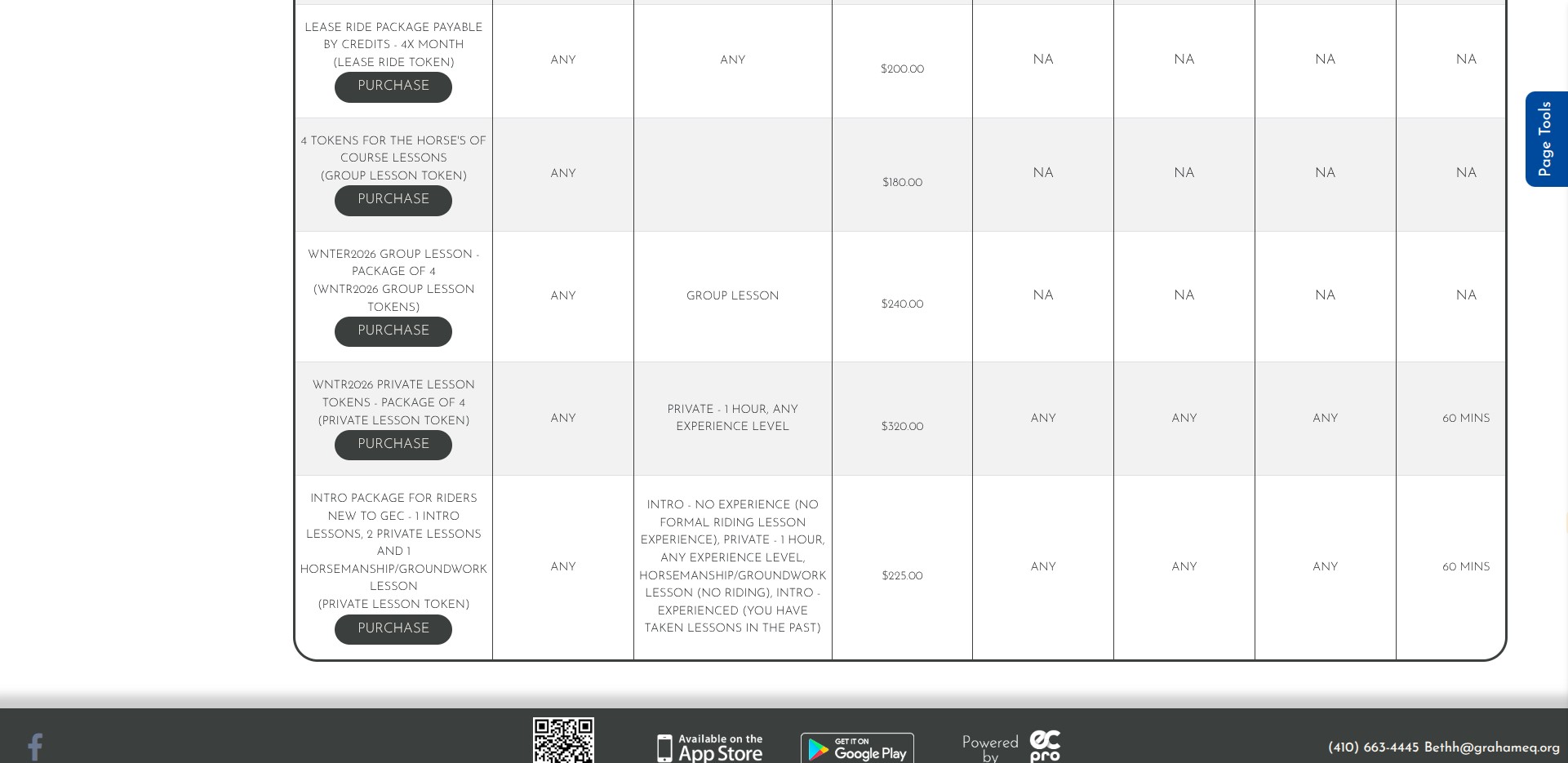
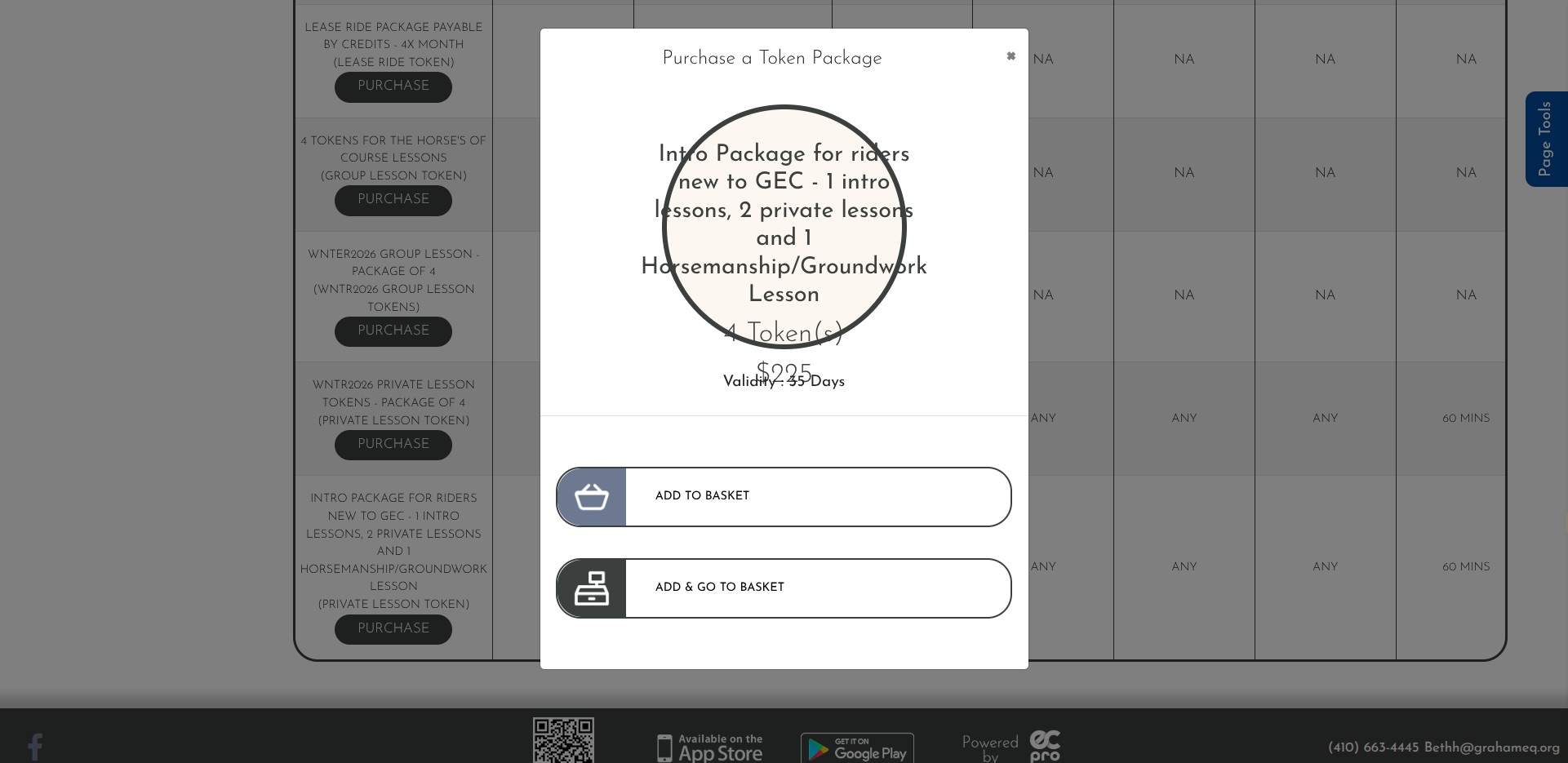
Scroll down to find the Intro Package, click Purchase
5
Click on "Add To Basket"
6
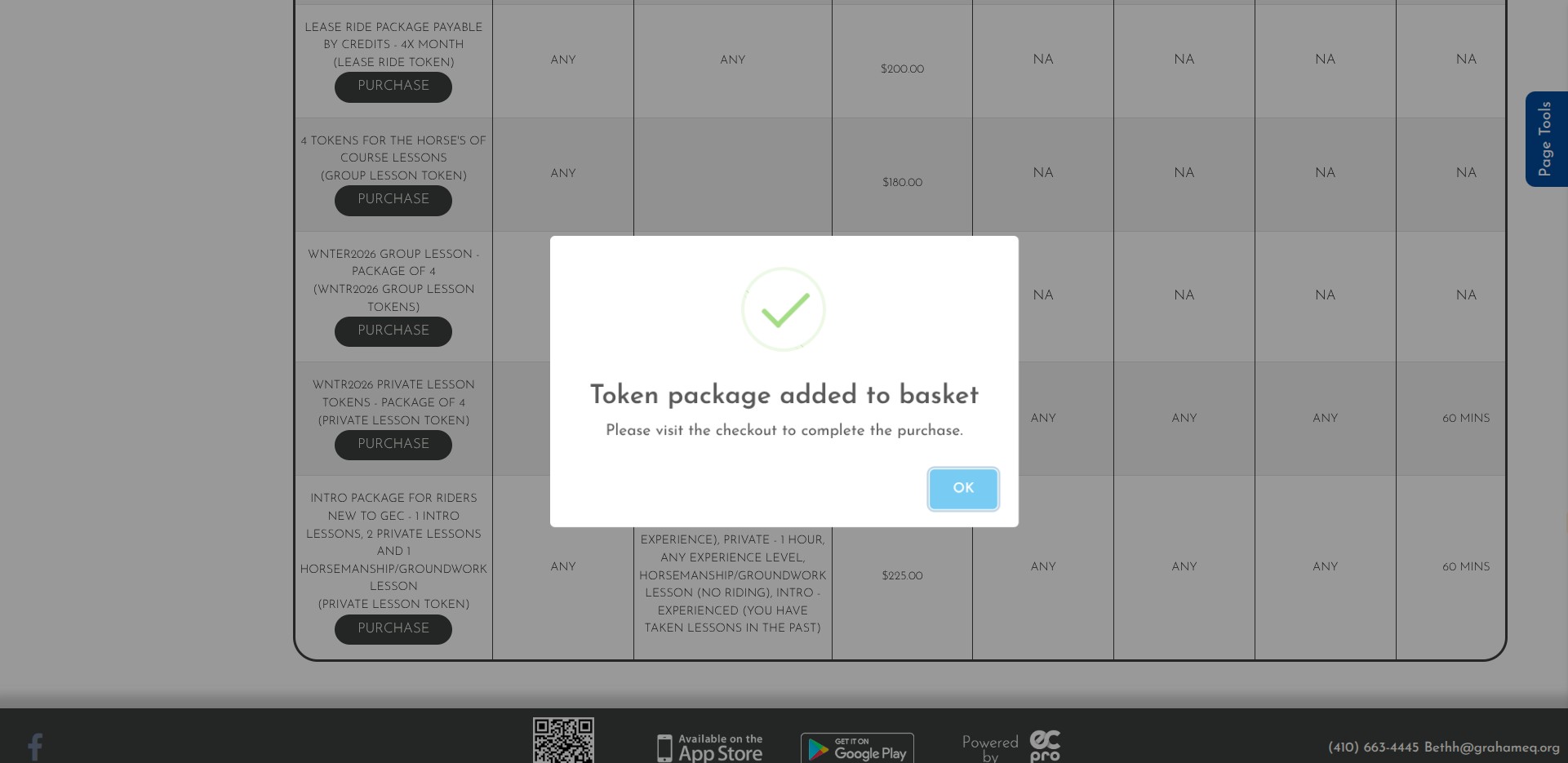
Click on "OK"
7
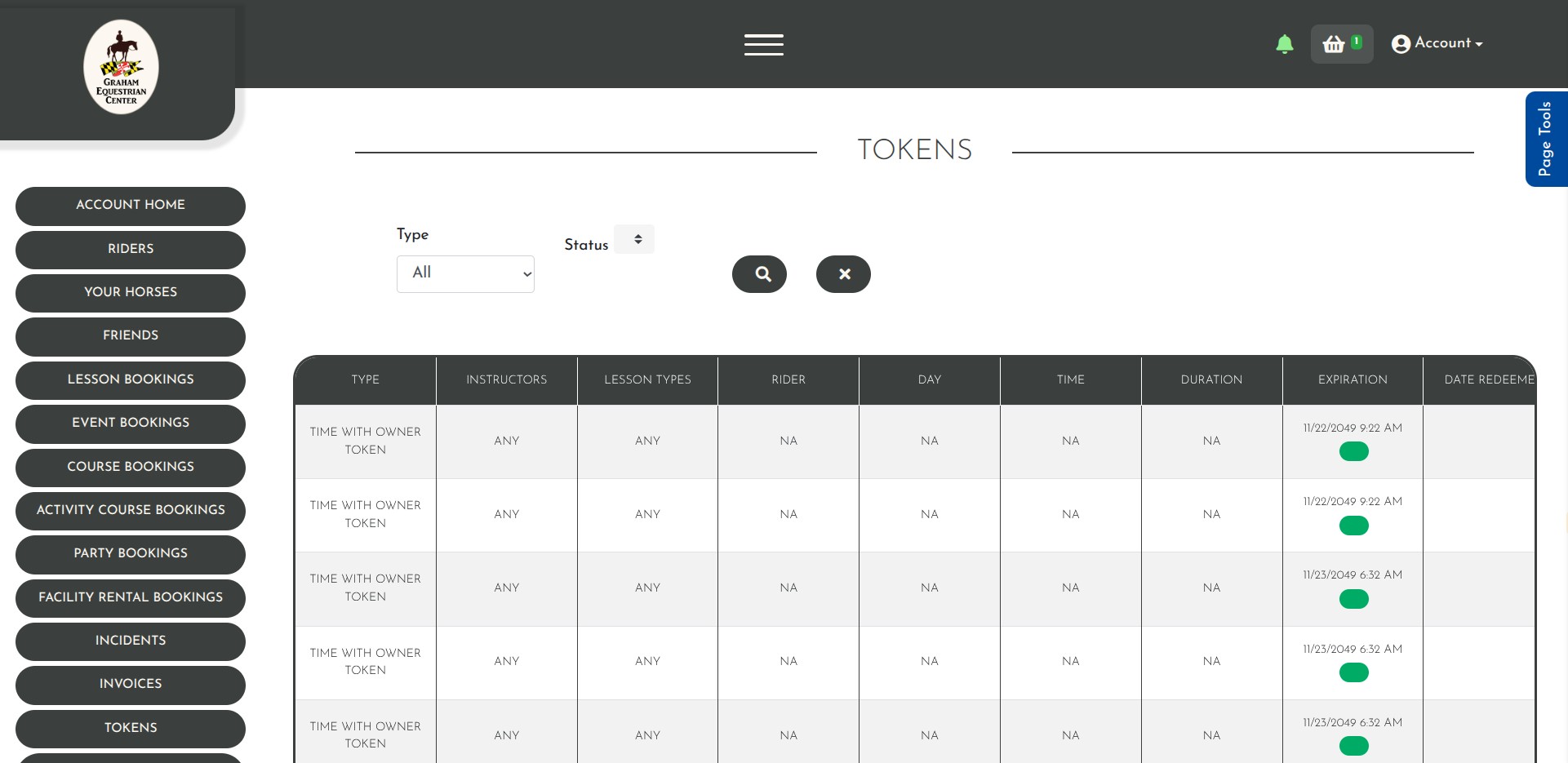
Click the basket icon in the upper right
8
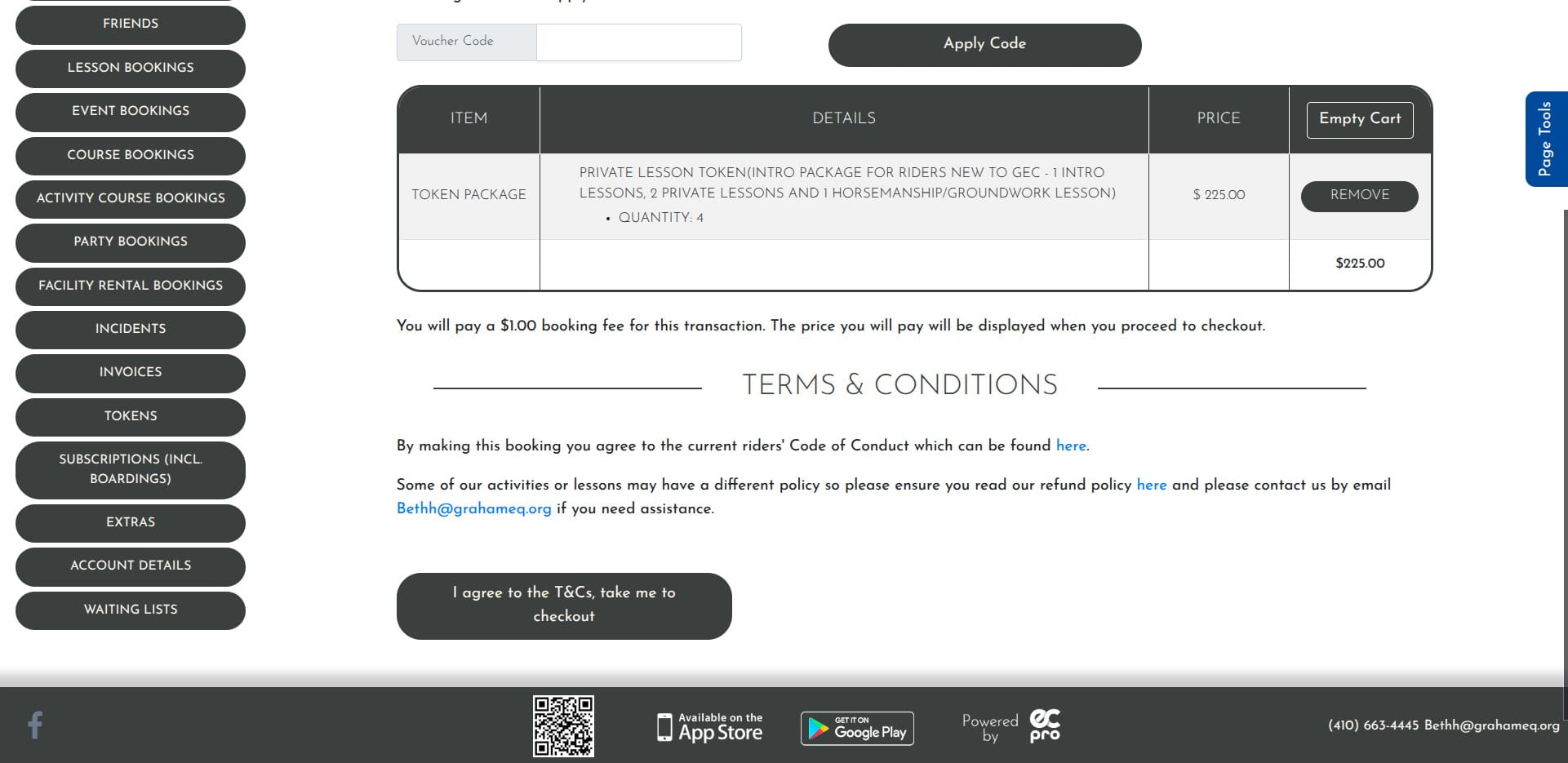
Click on "I agree to the T&Cs, take me to checkout"
9
Proceed through the checkout process. You will now have the tokens associated to your account to take your Intro lessons, 2 private lessons, and a horsemanship/groundwork lesson!