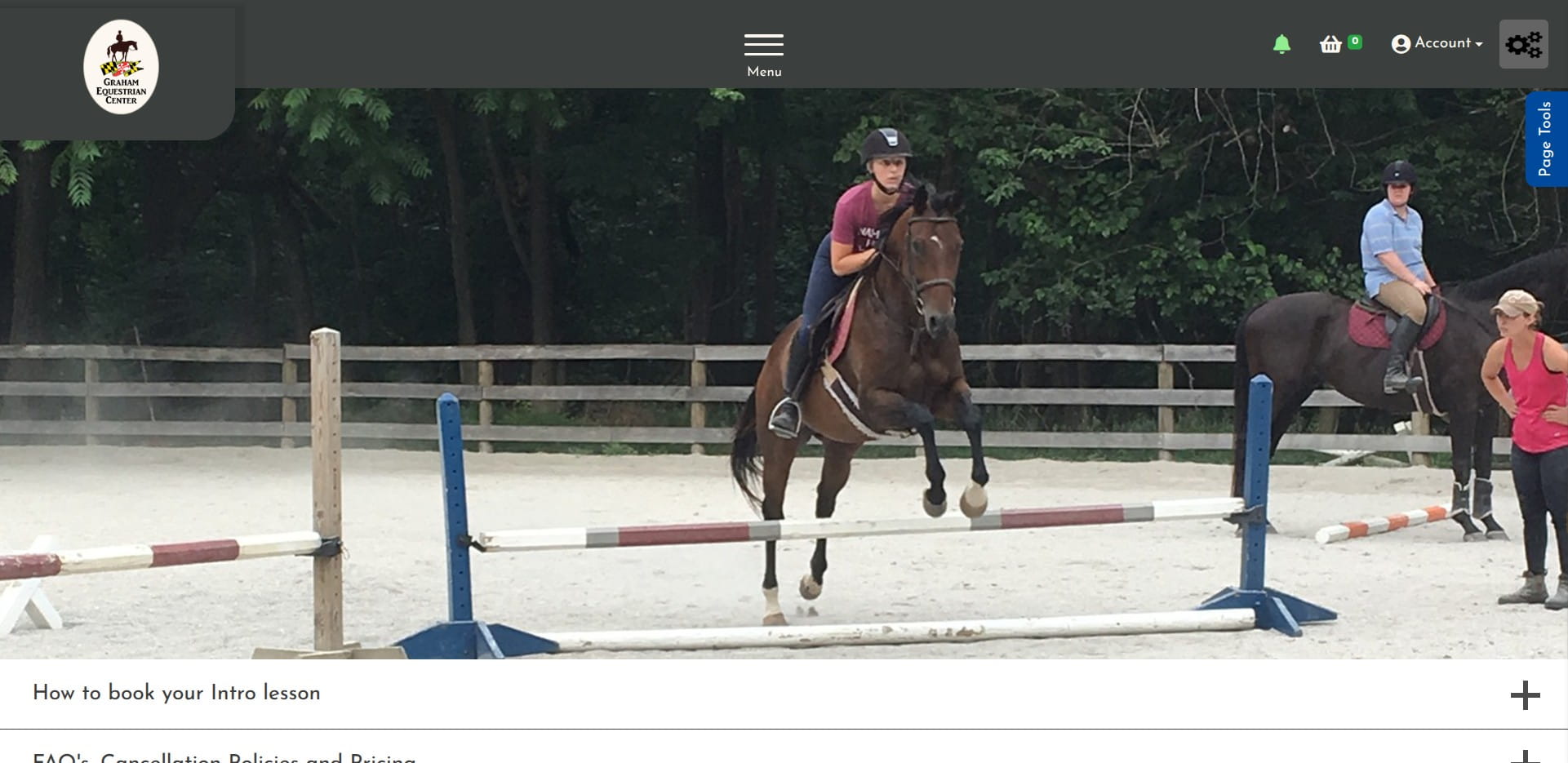
GEC ECPro - Booking your Intro Lesson with Tokens from the Intro Package
Navigate to https://grahamequestriancenter.ecpro.us/
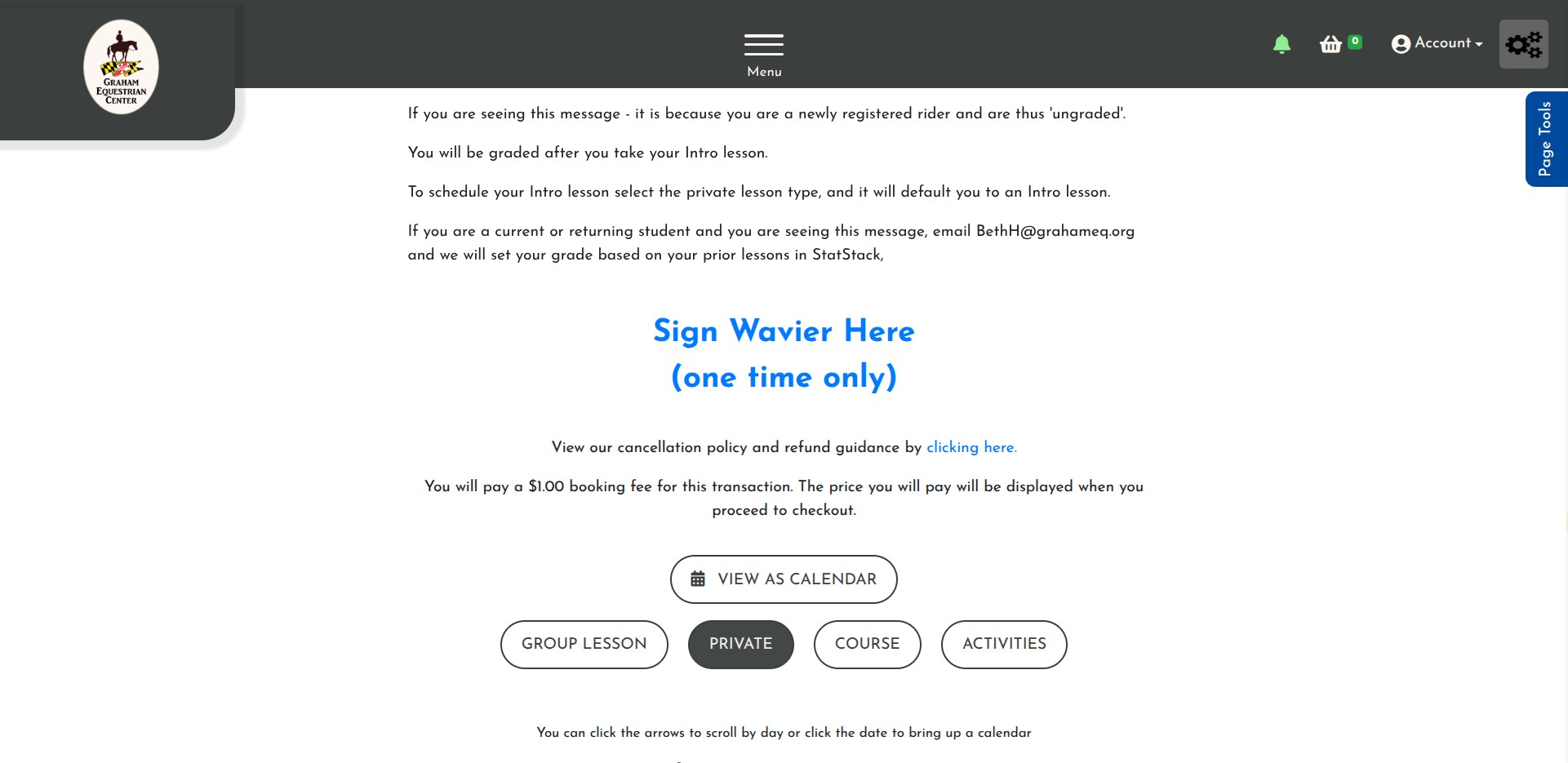
Click on Make a Booking
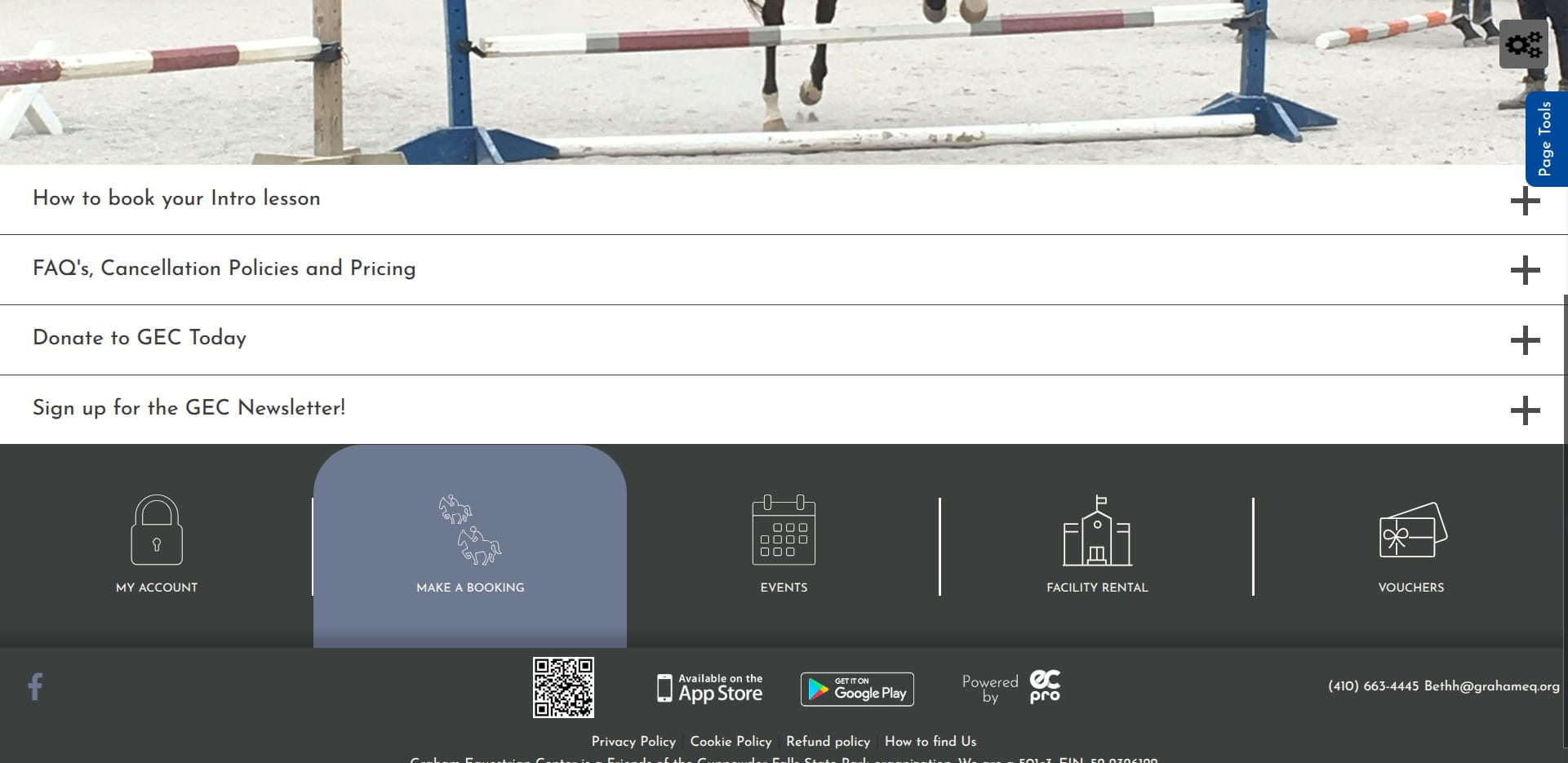
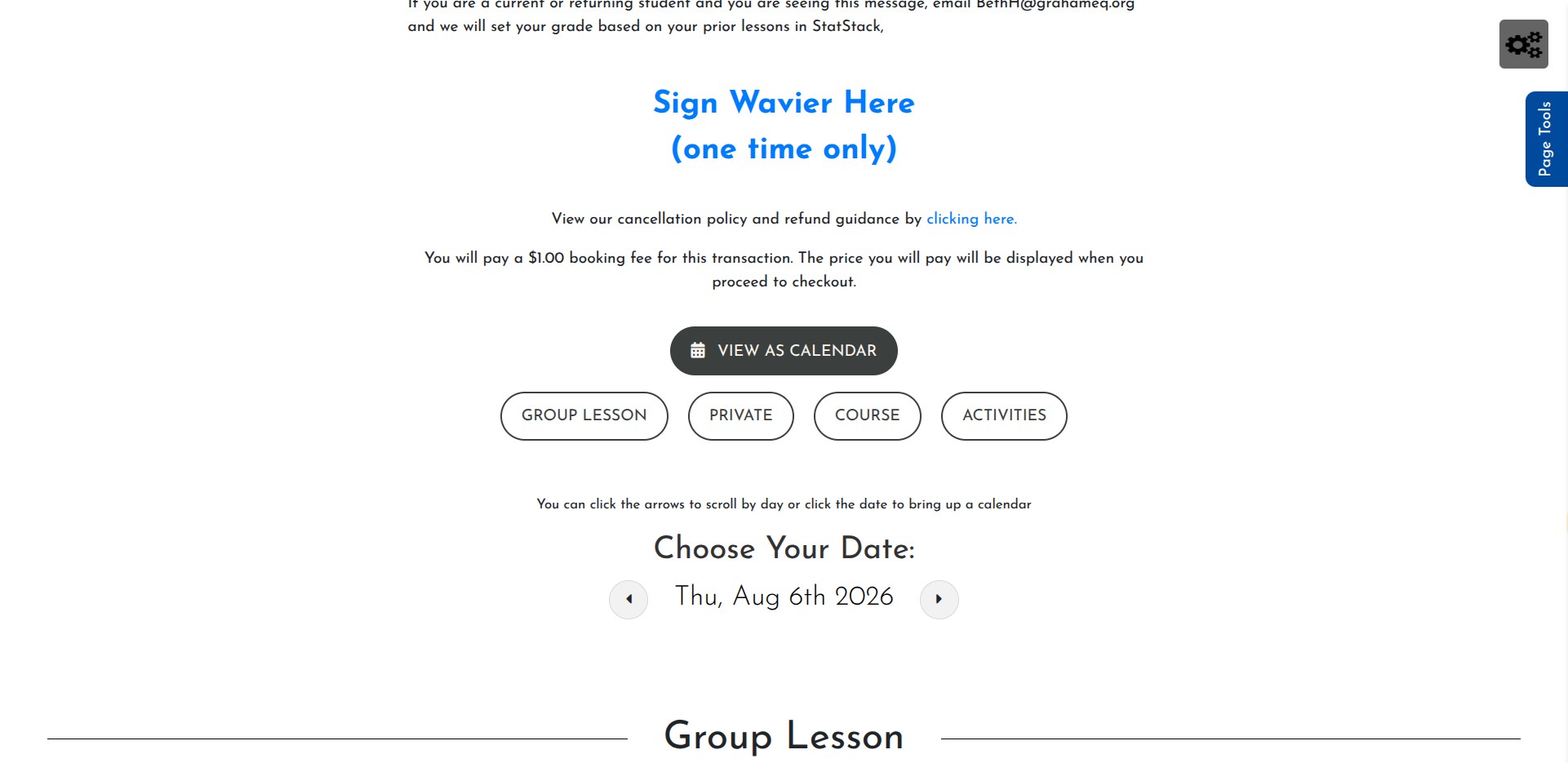
Click View as Calendar
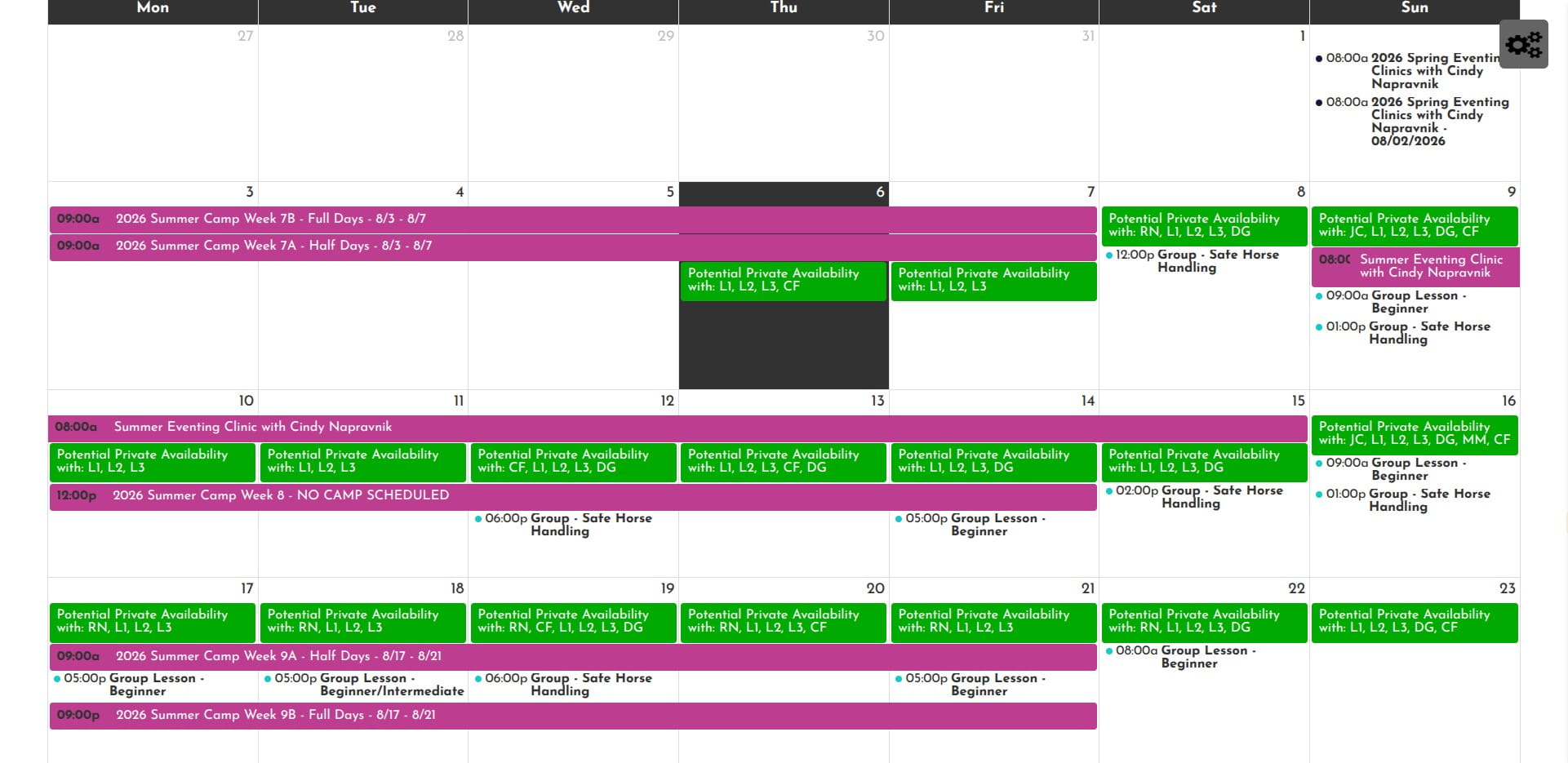
Select a date that works for you, make sure it says "Potential Private Availability with:' and includes at least one set of instructor initials that is NOT L1, L2 or L3.
Click on "Private"
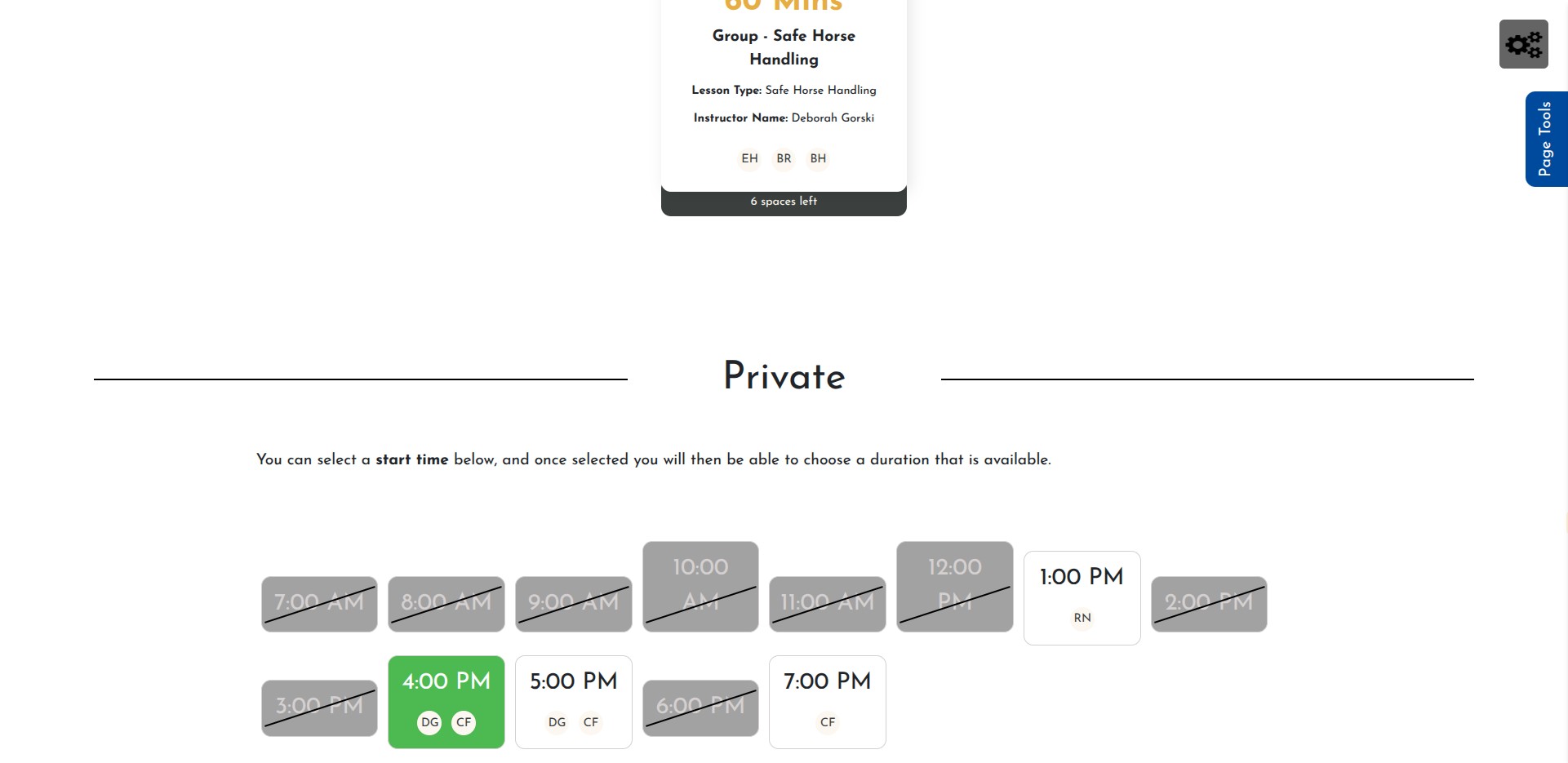
Click on an available time
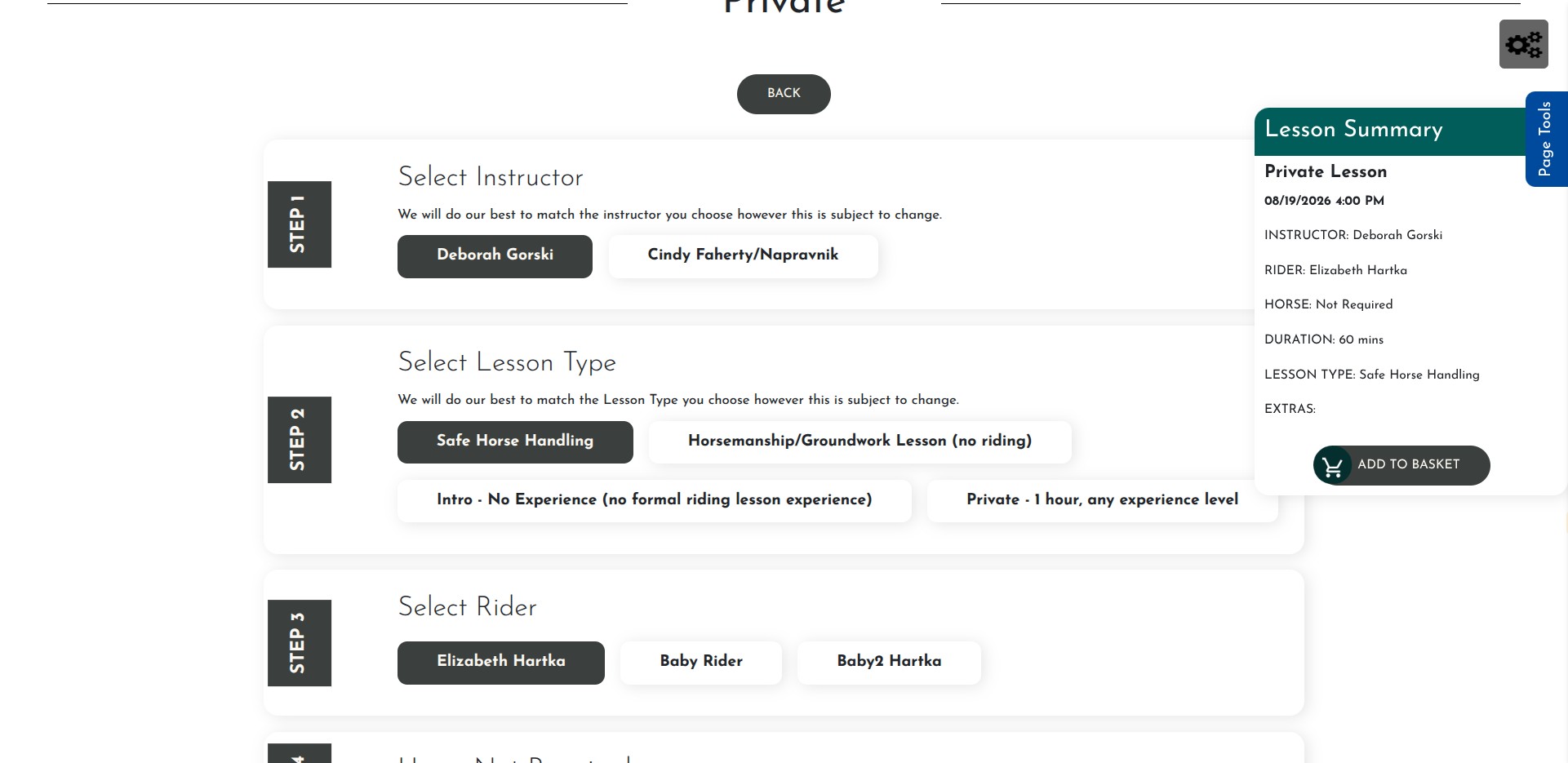
Click on "Intro - No Experience (no formal riding lesson exp)
Make sure the Token is selected
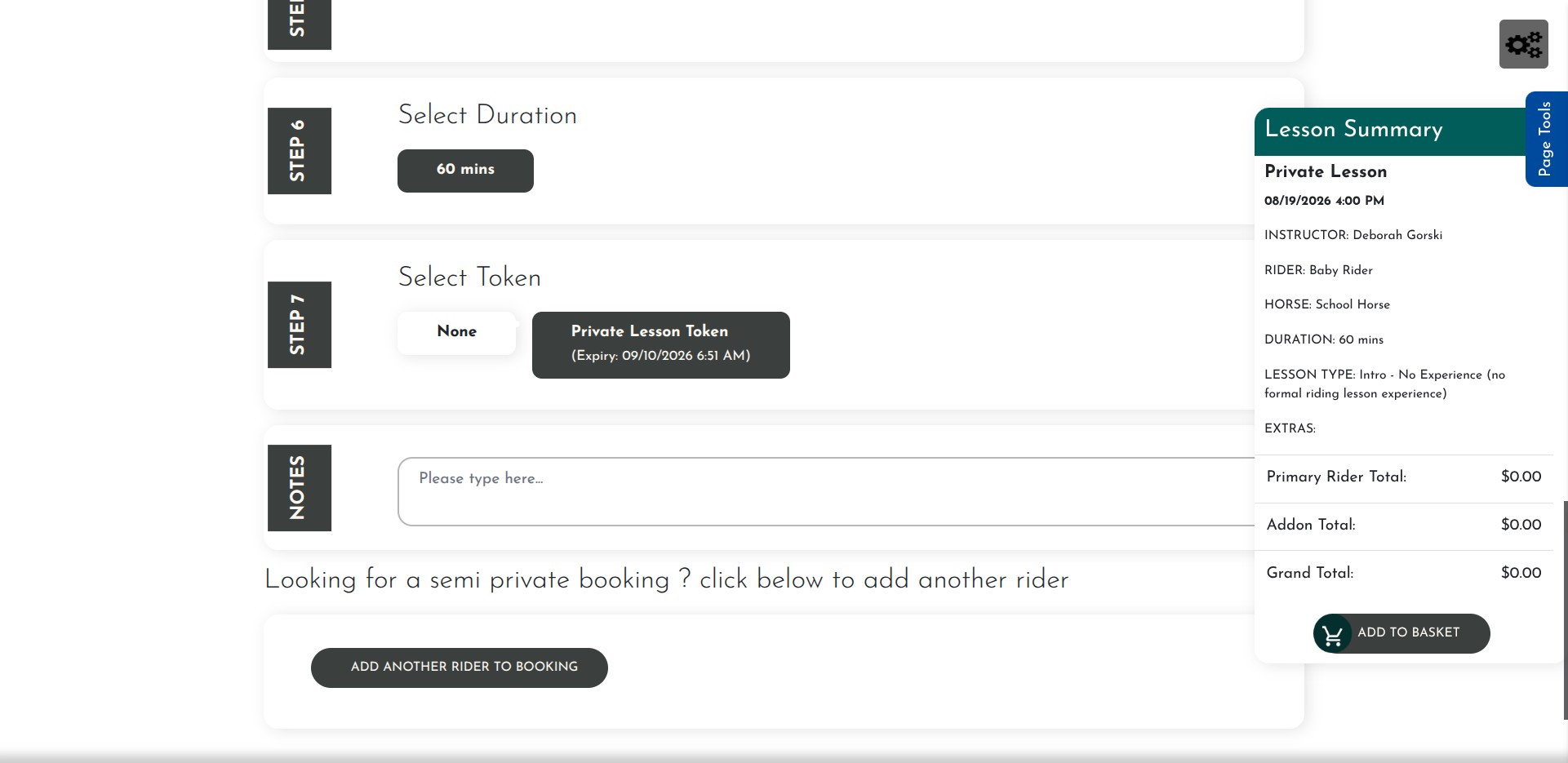
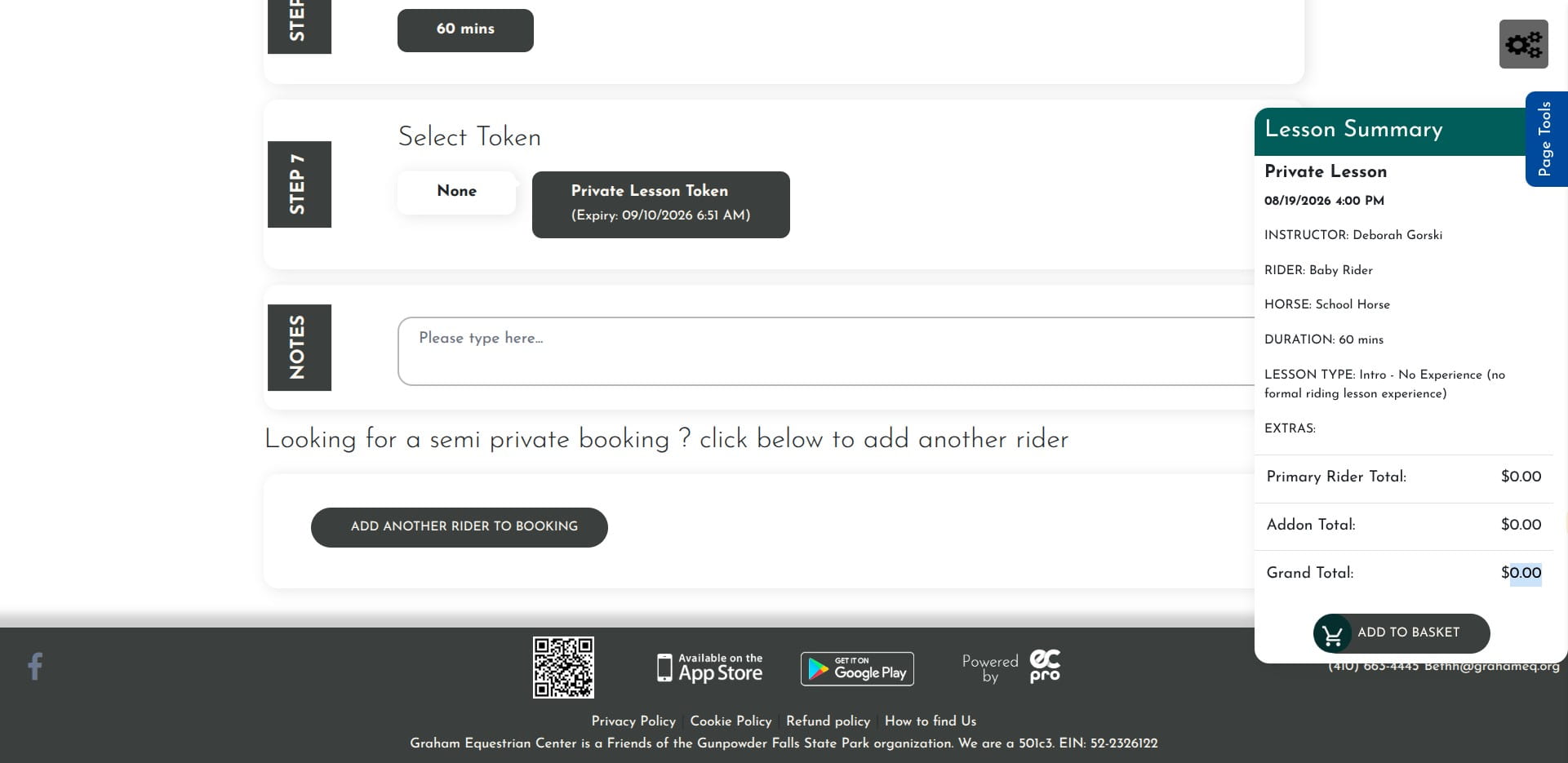
Notice that over in the Lesson Summary window, the cost is $0.00 because the token is applied.
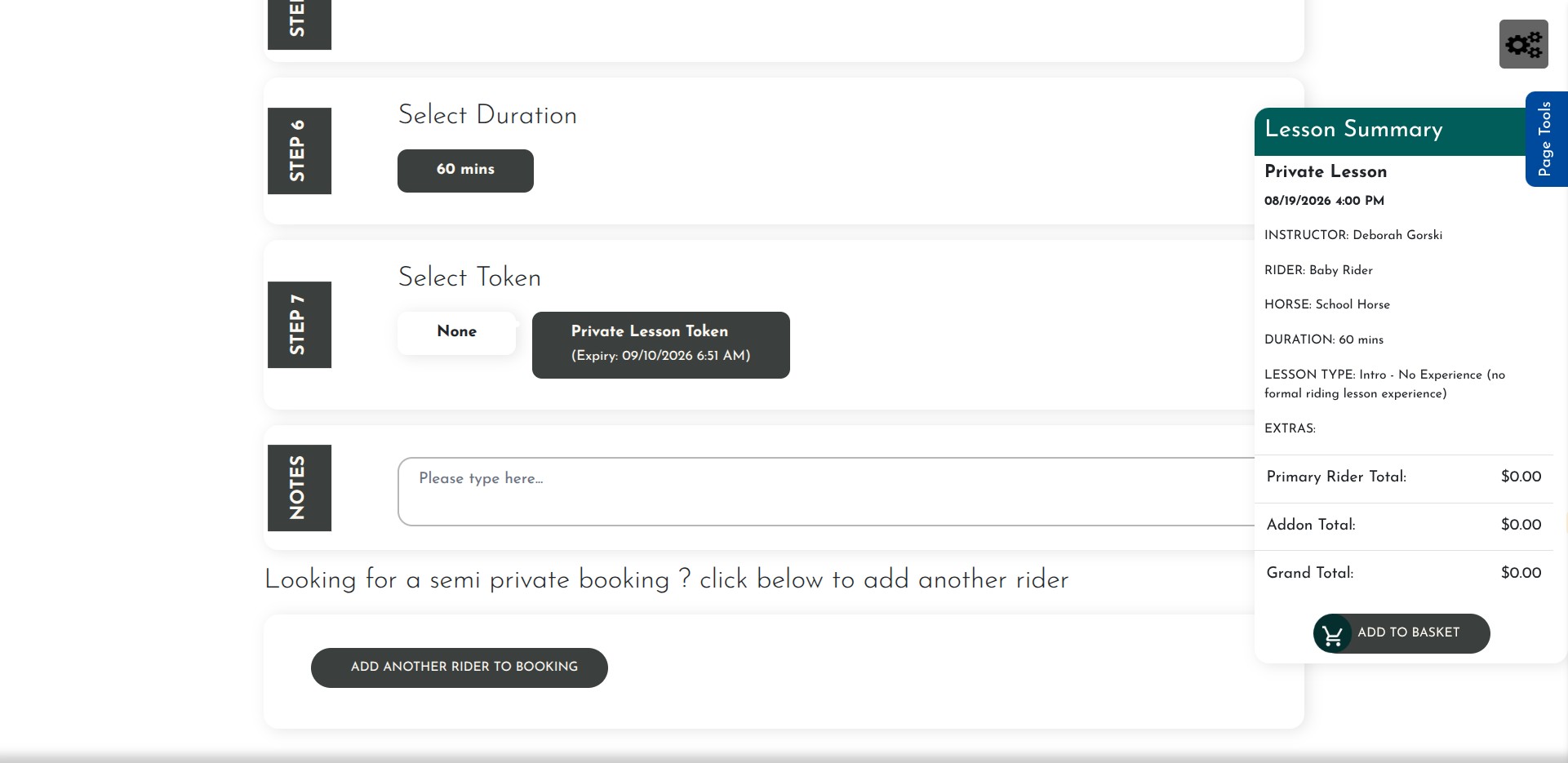
Click on "Add to Basket"
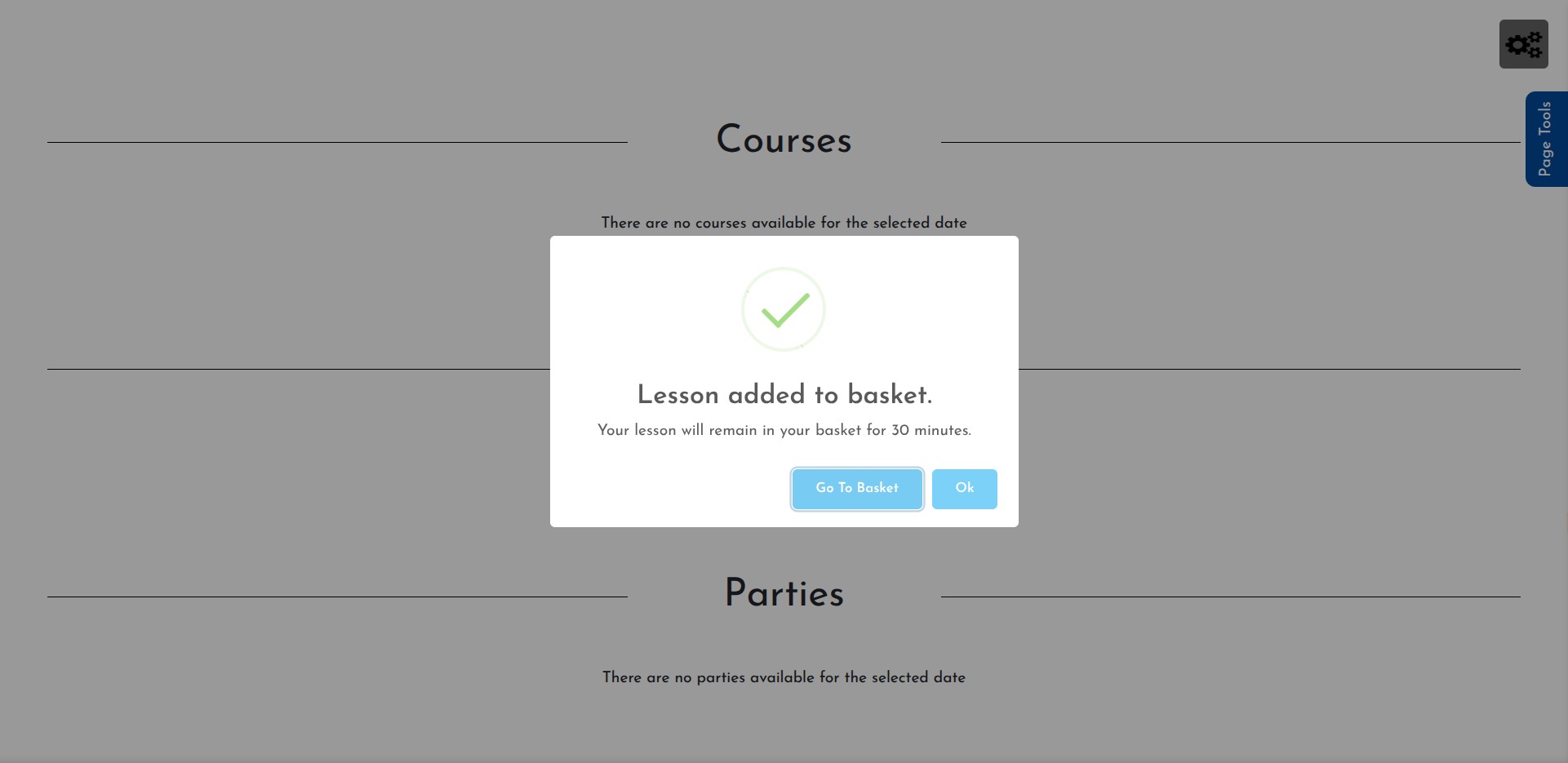
Click on "Go To Basket"
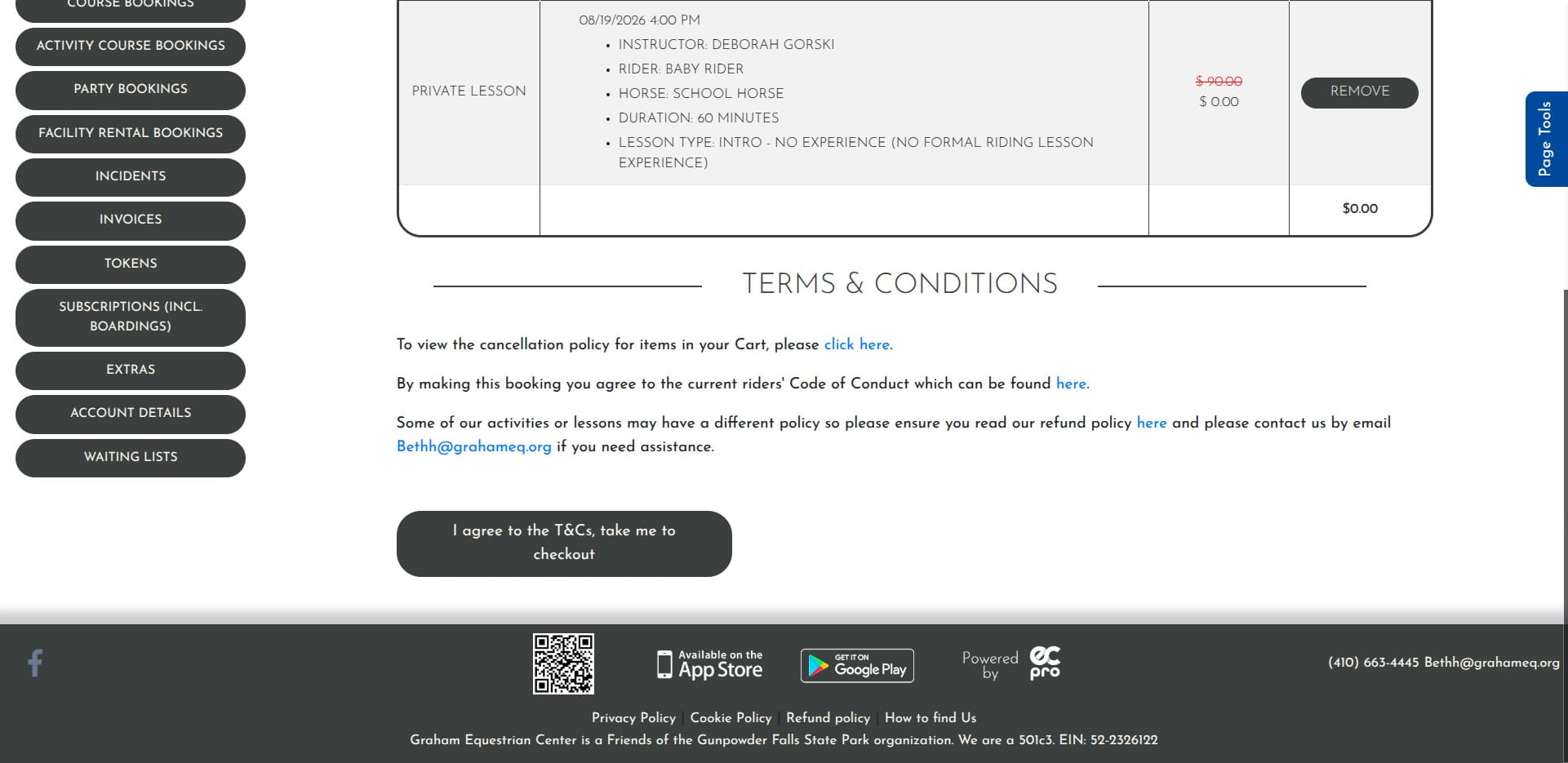
Click on "I agree to the T&Cs, take me to checkout"
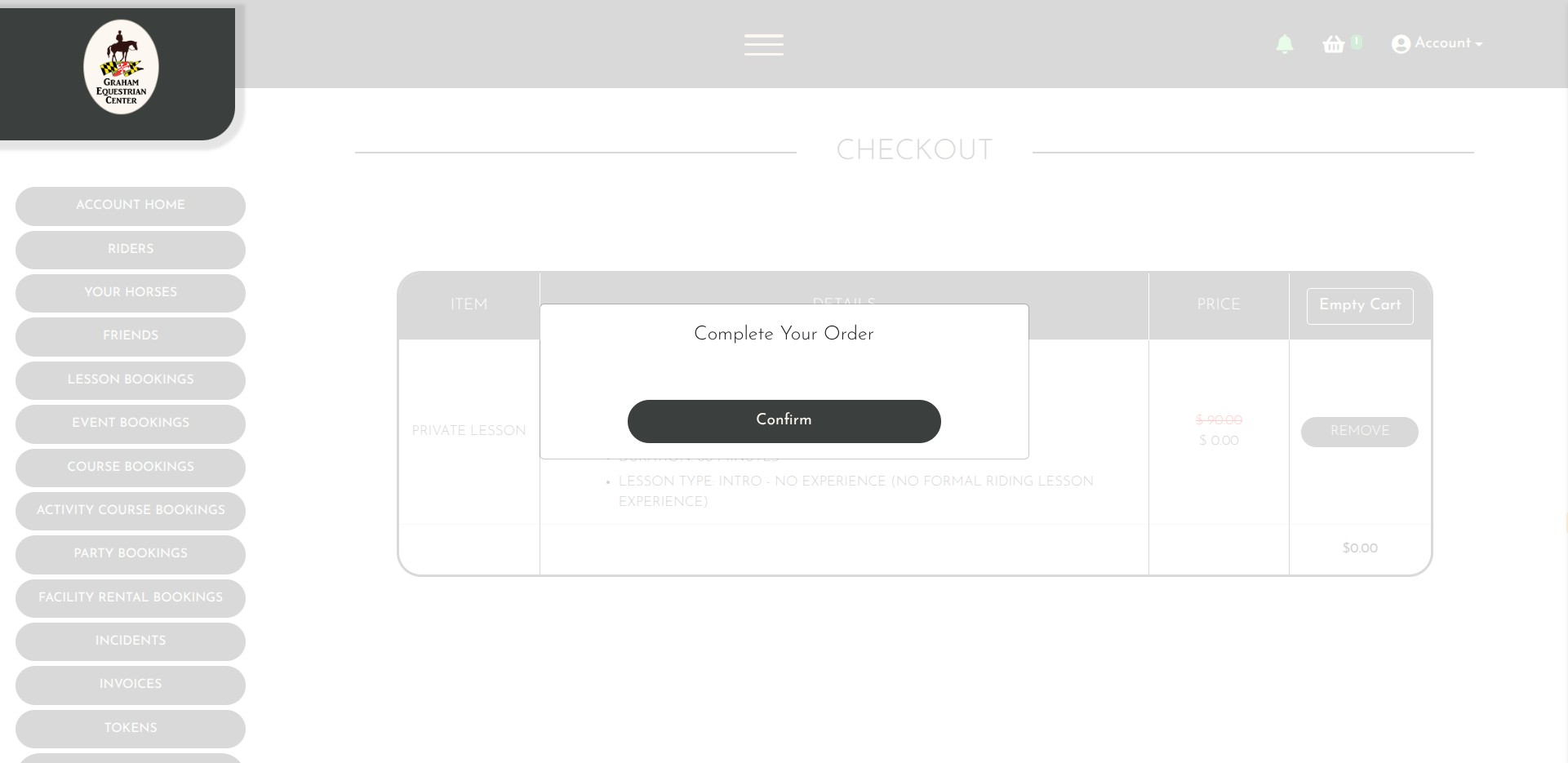
Click on "Confirm"
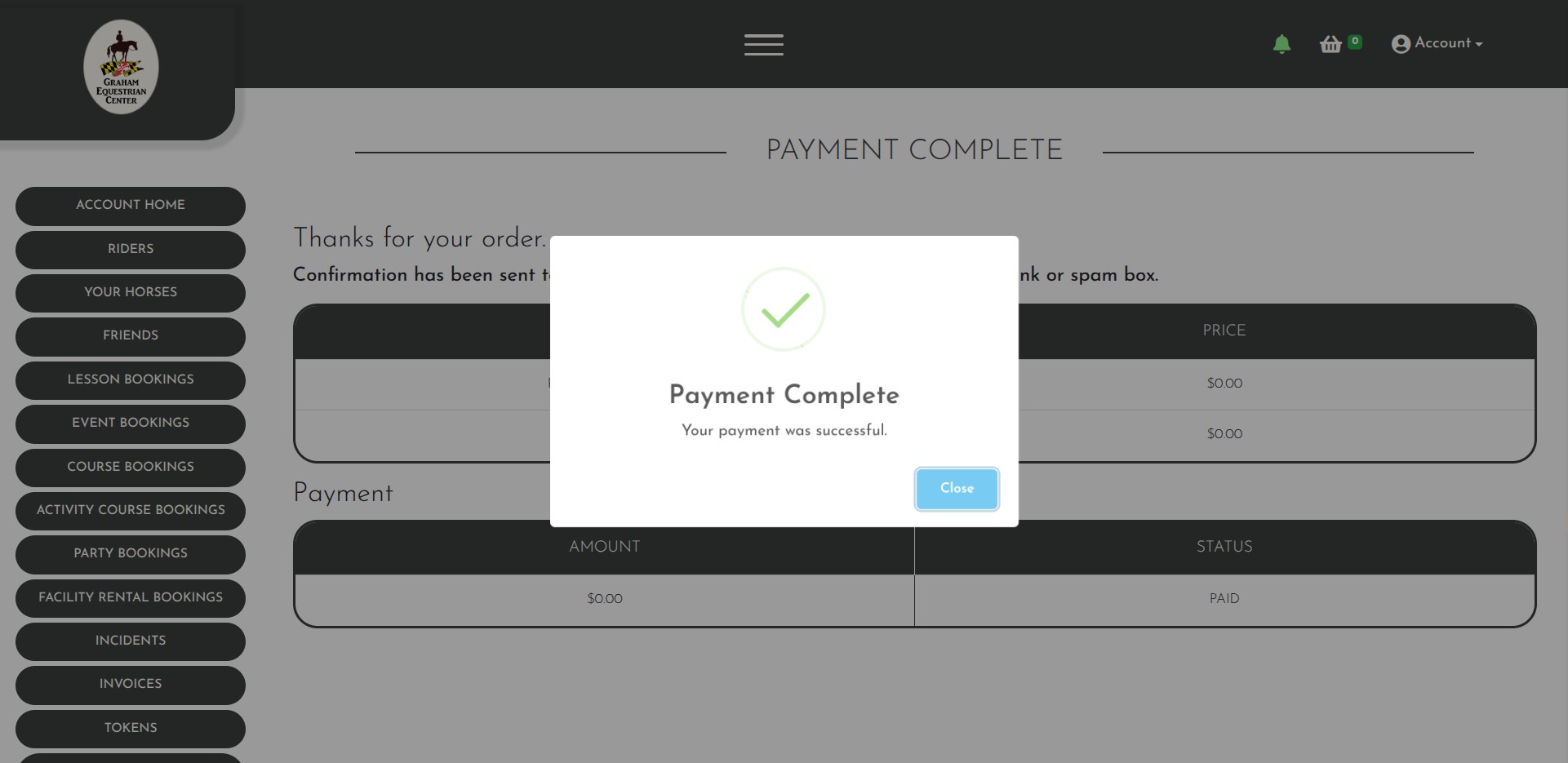
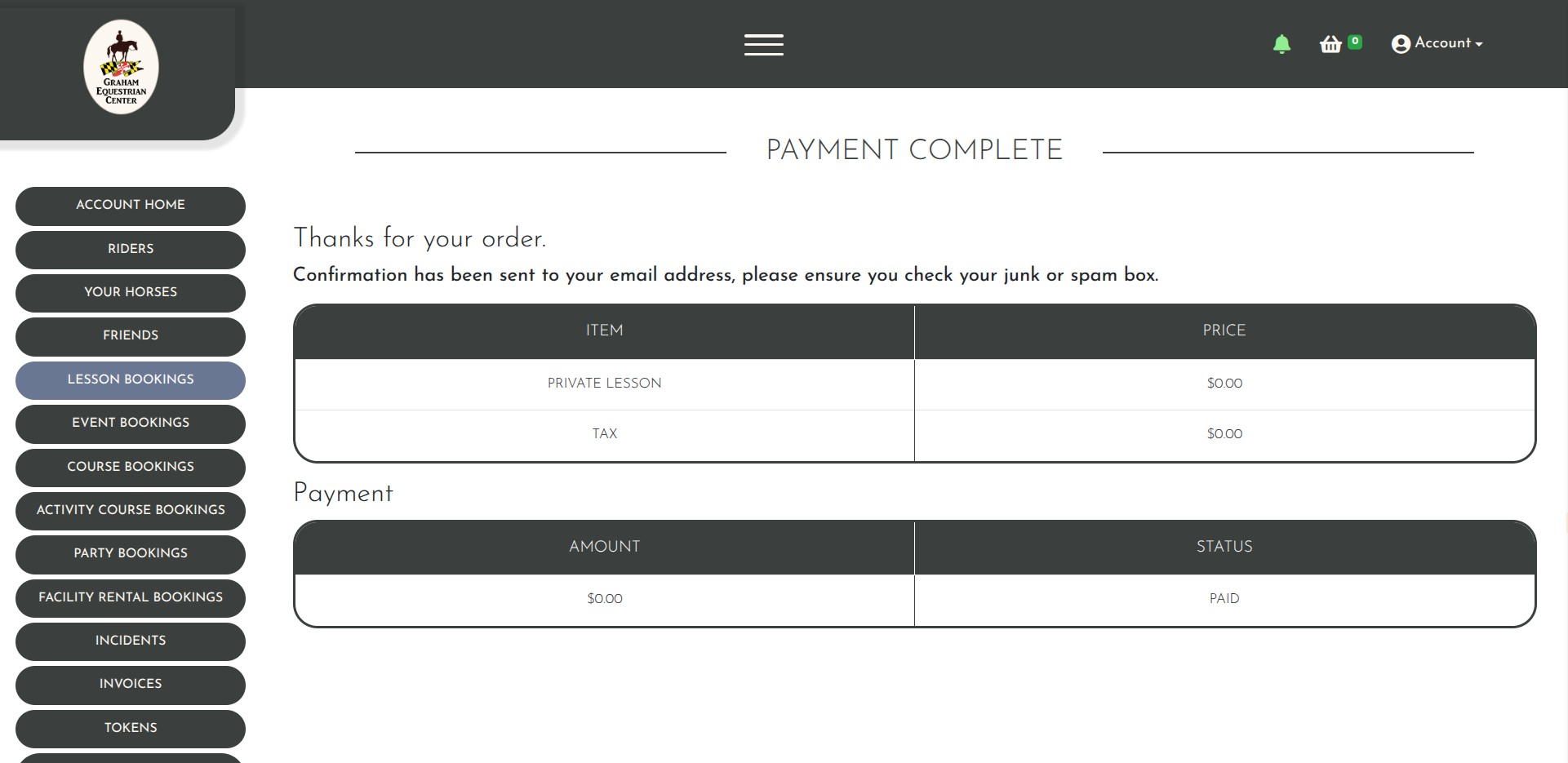
Click on "Close" You MUST finish the checkout process even though the price is $0.00 or the lesson will not be saved and scheduled.
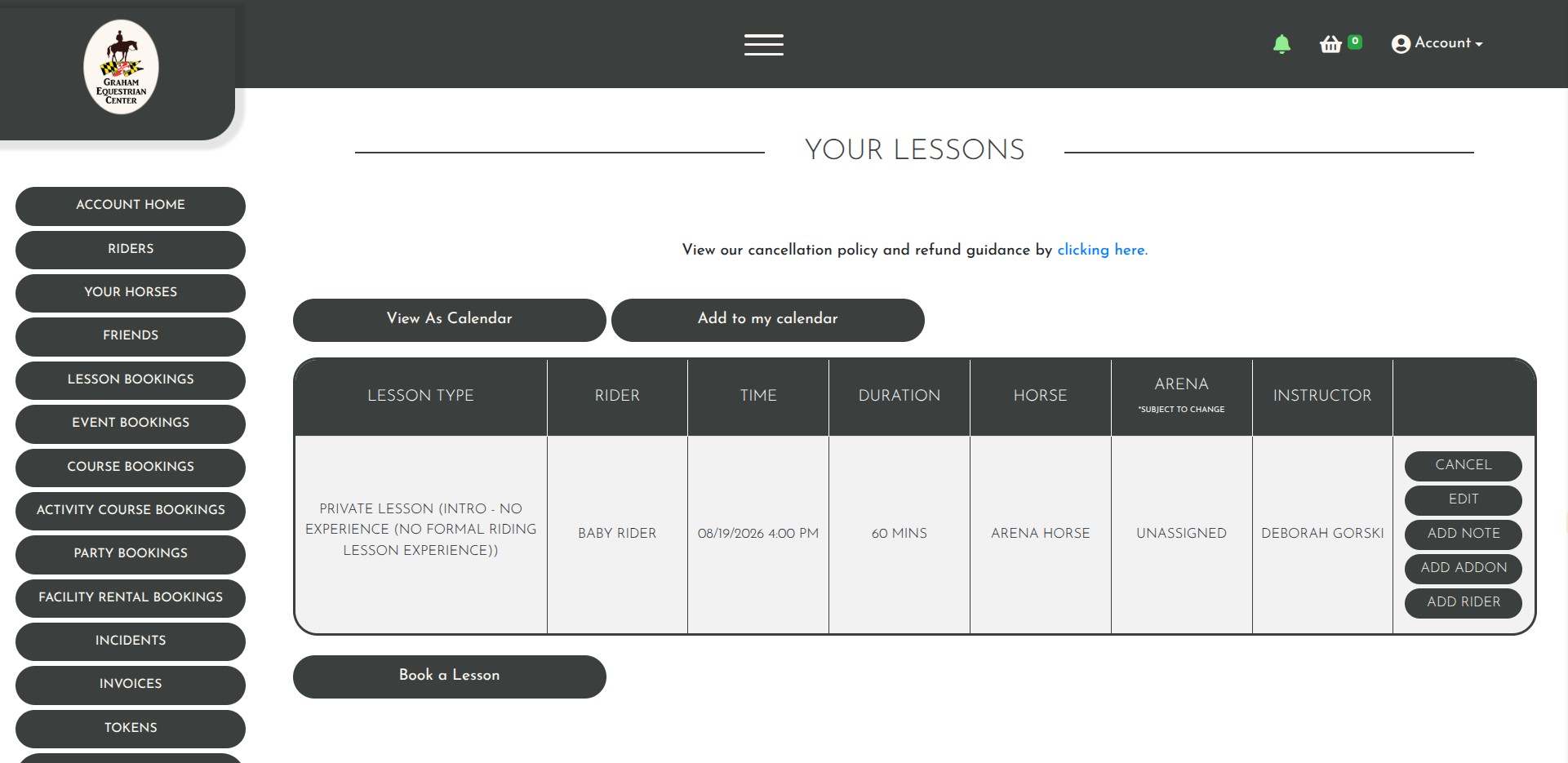
If you want to verify your booking, you can click on Lesson Bookings any time to see what you have scheduled.
If you ever get lost navigating the system, click the GEC Logo in the top left, and it will take you to the main page.
Done 🚀