
Adding Custom Colleges in Achieve
Add a custom college to a student's school list and choose whether it remains private to your account or is submitted for global approval. Store and update the college's information, with approved global schools becoming available to other Achieve users along with application tracker access.
Open up a student's profile in Achieve
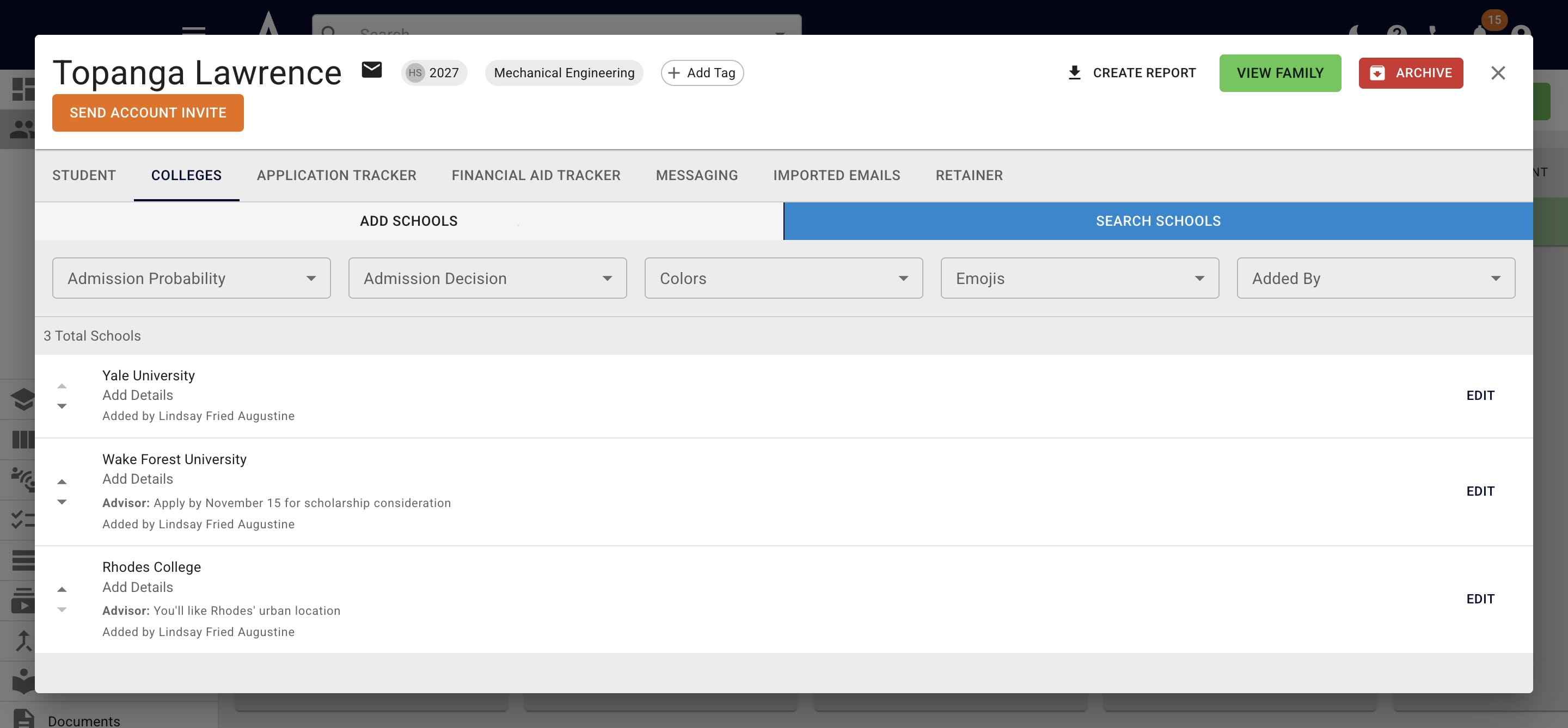
Click Add Schools
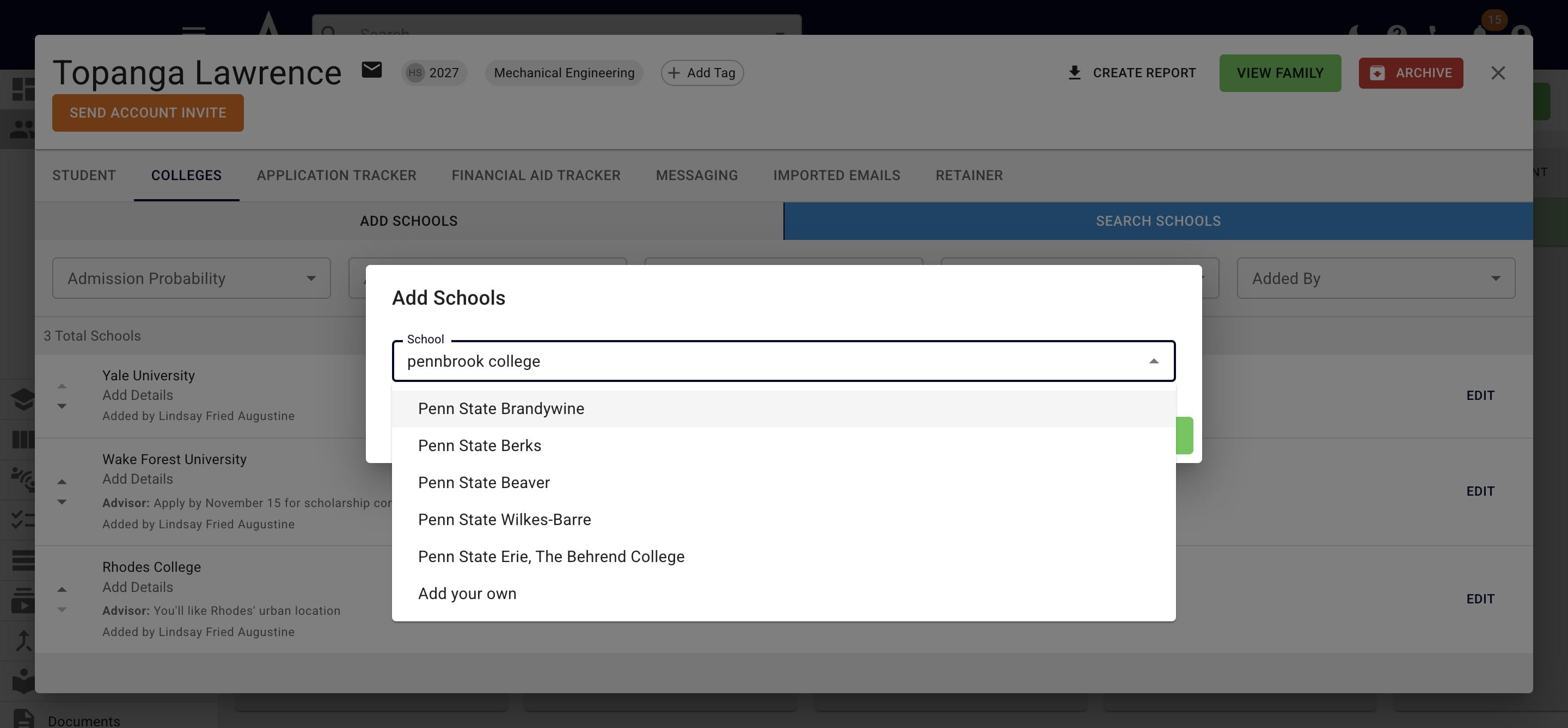
Type in the college's name & once you've confirmed it's not already in the bank, select Add your own
Keep the Private toggle on, if you only want to keep the college in your account's college bank. This is a college that your students can see/add but other Achieve advisors & their students will not be able to see.
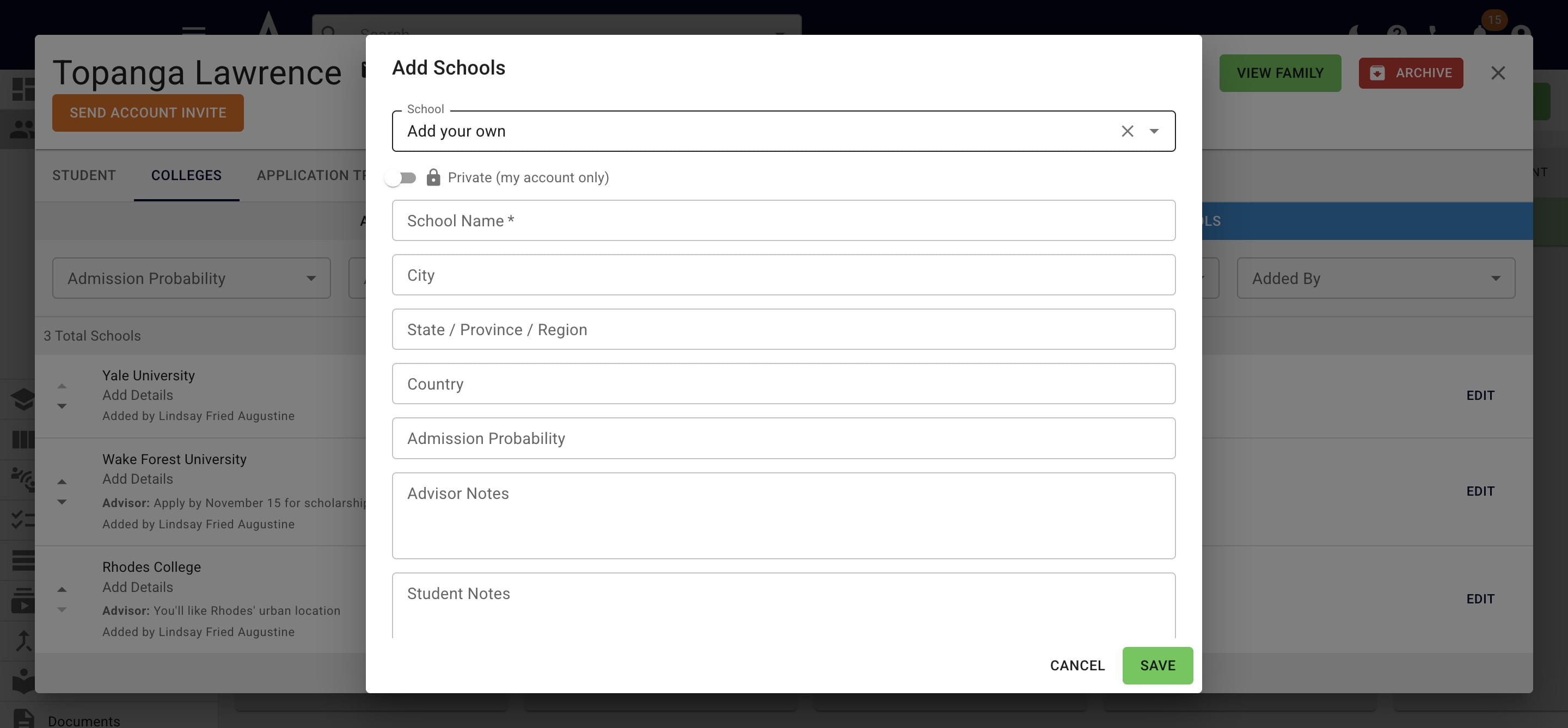
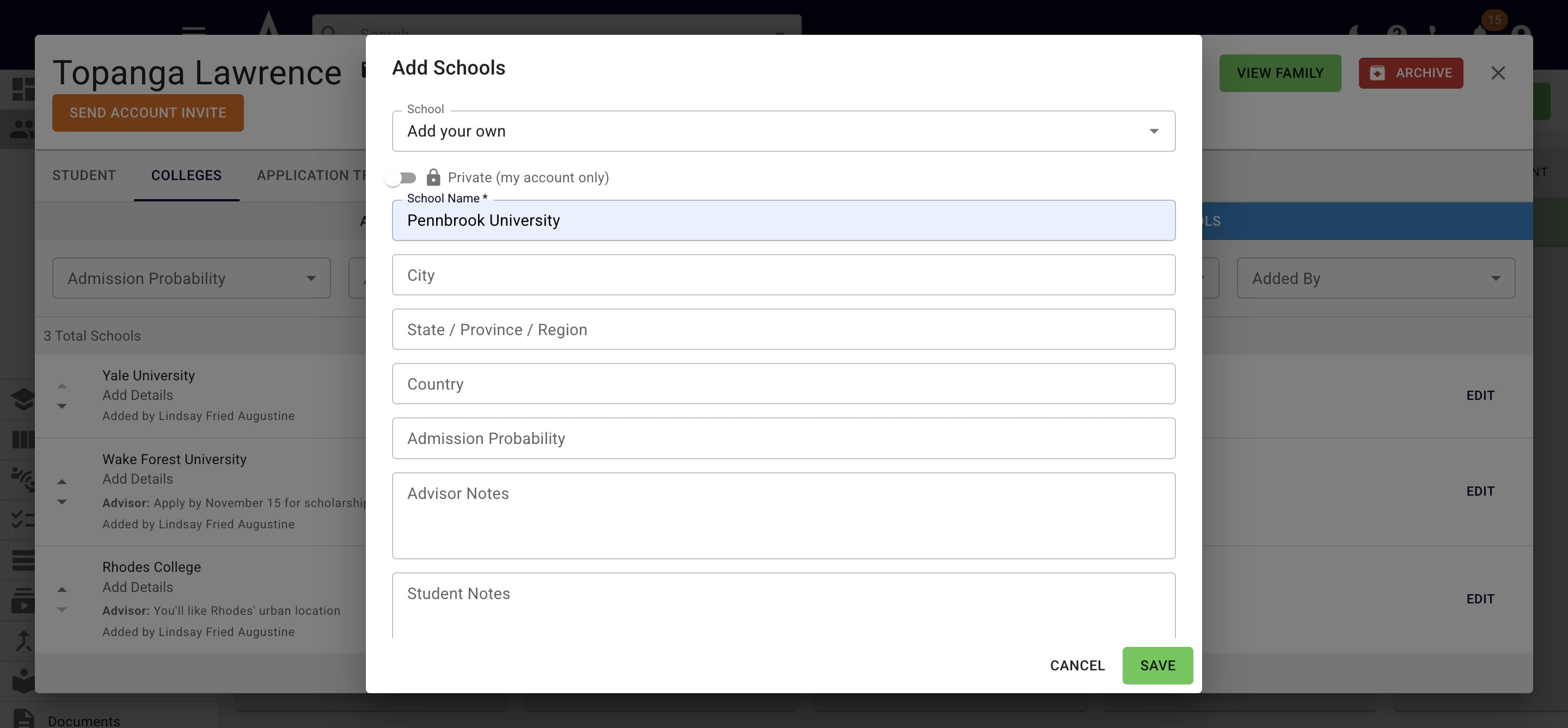
Add any applicable information you want to store for the college. When complete, press Save.
You will be able to update the college's information in the future by pressing the Edit button to the right of the college's name when it's on a student's list.
If you feel this is a college that many Achieve users will want to see (i.e. international schools, vocational schools, etc.) toggle on the Global (submit for approval) visibility option
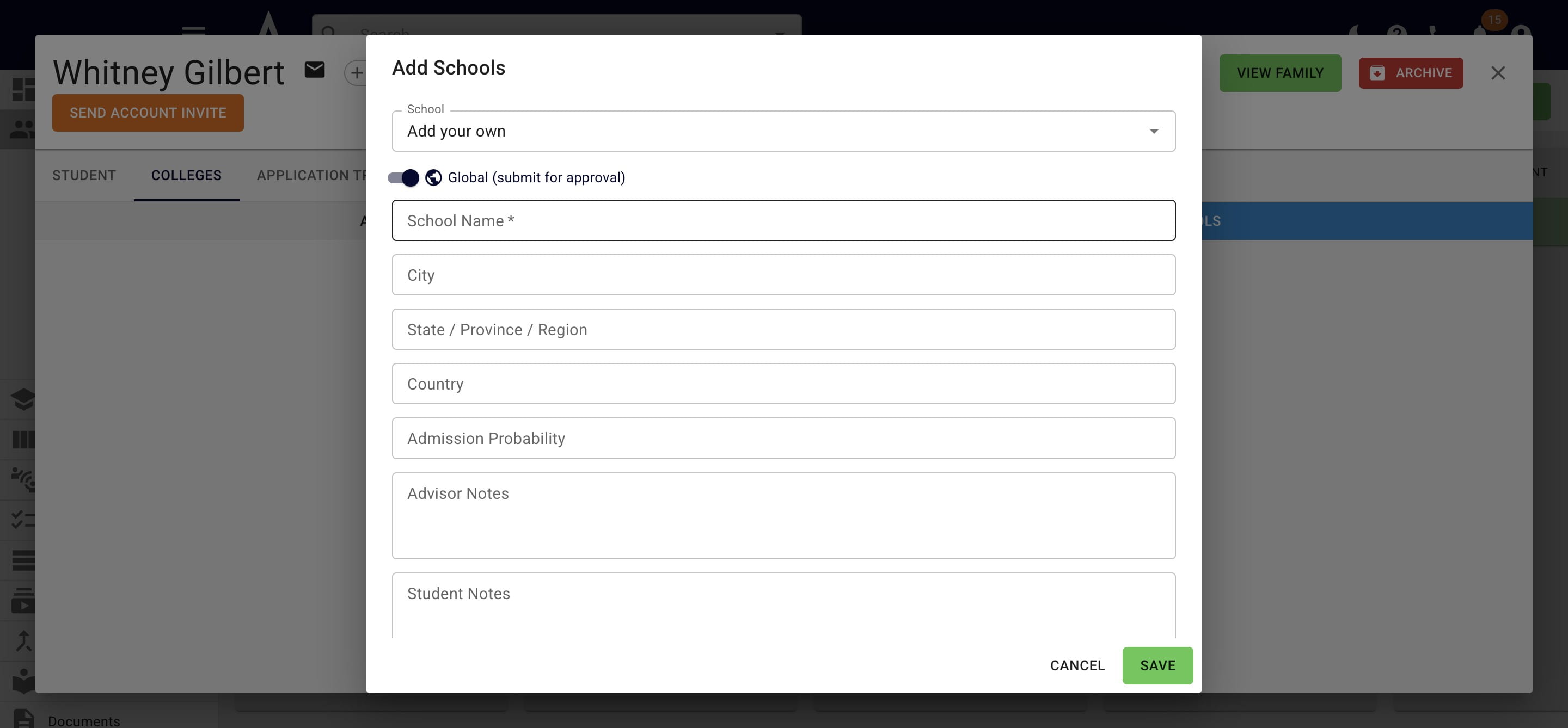
For Global custom colleges, once you press Save, it will go to the Achieve team for vetting & approval.
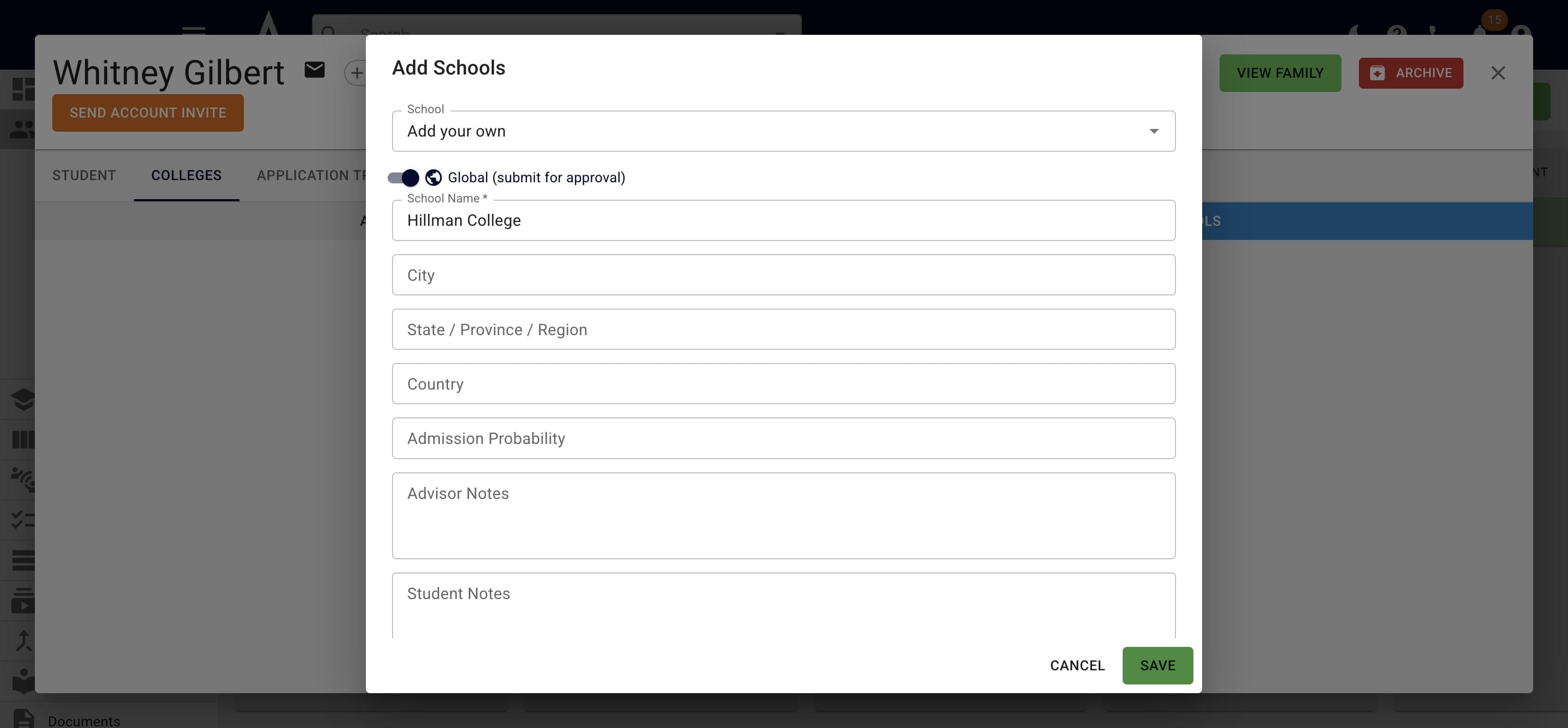
Once a Global custom college is approved, we'll build out the profile (i.e. add the research links, qualitative information, etc.). Colleges will be approved within one business days & the user who submitted the school will be notified of the result.
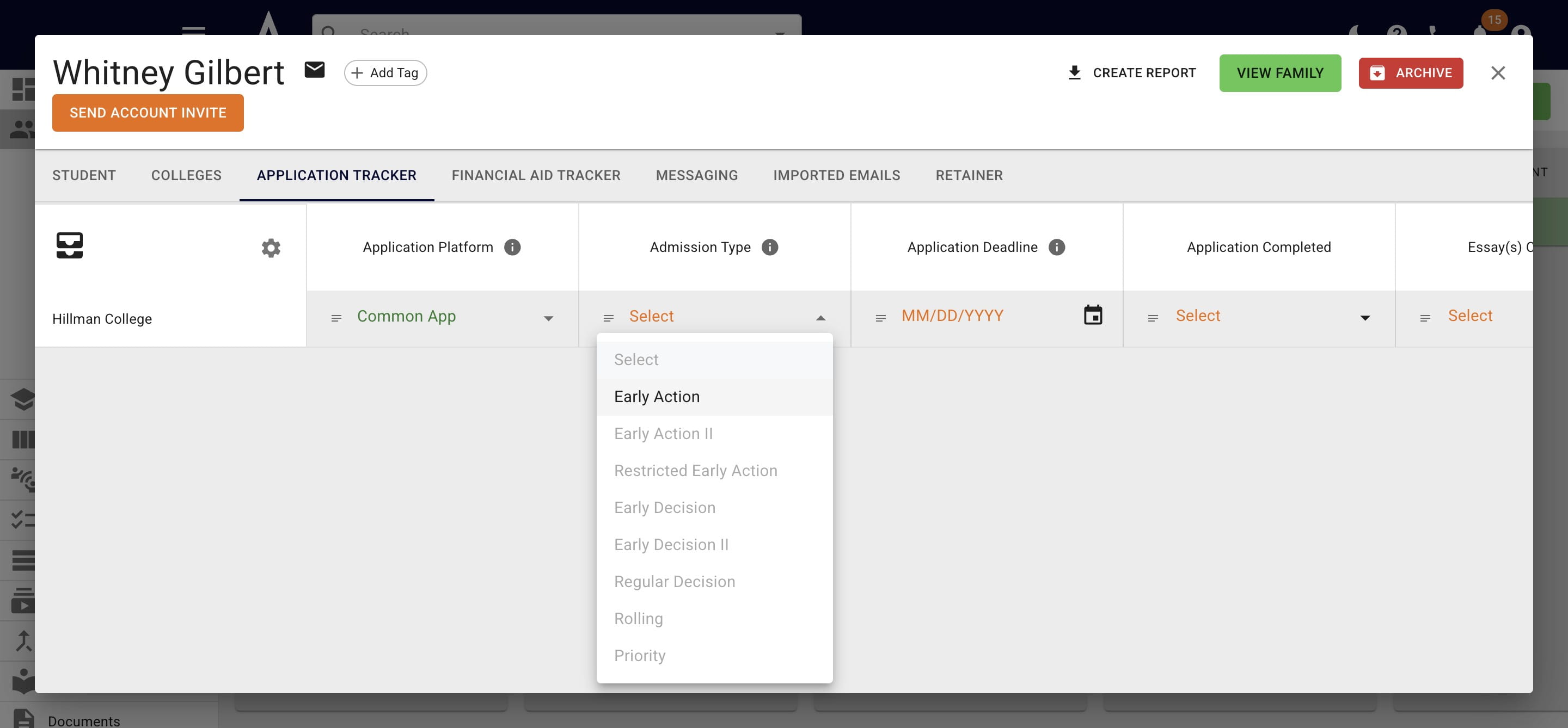
For global schools, the application tracker information will also be accessible!
Done 🚀