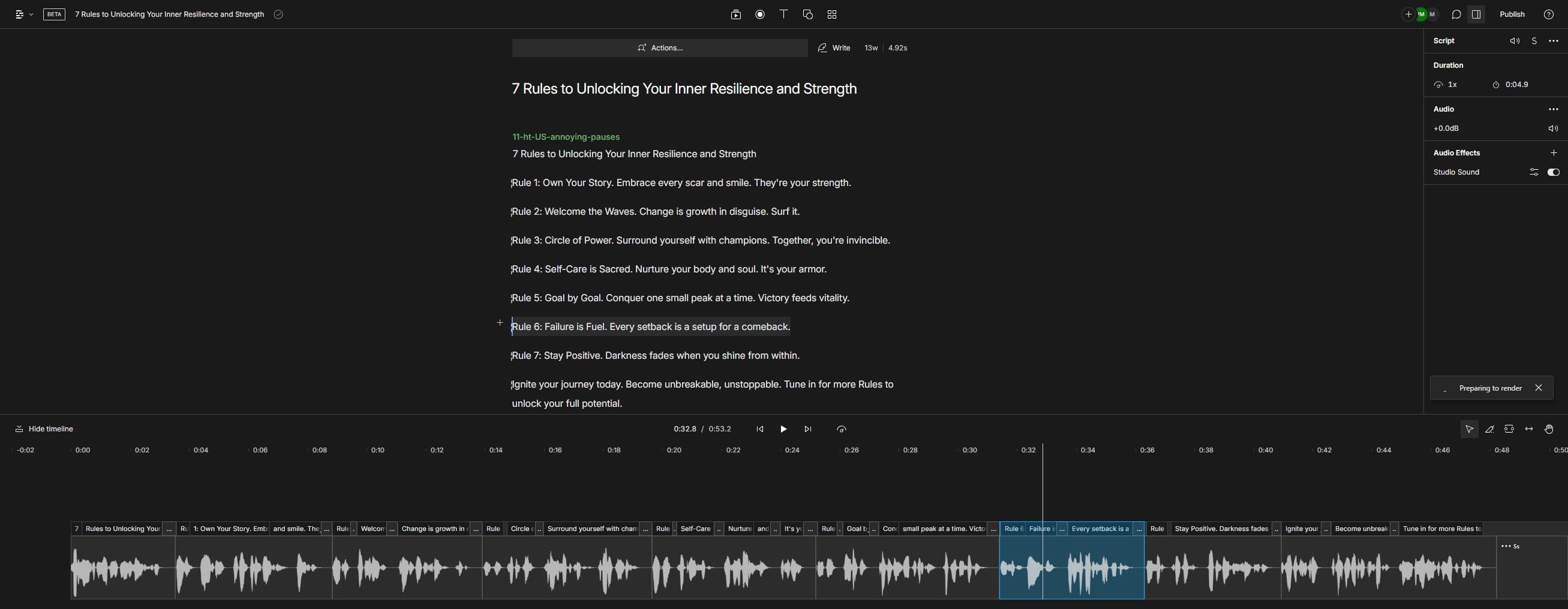
My Drive - Google Drive
Navigate to https://drive.google.com/drive/u/0/my-drive
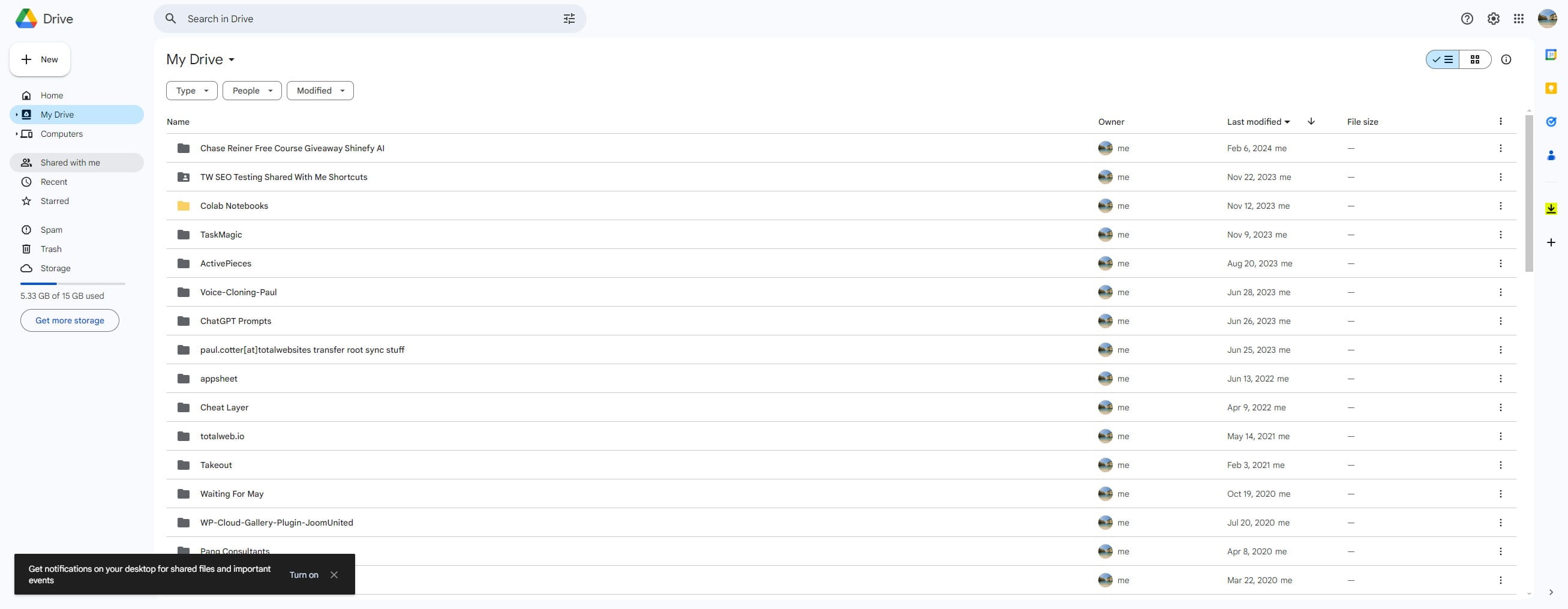
Click on "Shared with me"
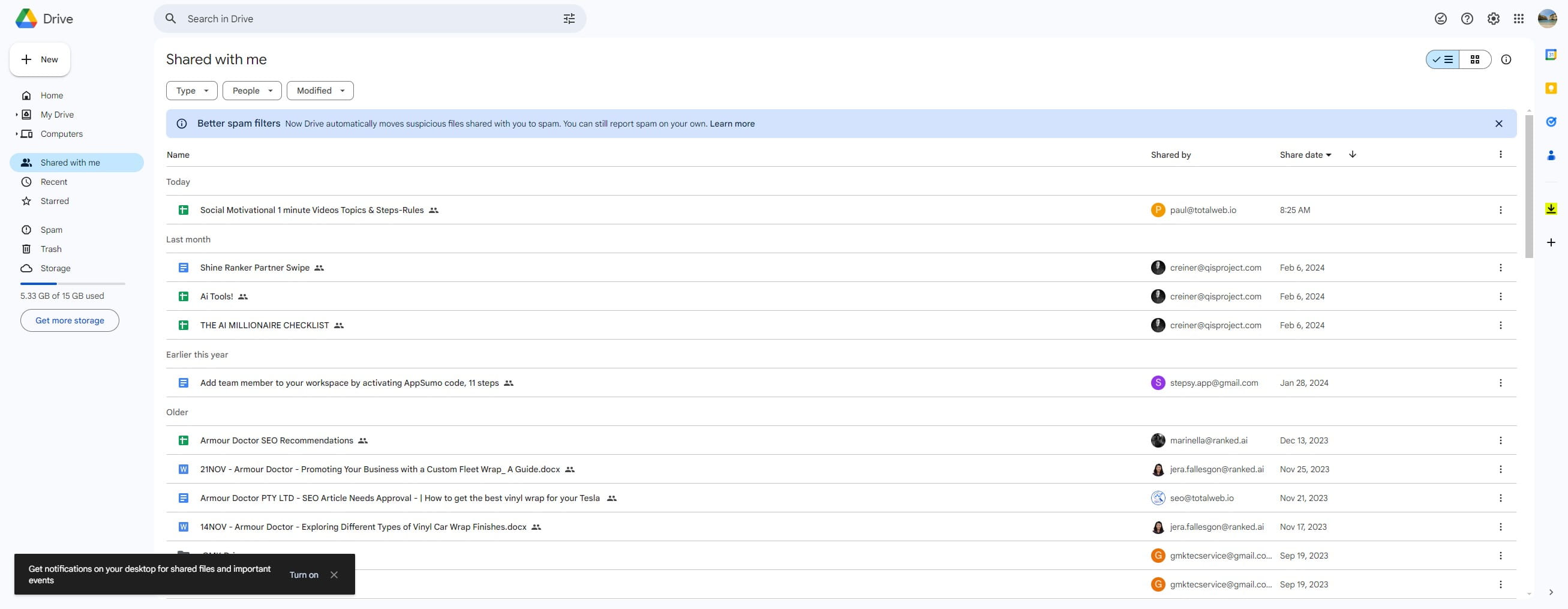
Click here and search for "Social Motivational" if you cannot find it in the list already below
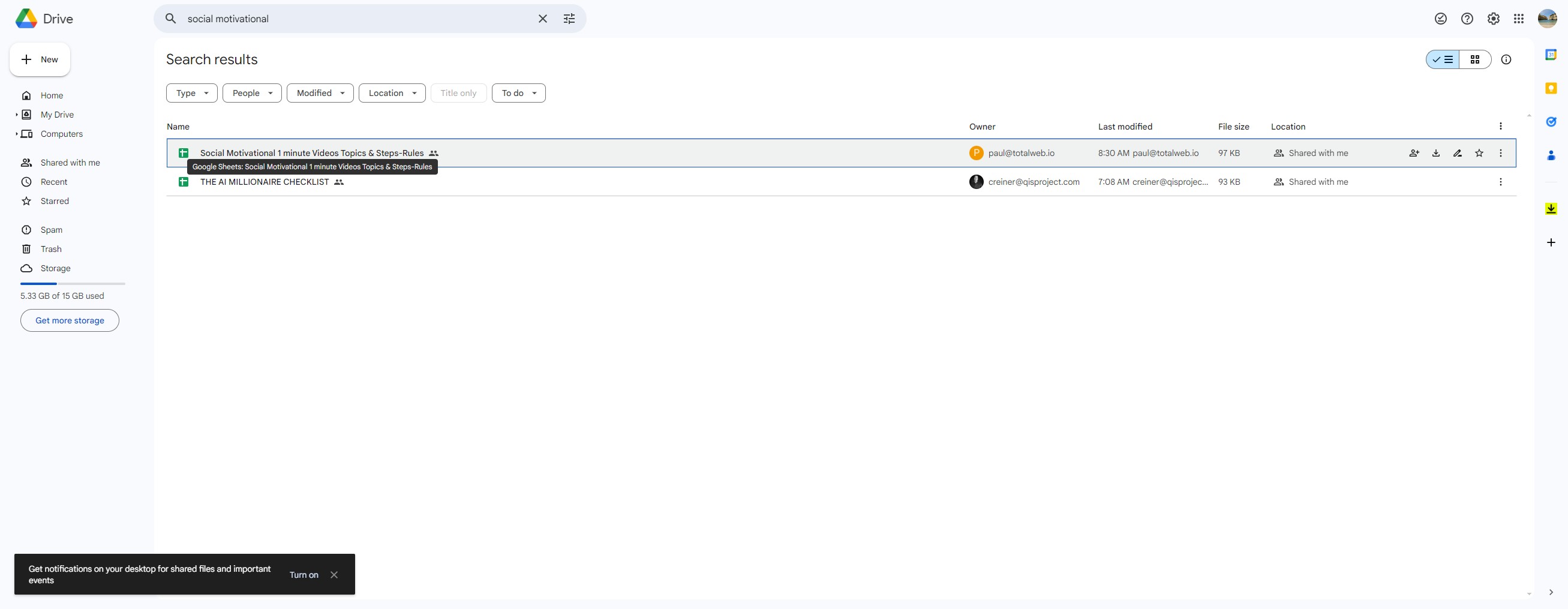
Double Click on "Social Motivational 1 minute Videos Topics & Steps" to open the Google Sheet
Click the Video Content Cell (Column E ) that you want to create the Video For, be sure it hasn't already been made (check for a tick in Colum C)
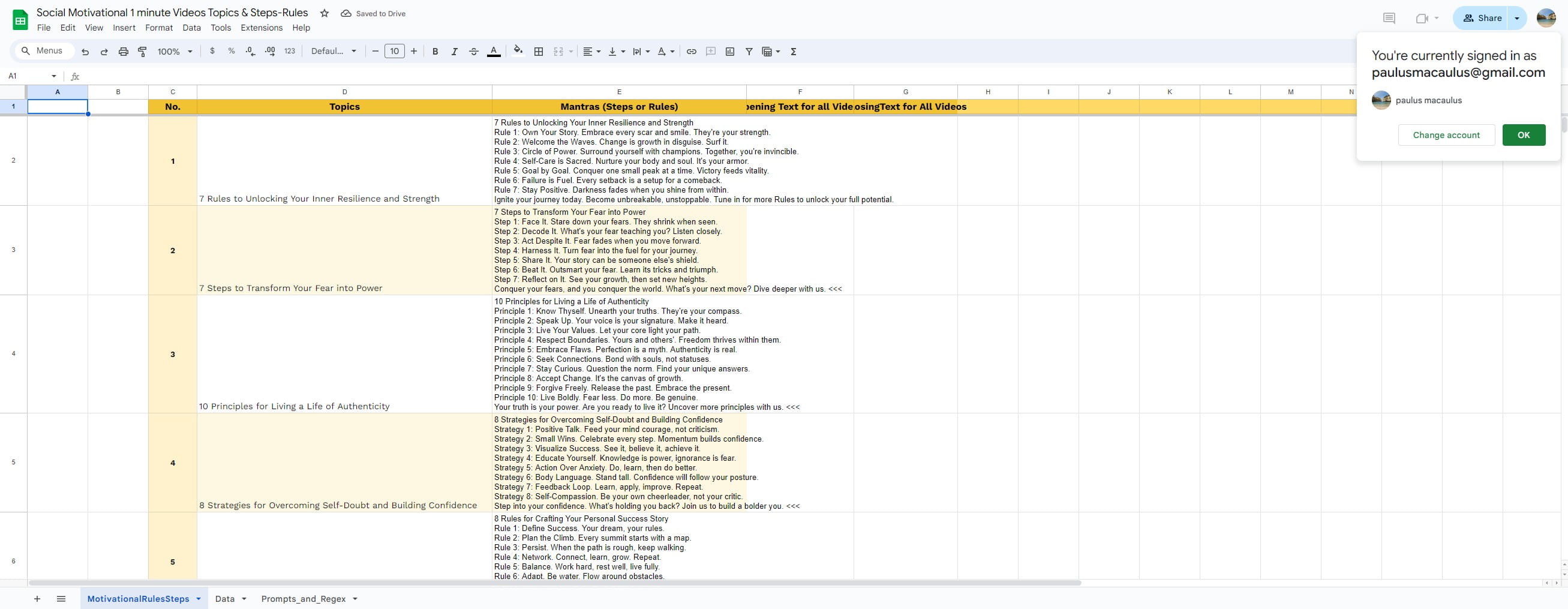
Click here
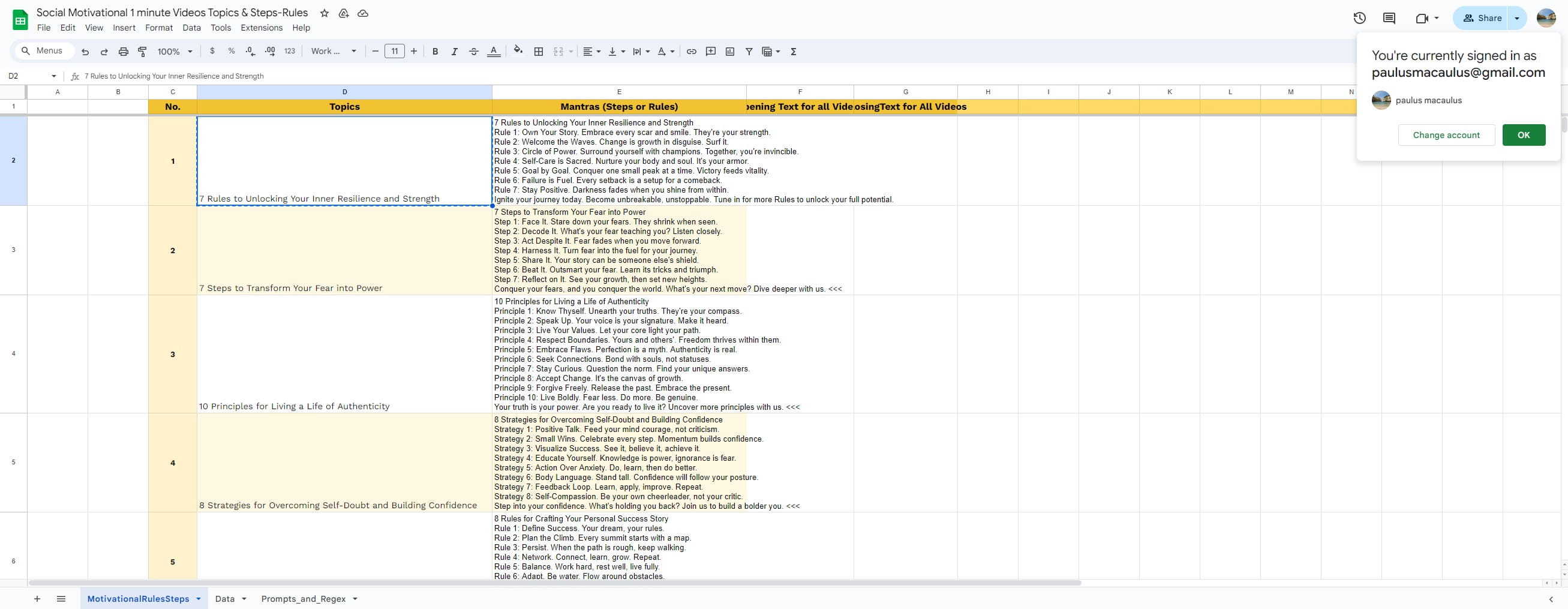
Click here
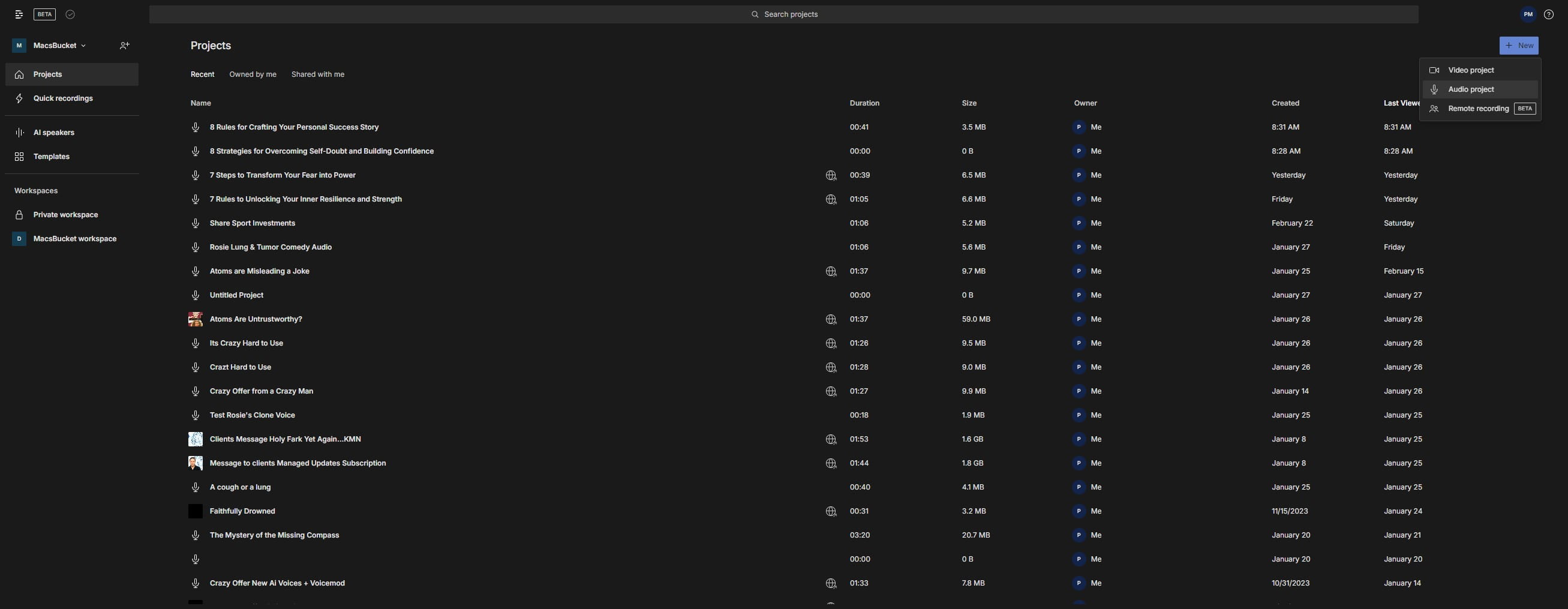
Click here
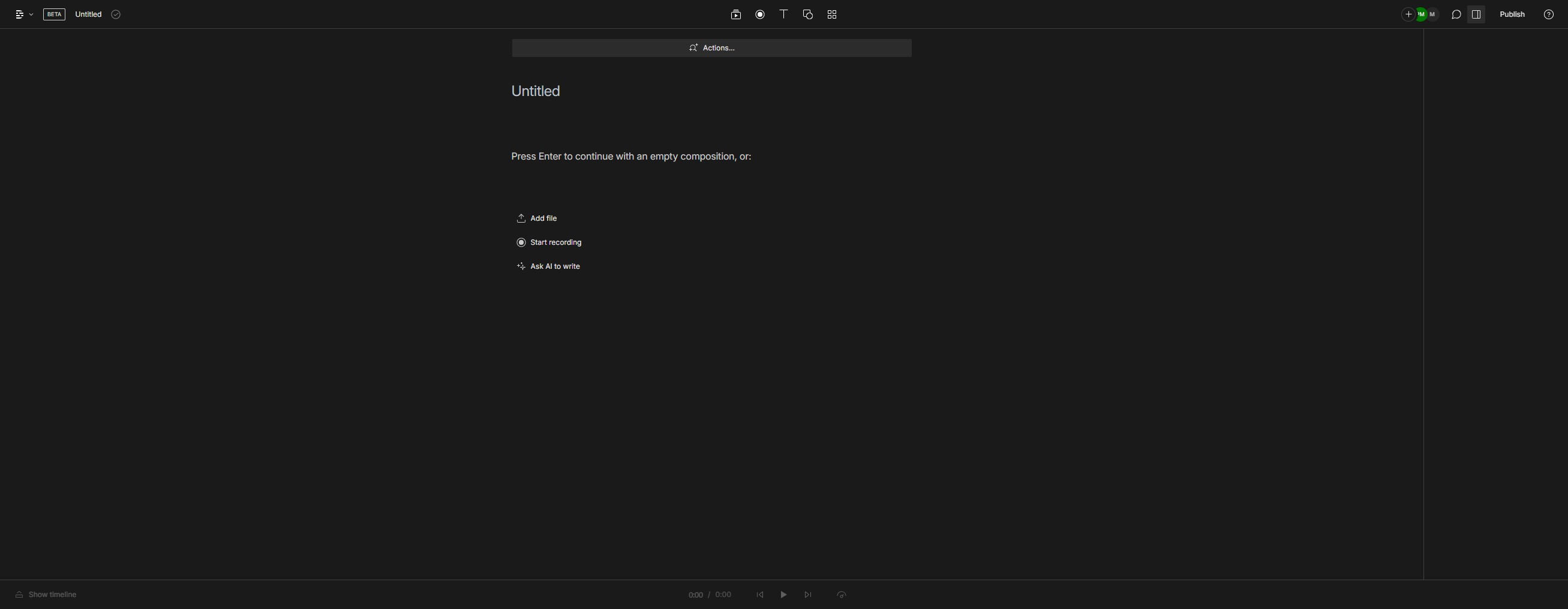
Click on "Press Enter to continue with an empty composition,"
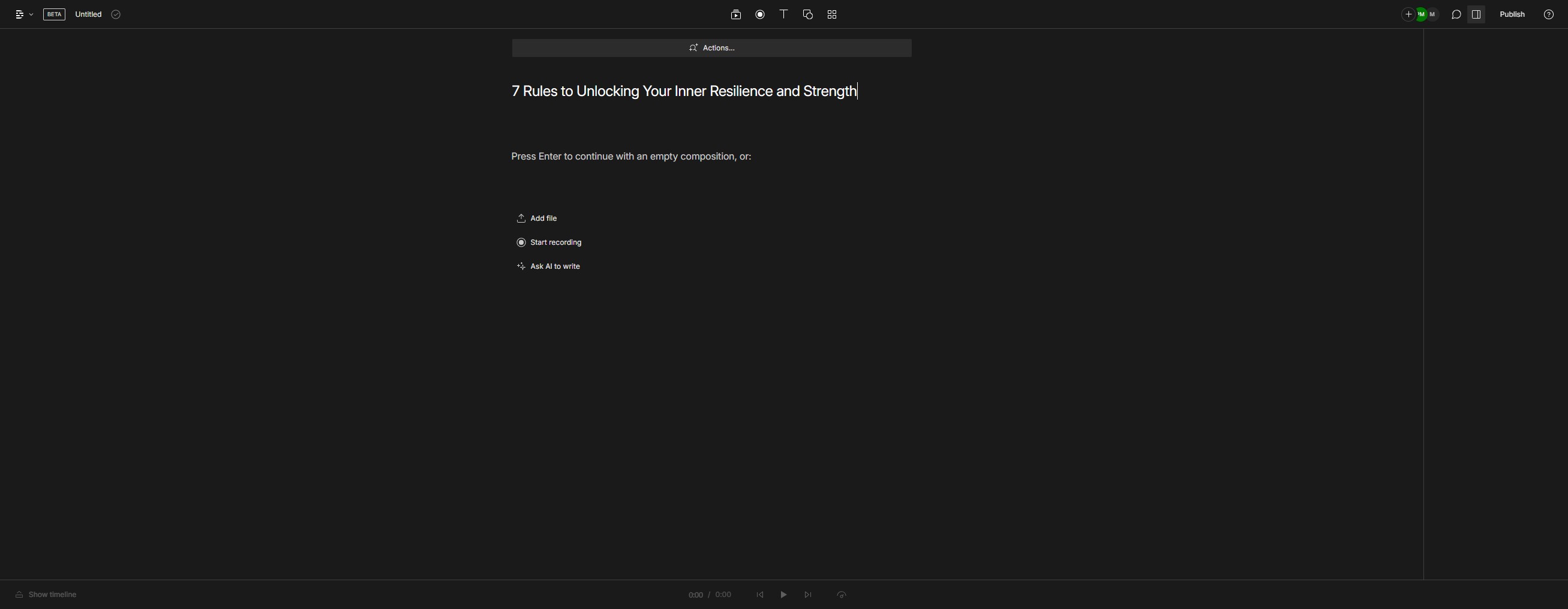
Click on ""7"
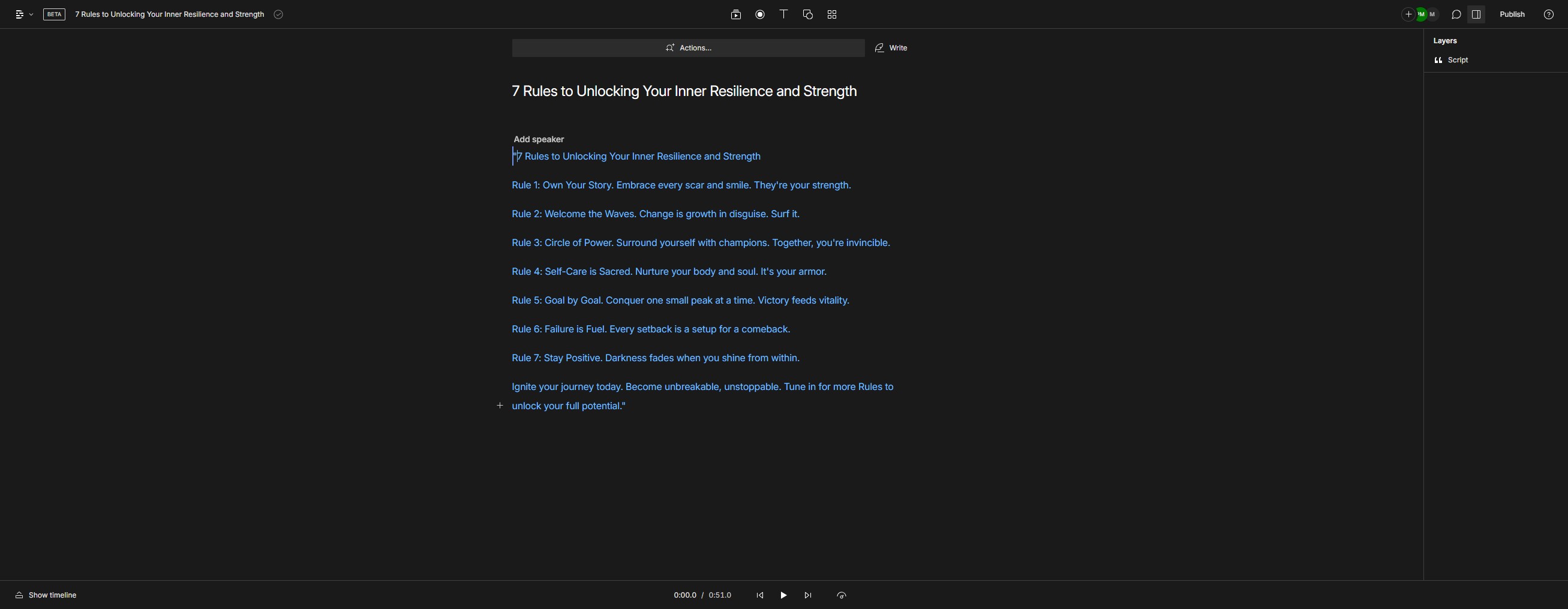
Click on "Ignite"
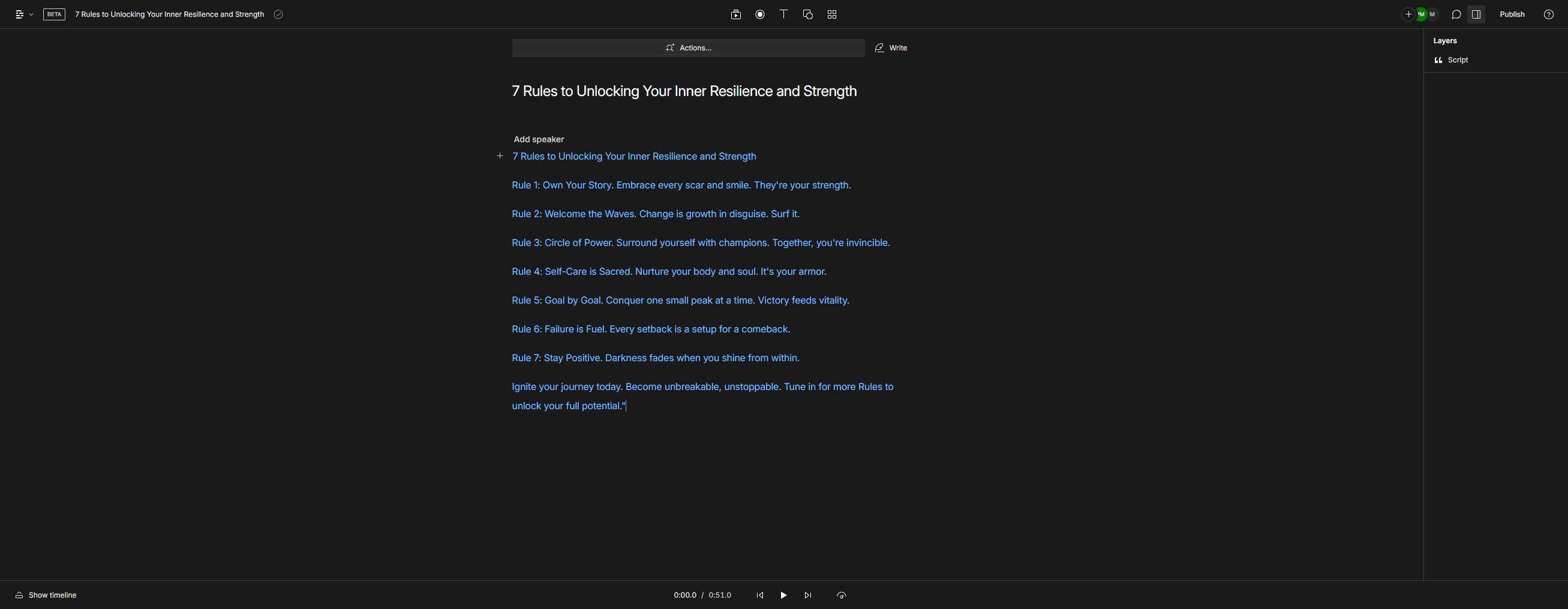
Click here
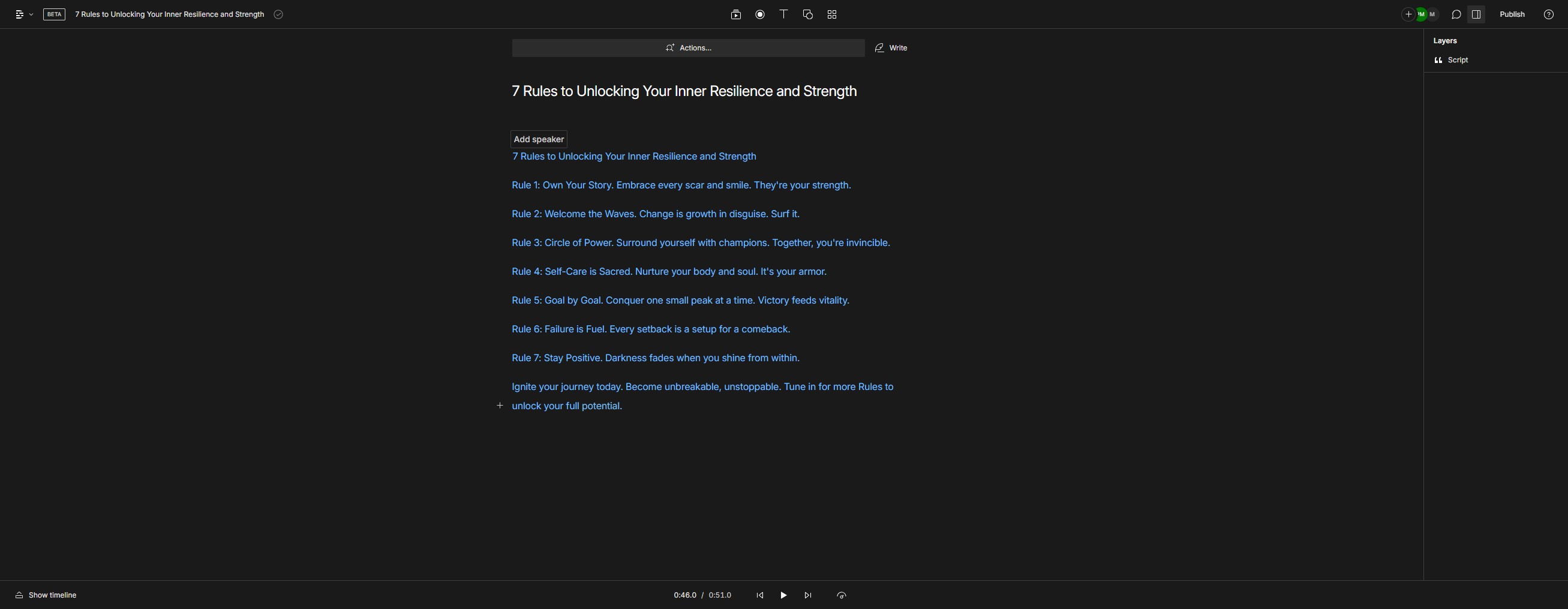
Click on "11-ht-US-annoying-pauses"
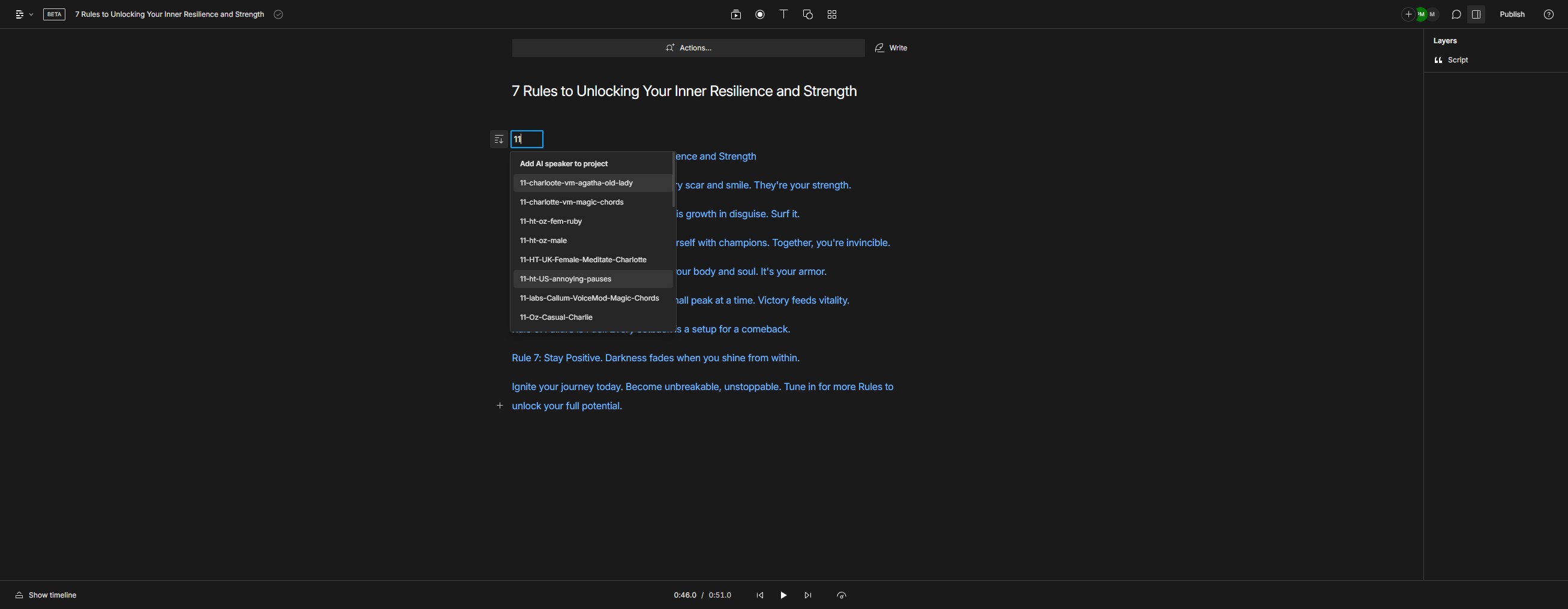
Click on "Show timeline"
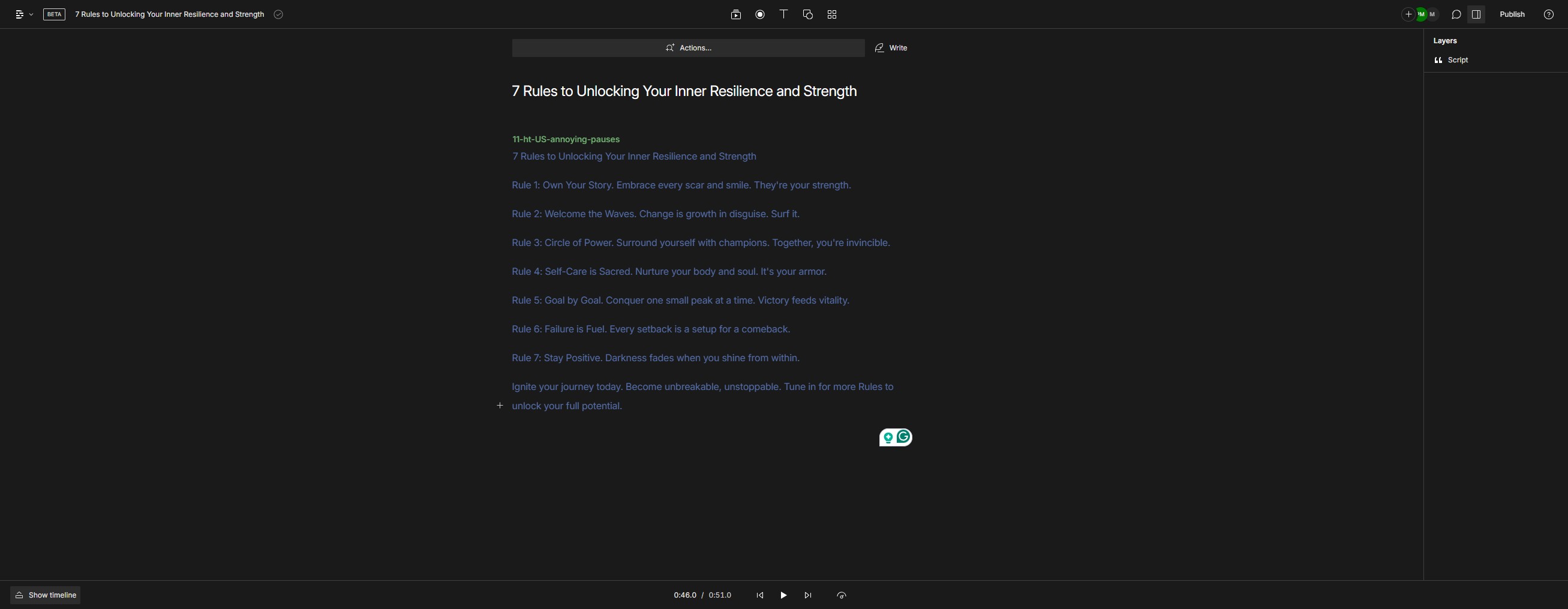
Click here
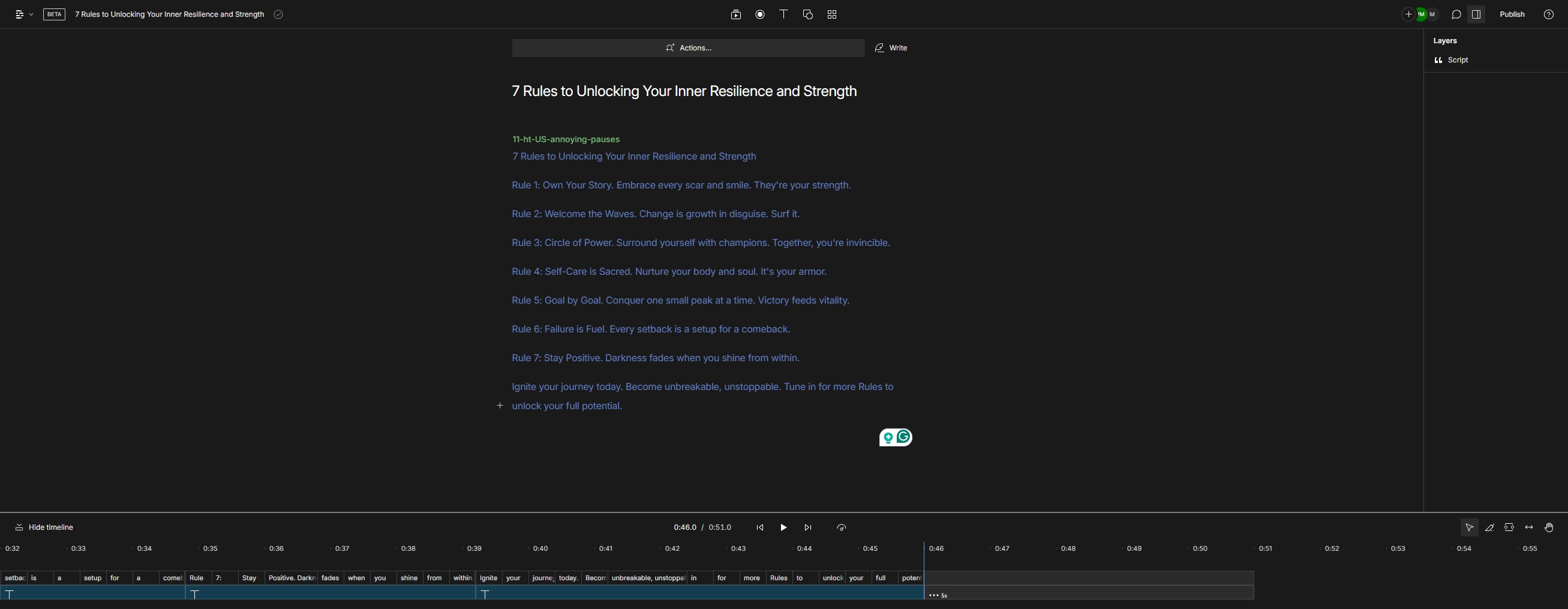
Click on "Convert to audio"
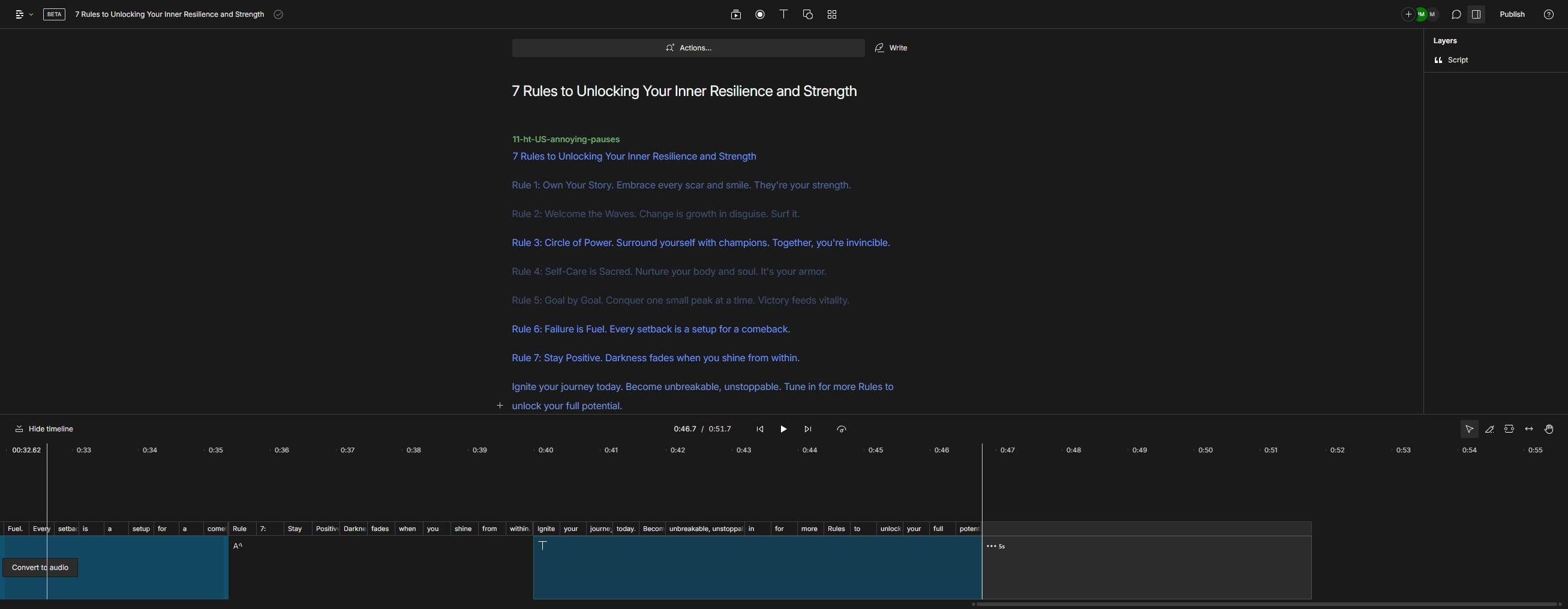
Click here
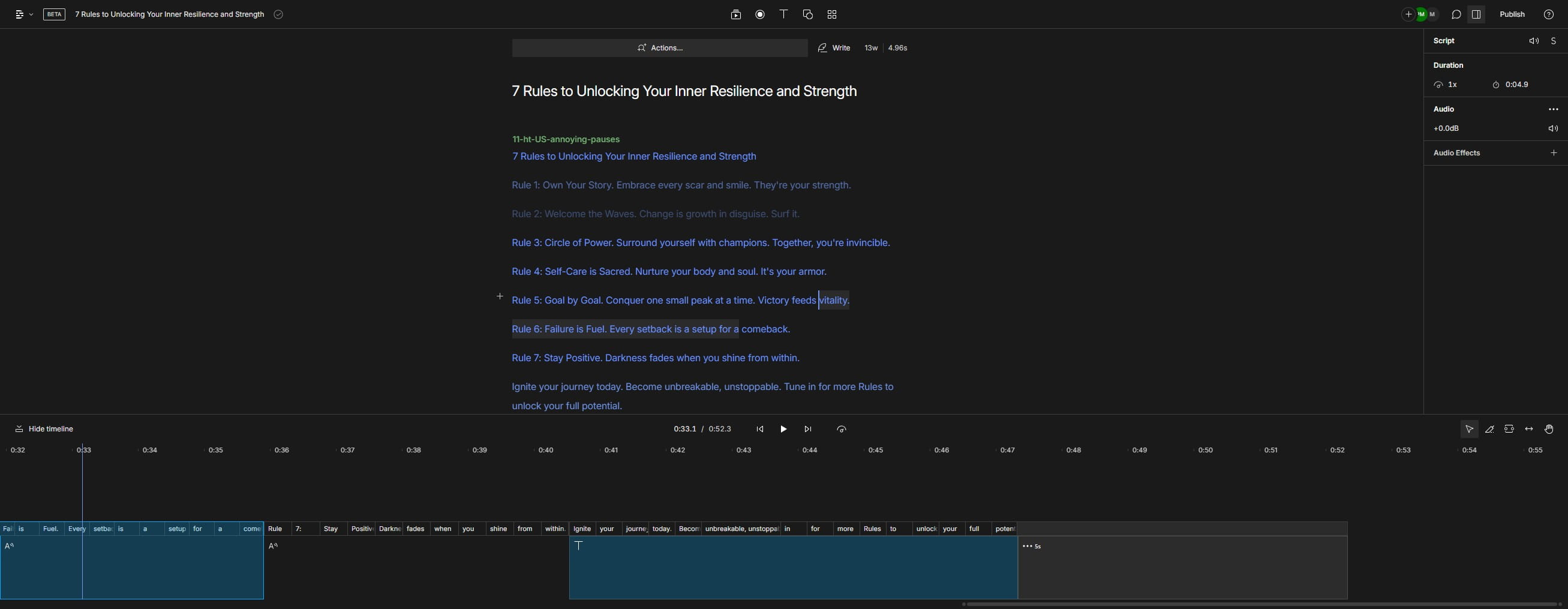
Click on "Convert to audio"
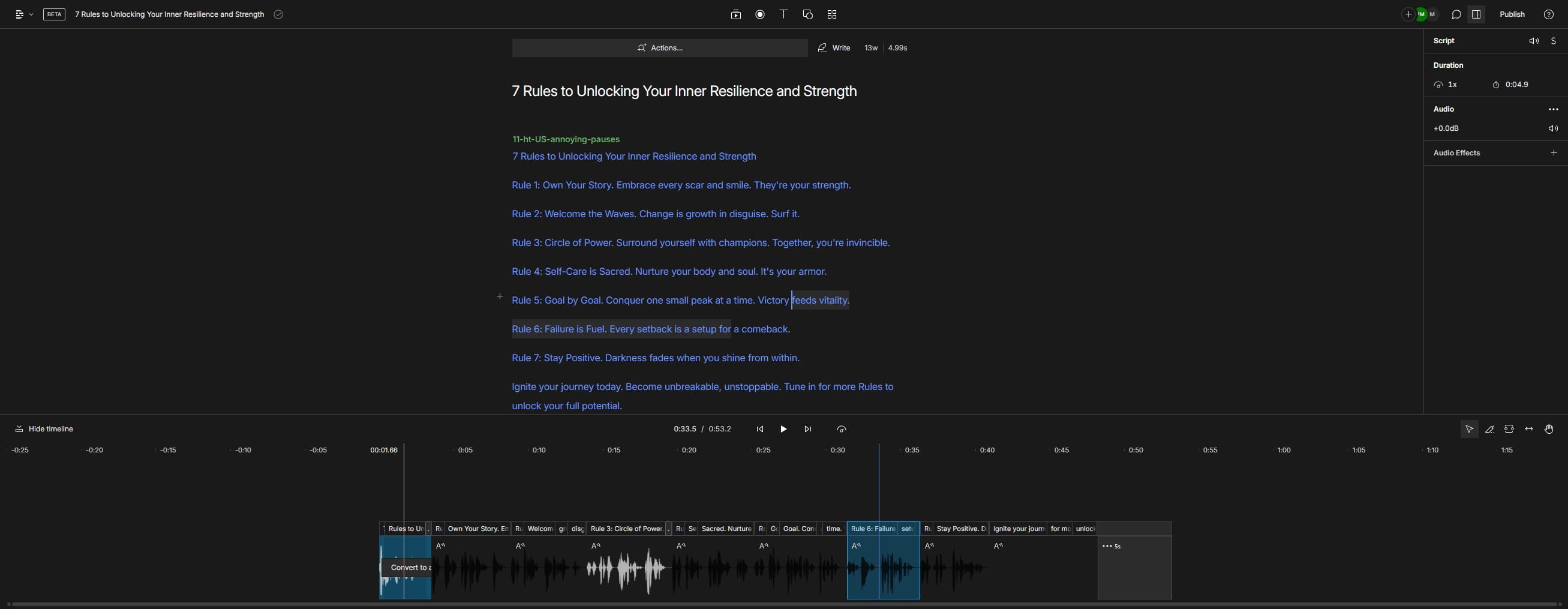
Click on "Convert to audio"
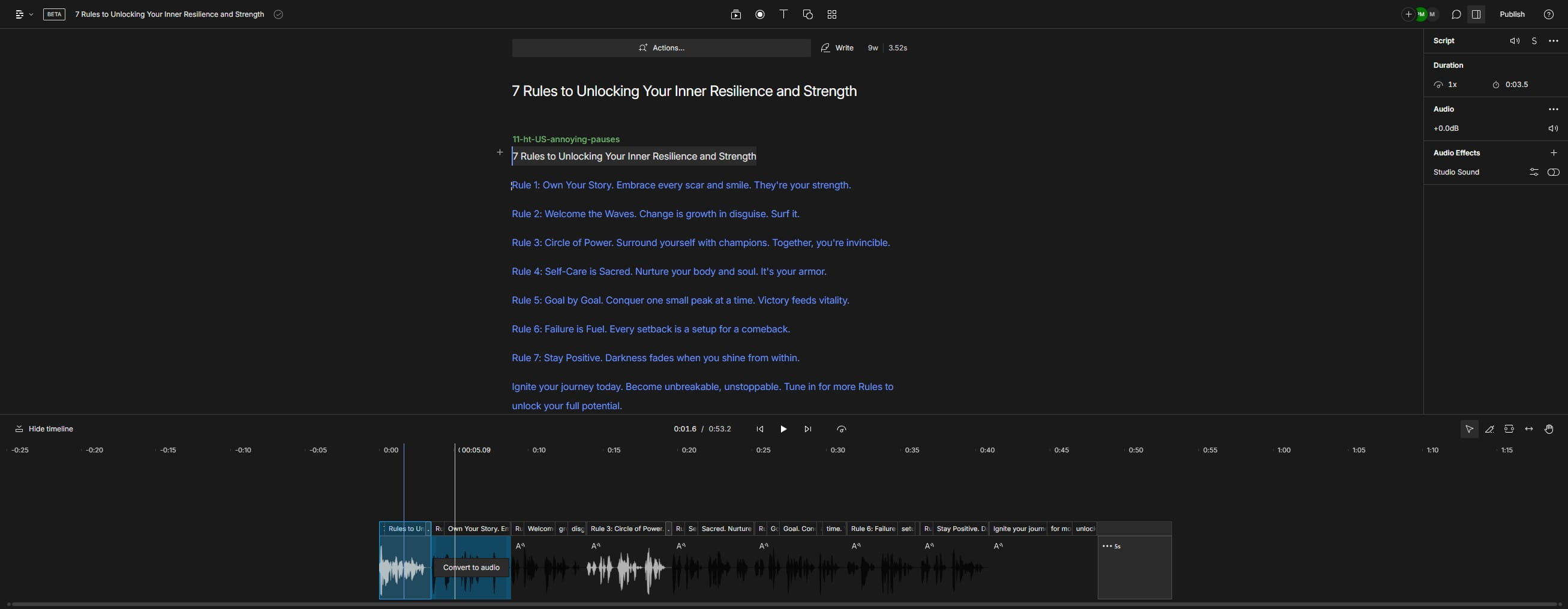
Click on "Convert to audio"
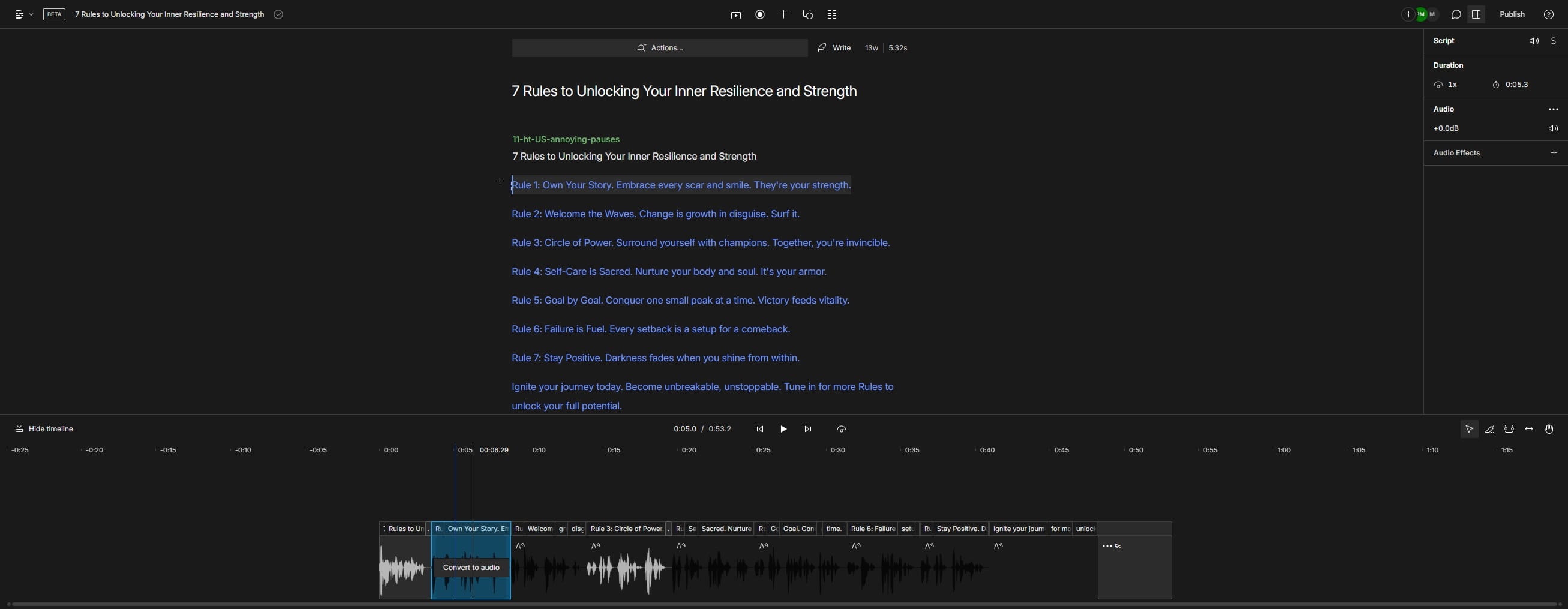
Click on "Convert to audio"
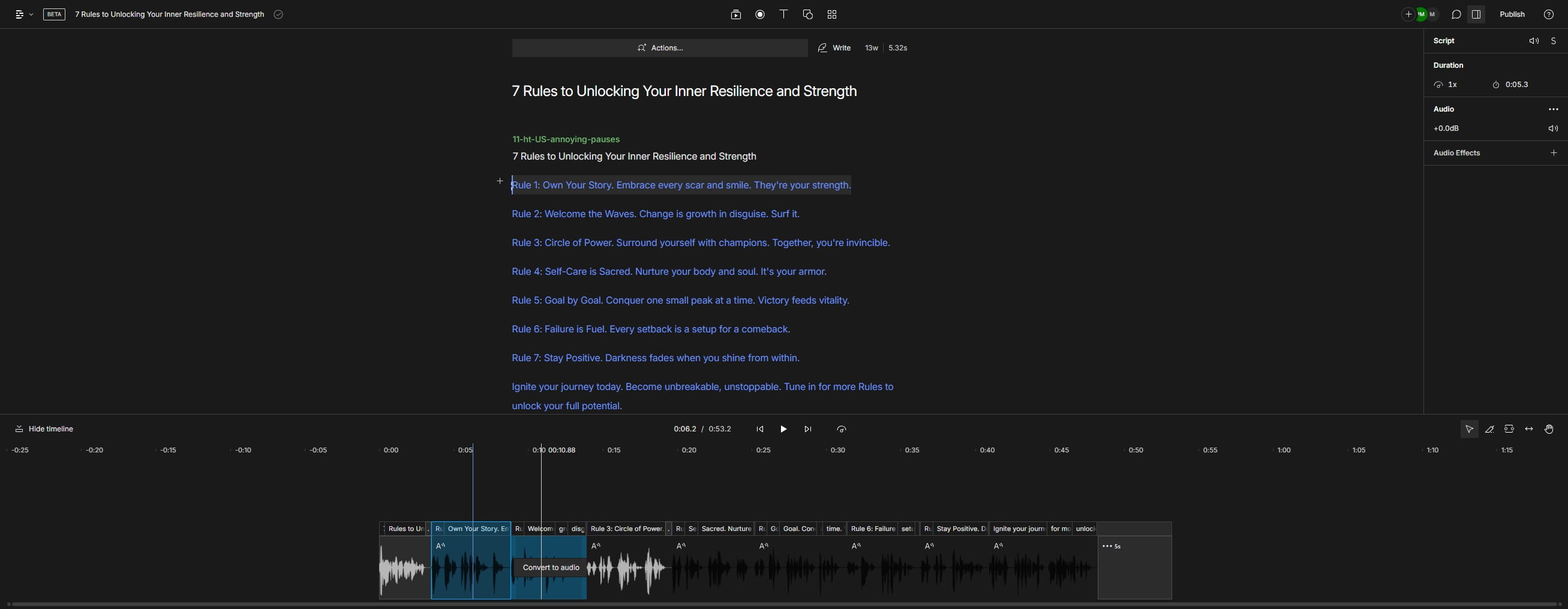
Click on "Convert to audio"
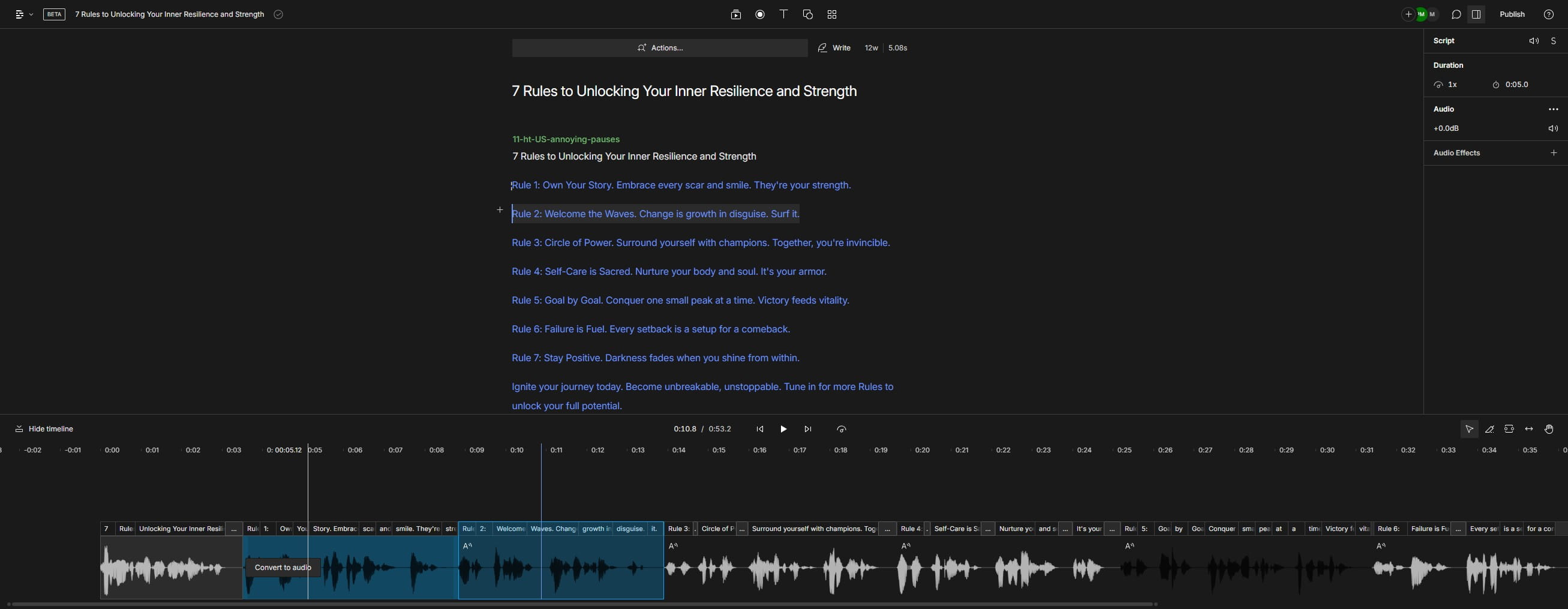
Click on "Convert to audio"
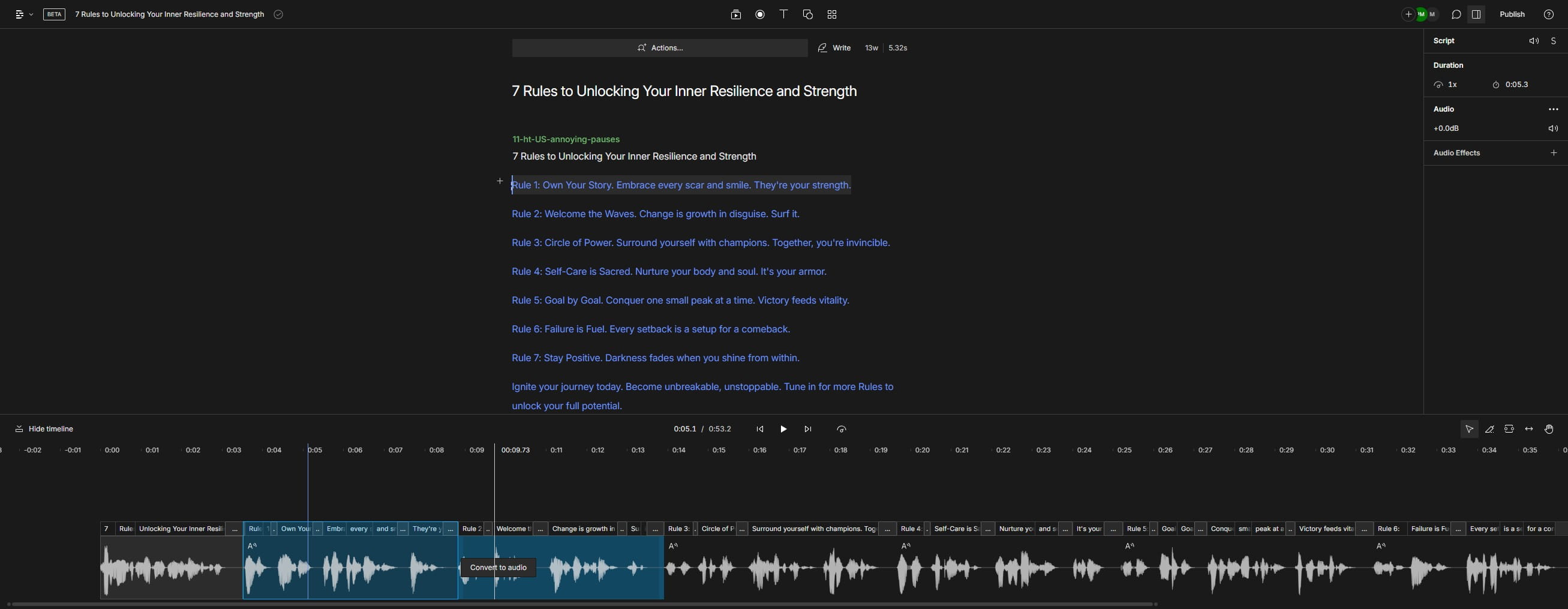
Click on "Convert to audio"
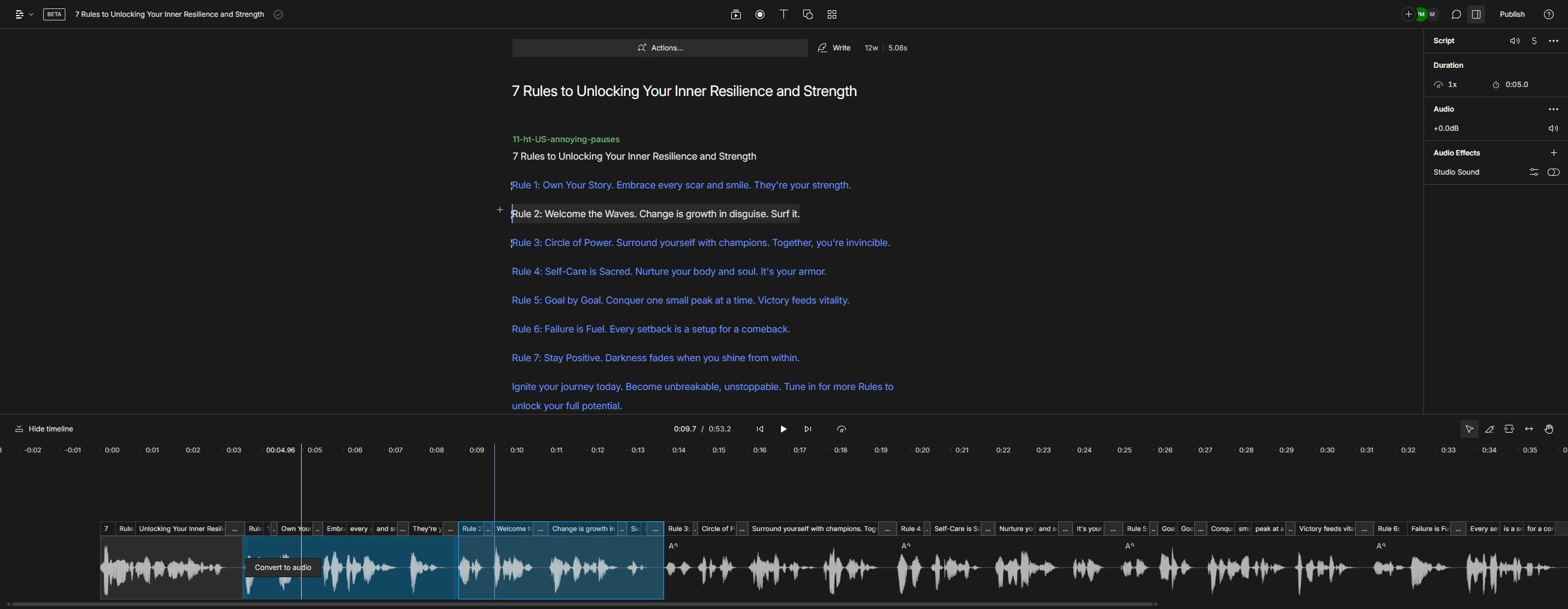
Click on "Convert to audio"
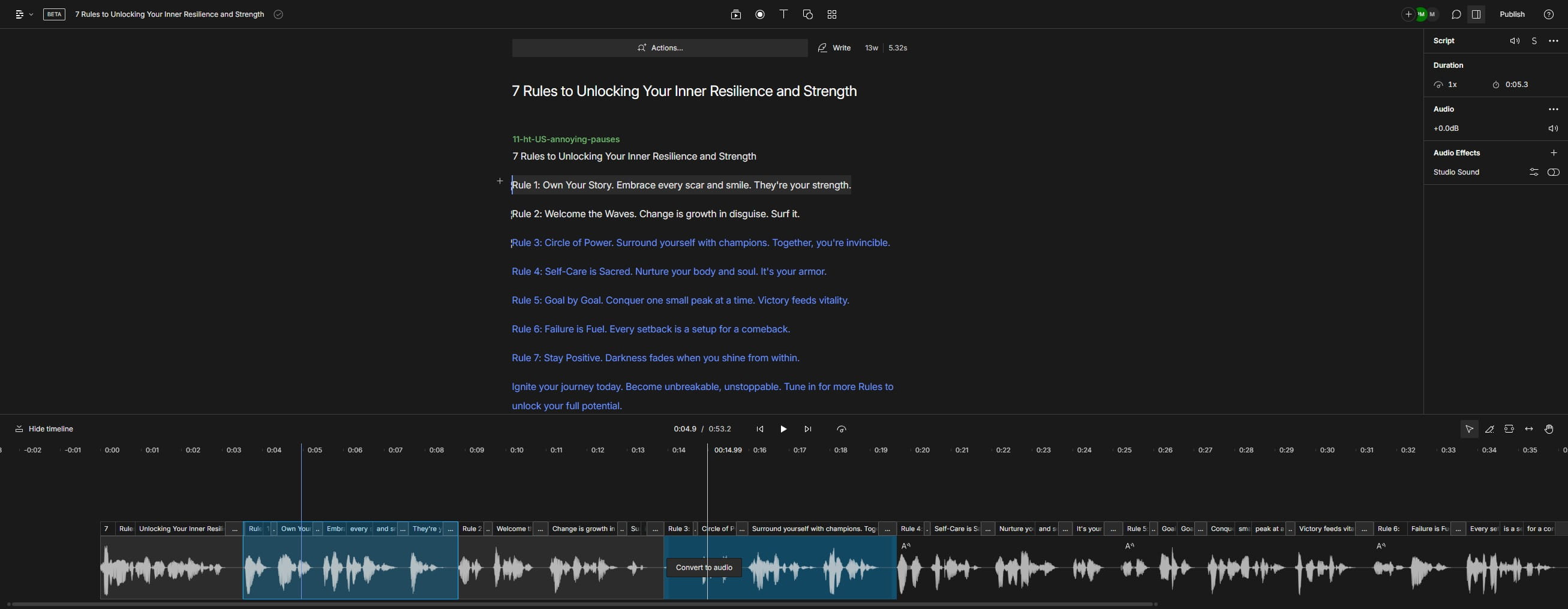
Click on "Convert to audio"
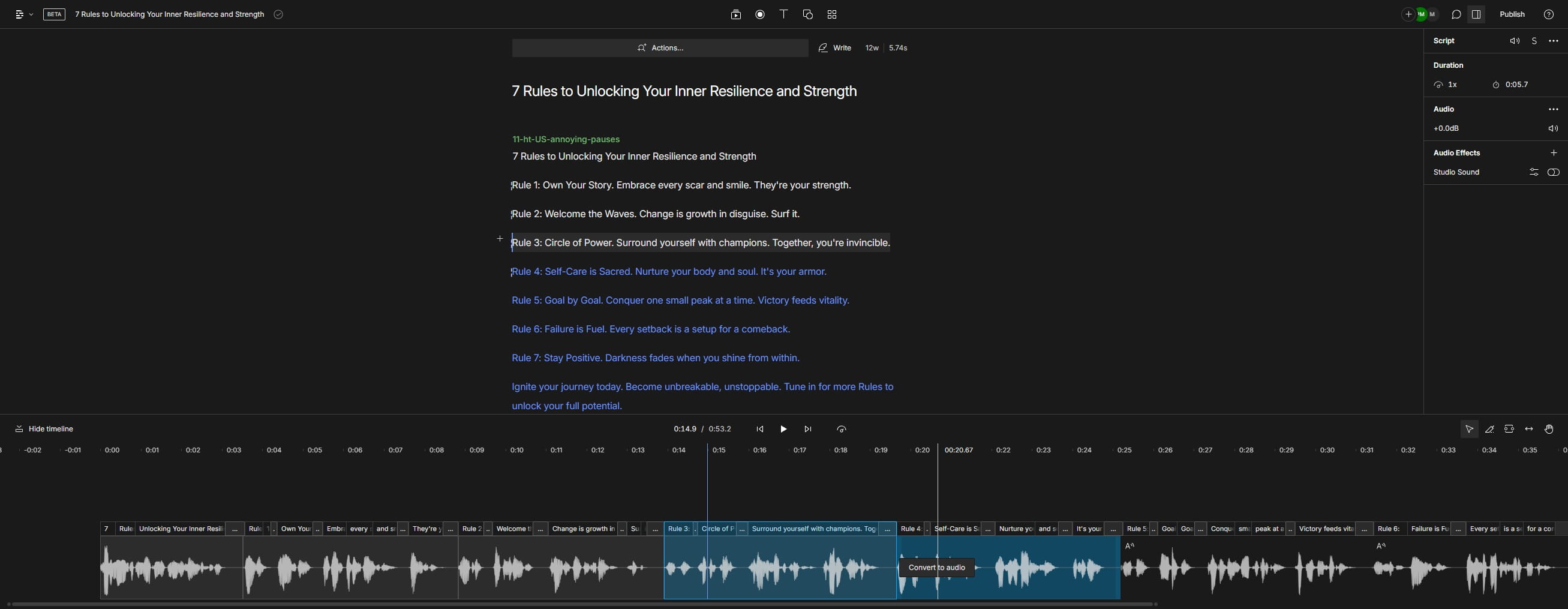
Click on "Convert to audio"
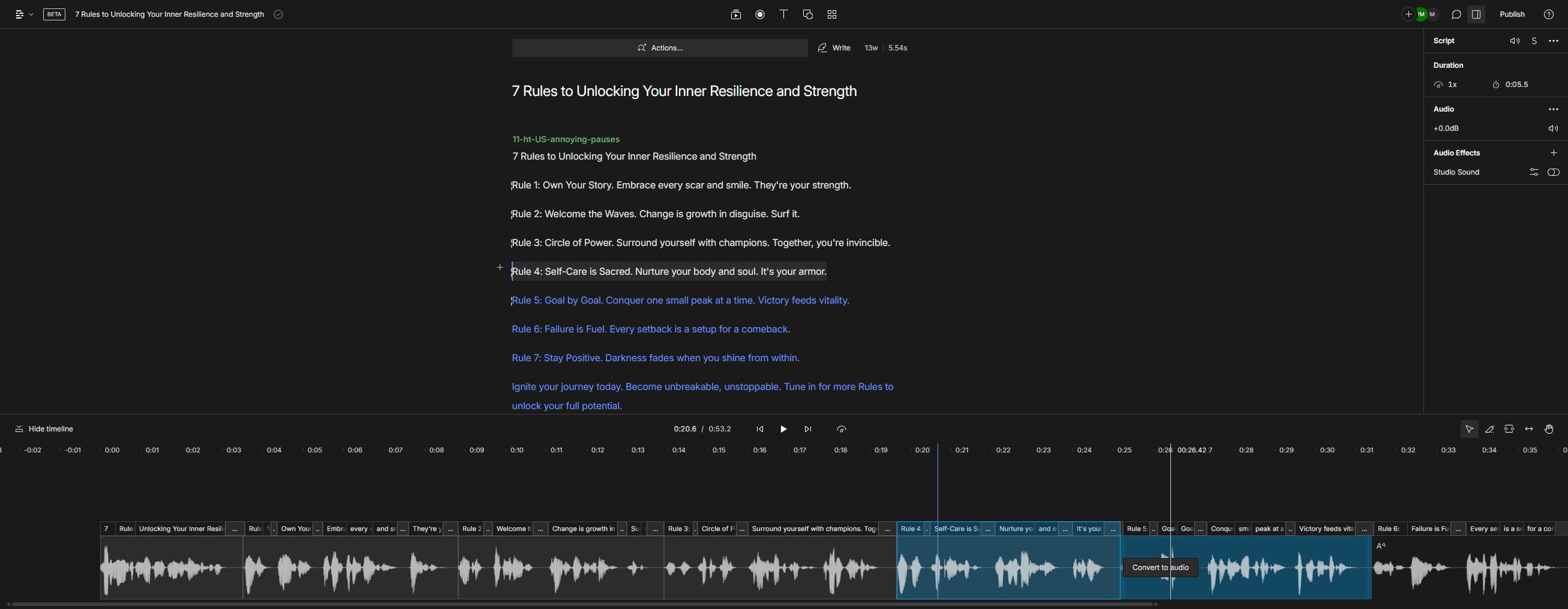
Click on "Convert to audio"
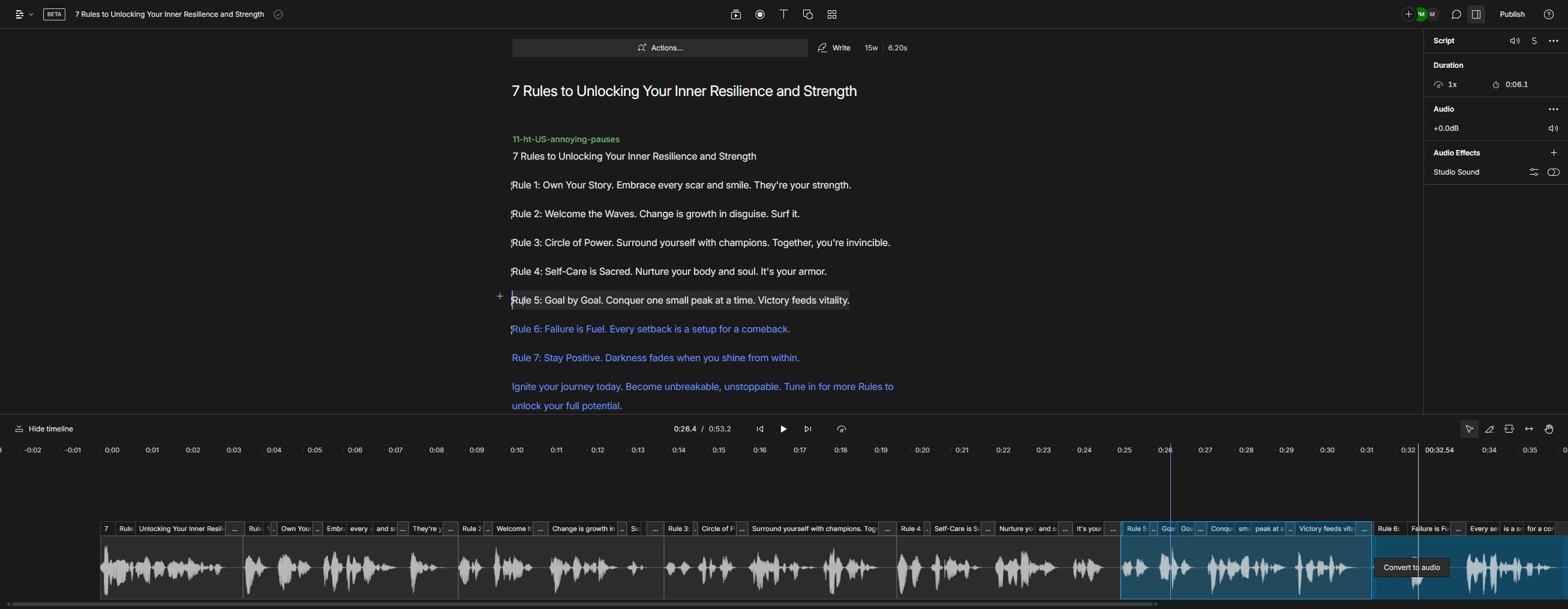
Click here
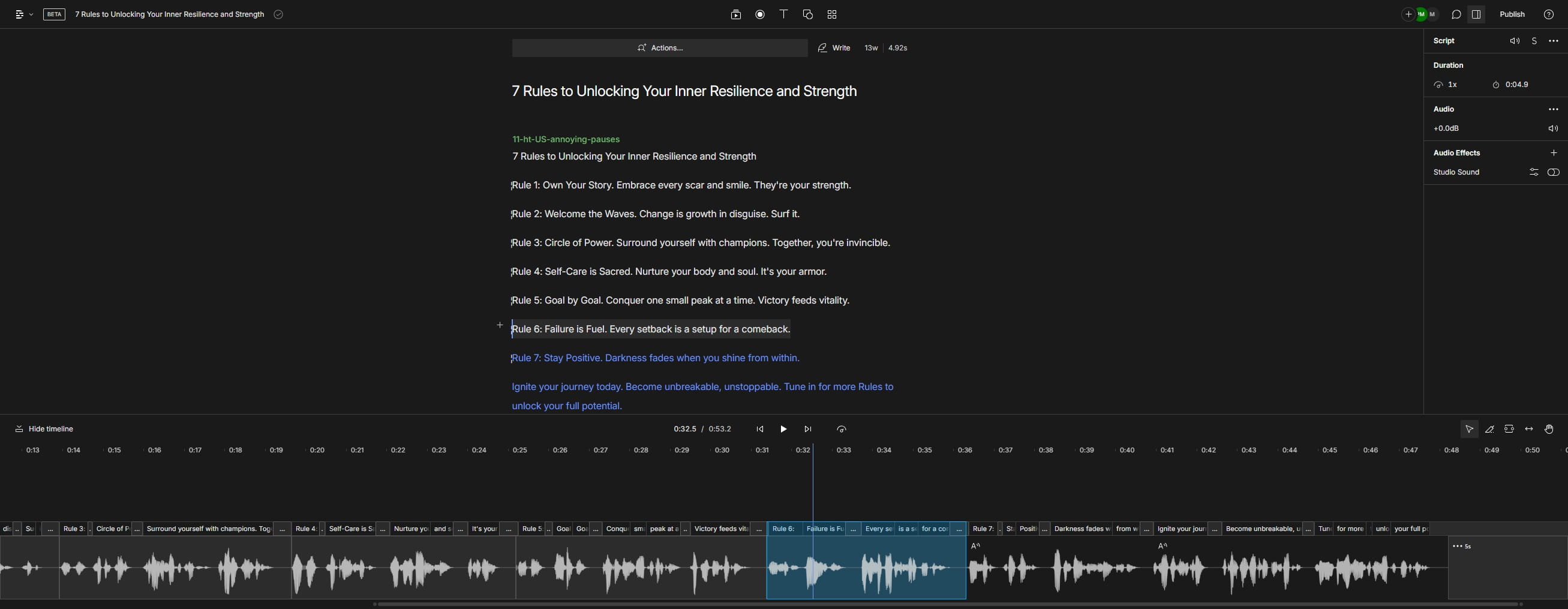
Click on "Convert to audio"
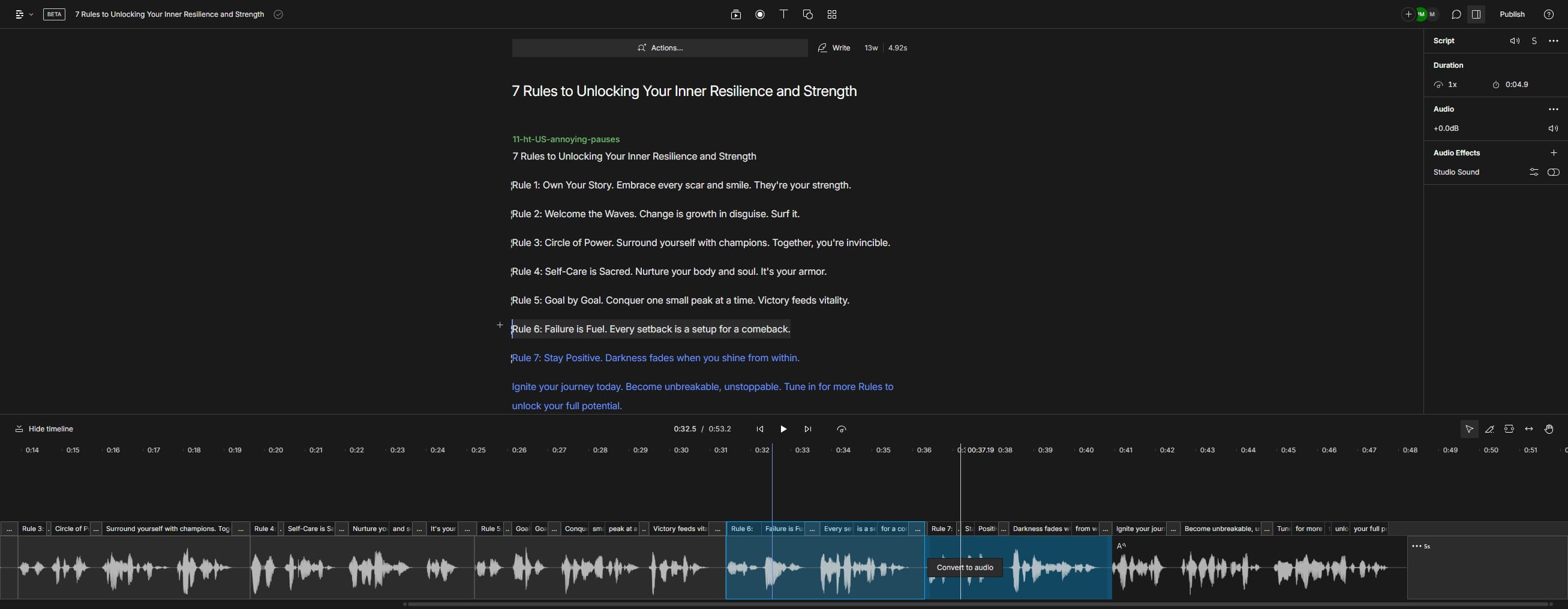
Click on "Convert to audio"
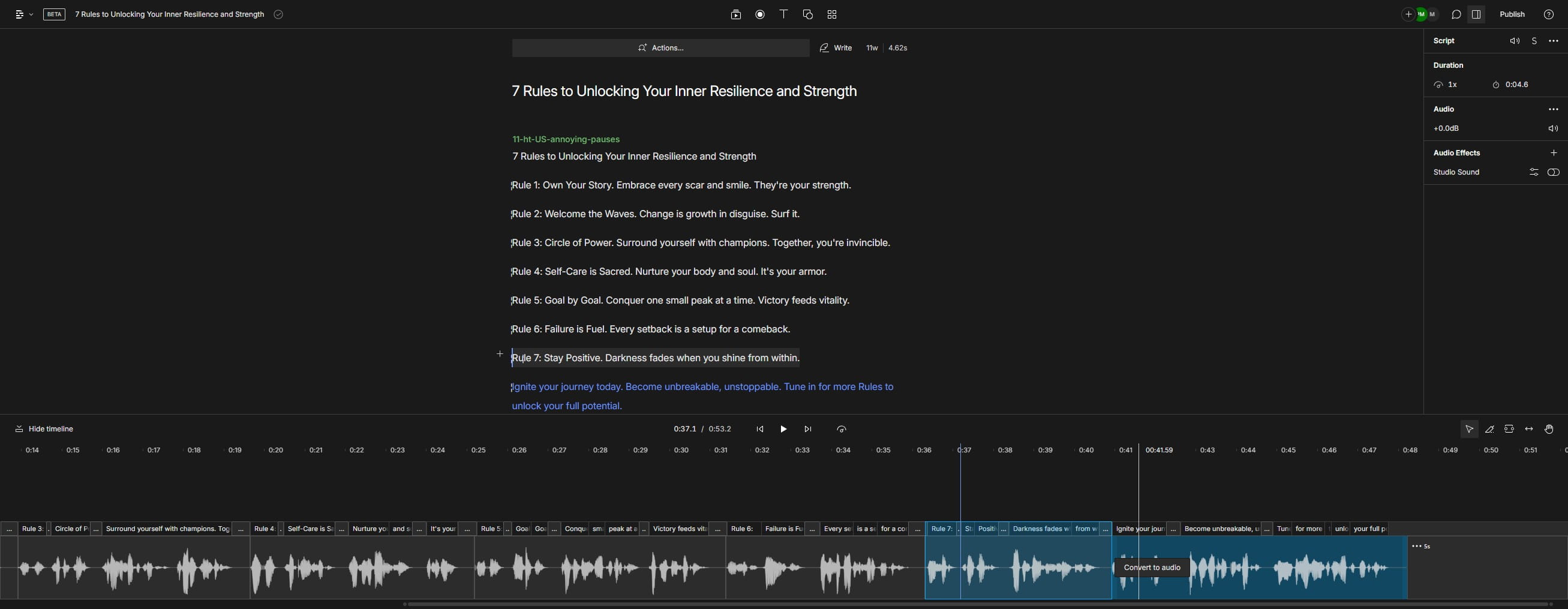
Click on "7"
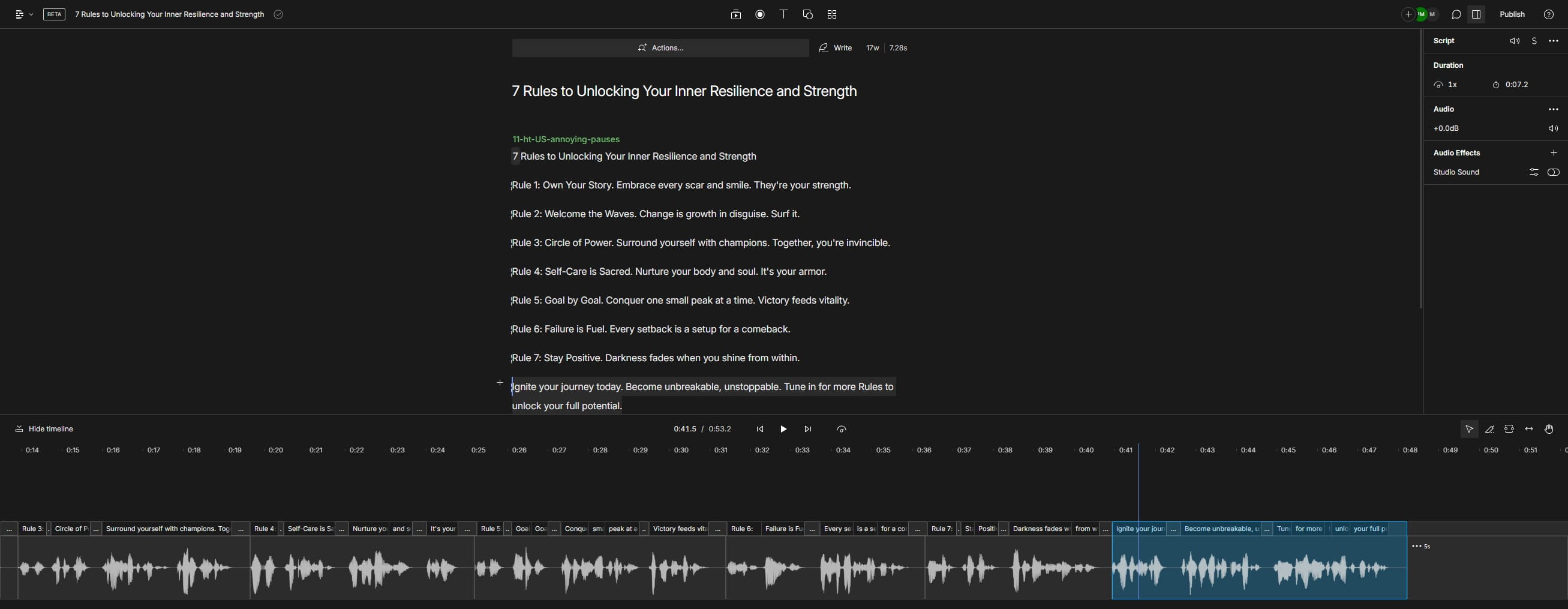
Click on "7"
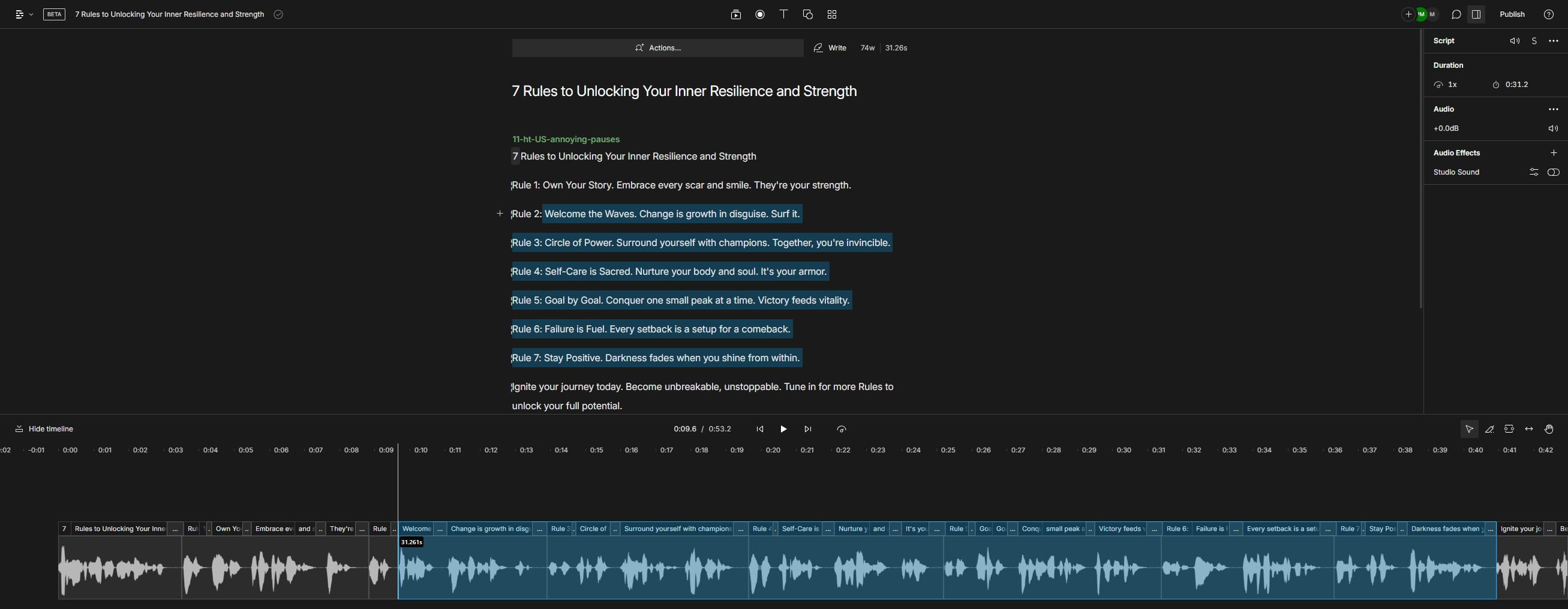
Click on "potential."
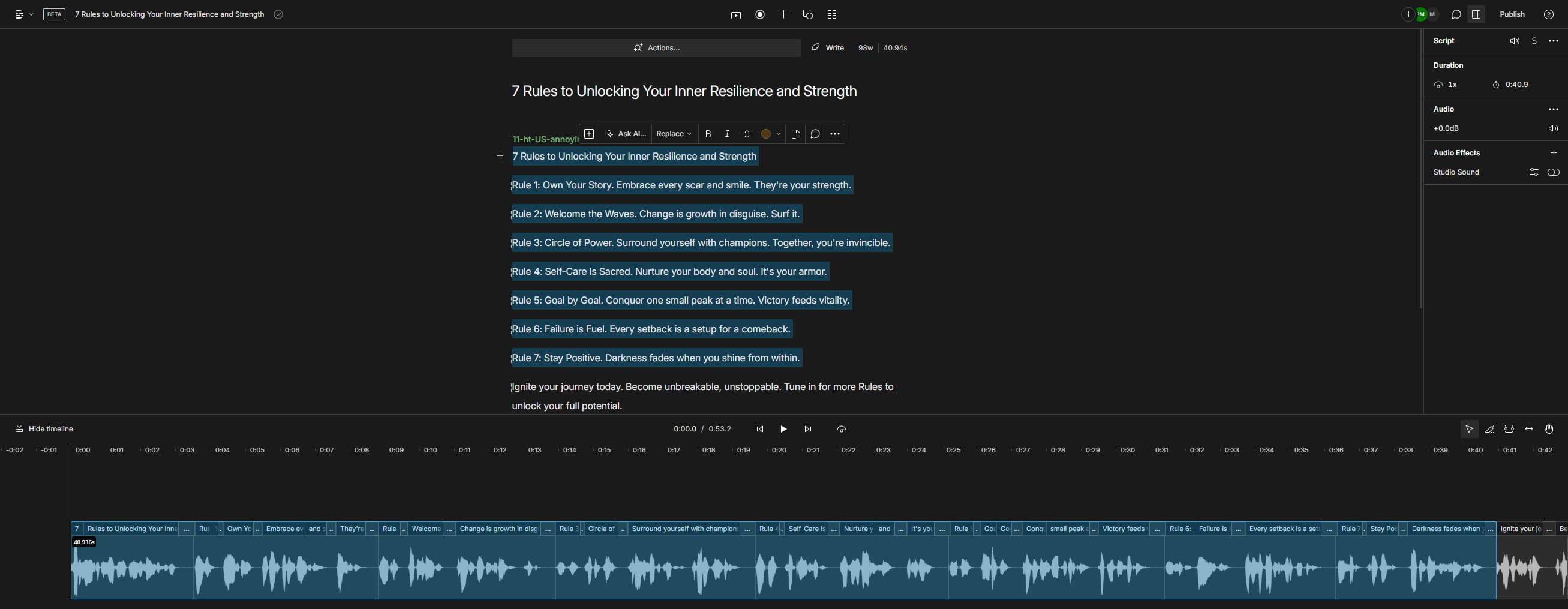
Click on "."
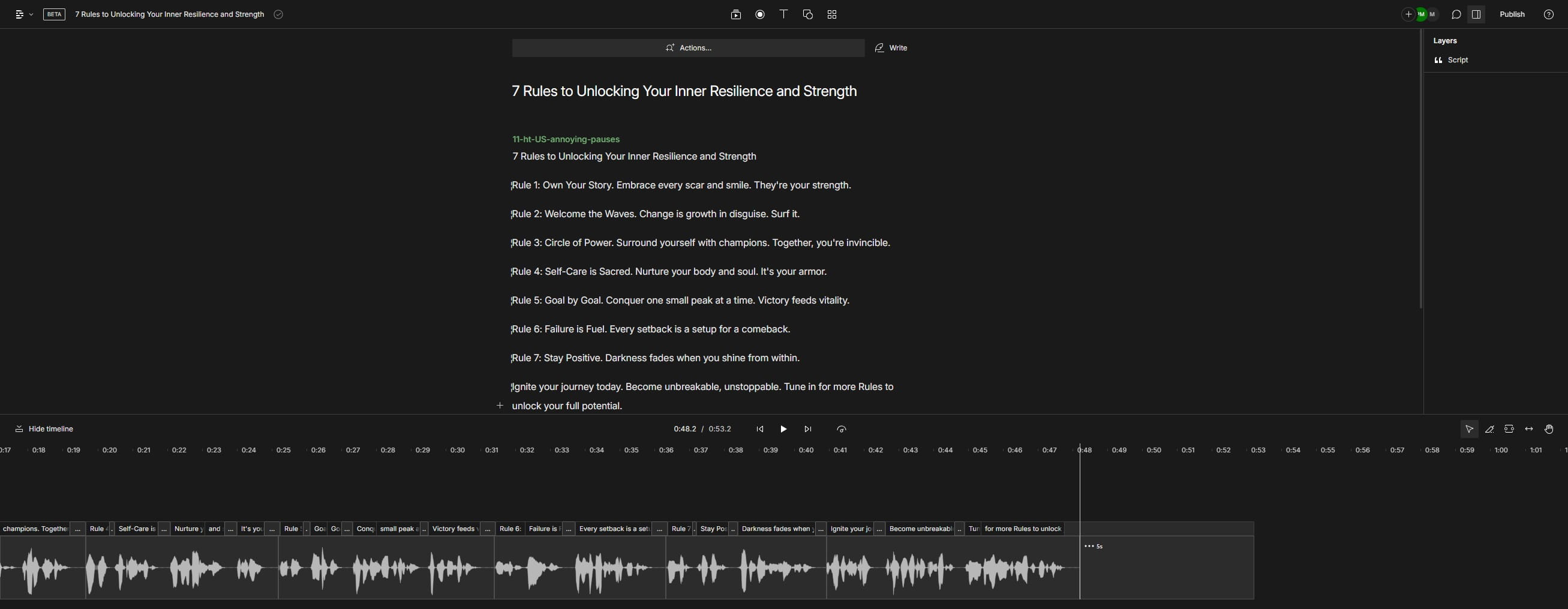
Click on "Ignite"
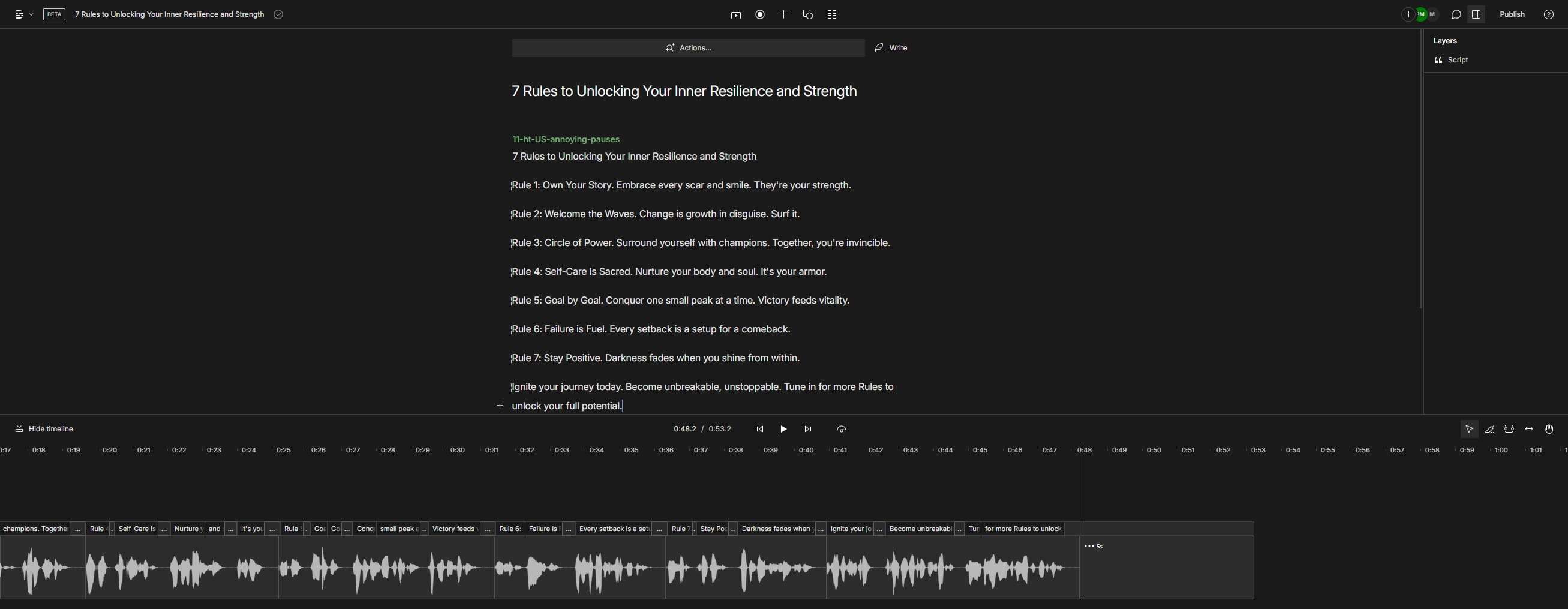
Click here
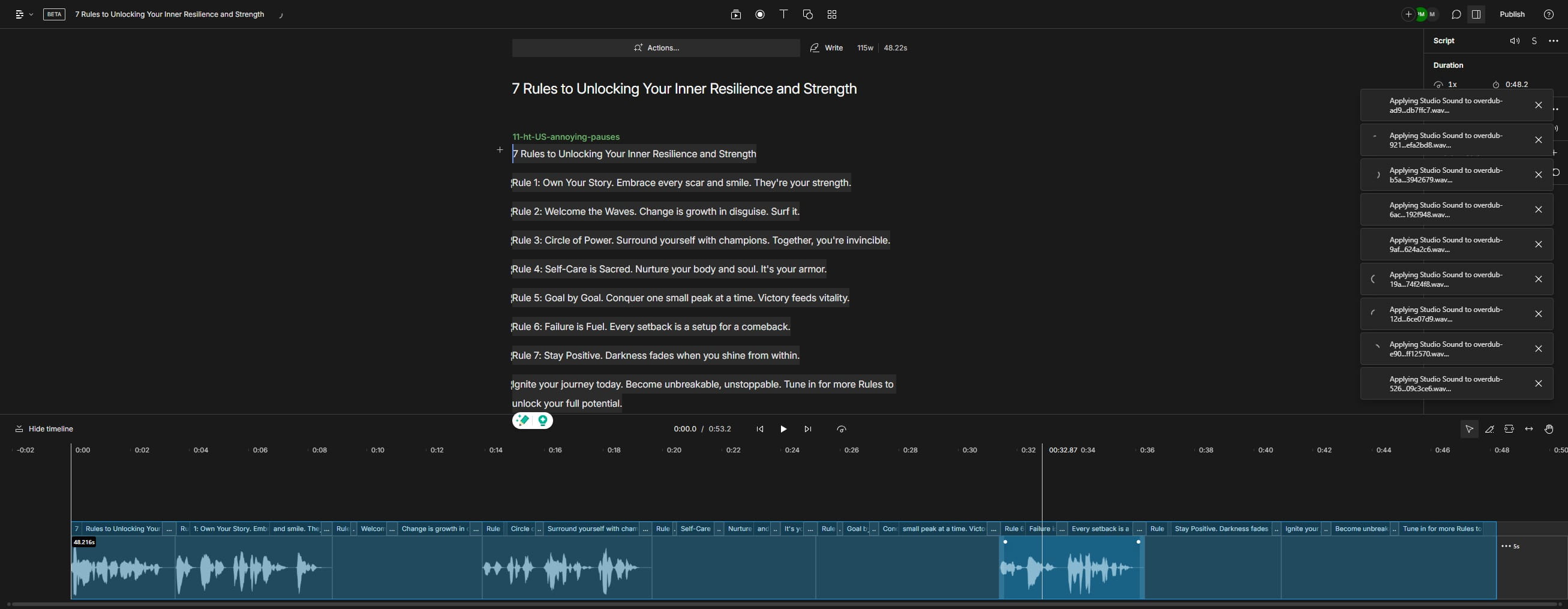
Click on "7 Rules to Unlocking Your Inner Resilience and Str"
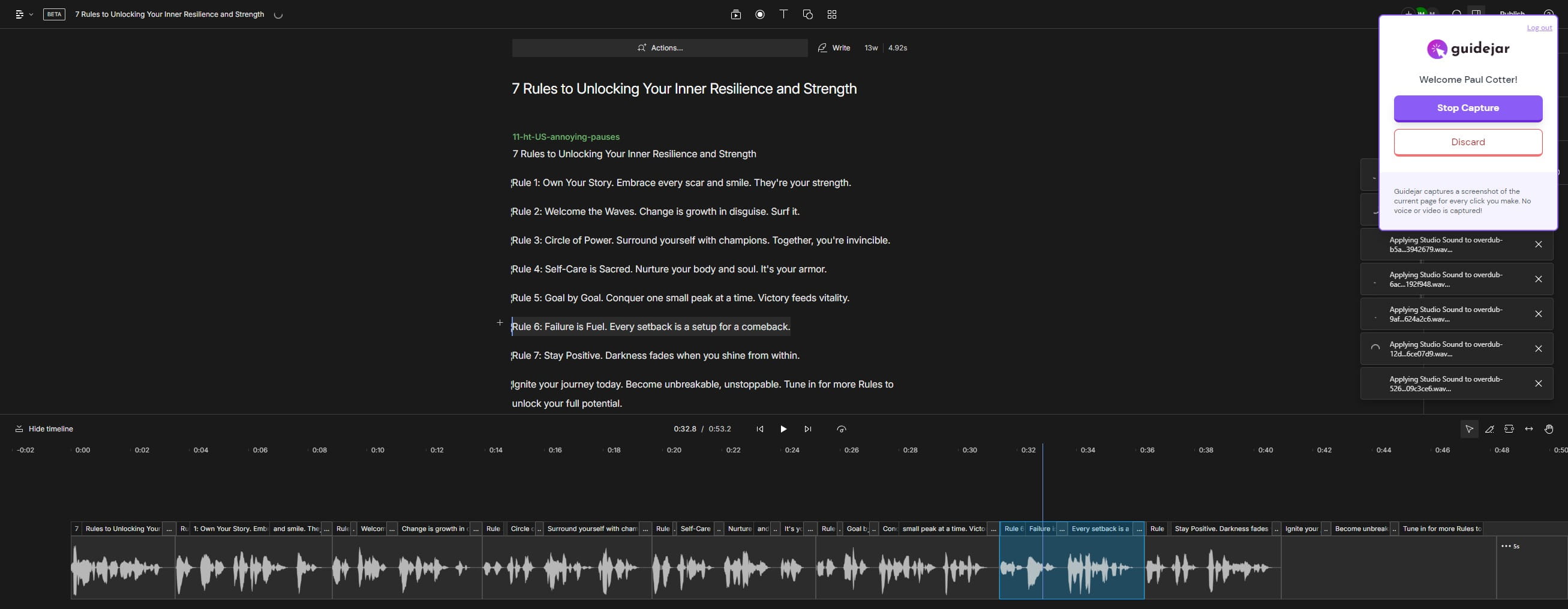
Click on "Publish"
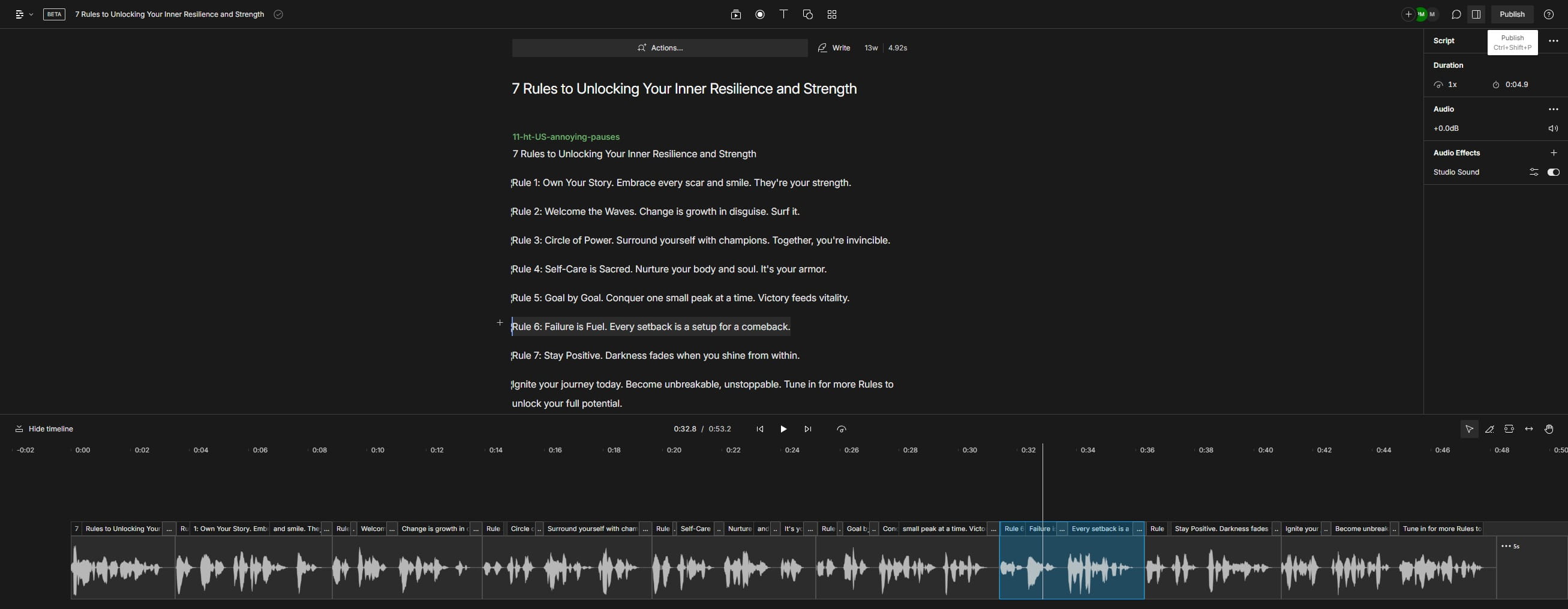
Click here
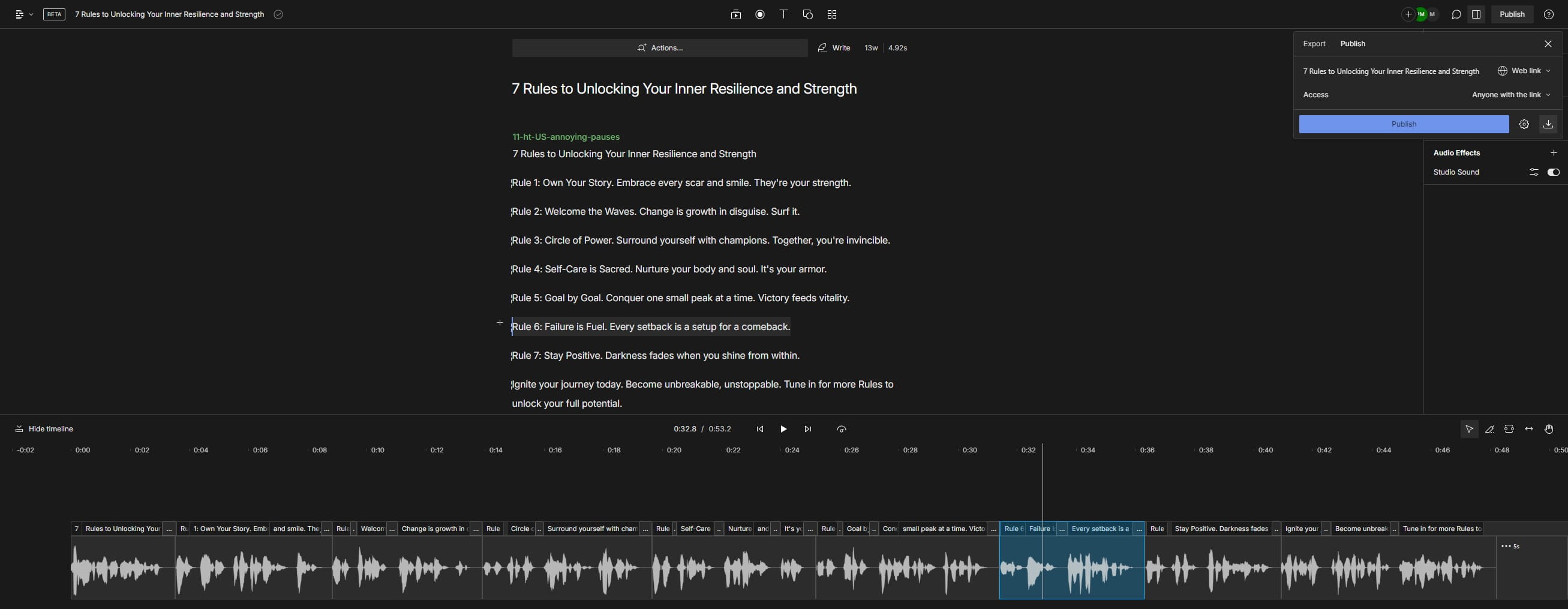
Done 🚀