GuildLink - Site Options
Navigate to Account > Site Admin
Only the site administrator can access this function
Click this image
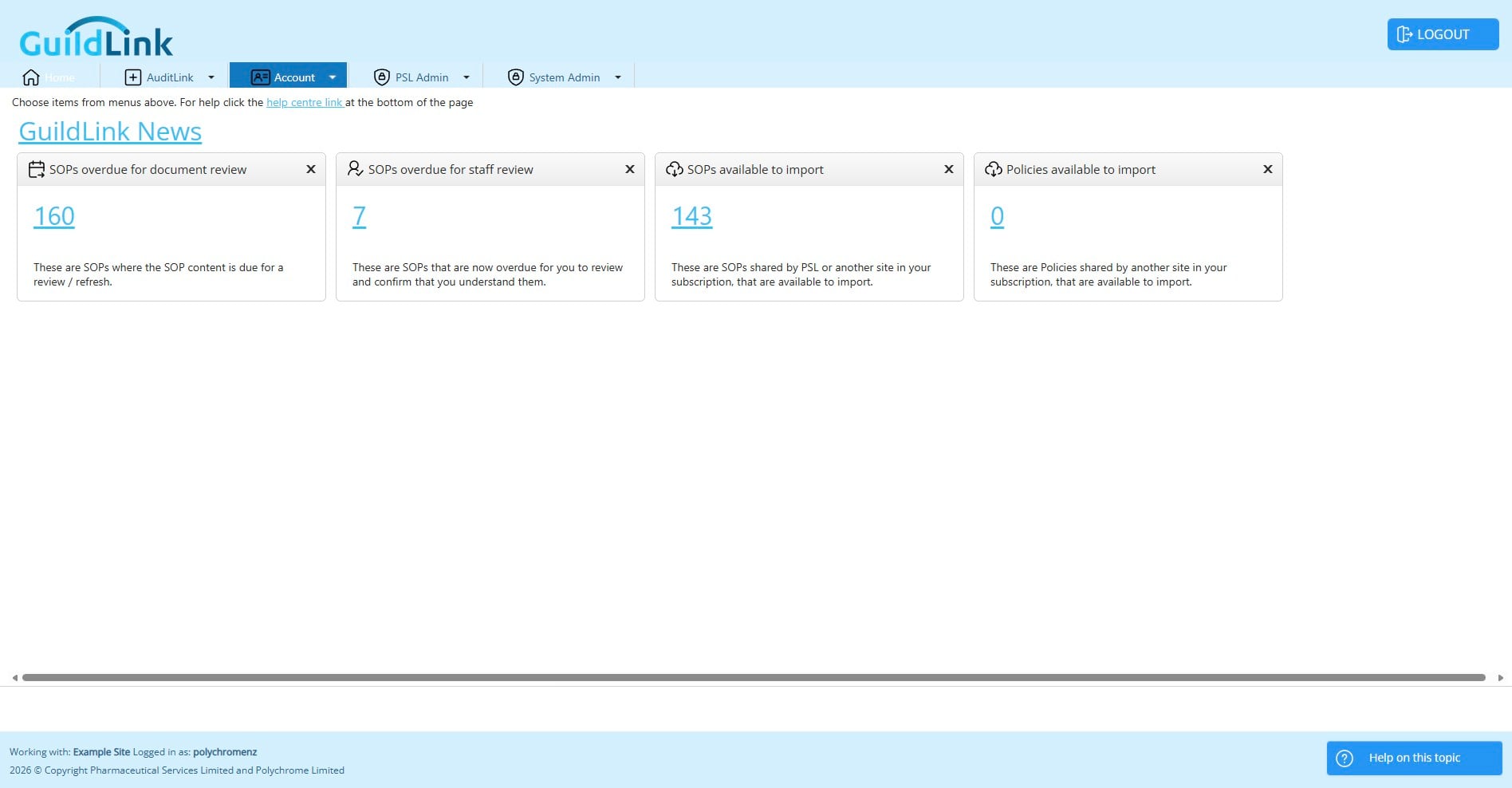
Click on "Site Admin"
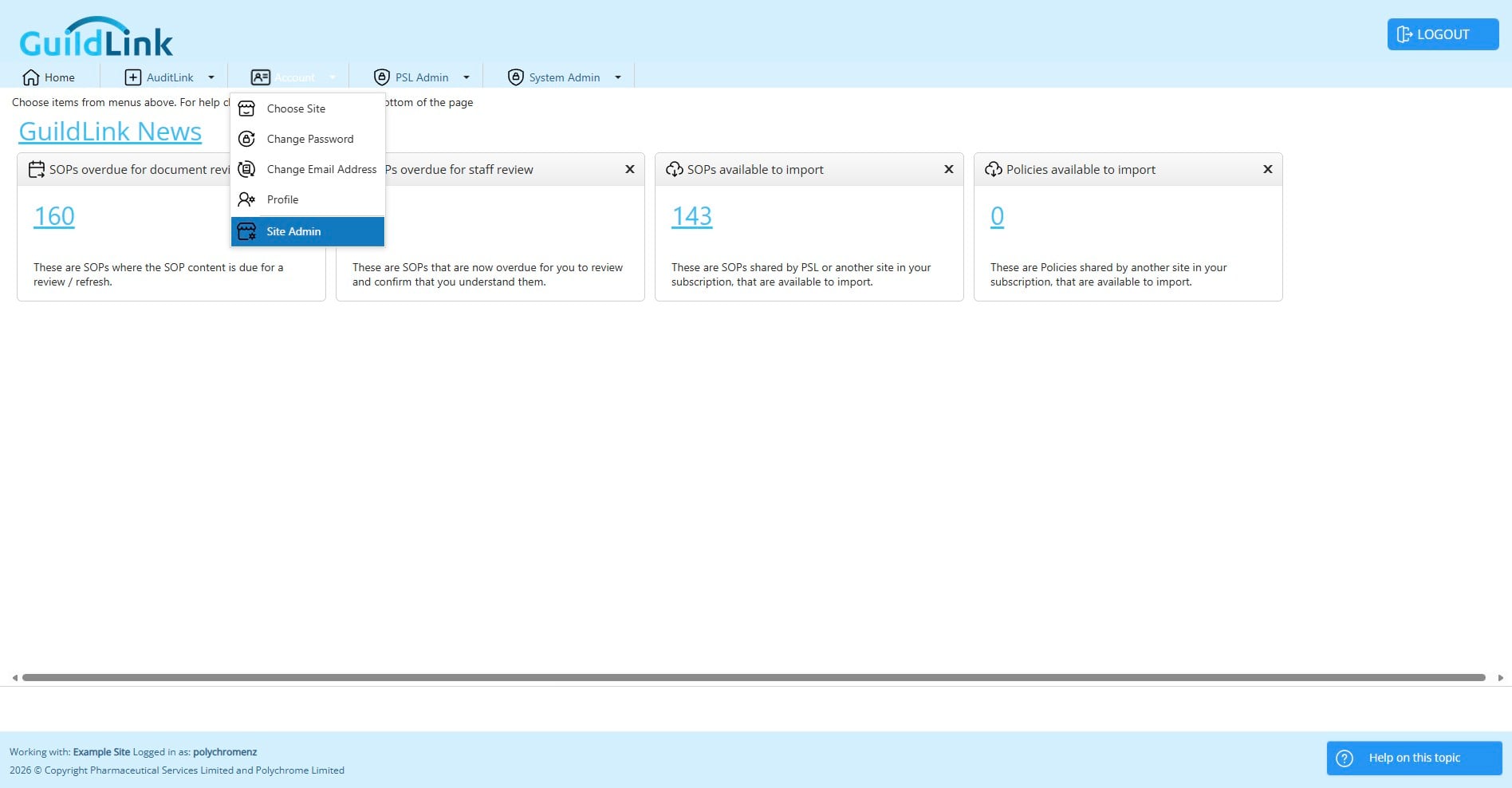
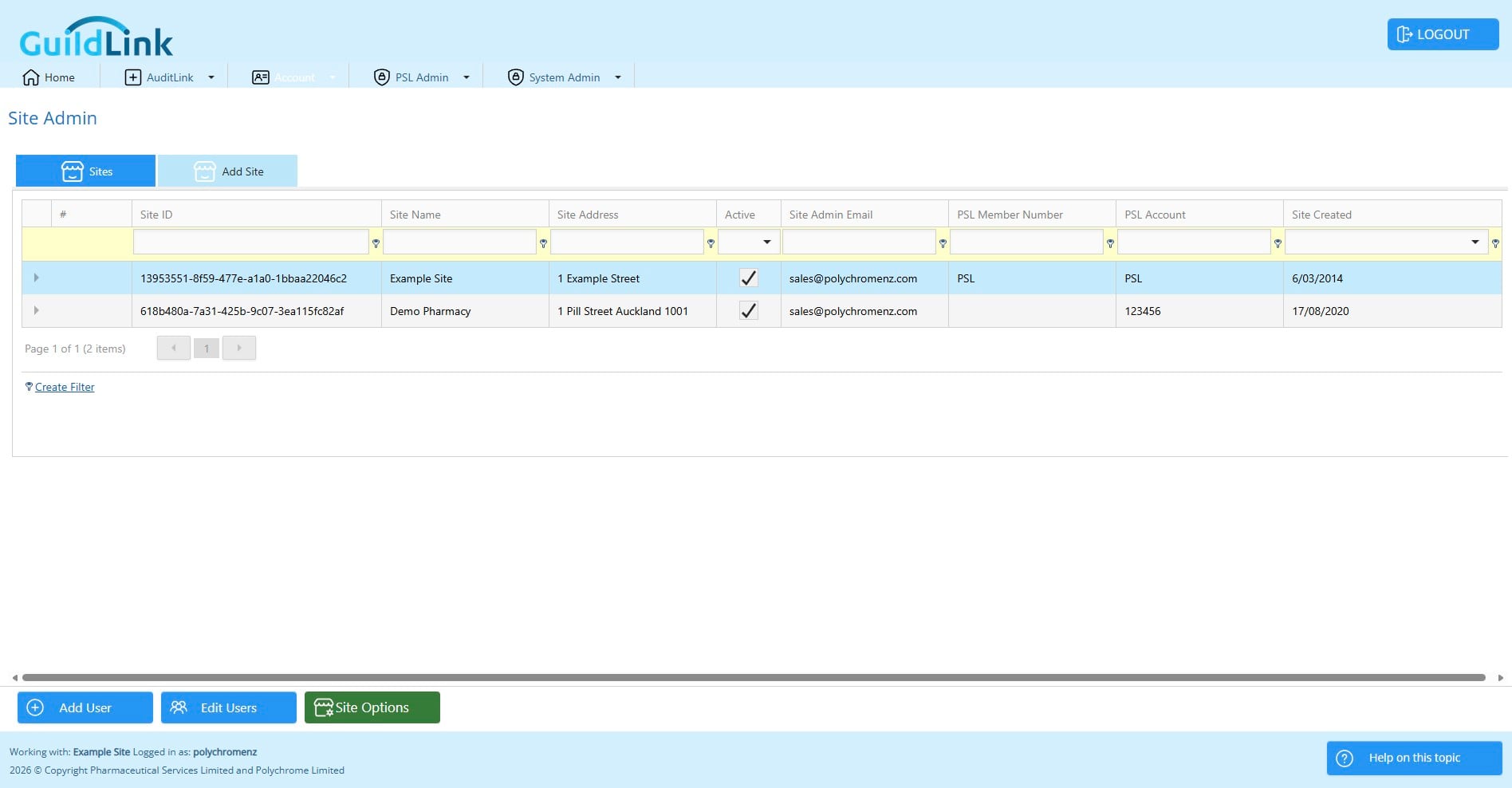
Choose the site you want to work with. Most pharmacies will only have one site.
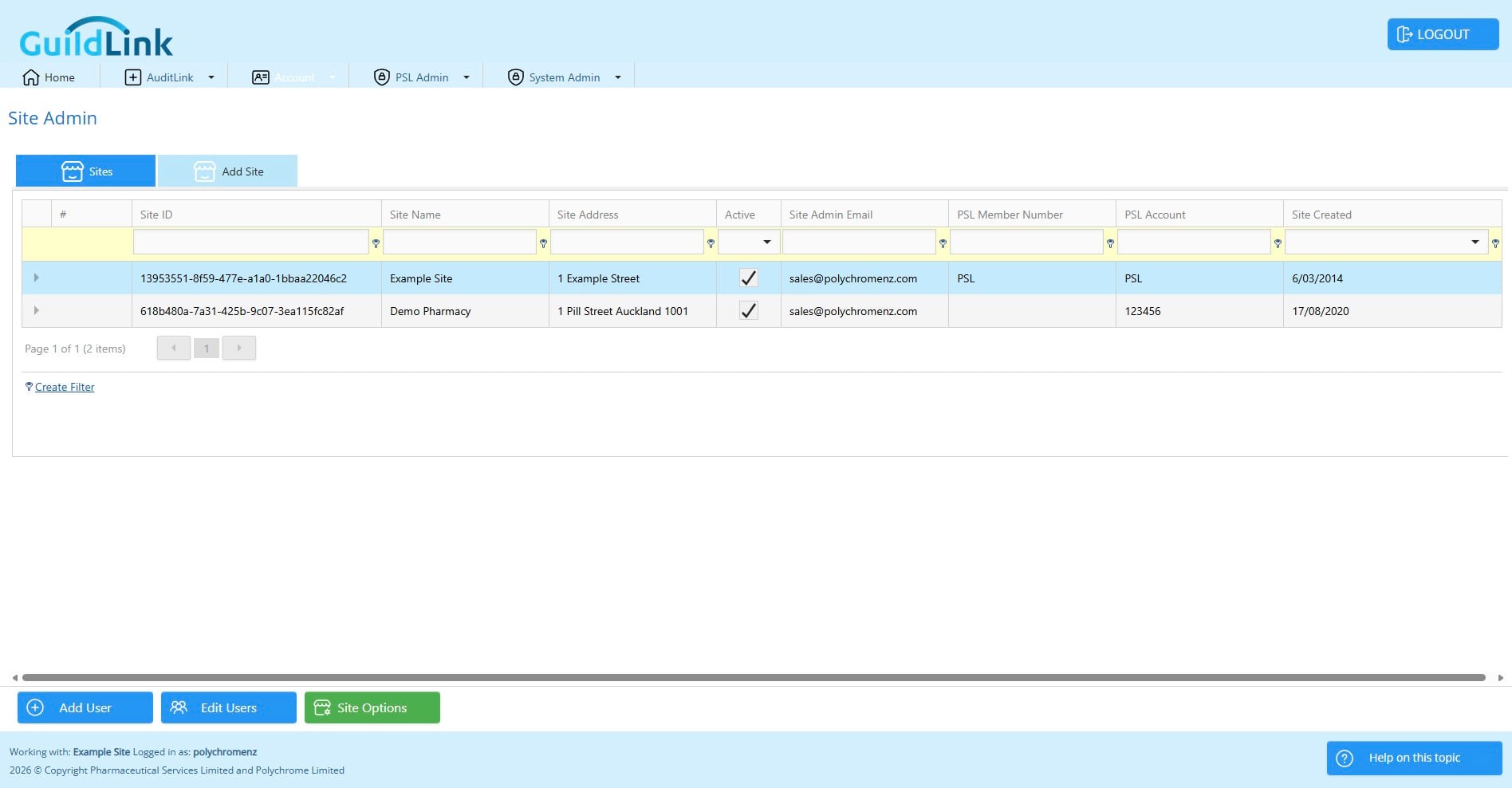
Click on "Site Options"
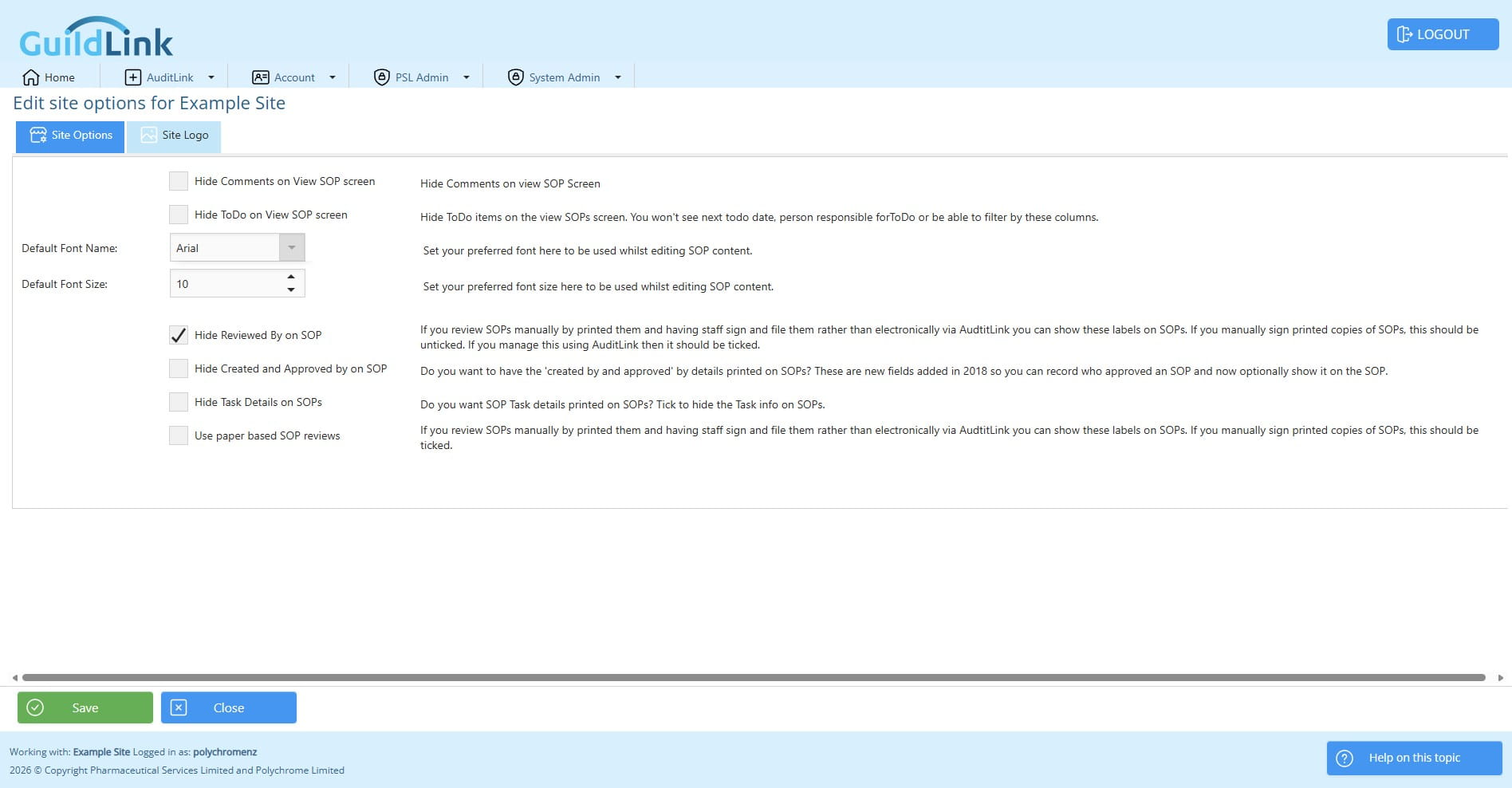
Here you can change site options. Some of these are legacy options and can be ignored as we now allow users to save a layout of the columns they want to see and thier widths etc.
You can choose a default font style and size for editing in SOPs and Policies however, as most content comes from PSL, most pharamcies will never change this.
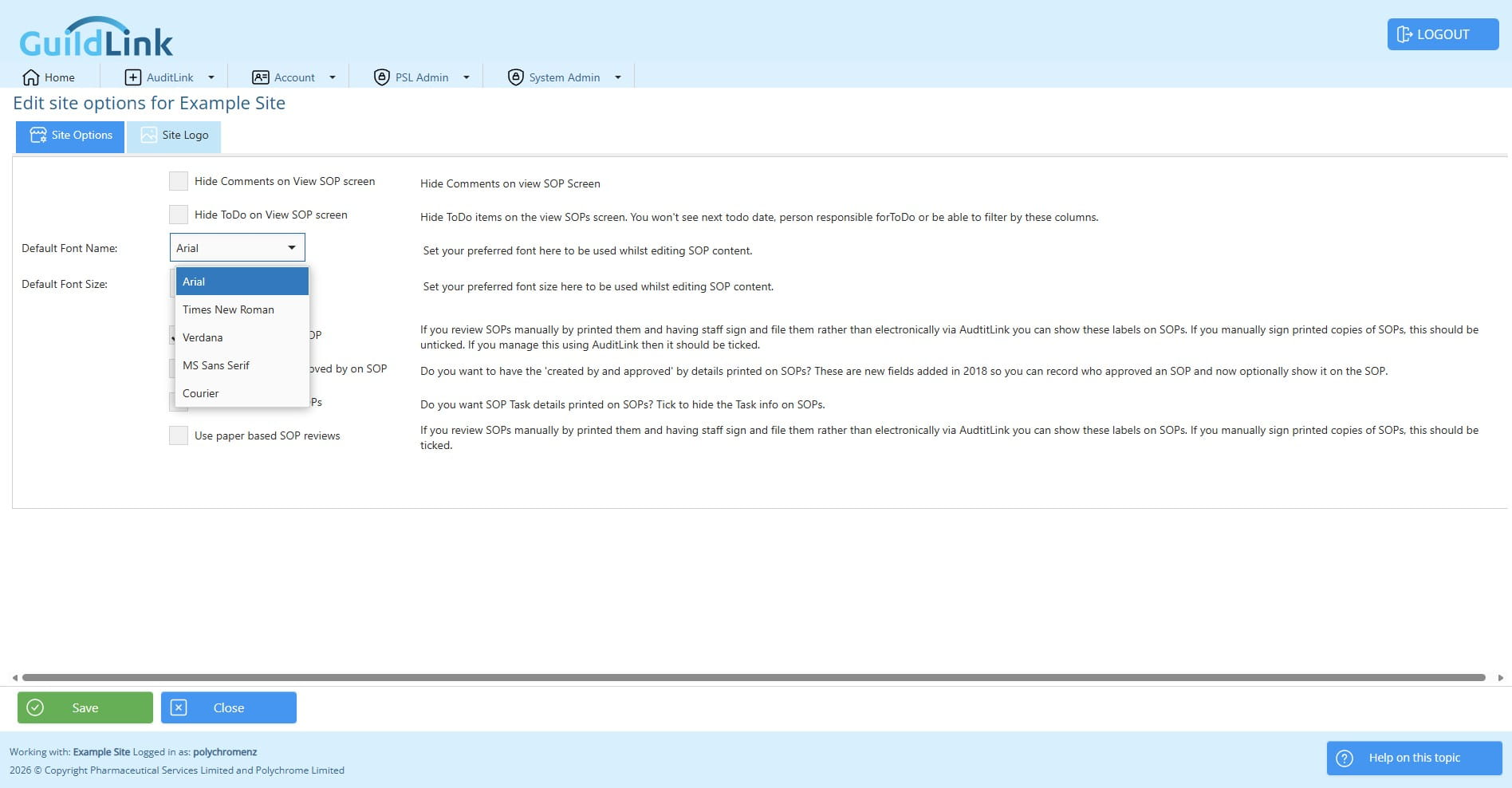
Click here
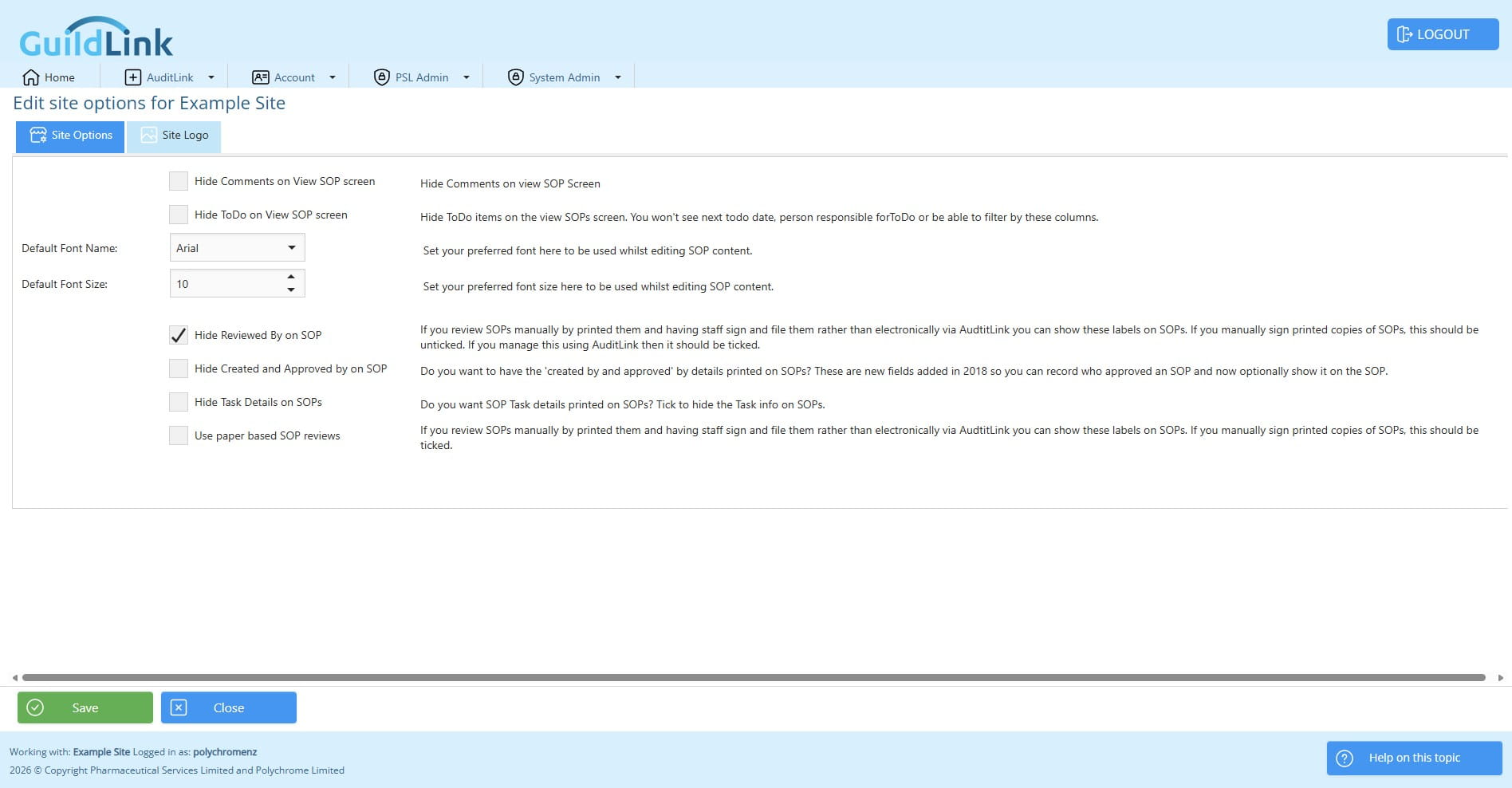
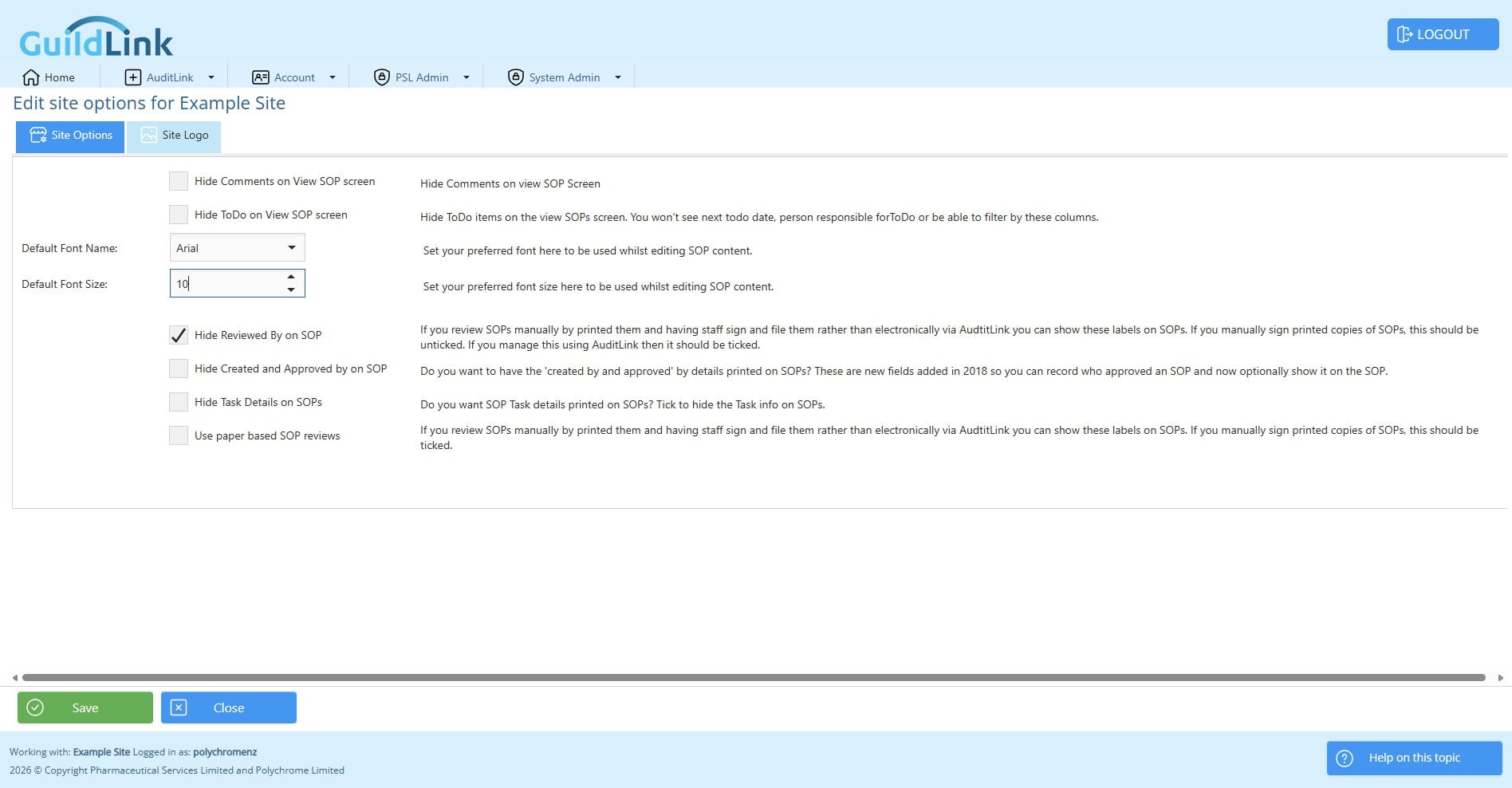
This option is important as it controls whether the system will be set to work for paper based recording of Staff SOP reviews or whether they are recorded electronically within GuildLink.
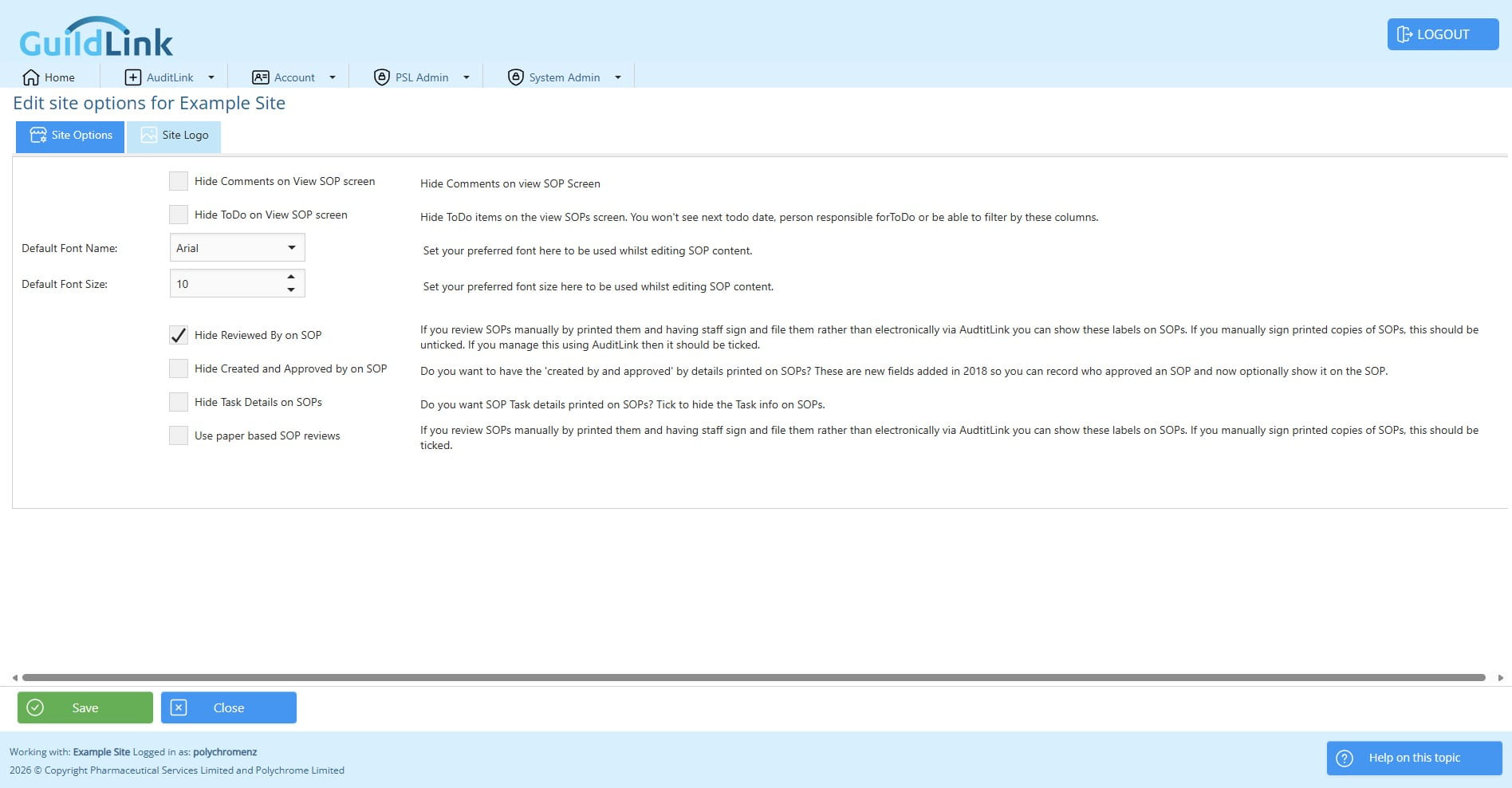
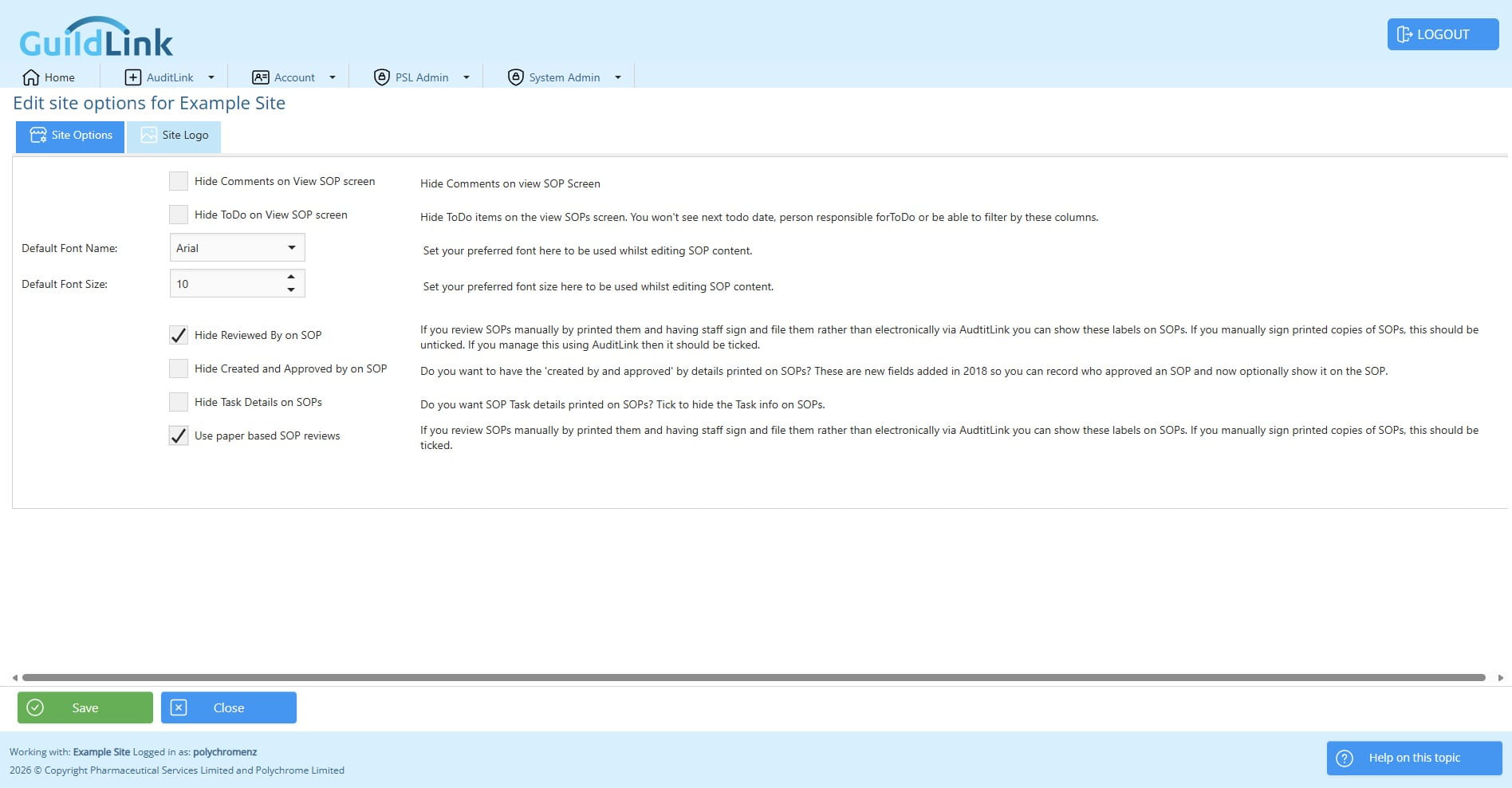
Click Save if you make any changes.
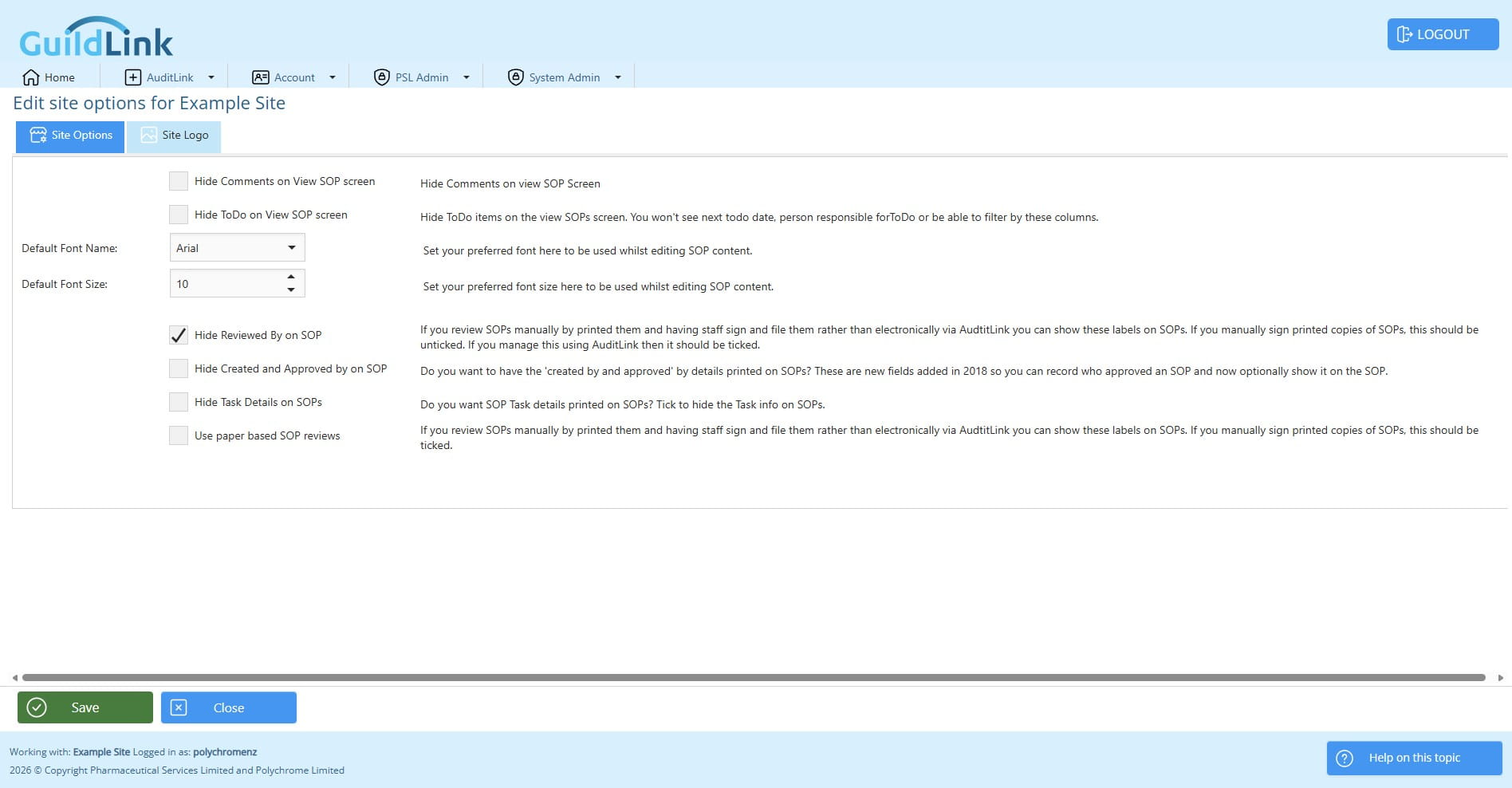
Click on "Site Logo"
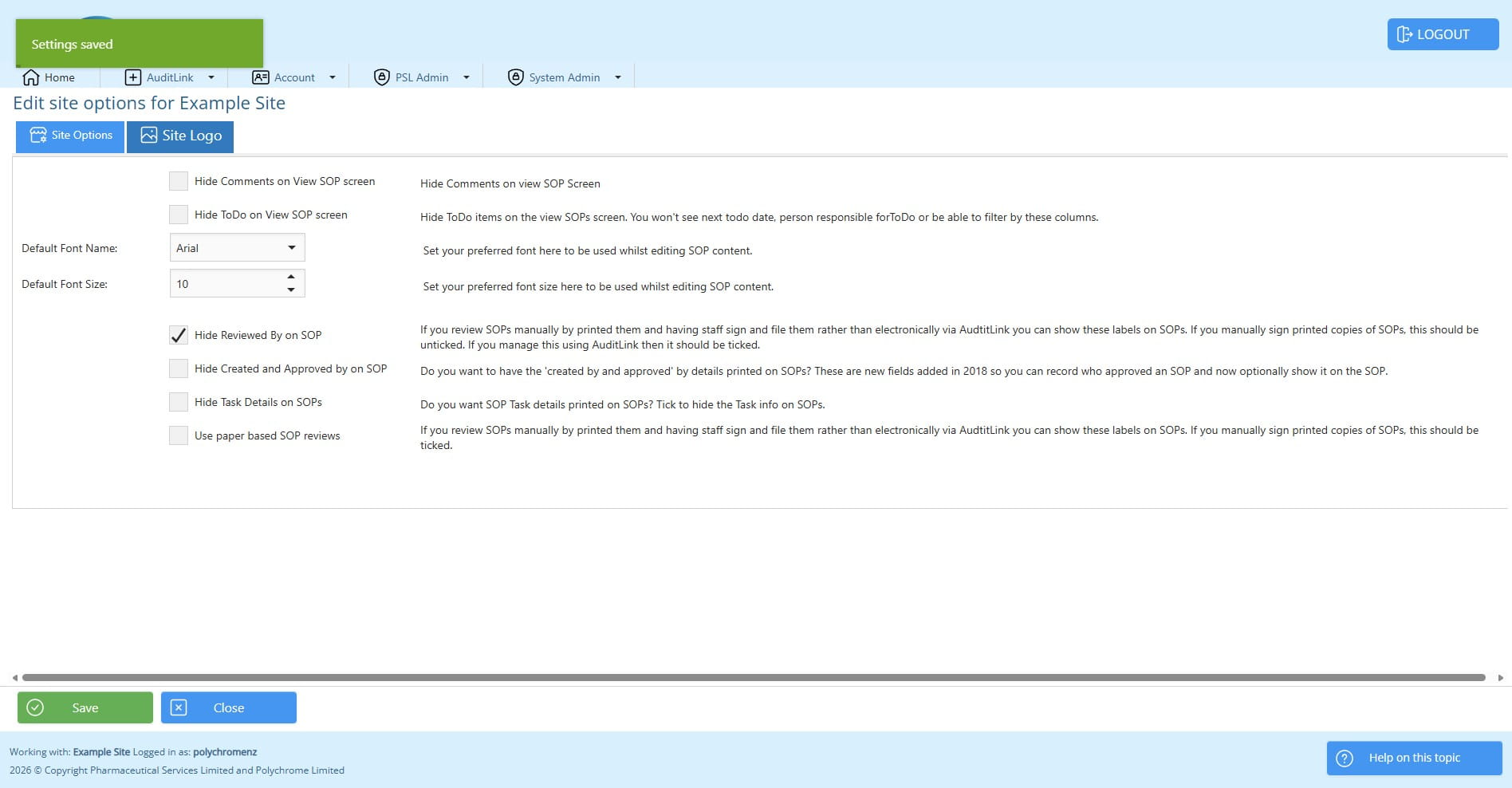
You may upload a logo to show on reports. Ideally this will be size 800 pixels wide by 150 pixels high. If you are unsure how to do this, we can do that for you. Browse to select an imaged.
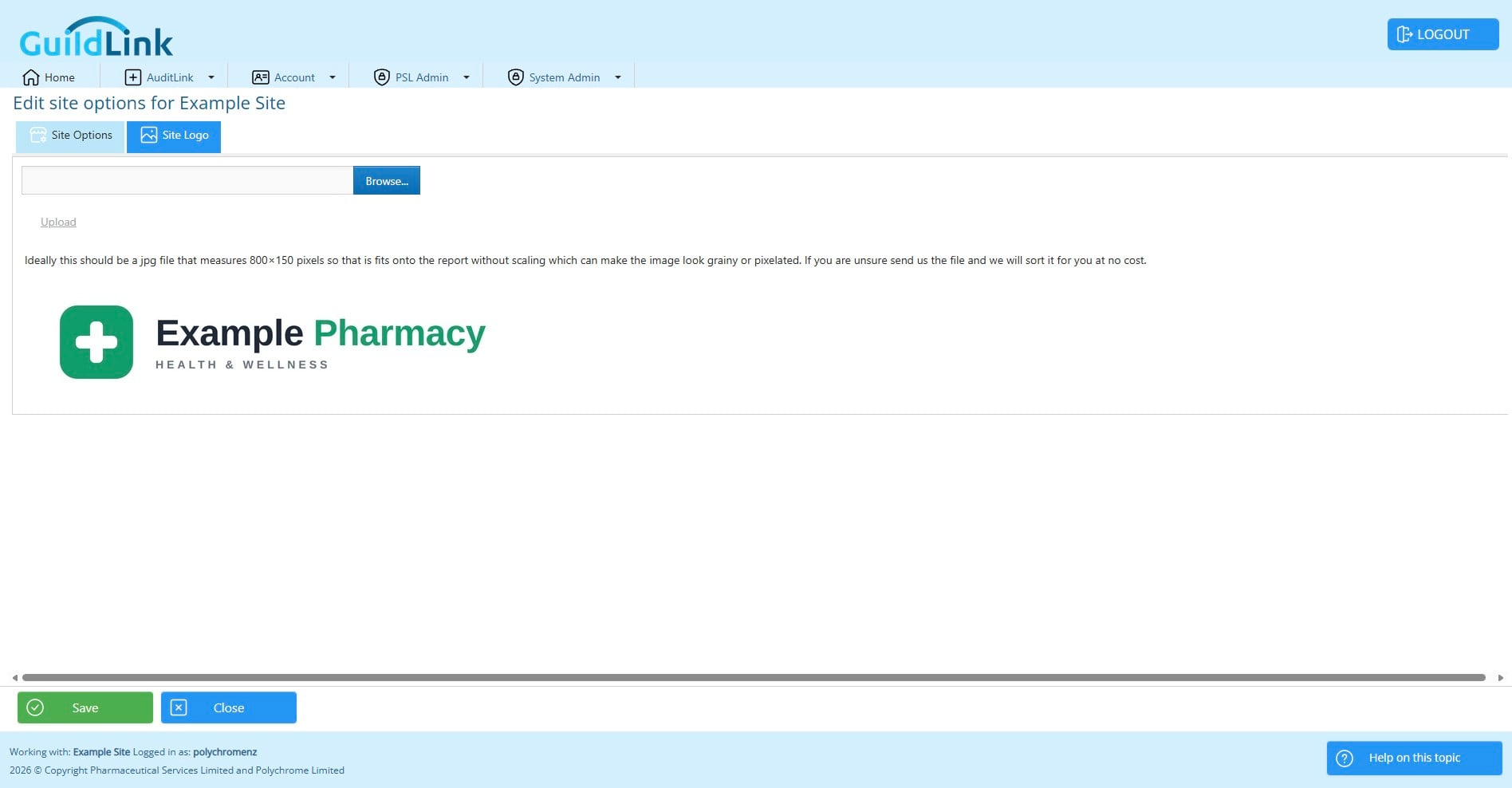
Click on "Upload"
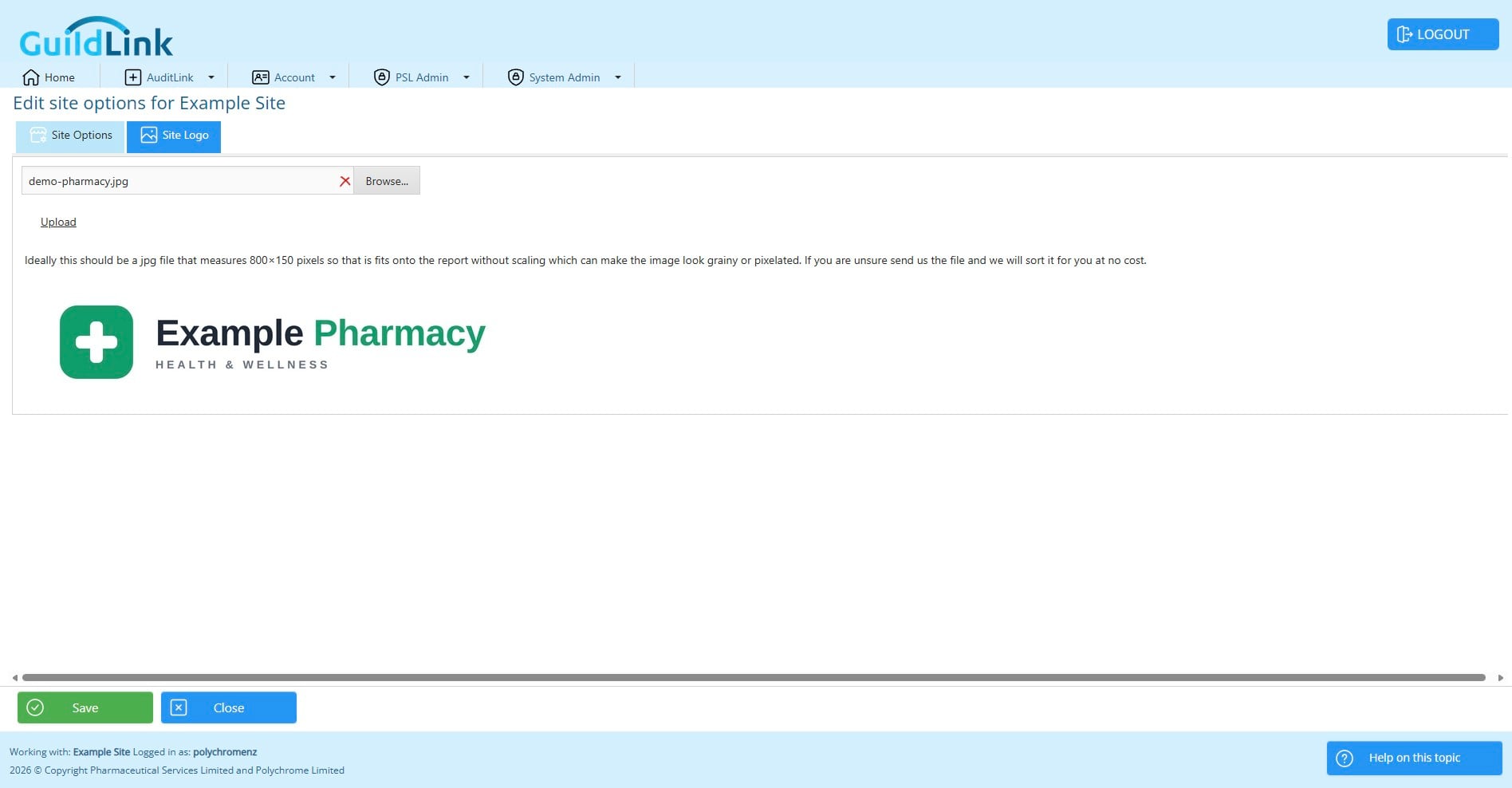
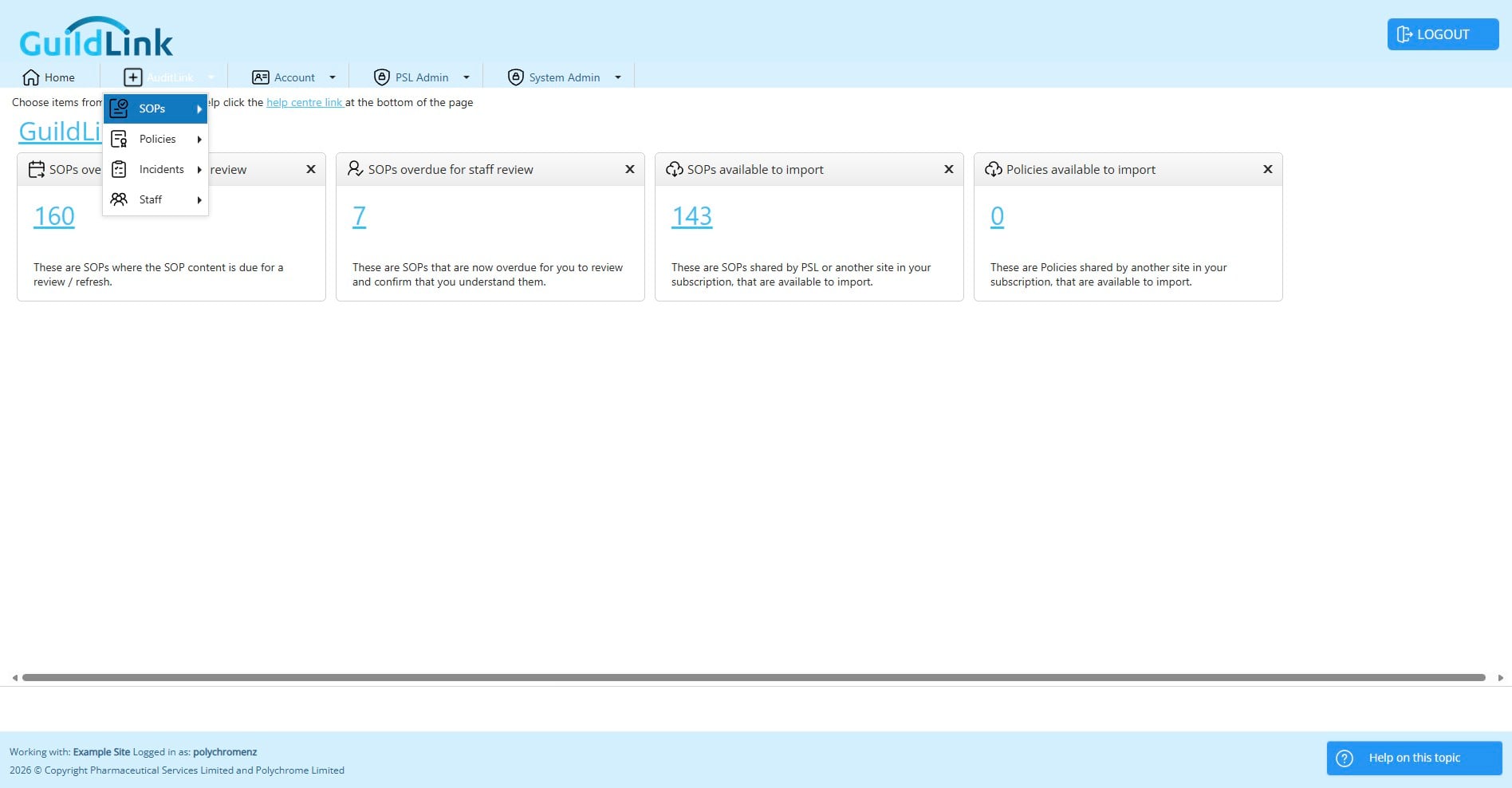
Click on "AuditLink"
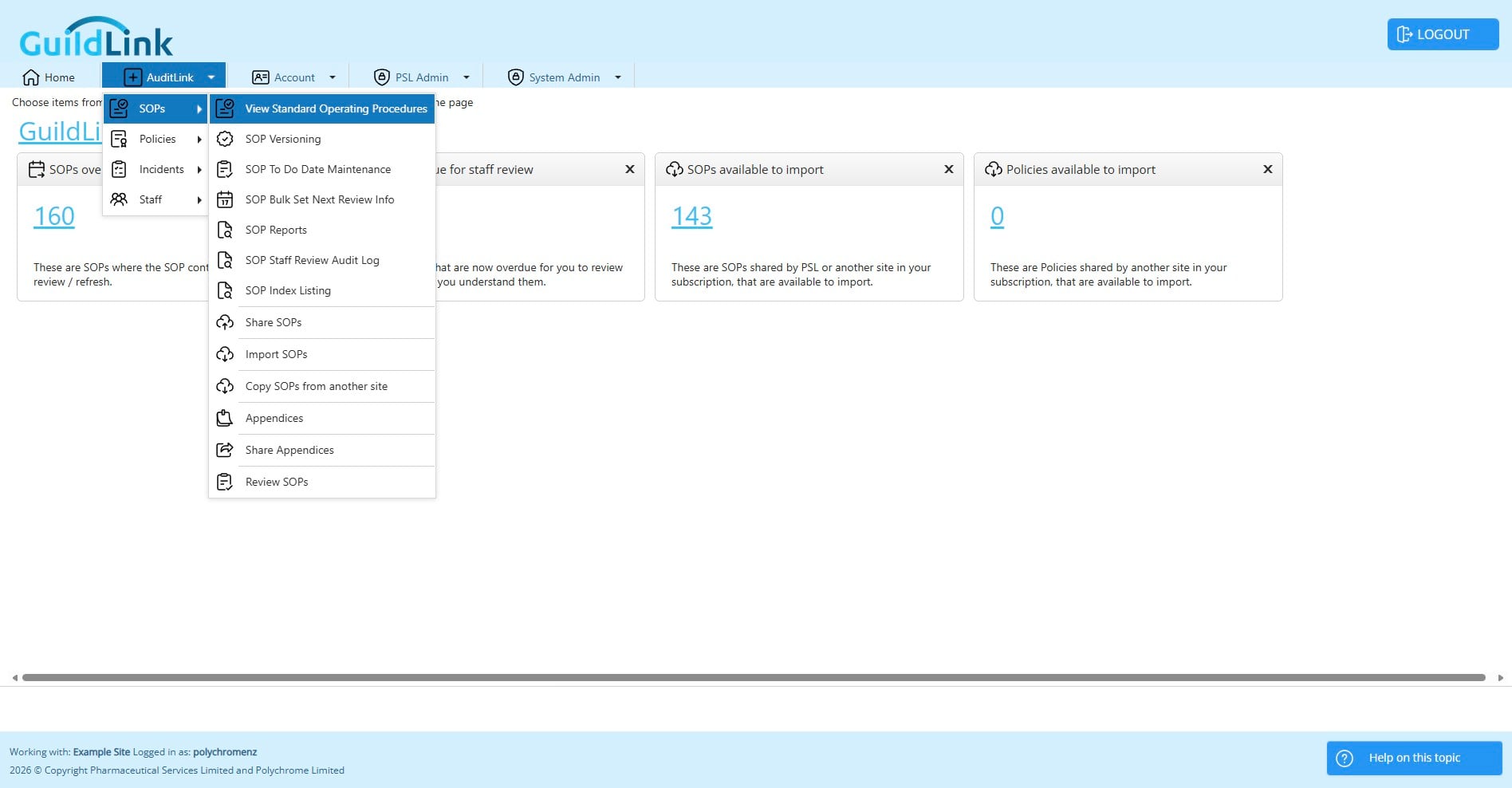
Click on "Preview One"
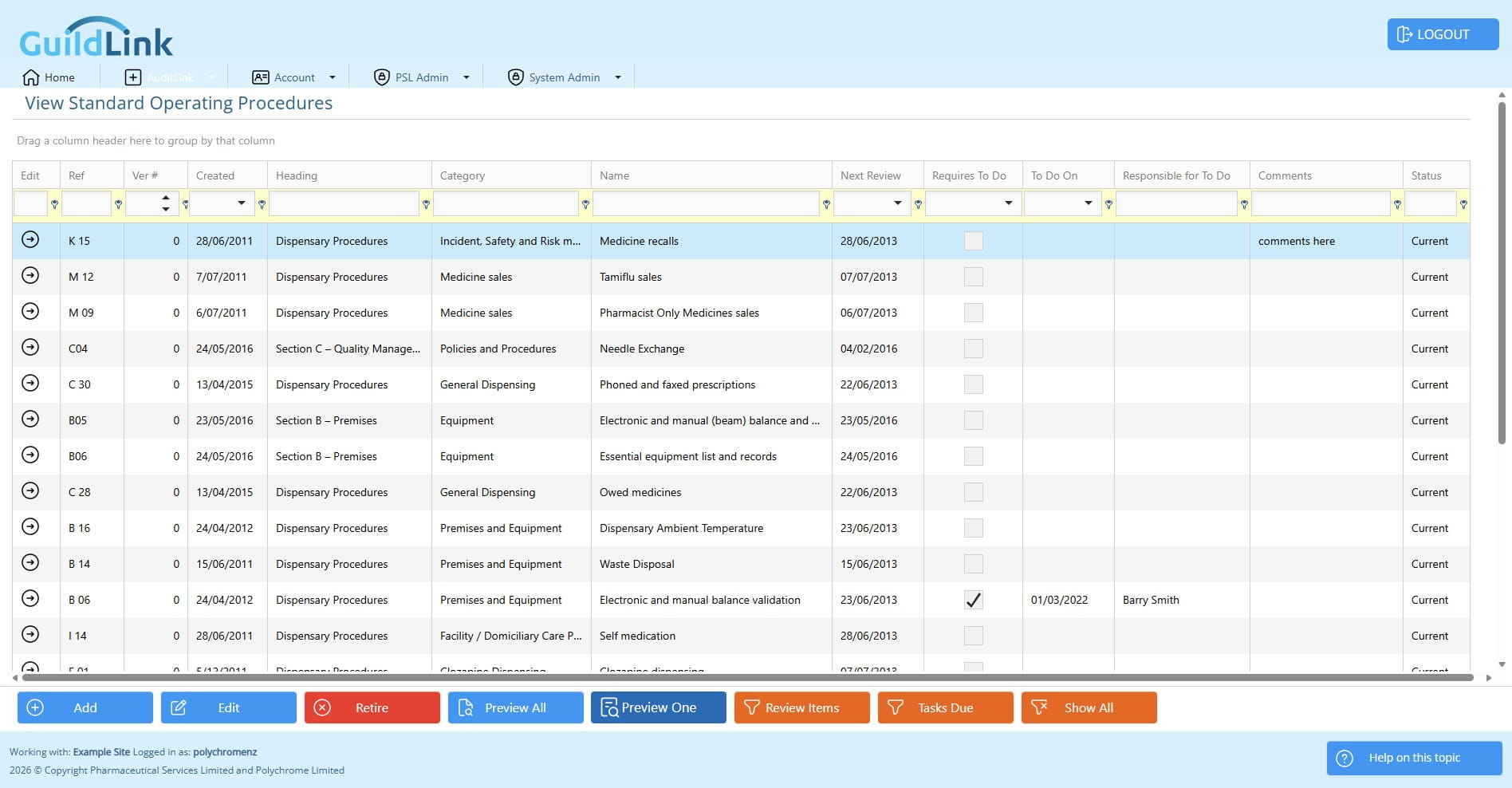
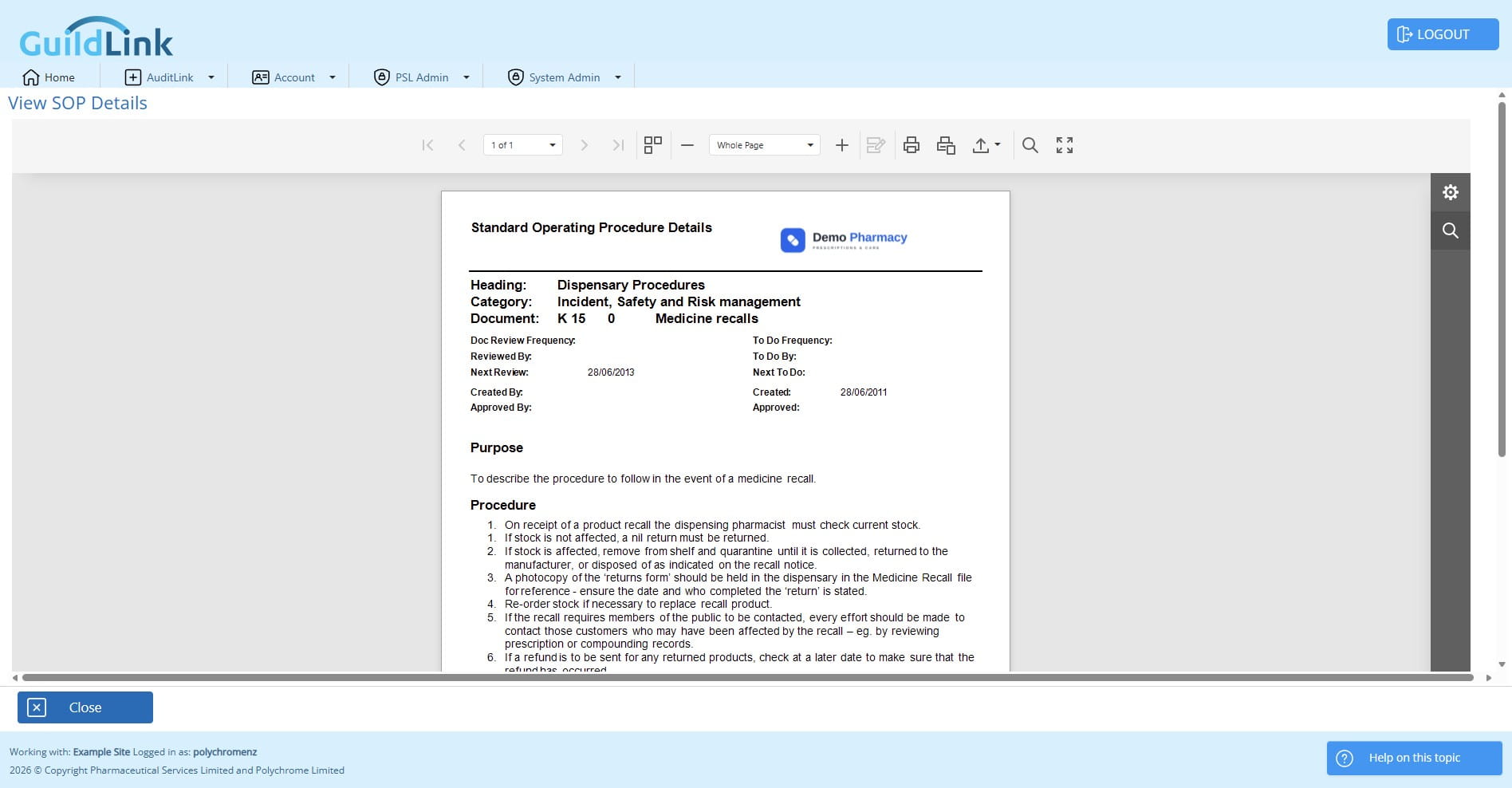
Now you can see the logo on your reports.