
How to Create a Step-by-Step Guide That Works
This concise guide demonstrates how to document workflows in an clear, visual way that people actually follow. It emphasizes defining a clear end state, keeping content actionable and brief.
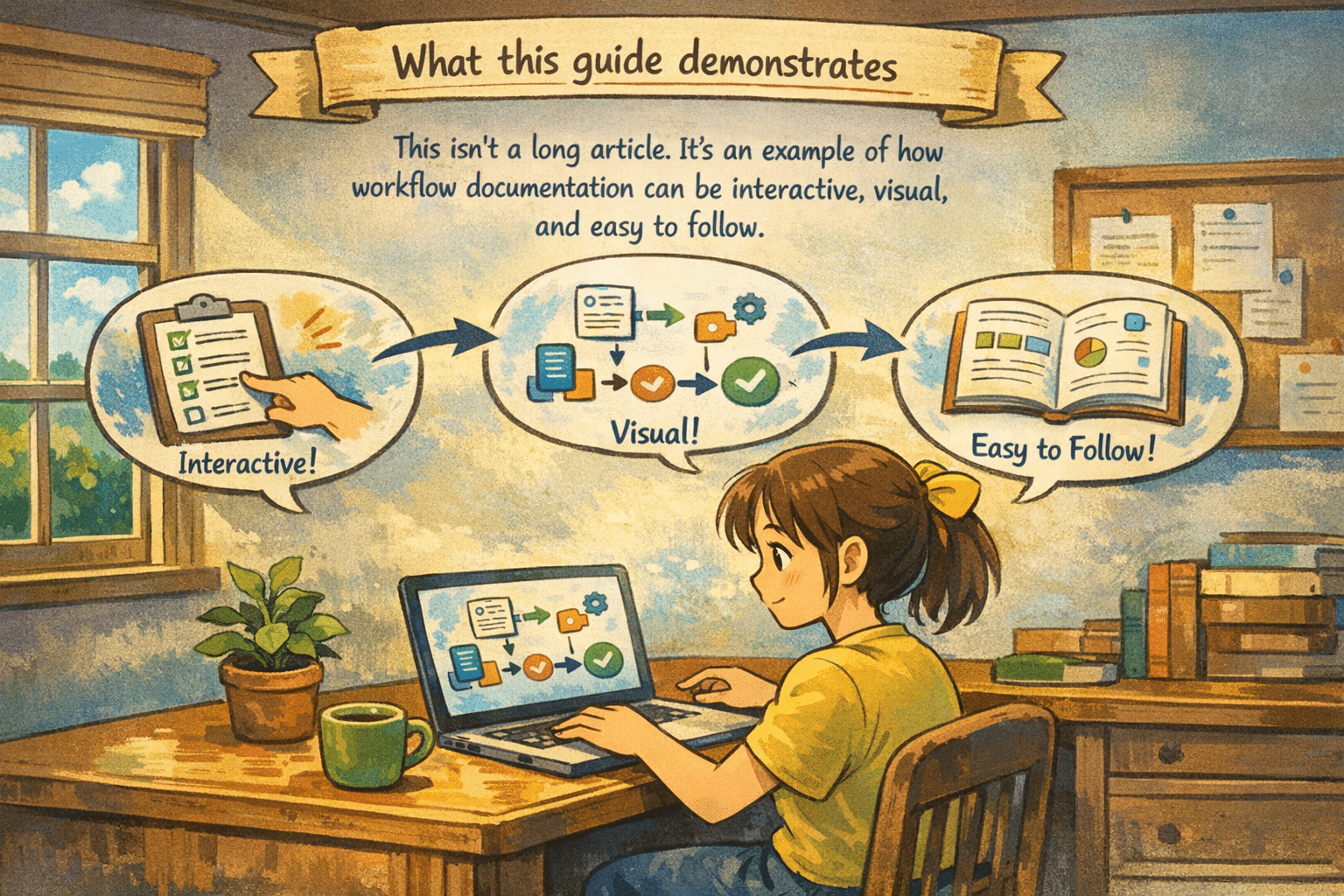
What this guide demonstrates
This isn’t a long article. It’s an example of how workflow documentation can be interactive, visual, and easy to follow.
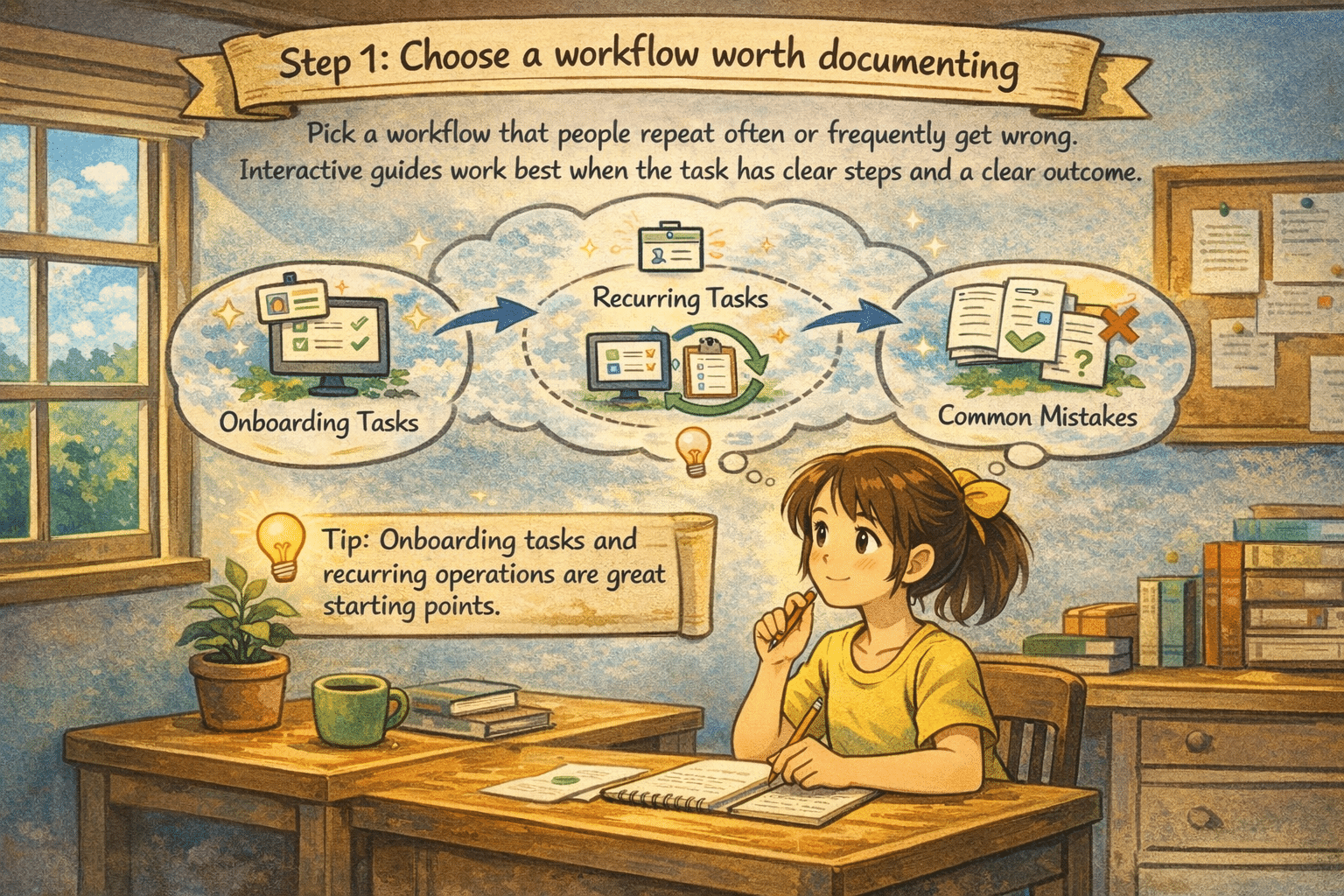
Choose a workflow worth documenting
Pick a workflow that people repeat often or frequently get wrong. Interactive guides work best when the task has clear steps and a clear outcome. Onboarding tasks and recurring operations are great starting points.
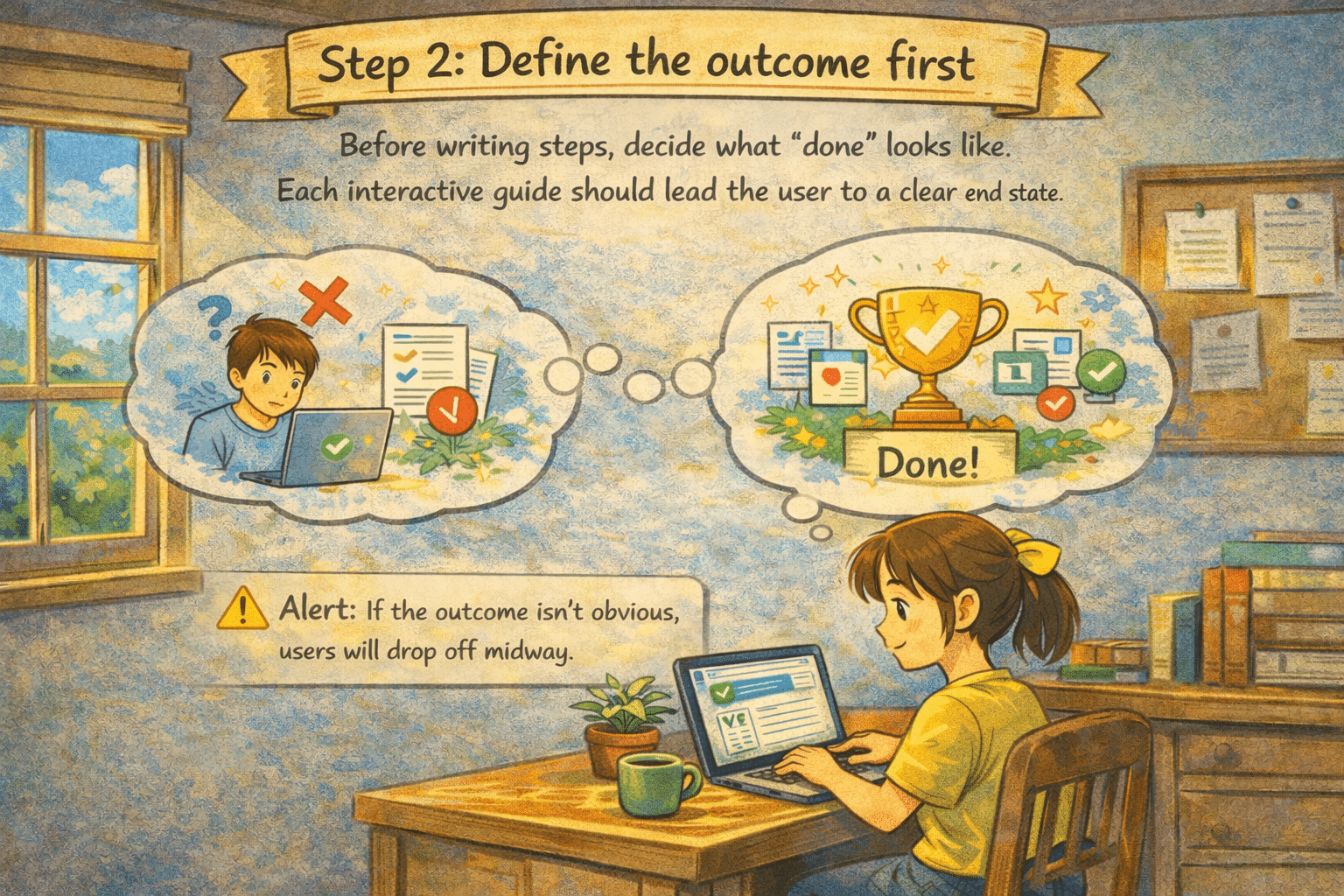
Define the outcome first
Before writing steps, decide what “done” looks like. Each interactive guide should lead the user to a clear end state If the outcome isn’t obvious, users will drop off midway.
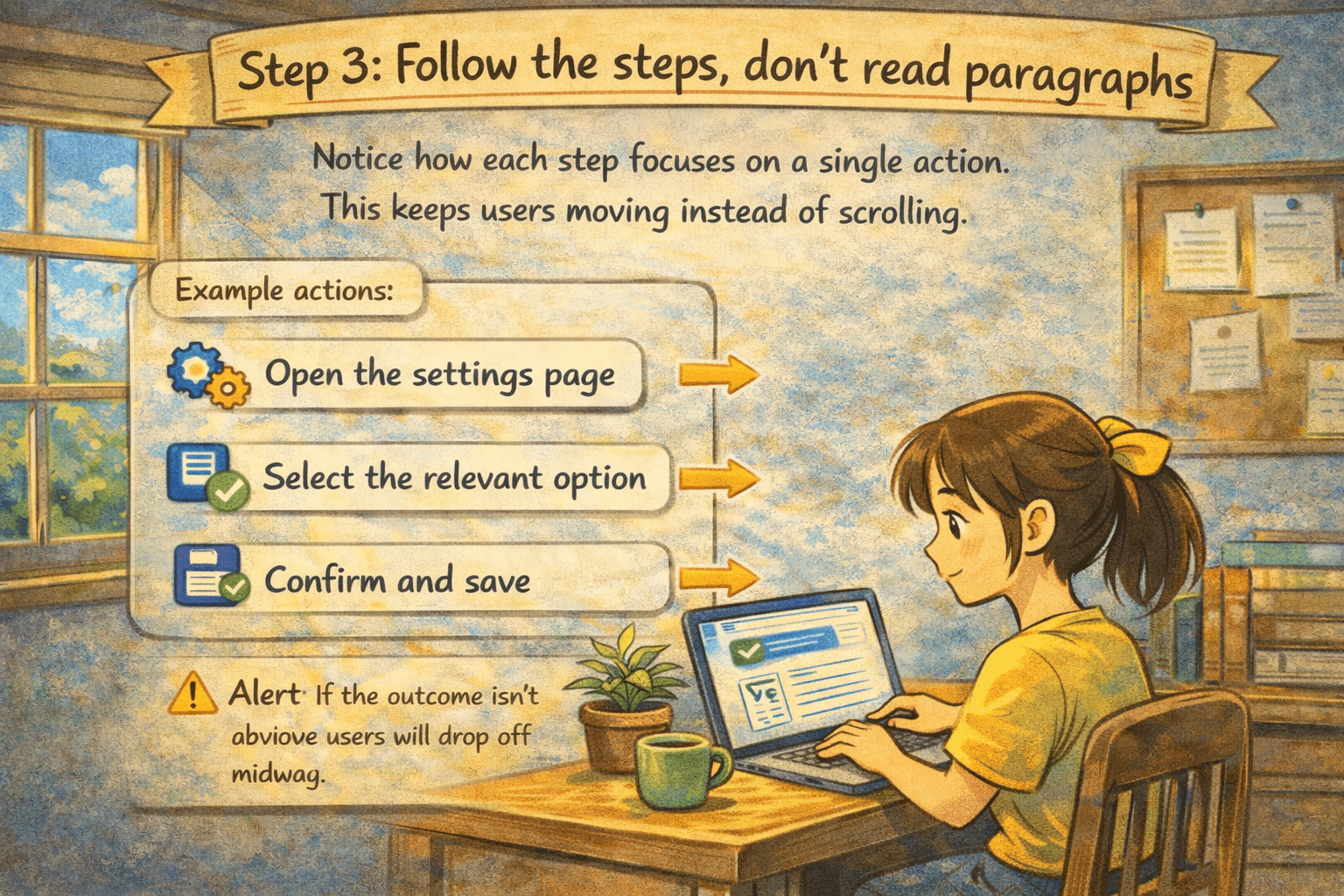
Follow actions, not explanations
Notice how each step focuses on a single action. This keeps users moving instead of scrolling. For eg: Open the settings page, Select the relevant option, Confirm and save.
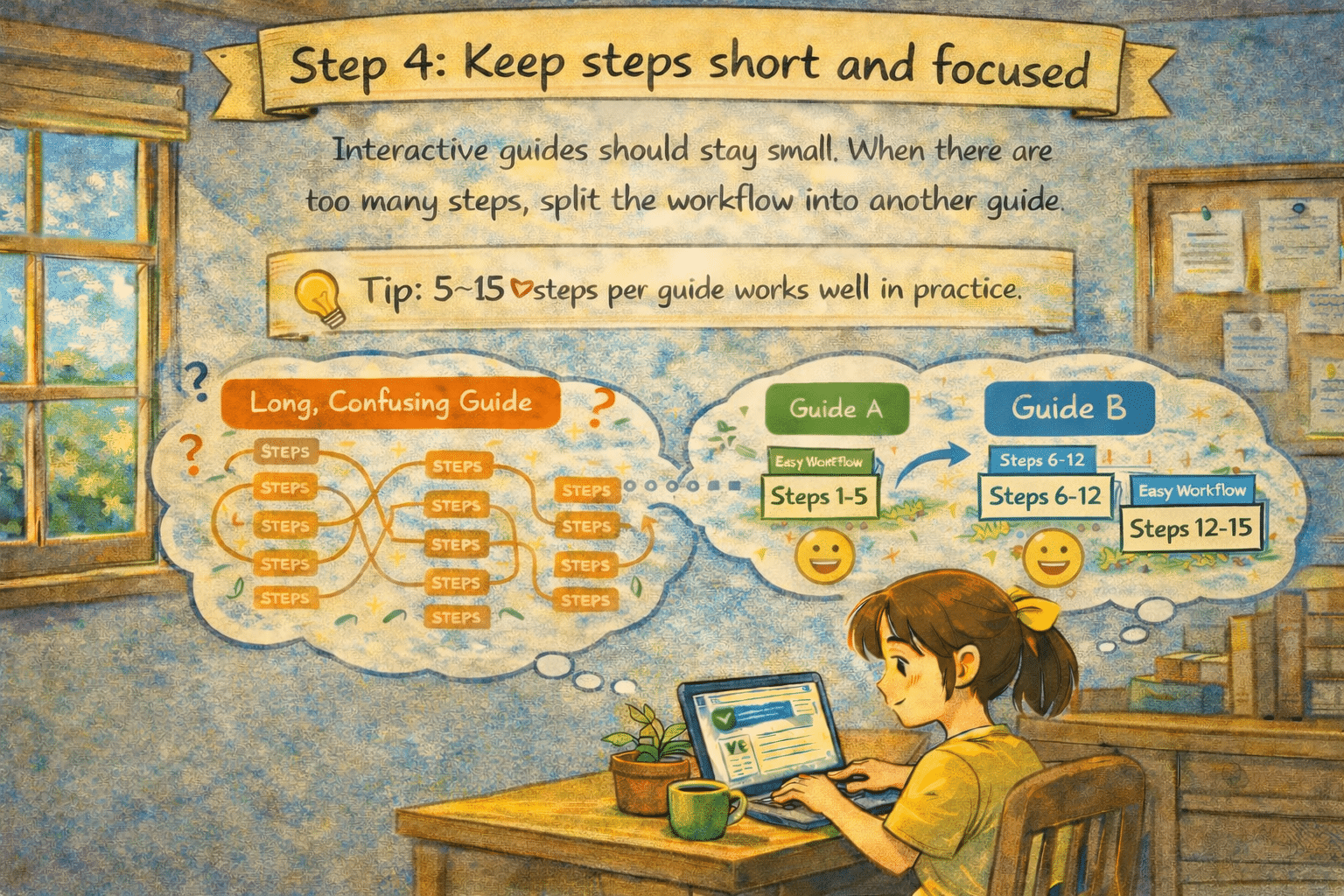
Keep steps short and focused
Interactive guides should stay small. When there are too many steps, split the workflow into another guide. Tip: 5–15 steps per guide works well in practice.
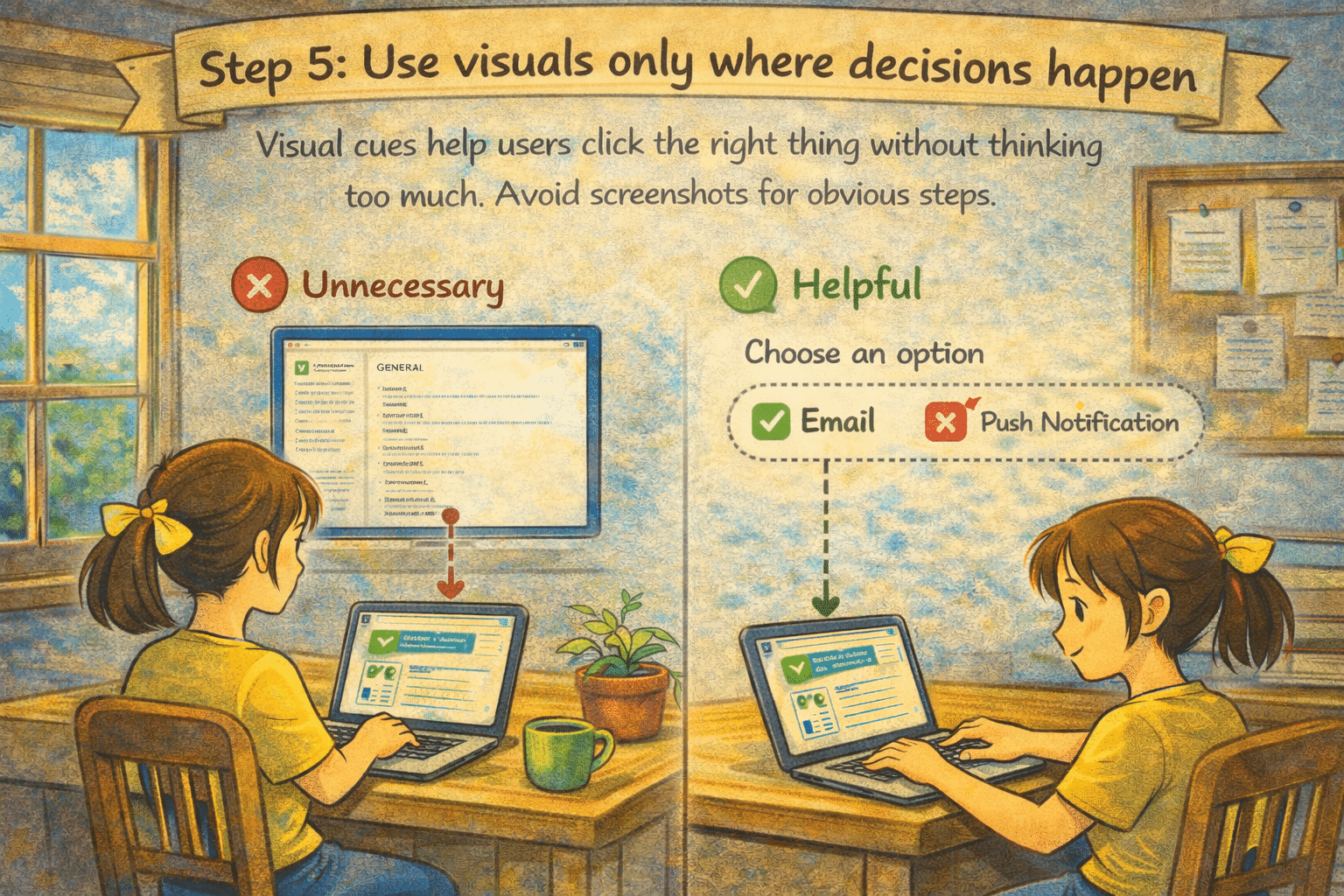
Use visuals only where decisions happen
Visual cues help users click the right thing without thinking too much. Avoid screenshots for obvious steps.
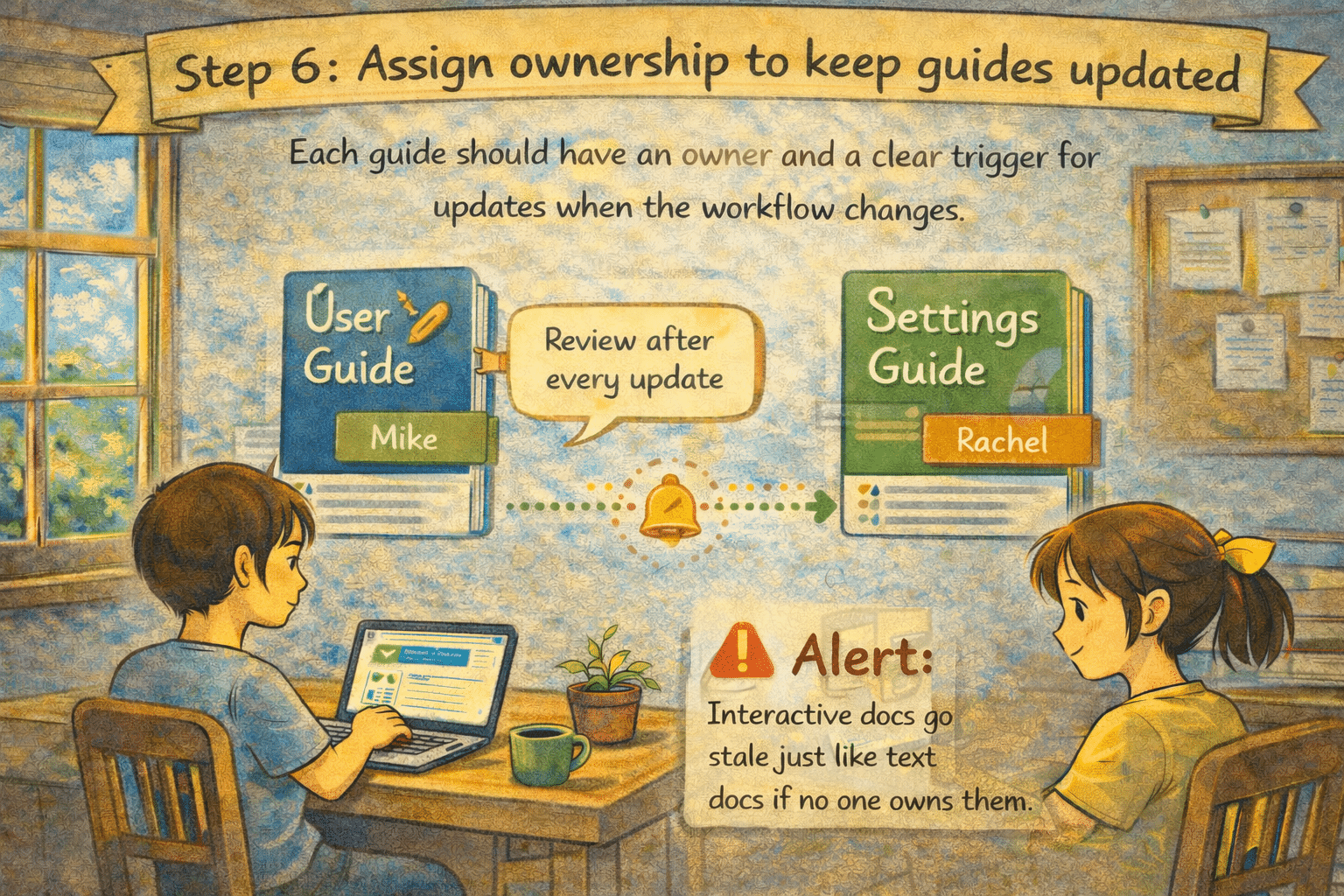
Assign ownership to keep guides updated
Each guide should have an owner and a clear trigger for updates when the workflow changes. Alert: Interactive docs go stale just like text docs if no one owns them.
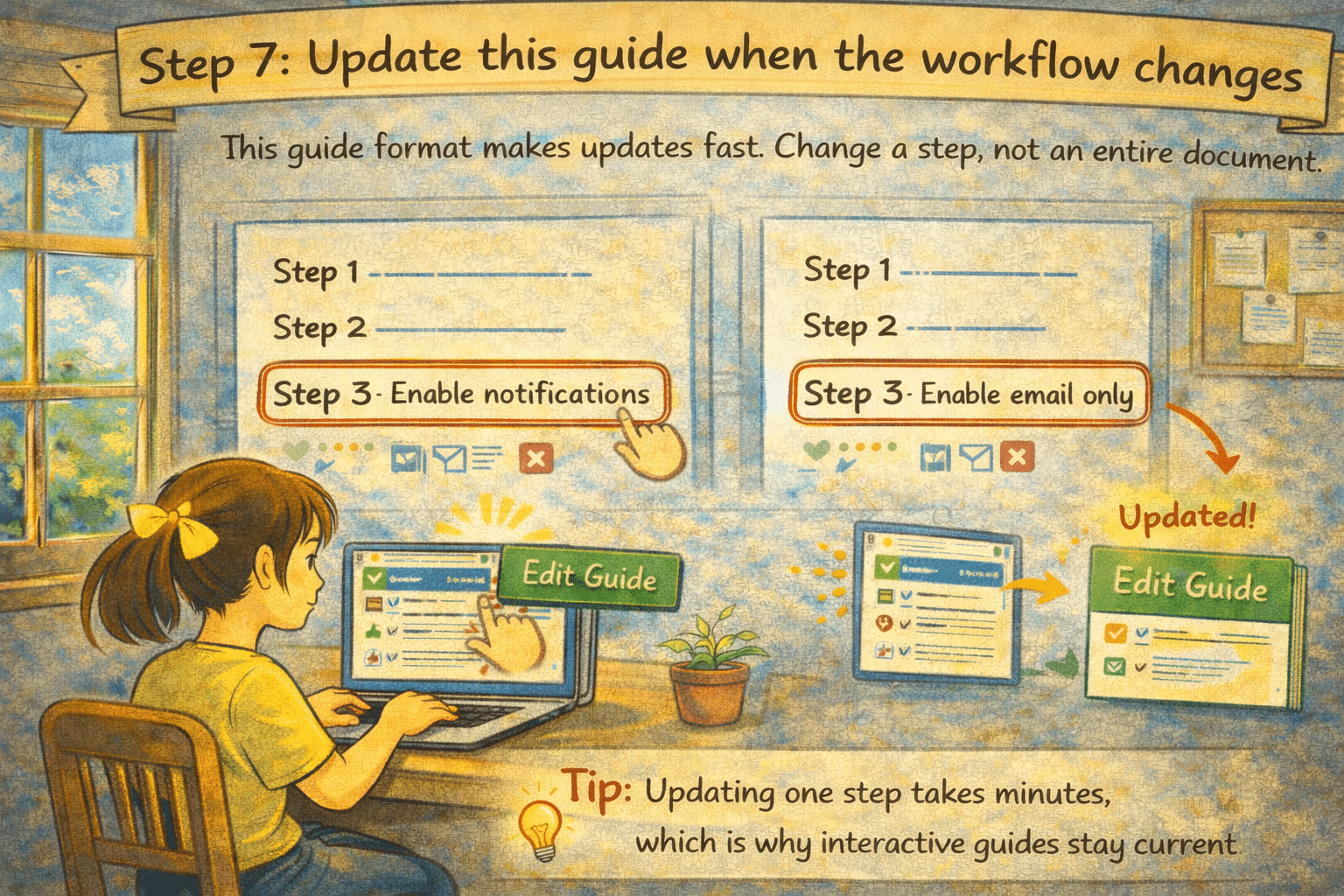
Update this guide when the workflow changes
This guide format makes updates fast. Change a step, not an entire document. Tip: Updating one step takes minutes, which is why interactive guides stay current.
Where interactive guides work better
- SOPs and internal processes
- New hire or user onboarding
- Runbooks and incident response
- Feature rollouts and product changes
- Support workflows and common fixes
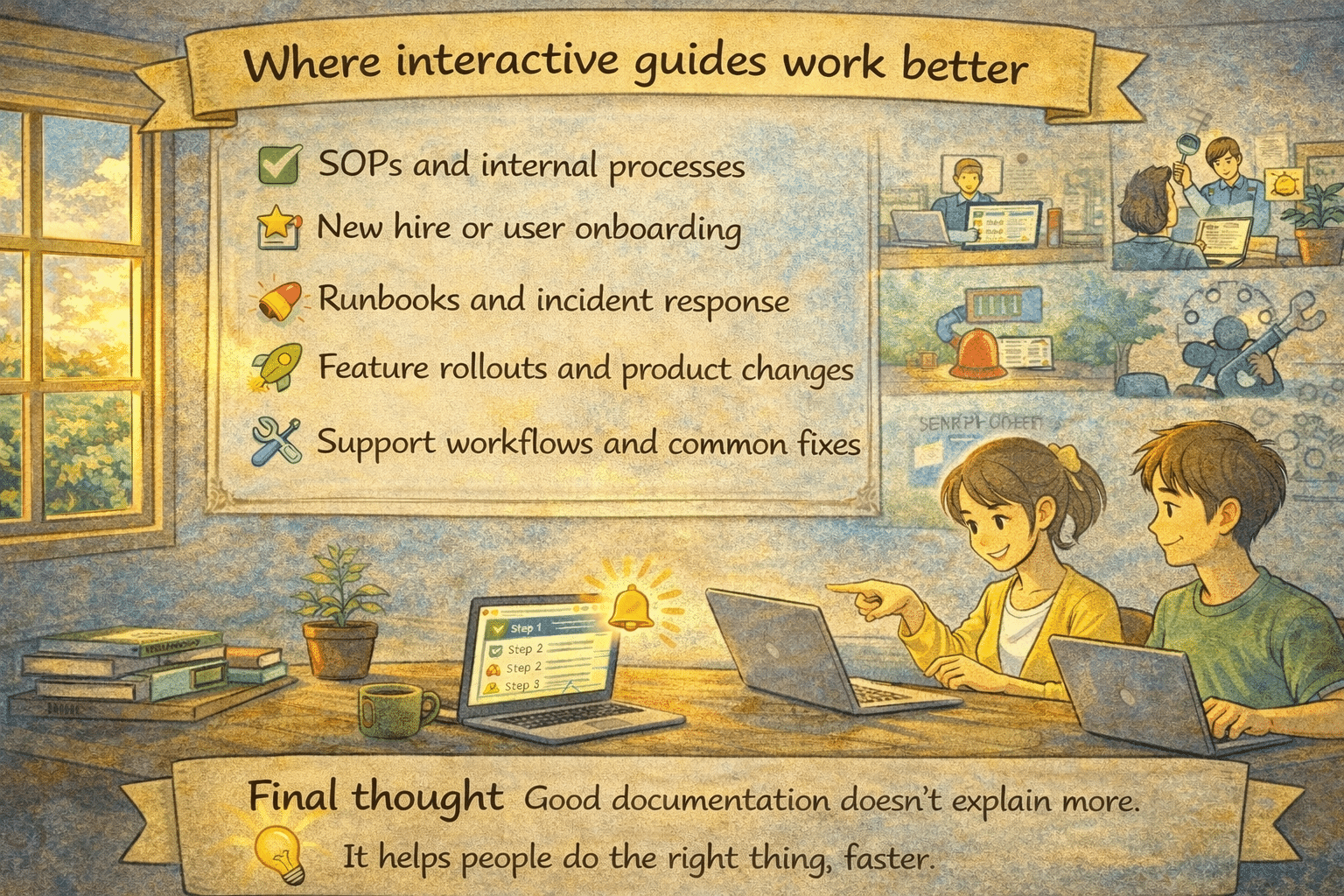
Good documentation doesn’t explain more. It helps people do the right thing, faster.

Wanna create guides just like this?
Try Guidejar today.
Create informative guides and interactive product walkthroughs effortlessly with Guidejar and let your team always find answers to their questions.