
How to open chat in Cursor?
The AI Code Editor. Built to make you extraordinarily productive, Cursor is the best way to code with AI.
Sep 11, 2025●
1
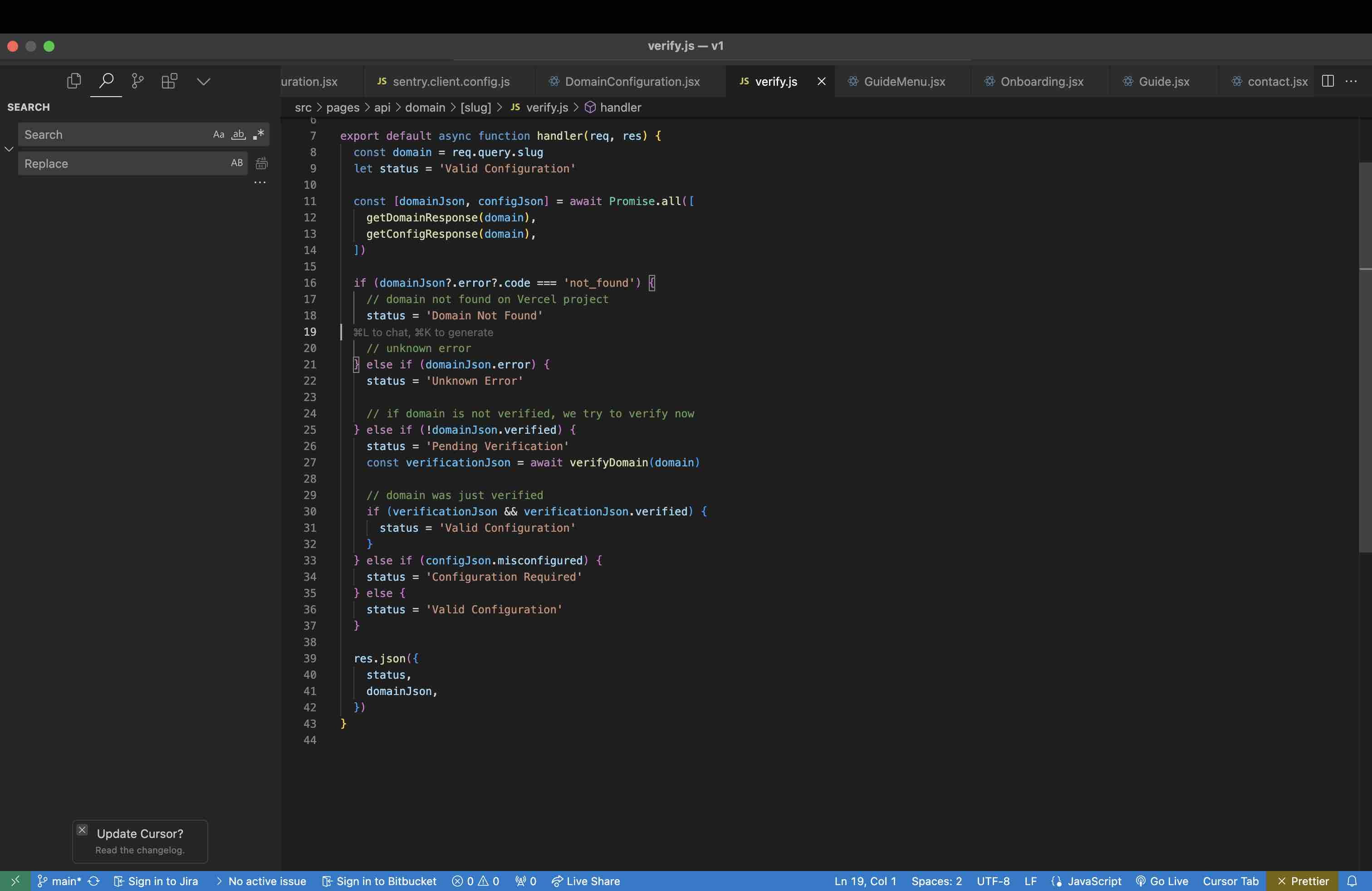
If you're using Windows, Press Ctrl+L If you're using Mac, Press ⌘+L
2
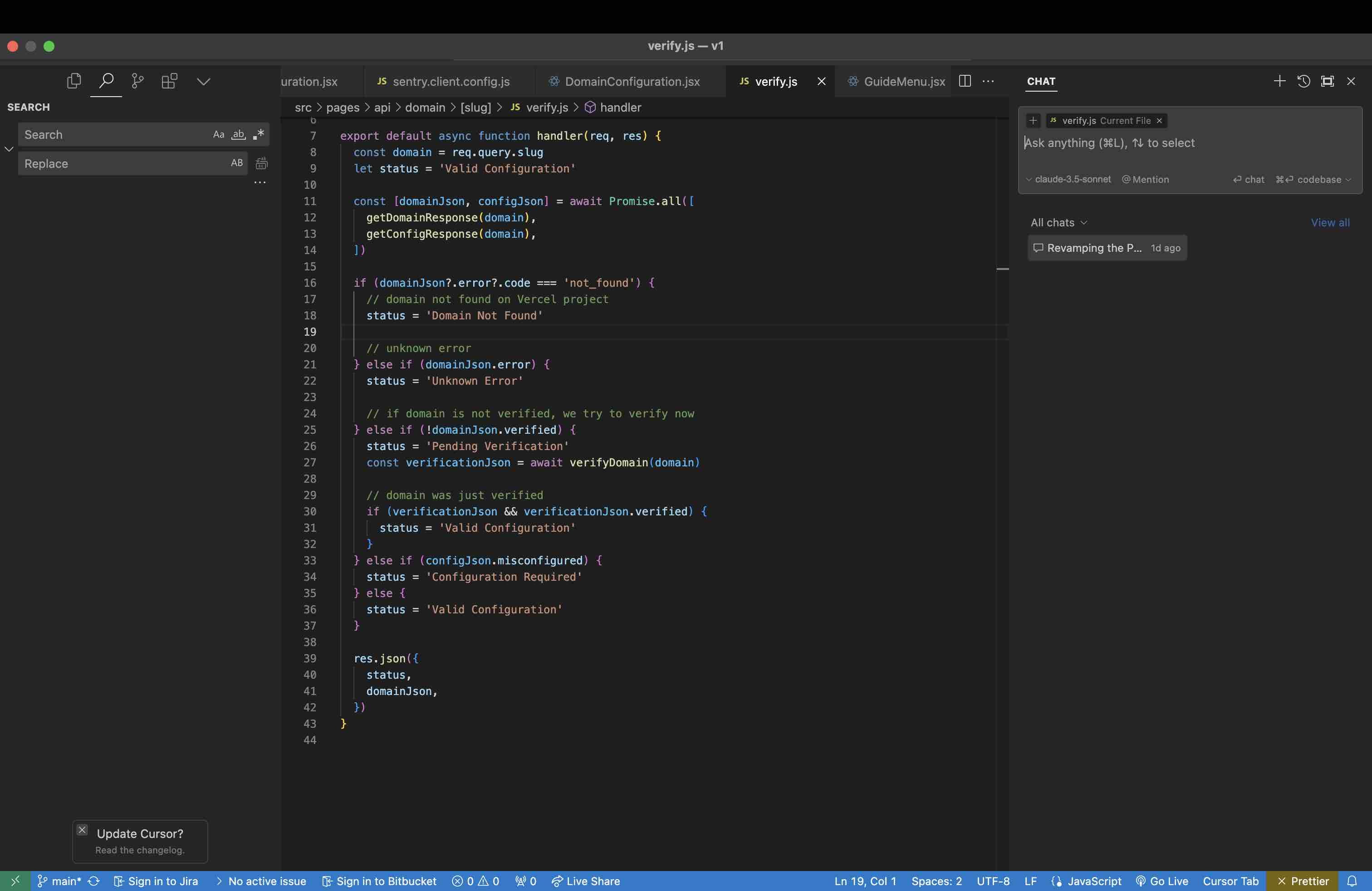
The chat bar opens in the side pane. That's it! Go ahead, ask your questions and start coding with your AI partner 🚀


Wanna create guides just like this?
Try Guidejar today.
Create informative guides and interactive product walkthroughs effortlessly with Guidejar and let your team always find answers to their questions.