How to add commissions or bills to JobNimbus
As a general rule; stick to only one budget for a job. Do not make multiple budgets if there are multiple people/business being paid. You can edit if needed but make sure that if something is paid marked... do not un mark it.
1
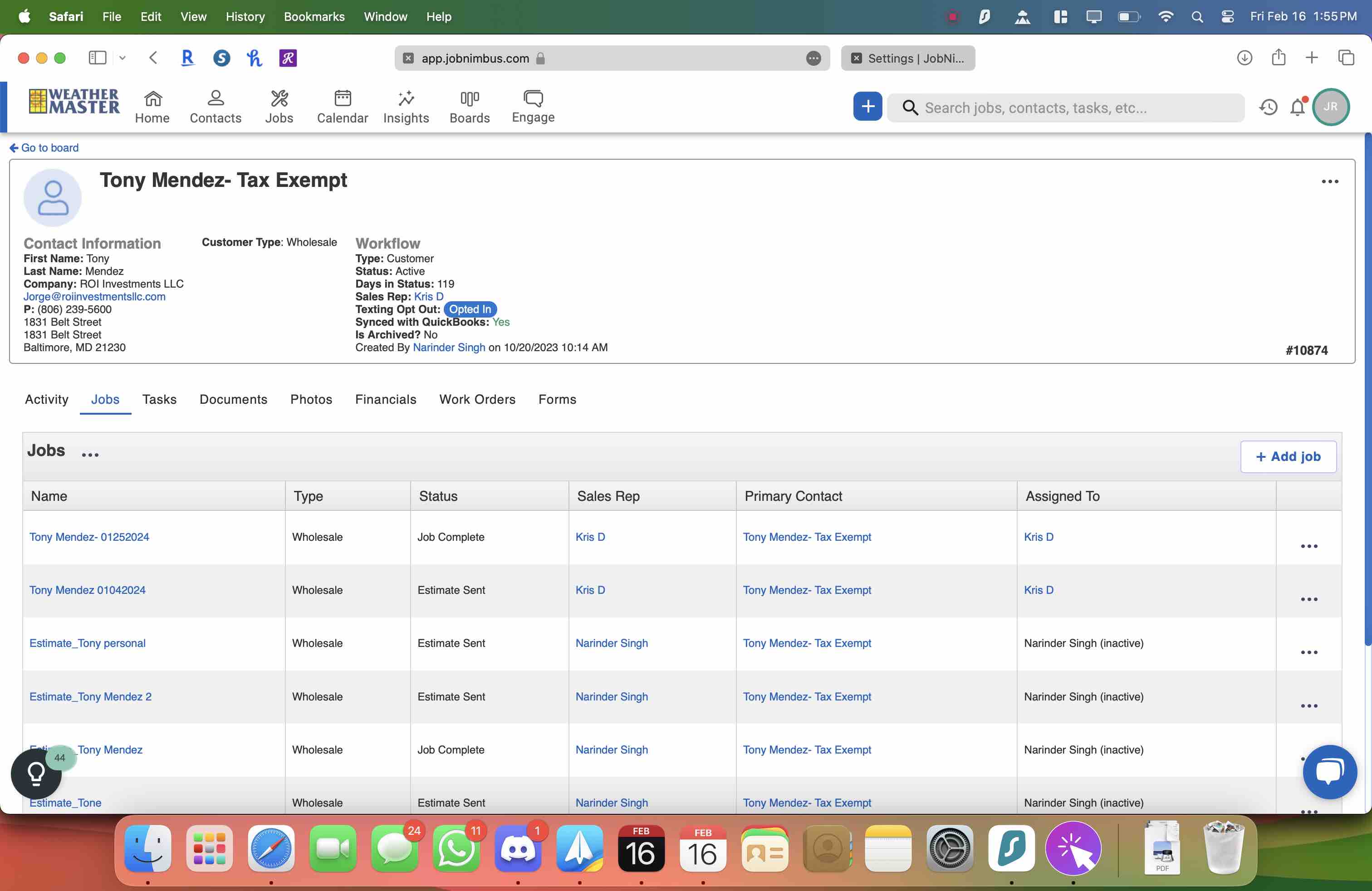
Open the job
2
Click here
3
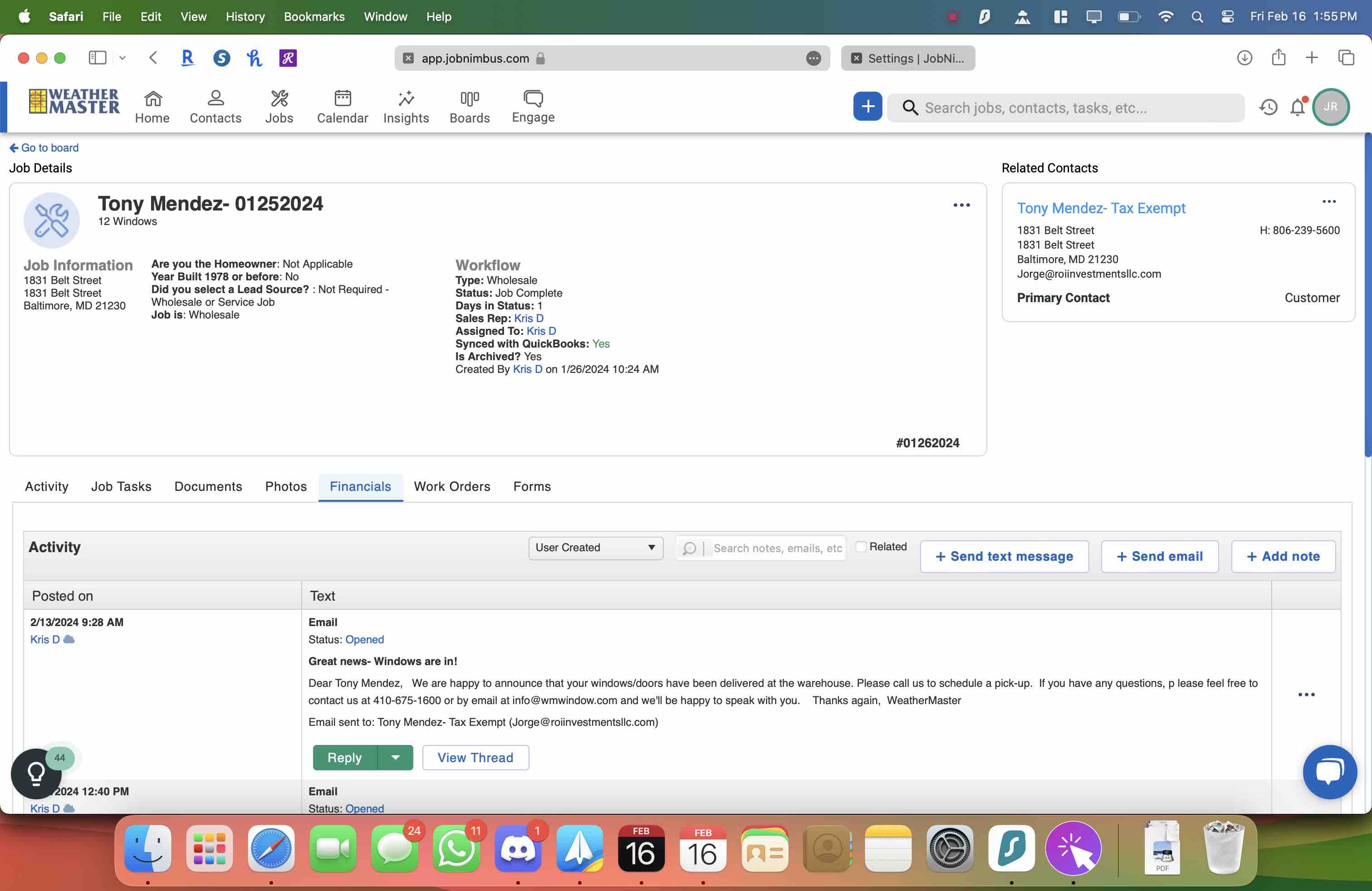
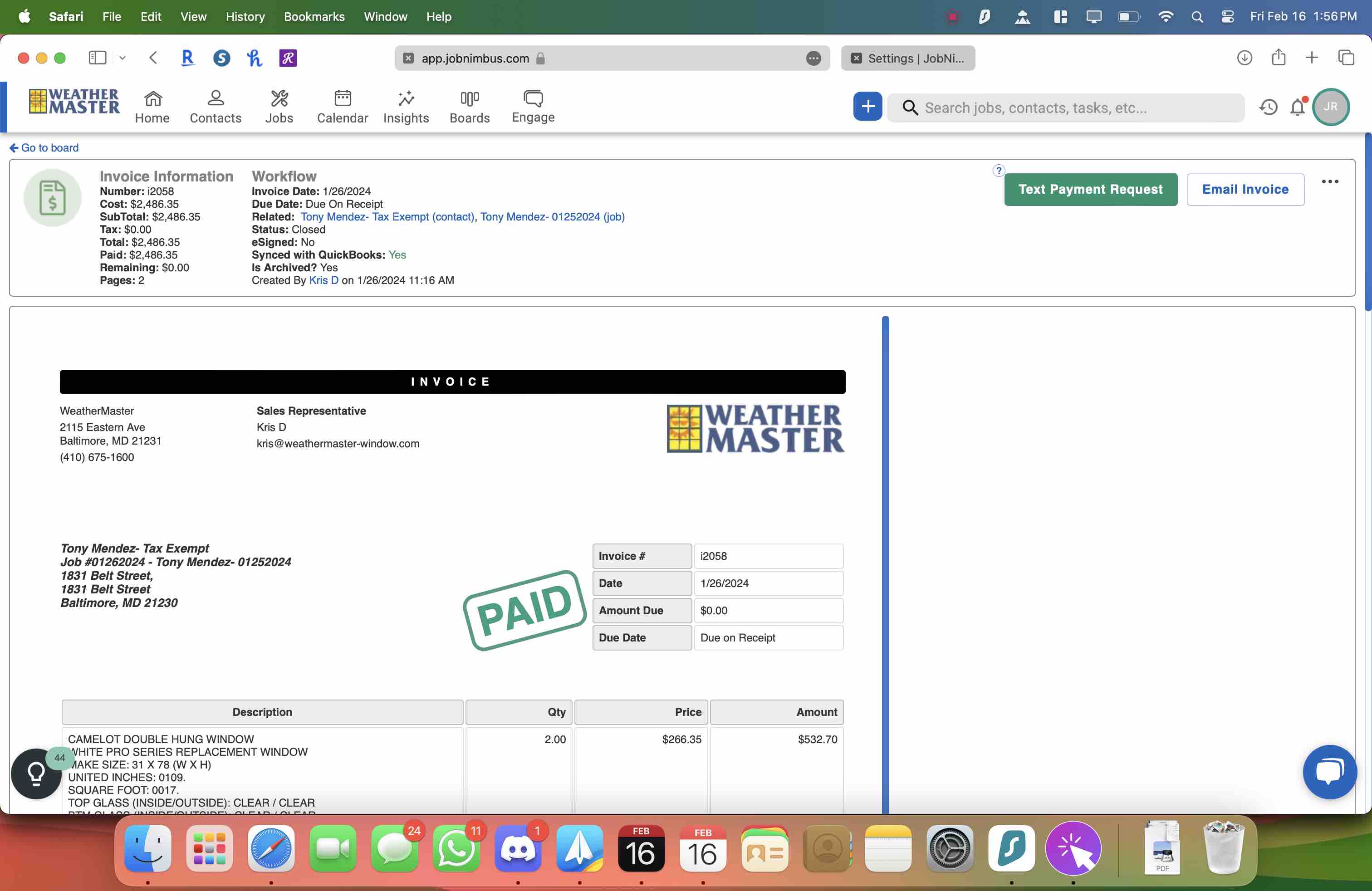
Open the invoice for the job.
4
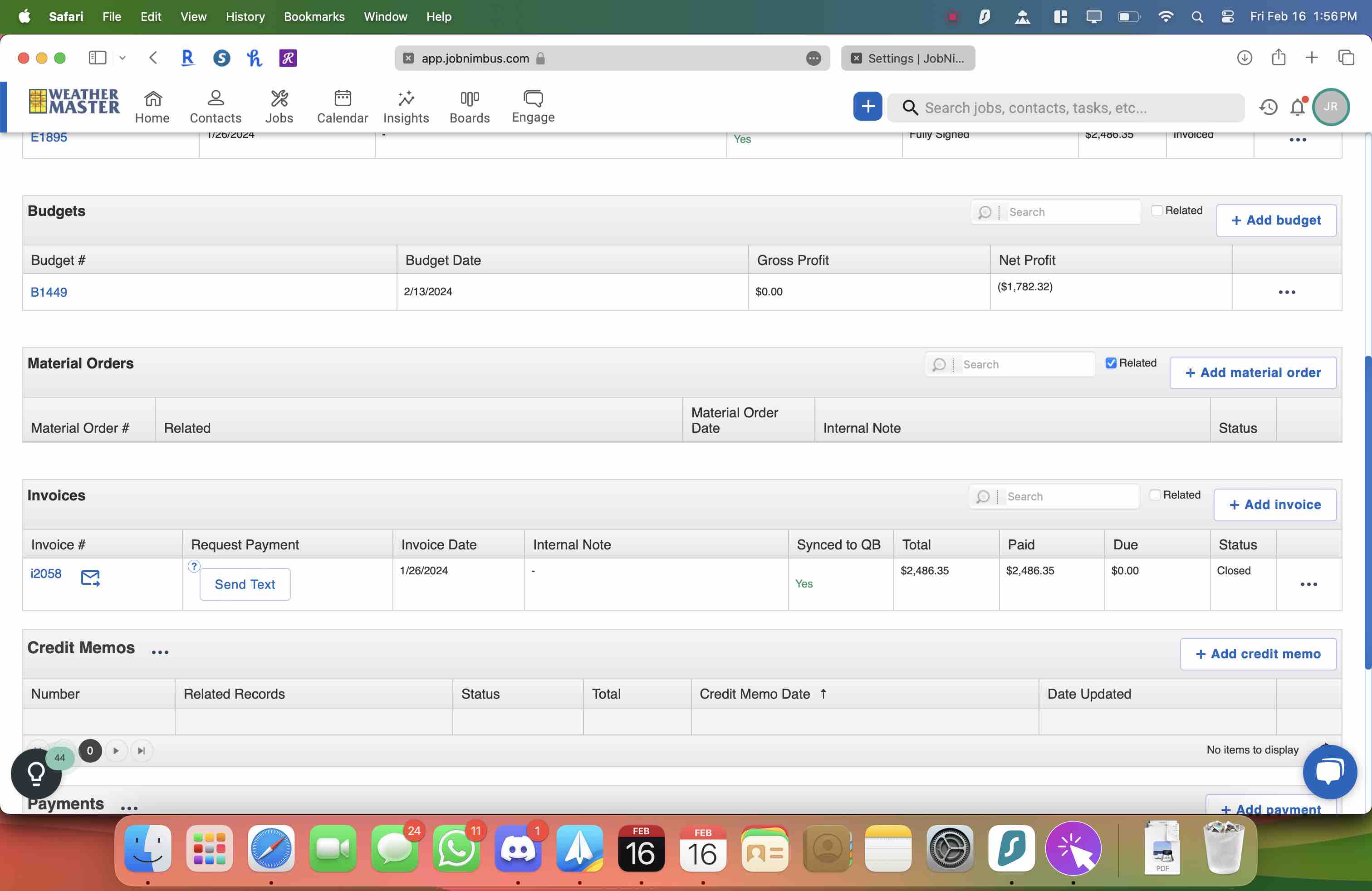
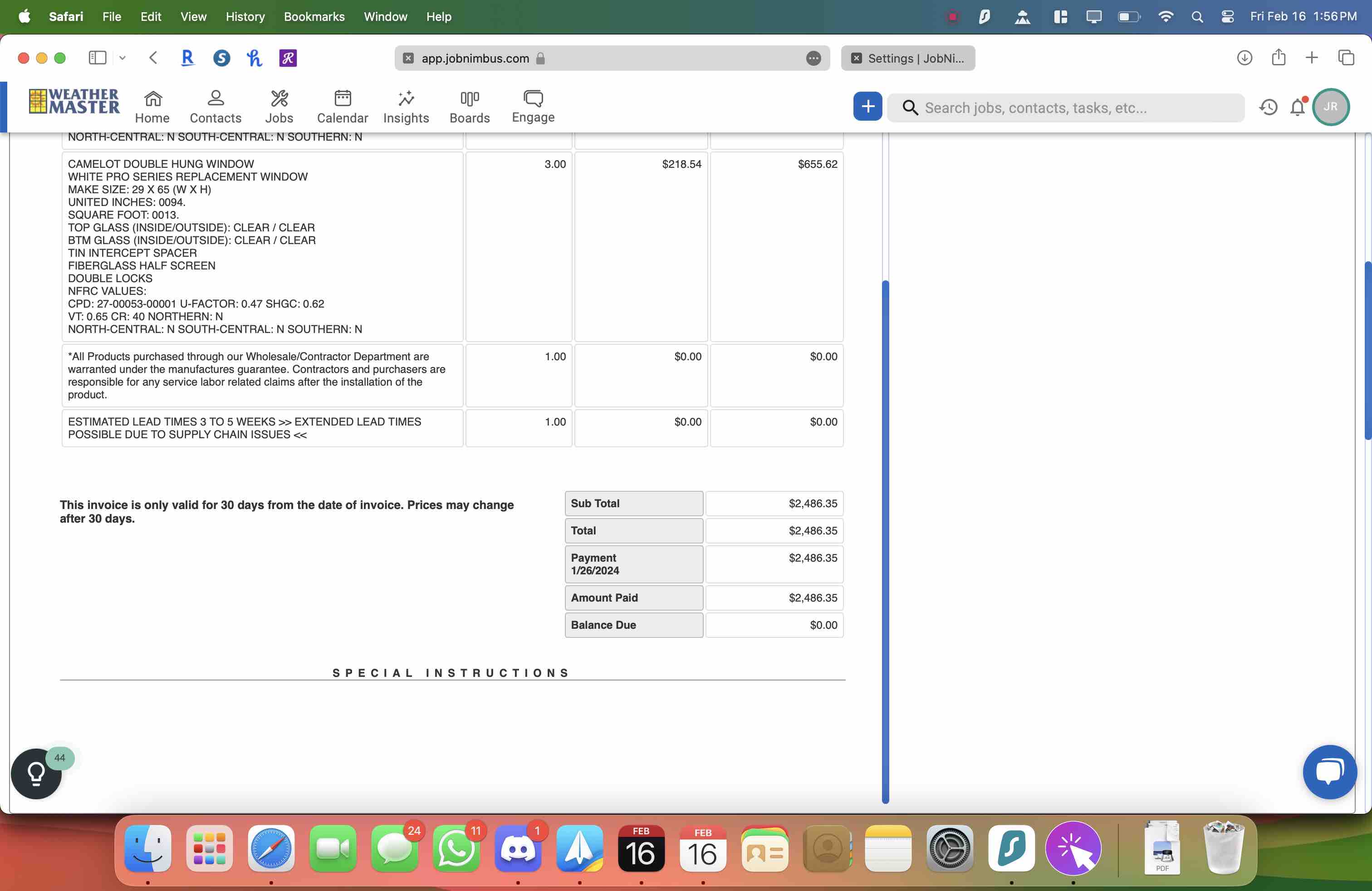
Notes the total BEFORE Sales Tax
5
Click here
6
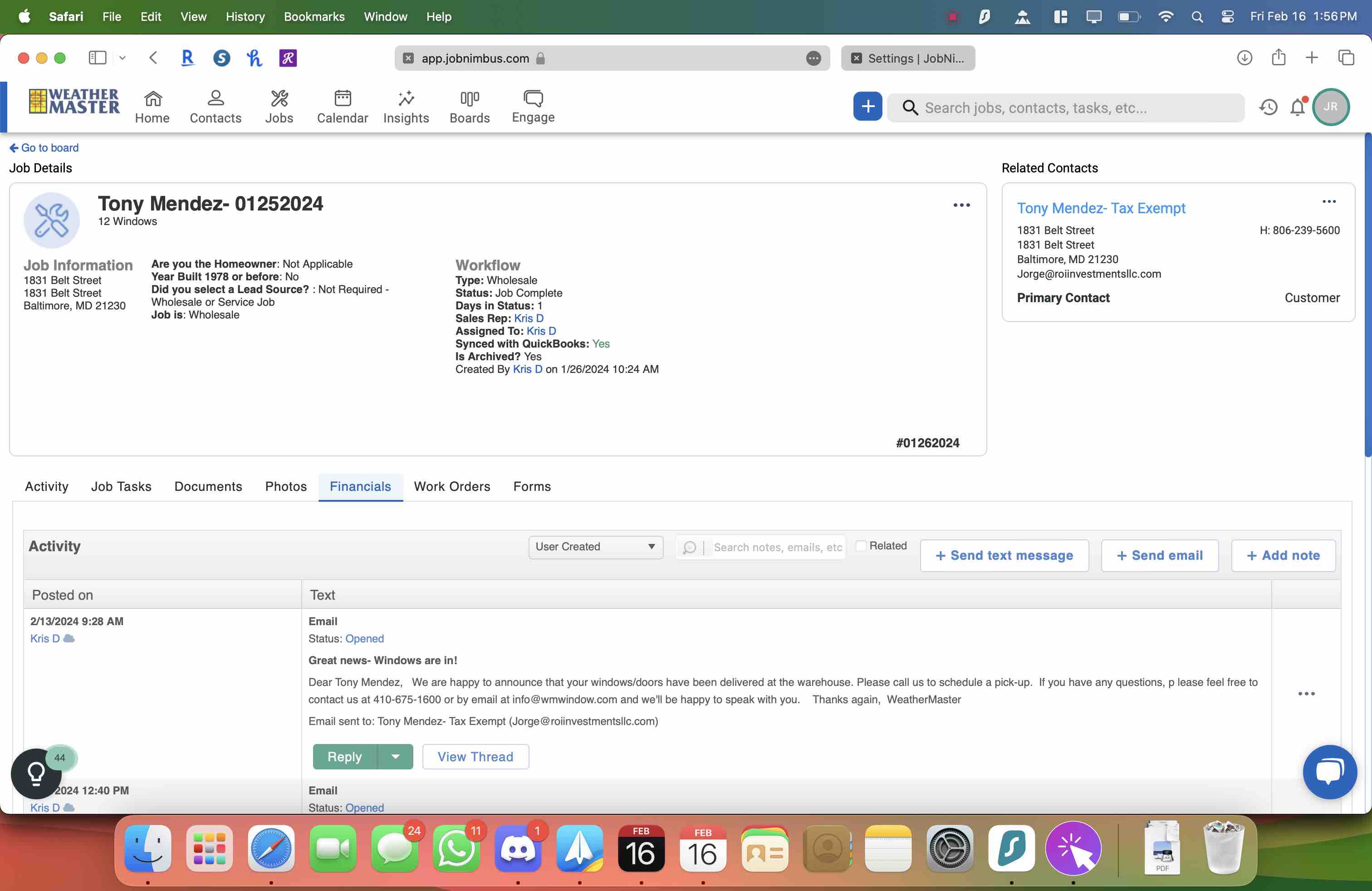
Click here
7
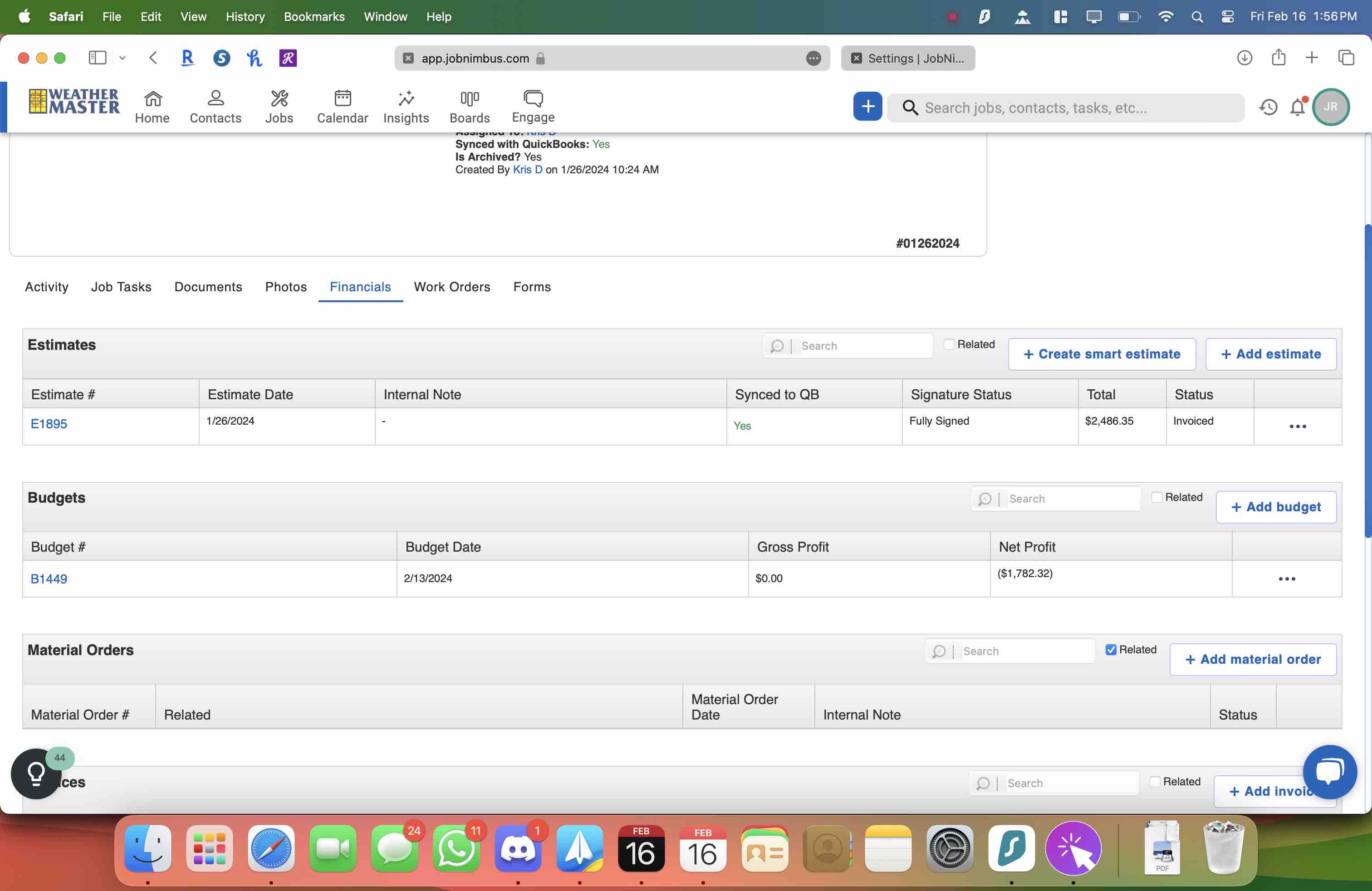
Click here
8
Click here and the click on Edit
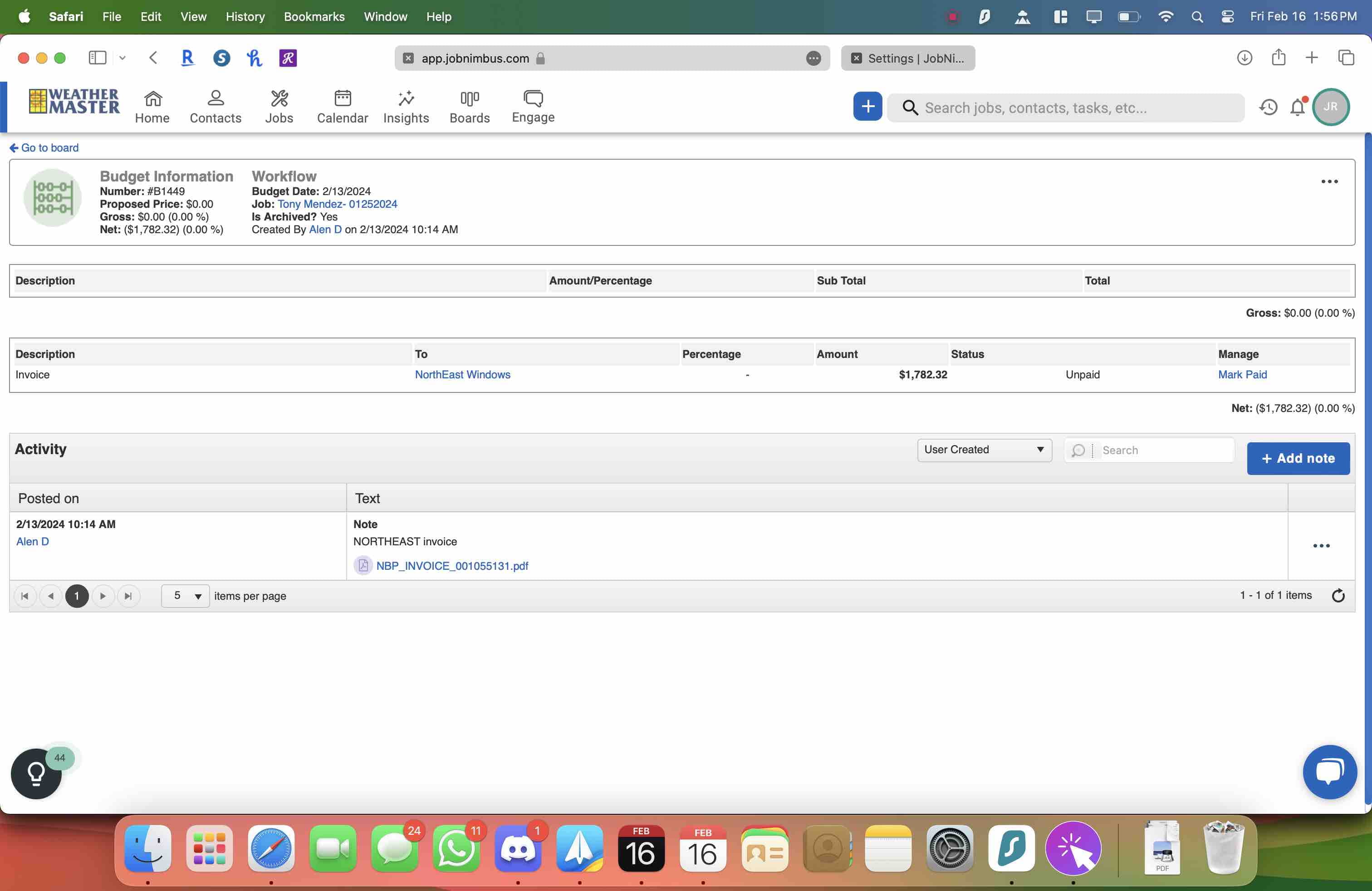
9
Then click on Add commissions
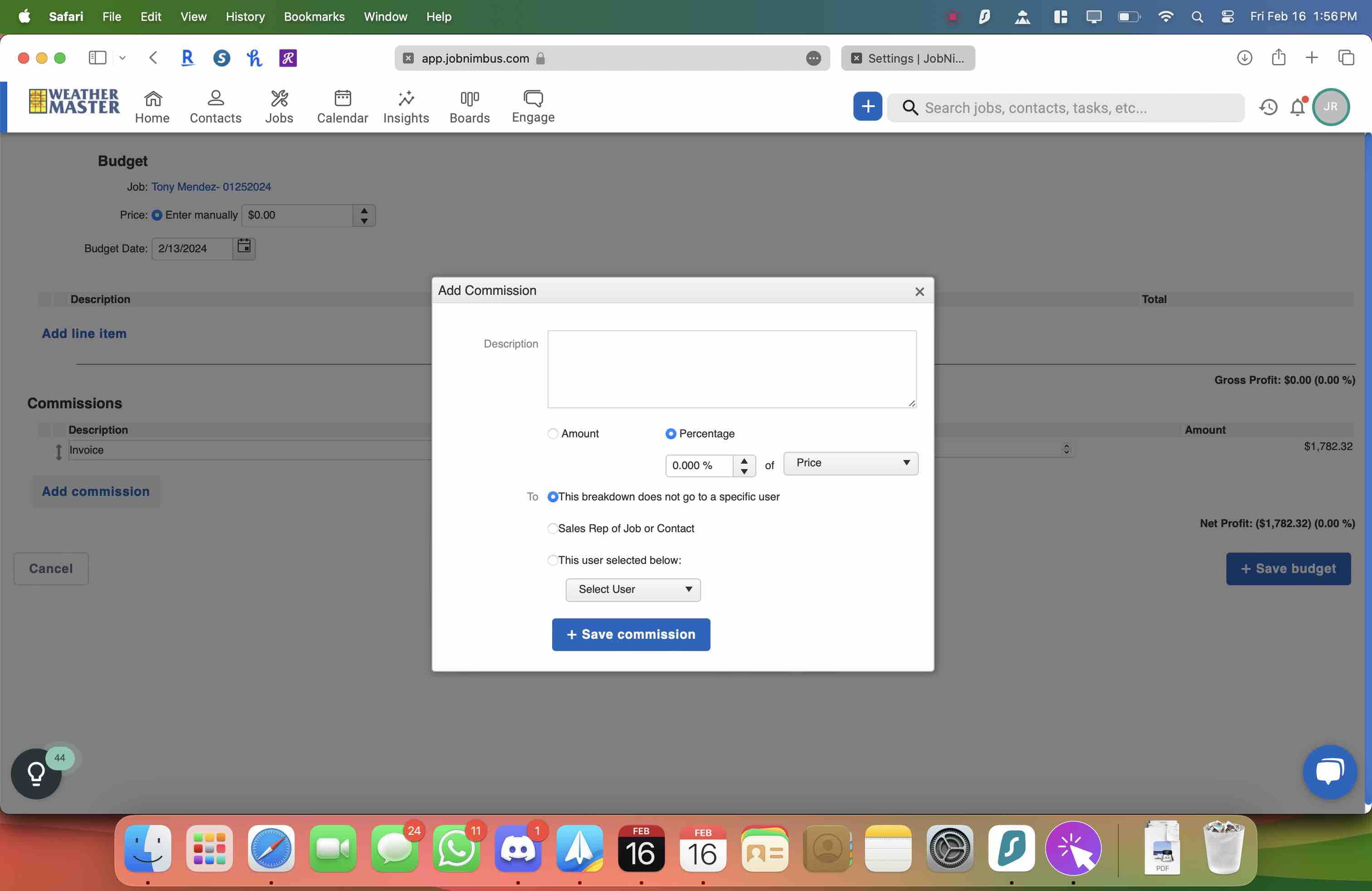
10
Click here
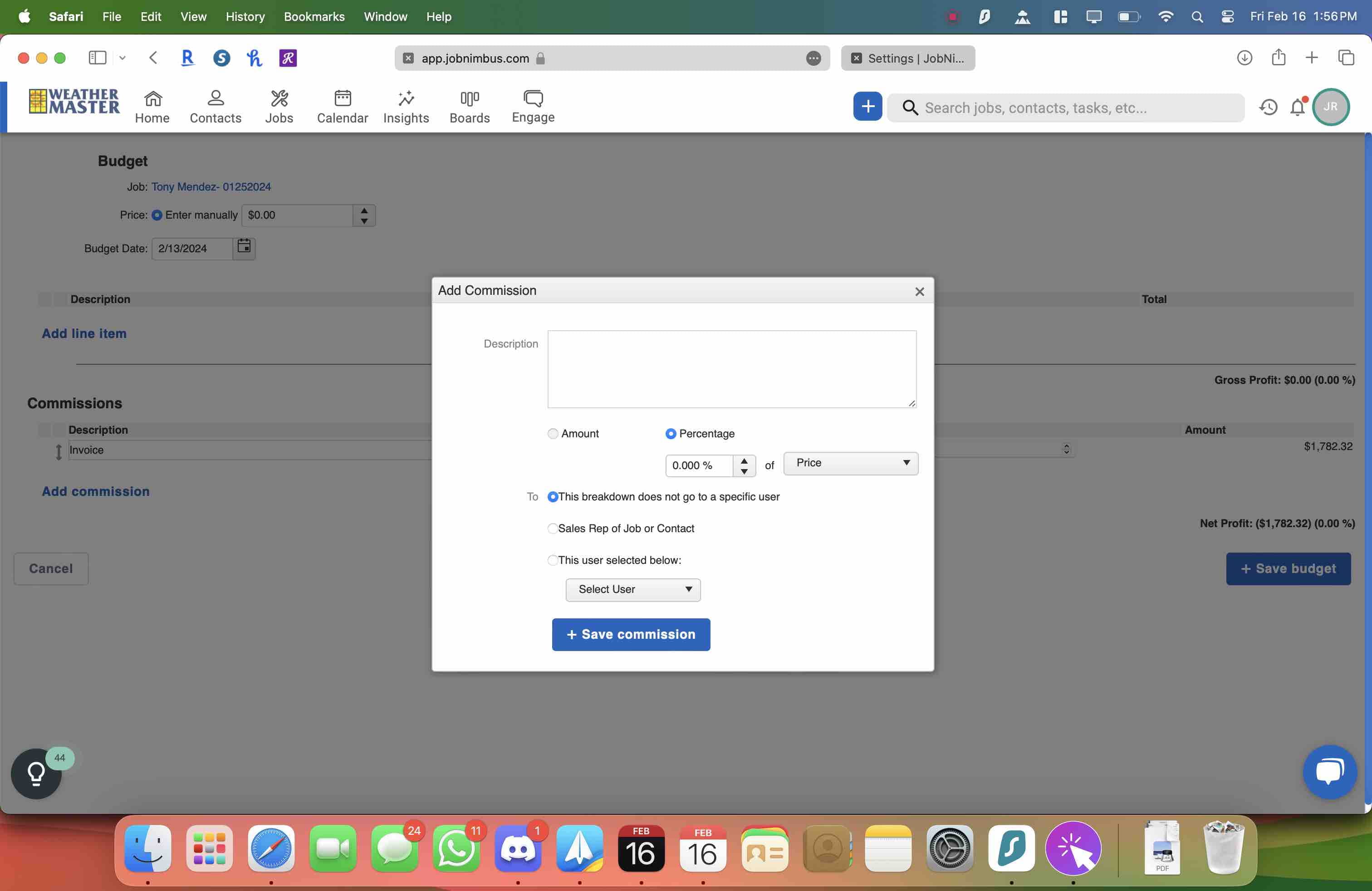
11
Click here
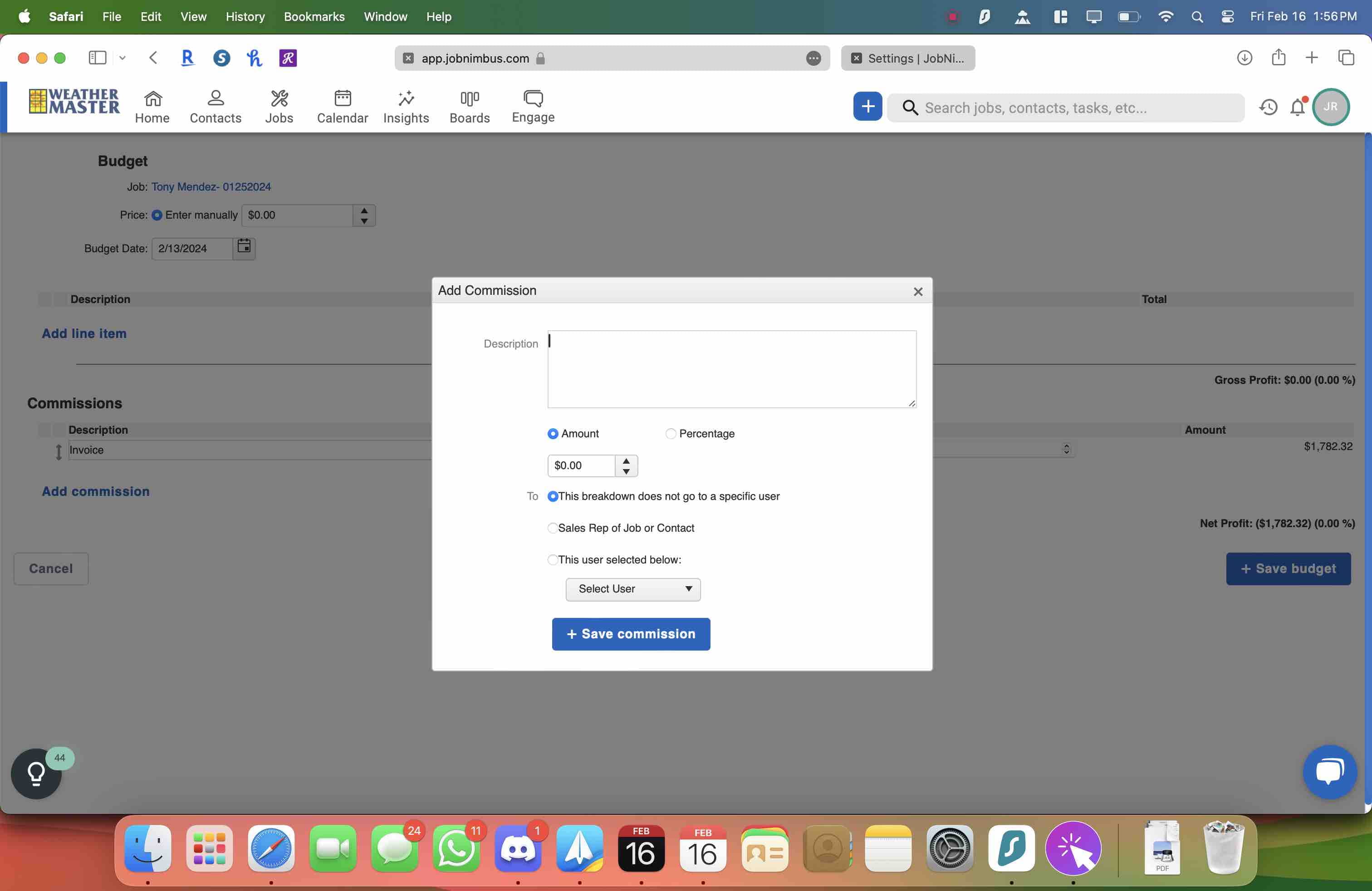
12
Click here
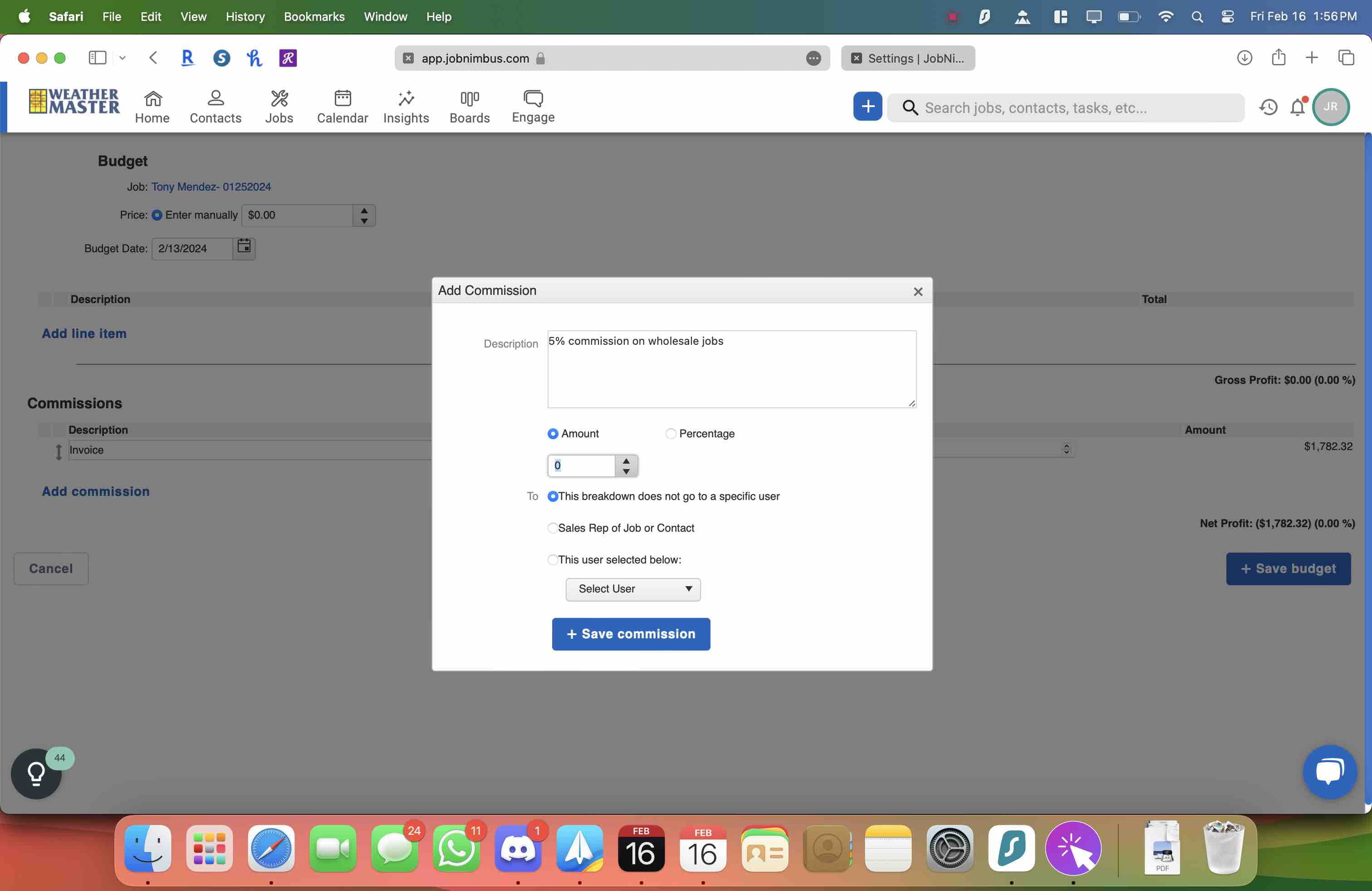
13
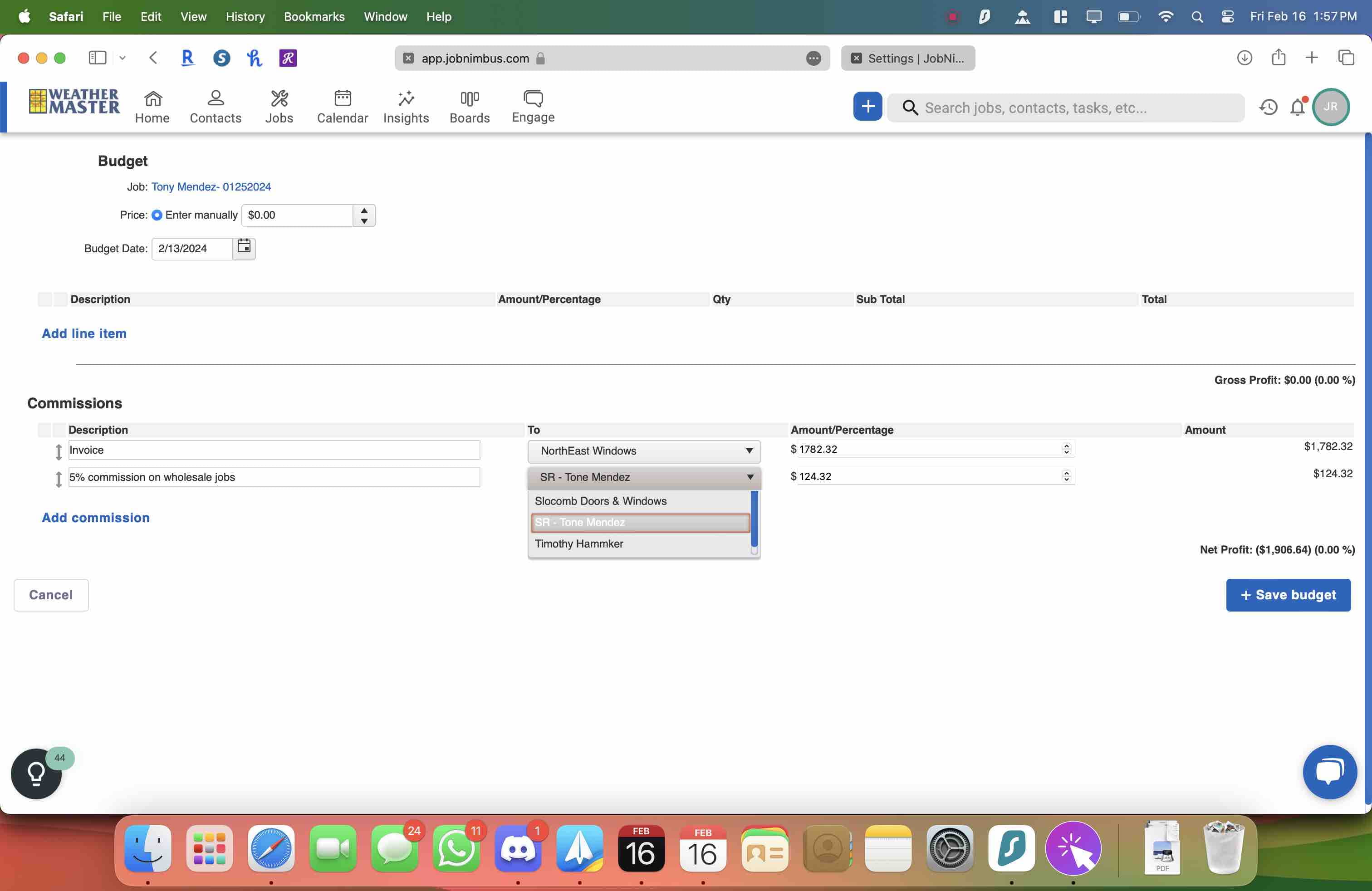
Add the commission amount and select the correct person from the list
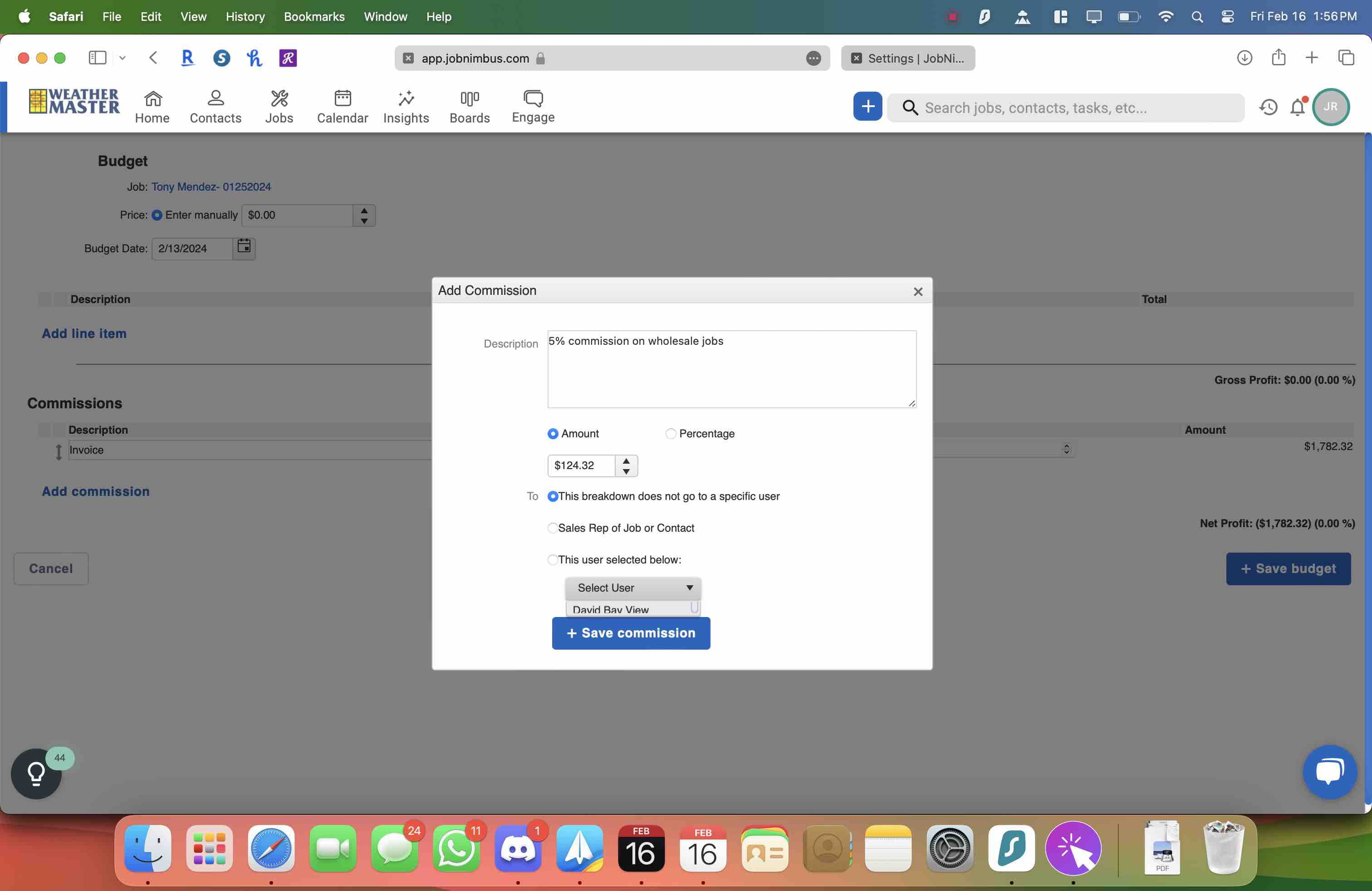
14
Make sure that right person is slected here. Sometimes in the previous step the name does not save. Then click on SAVE and make sure everything looks ok