
Screensaver Install Guide for MyFootBalance
Add as many steps as you want below to create a step by step guide. You can upload your own screenshots (or) videos to create a more engaging guide. Once you click on 'Finish', you'll be able to view this guide as a scroll or as an interactive demo video.
Locate and download Video Screensaver file located in teams:
Video Screensaver by Metasquares
or download directly from SourceForge
*Important Note: If using Macbook, you may need to download the file directly on the MyFootBalance kiosk browser.
Locate and download video file located in teams:
Access MyFootBalance kiosk via teamviewer
Transfer files from Step 1 and Step 2 to MyFootBalance scanner. Recommended to send to desktop for easy access.
**Important Note, if using MacBook, you may need to download file from Step 1 directly on MyFootBalance scanner.
Locate & open ZIP file Video Screensaver by Metasquares on MyFootBalance computer.
 on MyFootBalance computer.](https://assets.guidejar.com/uploads/K9WAziOQgjbPzHlRVpHs/wL5znE05ekNrp2rNwuh7t9yrYE53/6e991d7e-de43-4cc1-8473-efde75158342/1714751786541.jpeg)
After opening ZIP file, copy the file "VideoScreensaver"
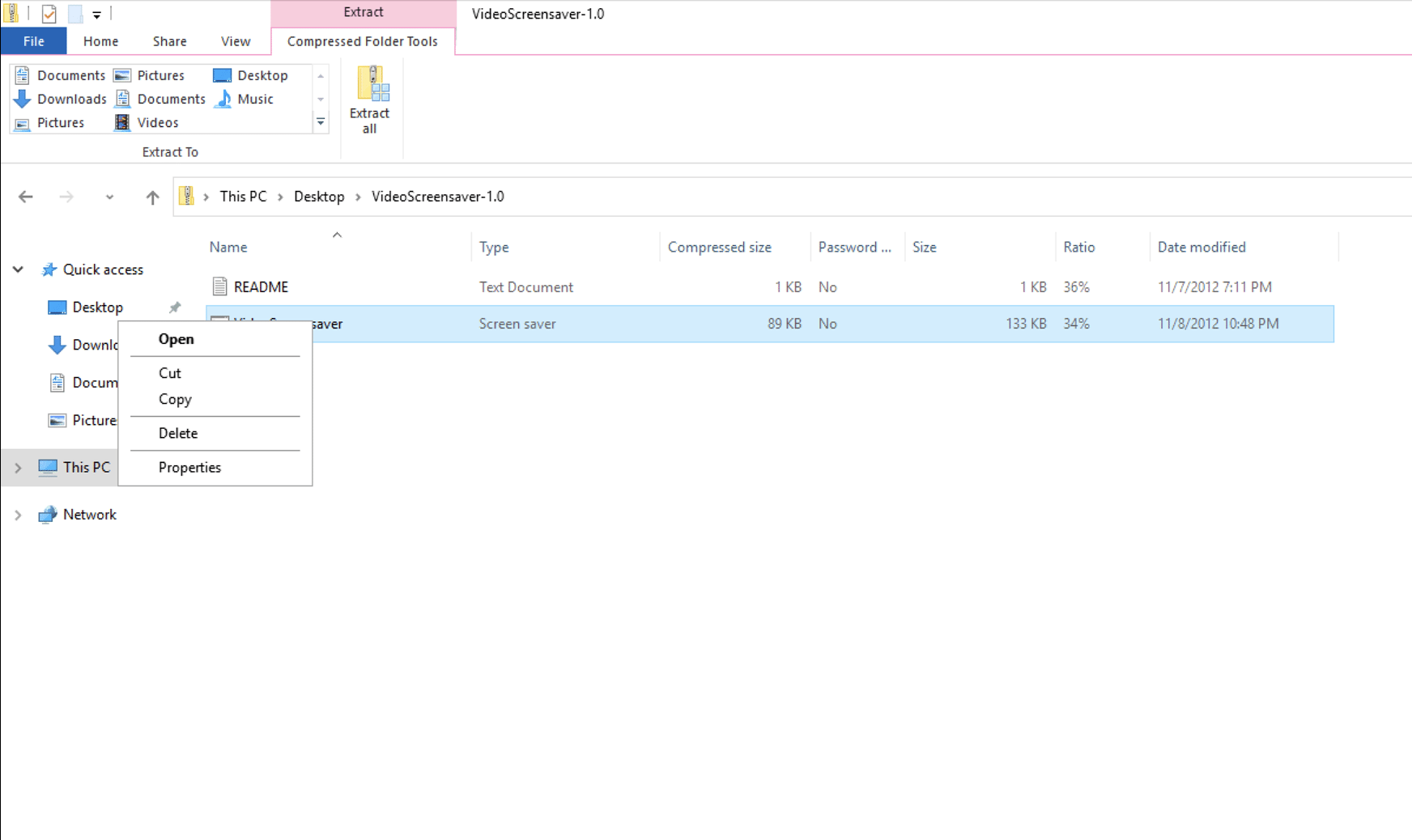
After file is copied ,paste file into:
C:\Windows\SysWOW64
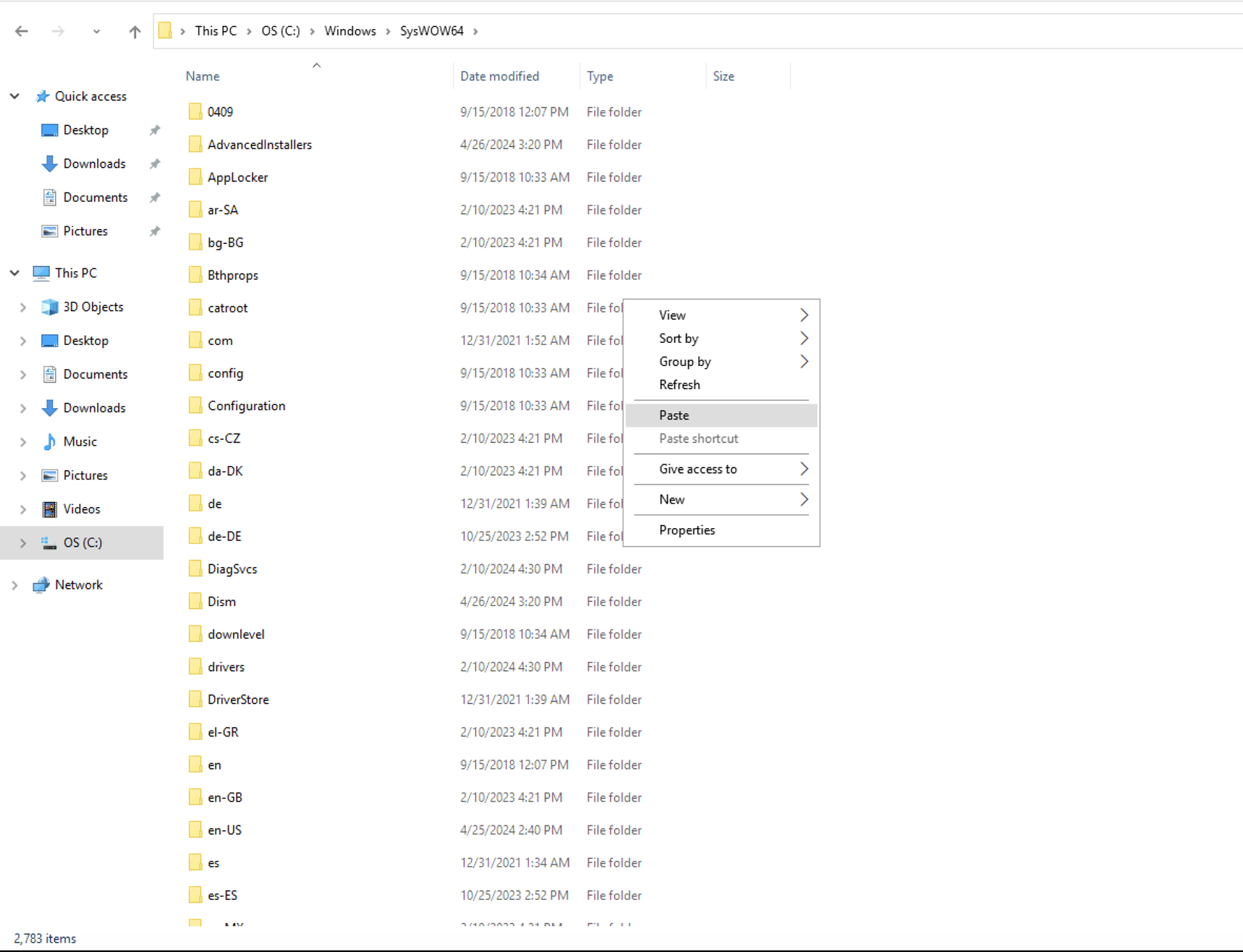
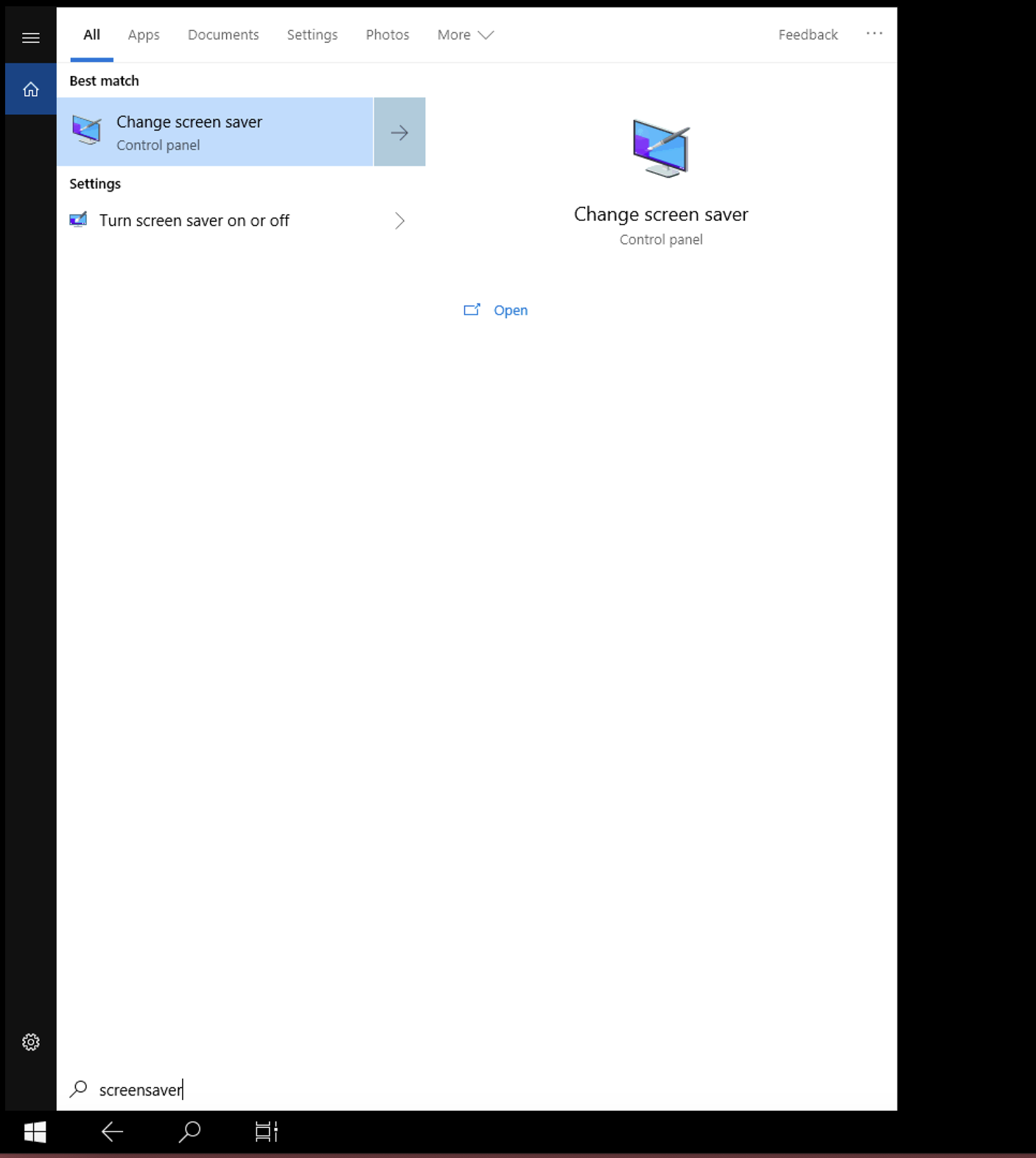
Once file is pasted into C:\Windows\SysWOW64, access "Change Screen Saver" in control panel
Change Screen Saver to "VideoScreensaver"
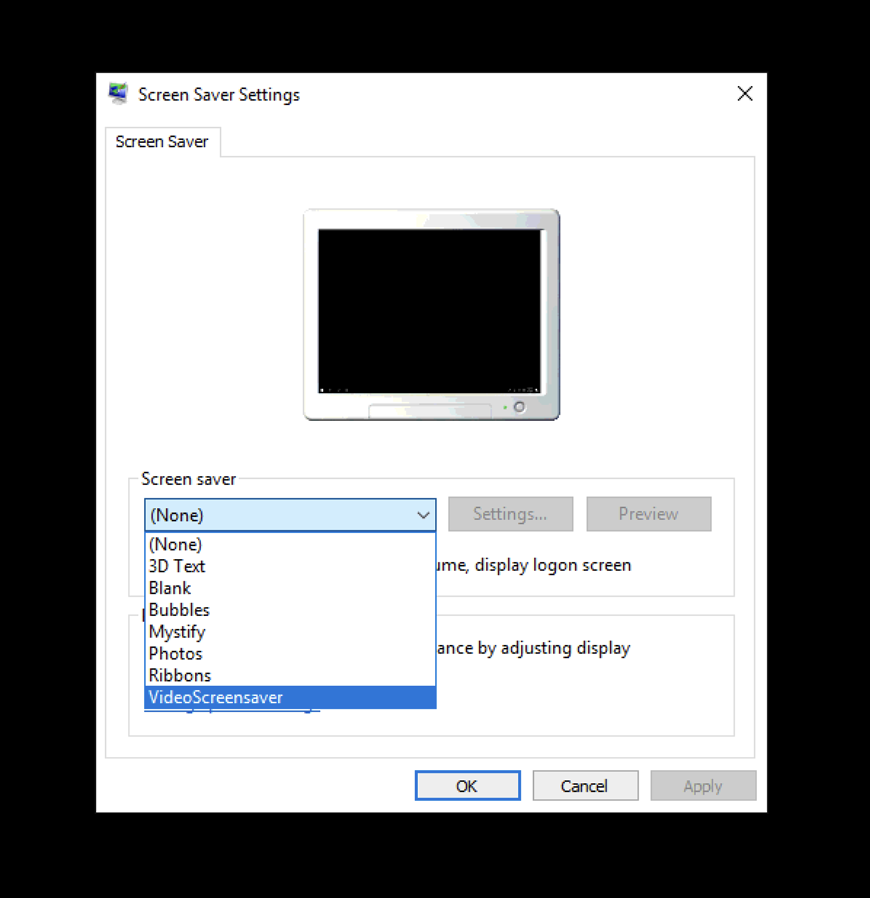
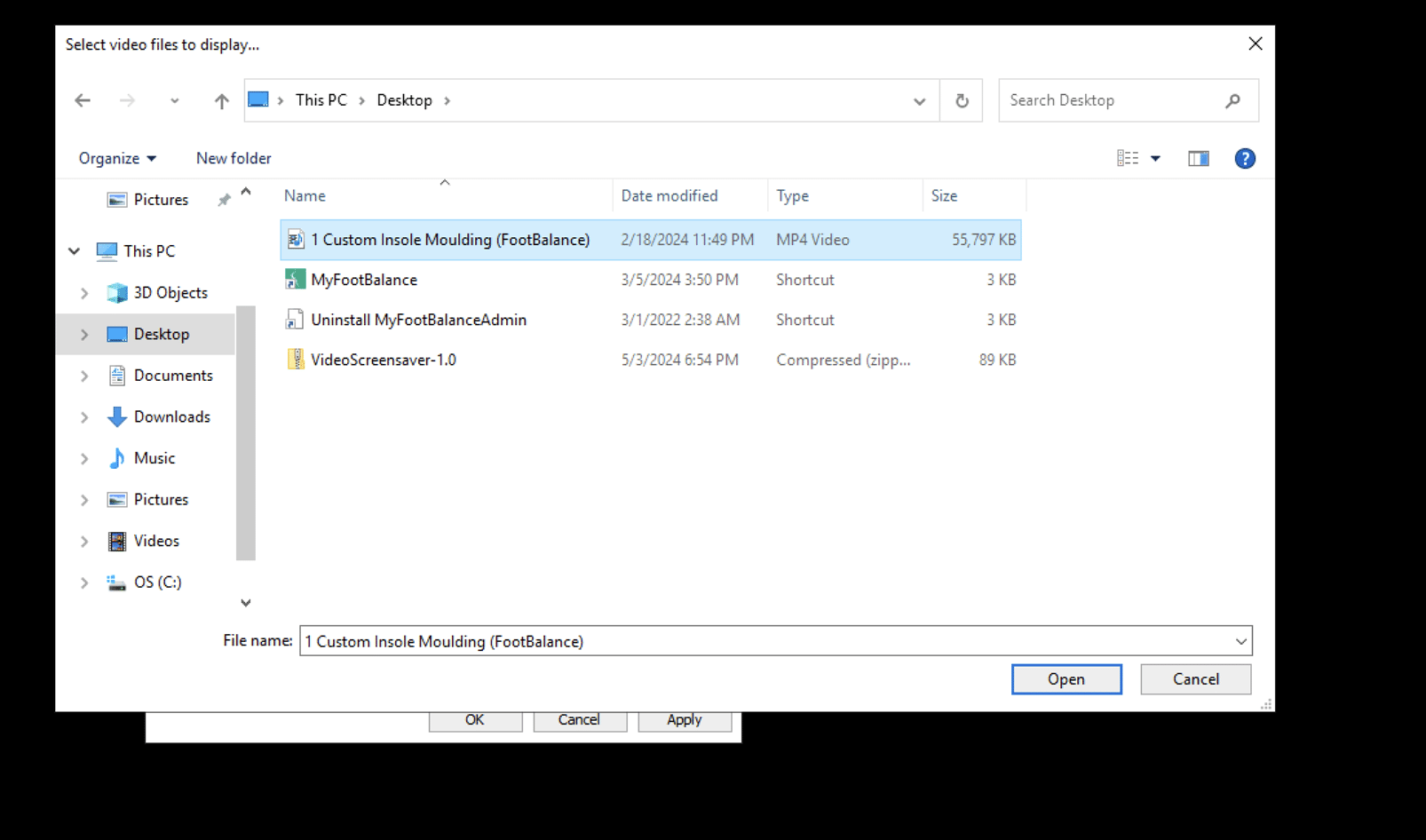
Click Settings after selecting Screen Saver as "VideoScreensaver"
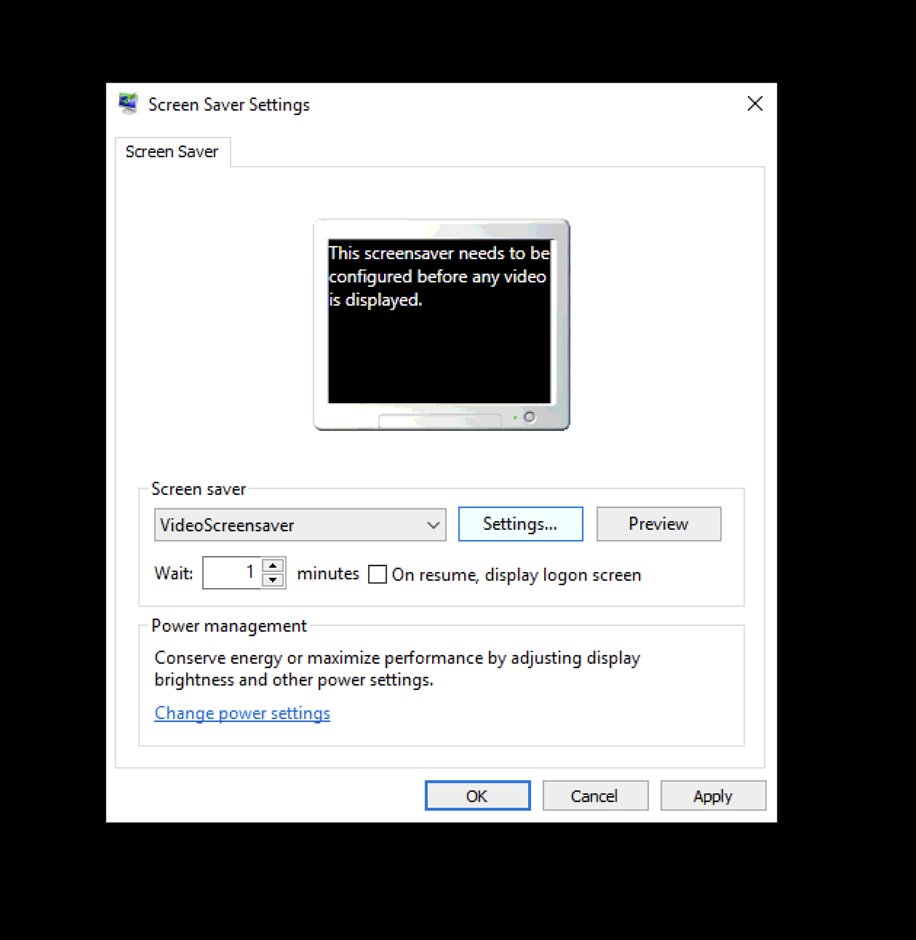
Once you click settings, select "MFB® Screen Saver Process LOGO" from Step 2
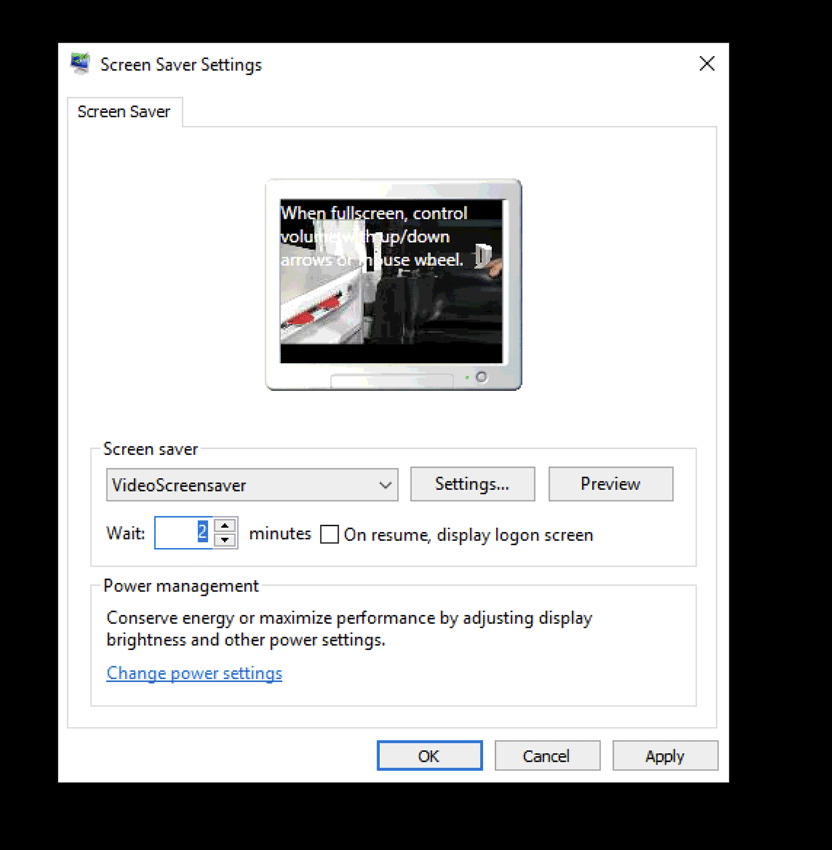
Change "Wait:" time to two (2) minutes
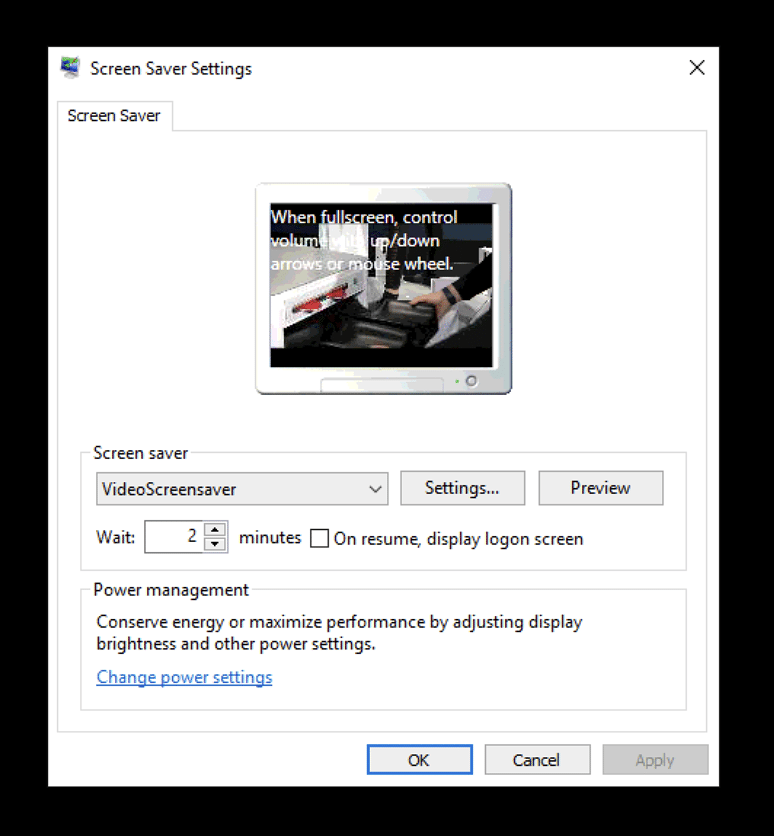
Click Apply
Re-open MyFootBalance application
ScreenSaver will now be activated for retailer.

Wanna create guides just like this?
Try Guidejar today.
Create informative guides and interactive product walkthroughs effortlessly with Guidejar and let your team always find answers to their questions.