An employee training plan template is a one-page plan that lists what an employee needs to learn, how and by when, who owns each part, and how you'll know it worked. Copy the template below, fill in one row per module, and adapt it for onboarding, upskilling or leadership development.
Employee Training Plan Template
Copy this into a doc or spreadsheet. The top section sets the context; the table is the plan itself.
Plan Details
- Employee and role:
- Manager (plan owner):
- Plan start and end dates:
- Business goal this training supports: (for example, "New SDRs book their first qualified meeting within 30 days")
- Check-in schedule: (for example, weekly 15-minute check-ins, plus 30, 60 and 90-day reviews)
Training Modules
| Module | Learning objective: by the end, they can… | Method | Resources | Owner | Due | How you'll measure it |
|---|---|---|---|---|---|---|
| 1. | ||||||
| 2. | ||||||
| 3. | ||||||
| 4. |
Sign-Off
- Completed on:
- Manager notes on what to train next:
Example: A 90-Day Plan for a New Sales Development Rep
Here is the same template filled in for a new SDR:
| Module | Learning objective: by the end, they can… | Method | Resources | Owner | Due | How you'll measure it |
|---|---|---|---|---|---|---|
| 1. Company, team and tools | Explain what the product does and for whom, and log in to every tool they need | Manager 1:1, self-paced guides | Welcome doc, tool setup guides | Manager | Week 1 | All tools set up, no access tickets |
| 2. CRM basics | Create a lead, log a call and update a deal stage in the CRM | Step-by-step guides, then practice in a sandbox | CRM guides | Sales ops | Week 2 | Manager reviews 10 logged activities |
| 3. Product and objections | Run a five-minute product walkthrough and handle the top five objections | Shadowing, role-play | Recorded calls, objection sheet | Senior SDR | Week 4 | Passes a role-play with the manager |
| 4. Live outreach | Run a full outreach sequence and book qualified meetings | Supervised calls, weekly coaching | Call scripts, sequence templates | Manager | Weeks 5–12 | Meetings booked per week against target |
How to Fill In the Template
Start With the Business Goal
Every plan should answer why the training exists. "Improve sales skills" is too vague to measure. "Increase average deal size by training the sales team on consultative selling this quarter" gives the plan a direction and a way to prove its value later.
Find the Real Skill Gaps
You don't need a big analysis to start. Ask each manager: "If your team could get better at one thing, what would make the biggest difference?" Then run a short survey asking employees which parts of their job they feel least confident about. The overlap between the two answers is where to start.
Write Objectives People Can Be Checked Against
A learning objective says what the employee will be able to do, not what they'll "understand." Compare:
- Vague: Understand the new CRM.
- Clear: Create a client profile, log a sales call and generate a quarterly report in the CRM.
The clear version tells the trainer what to teach and the manager what to check.
Group Objectives Into Modules
A module is a self-contained unit focused on one skill. A new marketing coordinator's plan might have four:
- Company culture and brand voice
- The marketing tool stack
- The content creation and approval workflow
- Campaign reporting basics
Modules make the plan reusable. A manager in another team can keep the ones that apply and swap the rest. For building the content inside each module, see our guide on creating training materials.
Match the Method to the Objective
Don't run a one-hour workshop for something people learn better with ten minutes of hands-on practice. Most plans mix methods:
| Method | Best for | Watch out for |
|---|---|---|
| Virtual or live workshop | Concepts, group discussion, policy changes for remote teams | Screen fatigue; hard to check individual skill |
| On-the-job coaching and shadowing | Hands-on and technical skills, judgment calls | Takes a lot of the mentor's time |
| Self-paced guides and e-learning | Software tasks, foundational knowledge, reference | Needs a check-in so people don't skip it |
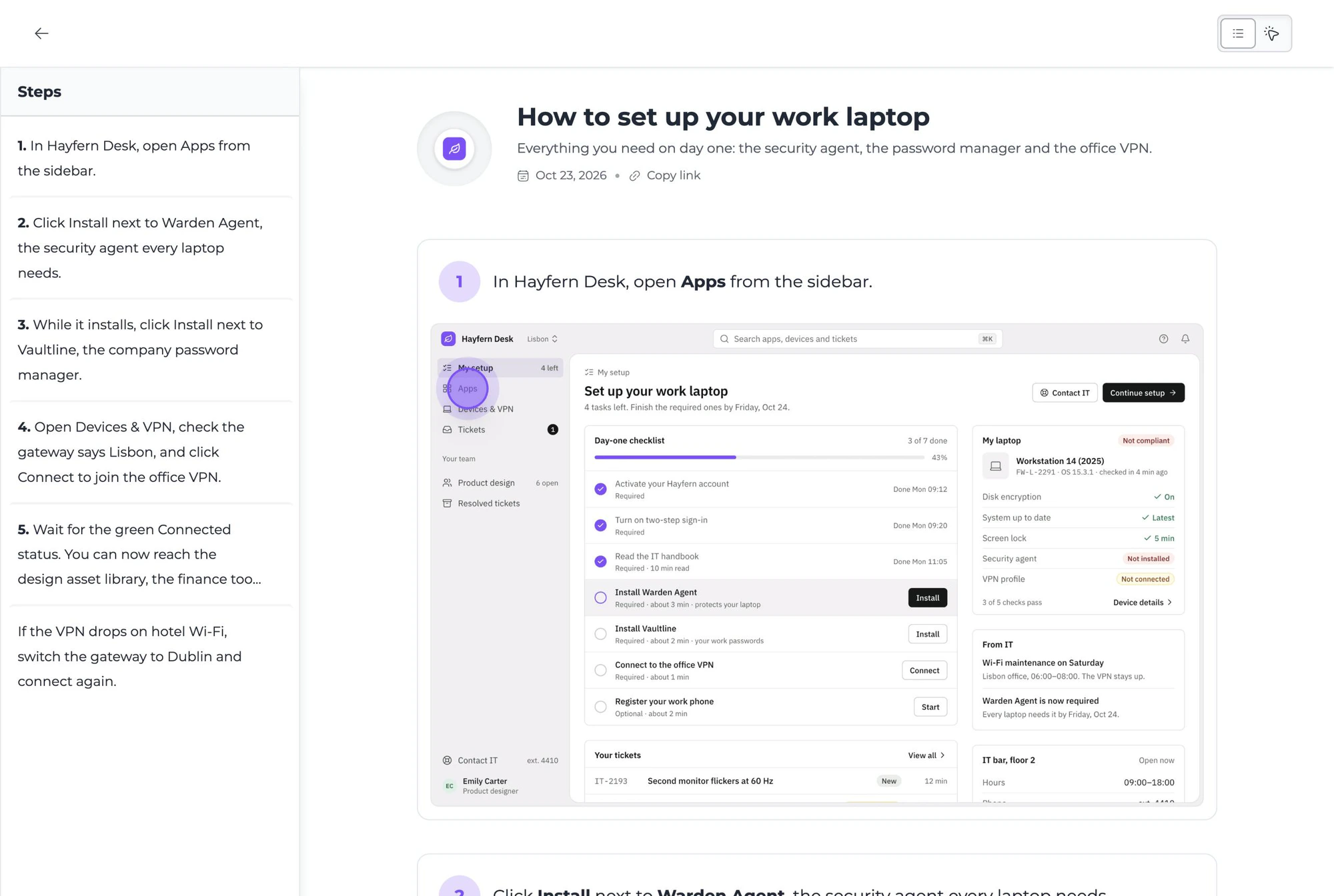
Software training is where self-paced guides do the most work. A new hire who can follow a step-by-step guide to set up their laptop or log a call in the CRM doesn't need to book time with a colleague for it, and the guide is still there the next time they forget.
Set Realistic Timelines
Cramming everything into the first week is the most common mistake. A 90-day onboarding plan with weekly milestones gives people time to practice. Shorter plans work for narrow goals: training a team on a new tool might take two weeks.
How to Adapt the Template
Onboarding New Hires
New hires are learning the company as well as the job. Pace the plan:
- Week 1: Culture, key people and getting set up on every tool.
- Weeks 2–4: Core job functions: product knowledge, main systems, shadowing experienced colleagues.
- Weeks 5–12: Doing the work with support: supervised tasks, coaching and clear performance goals.
Our guide to training new employees without overwhelming them and the employee onboarding checklist cover the first weeks in more detail. If the plan includes mandatory topics like data privacy or security, our guide to compliance training for employees covers how to make them stick.
Upskilling Your Current Team
Upskilling builds on what people already know, so skip the company introduction and focus on the gap. To teach a content writer basic SEO, a four-week plan might cover keyword research, on-page optimization and reading search analytics, with one published article as the measure.
Developing Future Leaders
Leadership plans shift from doing the work to helping others do it:
- Mentorship: Regular, candid sessions with an experienced leader.
- Delegation practice: A small, low-risk project where their main job is to guide a junior colleague.
- Difficult conversations: Training and practice on giving feedback and handling team conflict.
How to Know If the Training Worked
Completion tells you who finished, not whether anything changed. Check three things:
- Reaction and confidence: A short survey right after training. Ask what they'll use tomorrow, how confident they feel on a 1 to 5 scale, and what was confusing.
- Behavior: A 15-minute check-in about 30 days later. Ask how they're using what they learned and what got in the way.
- Business results: Go back to the goal in the template. If you trained support on a new troubleshooting process, did tickets for that issue fall and did resolution time drop?
Use what you learn to update the template before the next person starts.
Turning the Software Modules Into Guides
Most training plans include modules on internal tools: the CRM, the HR system, the expense tool. Those are the modules people forget fastest, because they only do some tasks once a month.
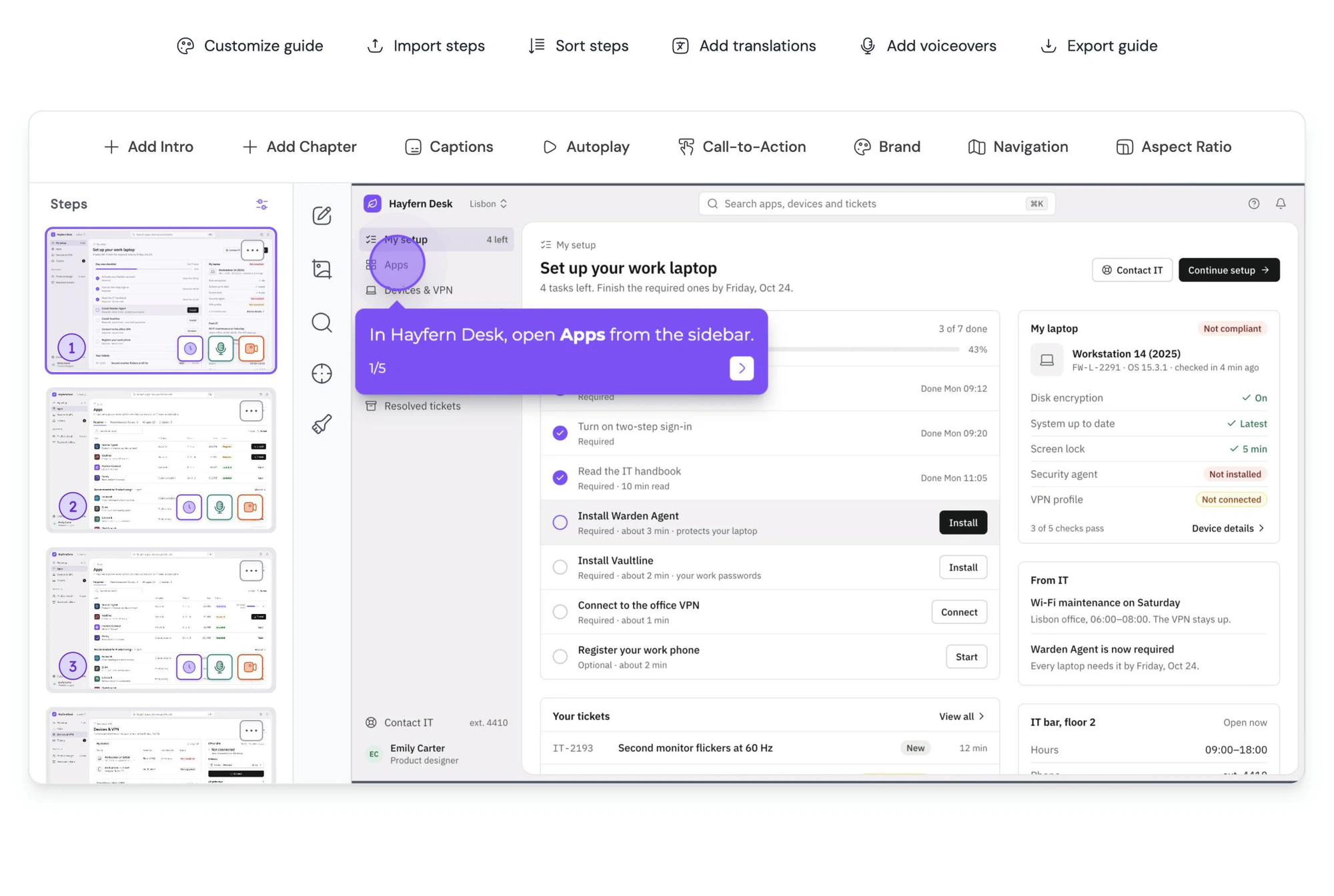
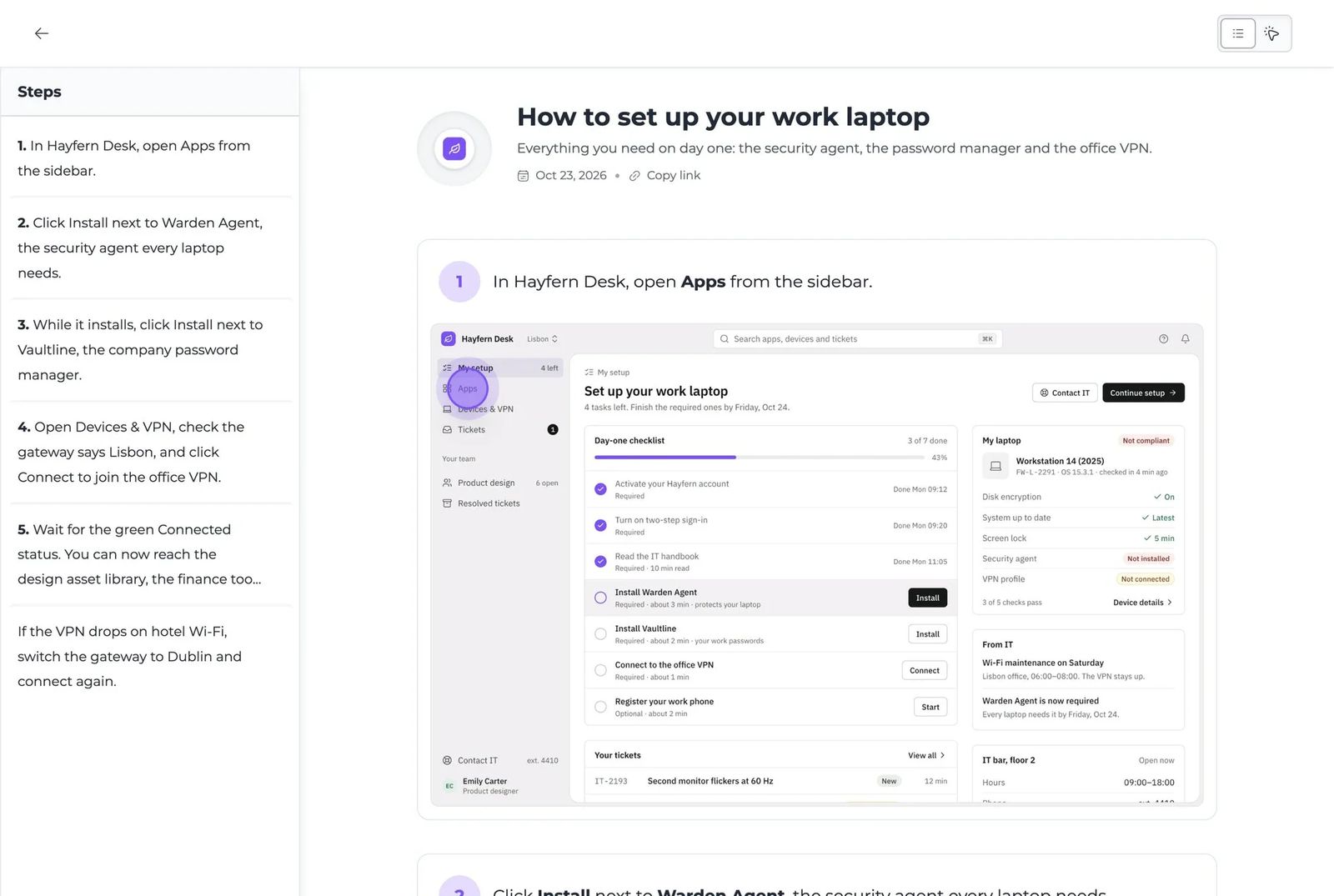
Guidejar turns each of those modules into guides new hires can follow on their own. Record the task once, and you get a step-by-step guide with a screenshot for each step that you can link from the plan's Resources column or publish to an internal help center. When the tool changes, you update the affected step instead of retraining everyone. See how teams keep training docs and SOPs in Guidejar.
Frequently asked questions
- What should an employee training plan include?
The employee and role, the plan owner, start and end dates, and the business goal the training supports. Then one row per module with a learning objective, the training method, resources, an owner, a due date and how you'll measure it, plus a sign-off when it's done.
- How long should an employee training plan last?
Let the goal set the timeline. New-hire onboarding often runs 90 days with milestones at the first week, month and quarter, while training a team on a new tool might take two weeks. Breaking large goals into quarterly plans keeps them manageable and easy to adjust.
- How do I get employees engaged with training?
Make it relevant and involve them. Ask what they want to learn, show how the training makes their daily work easier or helps their career, and mix methods: self-paced guides for basics, workshops for group problem-solving, and shadowing or mentoring for hands-on practice.
- How can I create a training plan on a tight budget?
Use the expertise already on your team: peer mentoring, shadowing, lunch-and-learn sessions and stretch assignments cost little. Free courses such as HubSpot Academy can cover general skills, and the plan itself (goals, modules, timeline) costs nothing to write.
- Filed under
- Training