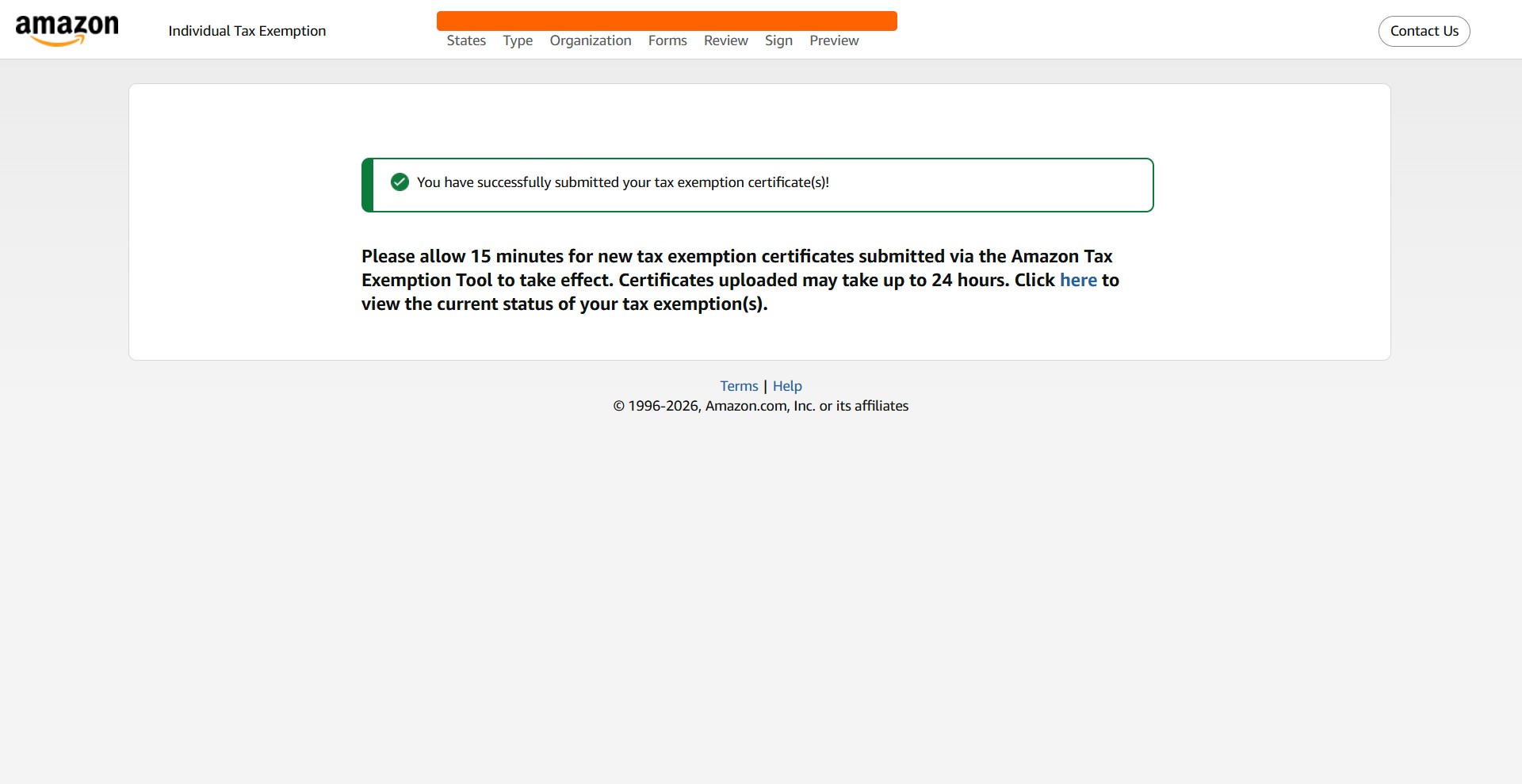
Amazon Tax Exemption Program
Once you've created a regular Amazon account with your UMW credentials, you'll want to set it up with Tax Exemption. Follow these steps to do so.
Navigate to https://www.amazon.com/
Click on "Account & Lists"
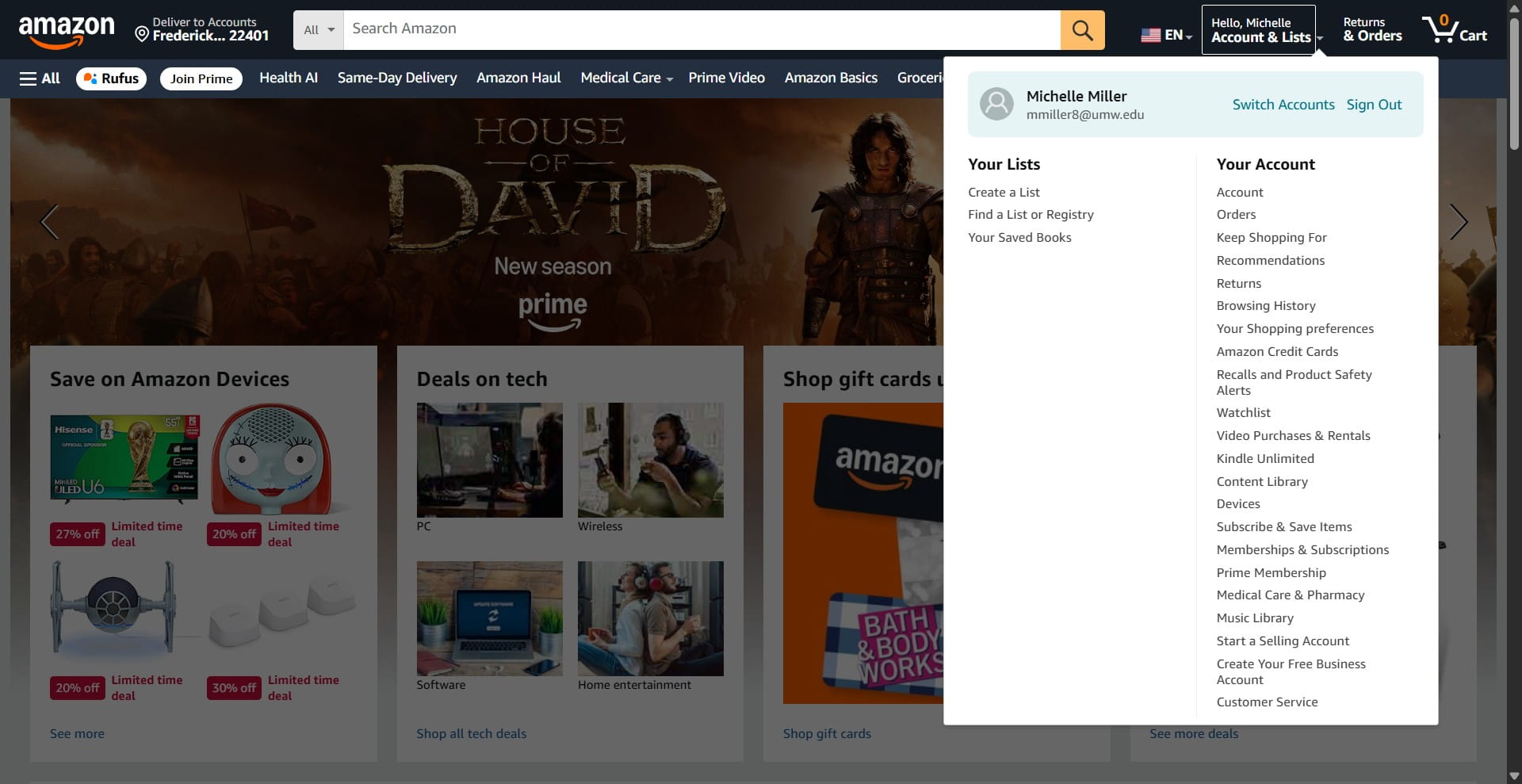
Click on "Amazon tax exemption program"
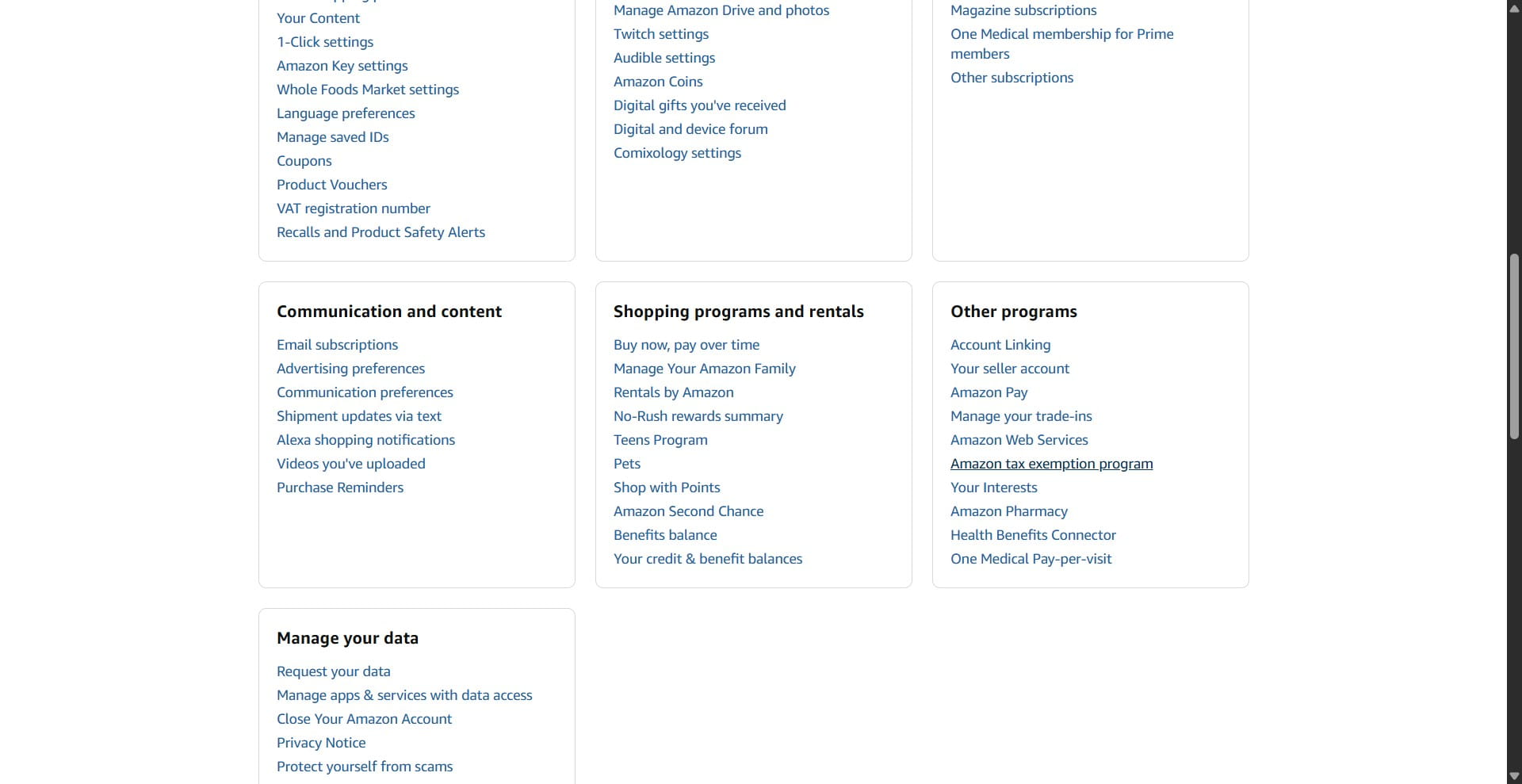
Click on "Edit Your Tax Exemptions"
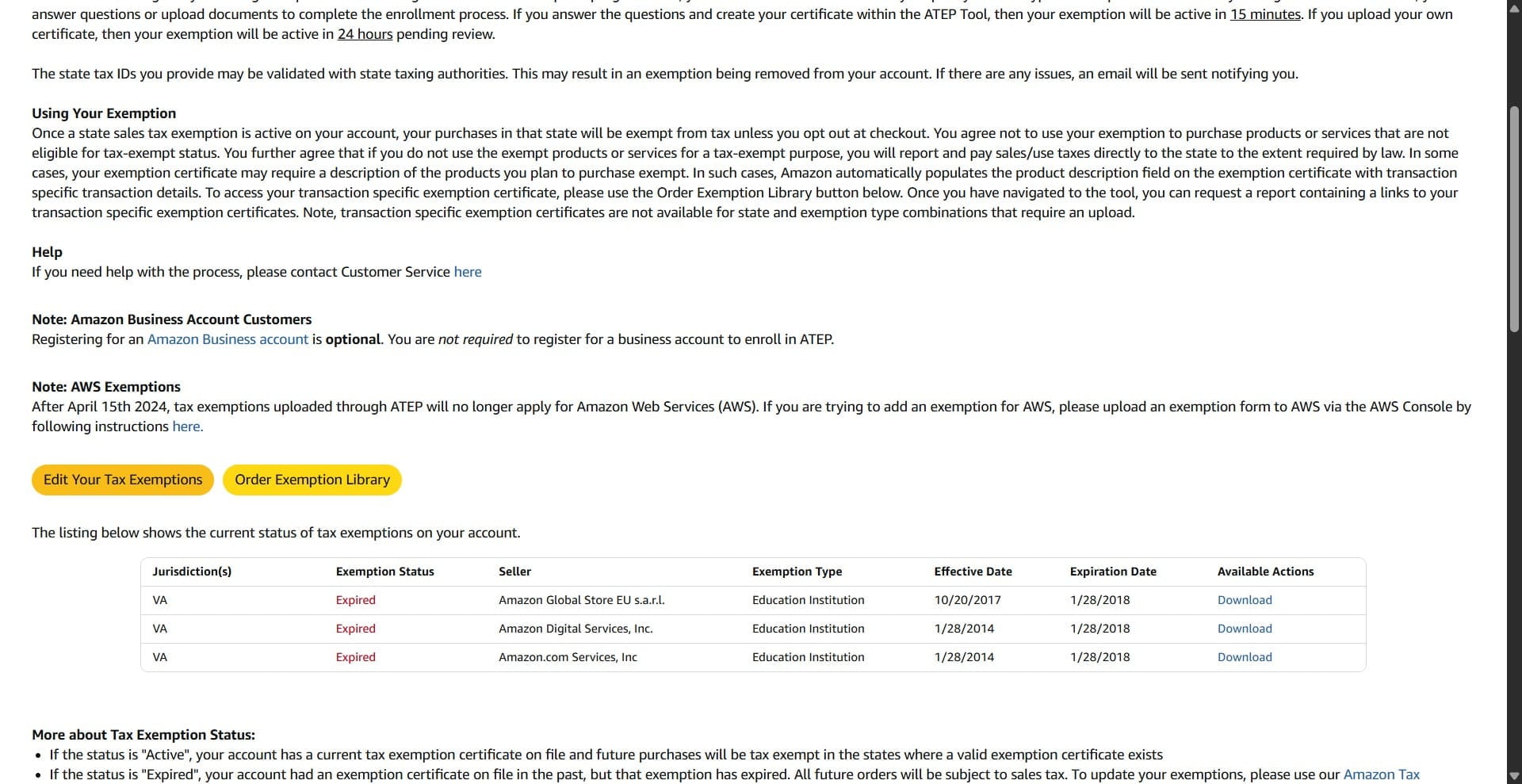
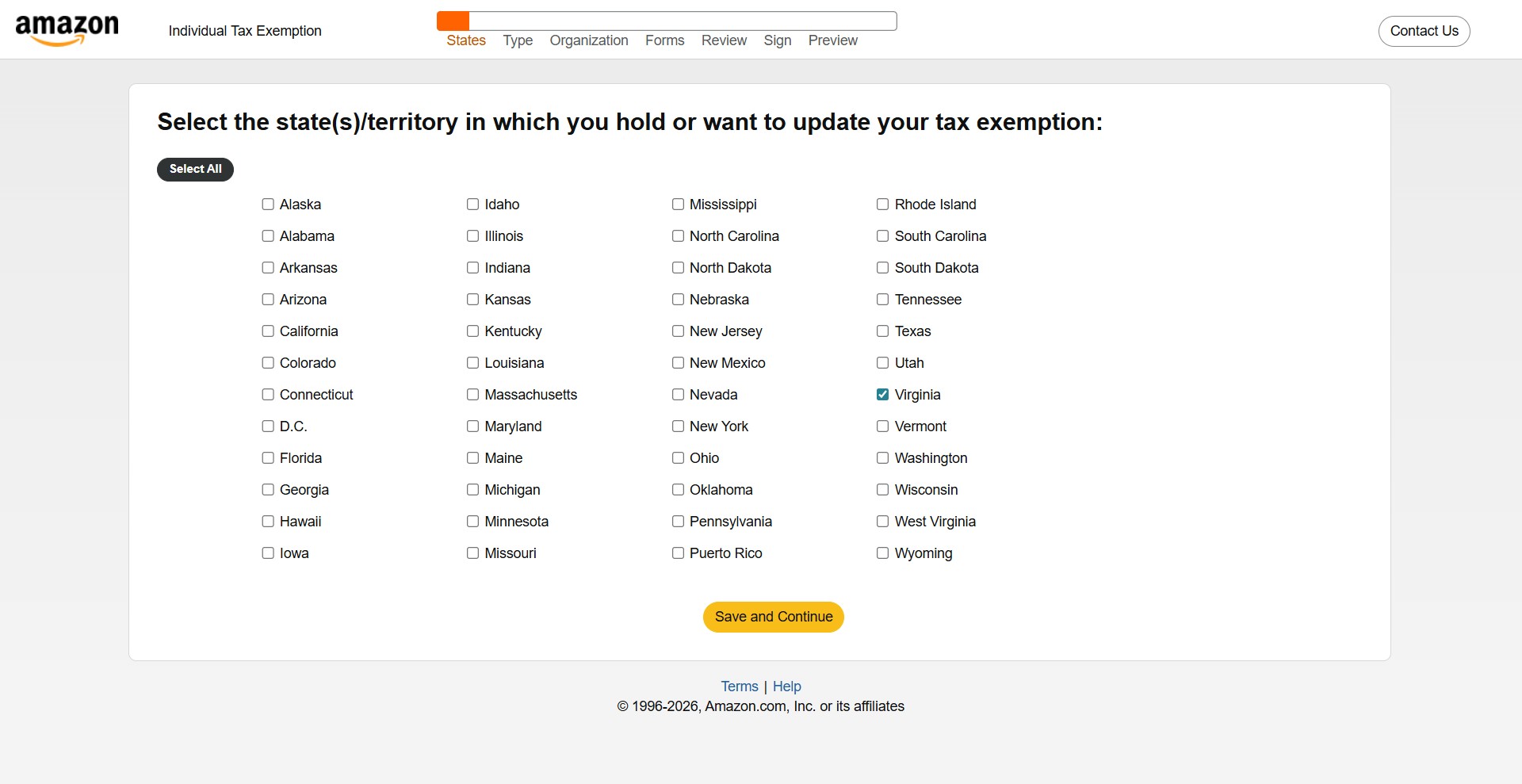
Select Virginia.
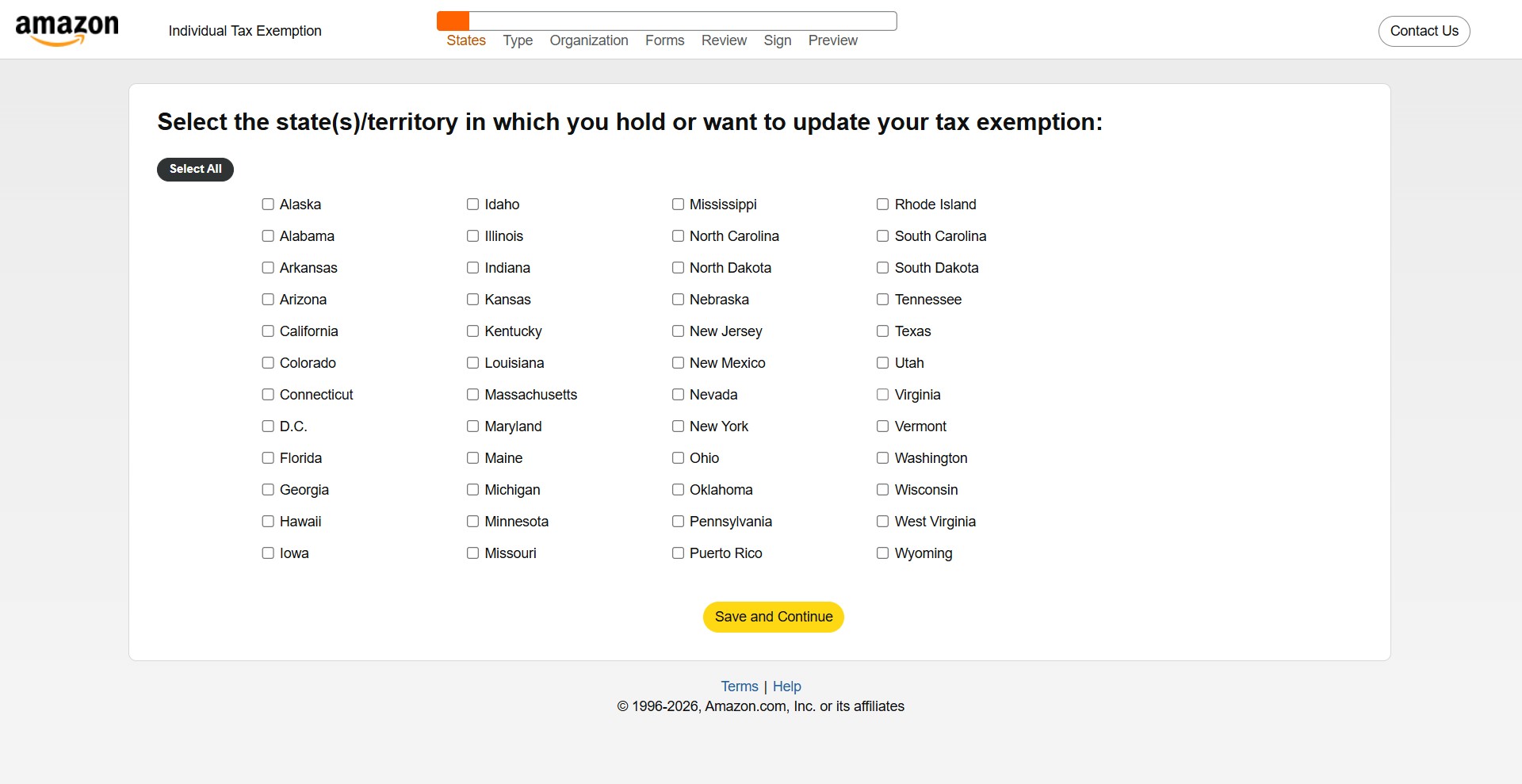
Click Save and Continue.
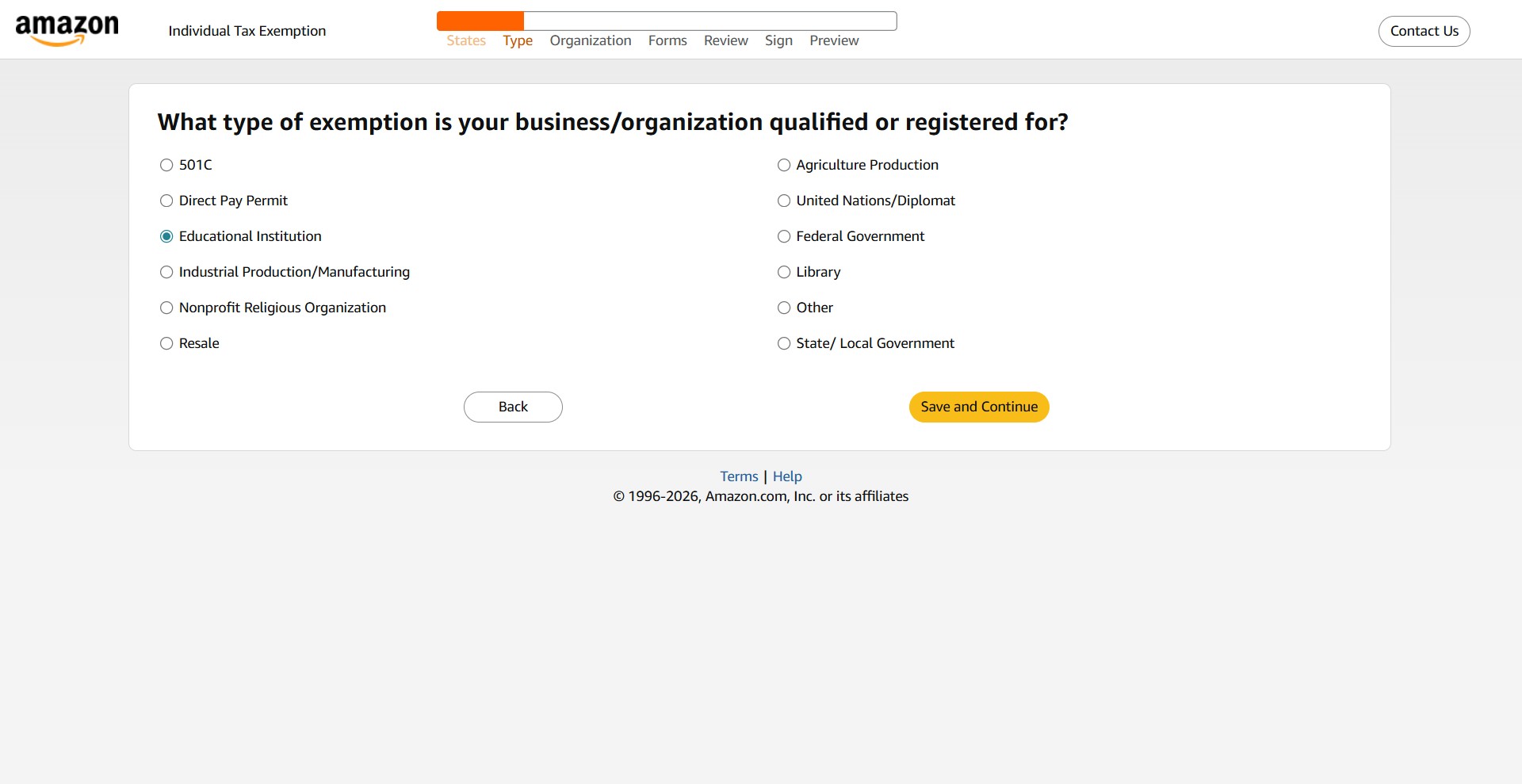
Select "Educational Institution"
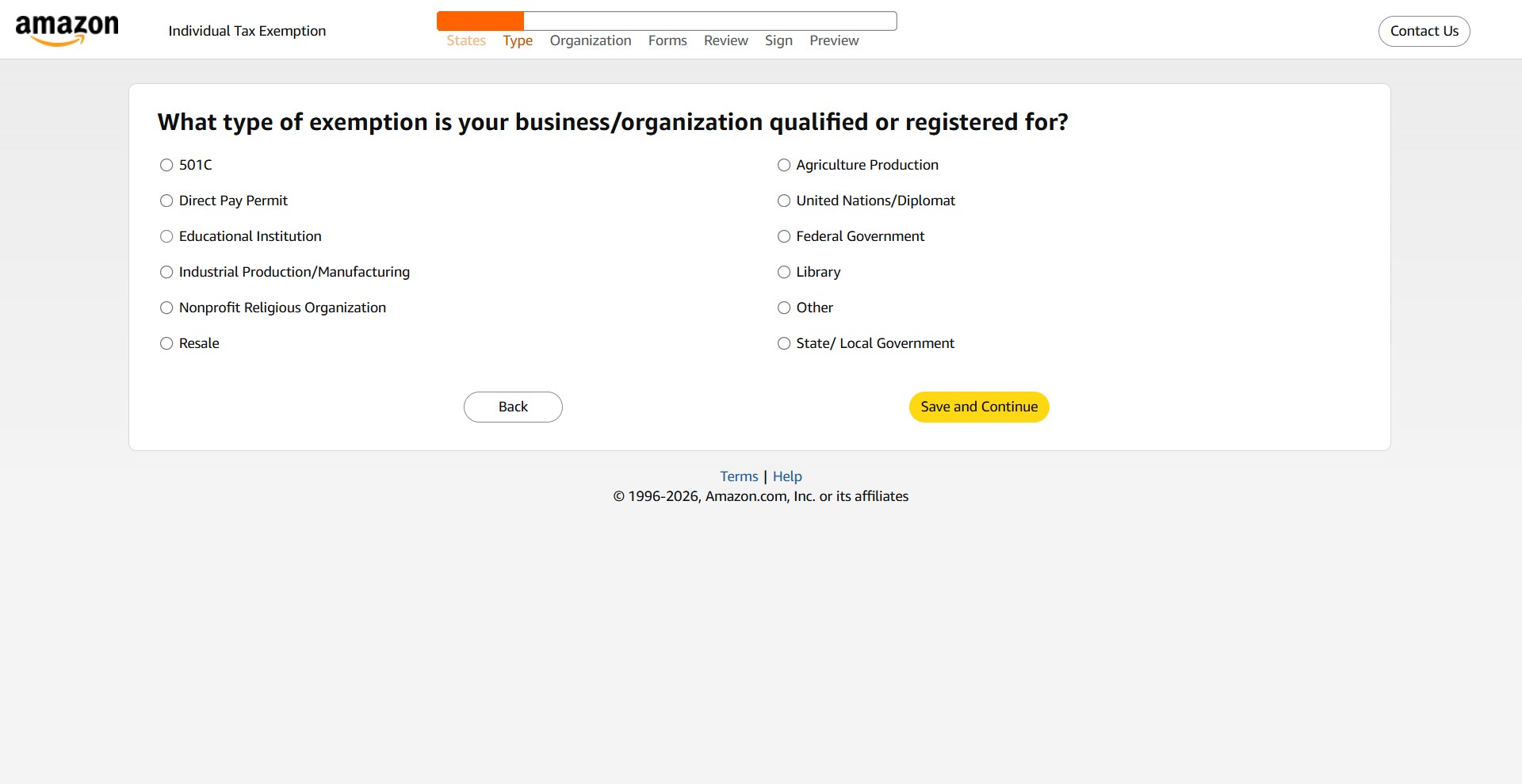
And click Save and Continue.
Next, click Continue again.
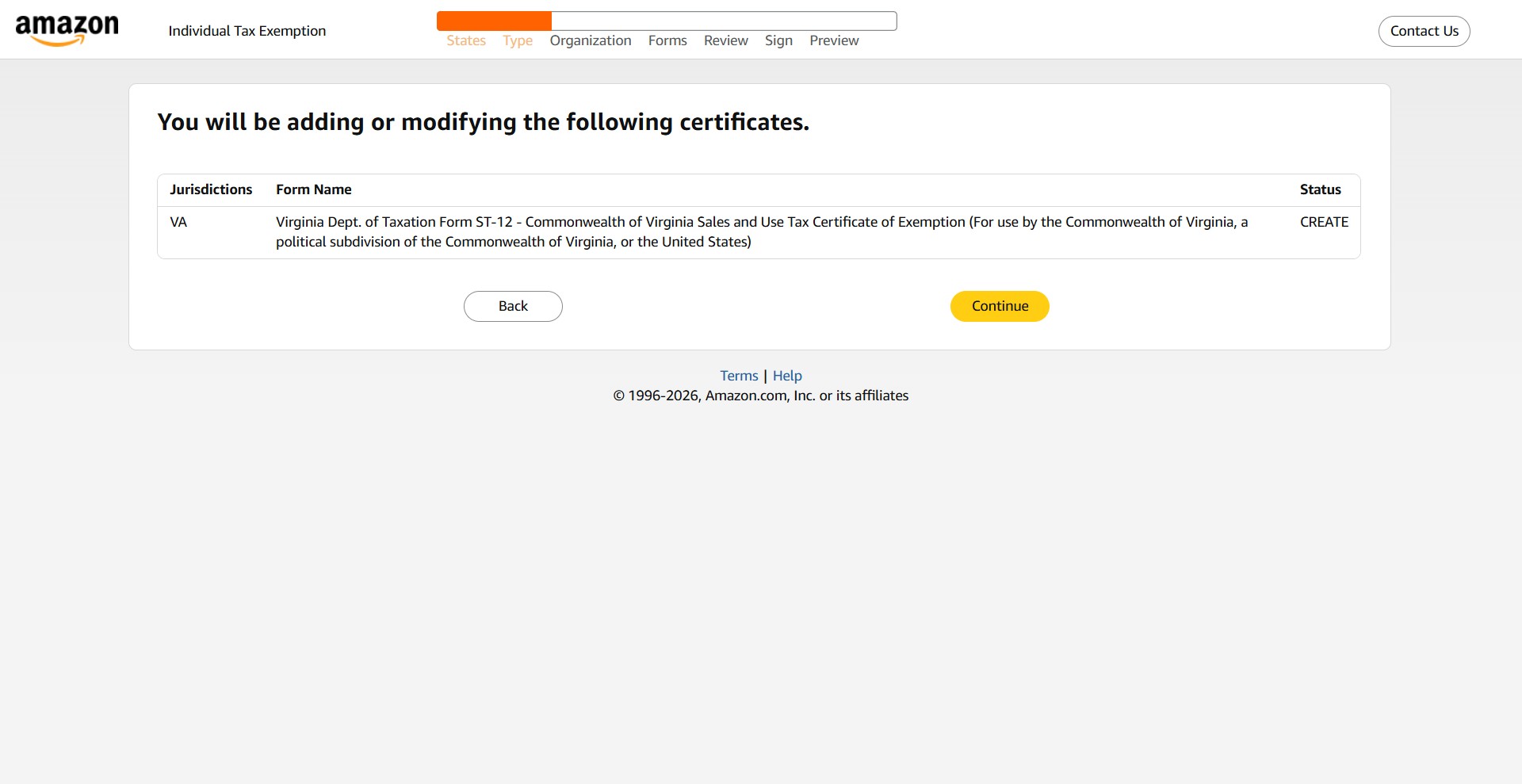
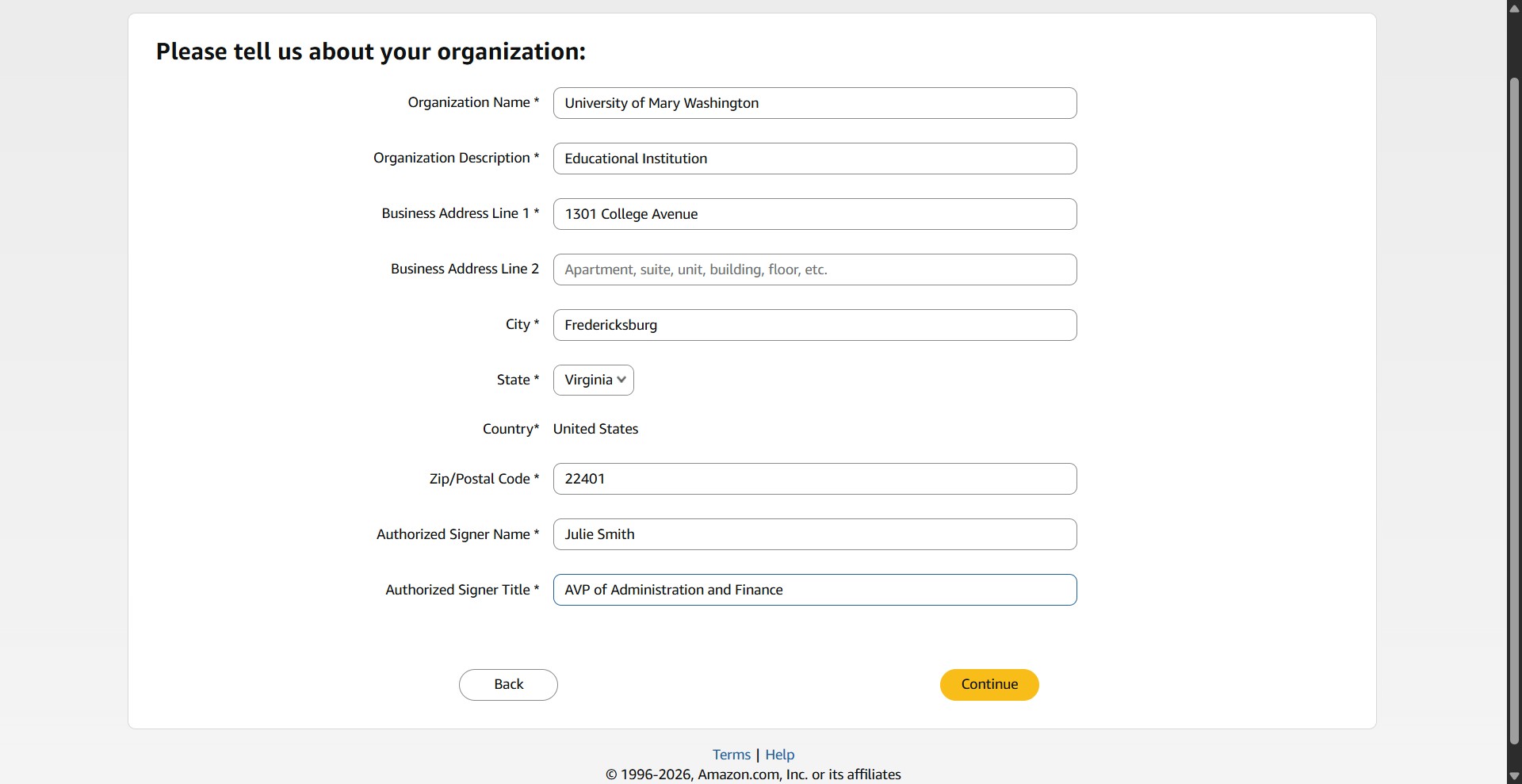
Fill out the form with the following information and click Continue.
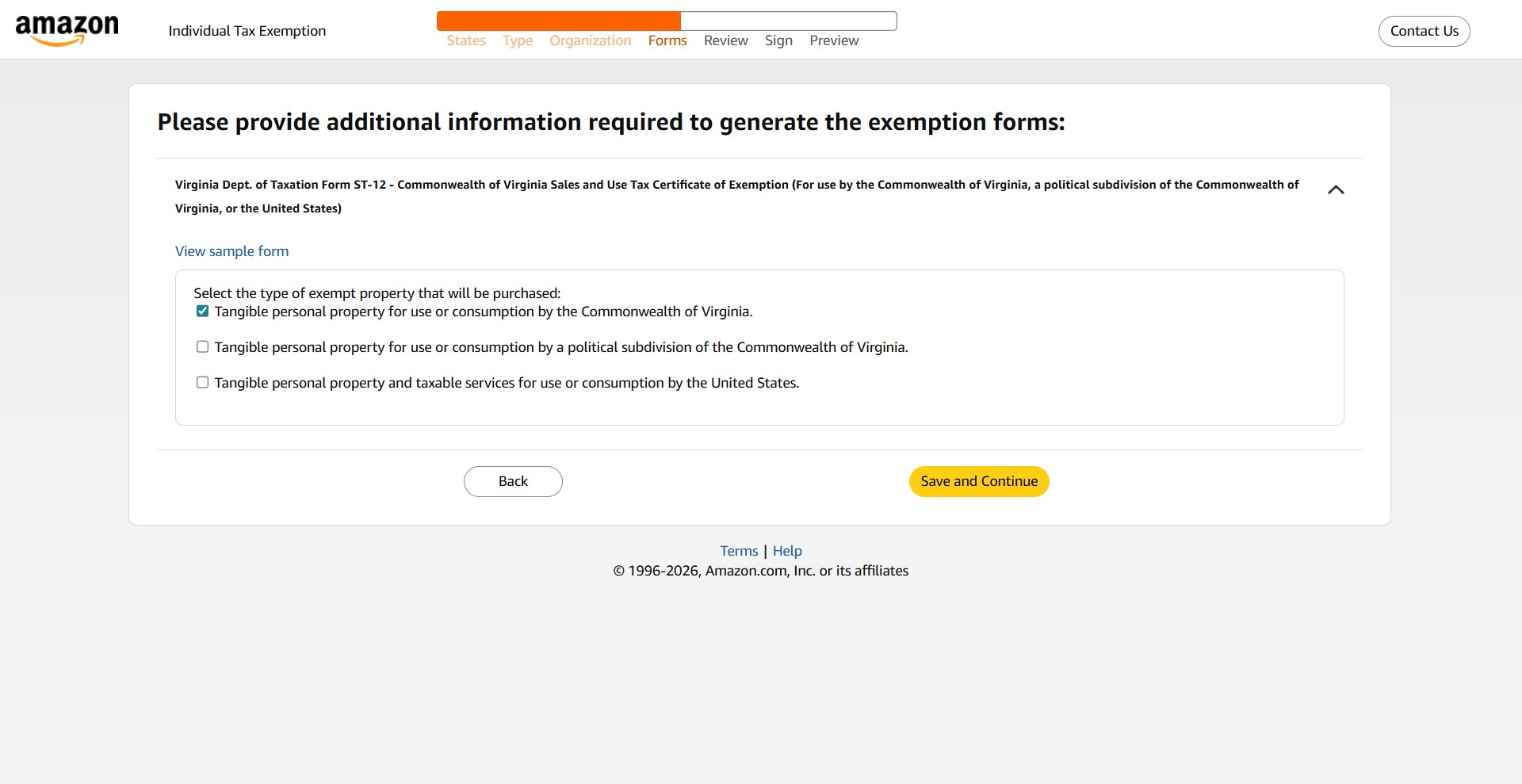
Select the option for "Tangible personal property for use or consumption by the Commonwealth of Virginia."
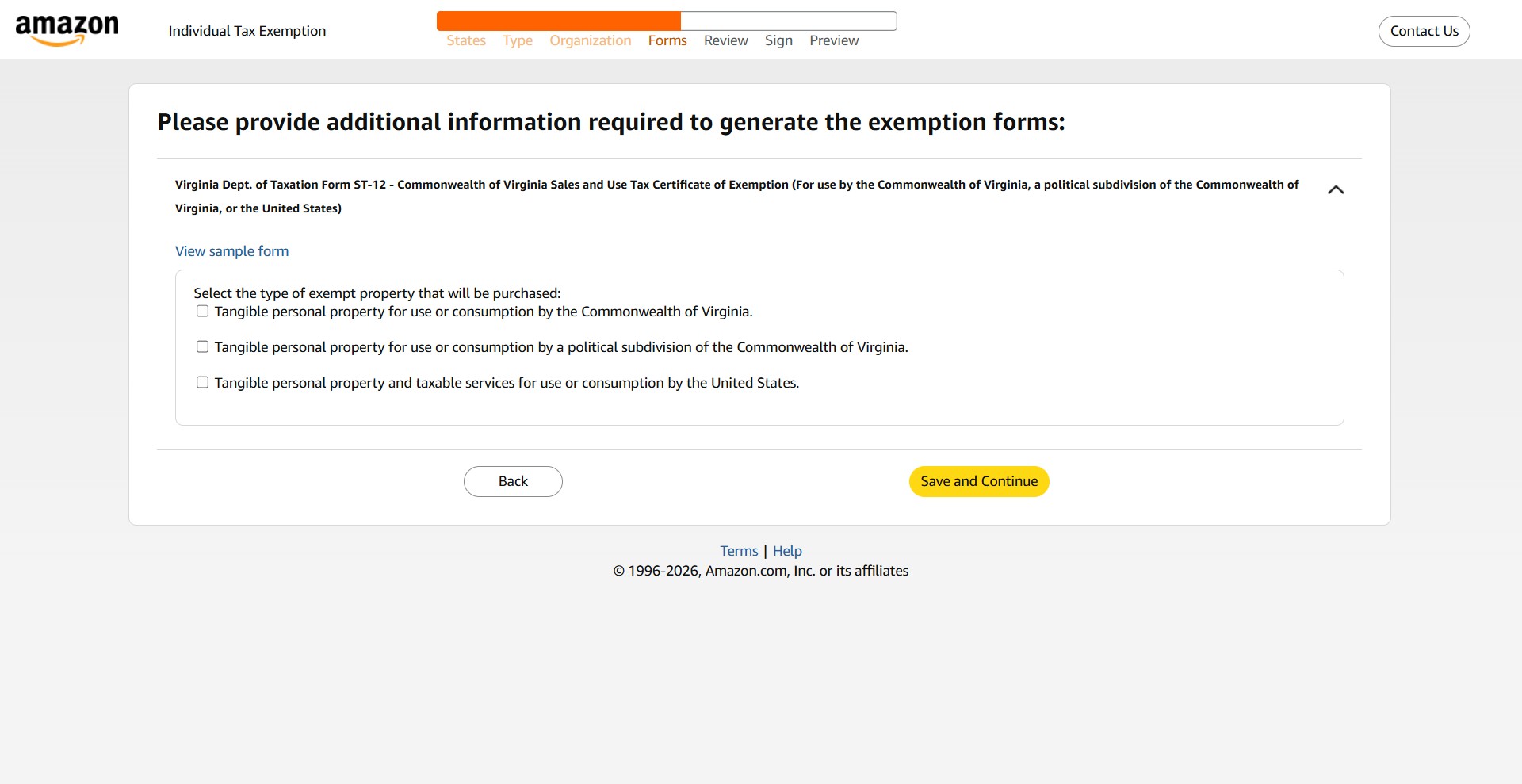
And click Save and Continue.
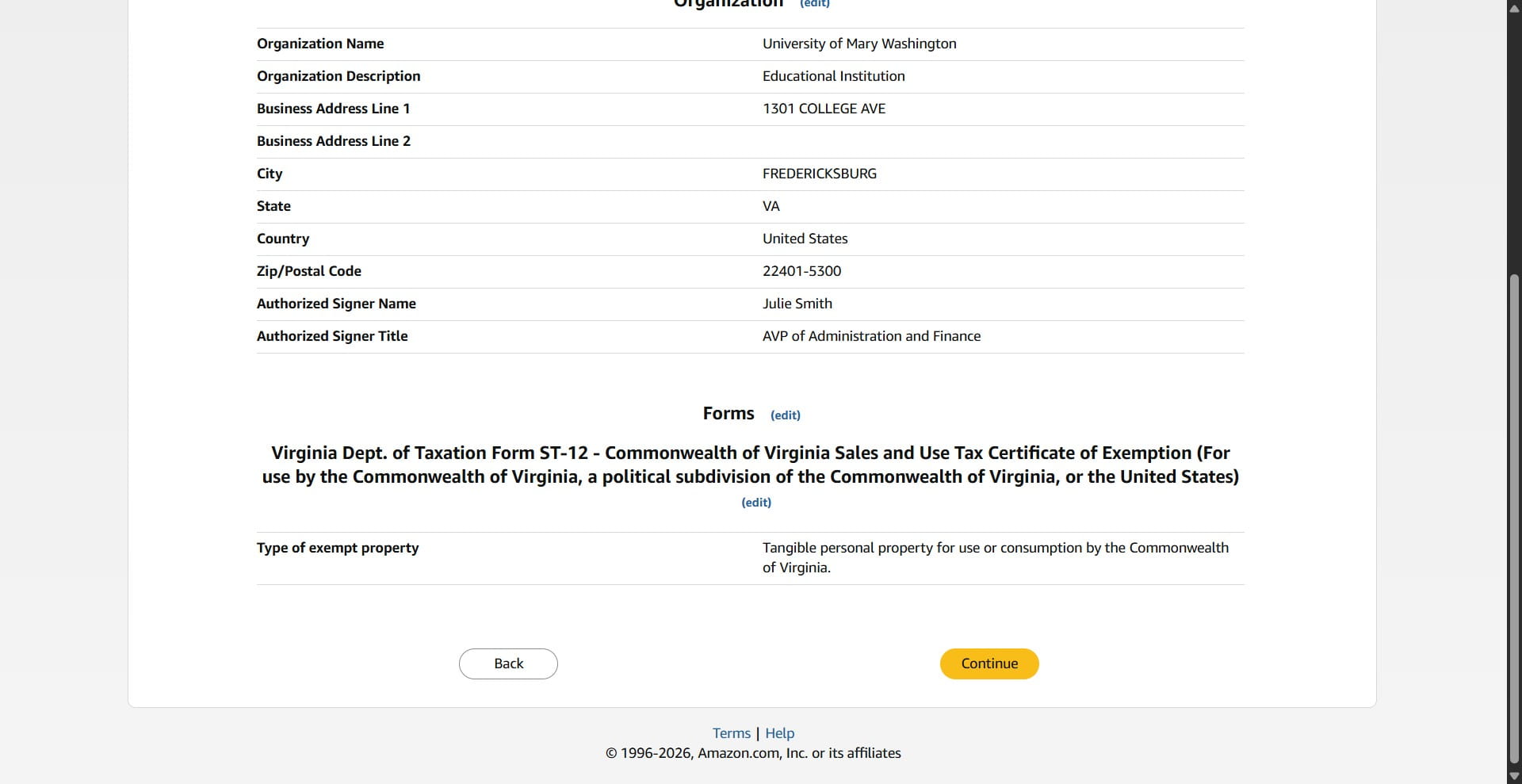
Review the form and click Continue.
Sign that the exemption certificate is accurate to the best of your knowledge.
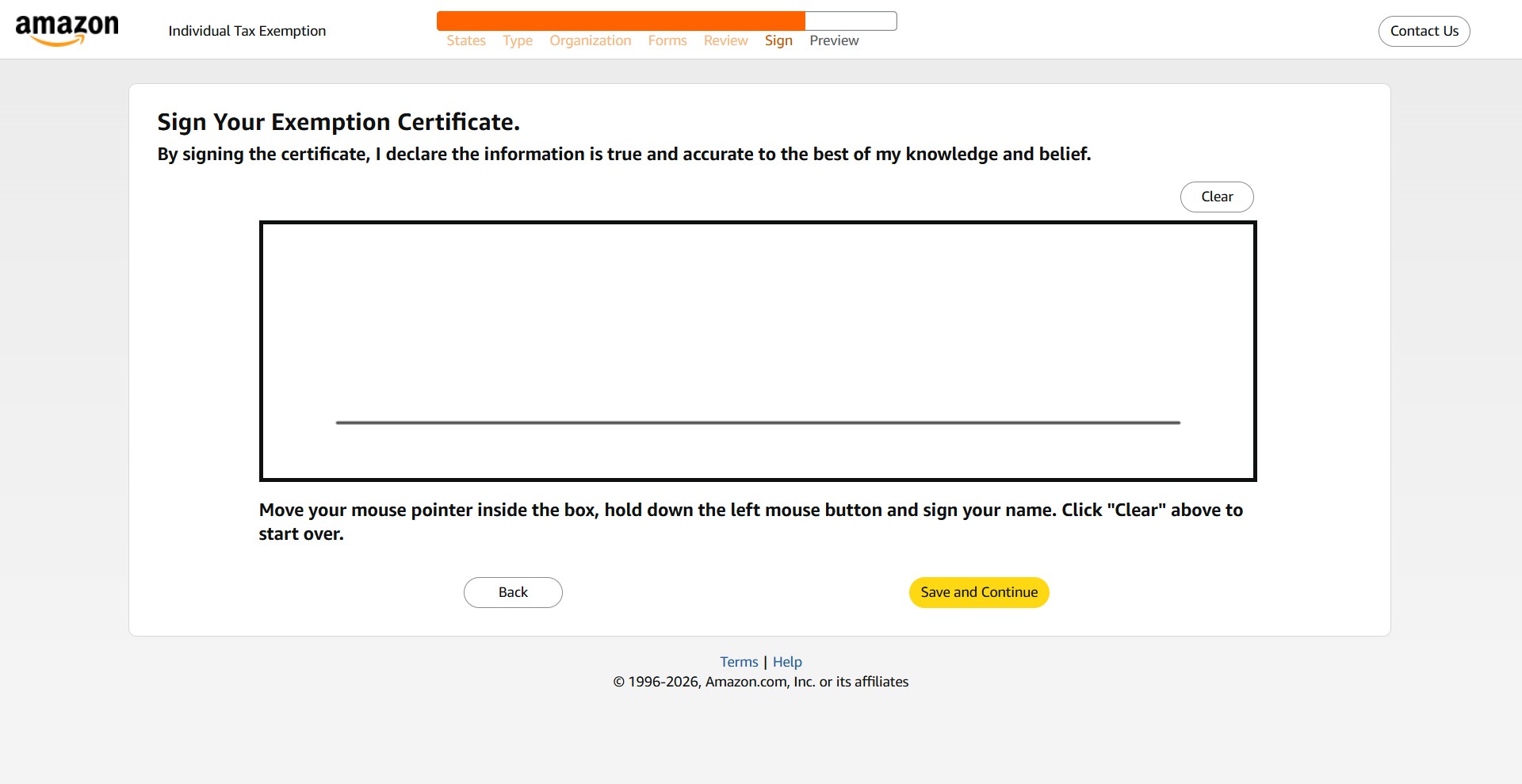
Then click Save and Continue.
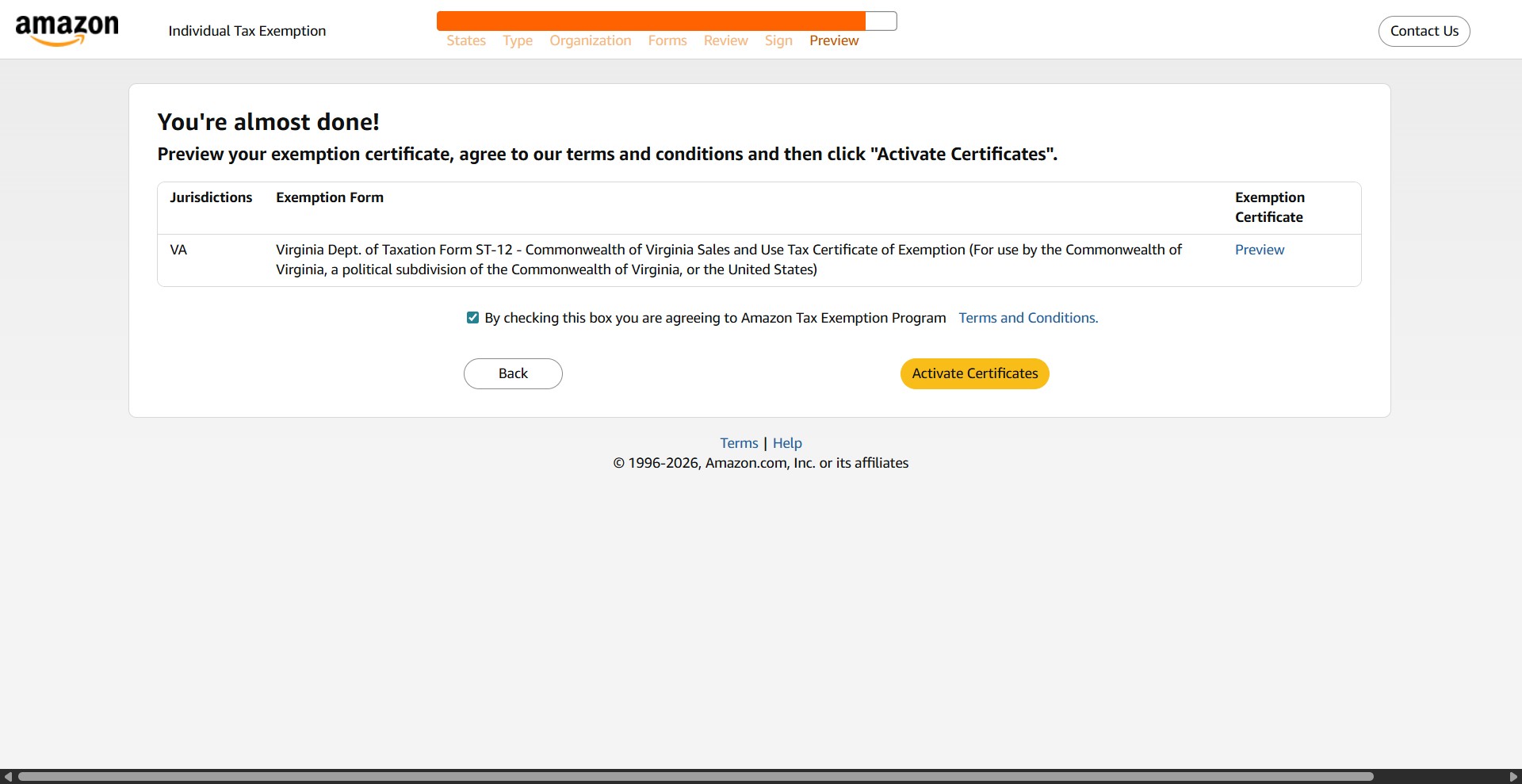
Check the box that you agree to their terms.
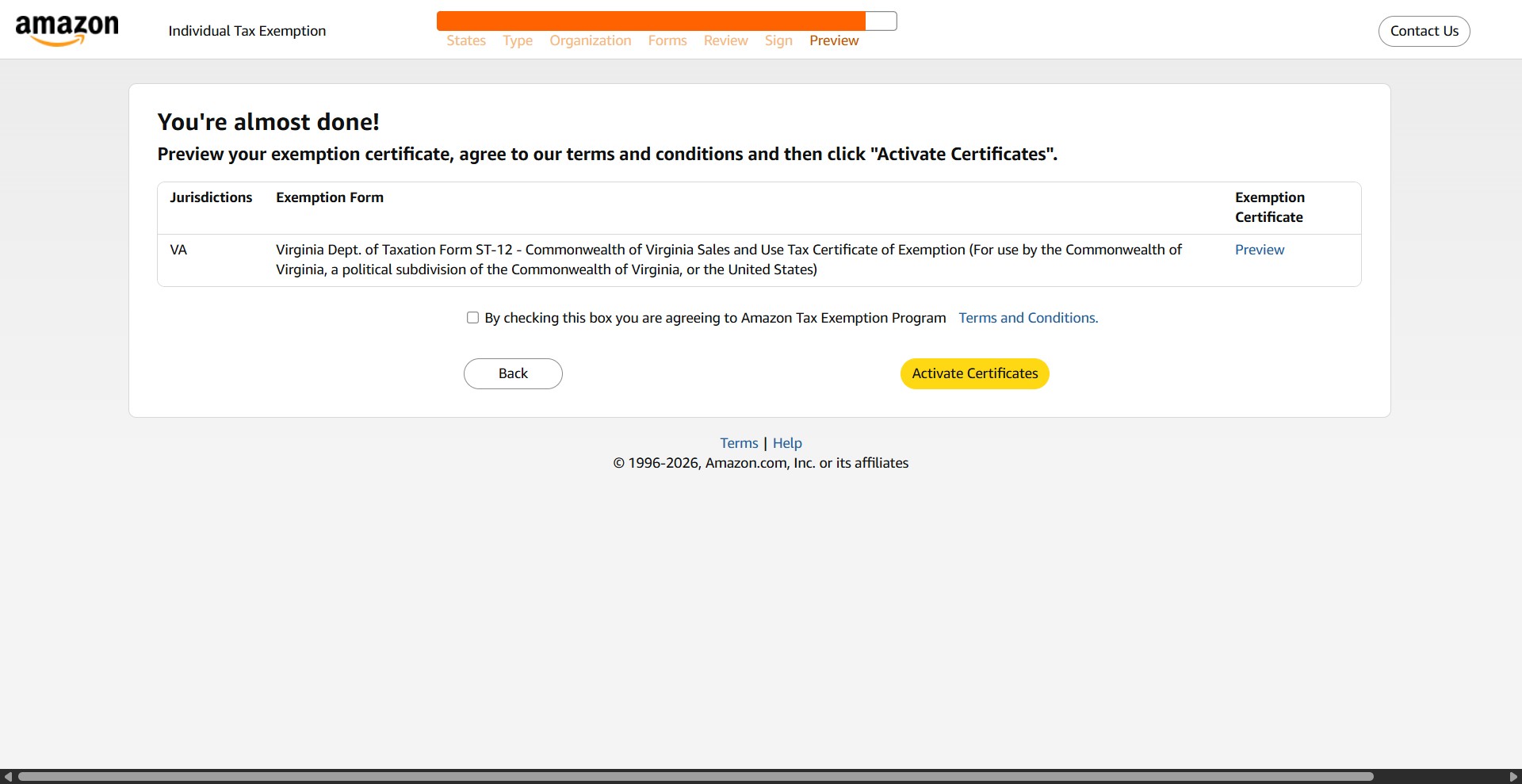
Then click Activate Certificates.
Done 🚀