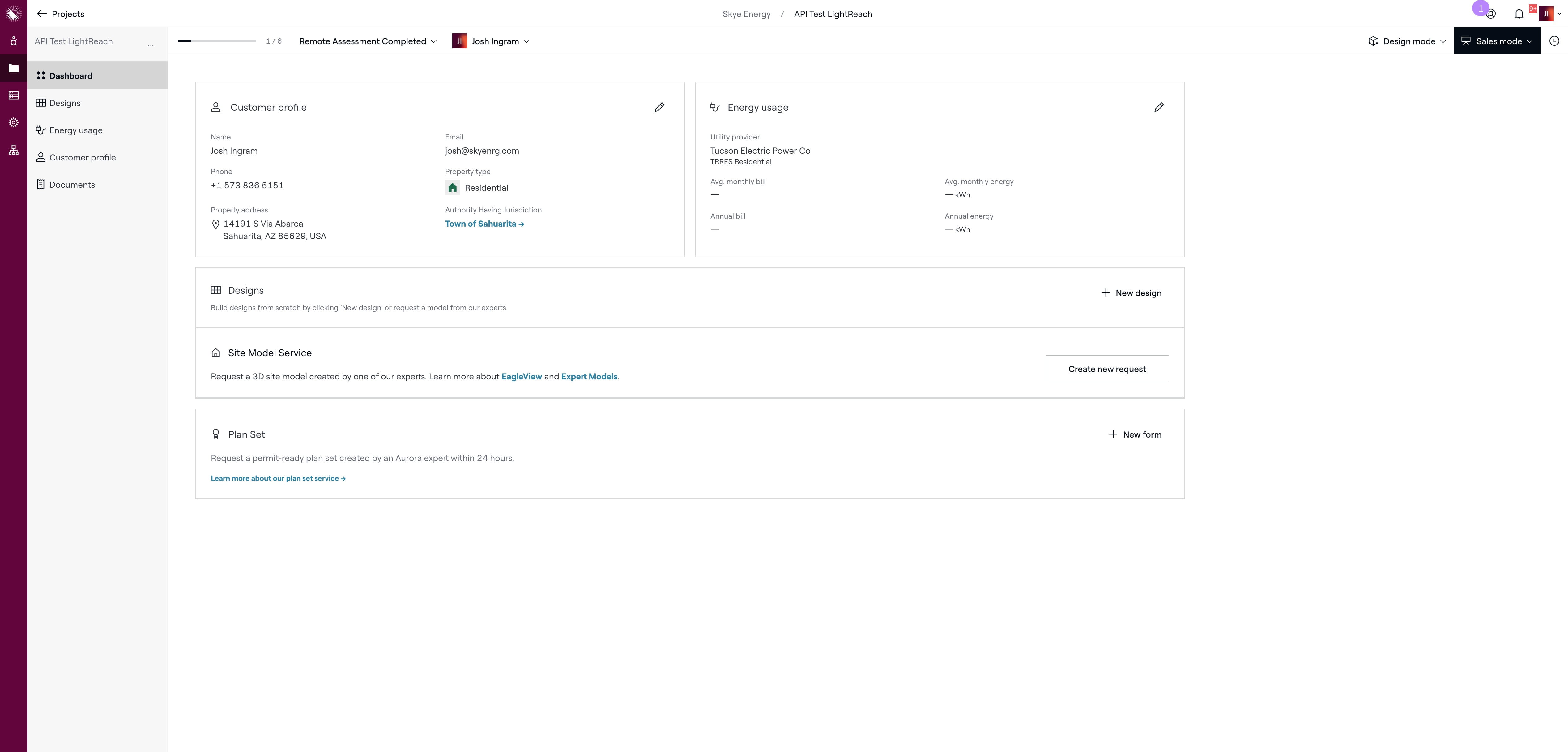
Aurora - New Project
Feb 18, 2025●
2
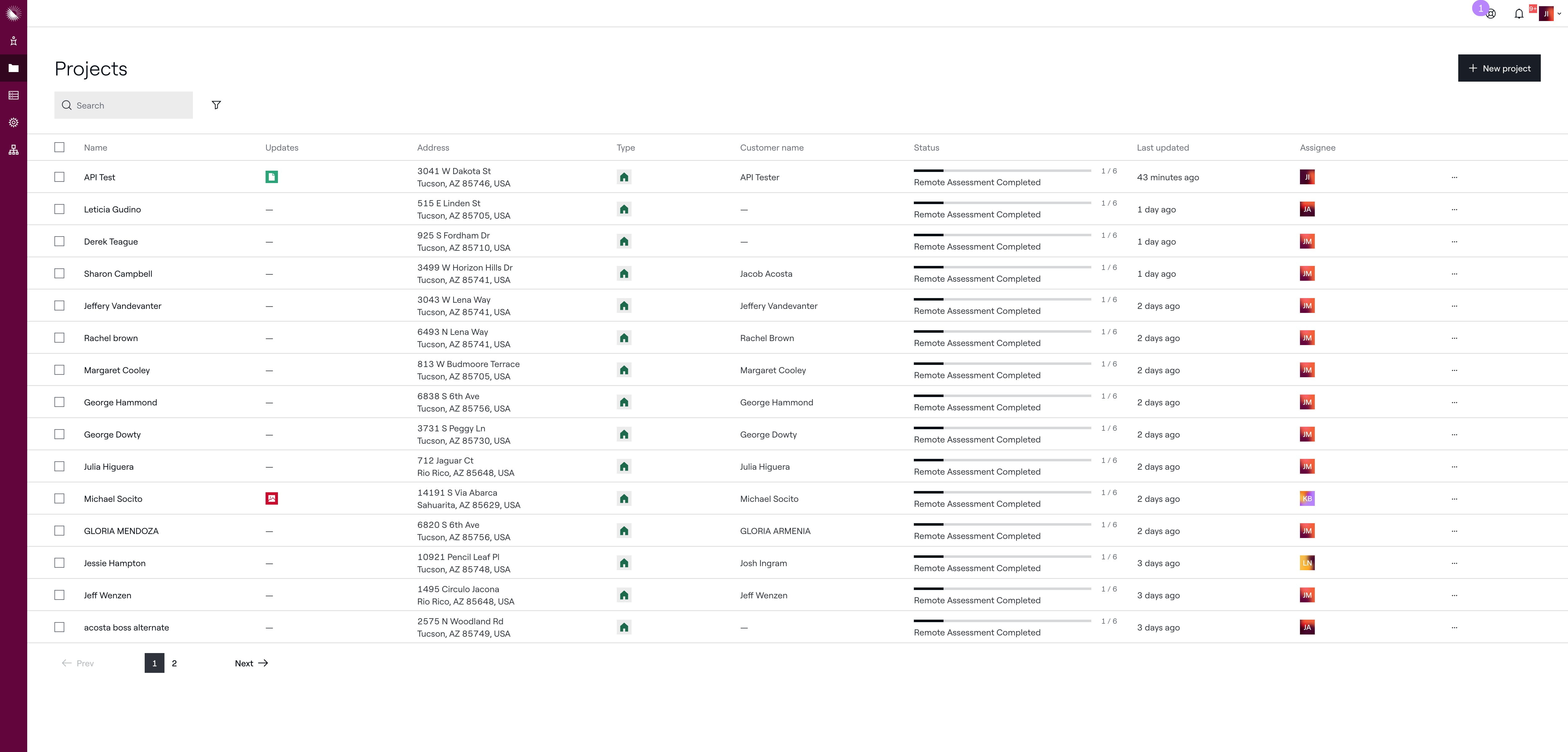
Click on "New project"
3
Click here
4
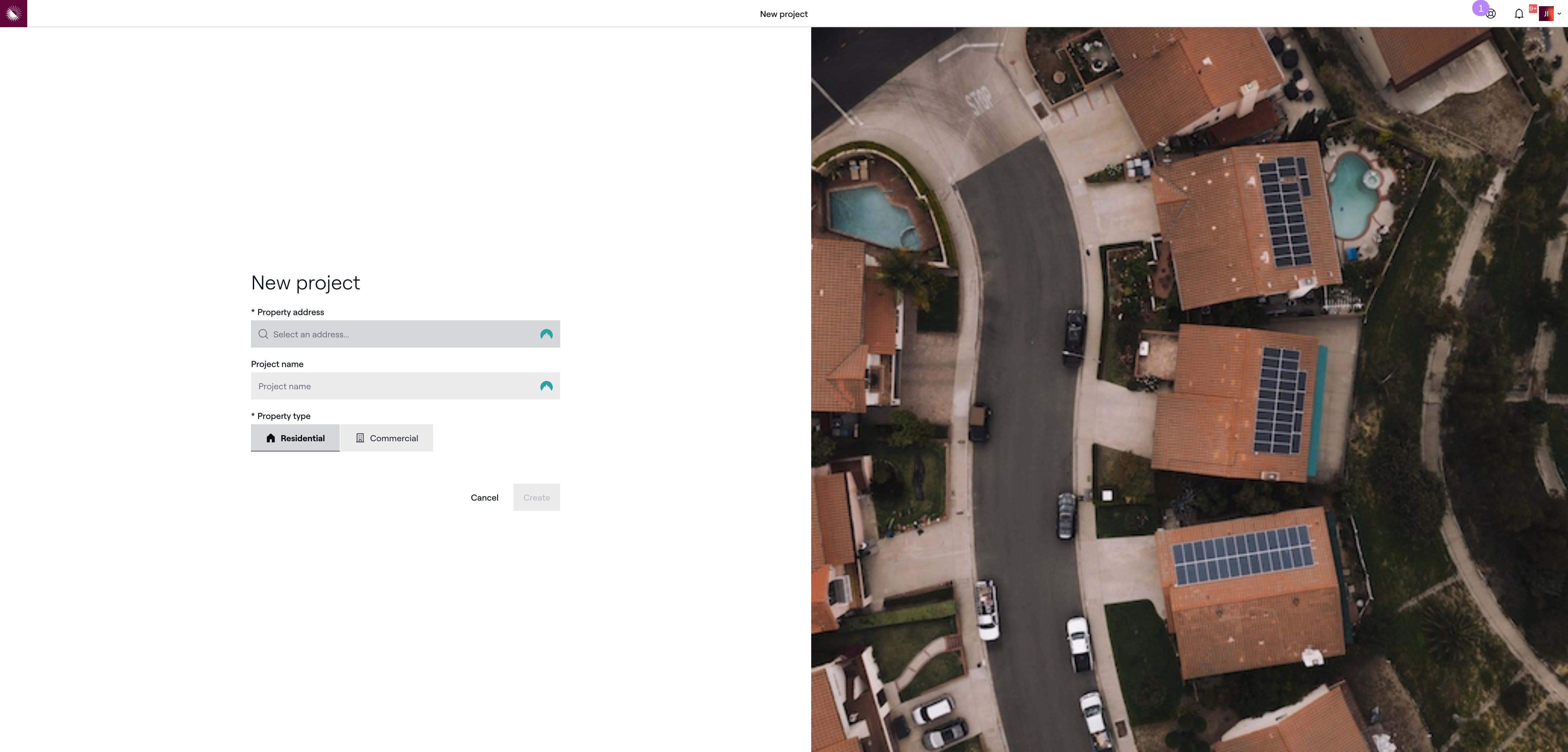
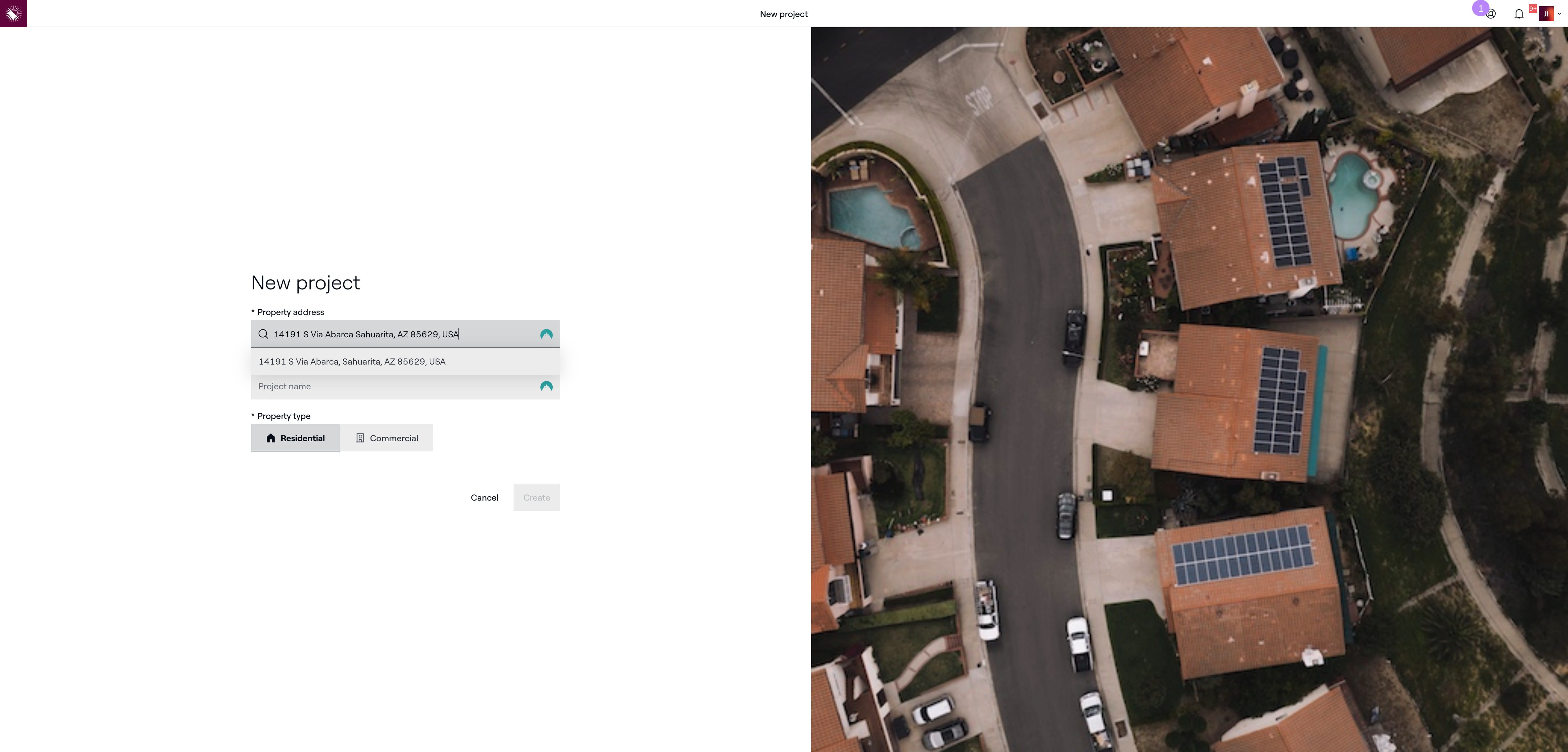
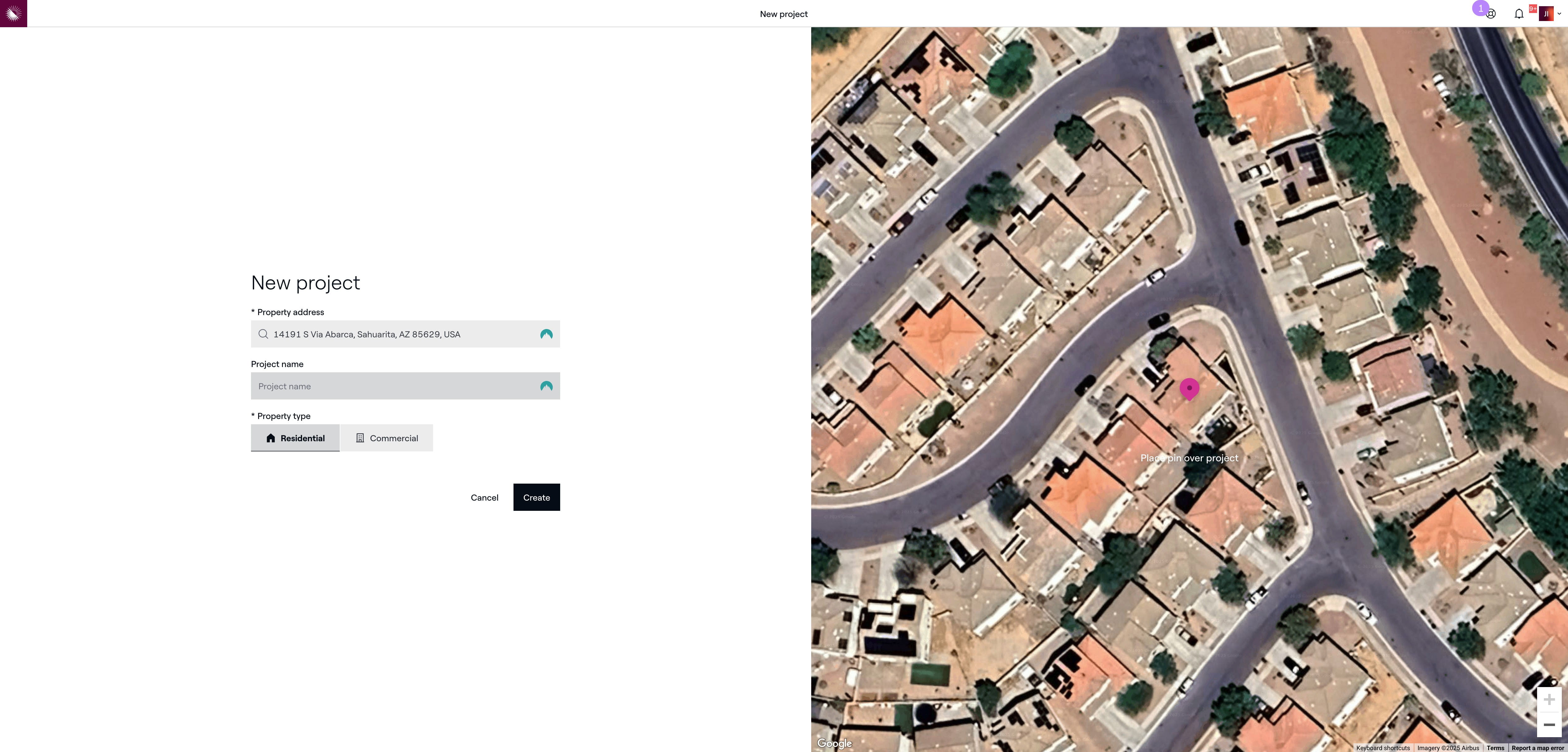
Enter the address and the click on the auto complete address that matches
5
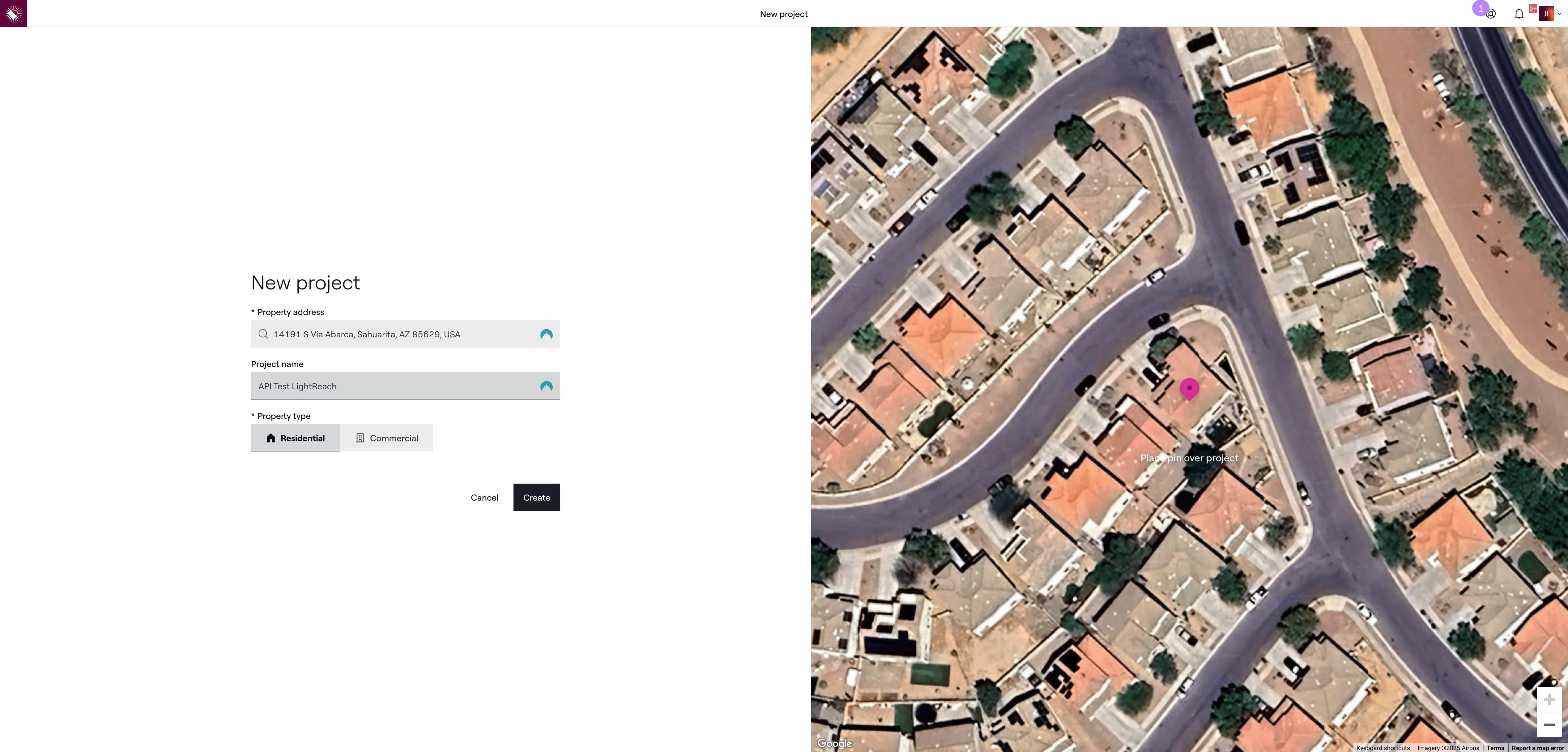
Click here and fill with the name of the home owner
6
Click on "Create"
7
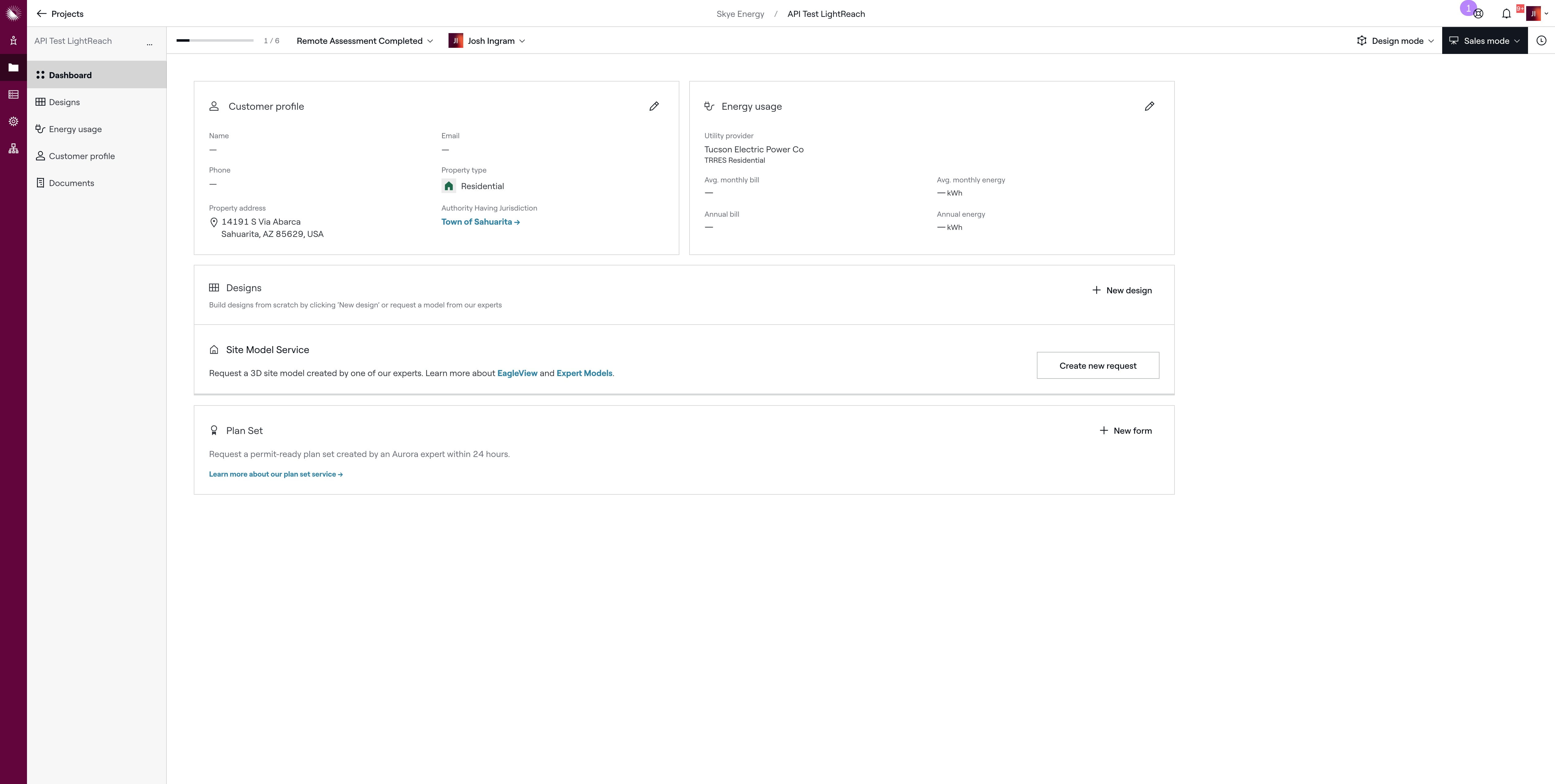
Click on the edit customer profile icon
8
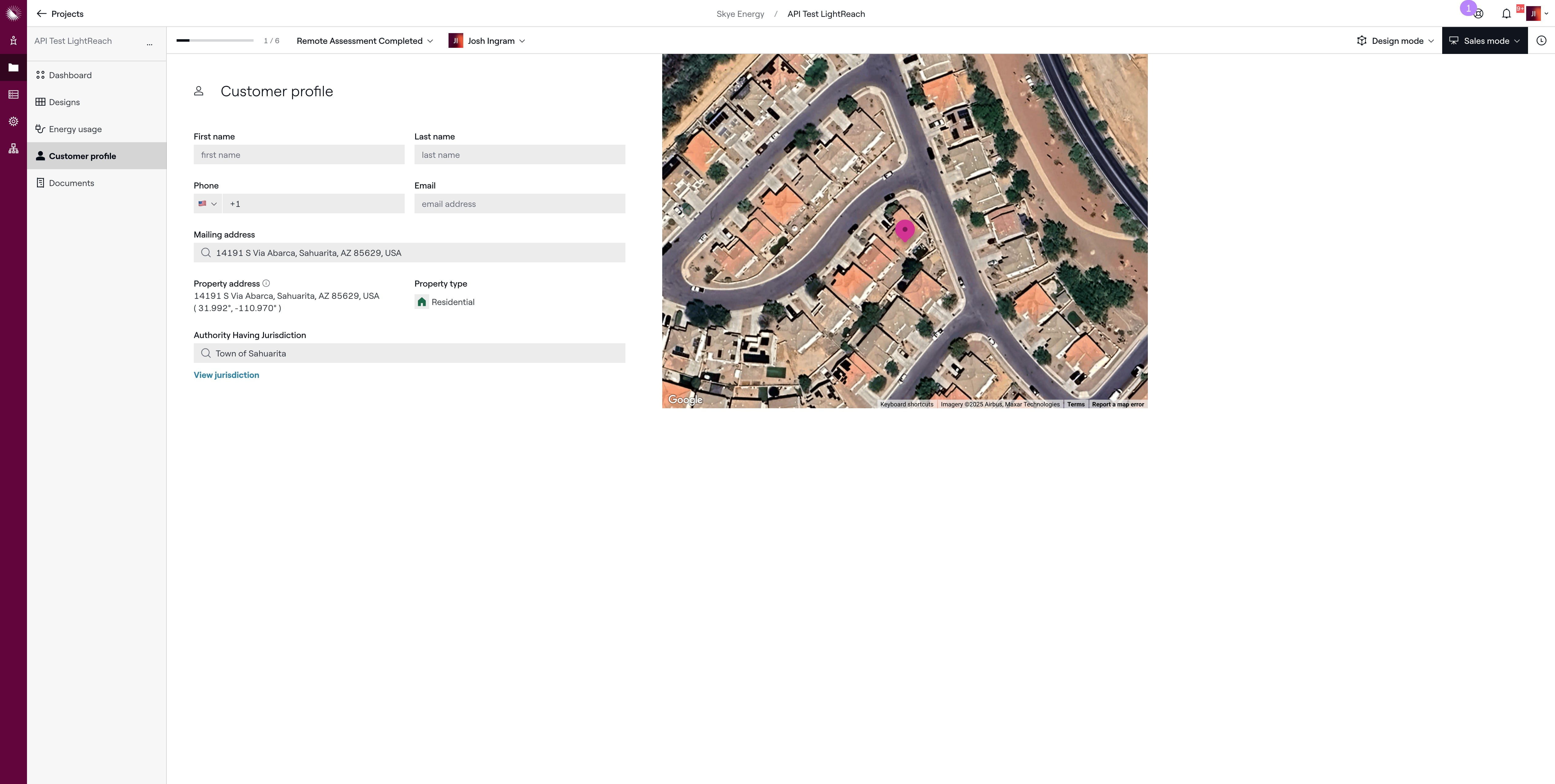
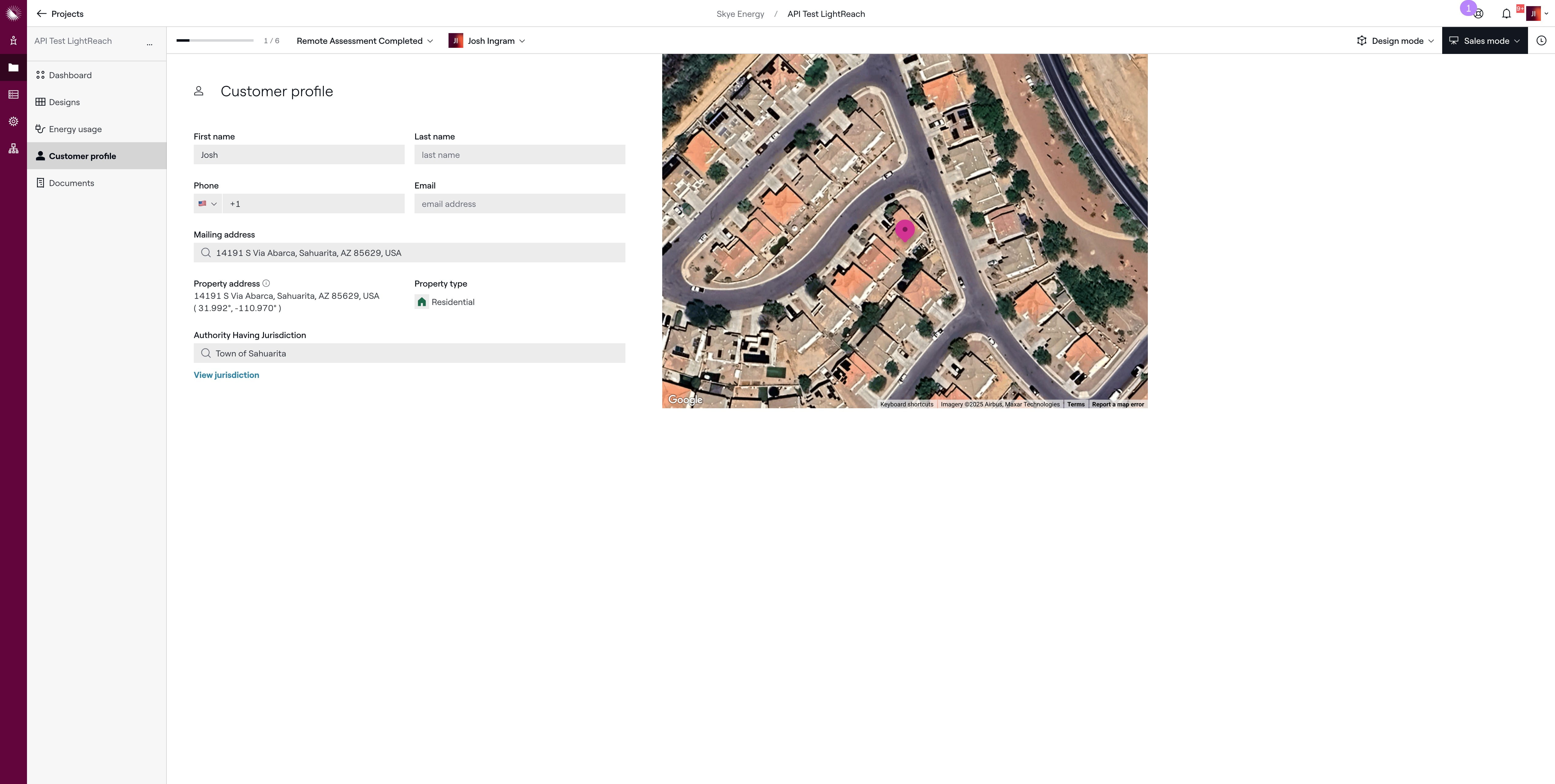
Enter customer's first name in this field
9
Enter customer's last name in this field
10
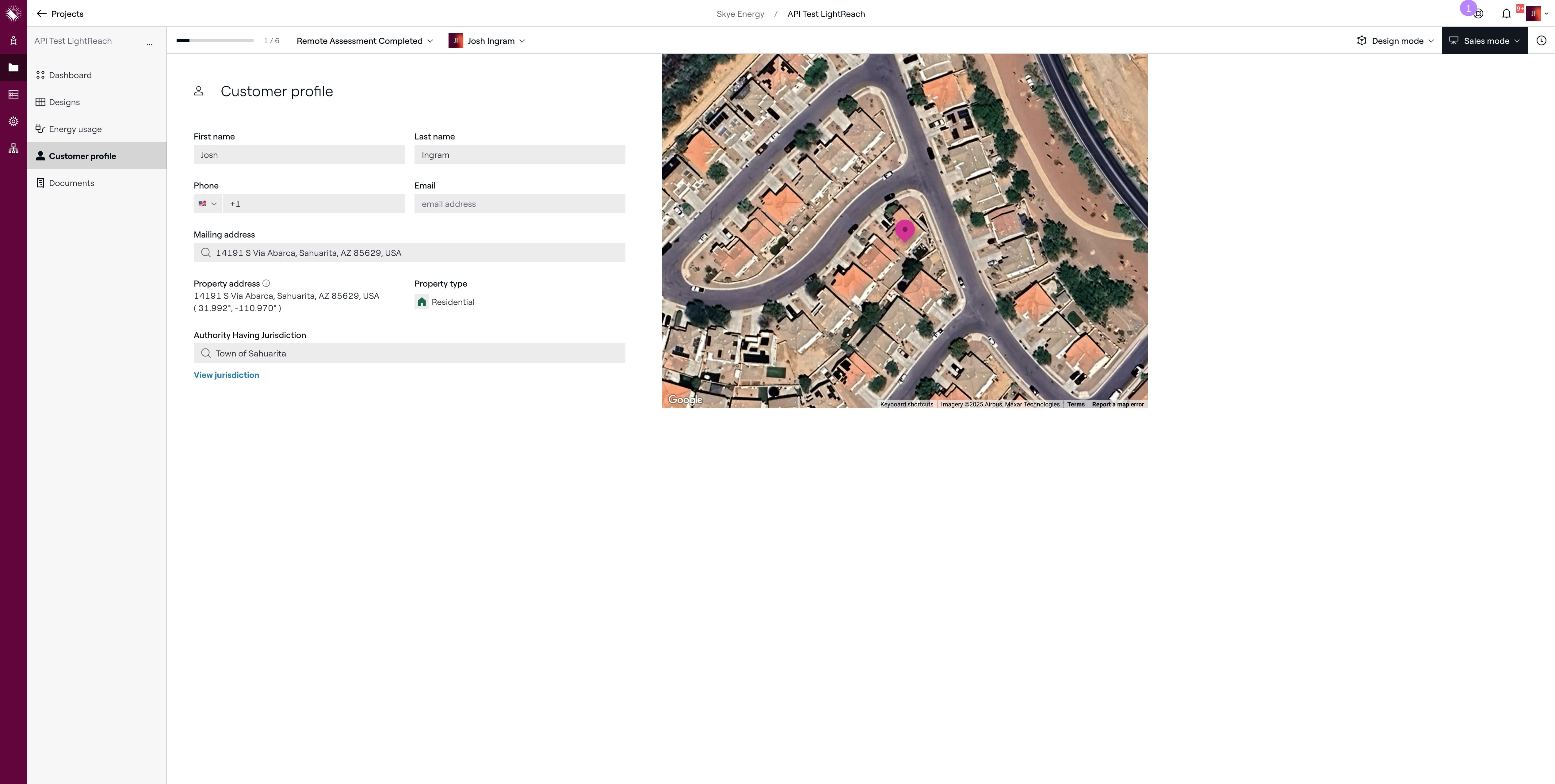
Enter customer's phone number in this field
11
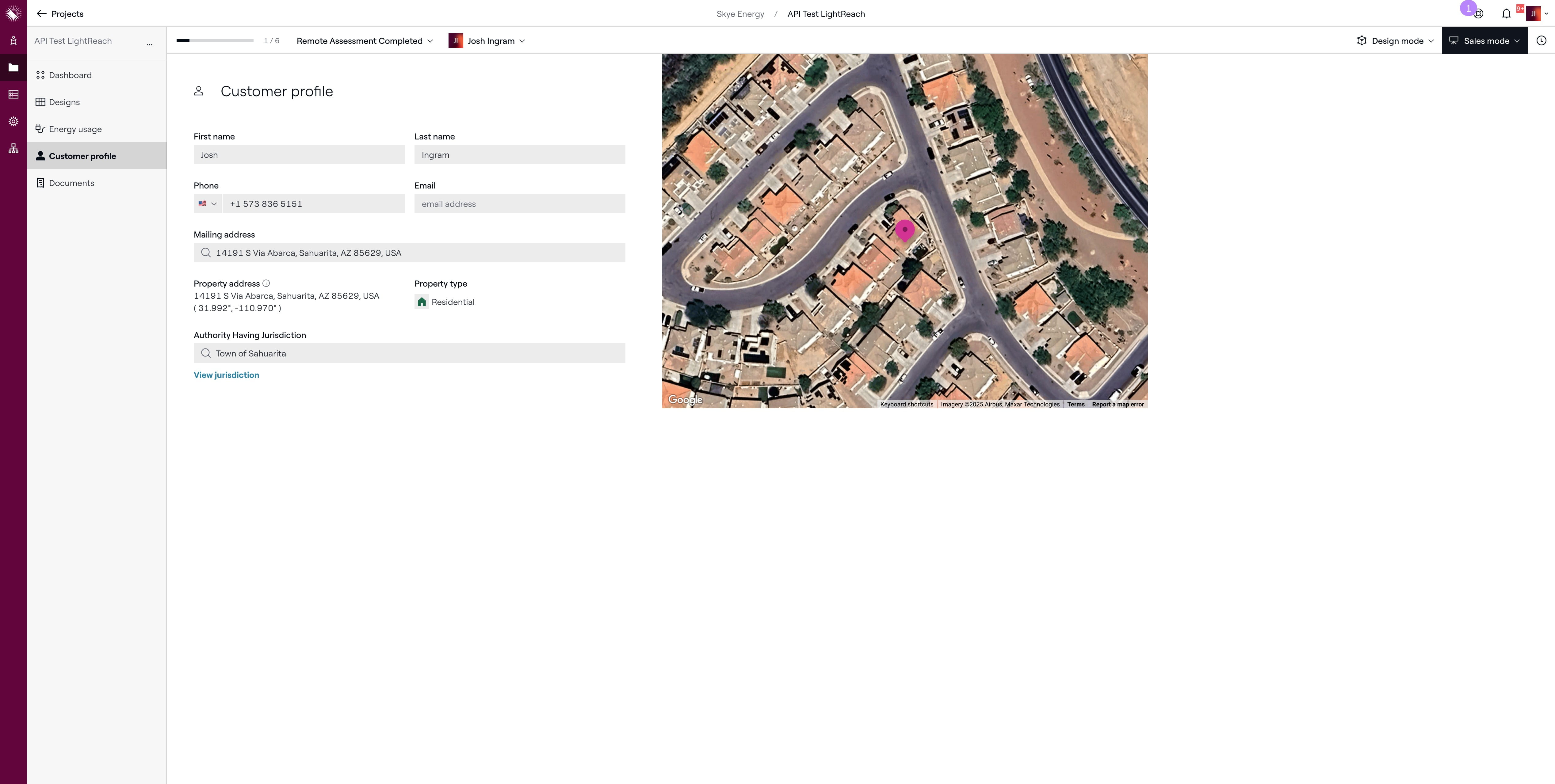
Enter customer's email address in this field
12
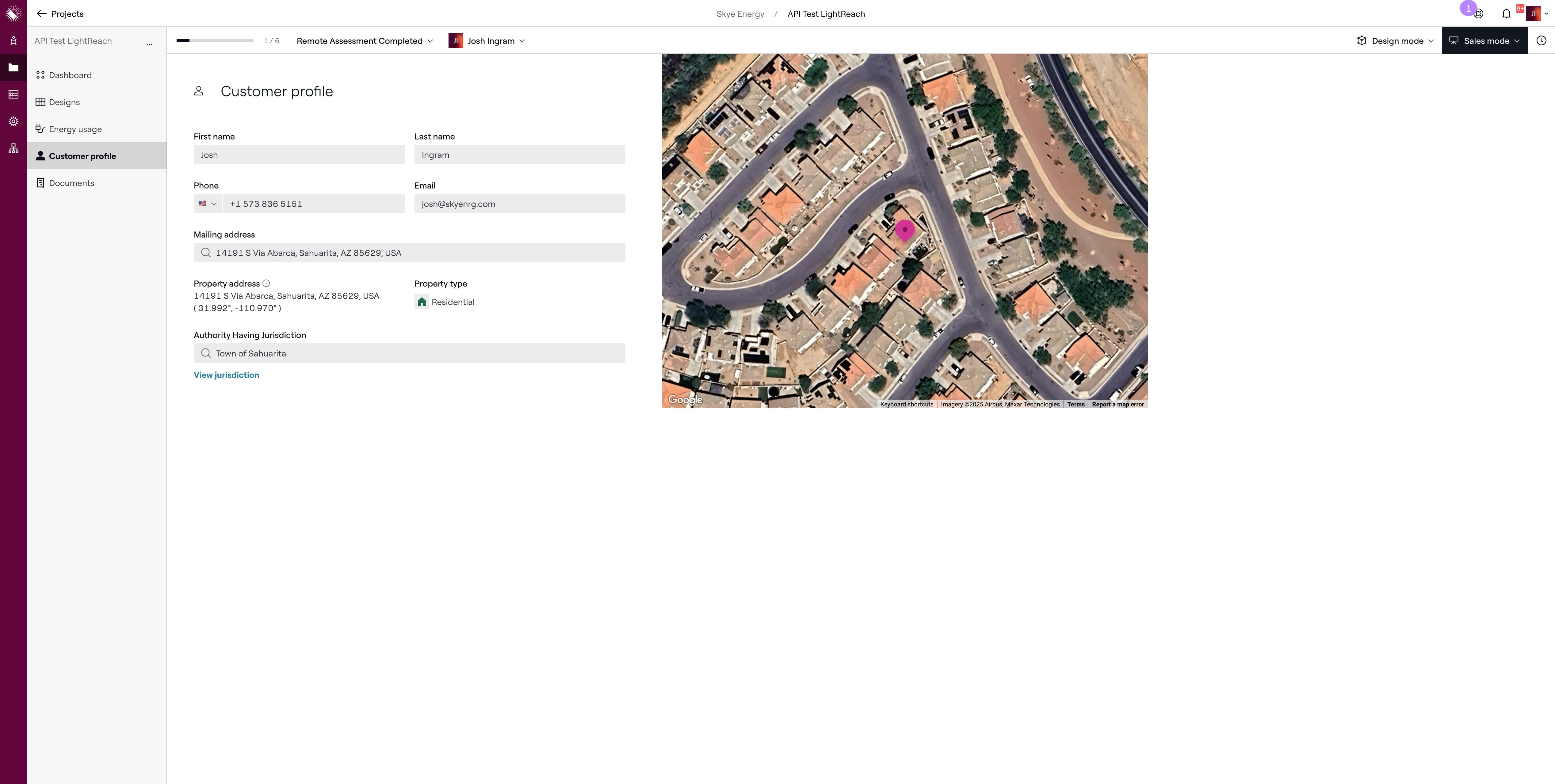
Click on the dashboard to go back to the main profile screen
13
Done 🚀