Setting up Prompt in Achieve
This guide explains how to configure Prompt efficiently within the Achieve platform.
Apr 14, 2026●
1
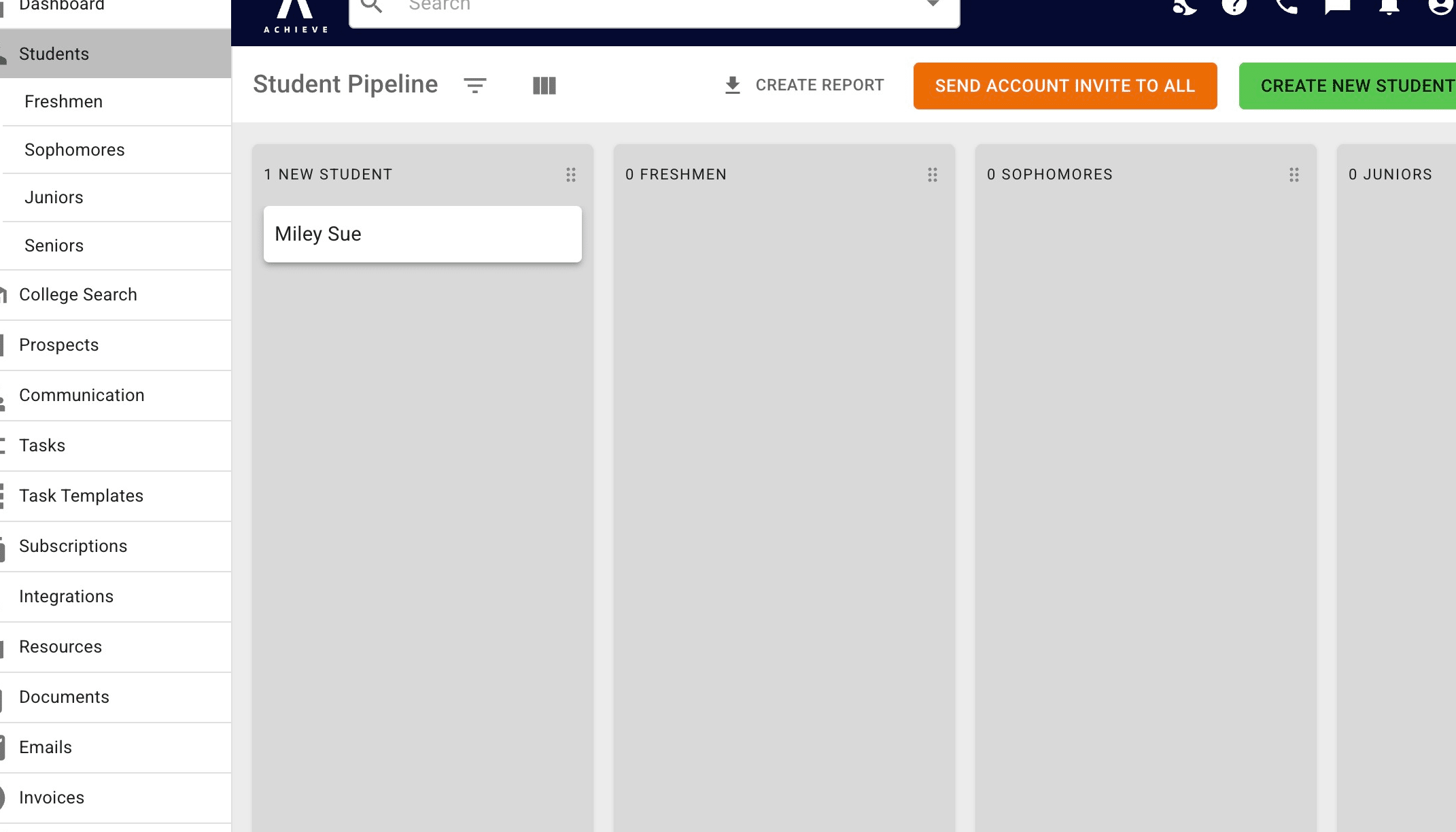
Navigate to https://app.achieveiec.com/student-pipeline
2
Click on a student.
3
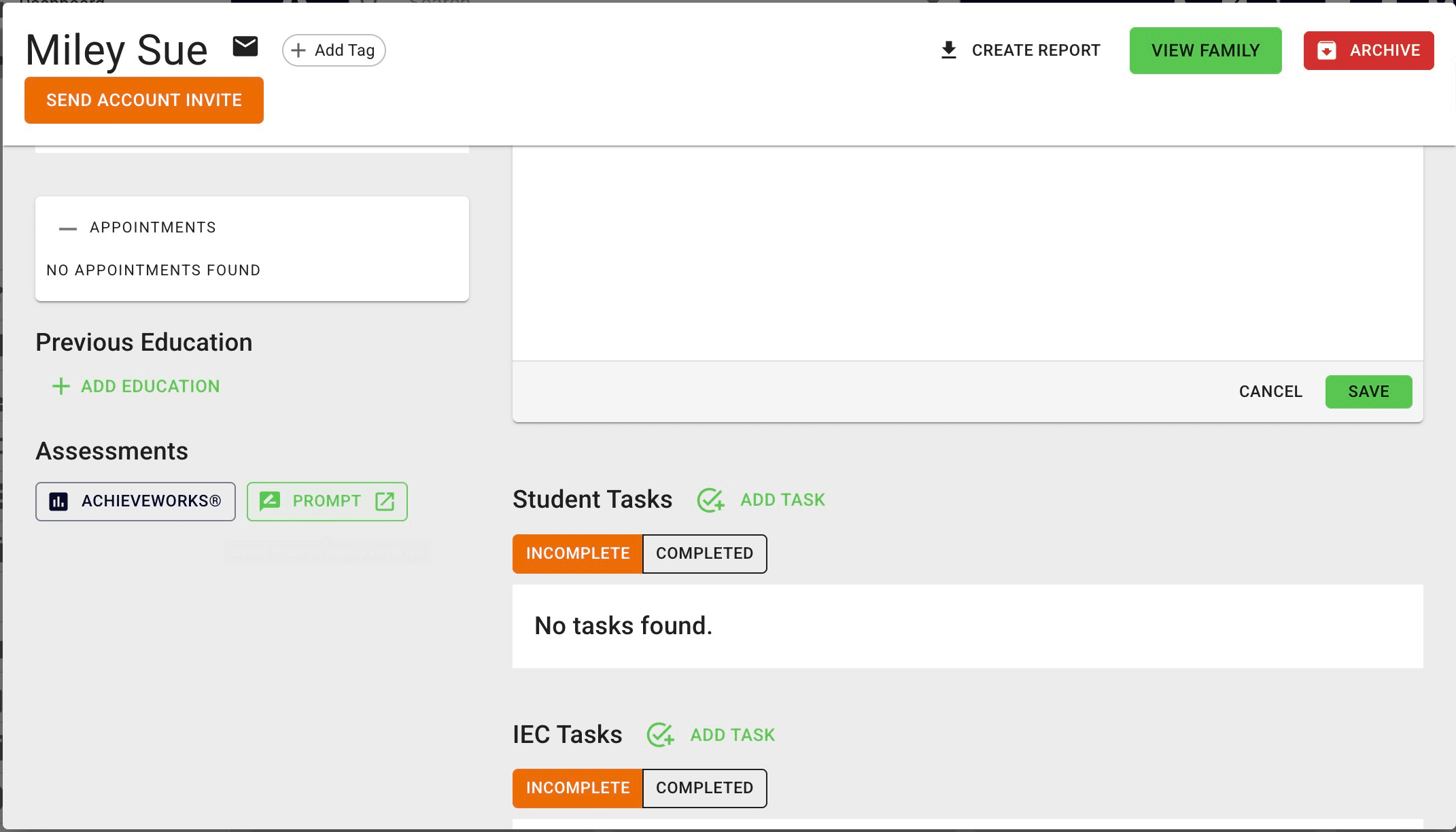
Click the Prompt icon on the bottom left-hand side of the student's profile.
4
Navigate to https://app.achieveiec.com/prompt
5
Done 🚀