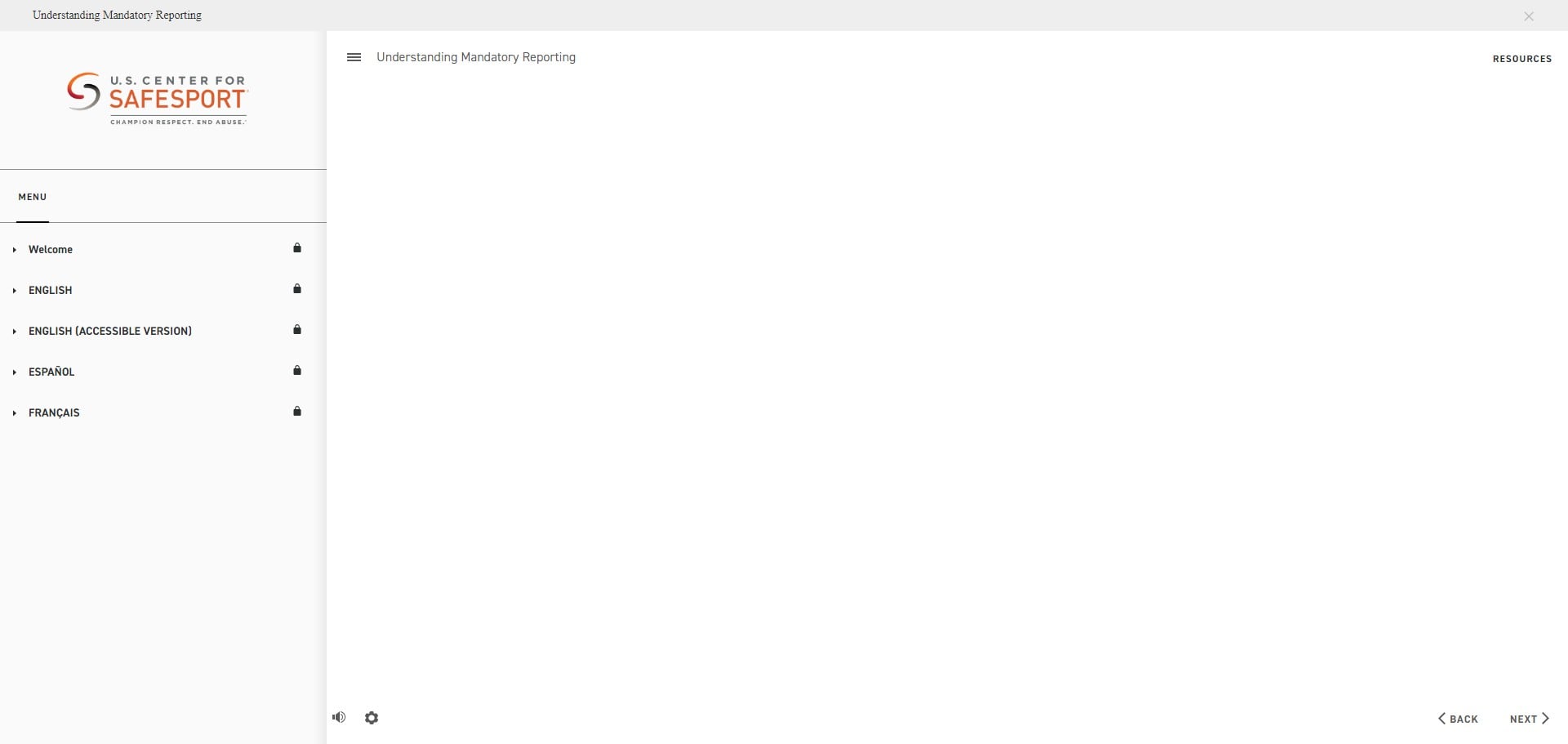
USA Swimming - SafeSport 13+ Training
All swimmers 13 or over must complete the SafeSport for Youth Athletes course to be a part of our team.
Navigate to https://hub.usaswimming.org/landing
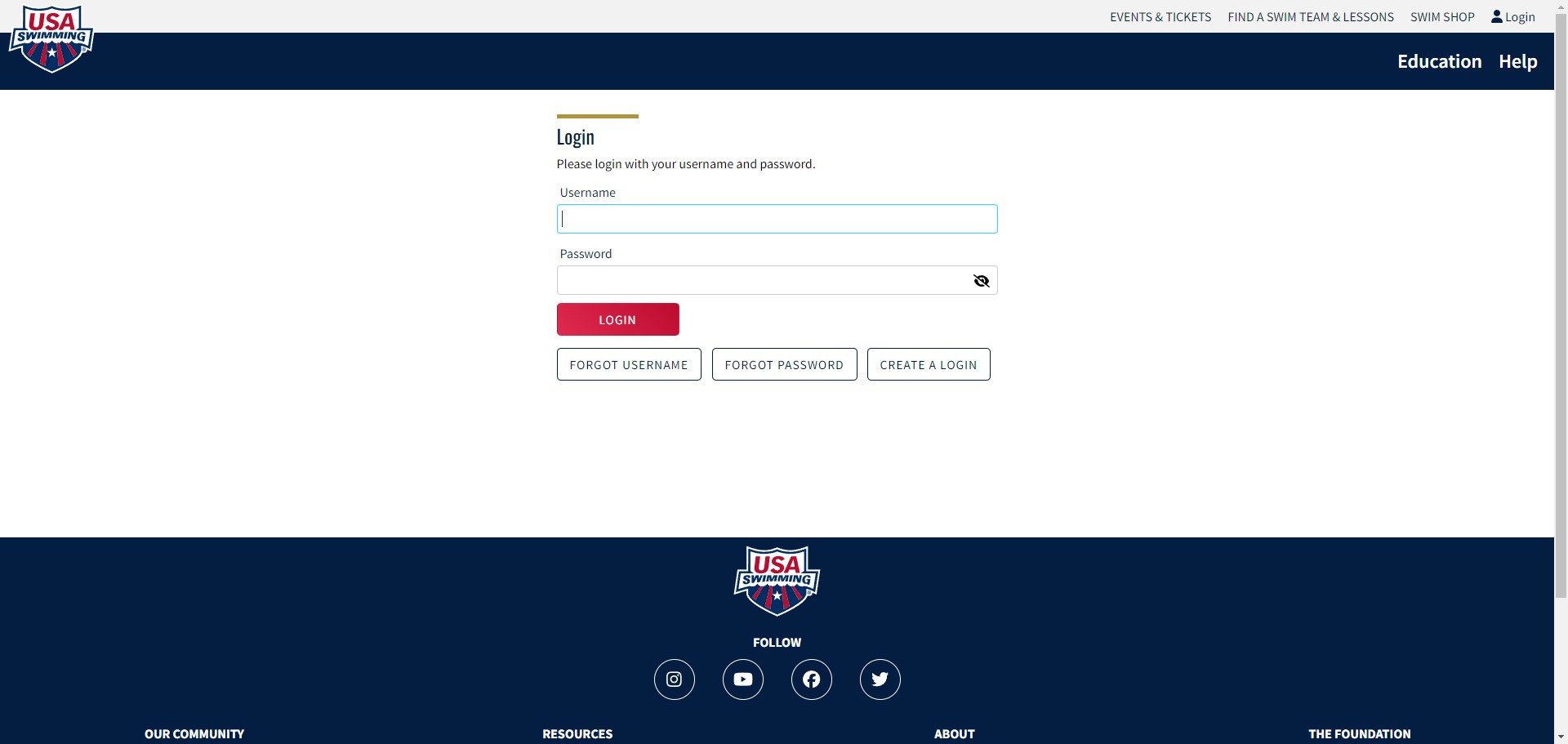
Login to your parent account to add a swimmer login. (You must already have a parent and swimmer account set up to login)
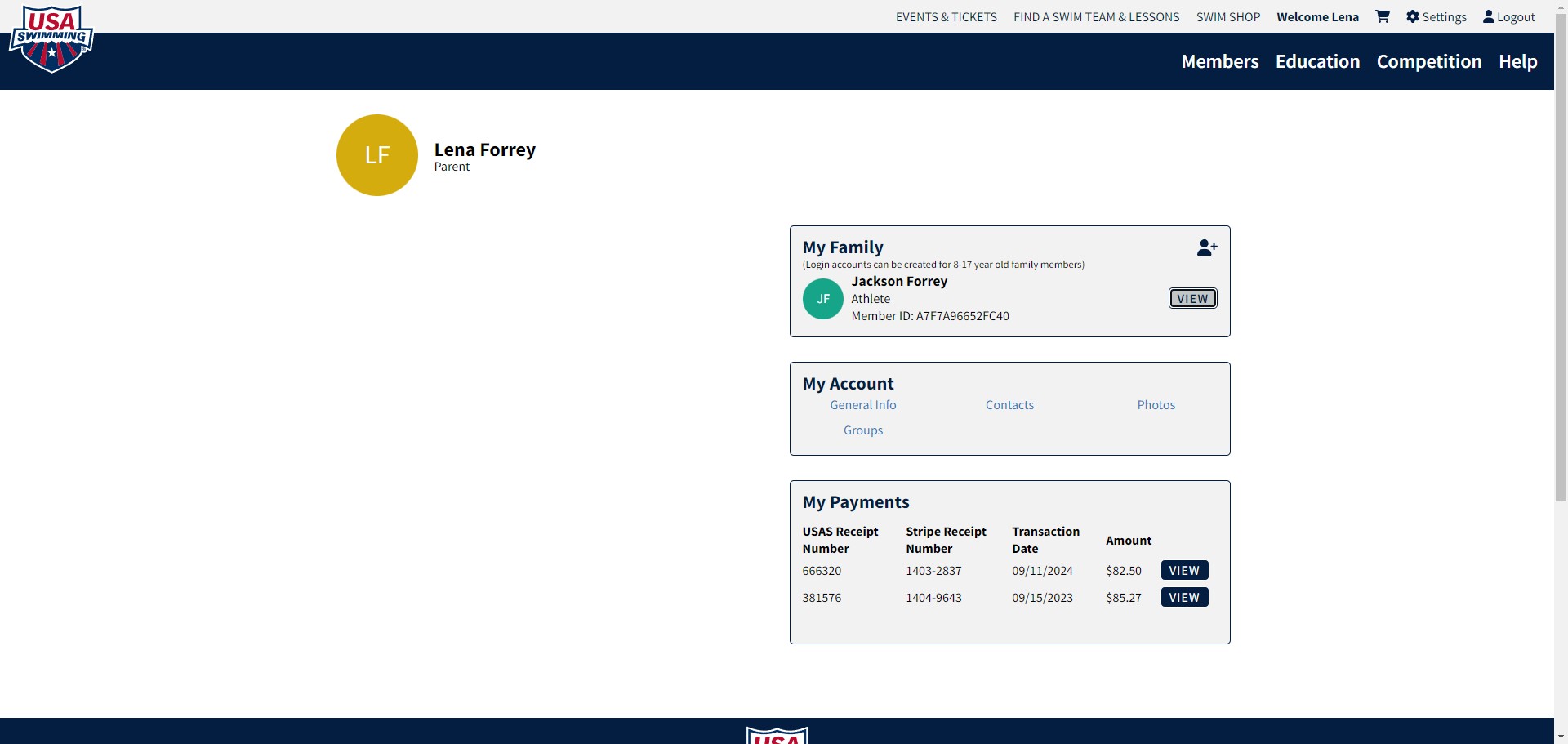
Click on "View"
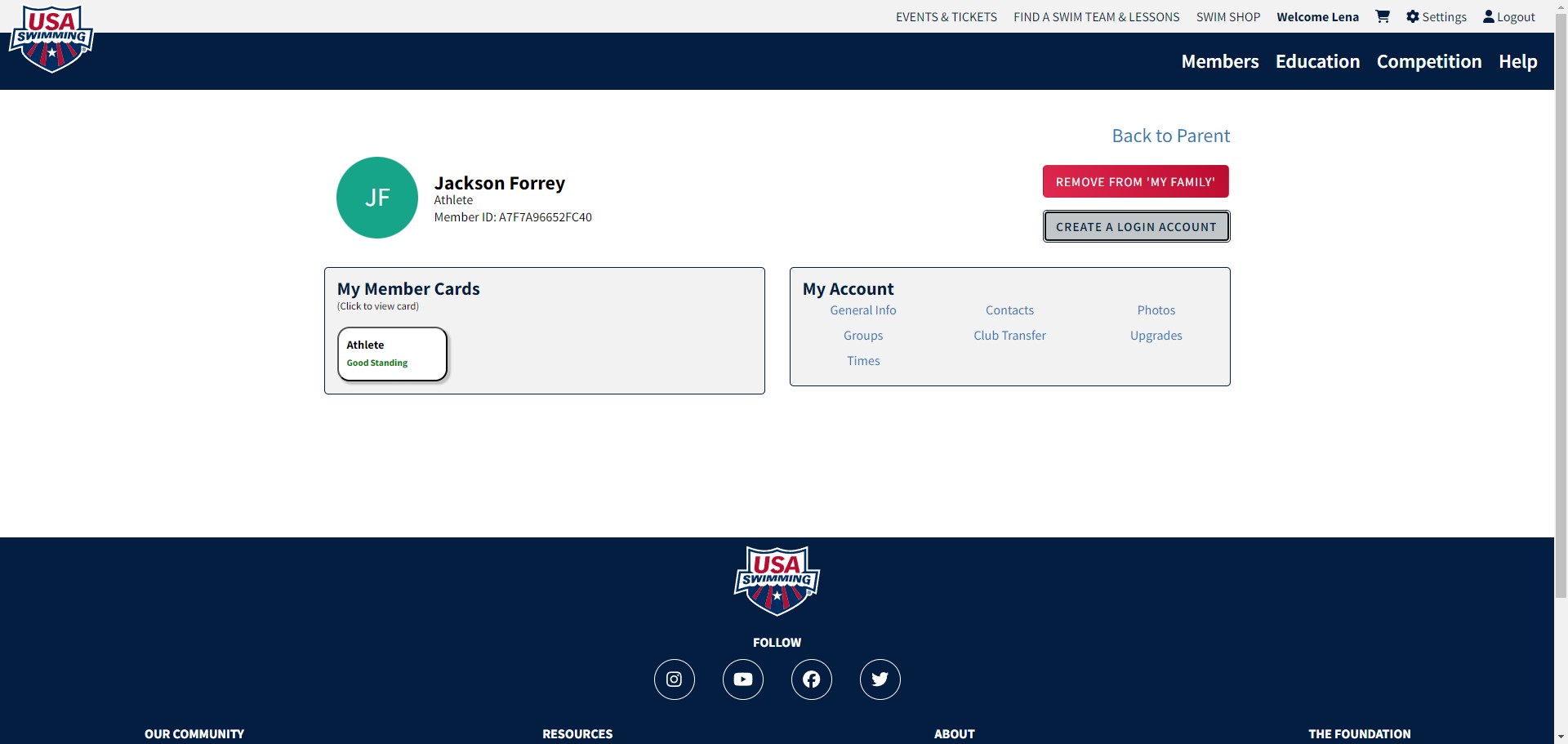
Click on "Create A Login Account"
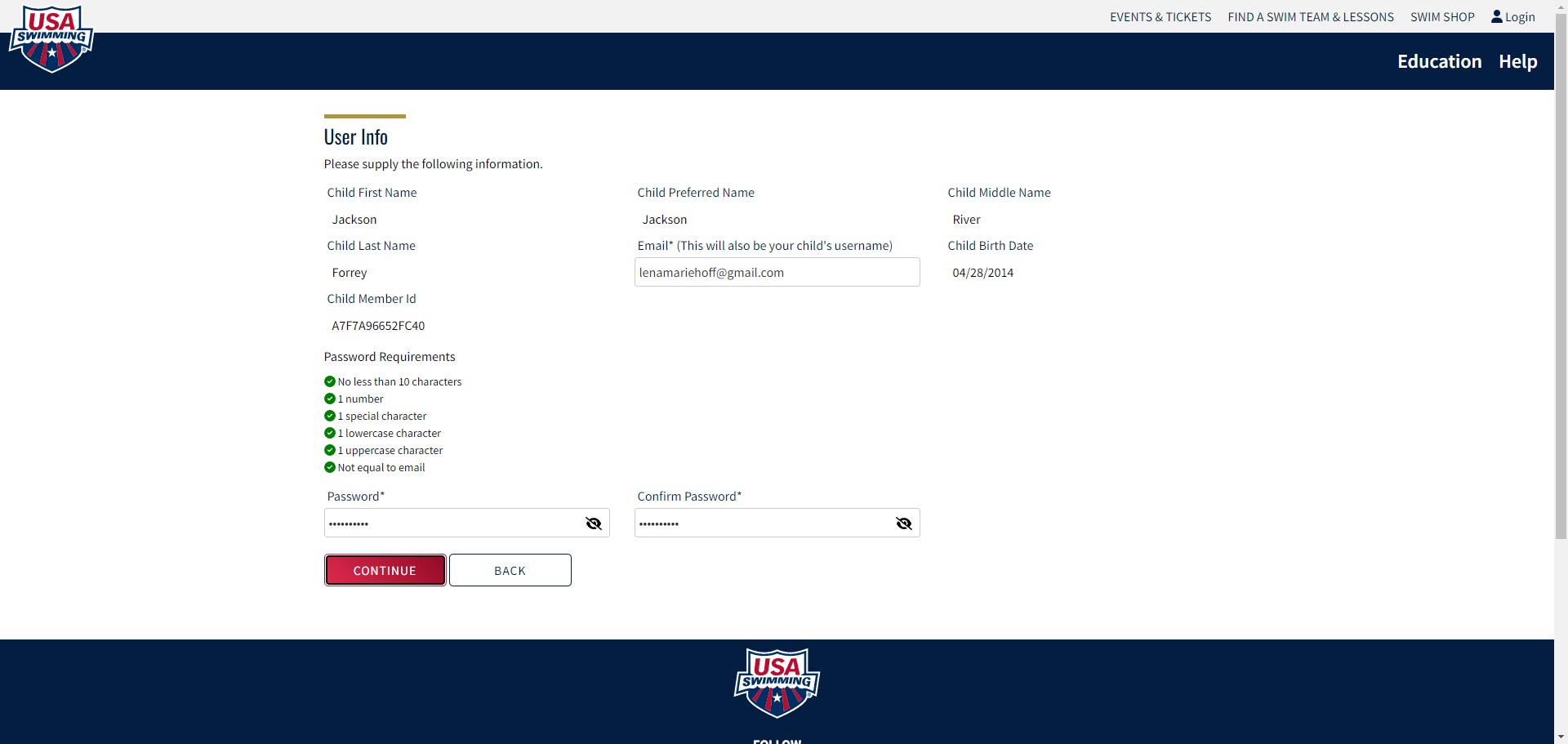
Add an email that is not the same as your parent account email address. (Maybe their school email address?) You will need to verify it, so you'll need access to the account. Then create a password and click on "Continue"
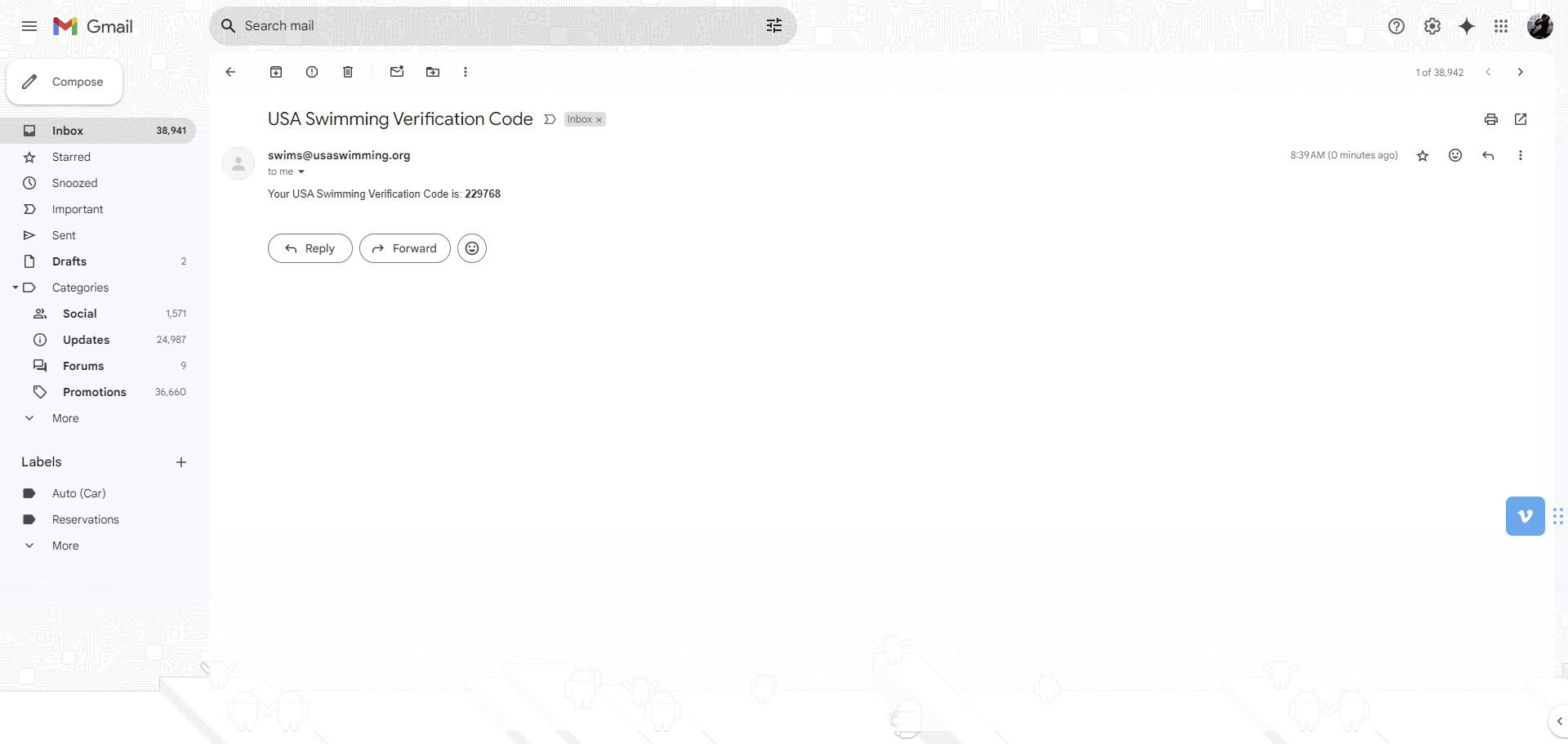
Grab your verification code from the email address
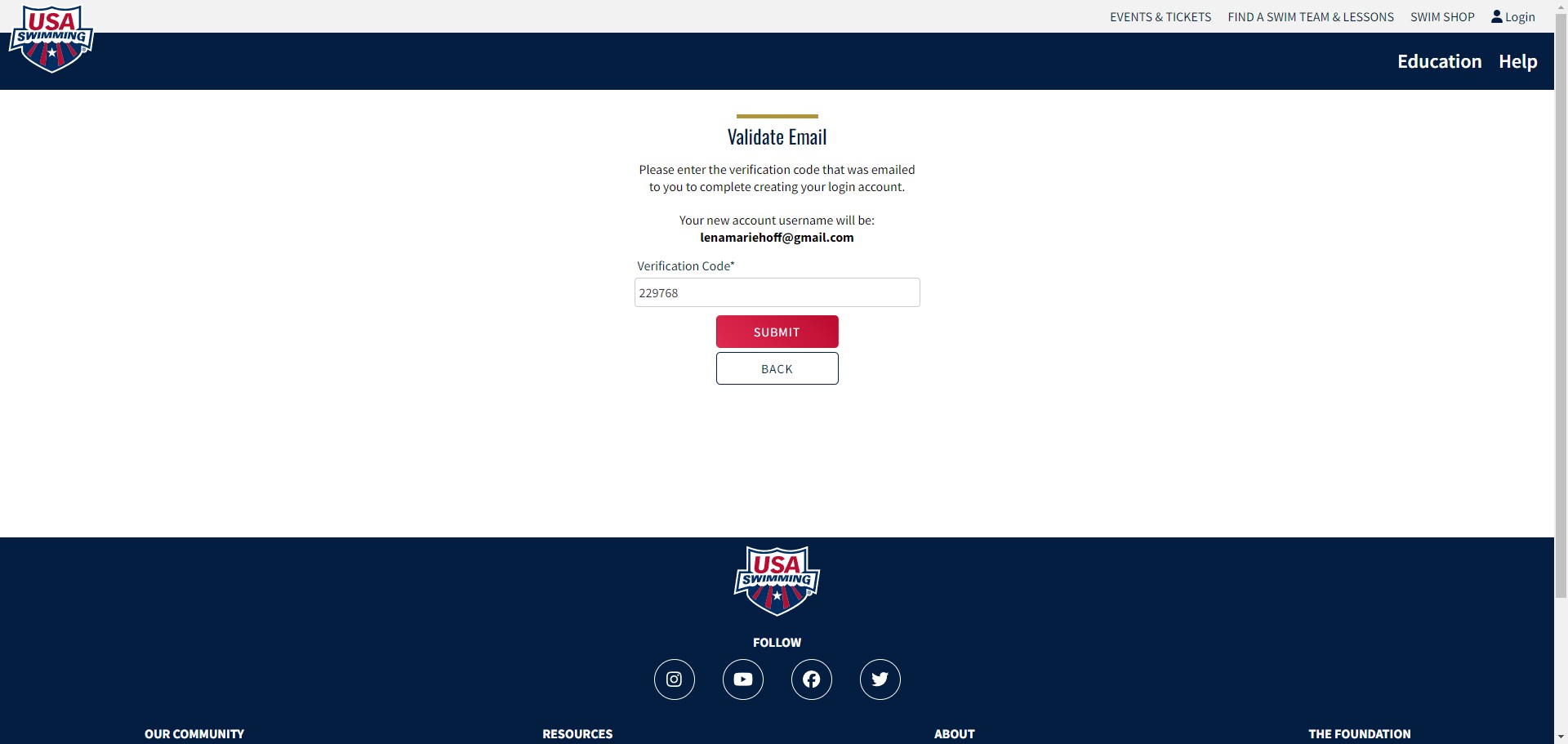
Add the code and press submit
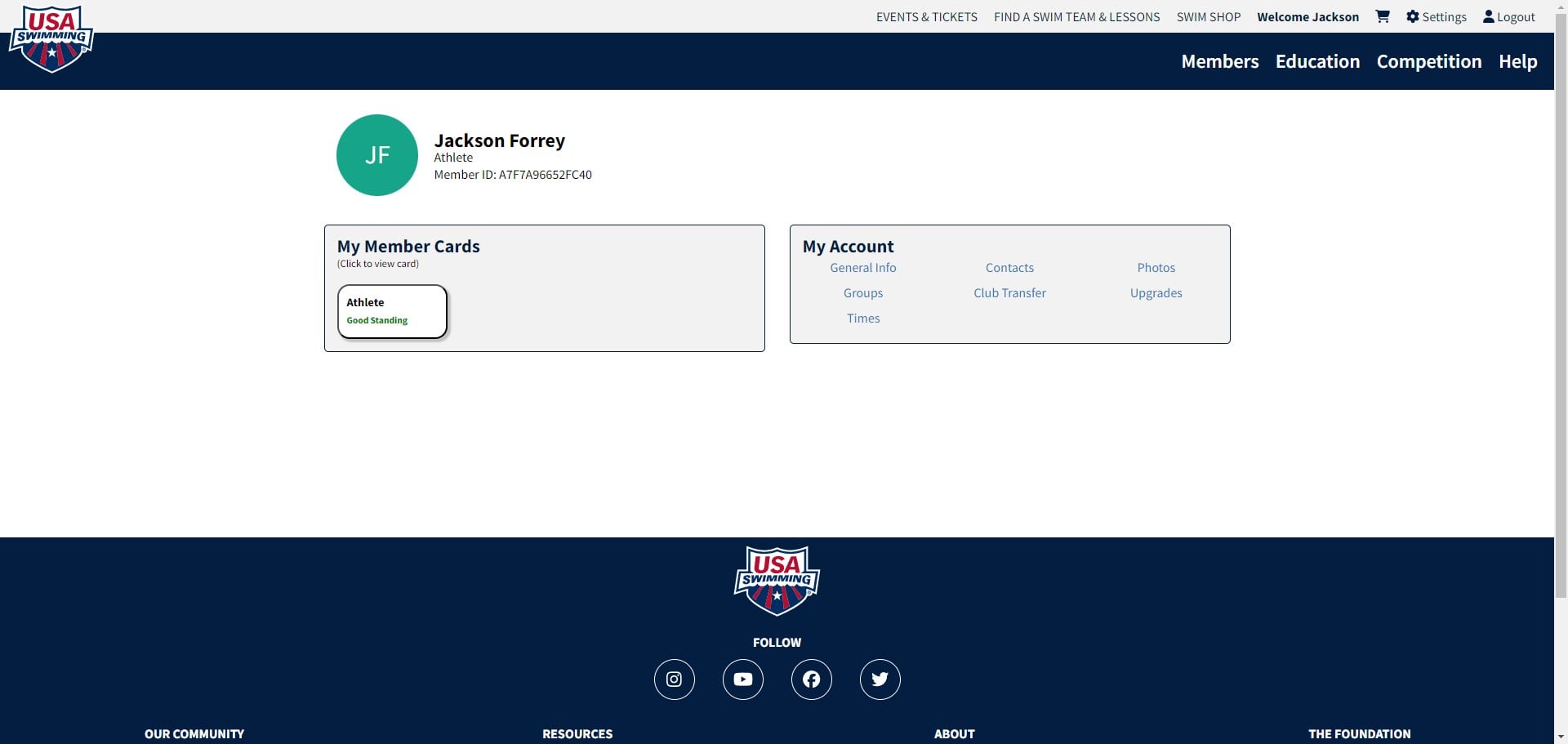
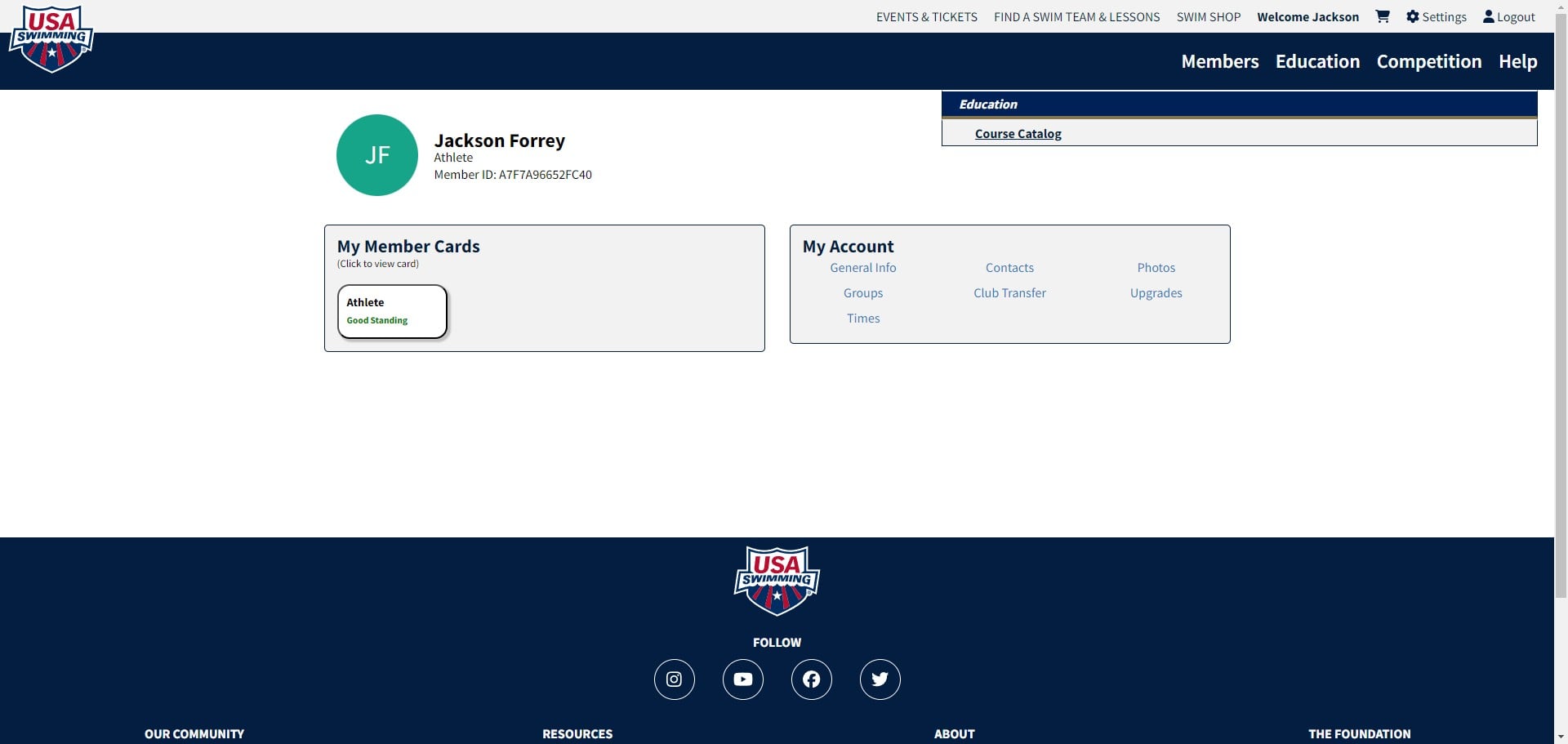
Click on "Education"
Click on "Course Catalog"
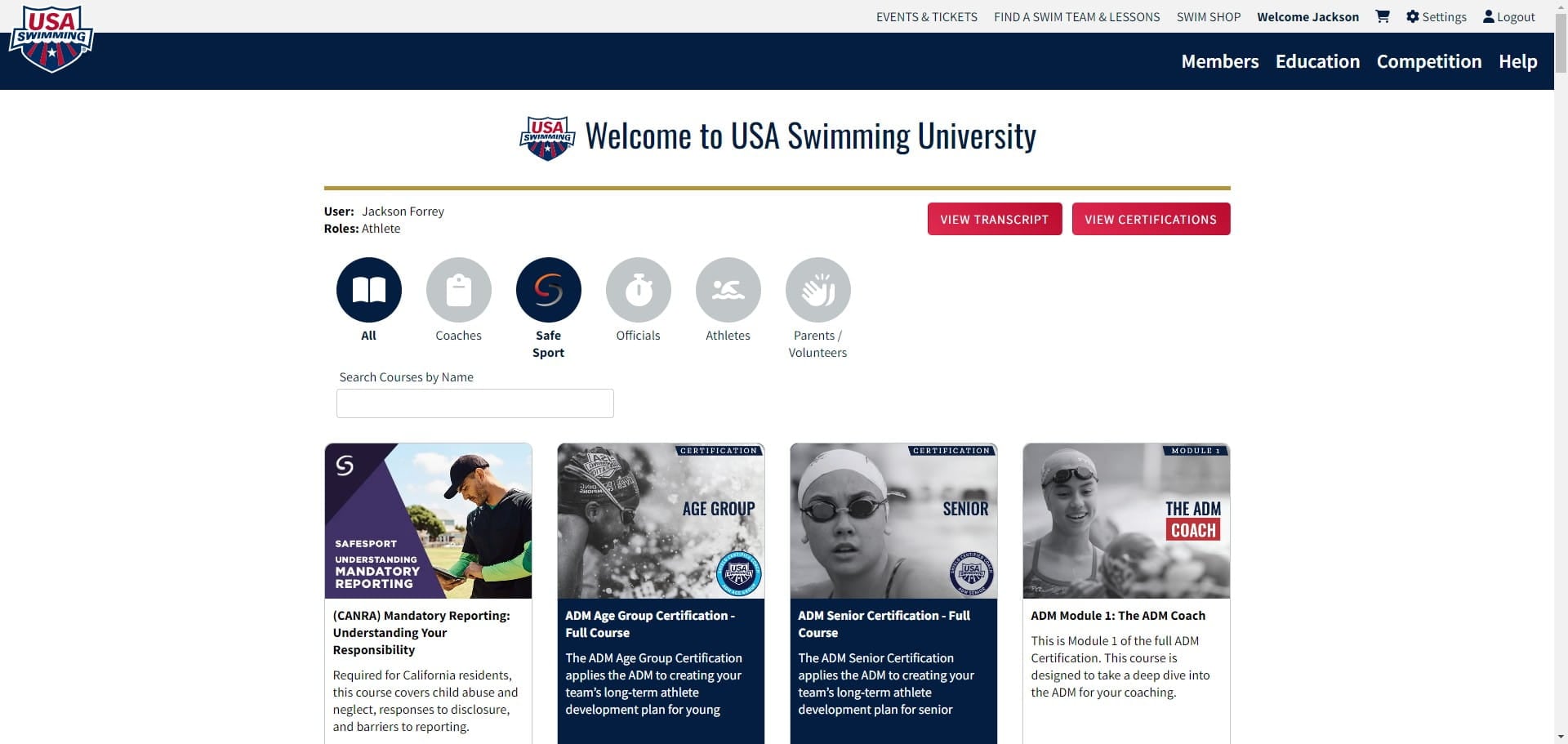
Click on safesport to filter
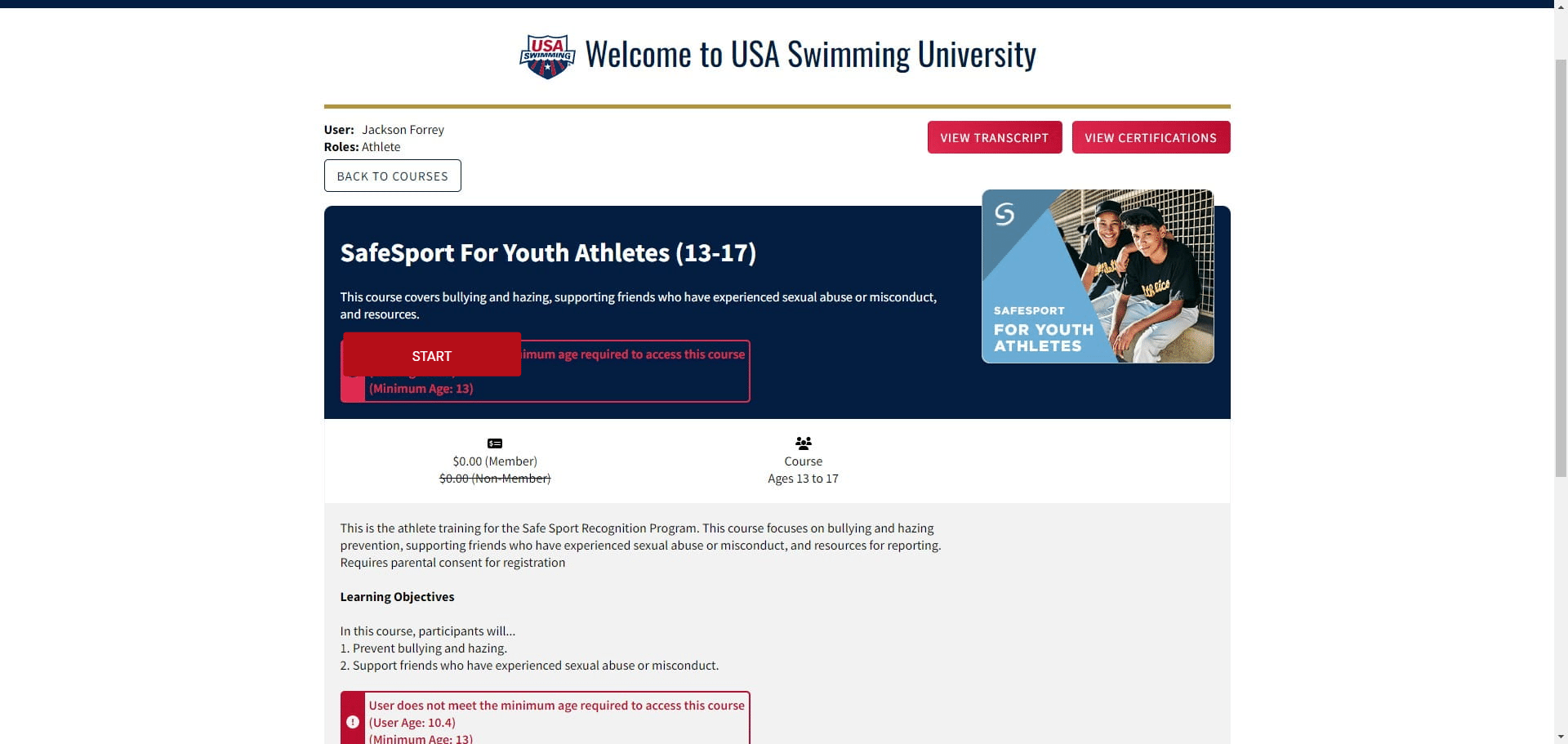
Find the SafeSport for Youth Athletes (13-17) and click view info

Press the start button to beging the course.
*My child is under 13 so it wouldn't let me access the course... but it should look something like this without the warnings. I used another courses pages to build the rest of the directions so hopefully they are the same or at least similar enough to work.
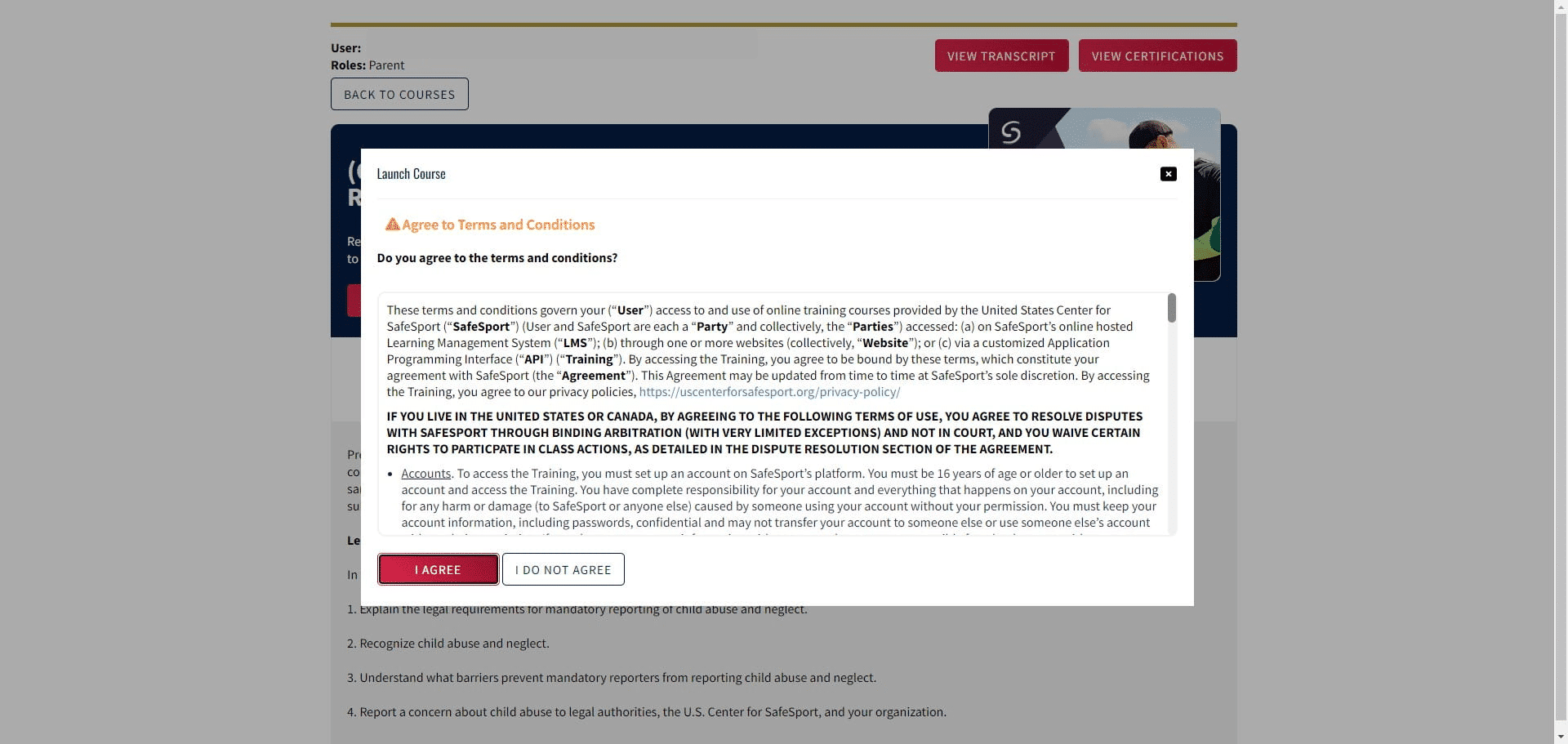
It may have you agree to terms on the next page before beginning
Click on "Launch"
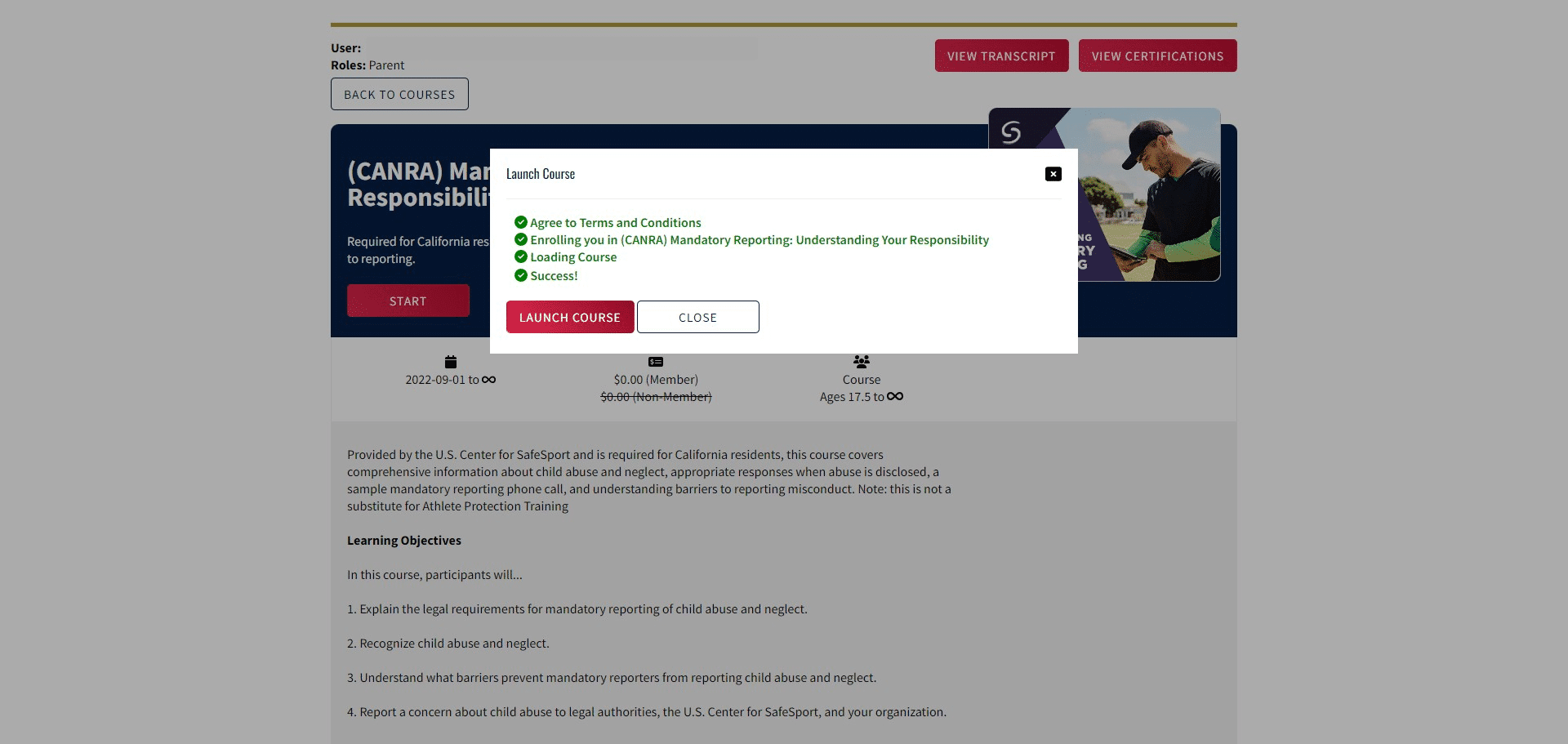
Start the course (it will save whereever if you need to come back to it at any point).