How To Connect WhatsApp Account To Wabot
Mar 14, 2024●
1
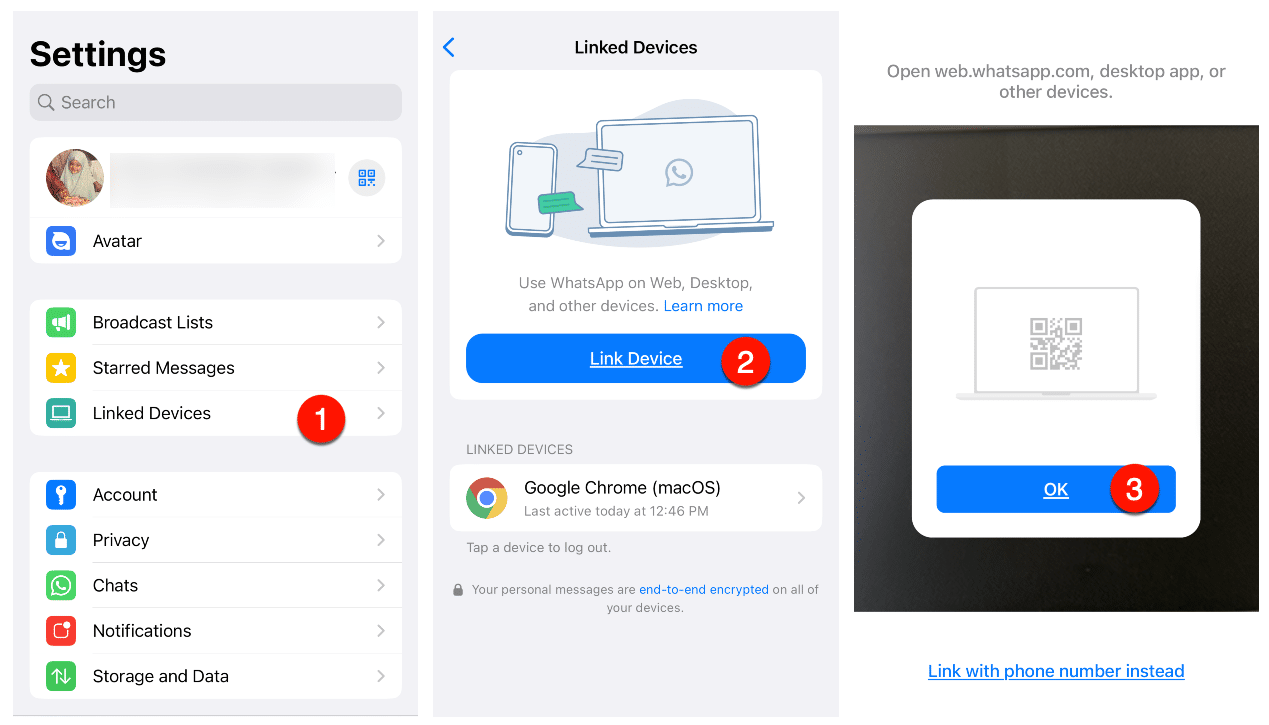
Open WhatsApp and follow the steps below
2
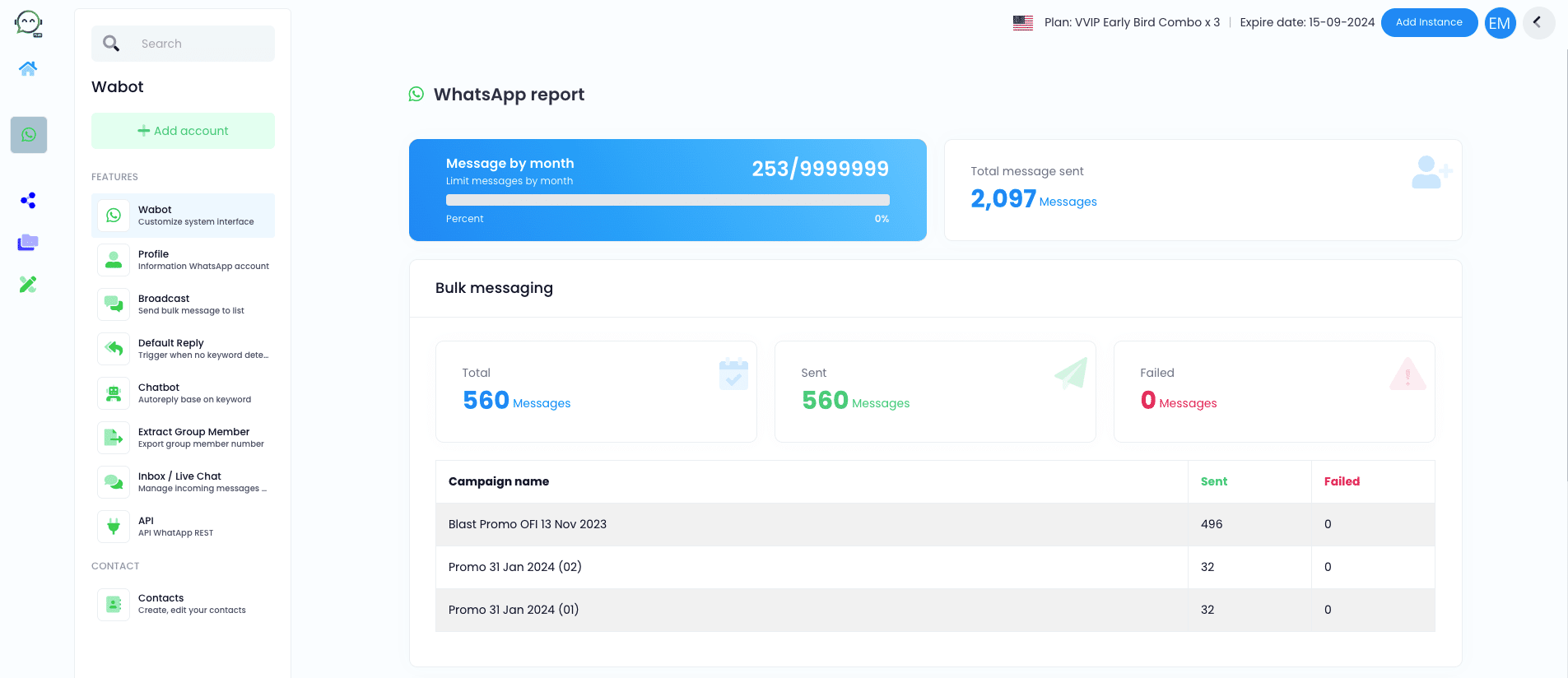
To get the QR, login to your dashboard and click "Add Account"

3
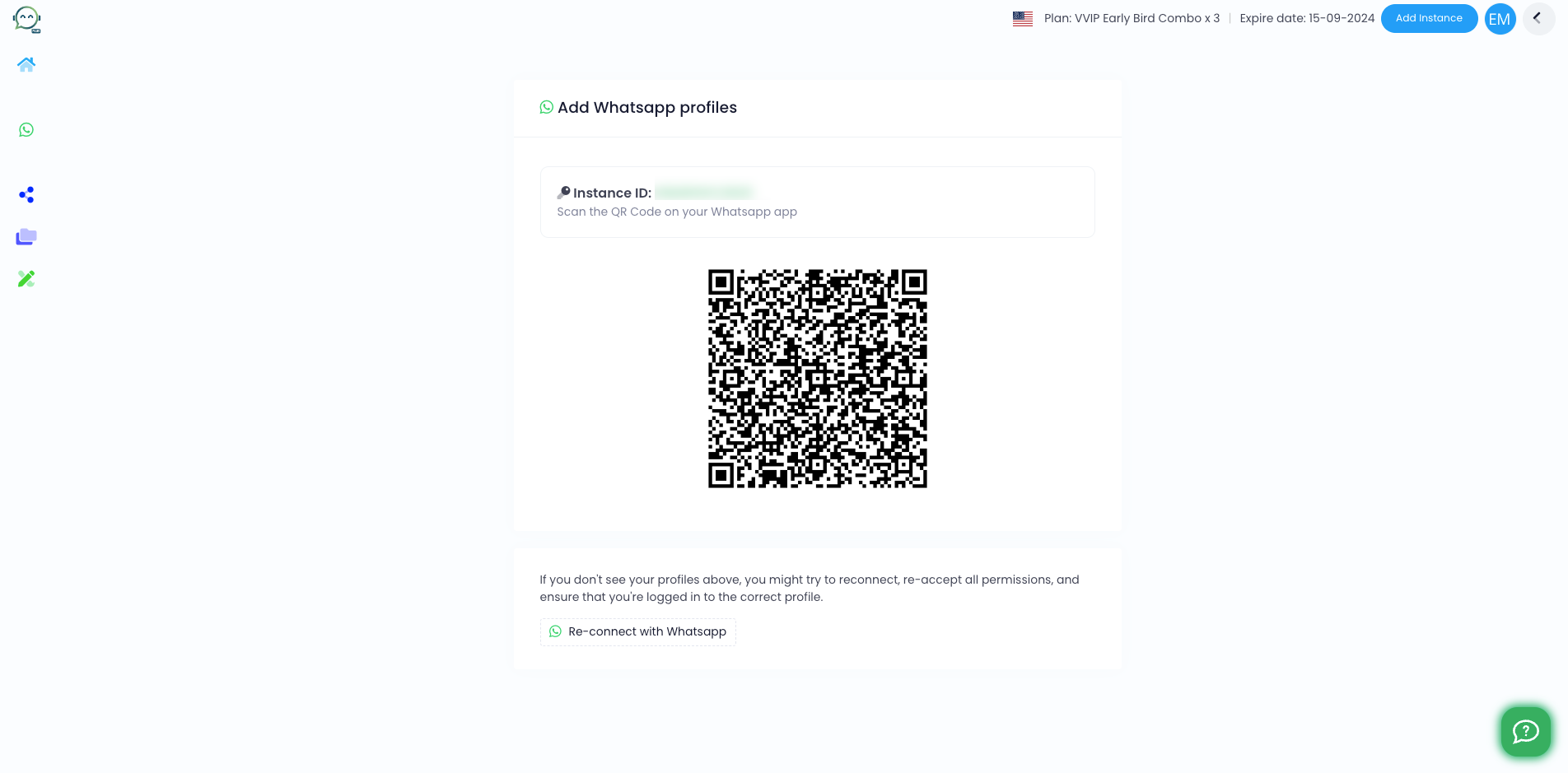
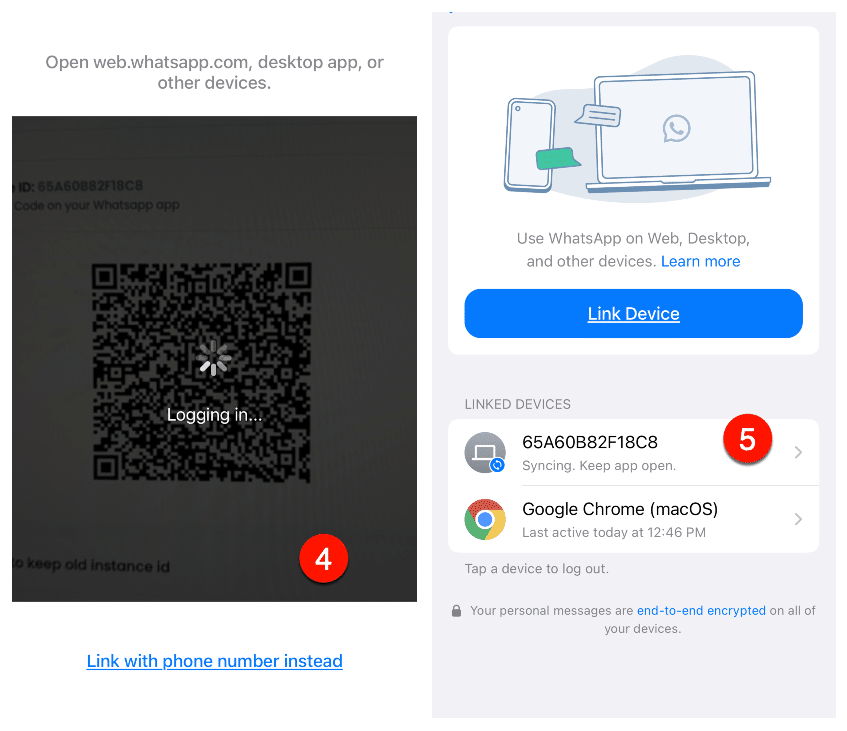
Scan the QR code
4
After connecting, you can see it appeared in the linked device
5
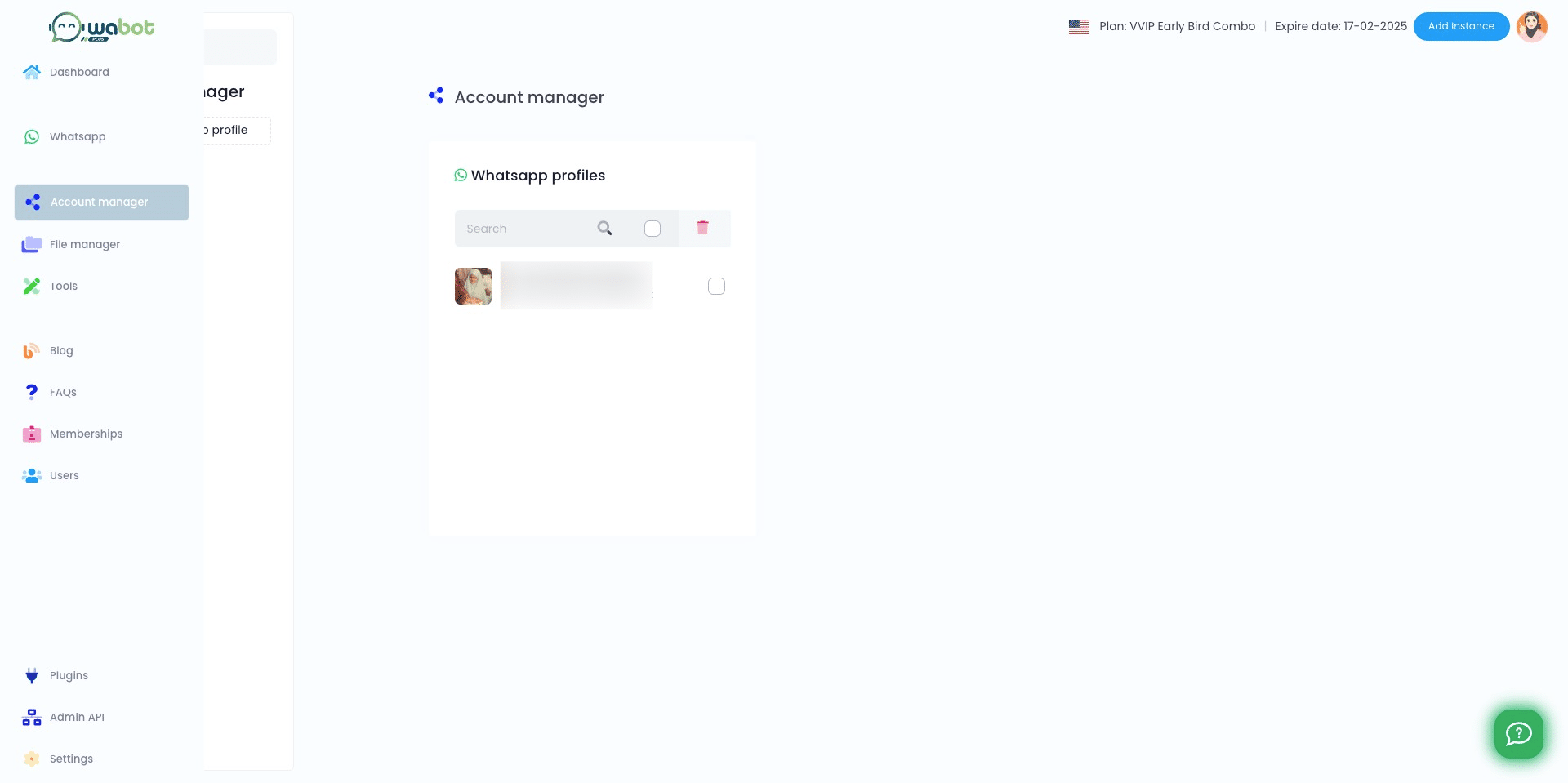
In Wabot, your WhatsApp account will also appear. Done connecting 🚀