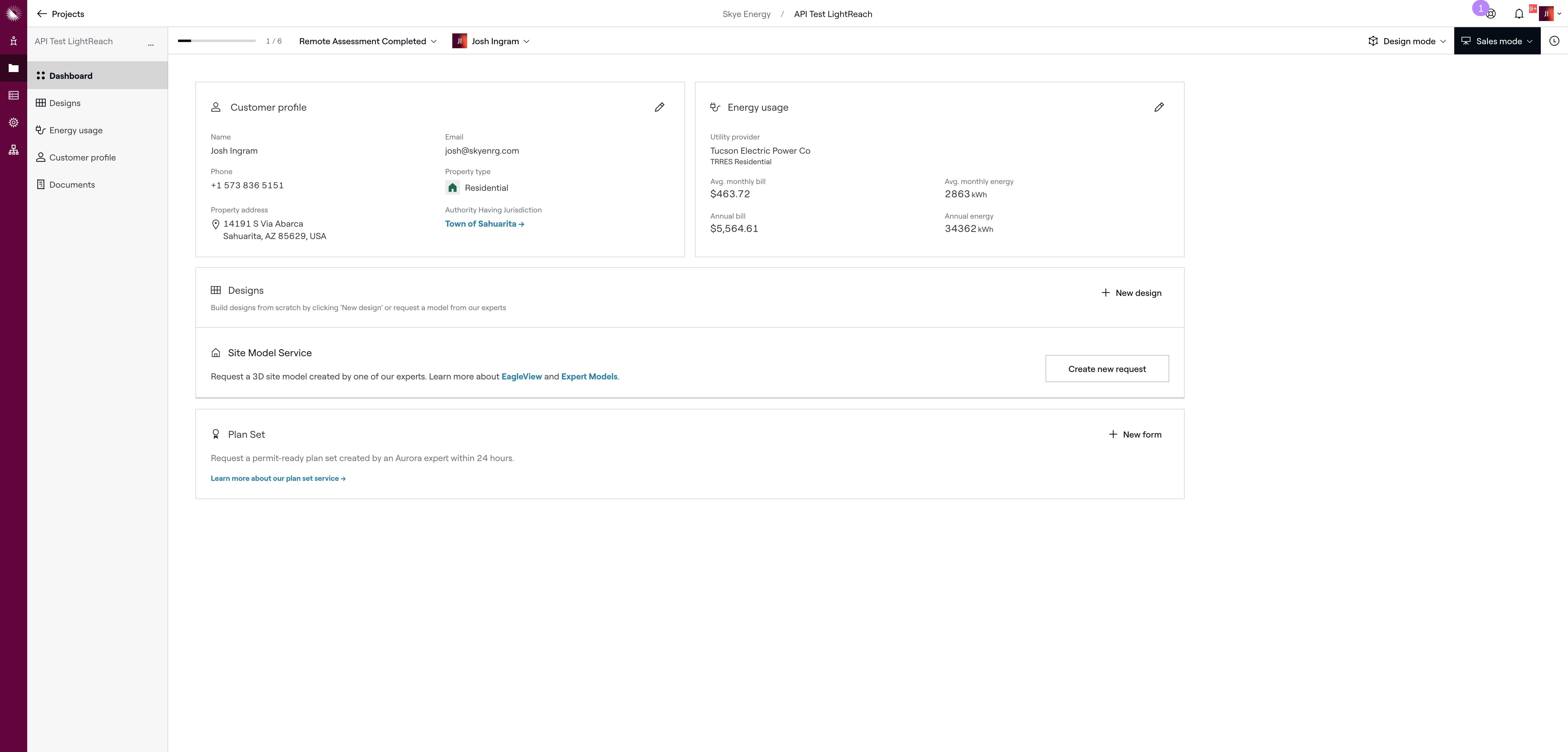
Aurora - Setting Energy Usage
Feb 18, 2025●
2
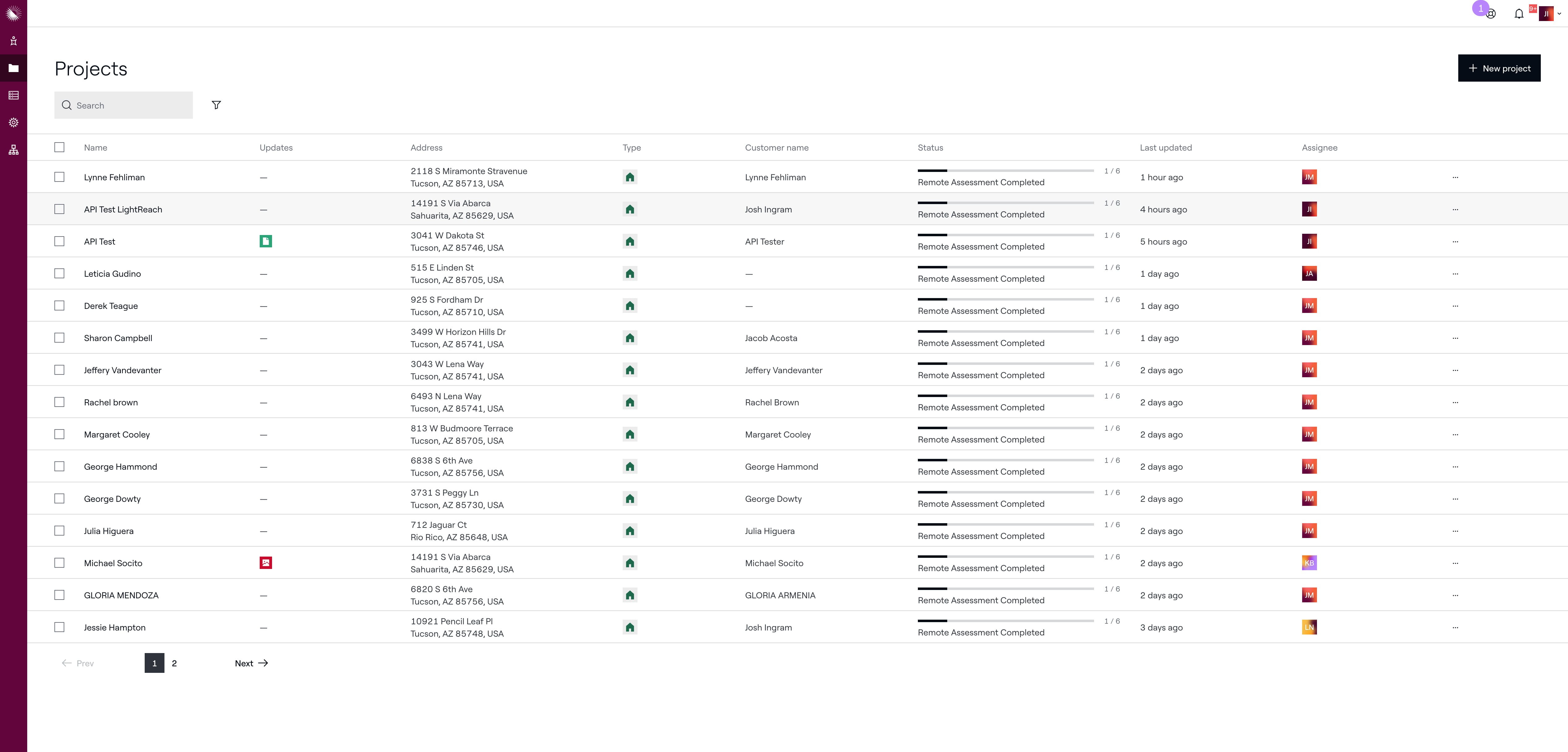
Click on project you are working on
3
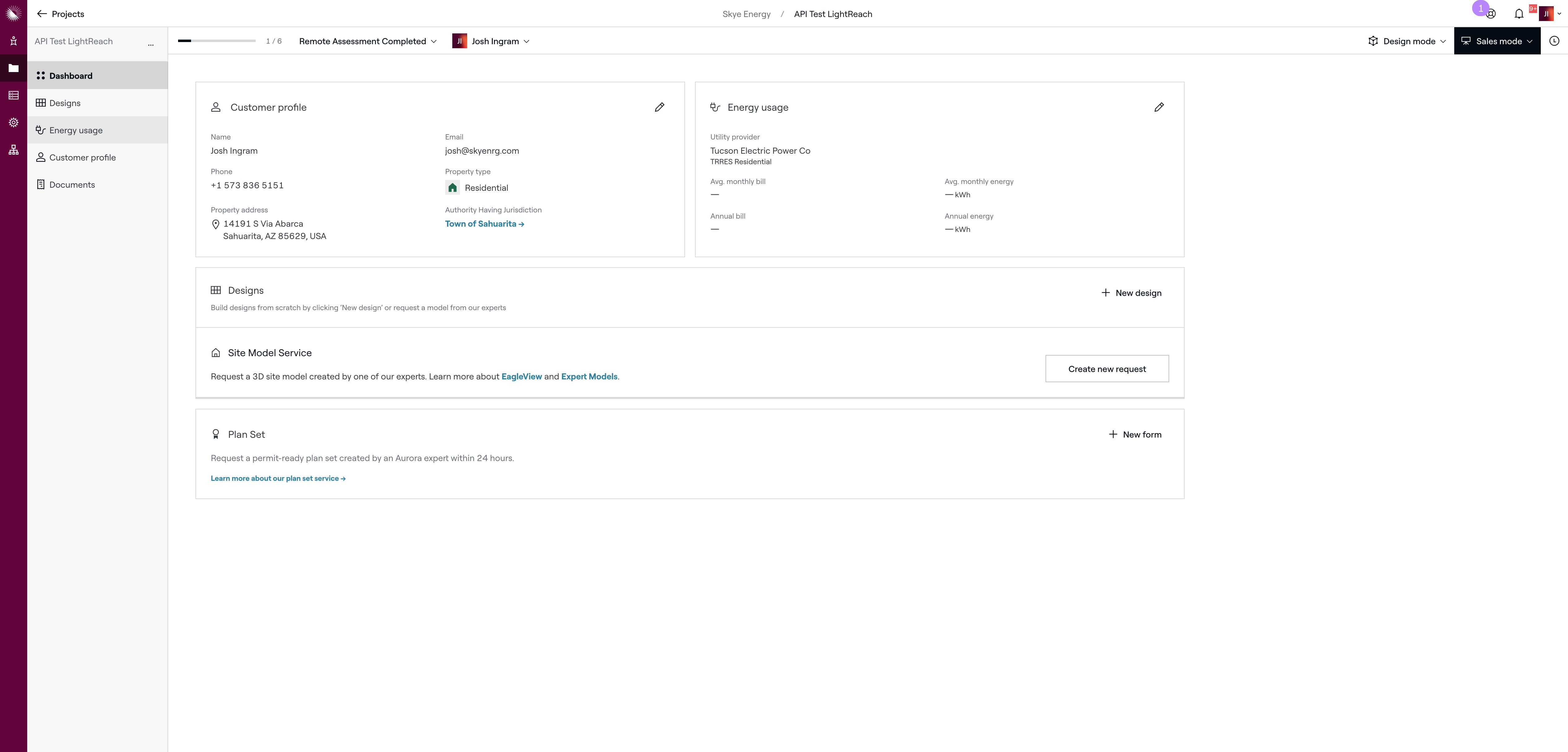
Click on "Energy usage"
4
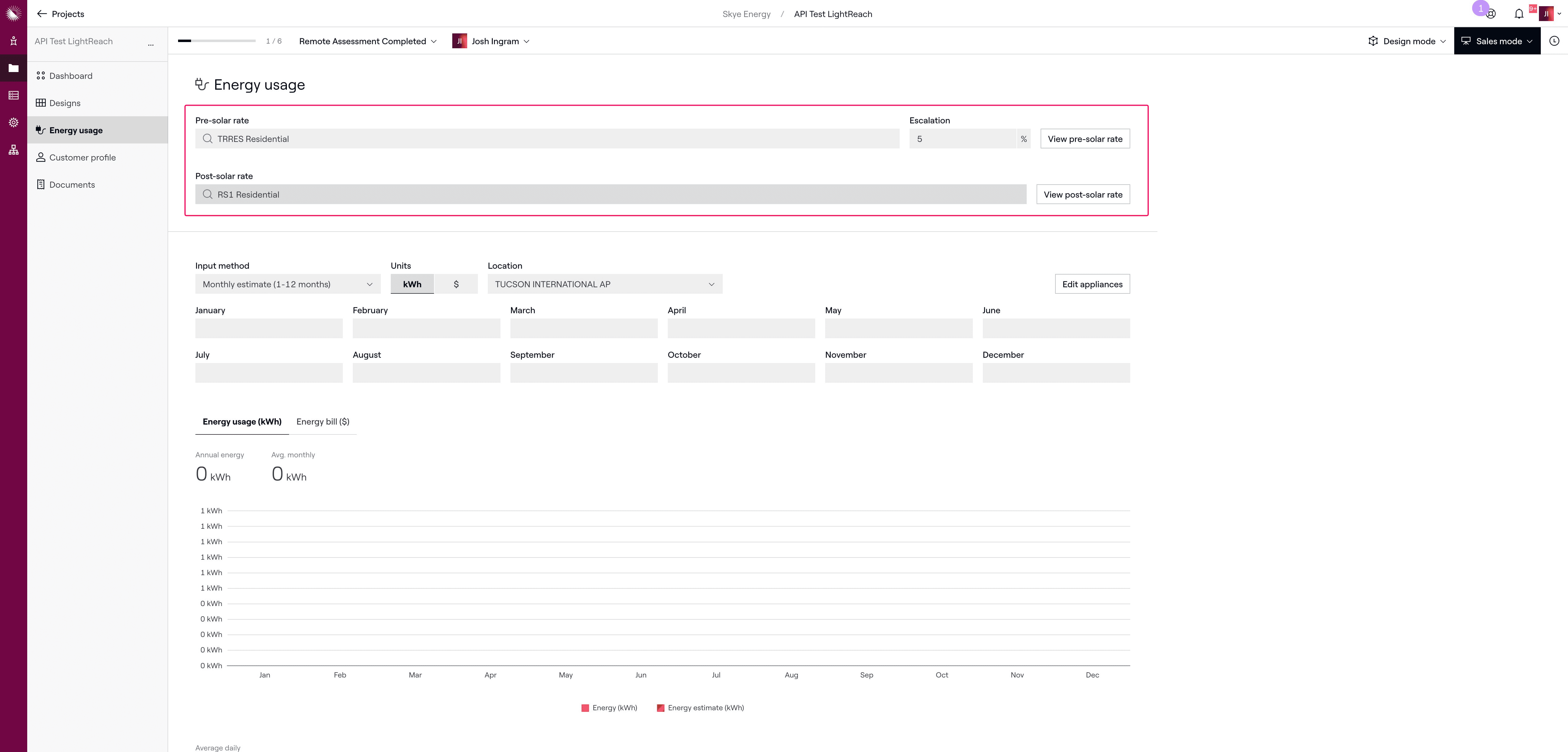
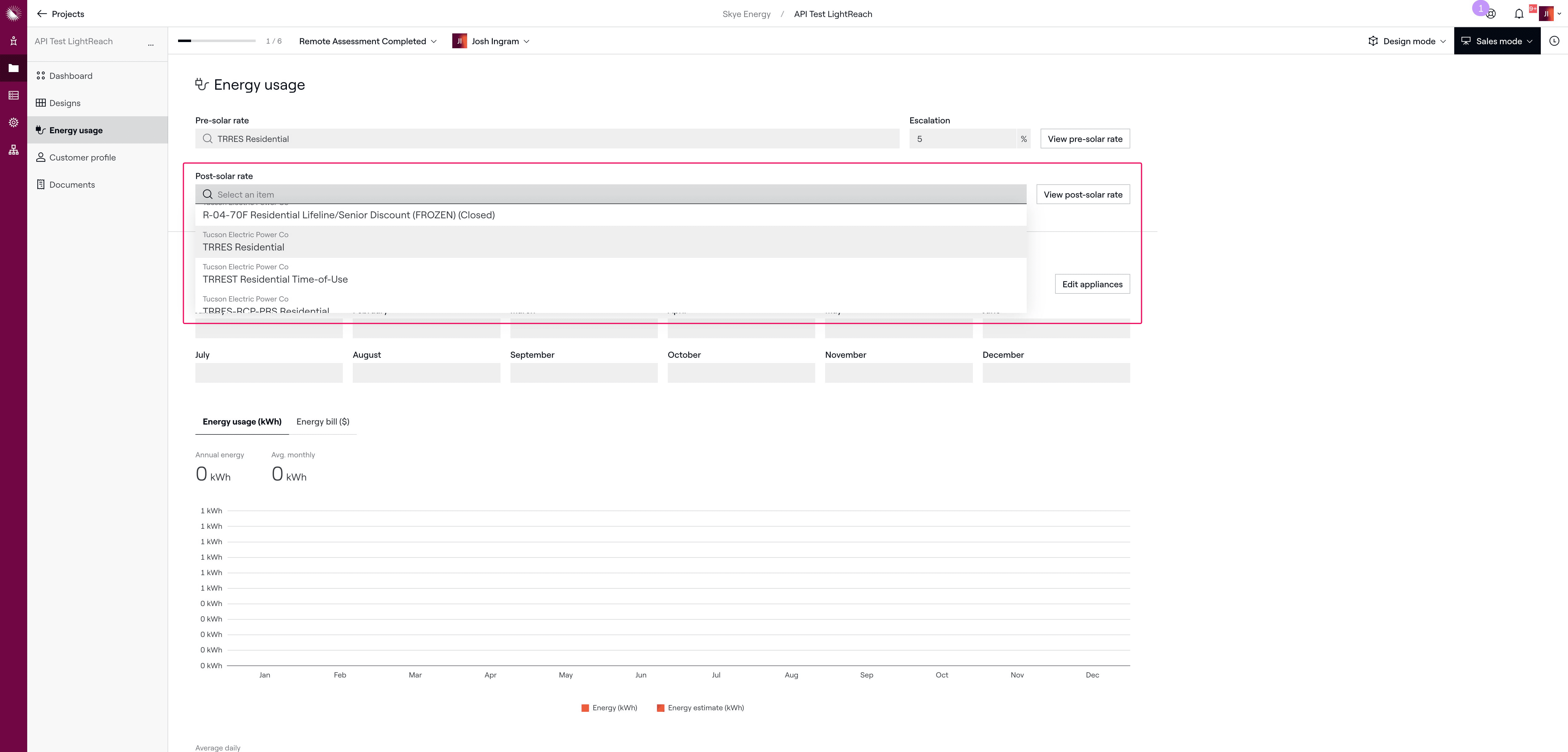
Make sure the Post-solar rate matches the Pre-solar rate
5
Click on rate that matches
6
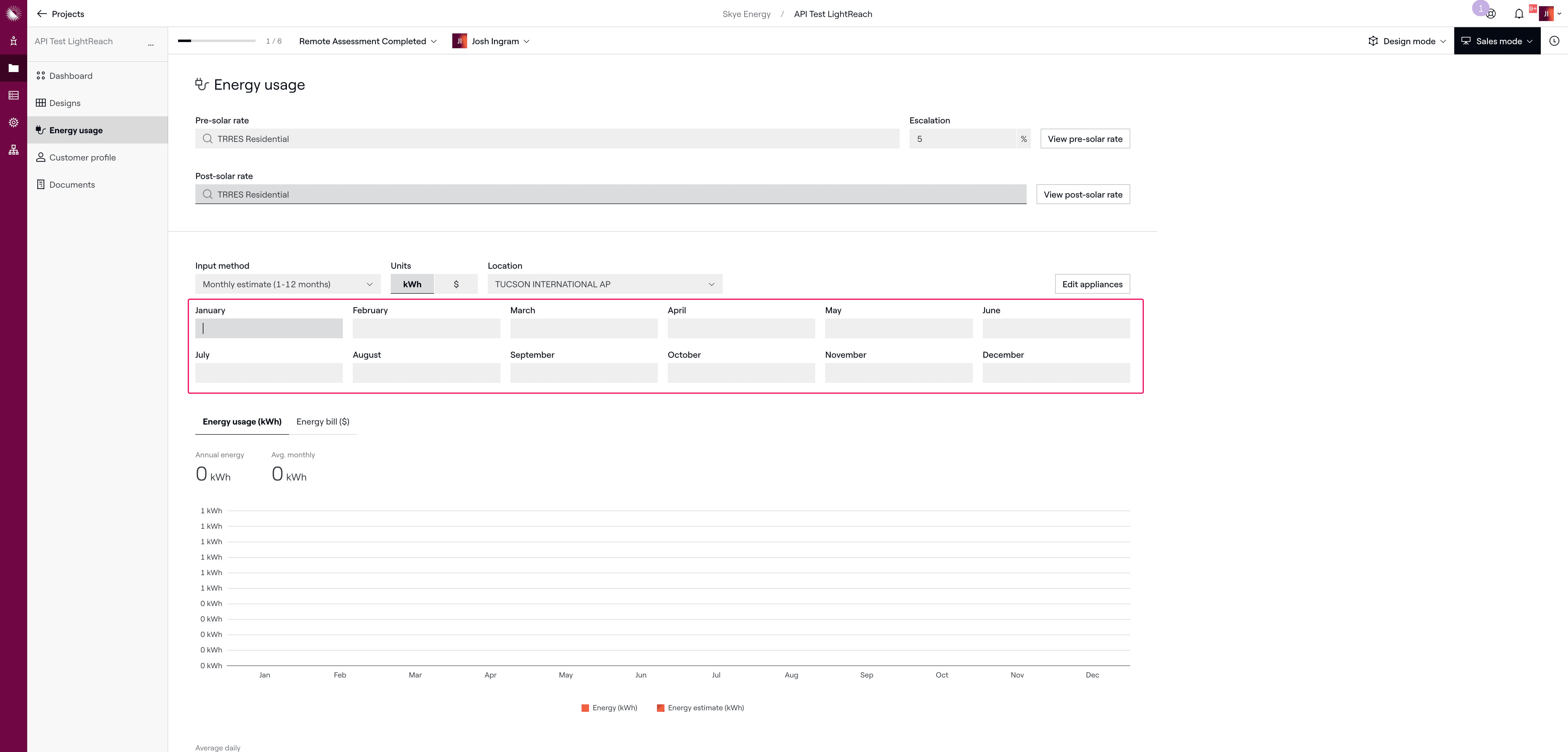
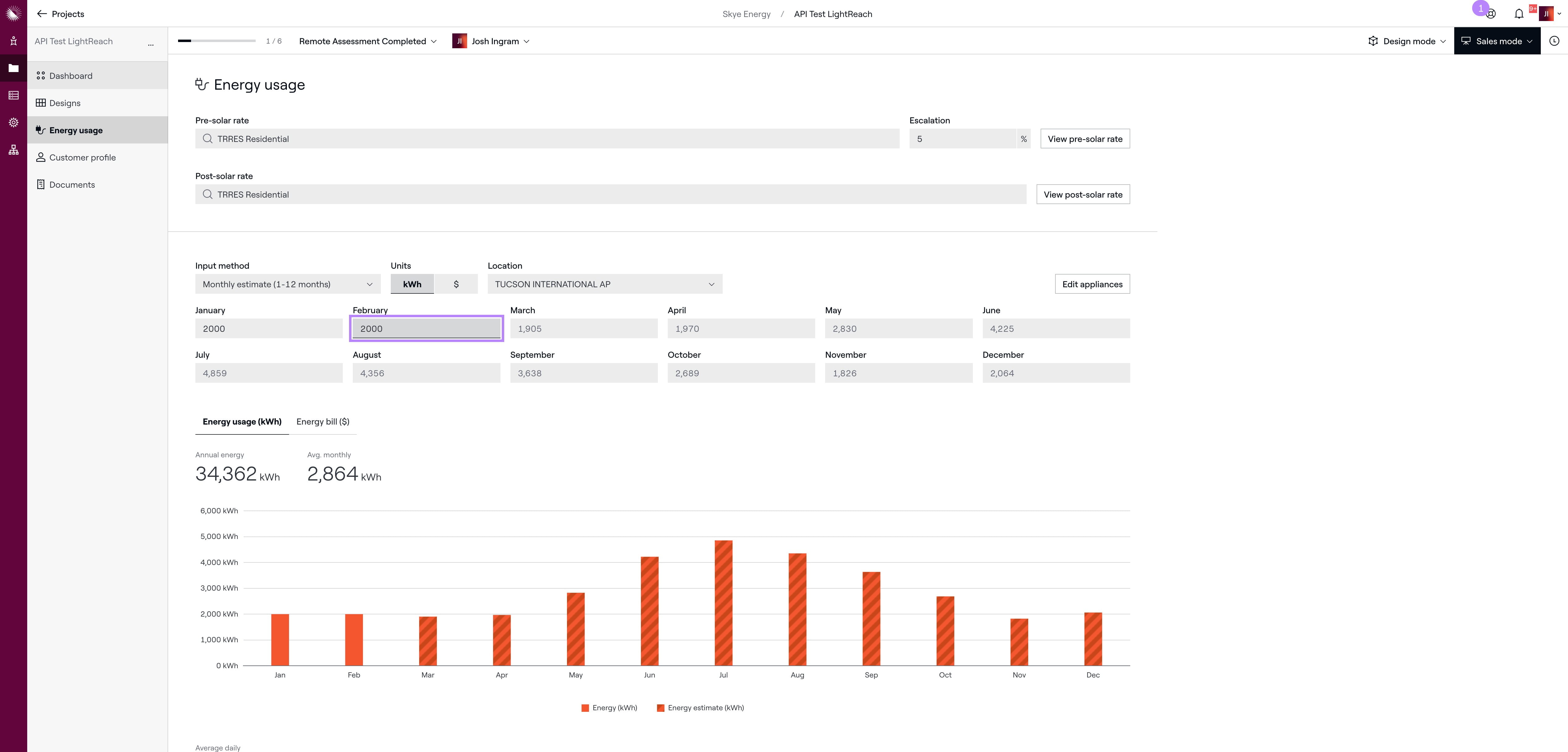
Enter in the monthly energy usage from the customers energy bill
7
Click this icon
8
Done 🚀