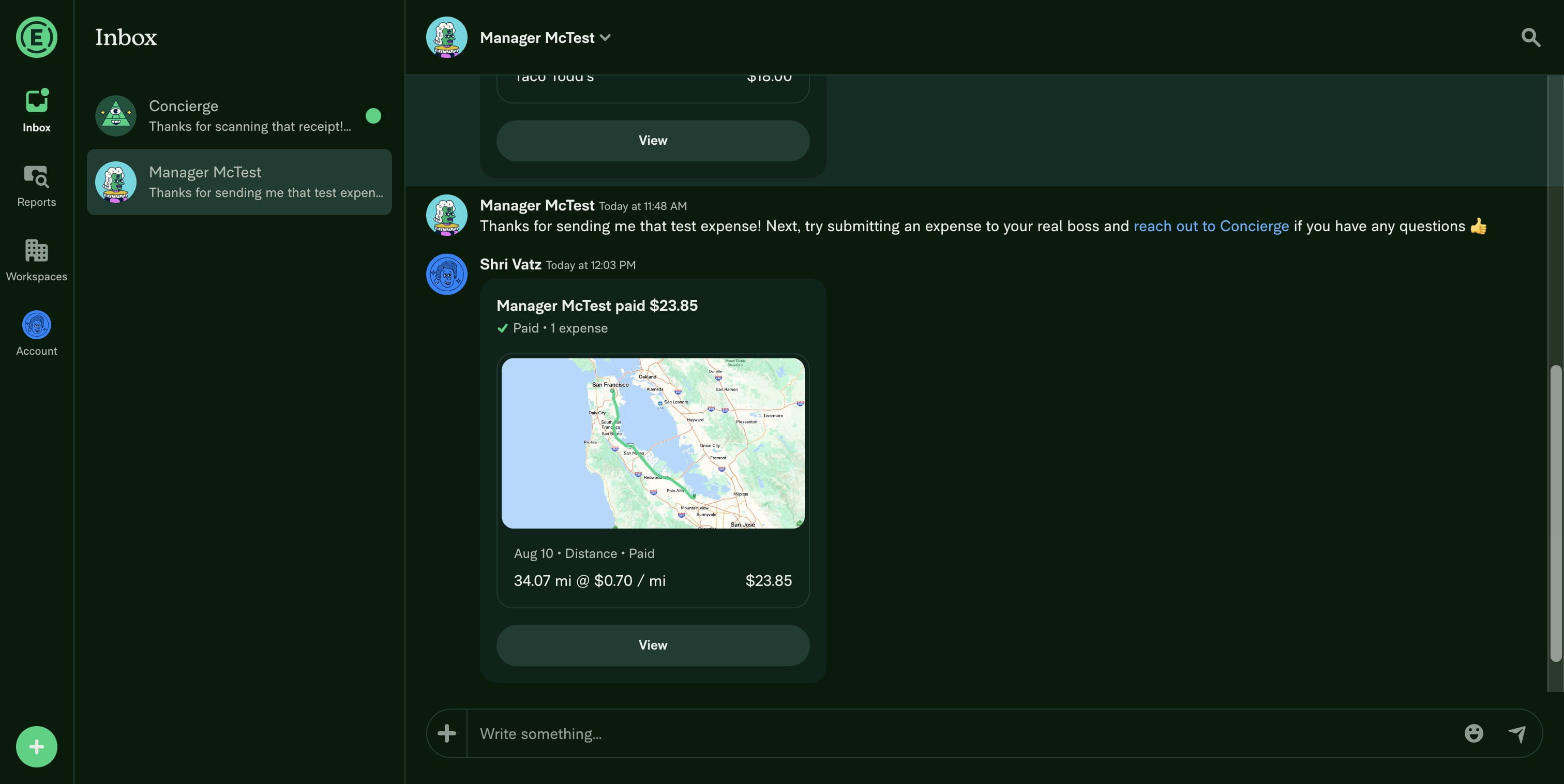
How to create a travel expense in Expensify?
This guide explains how to quickly record and submit a travel expense using Expensify, allowing you to track and manage your business travel costs efficiently.
Aug 10, 2025●
1
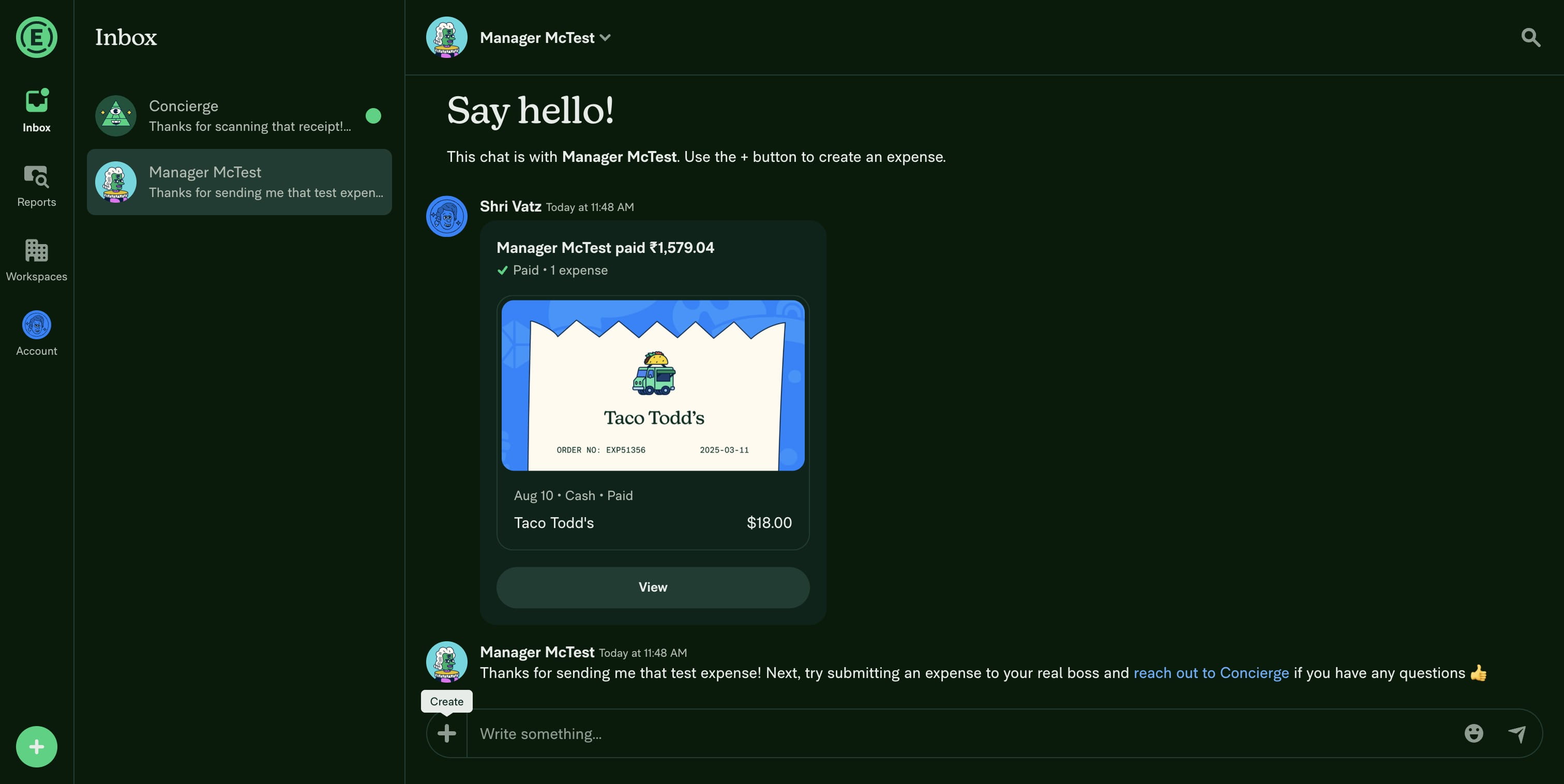
Go to Expensify and click on the '+' icon
2
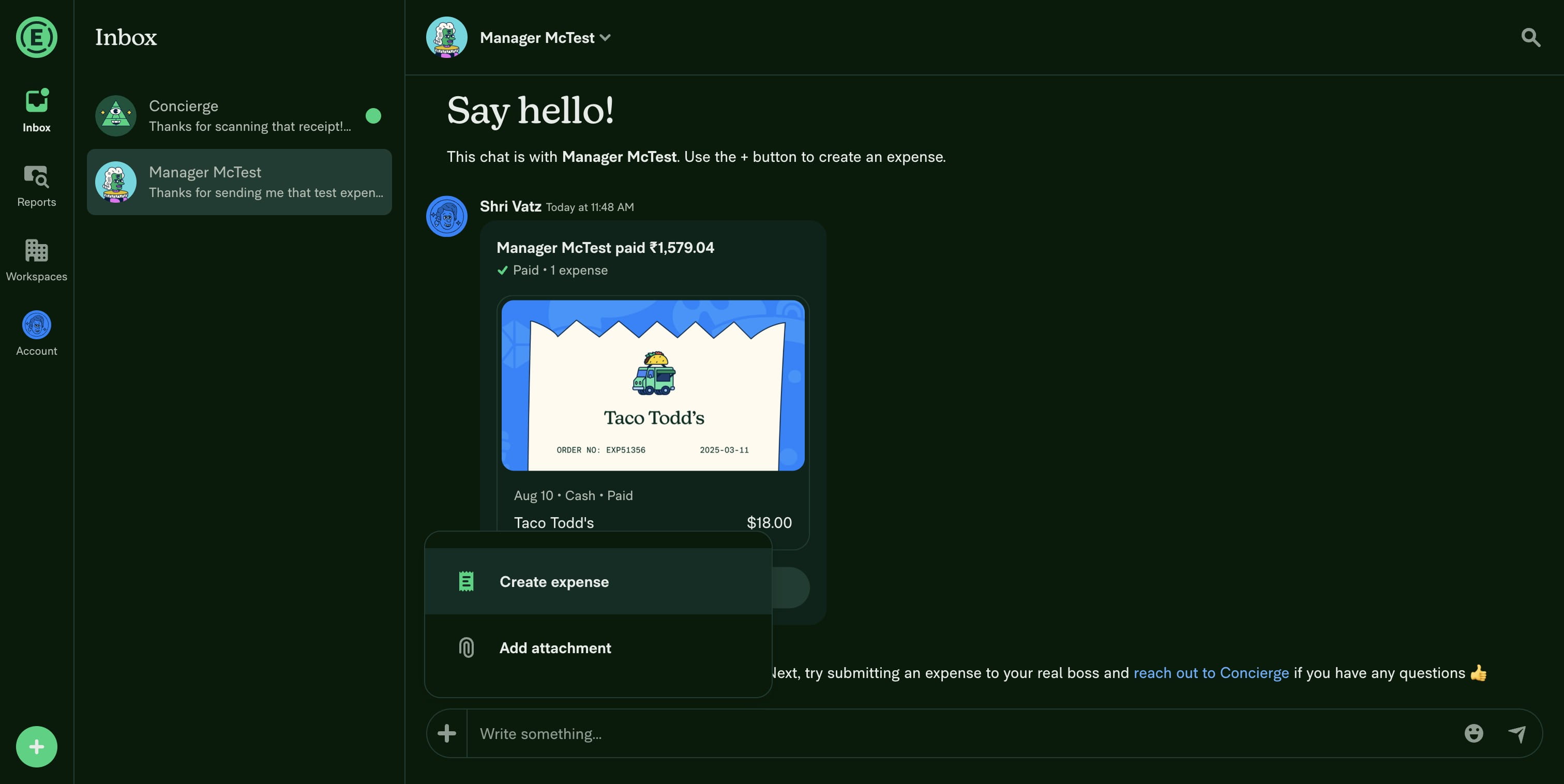
Then, click on "Create expense"
3
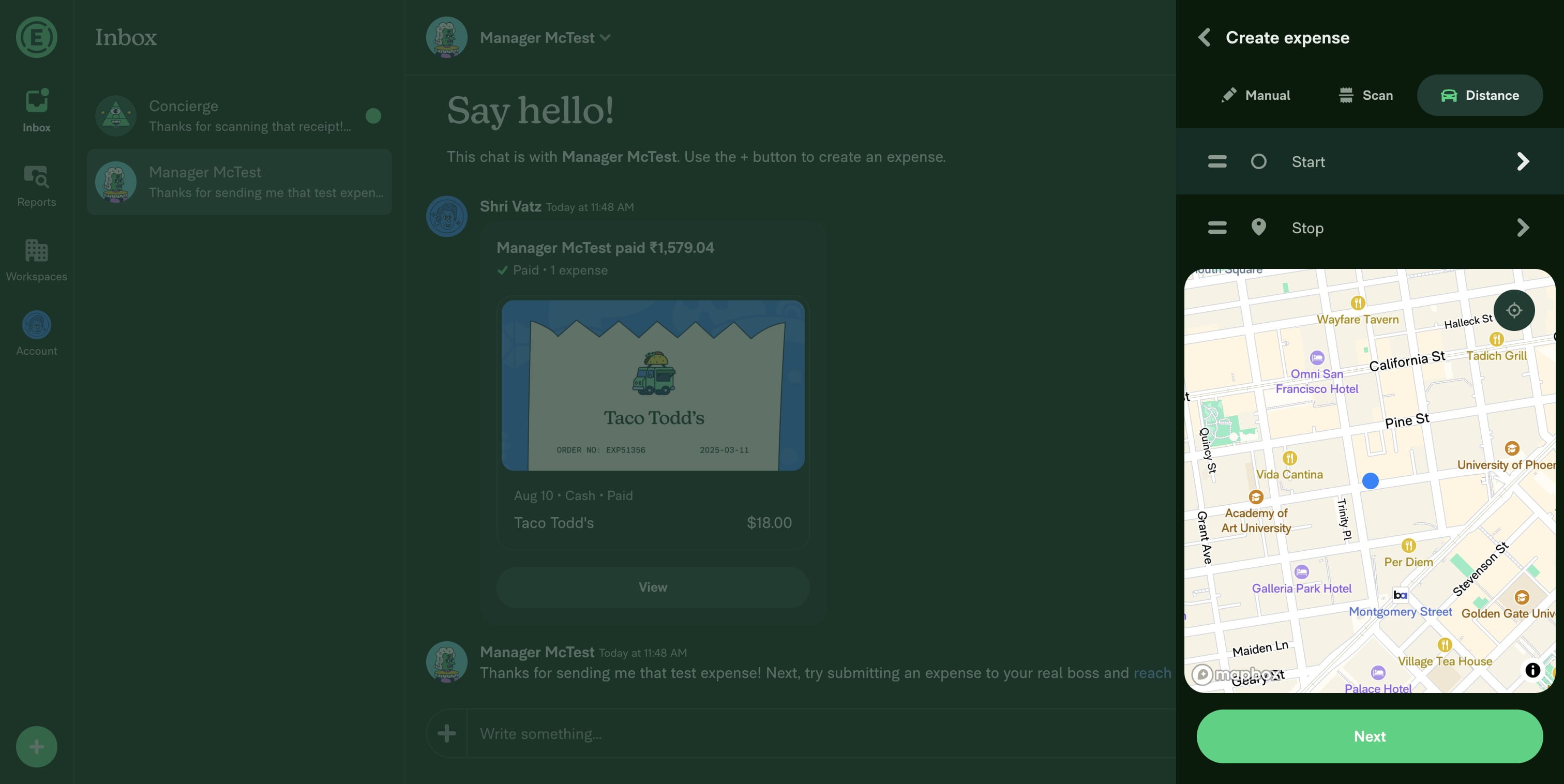
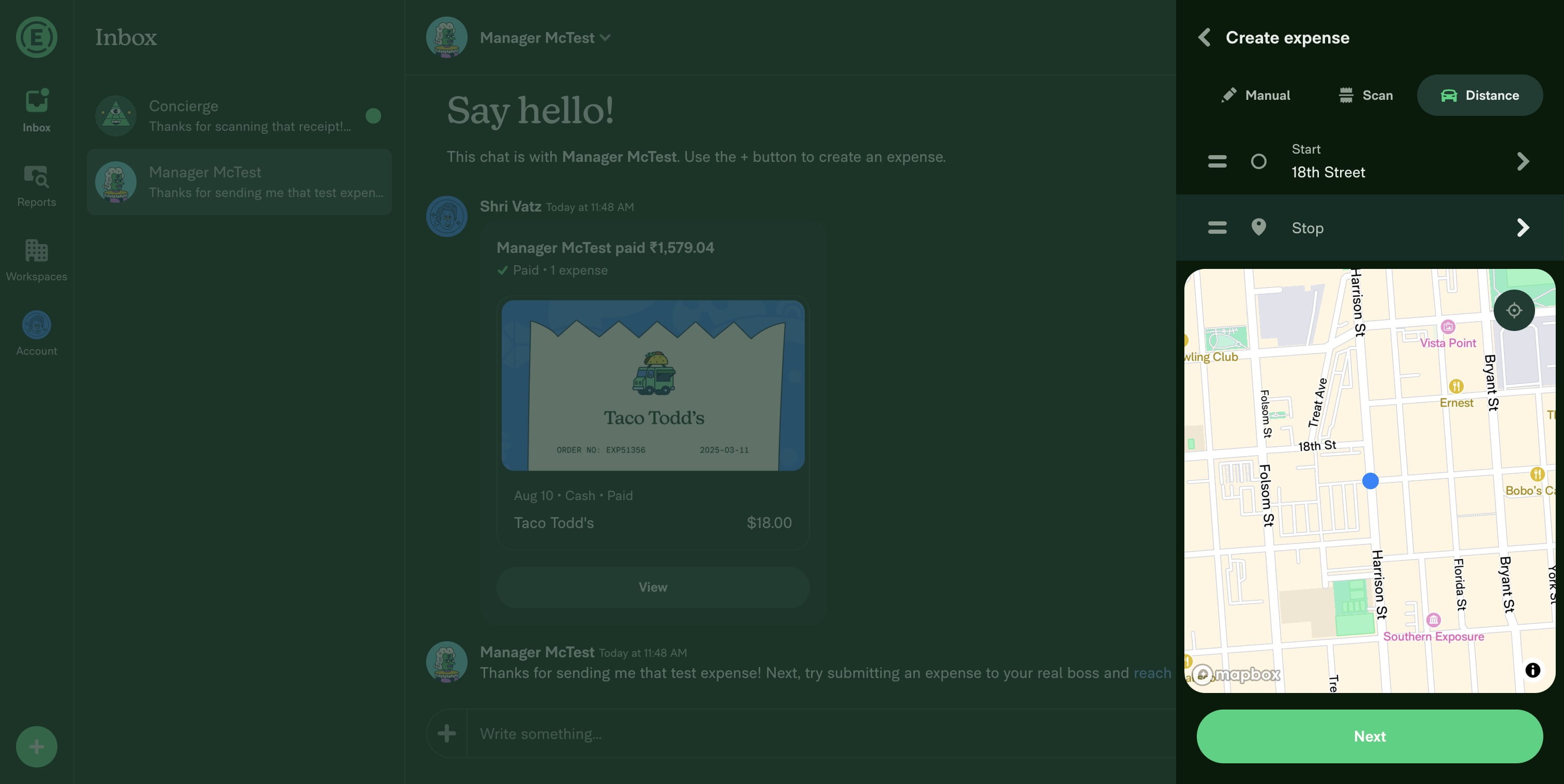
First, choose your start location
4
Next, choose your stop location
5
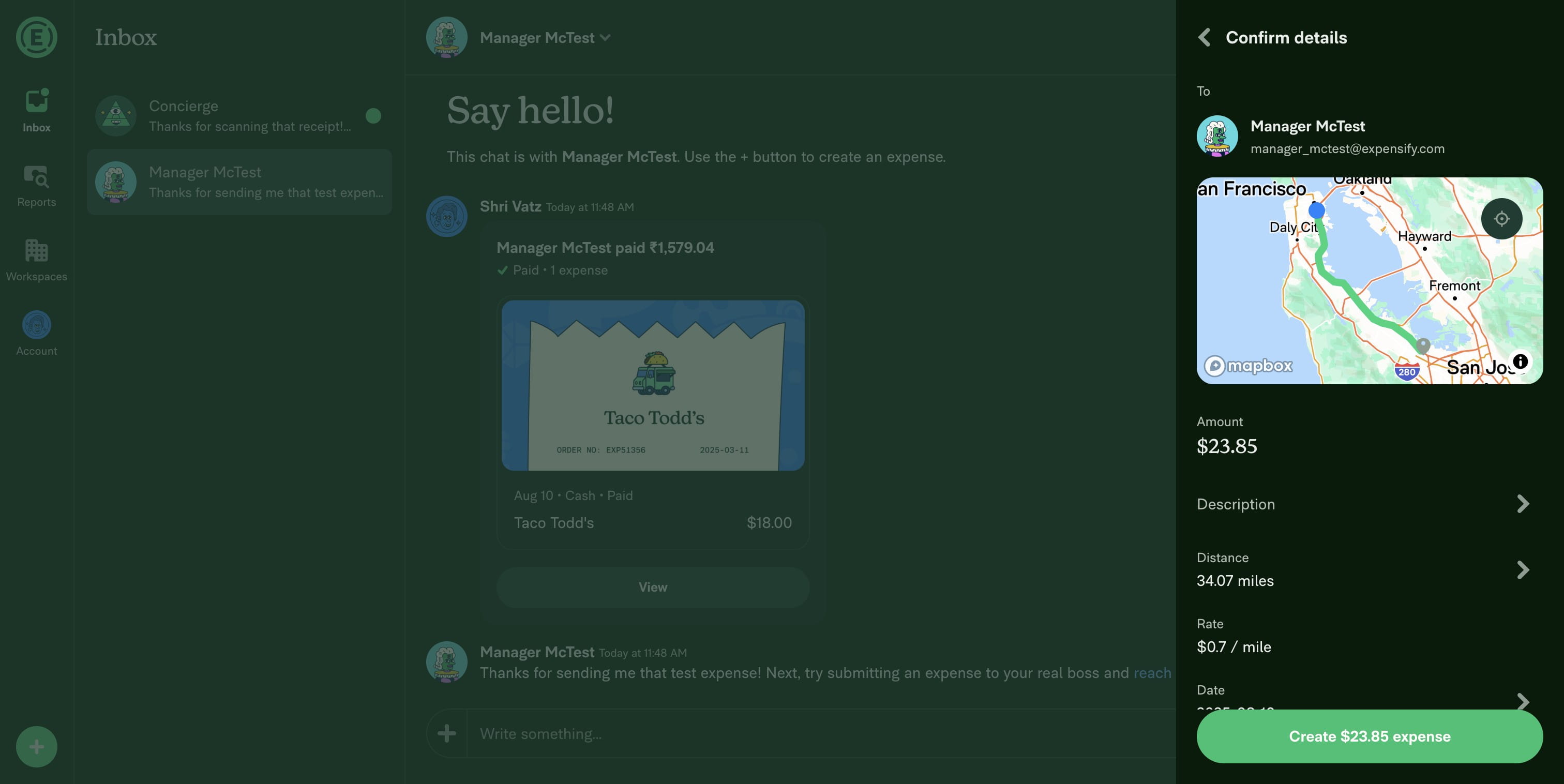
Expensify automatically calculates your expense based on the distance. Go ahead and submit the expense.
6
There you go! Quick and easy.