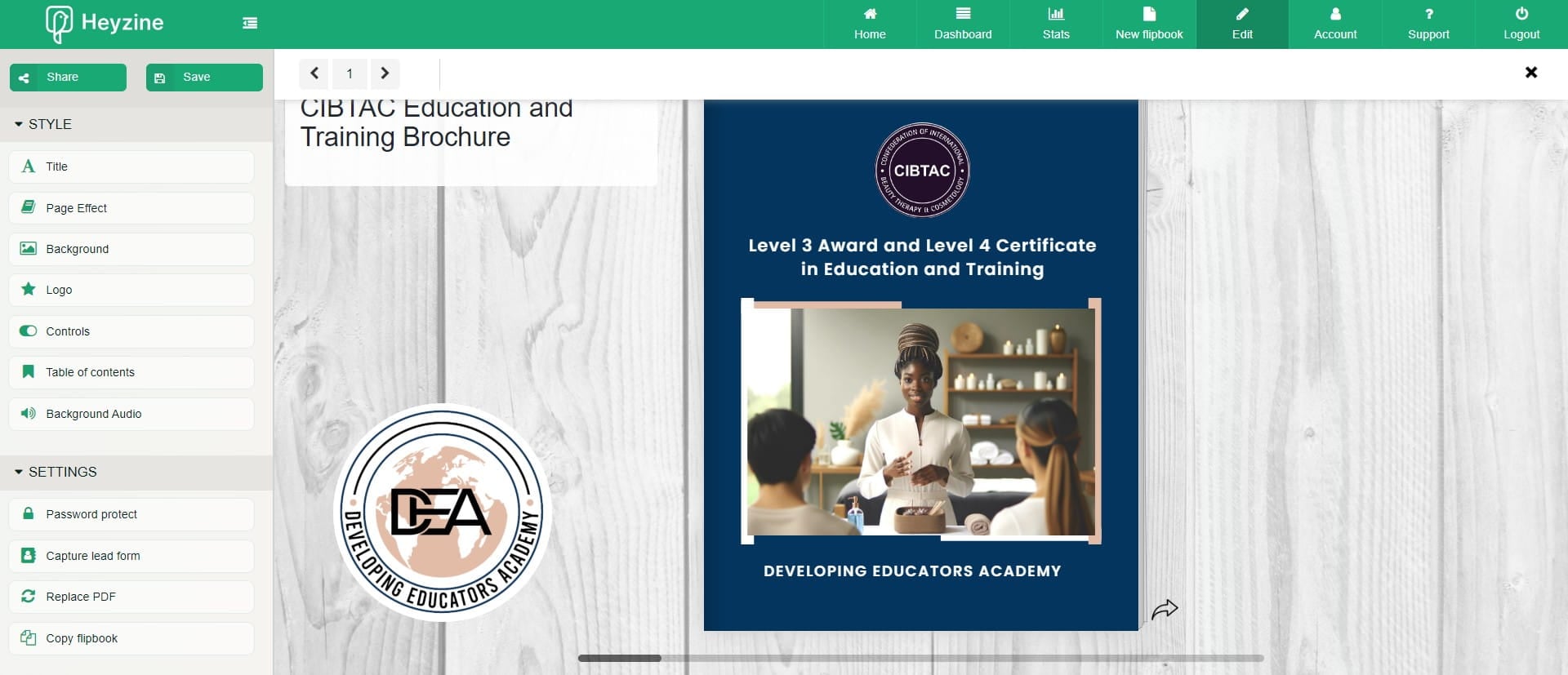
How to Create a Flipbook with Heyzine
How I created a flipbrochure and embeded a video
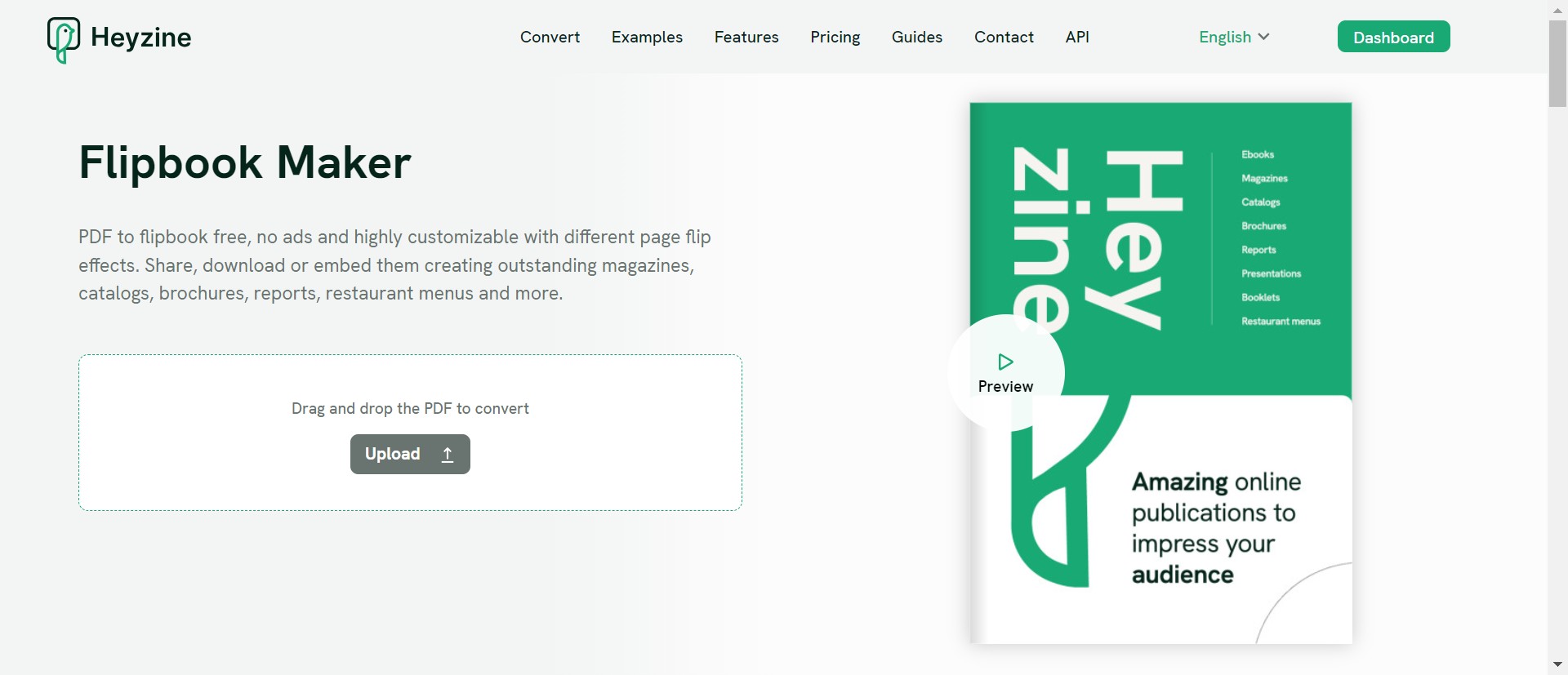
Navigate to https://heyzine.com/
Click on "Upload"
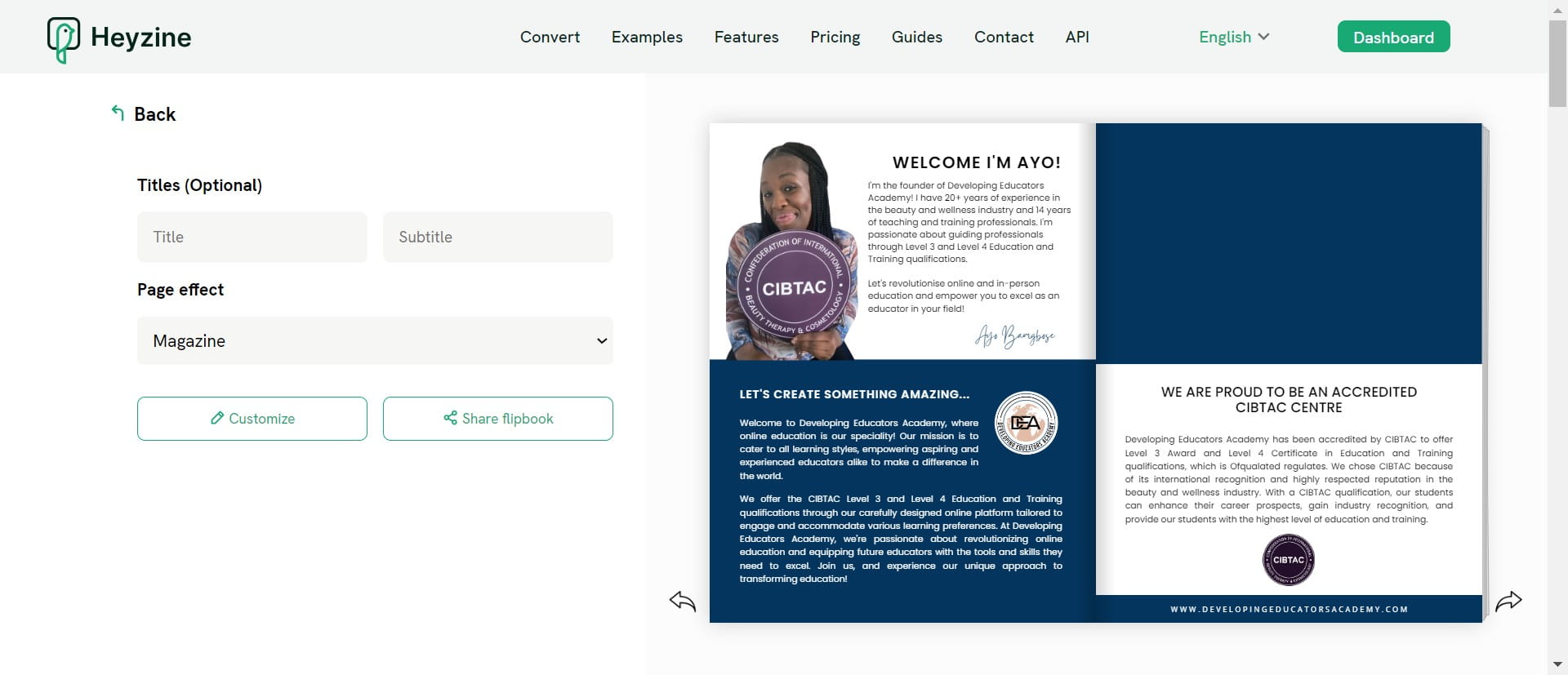
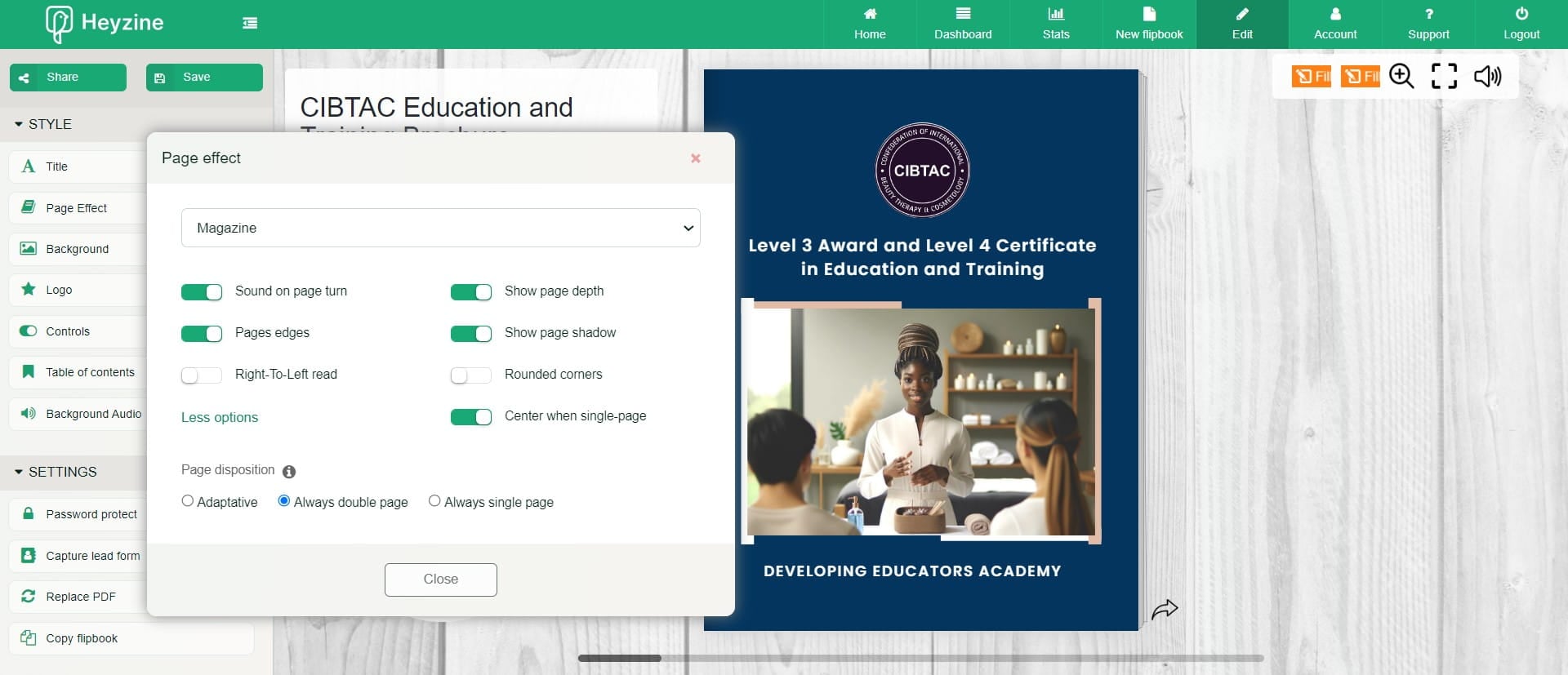
Set Page Effect: Selected "Magazine"
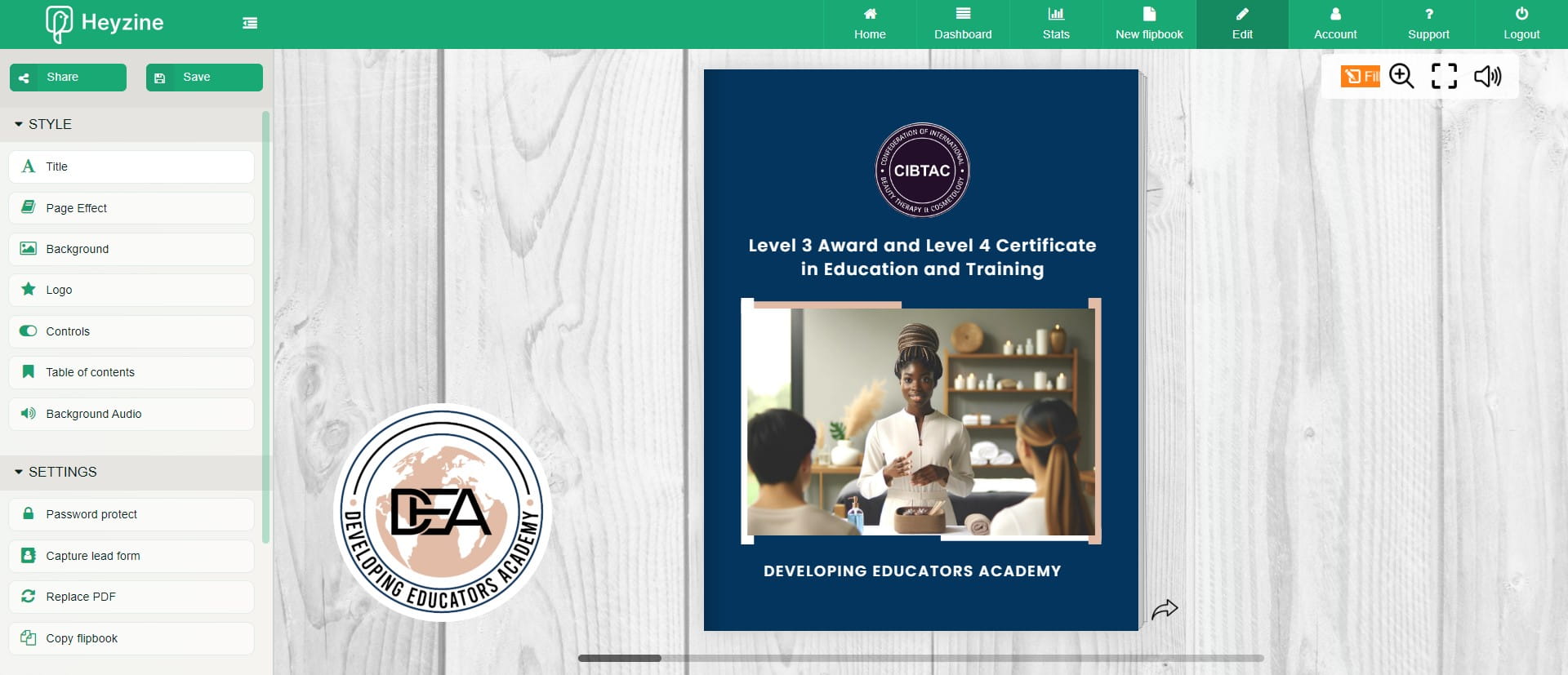
Click in the Style section
Enter details for your flipbook settings
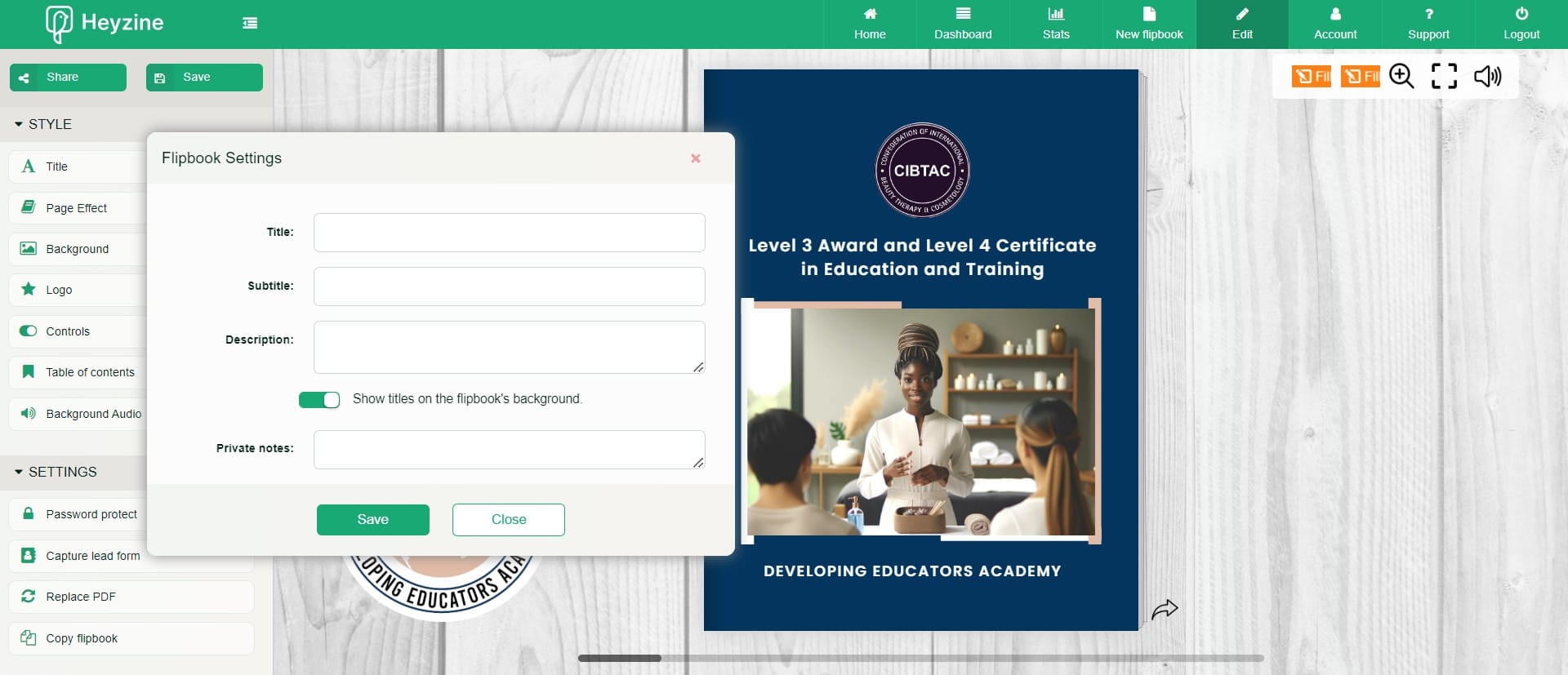
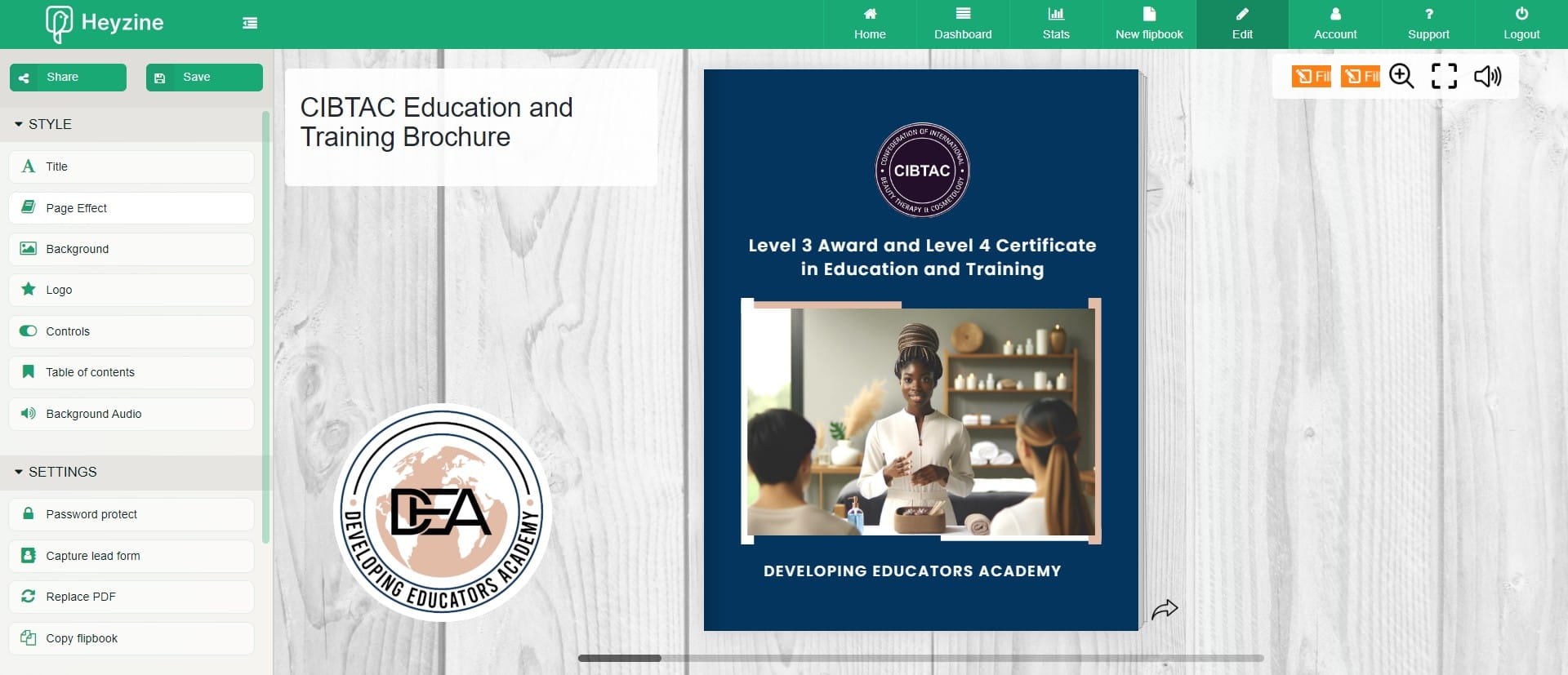
Click on "Save" when done
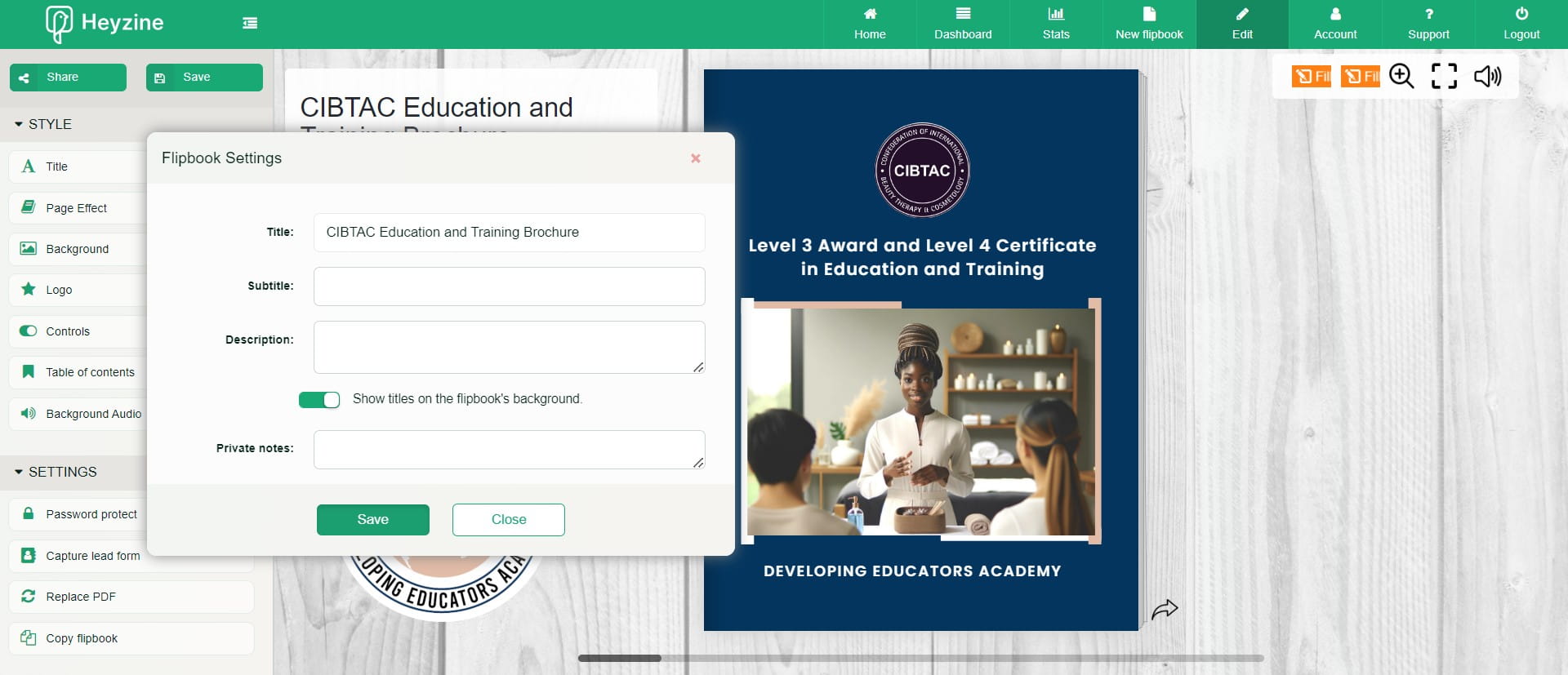
Click Page effect
Set your page effects
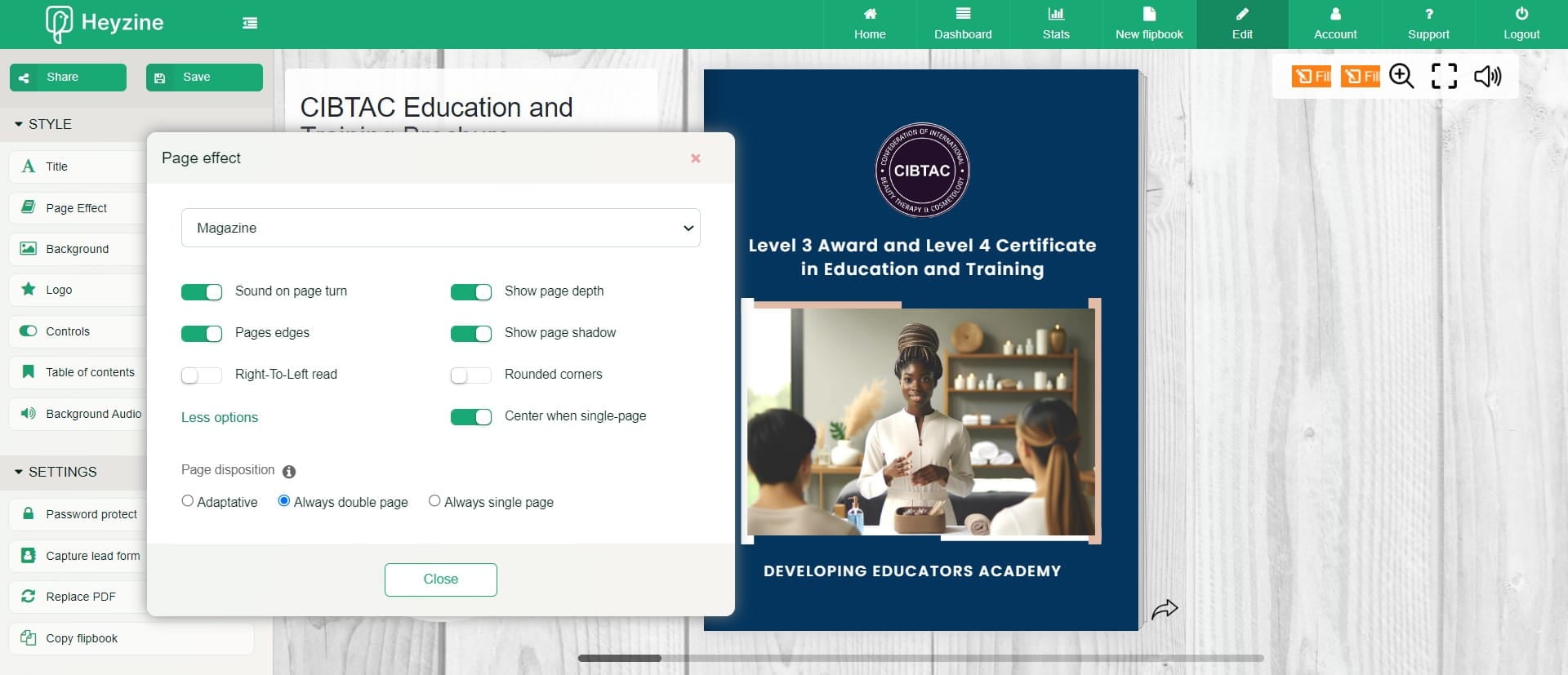
Click on "Close"
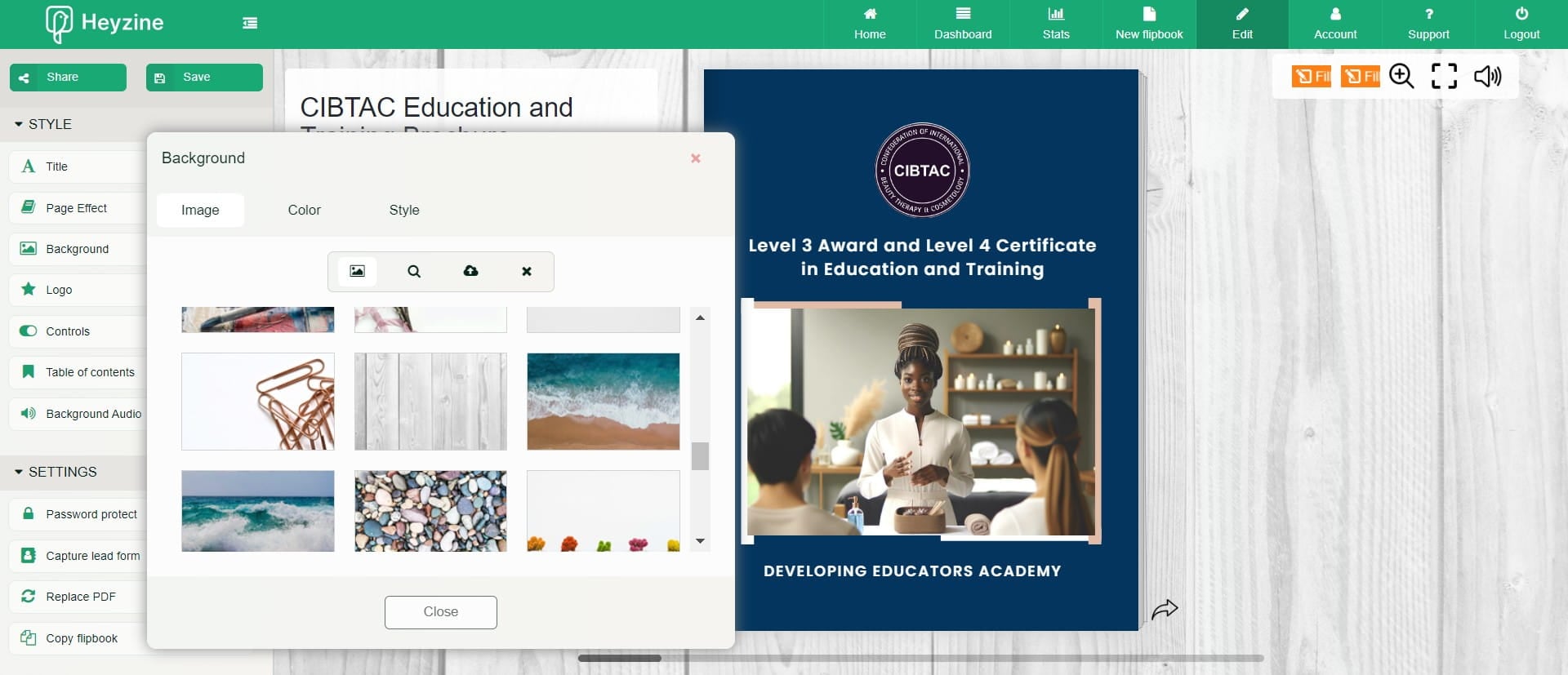
Click Background
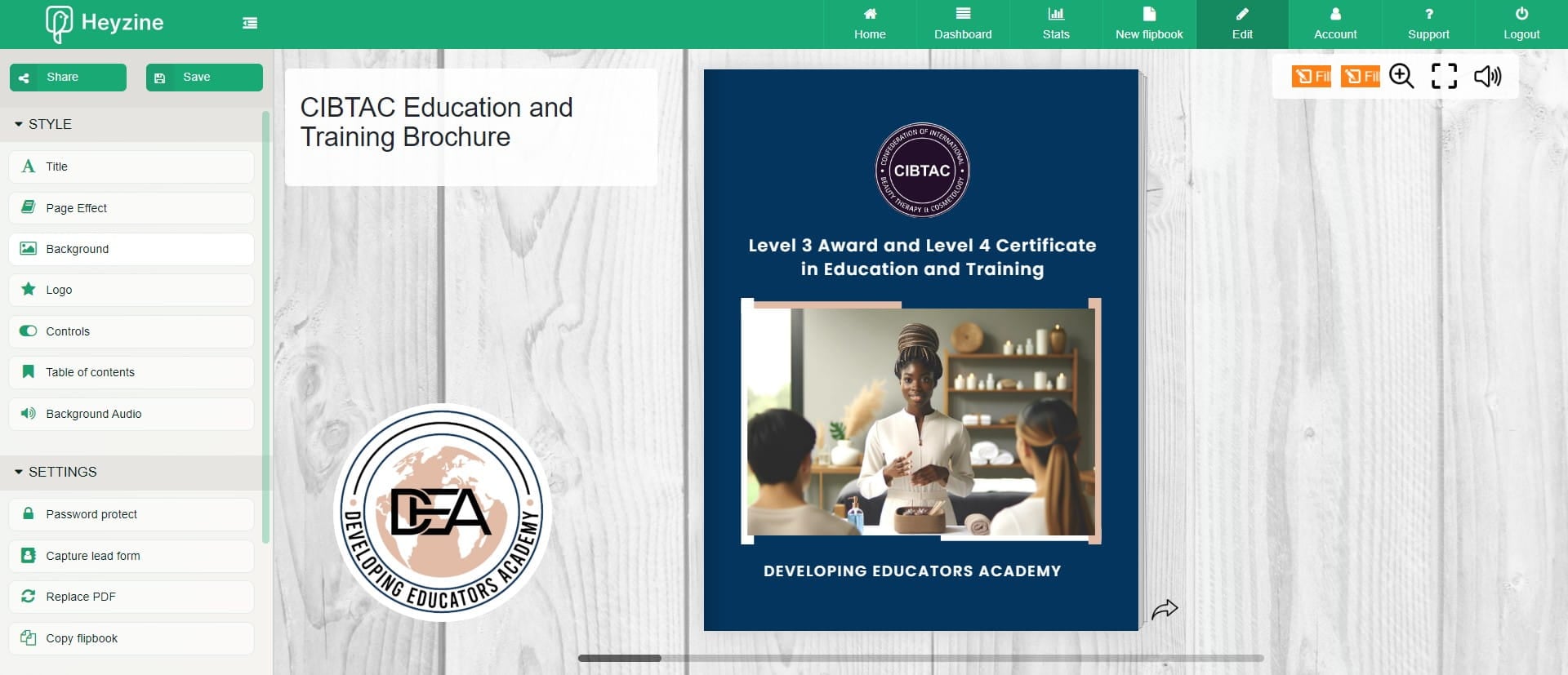
Select your background from template or upload your own
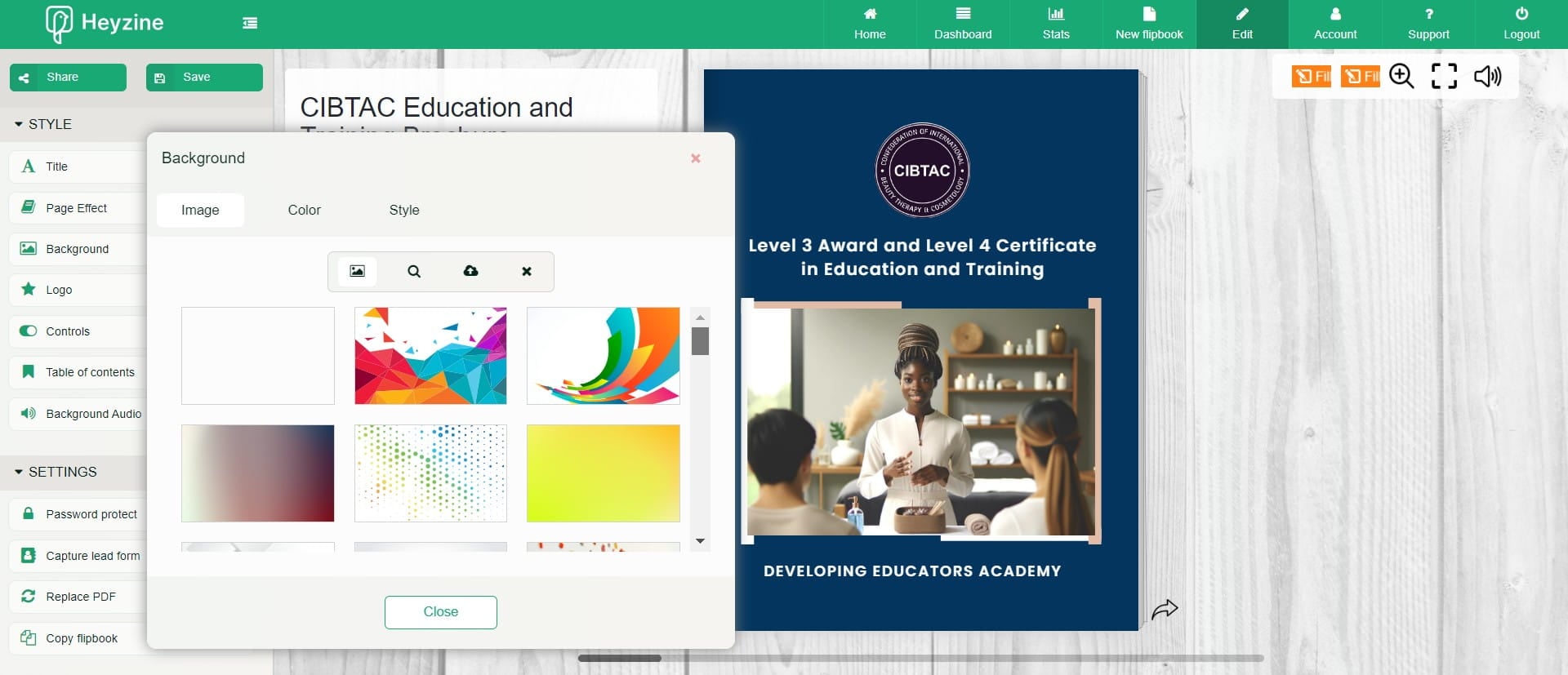
Select your background from template or upload your own
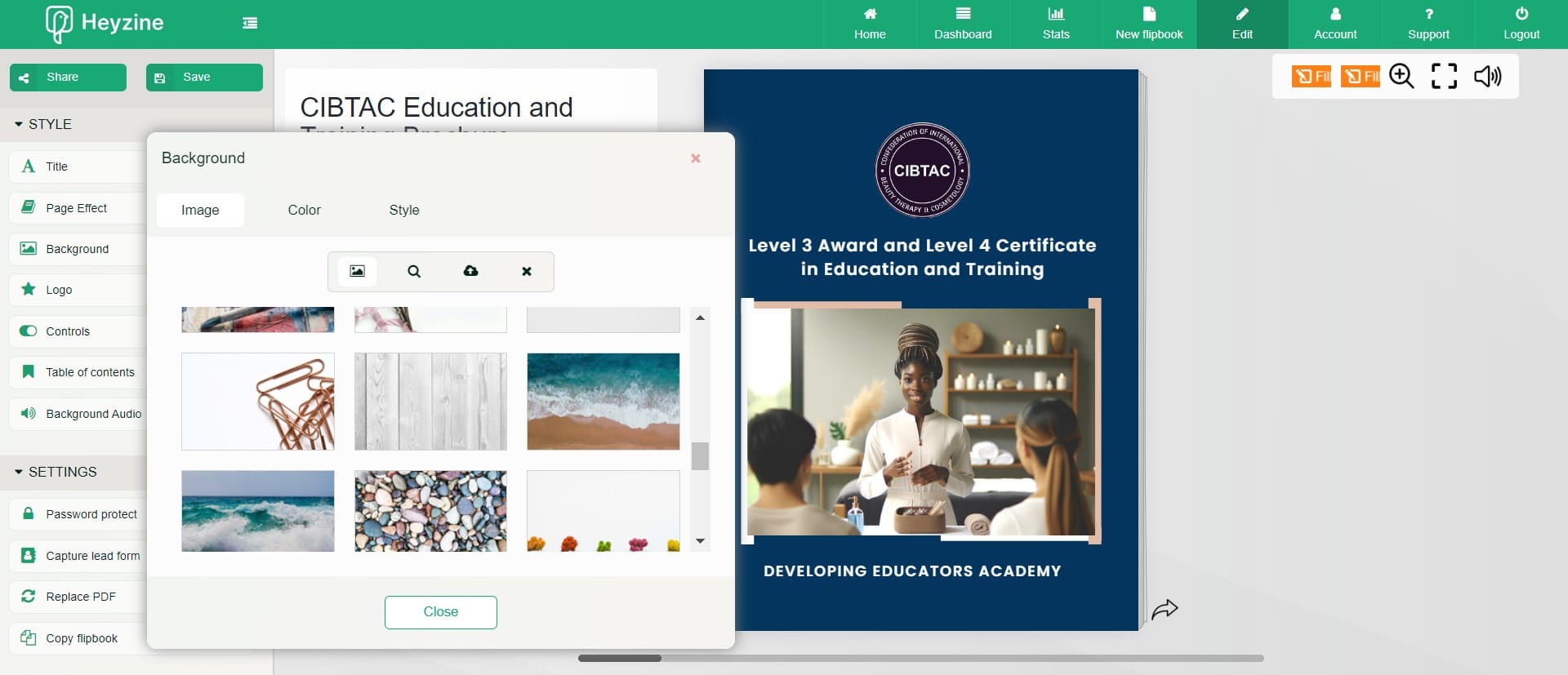
Click on "Close"
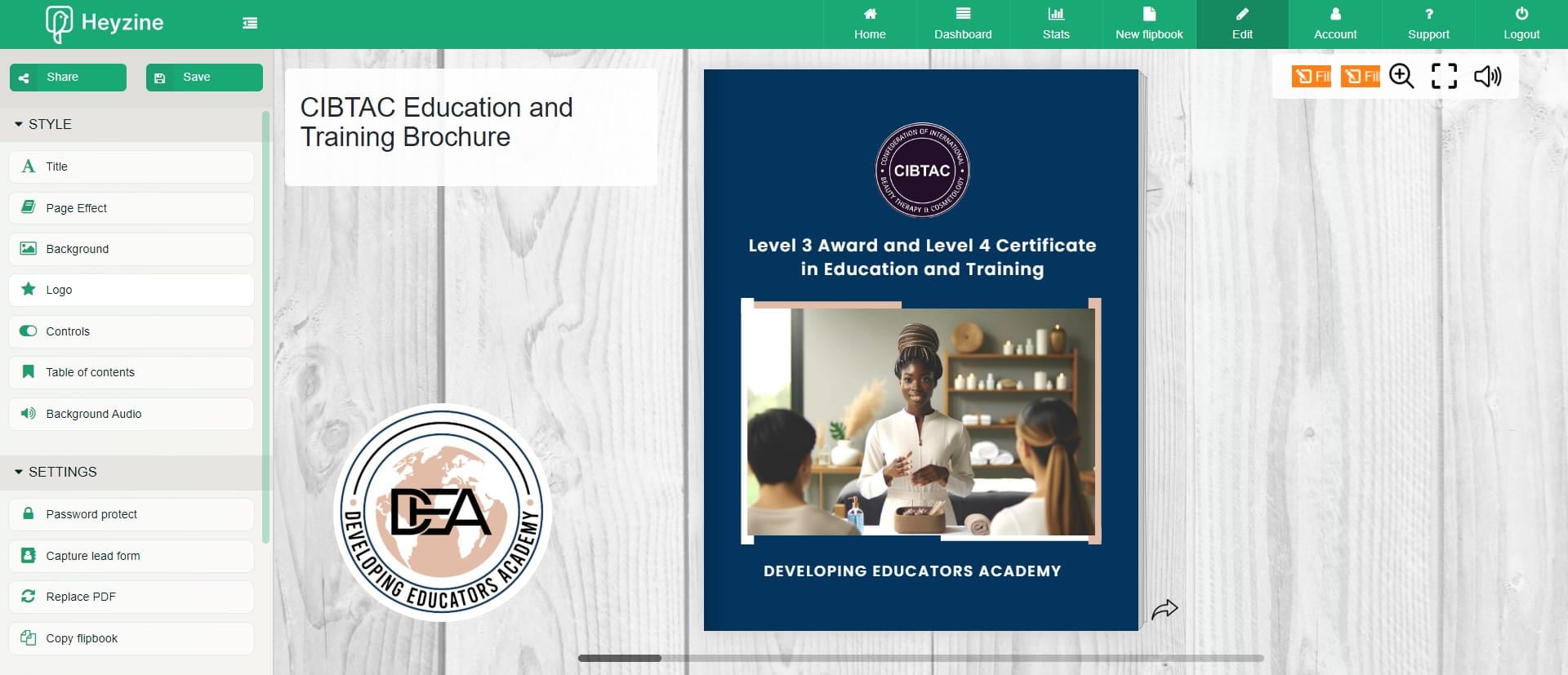
Click Logo
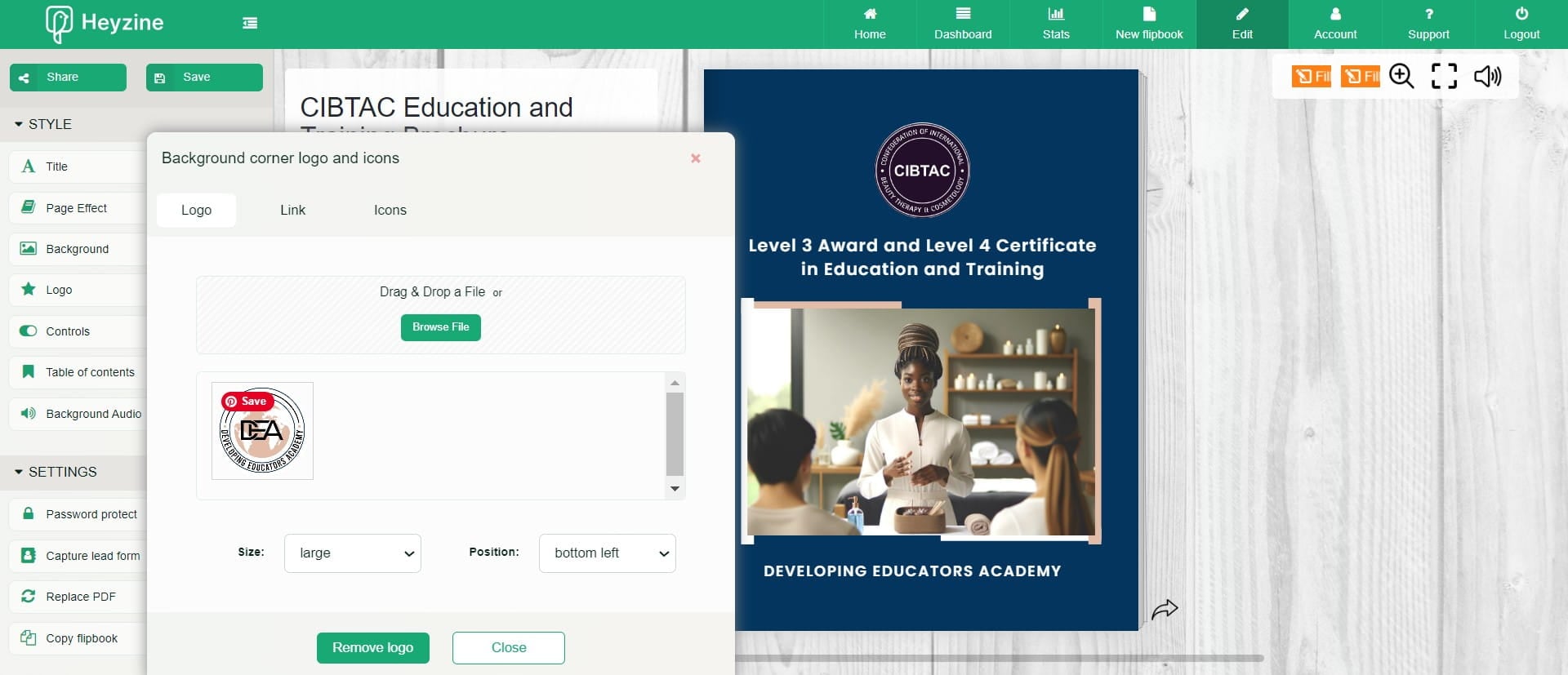
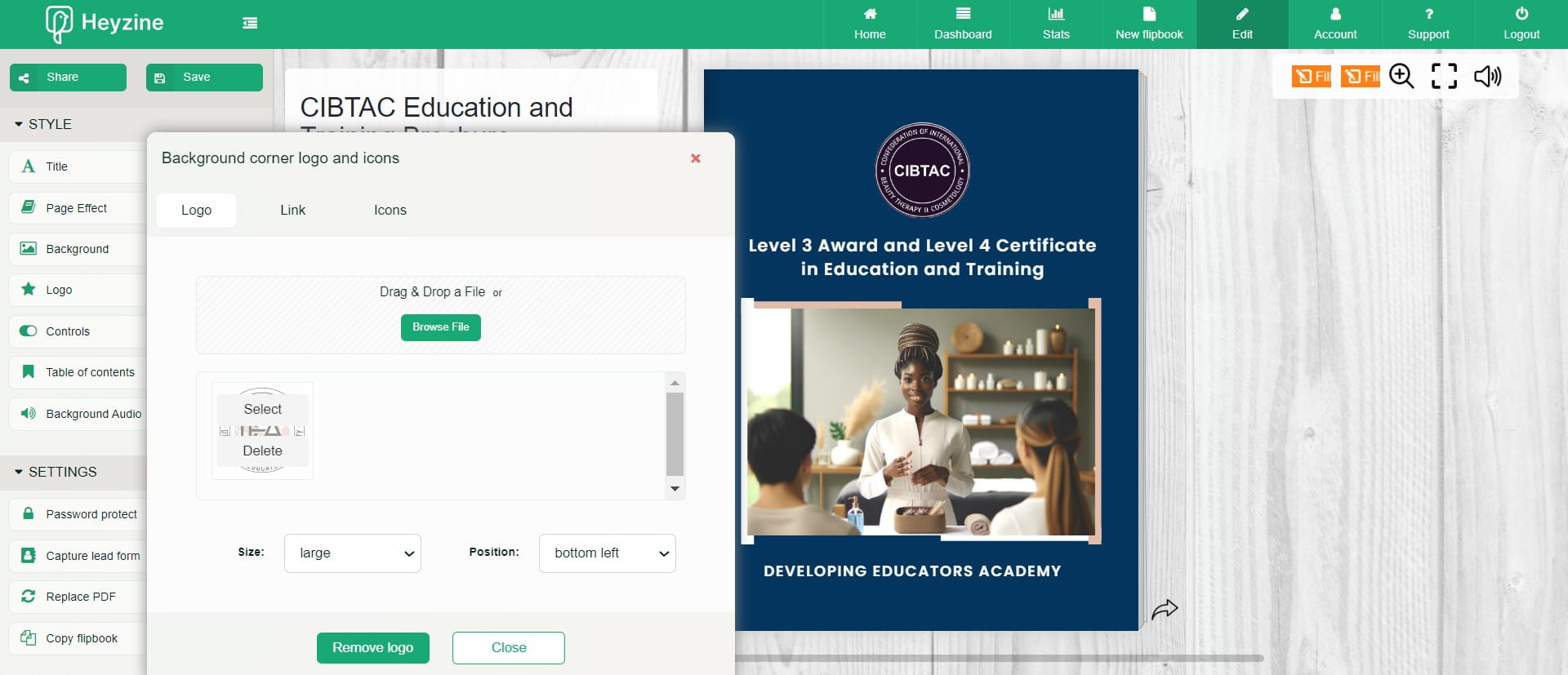
Upload your logo
Click on "Close"
Visit 'Interactions' section
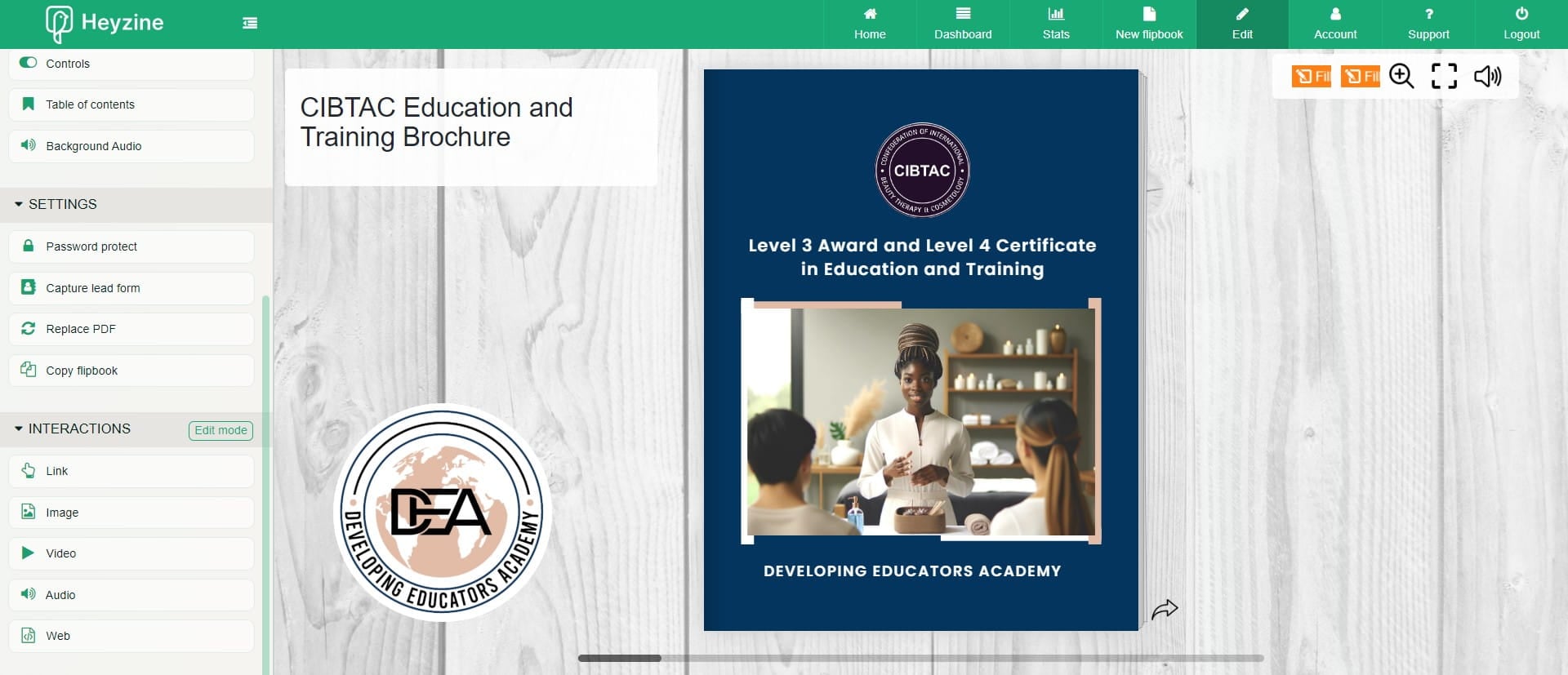
Click 'Video'
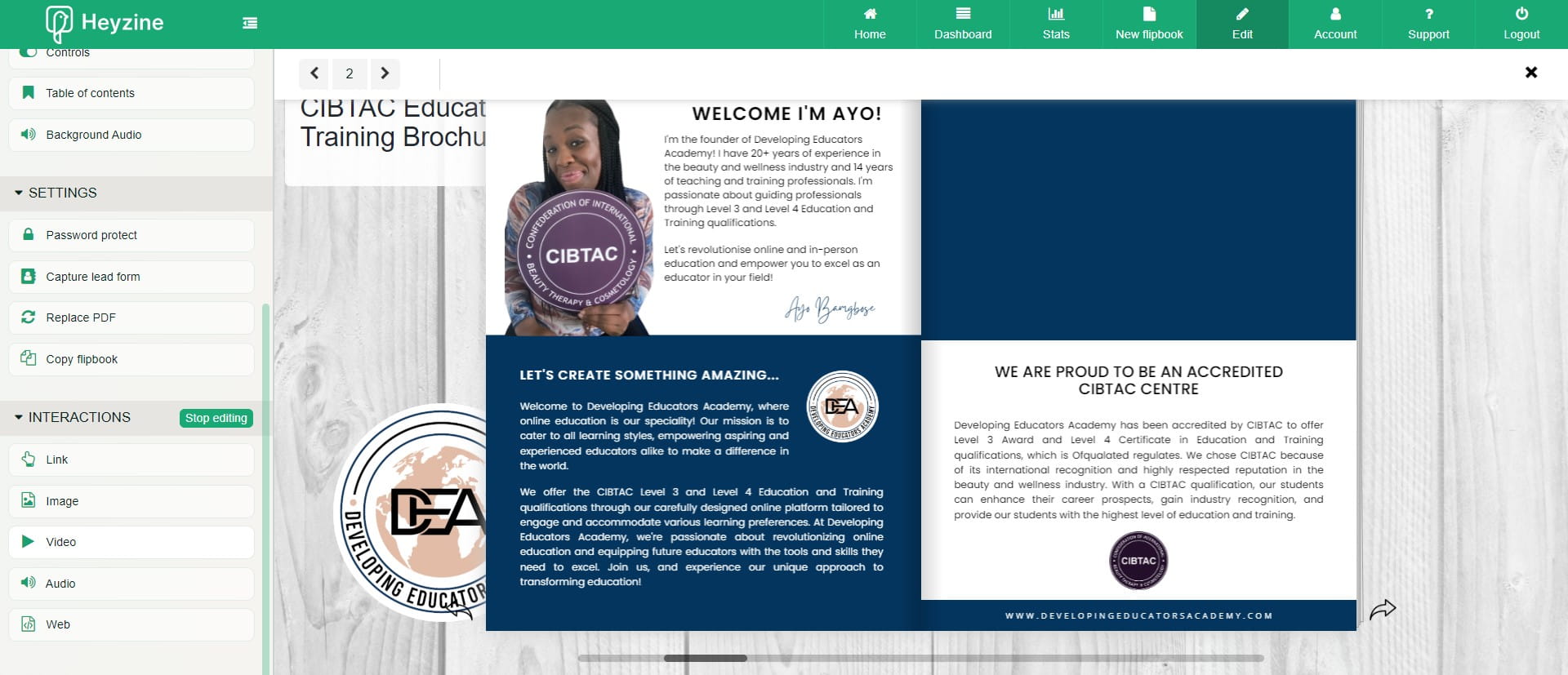
Navigate to section you want to embed your video
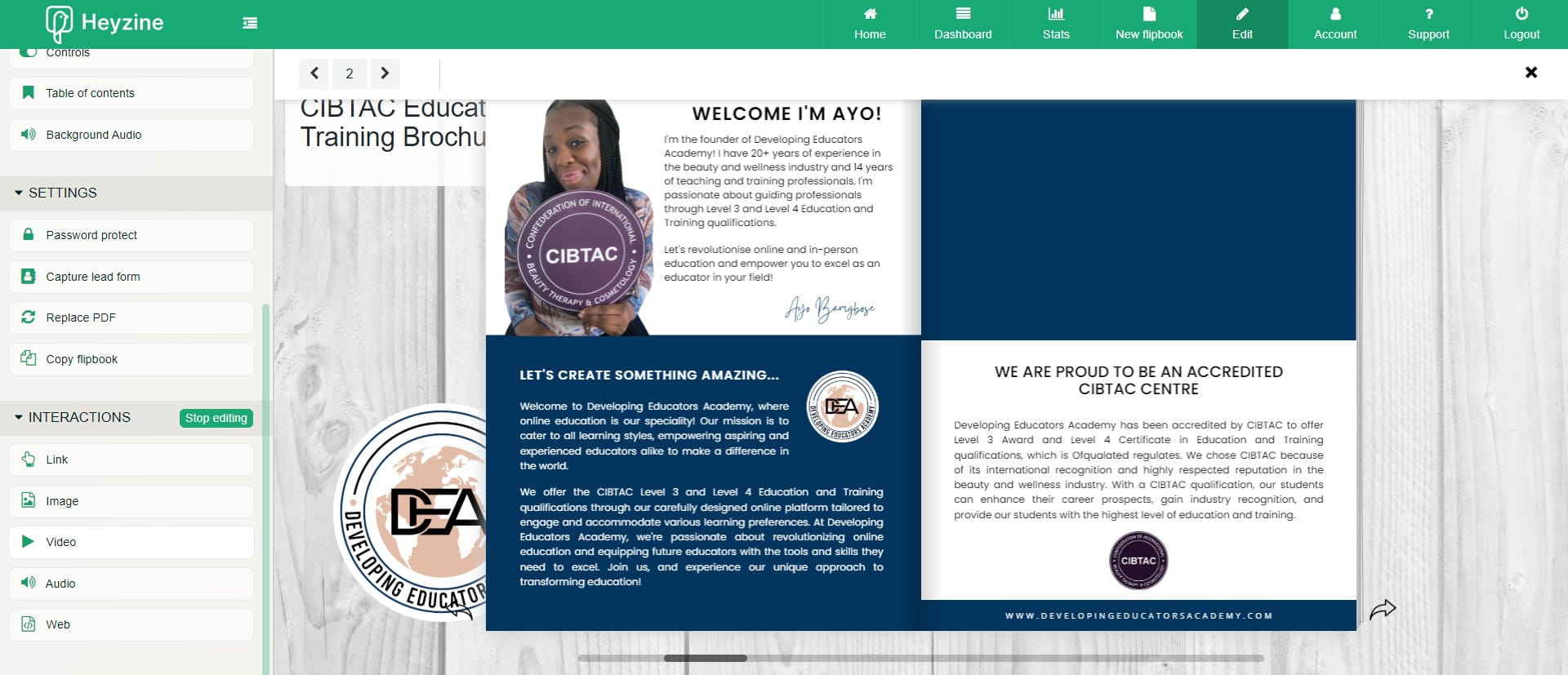
Draw out a rectangle shape on the page. This opens up a new box
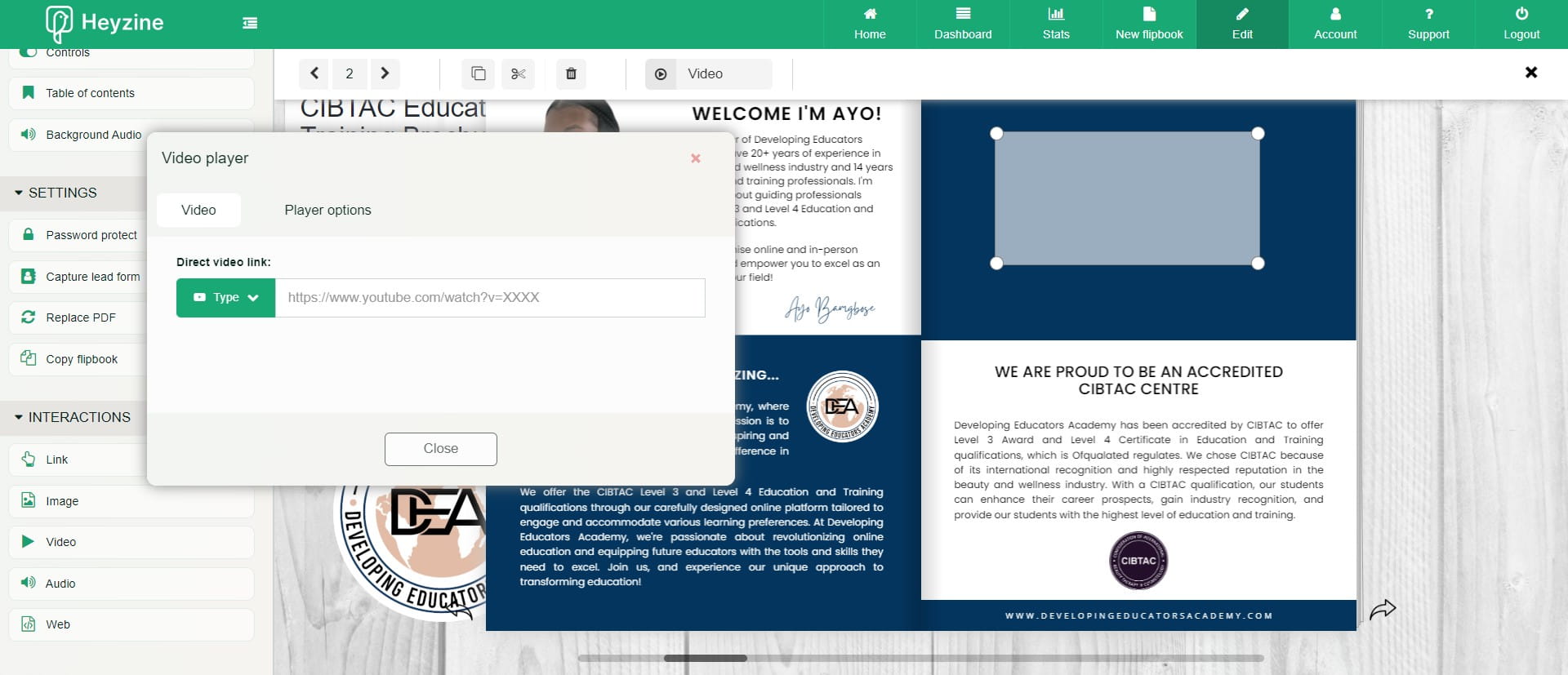
Click this icon
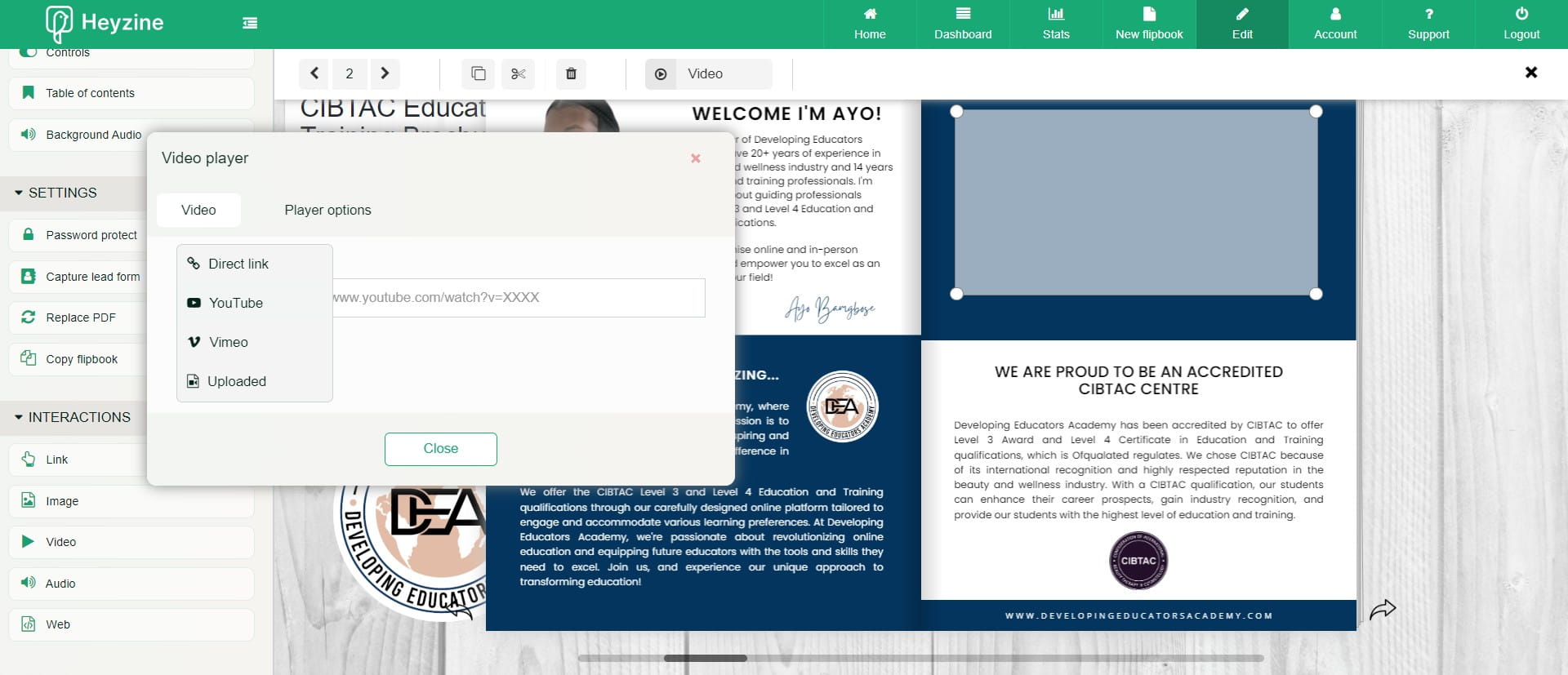
Then paste in the link.
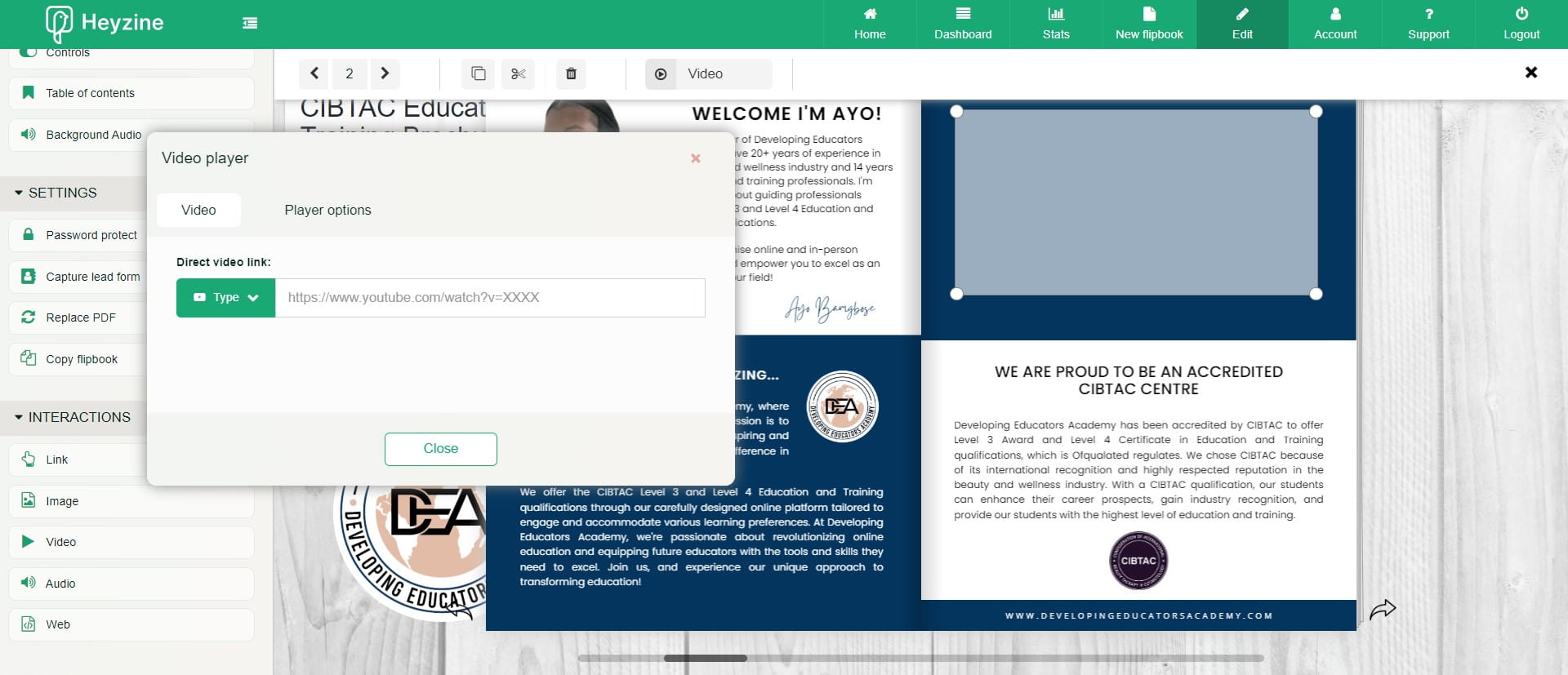
Click on "Close"
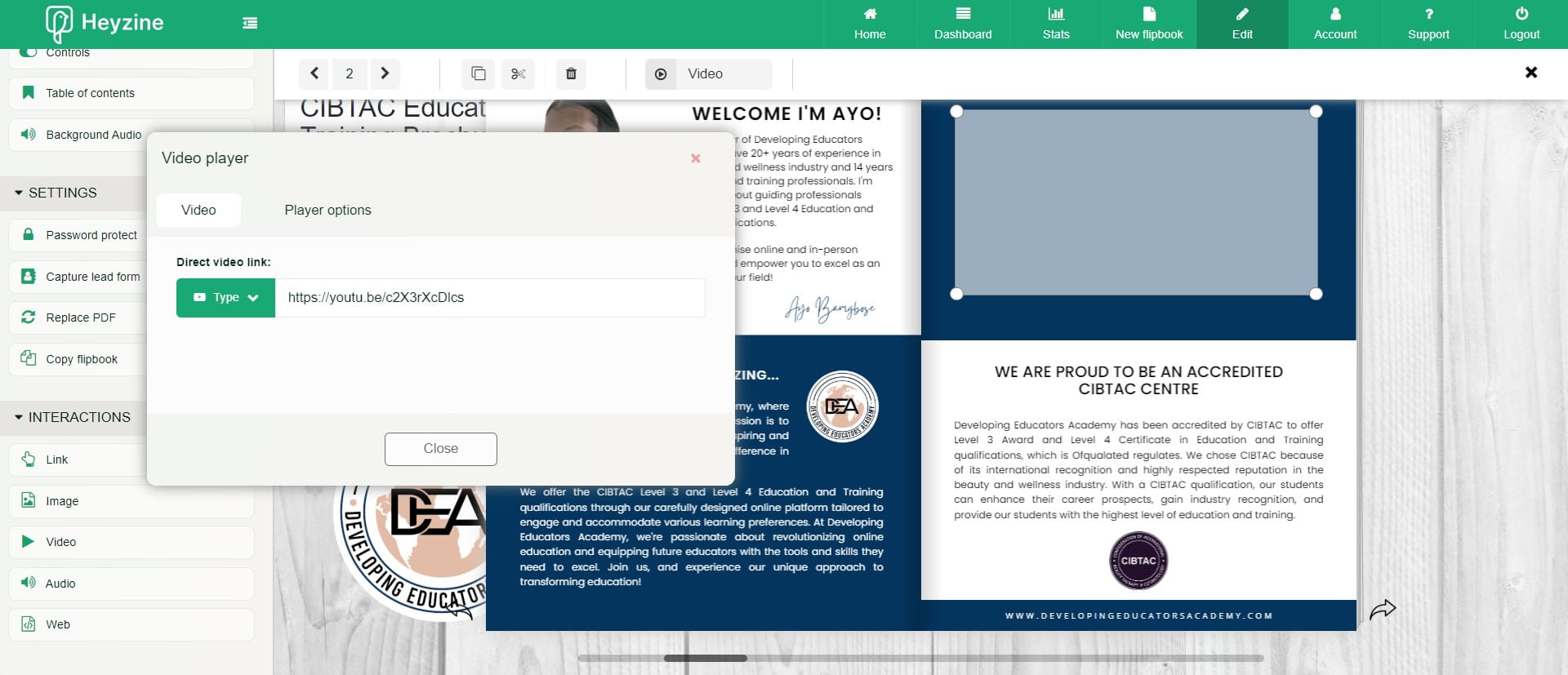
Click here
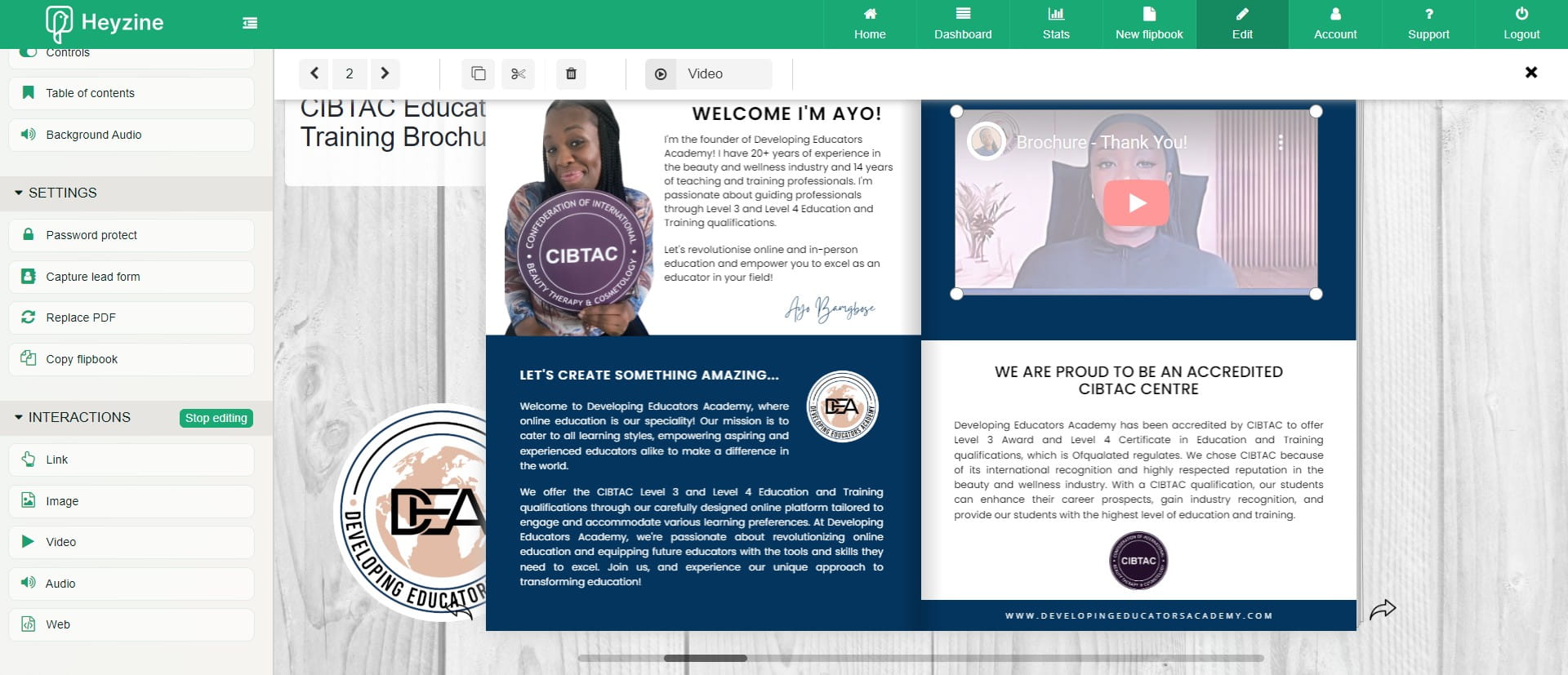
Visit other Interactions sections
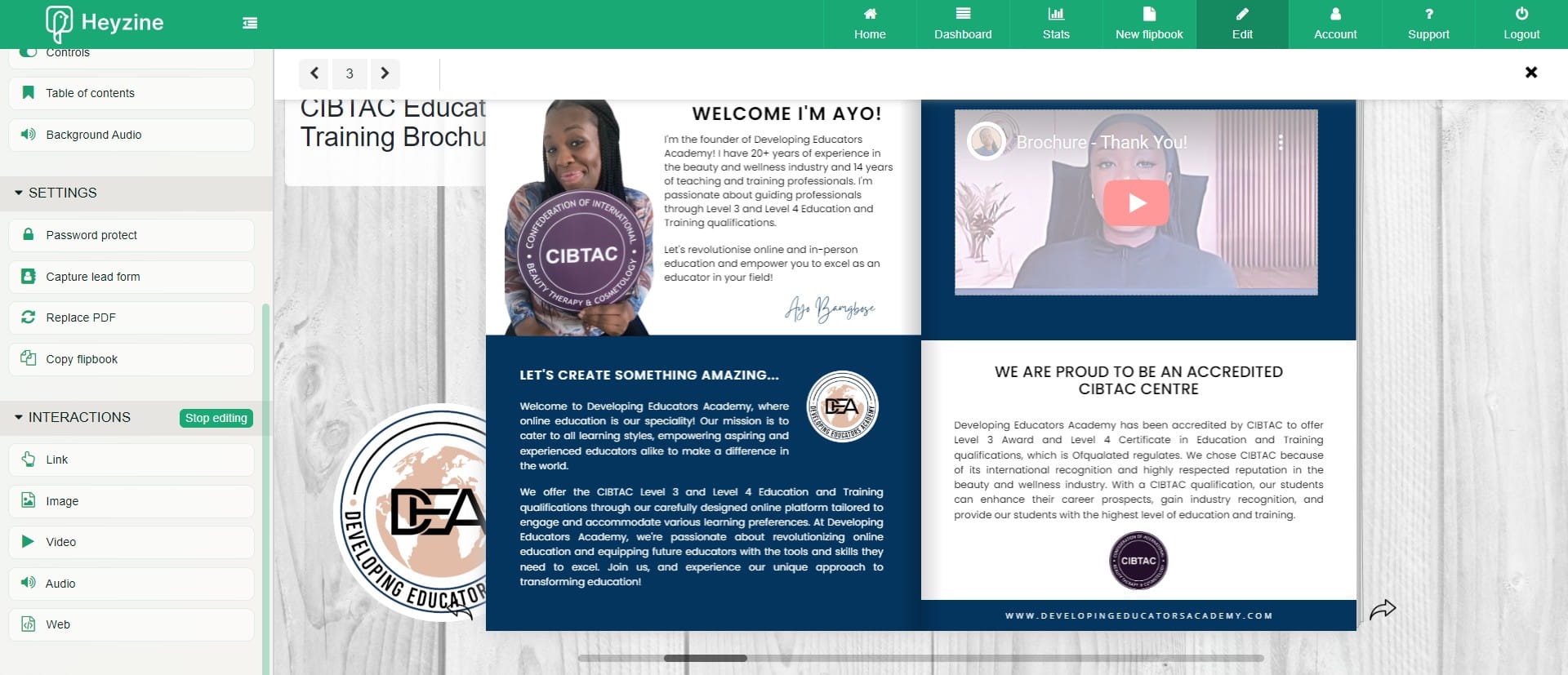
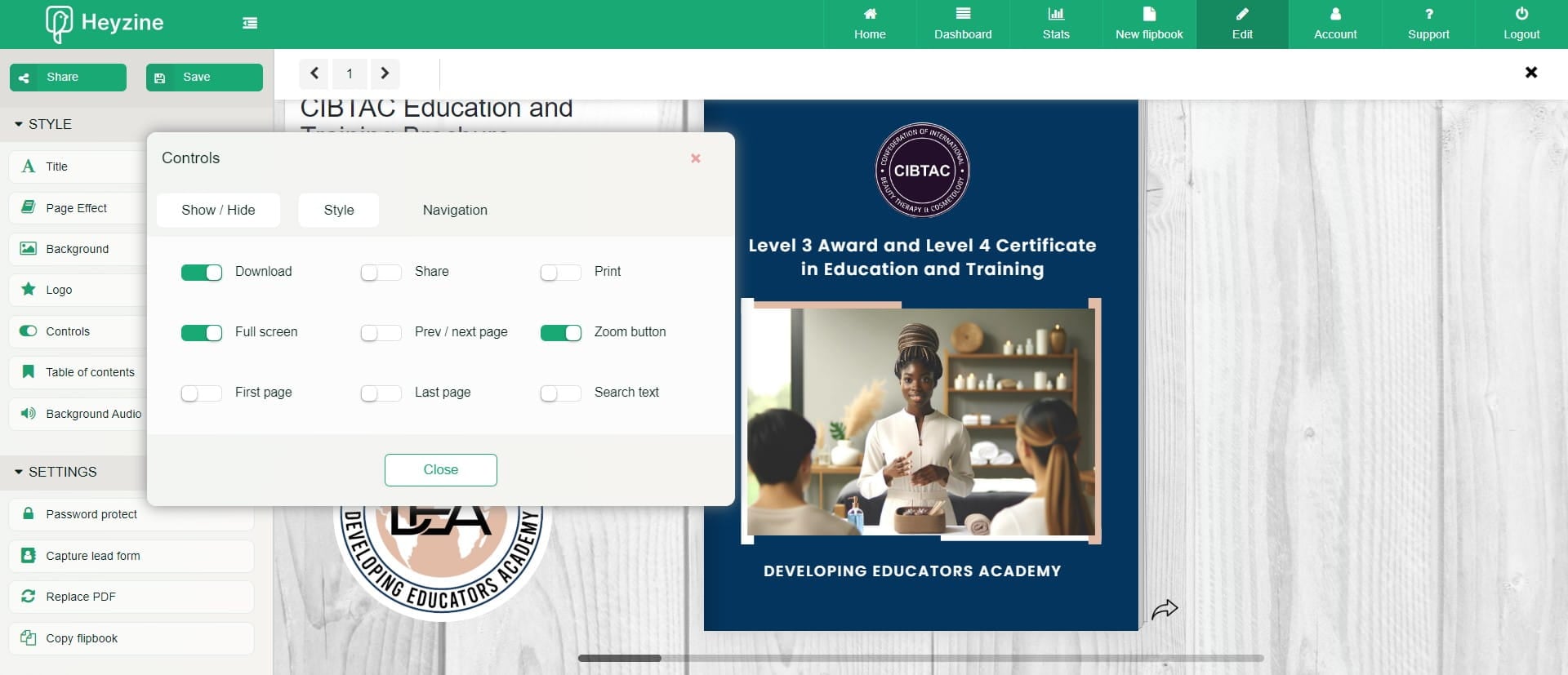
Click the Style and Controls: Show/Hide
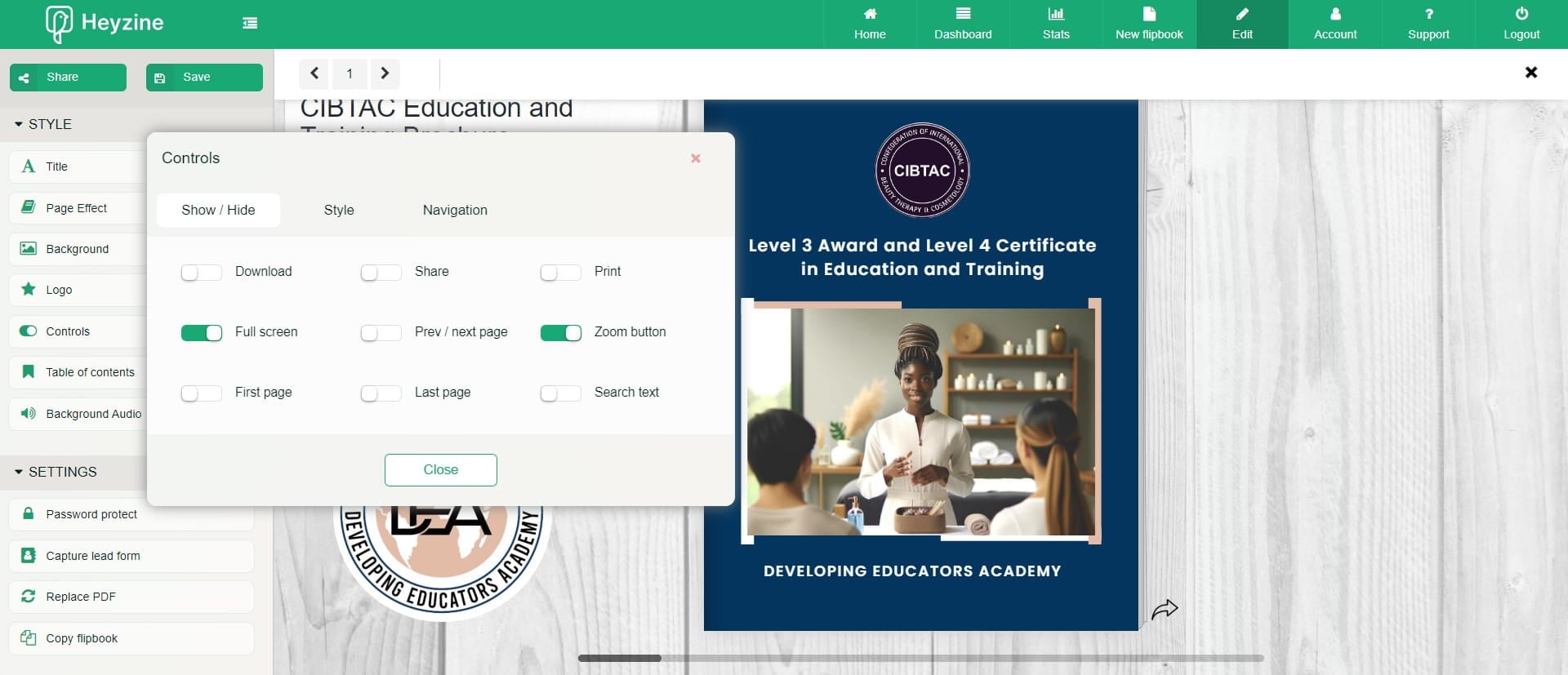
Select your Controls
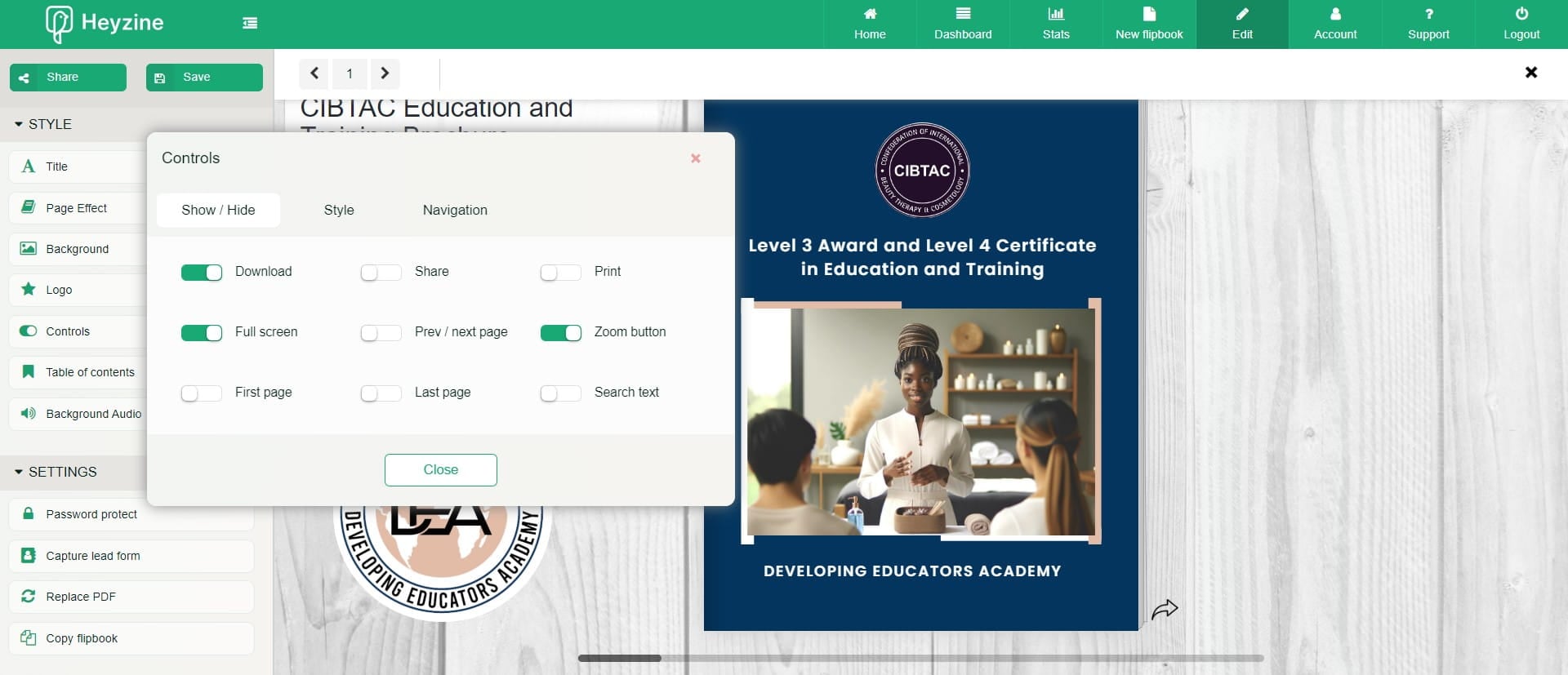
Click on "First"
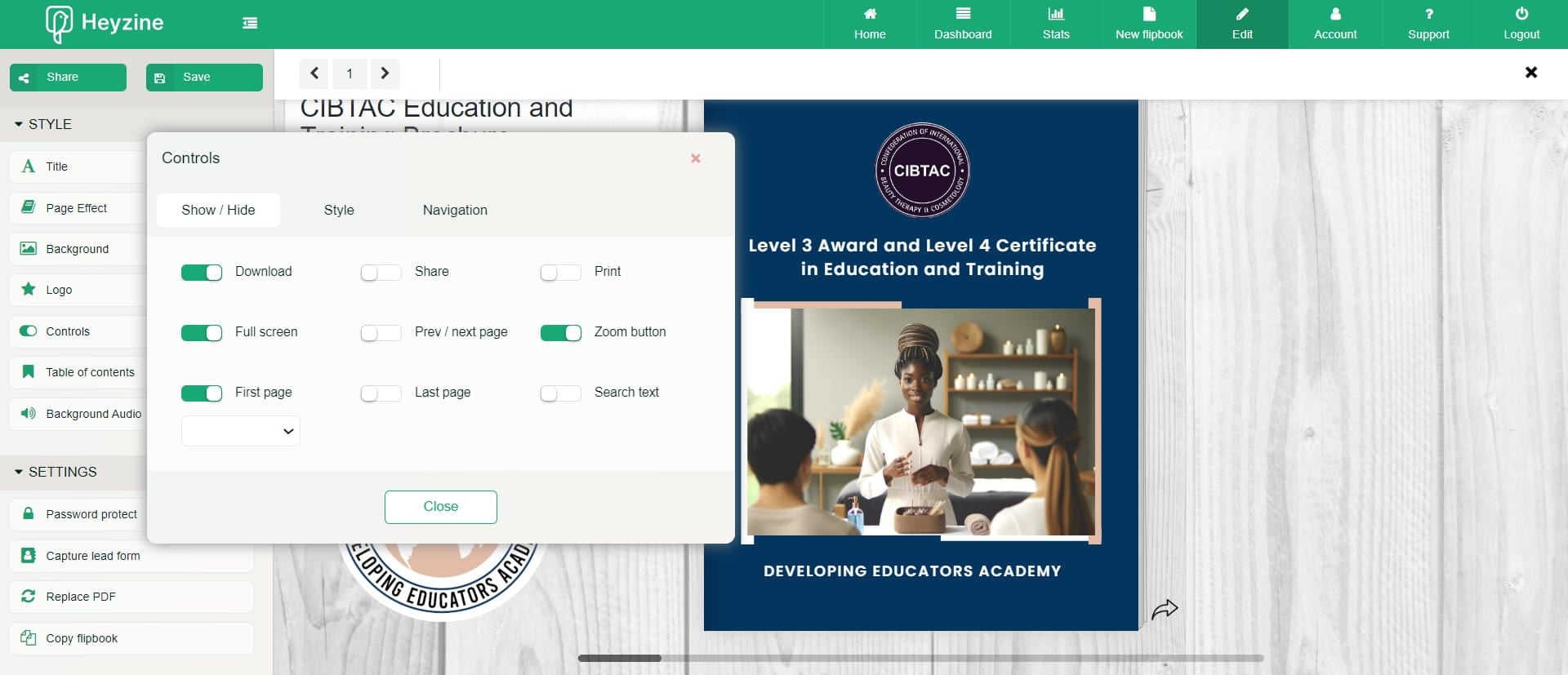
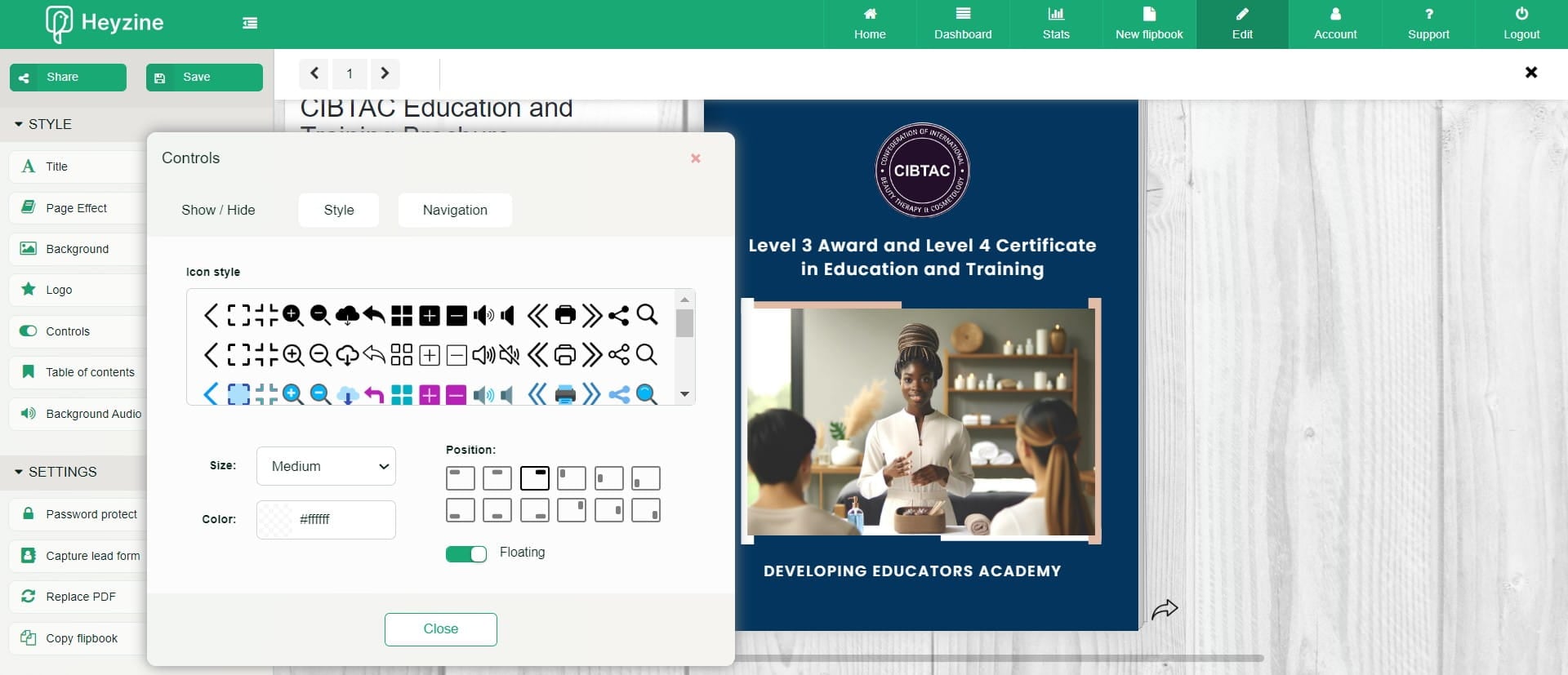
Click on "Style"
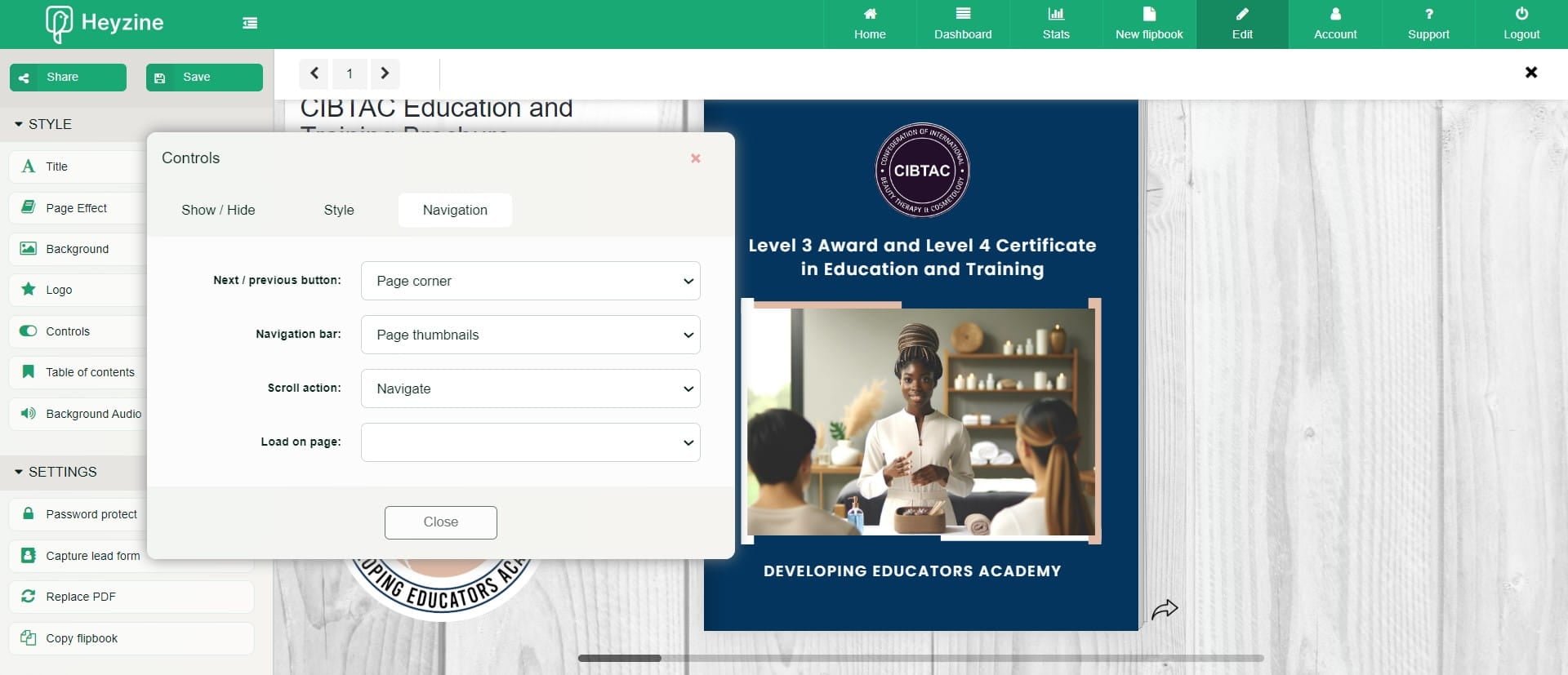
Click on "Navigation"
Click on "Close"
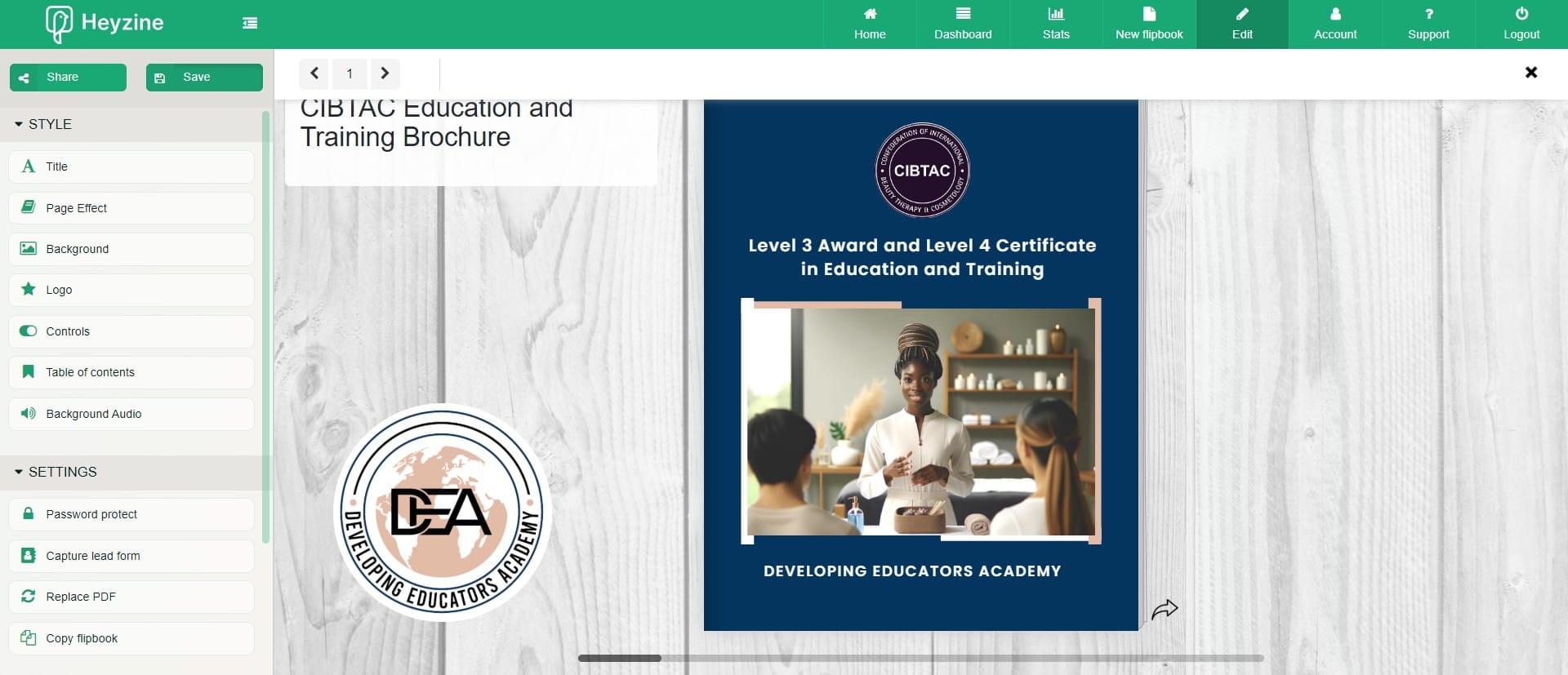
Click 'Save'
Click 'Share'
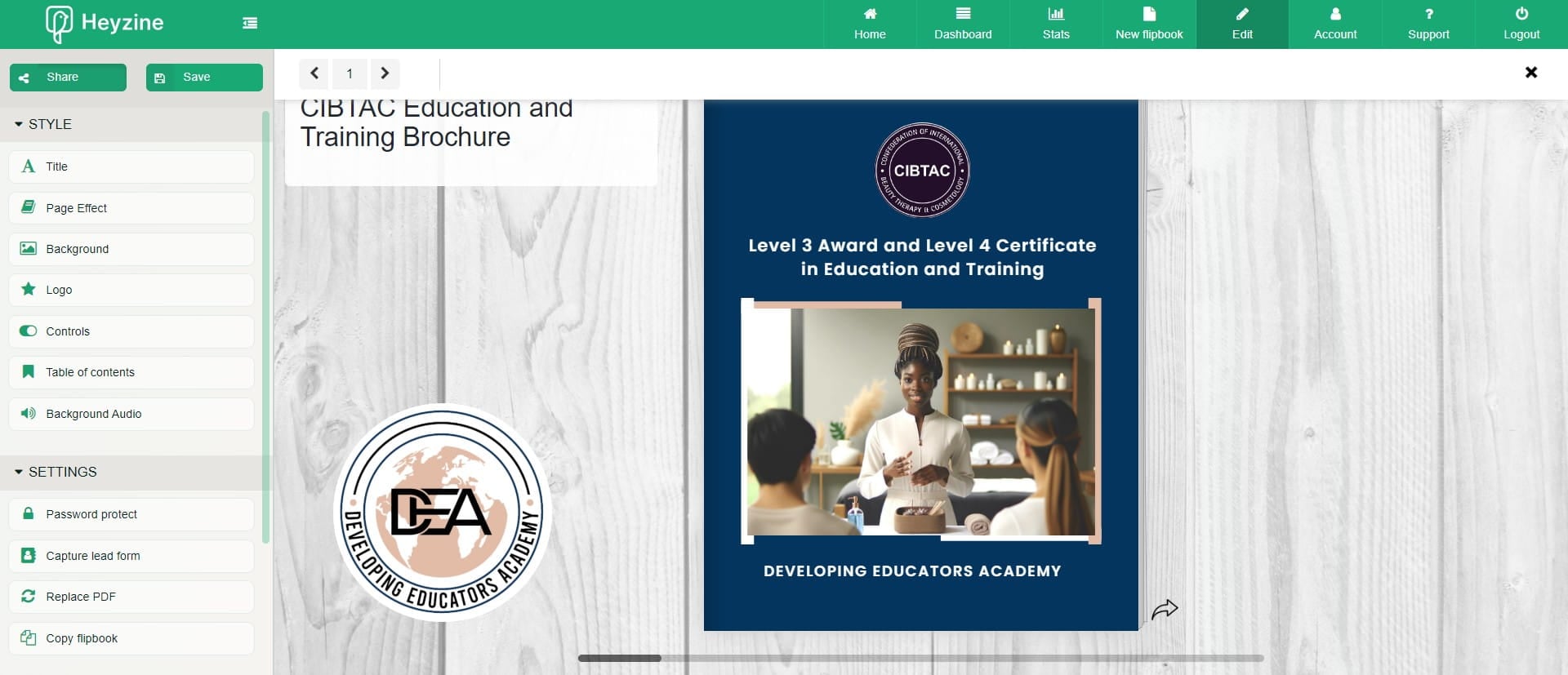
Copy your preferred share option and then "Close"
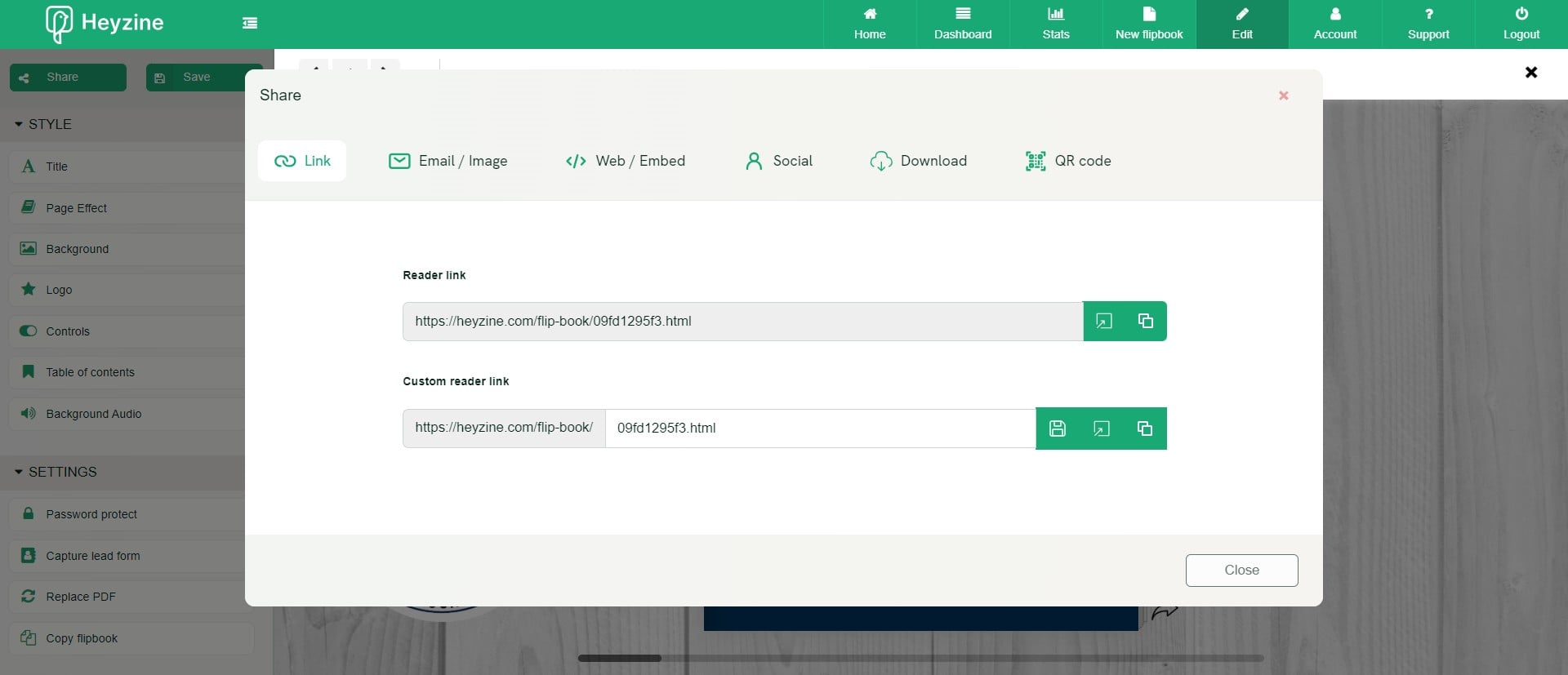
Done 🚀