

Updating Webinar UTMs: Part 2 - Uploading Exported Contacts to ActiveCampaign
Before uploading the exported contacts, open the CSV file you received and add titles to the last 5 columns. In order:
Source Medium Campaign Term Content
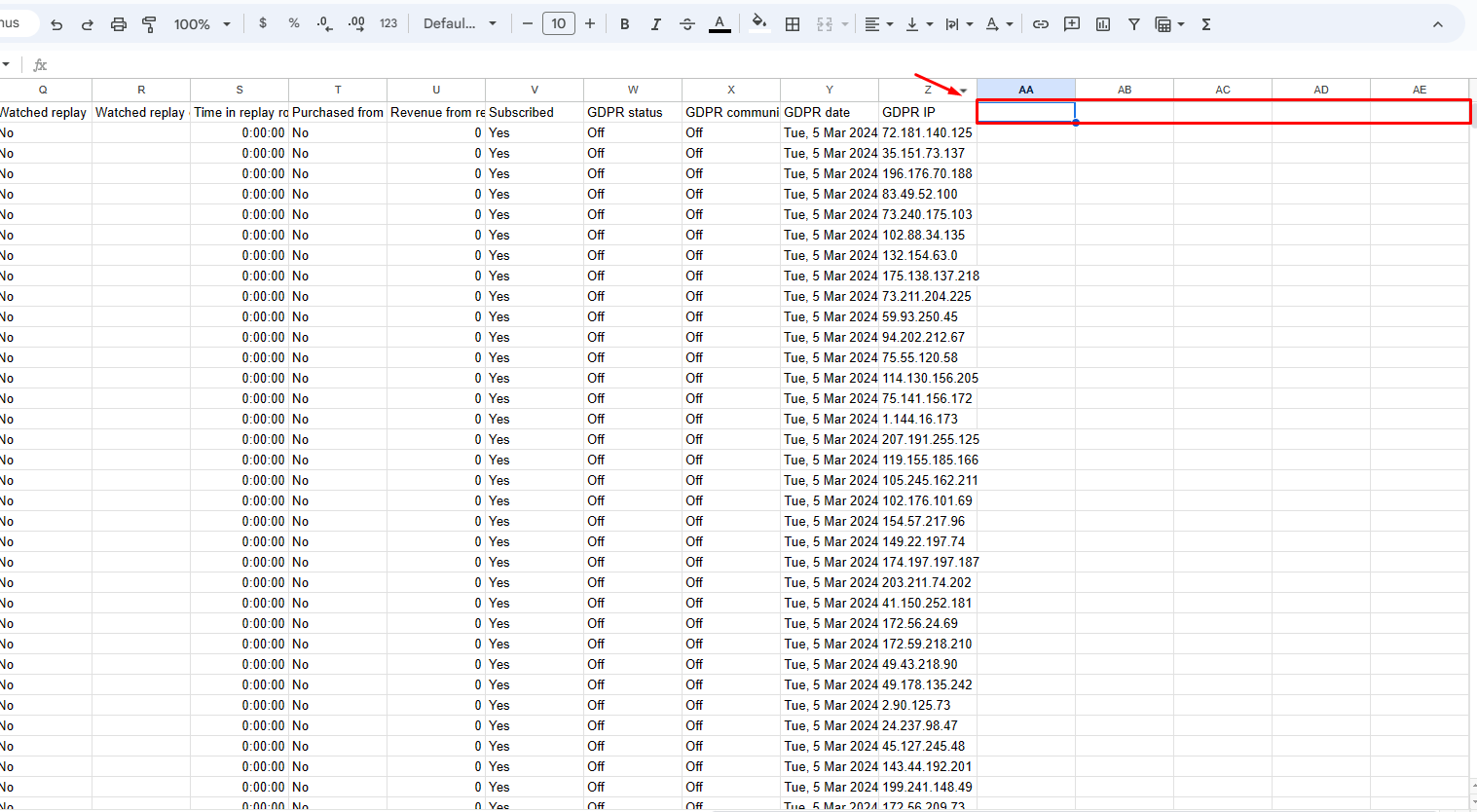
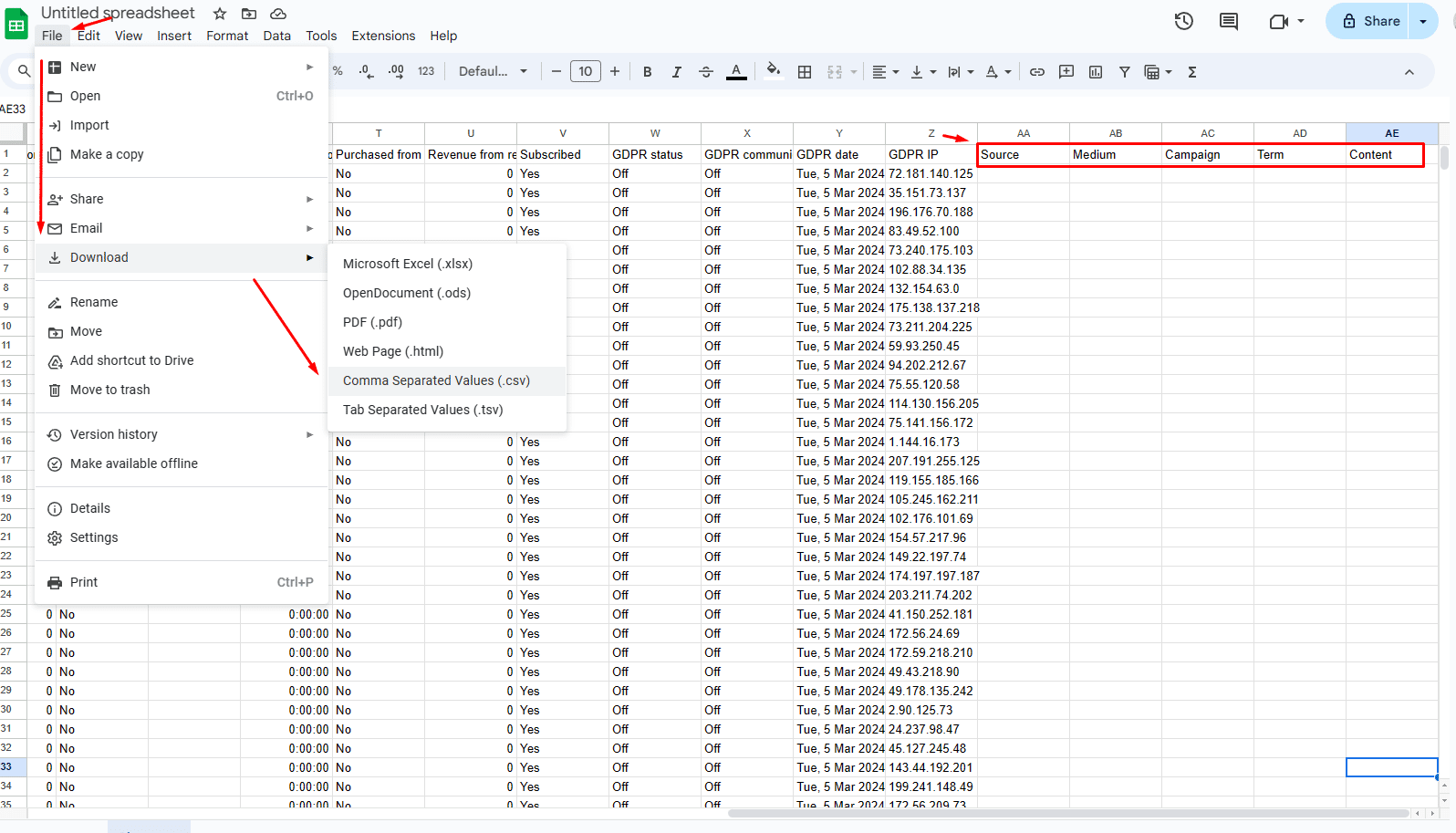
Once the column titles have been added, download the file again as CSV.
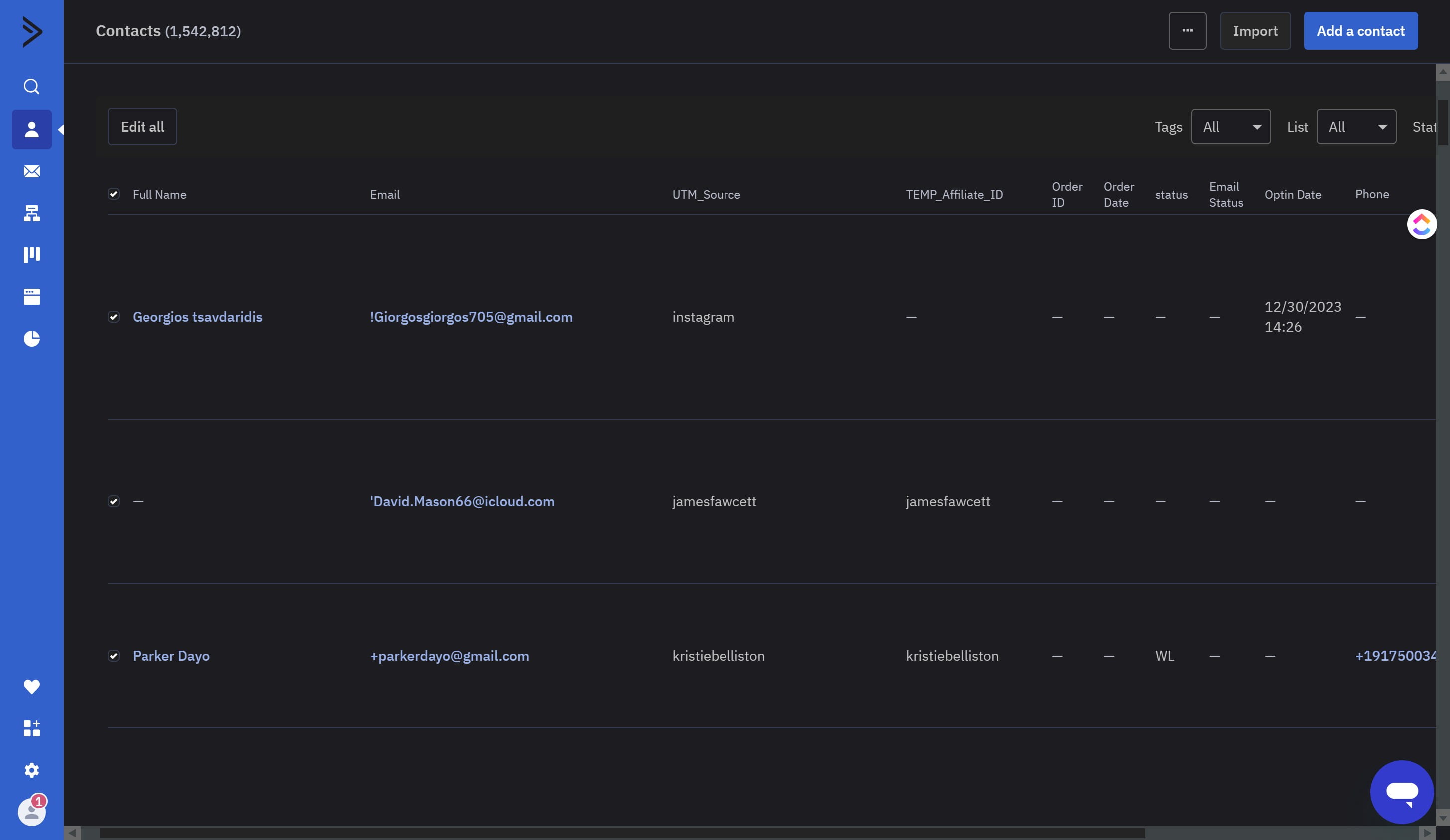
Click on "Import"
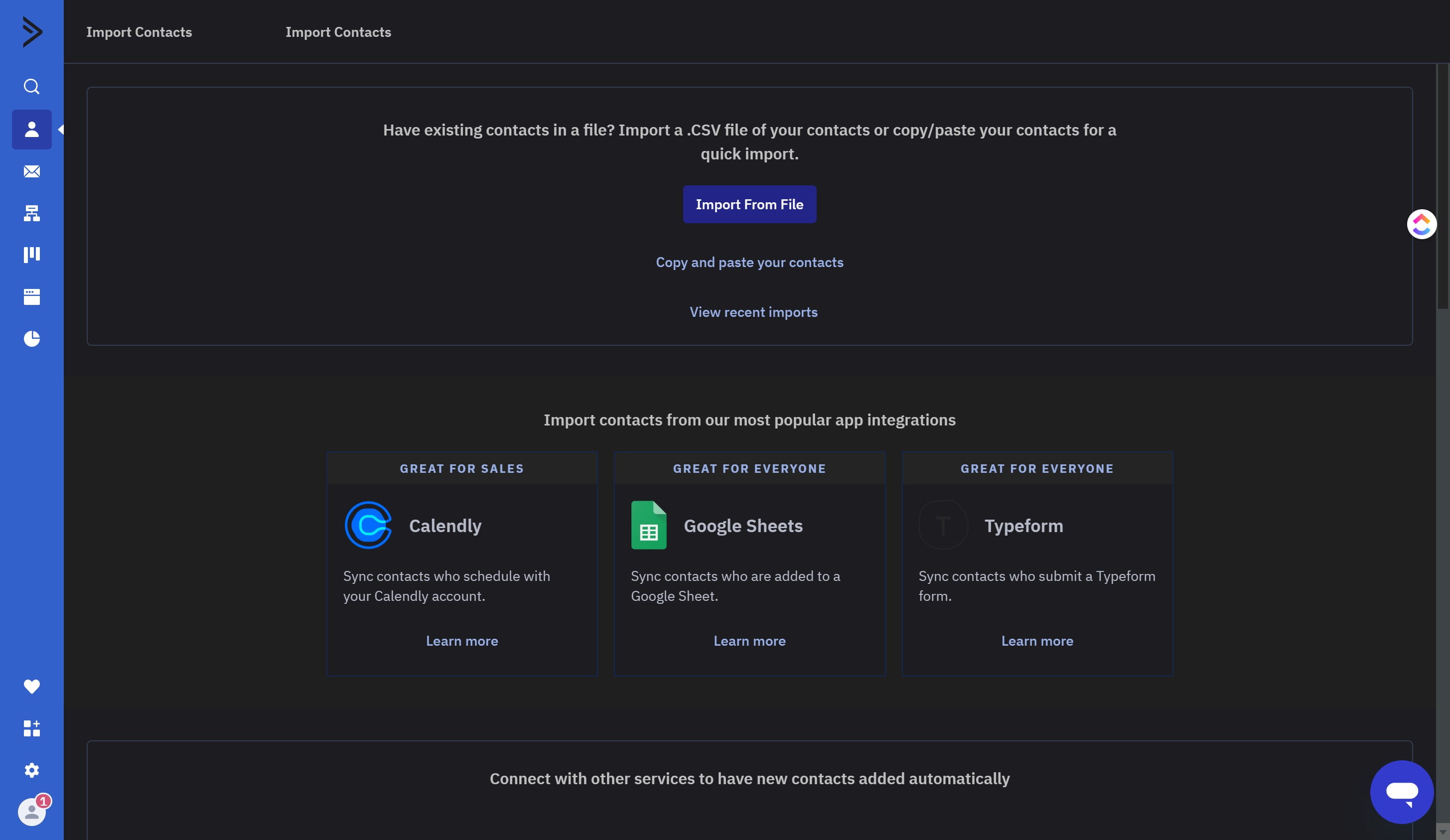
Click on "Import From File"
Select your file to upload
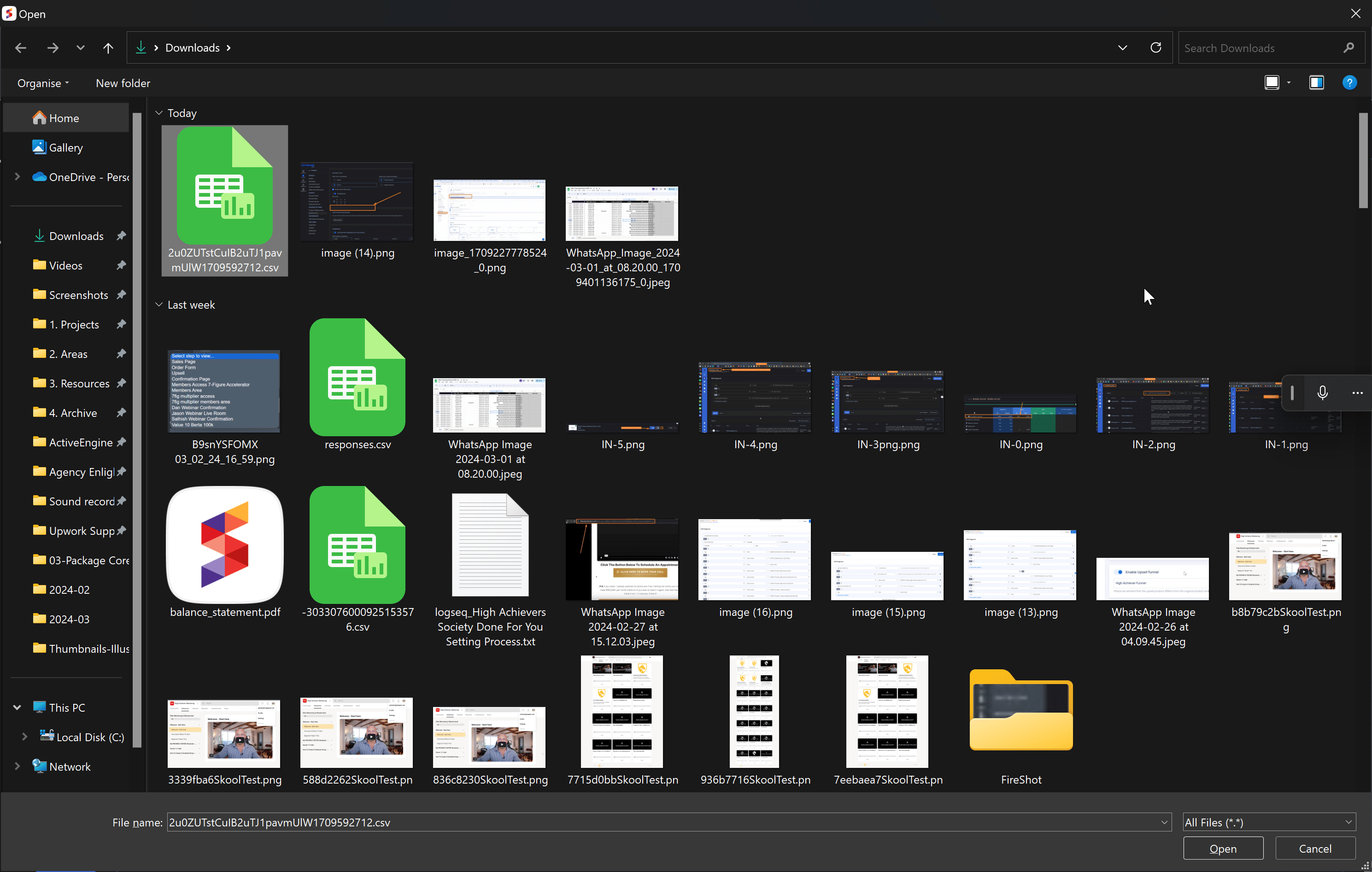
Click on Open
Scroll down to "Source (text)"
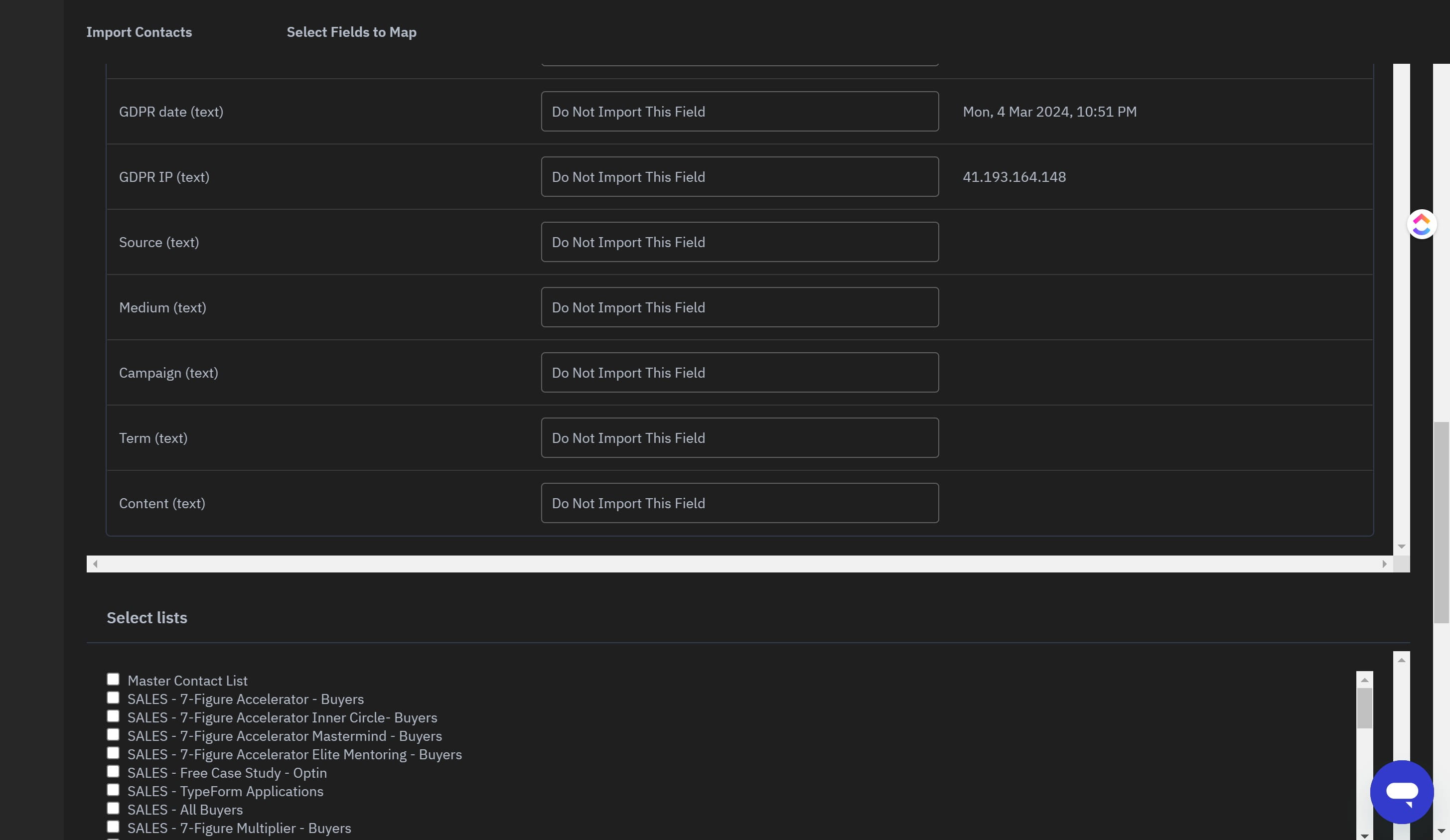
Click on the "Source (text)" field
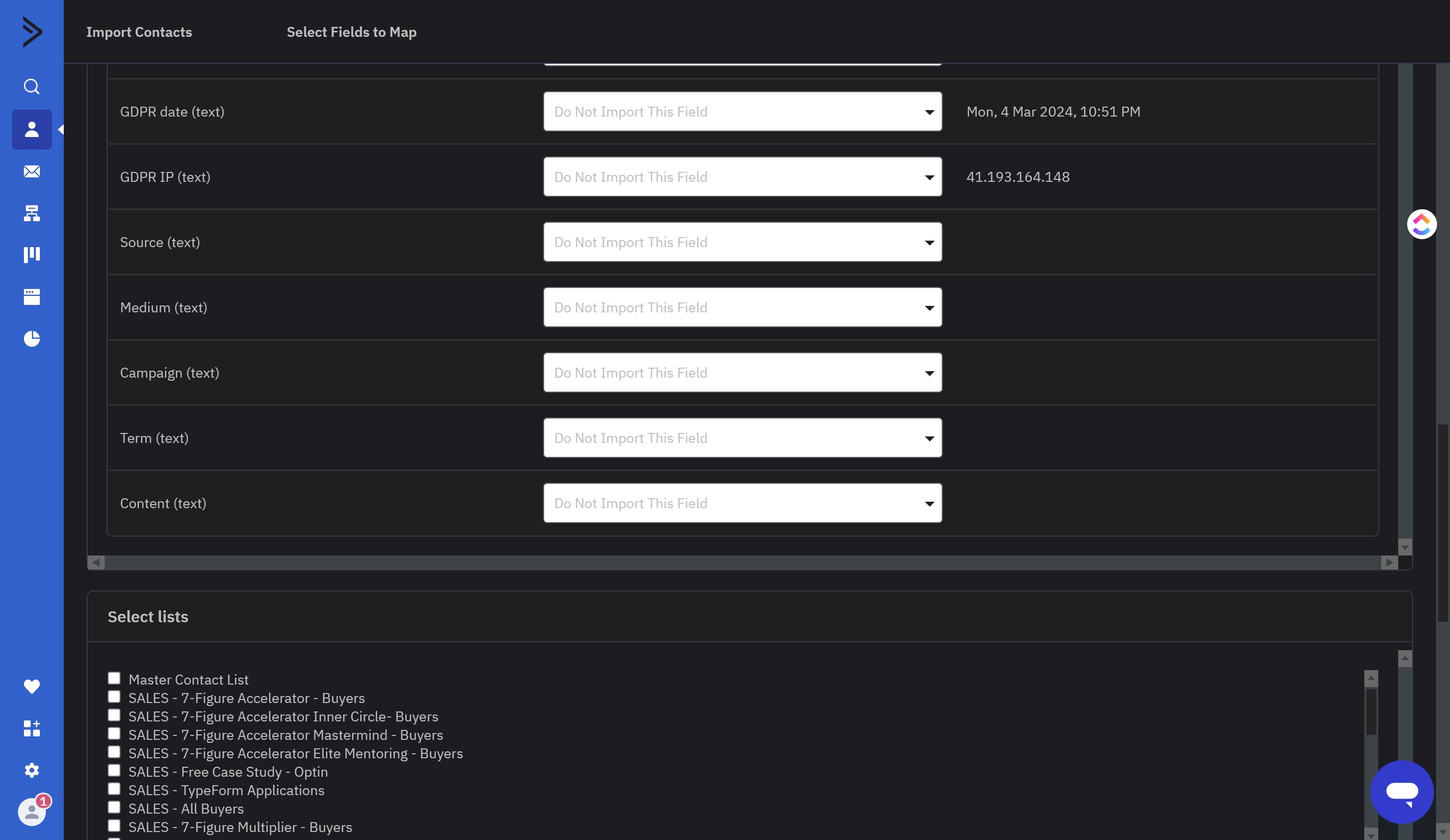
Select TEMP_WEBINAR_UTM_Source
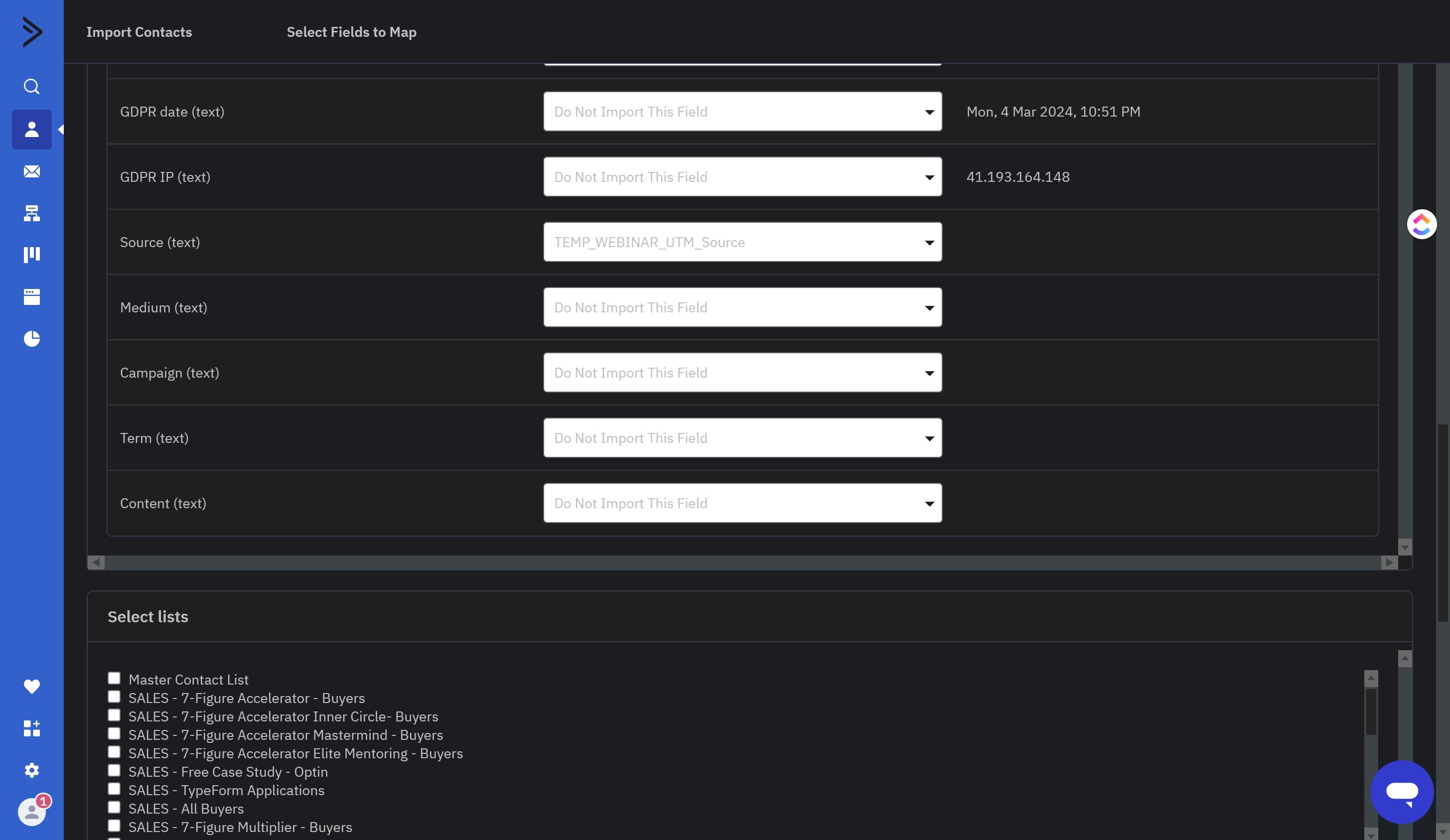
Click on the "Medium (text)" field
Select TEMP_WEBINAR_Medium
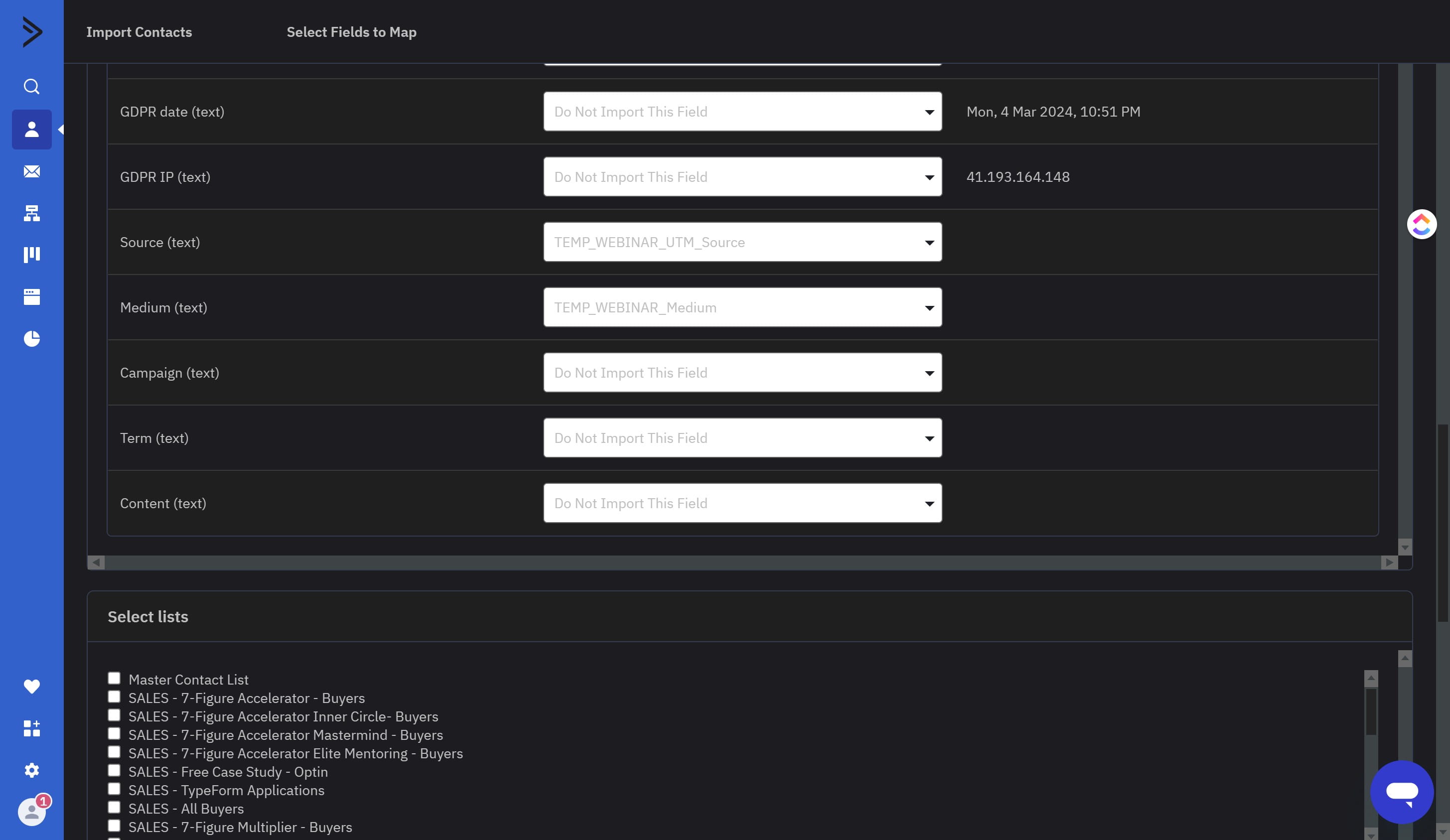
Click on the "Campaign (text)" field
Select TEMP_WEBINAR_Campaign
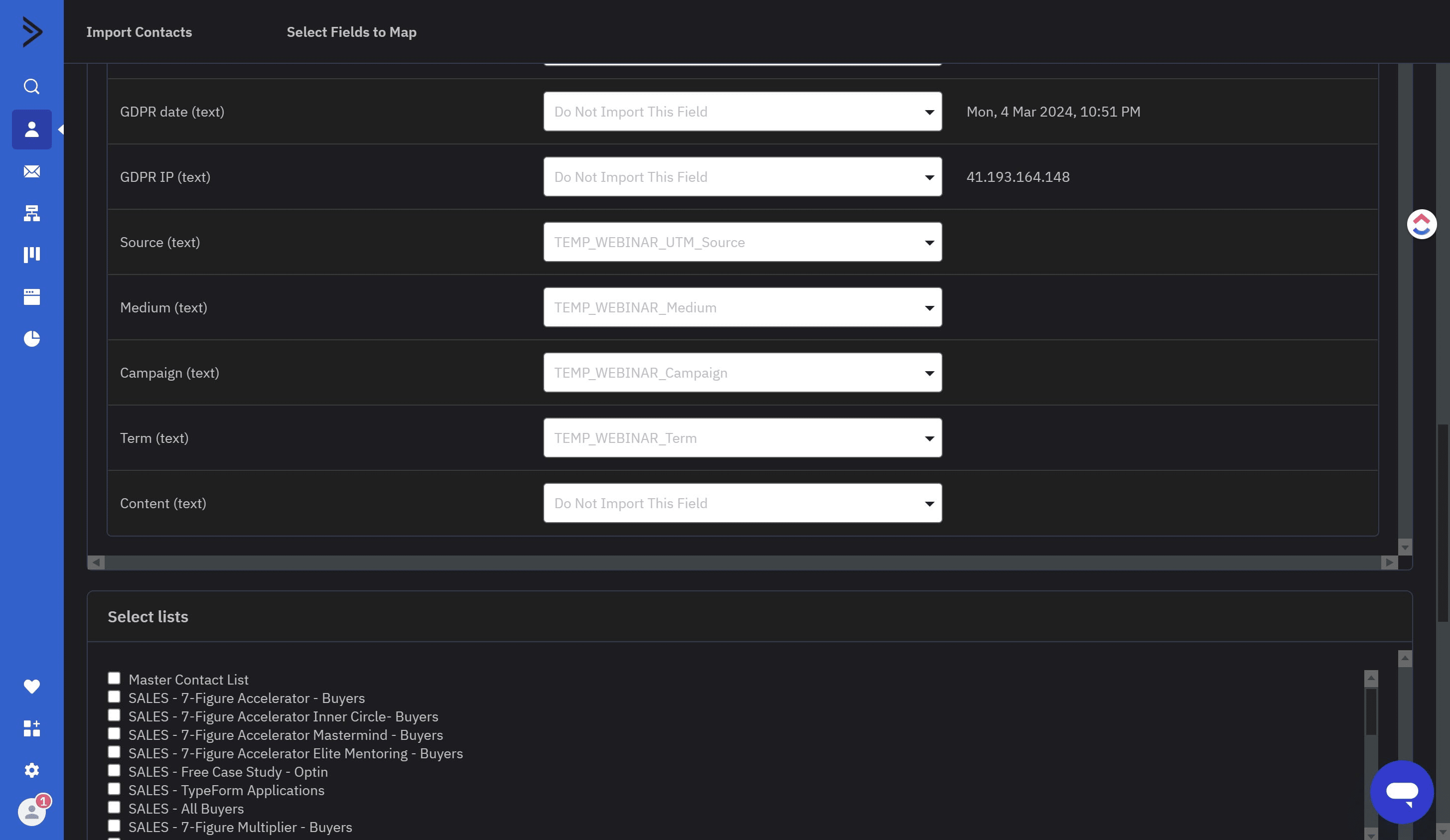
Click on the "Term (text)" field
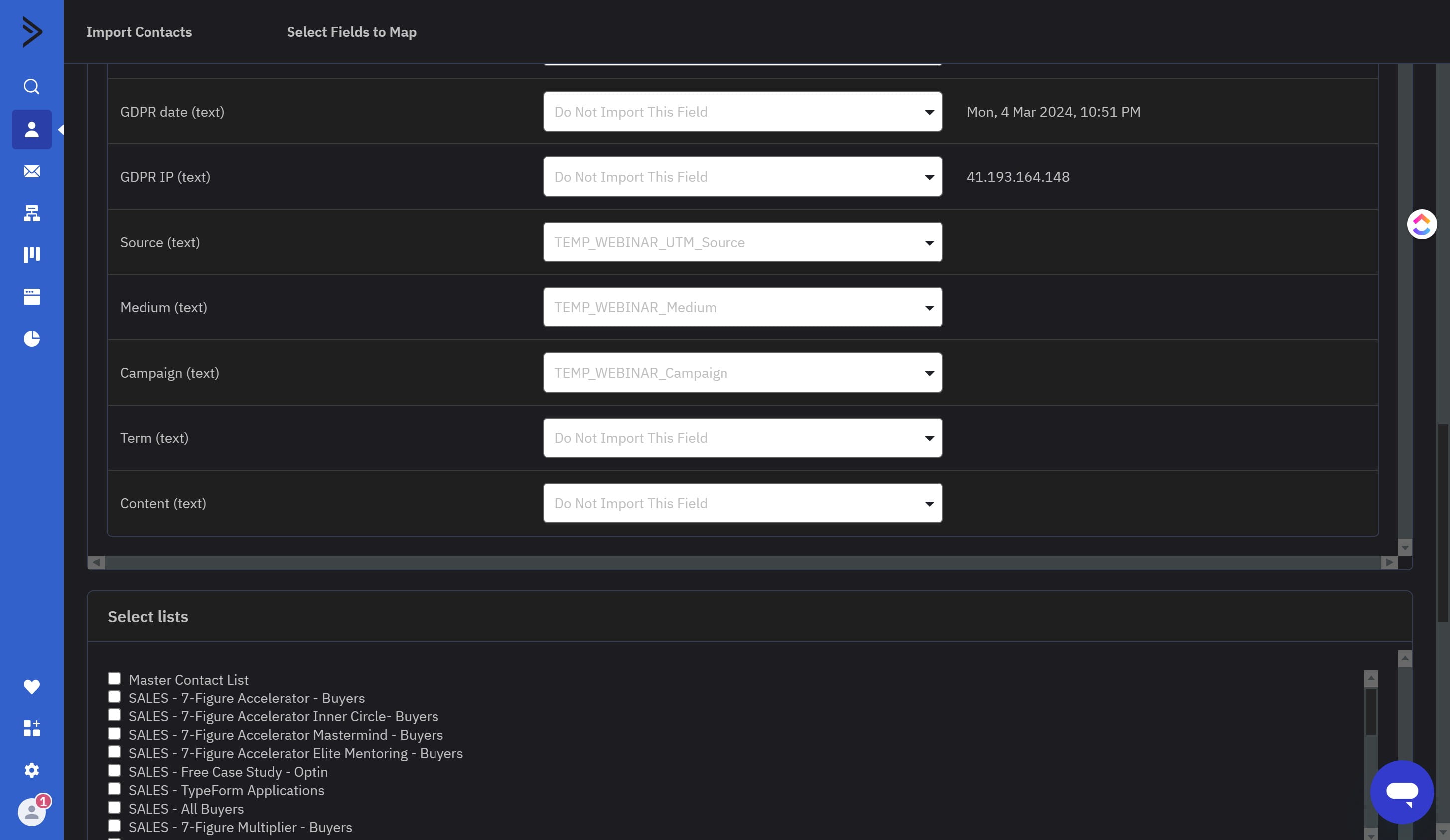
Select TEMP_WEBINAR_Term
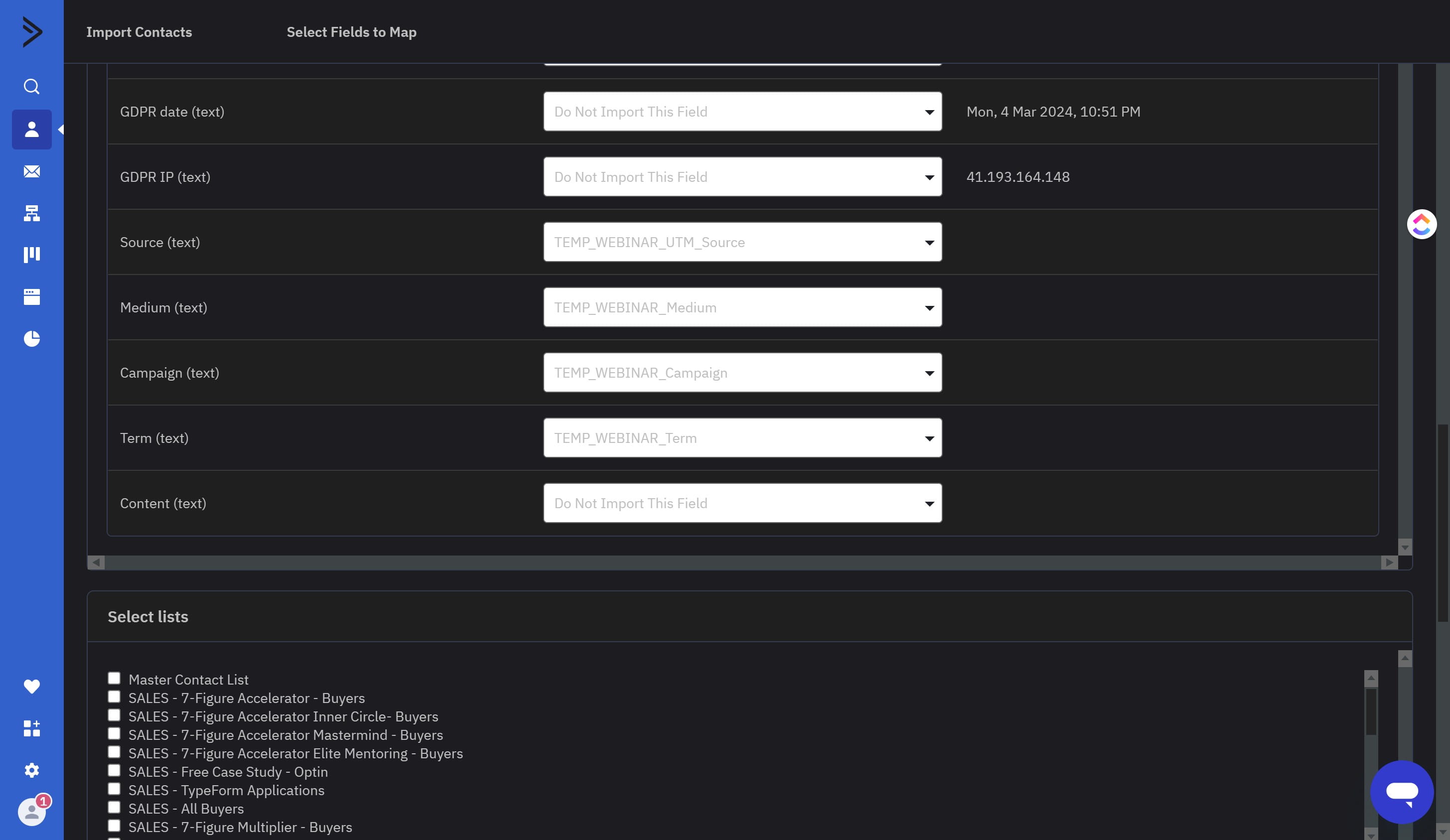
Click on the "Content (text)" field
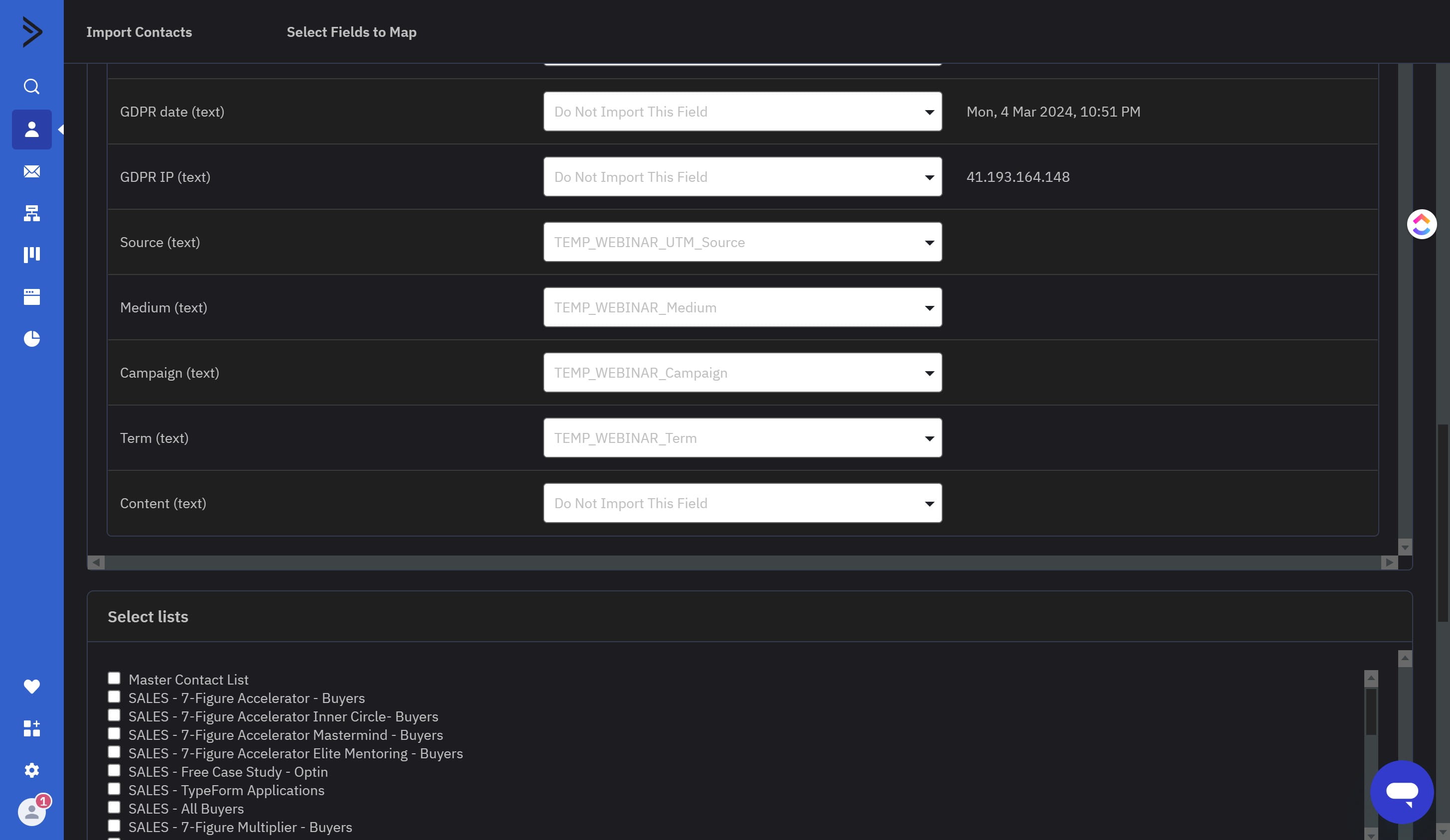
Select TEMP_WEBINAR_Content
Scroll to the Add Tags area and click here
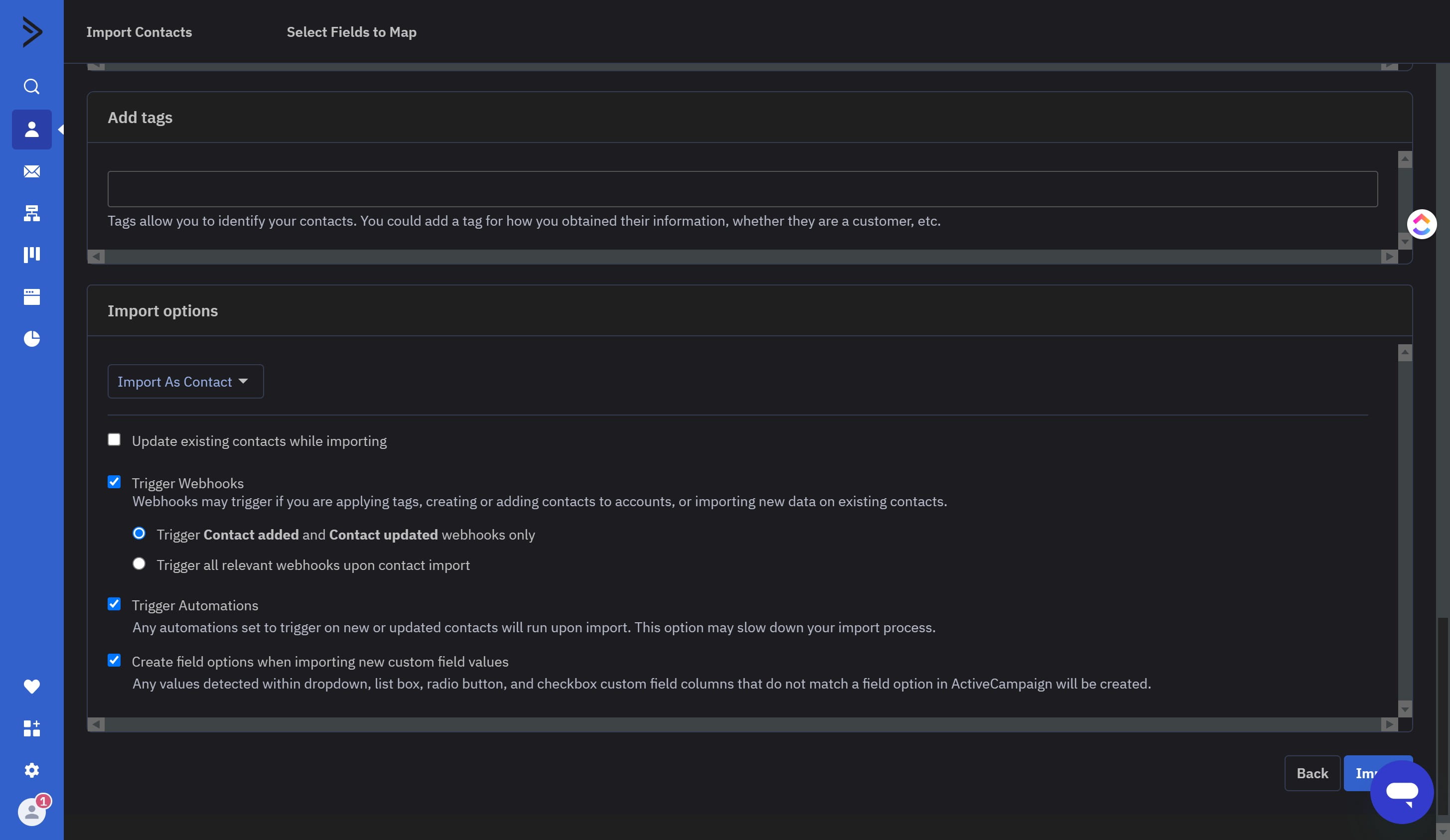
Paste in "[TRIGGER] EverWebinar Imports: UTM Updates" and click it when it appears
![Paste in "[TRIGGER] EverWebinar Imports: UTM Updates" and click it when it appears](https://assets.guidejar.com/uploads/74366553-4274-43c1-b07d-fffab88bc320/hXrOxAg6ppTqTEzs4I6Iq30n6Nl2/97fc0f9c-19b5-4c2f-8b0a-2a59ceb6f149/1709598932200.jpeg)
Paste in "[Import] Webinar Opt-in Manual Import" and click it when it appears
![Paste in "[Import] Webinar Opt-in Manual Import" and click it when it appears](https://assets.guidejar.com/uploads/74366553-4274-43c1-b07d-fffab88bc320/XCK2FtARlFemop8ephPGUdhuO8j2/cda691f5-0e57-486e-9eb5-b31b255d2752/1711091060405.jpeg)
Once selected it should look like this
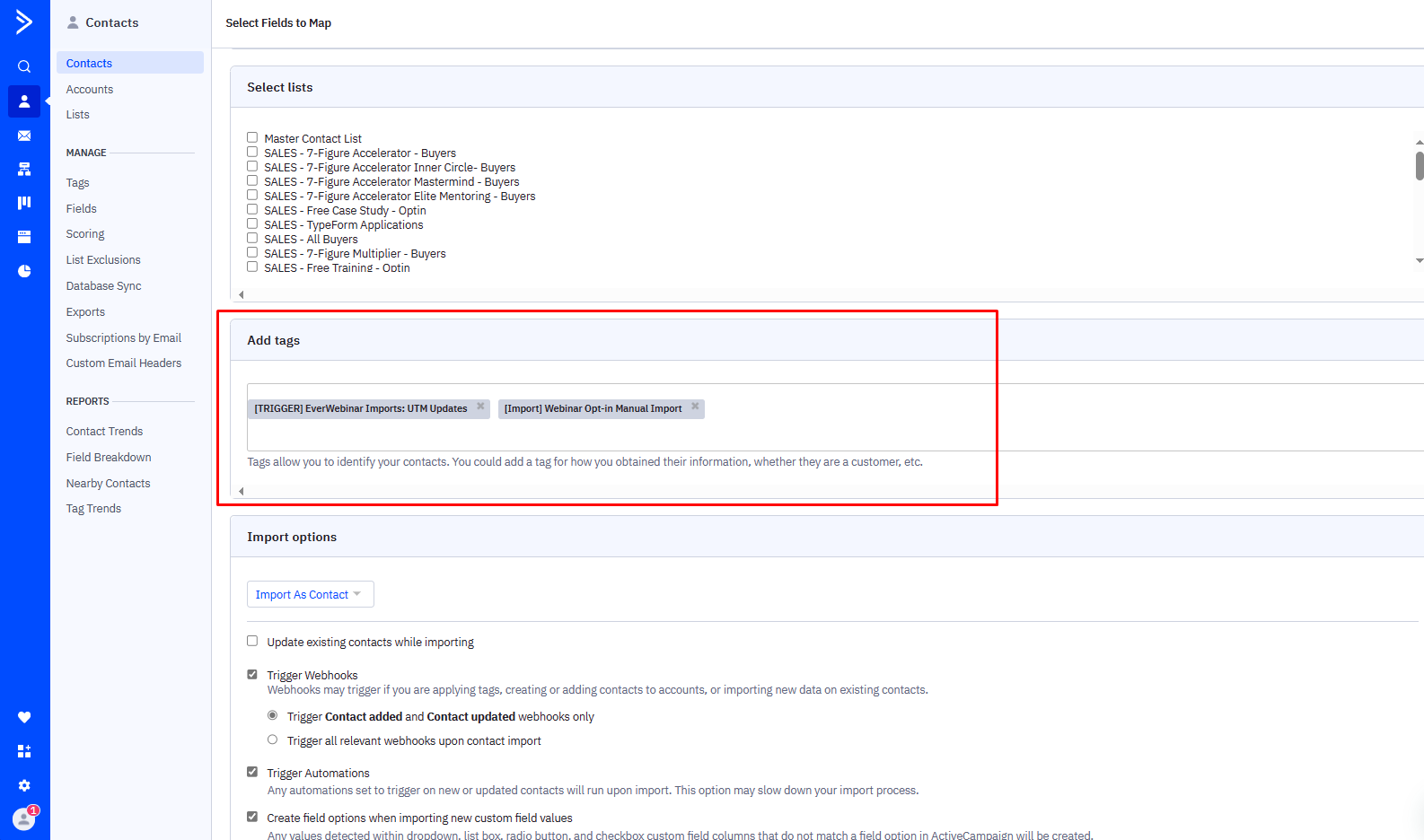
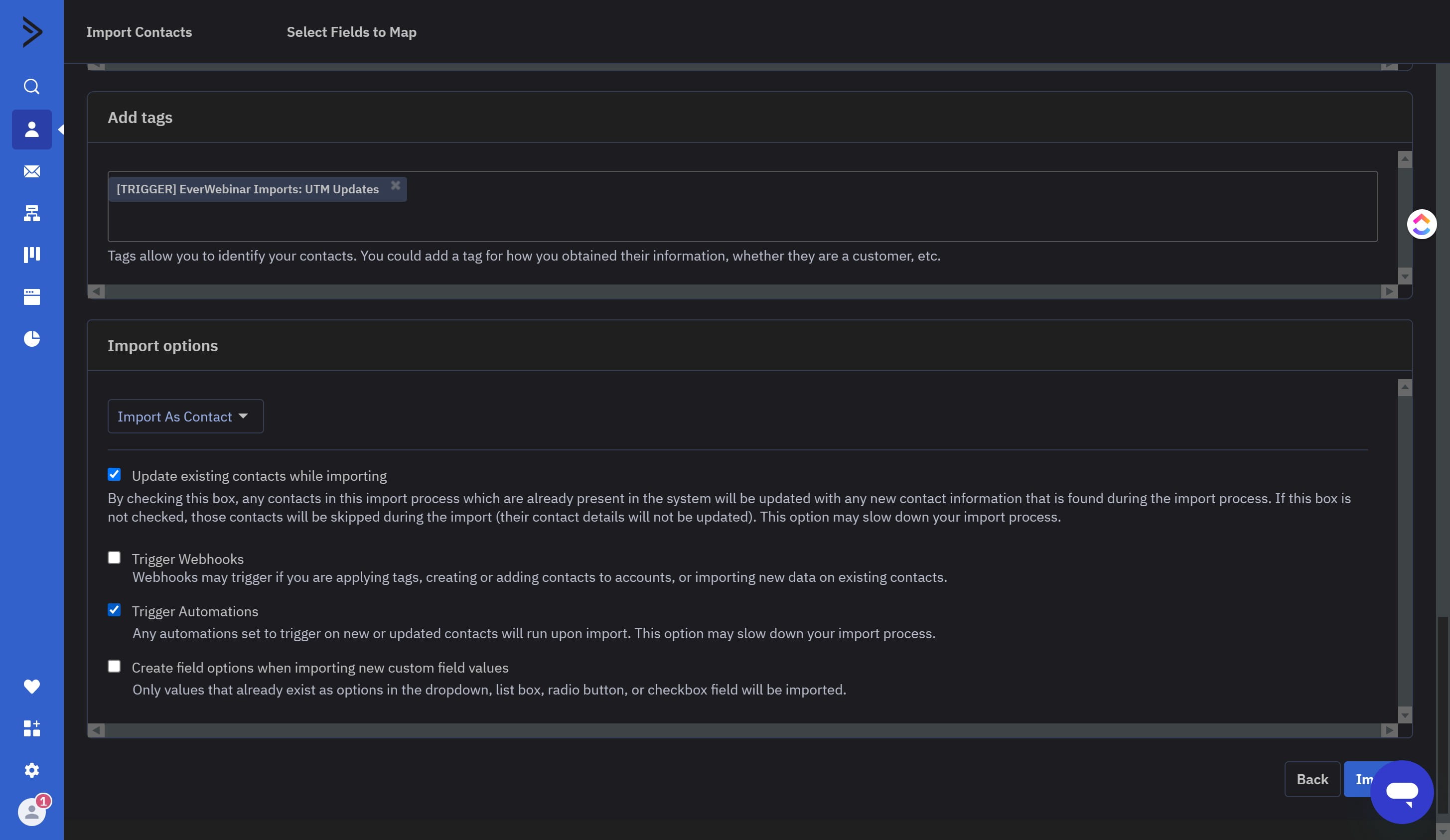
Click here to check the "Update Existing contacts while importing" box ✅
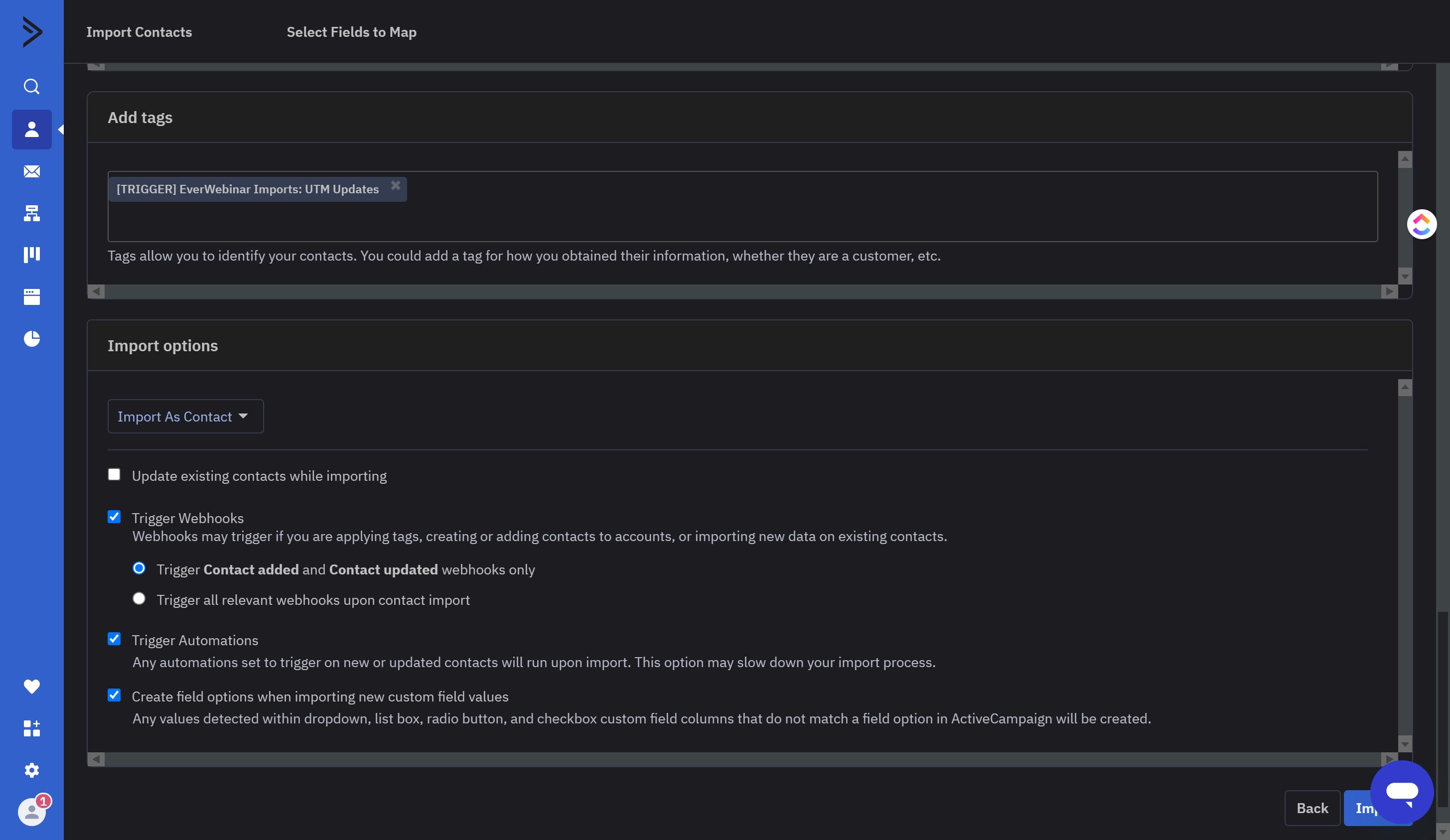
Uncheck the "Trigger Webhooks" box ❌
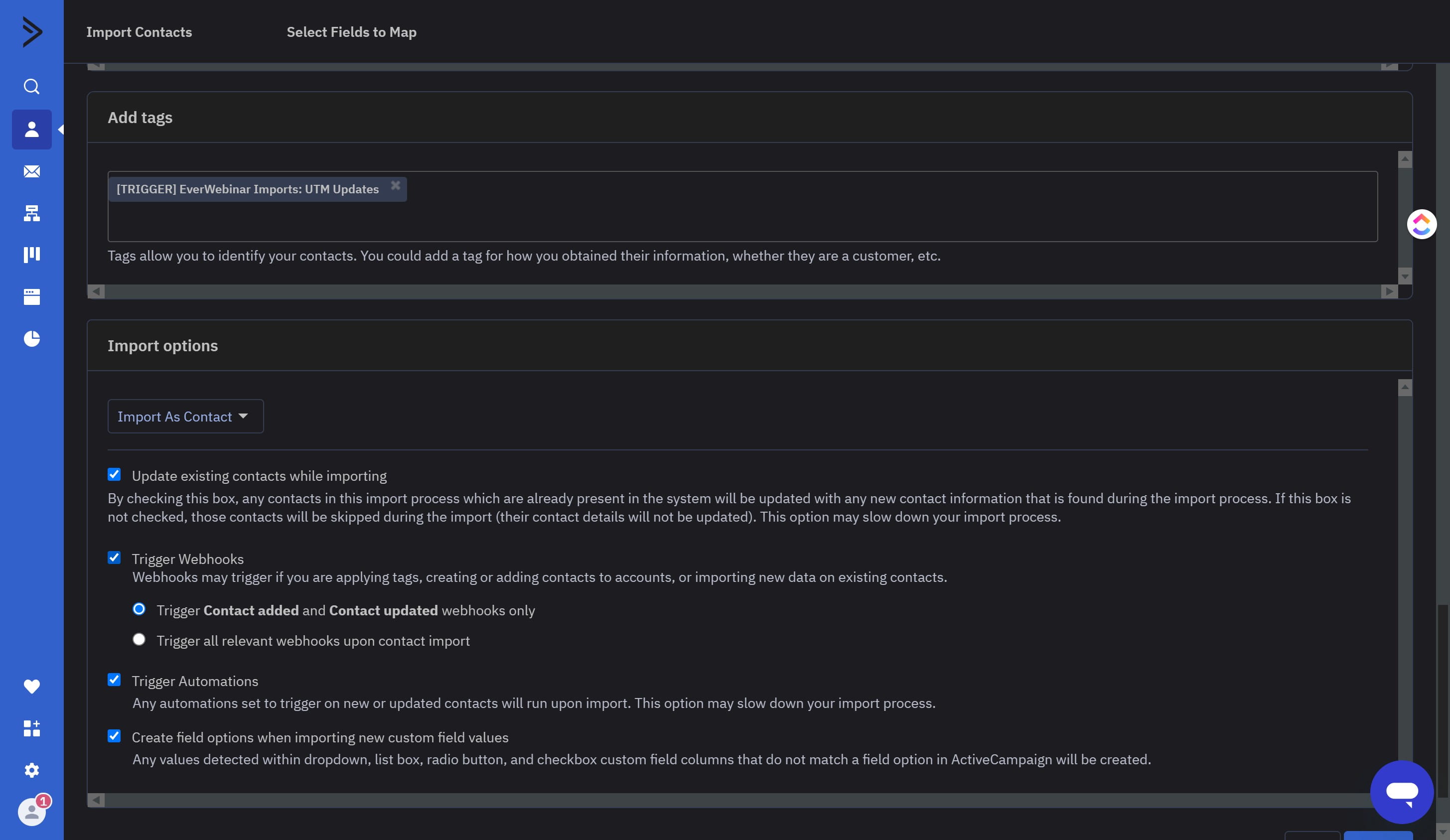
Uncheck the "Create Field options when importing new custom field values" box ❌
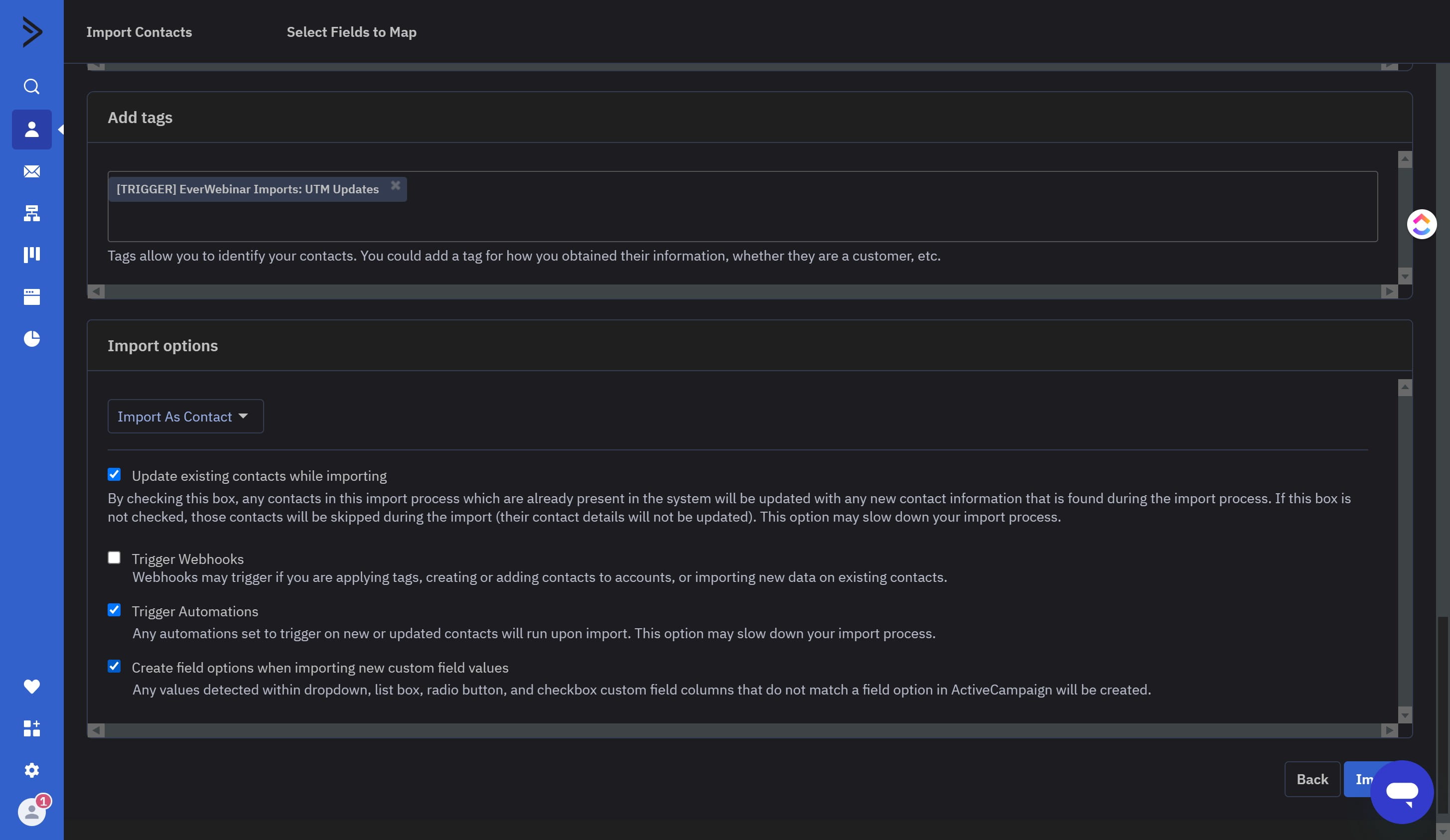
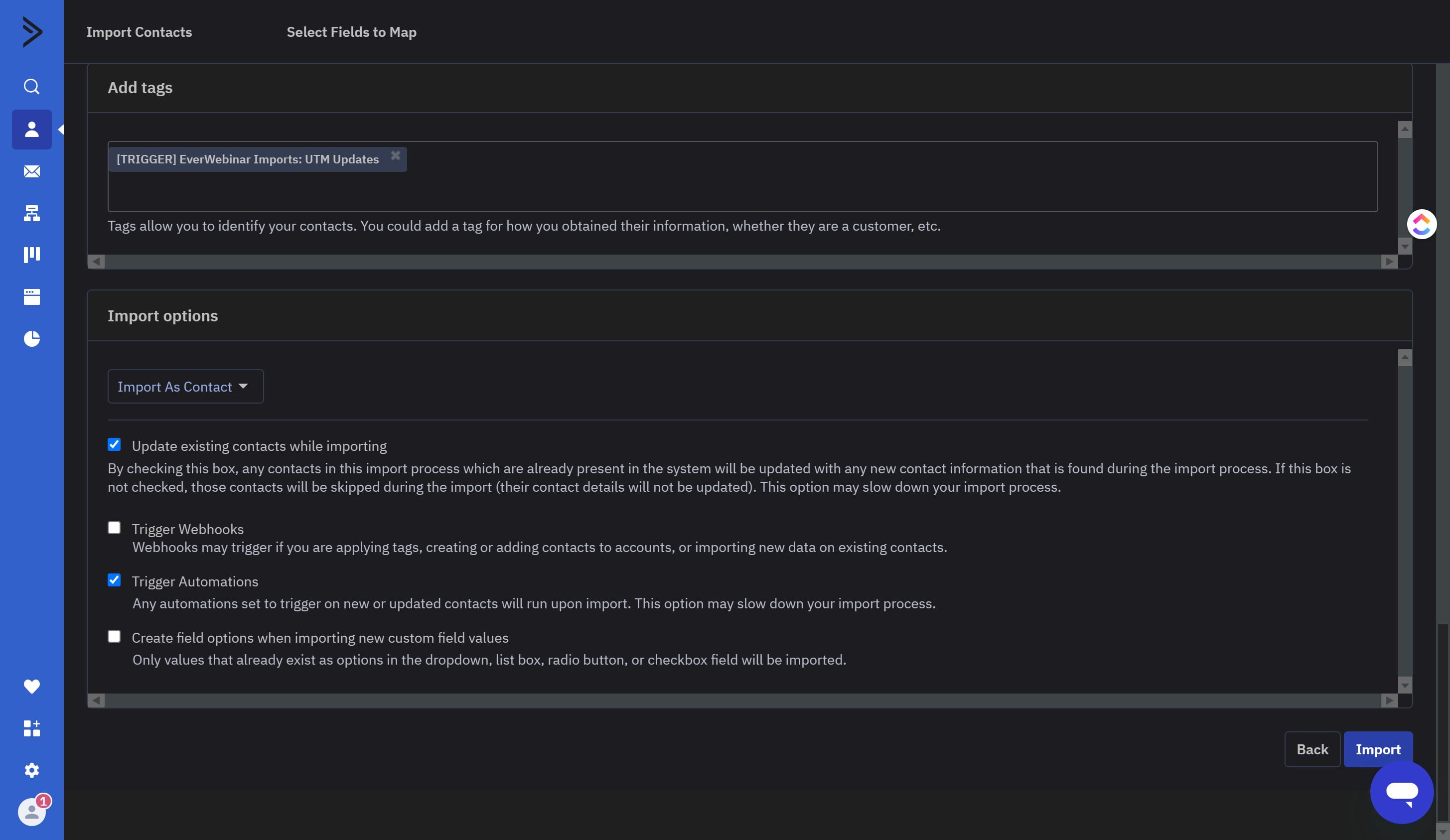
Make sure the "Trigger Automations" box is checked ✅
Click on "Import"
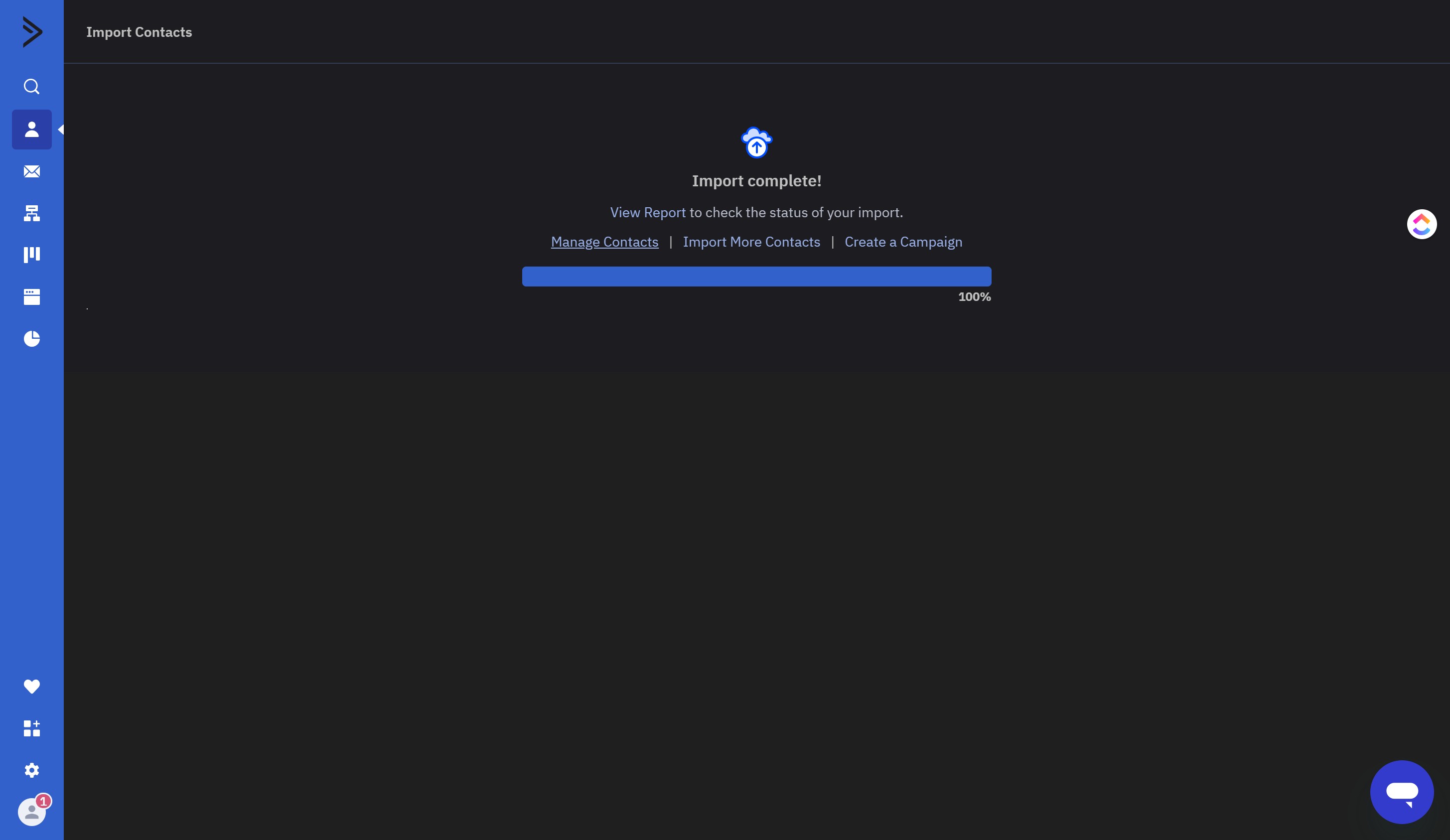
Wait until you see "Import Complete!"
Do this import for HAS DFY Webclass, HAS DFY Webclass Dan! and Francis HAS DFY Webclass, then you're Done 🚀