

How to pay LIC policy premium online directly without login
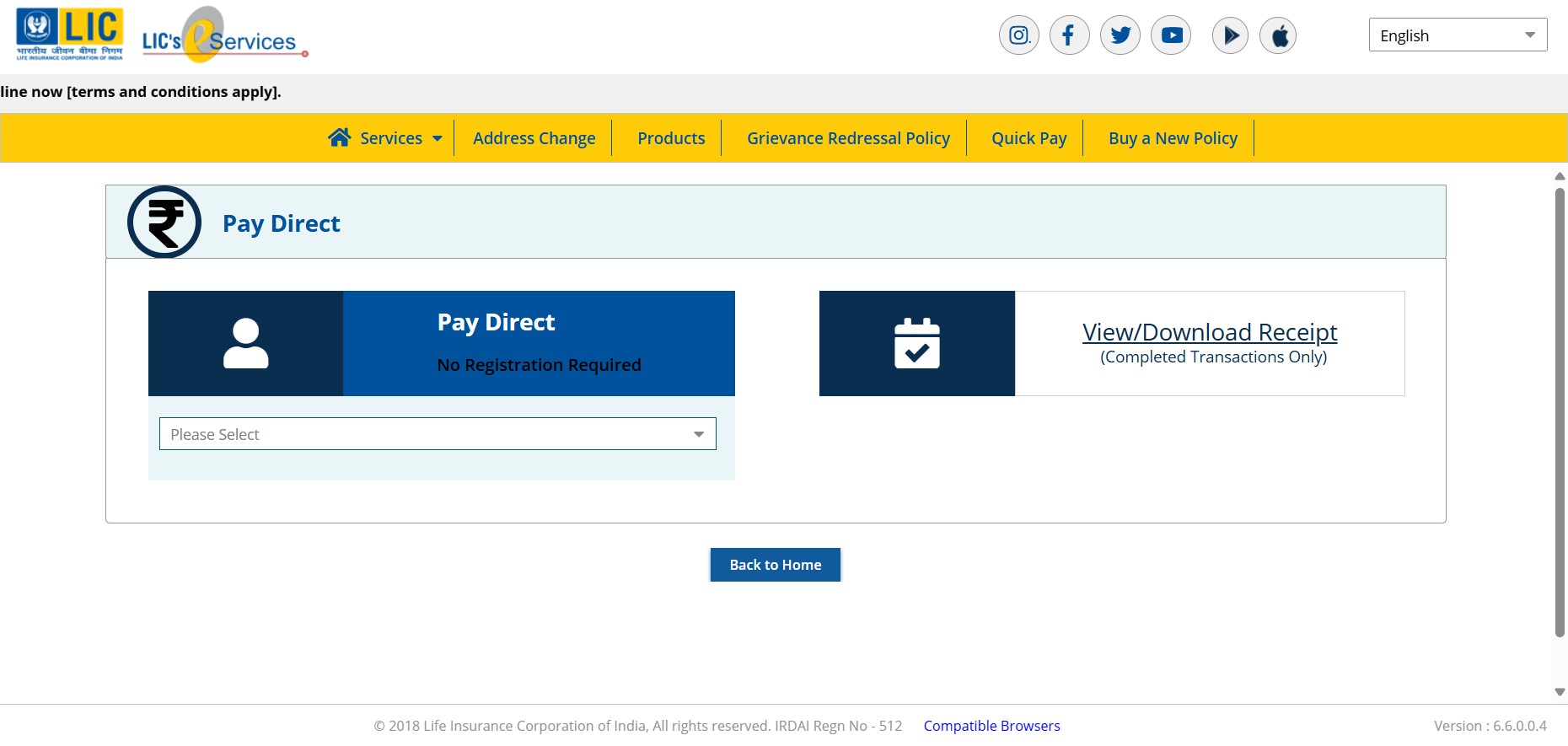
Go to the url address - https://ebiz.licindia.in/D2CPM/#DirectPay
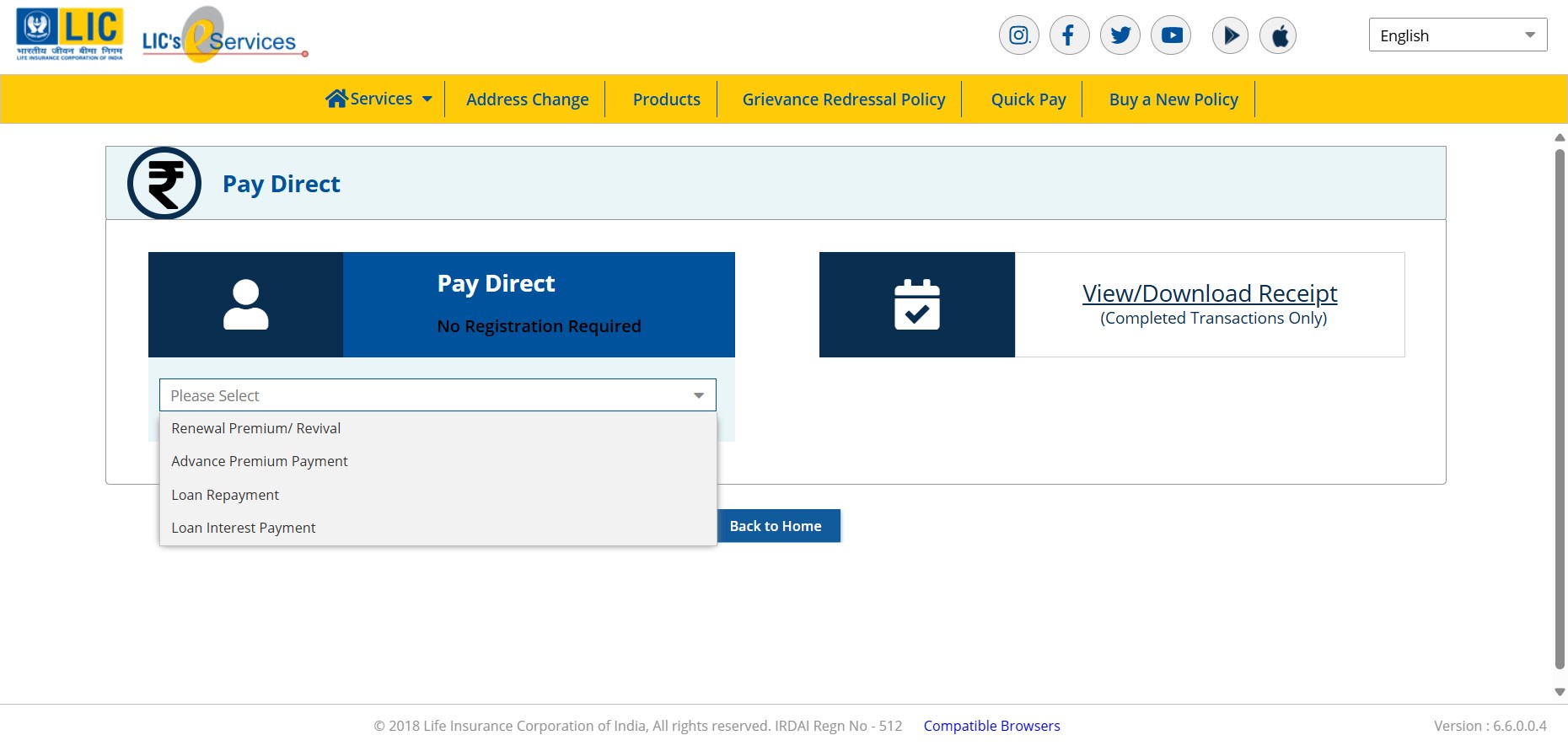
Click on dropdown menu "Please select".

Click on "Renewal Premium/Revival"
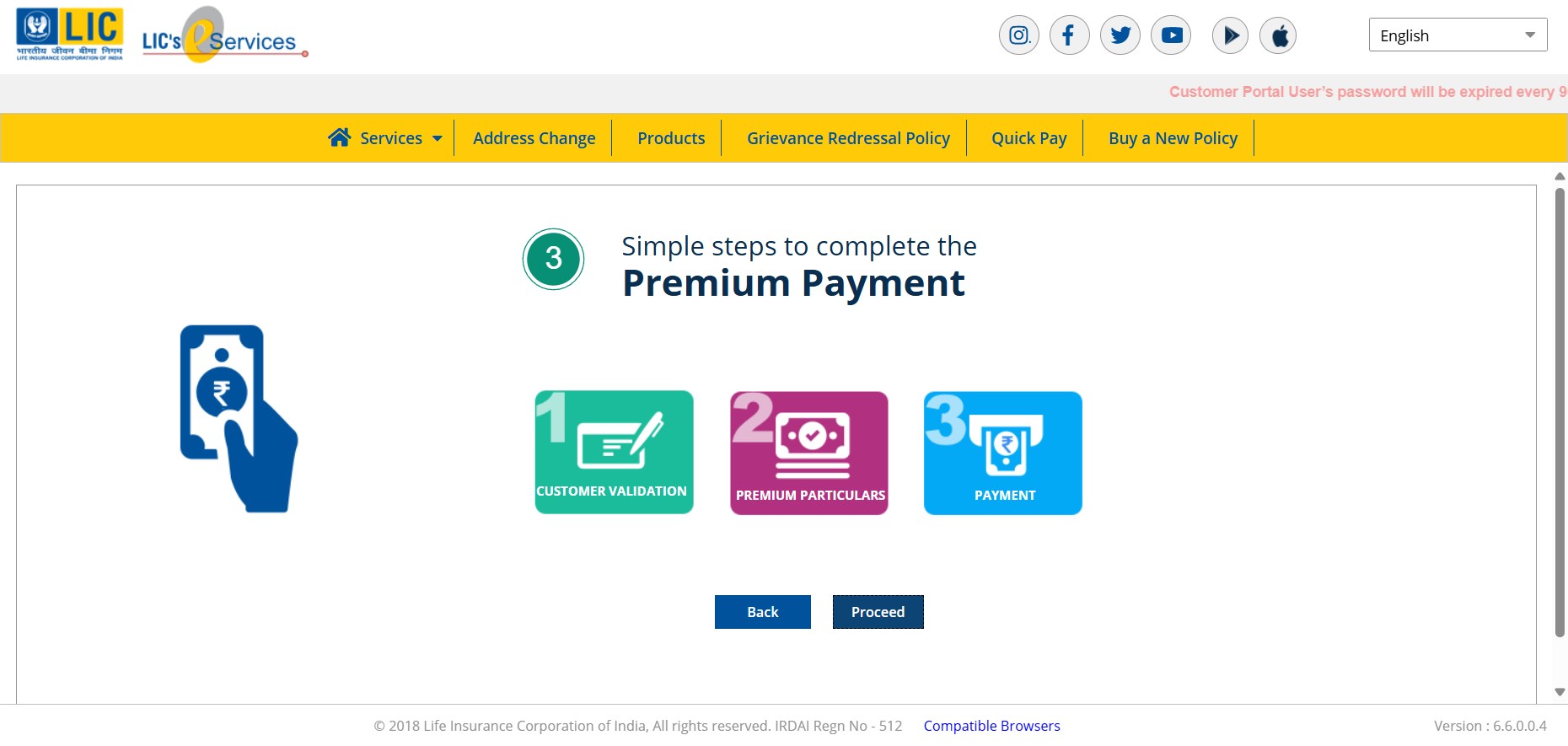
Click on "Proceed"
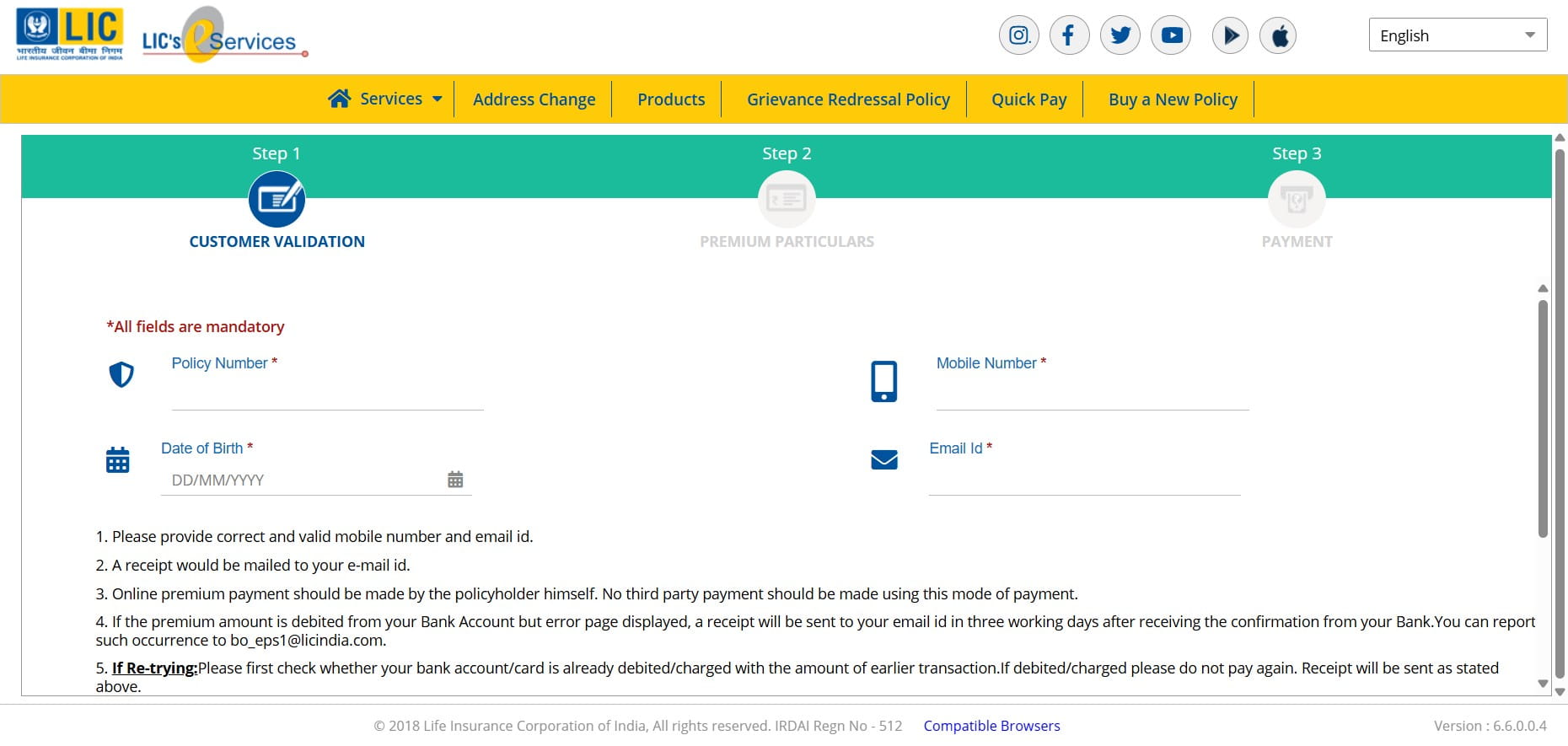
Enter your policy details - Policy Number and Date of Birth should be as per Policy Records.
Click on checkbox "I Agree"
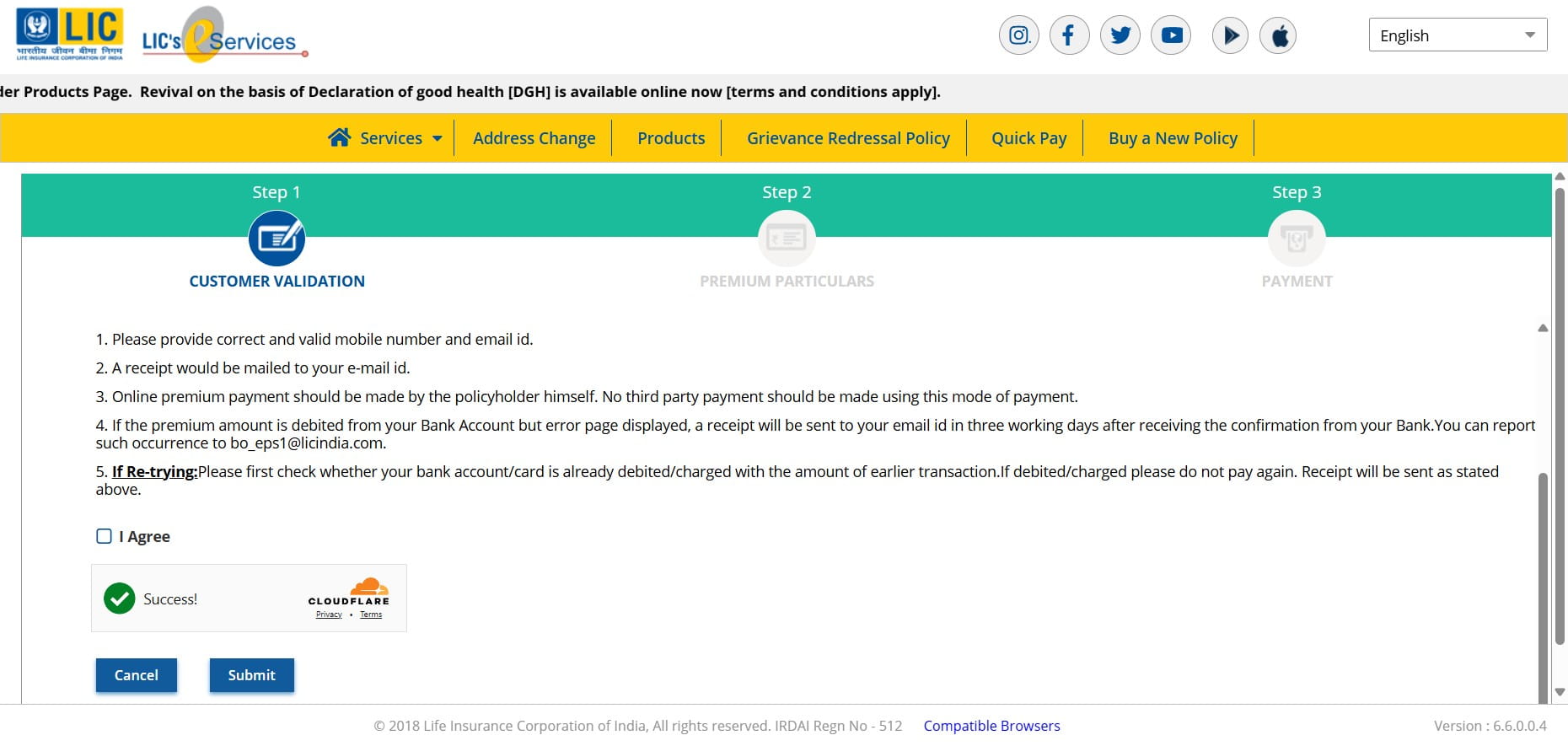
Click on "Submit"
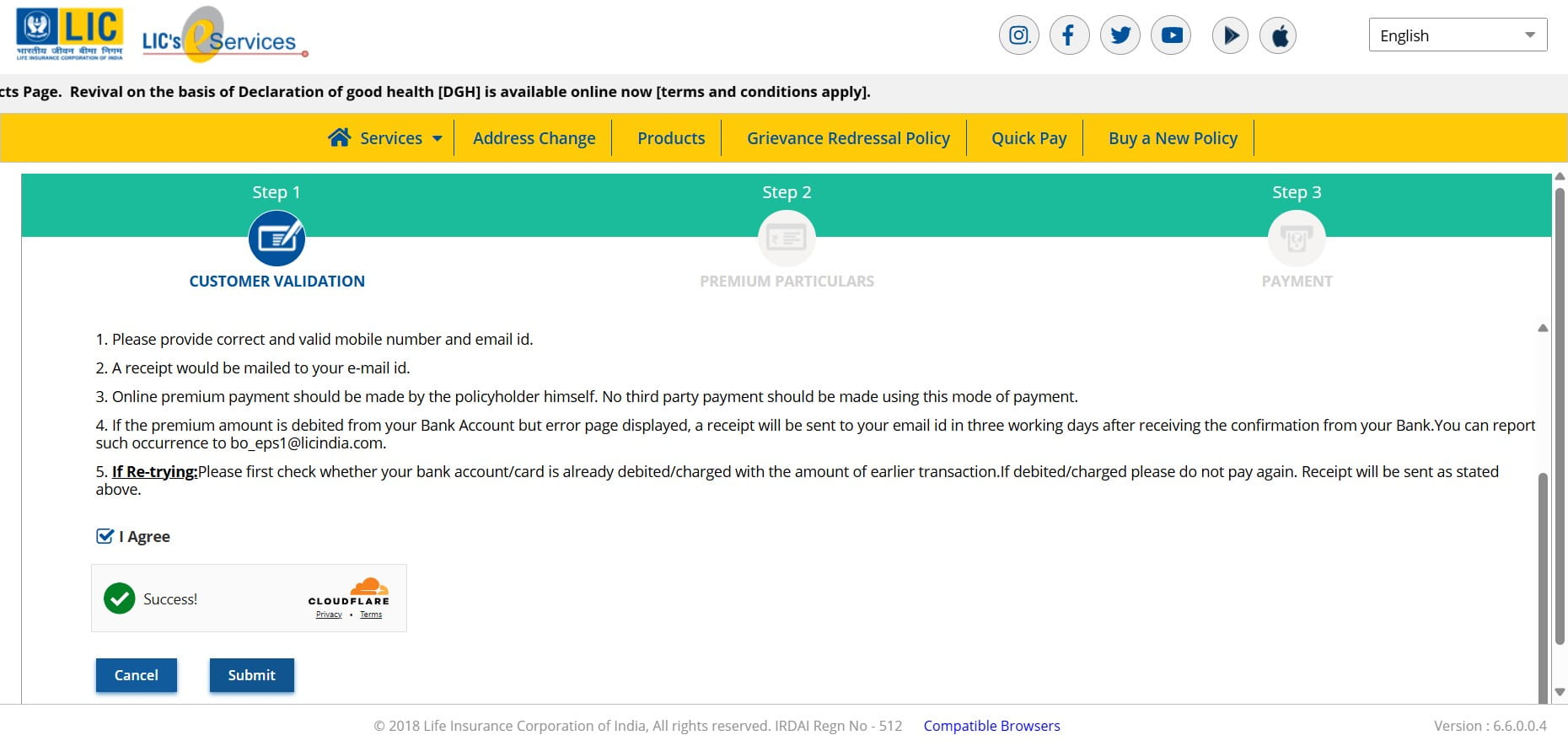
Click on "Pay Now"
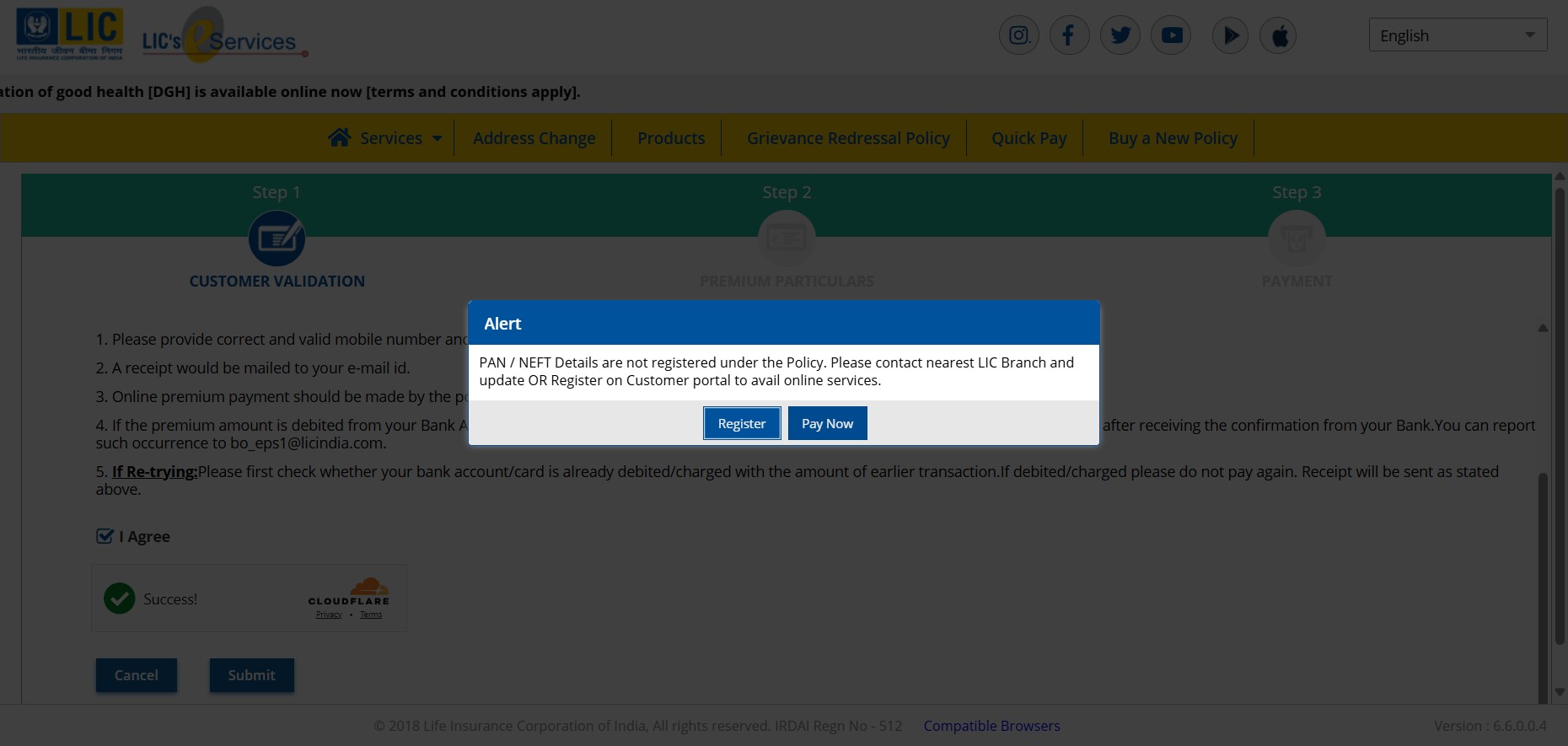
If you want to add more policies of same policy holder for payment - Enter the policy number & basic premium without tax and click "Add to list" or else just scroll down.
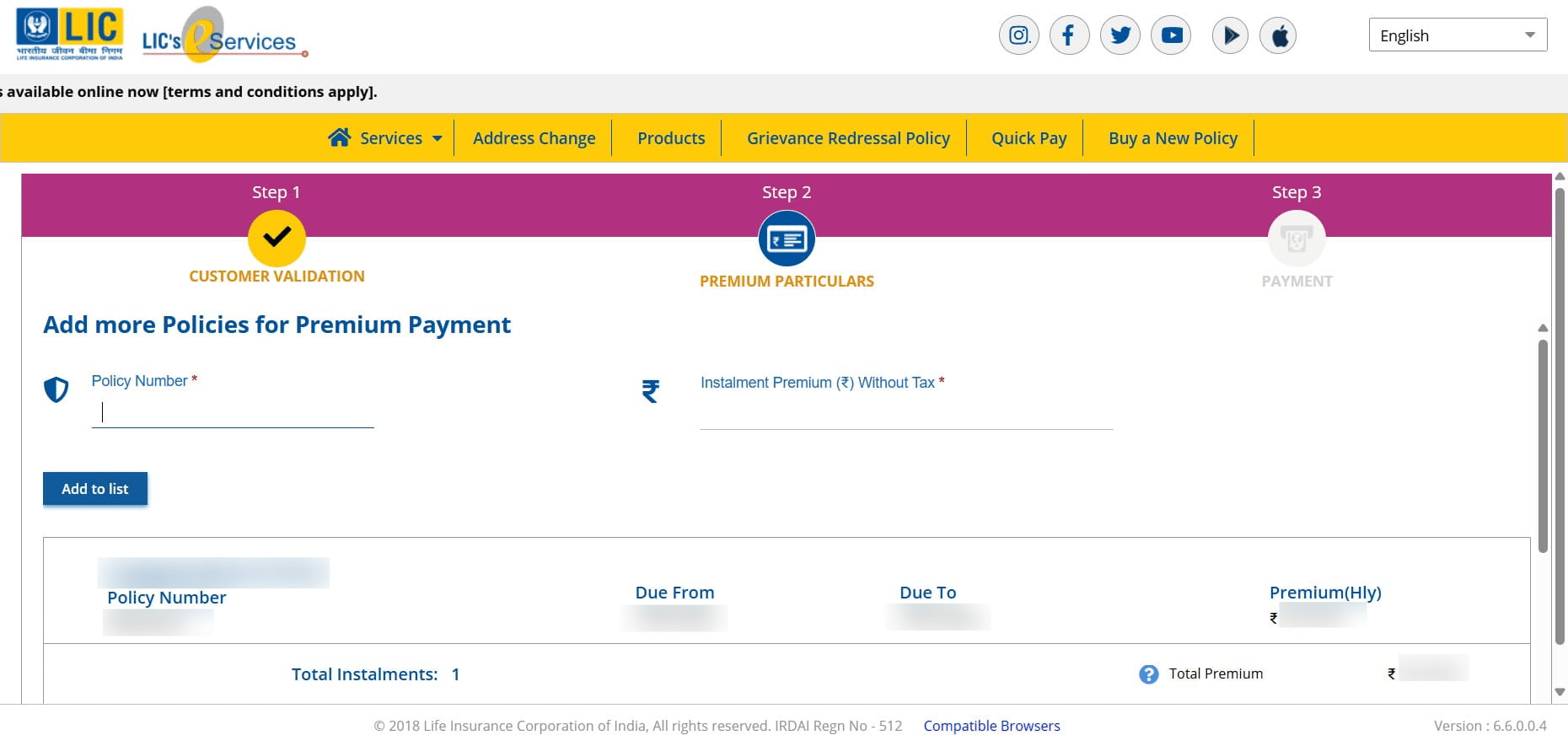
The total premium due will be shown. Then click on "Proceed".
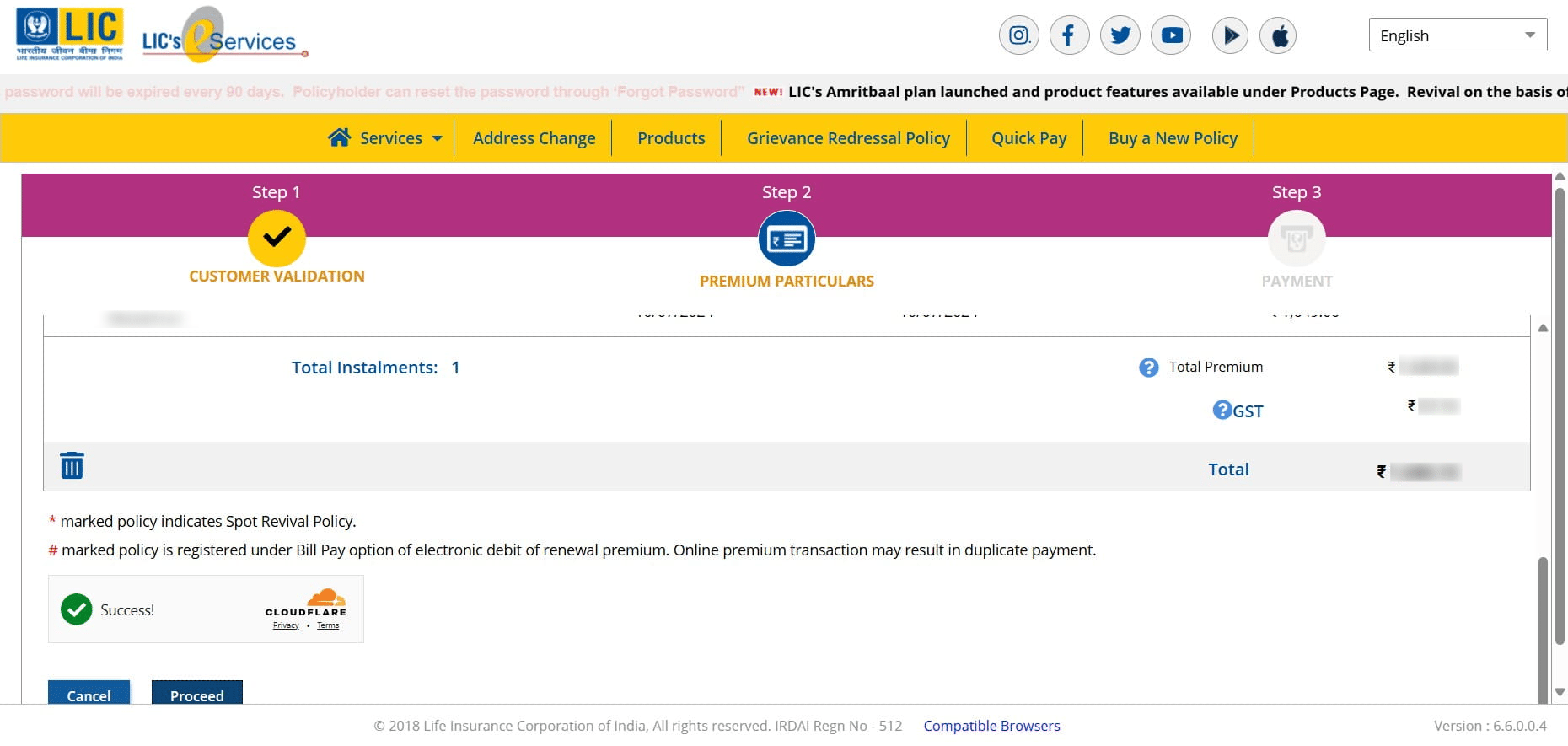
Click on "Check & Pay"
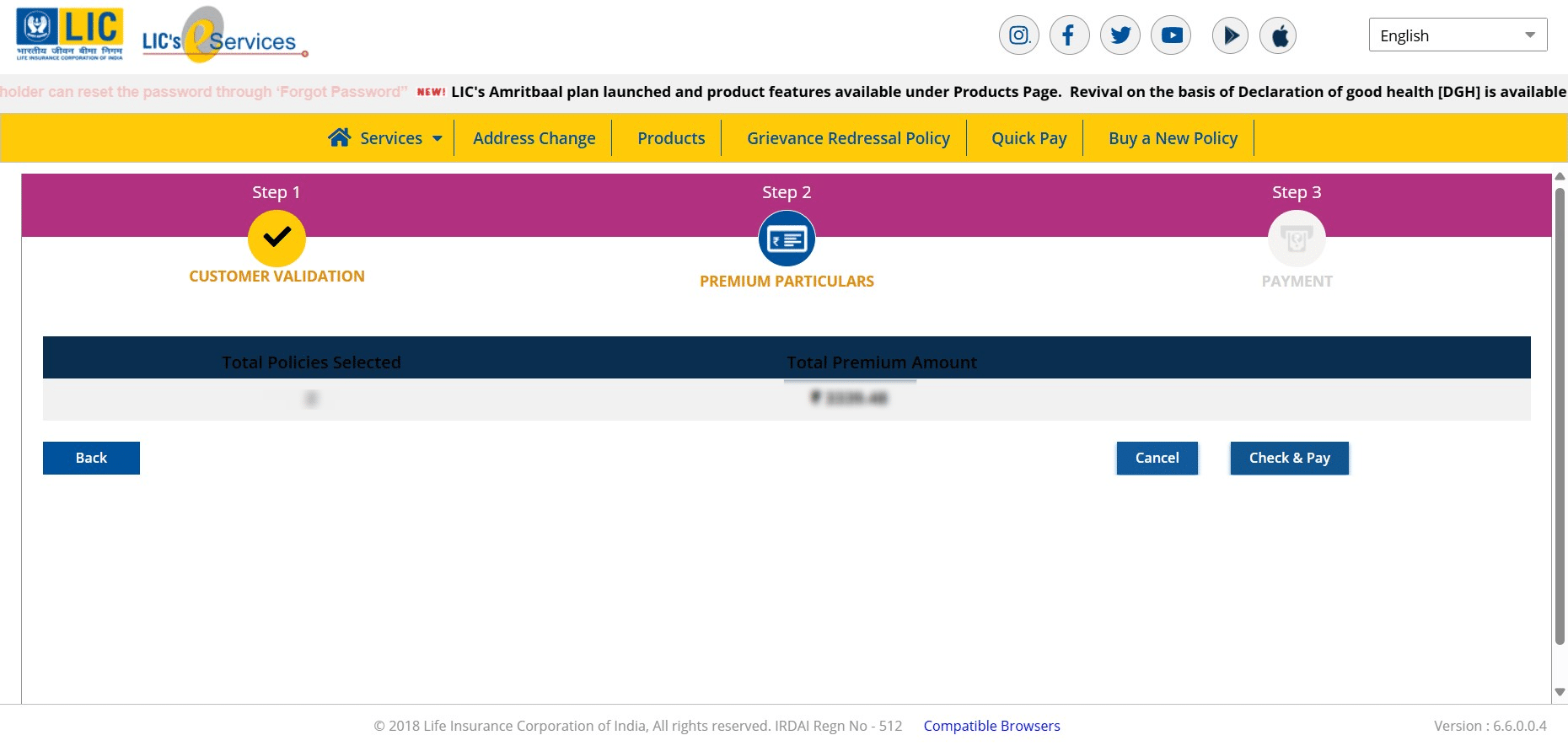
Click on "Check & Pay" on your preferred payment gateway.
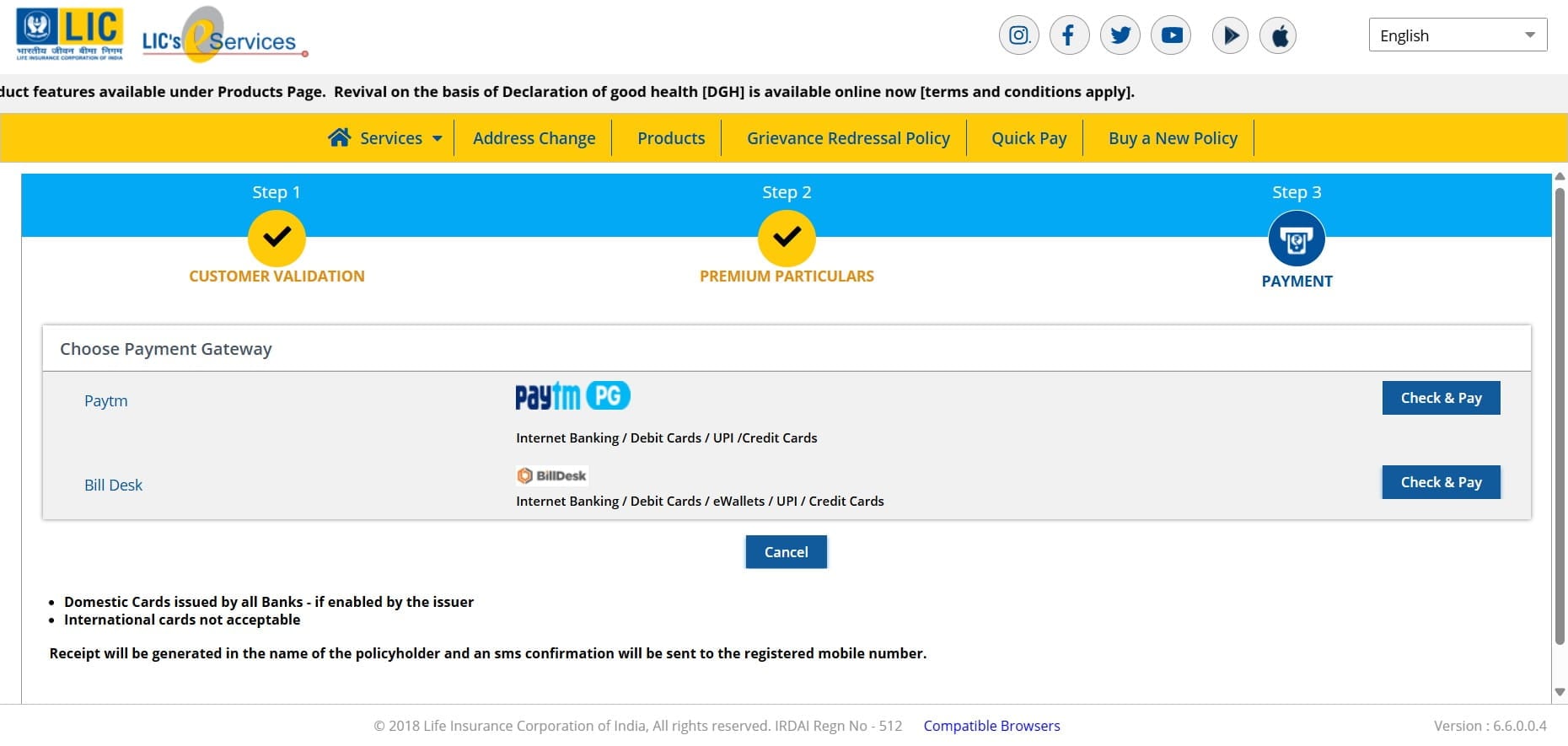
Select your preferred payment mode and proceed for steps of payment.
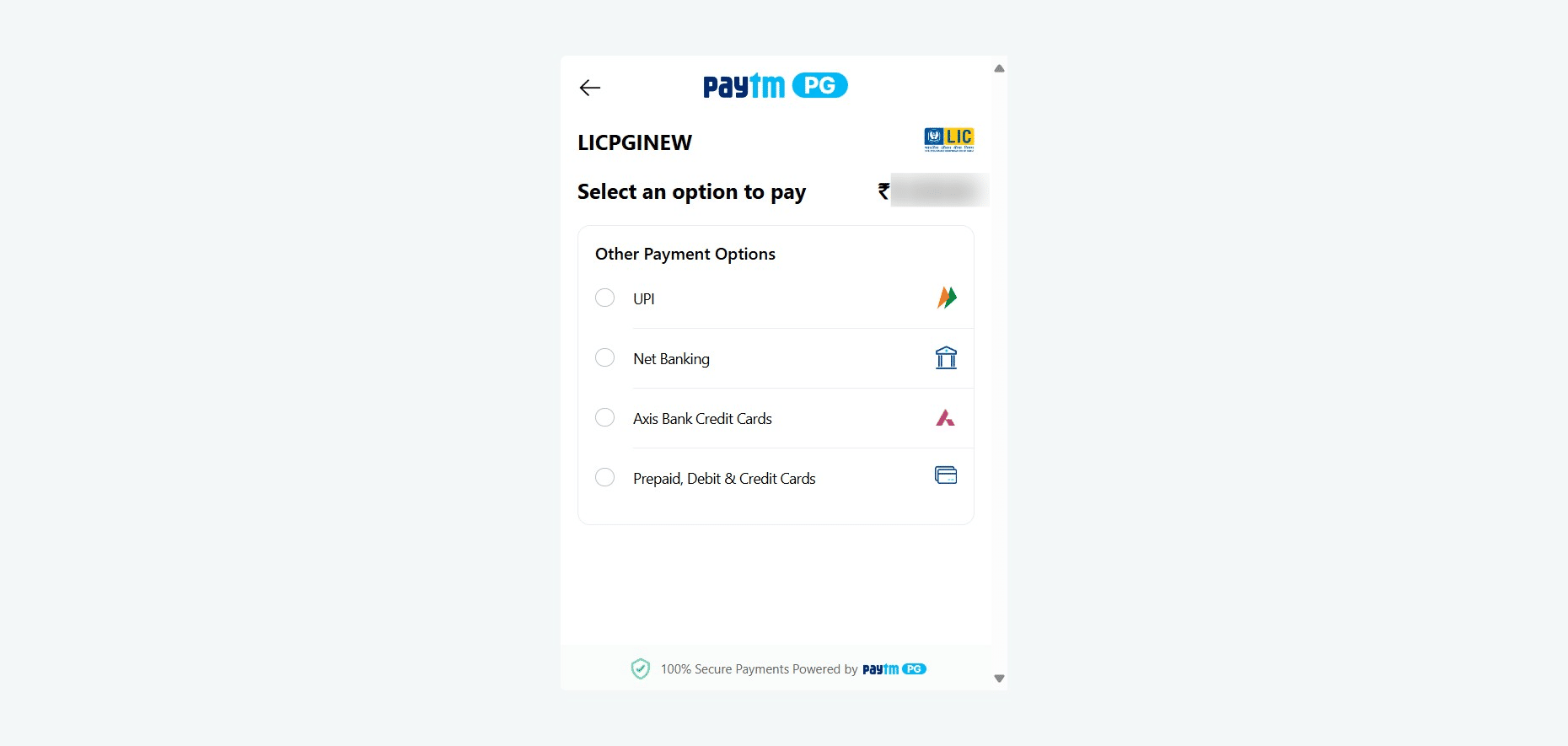
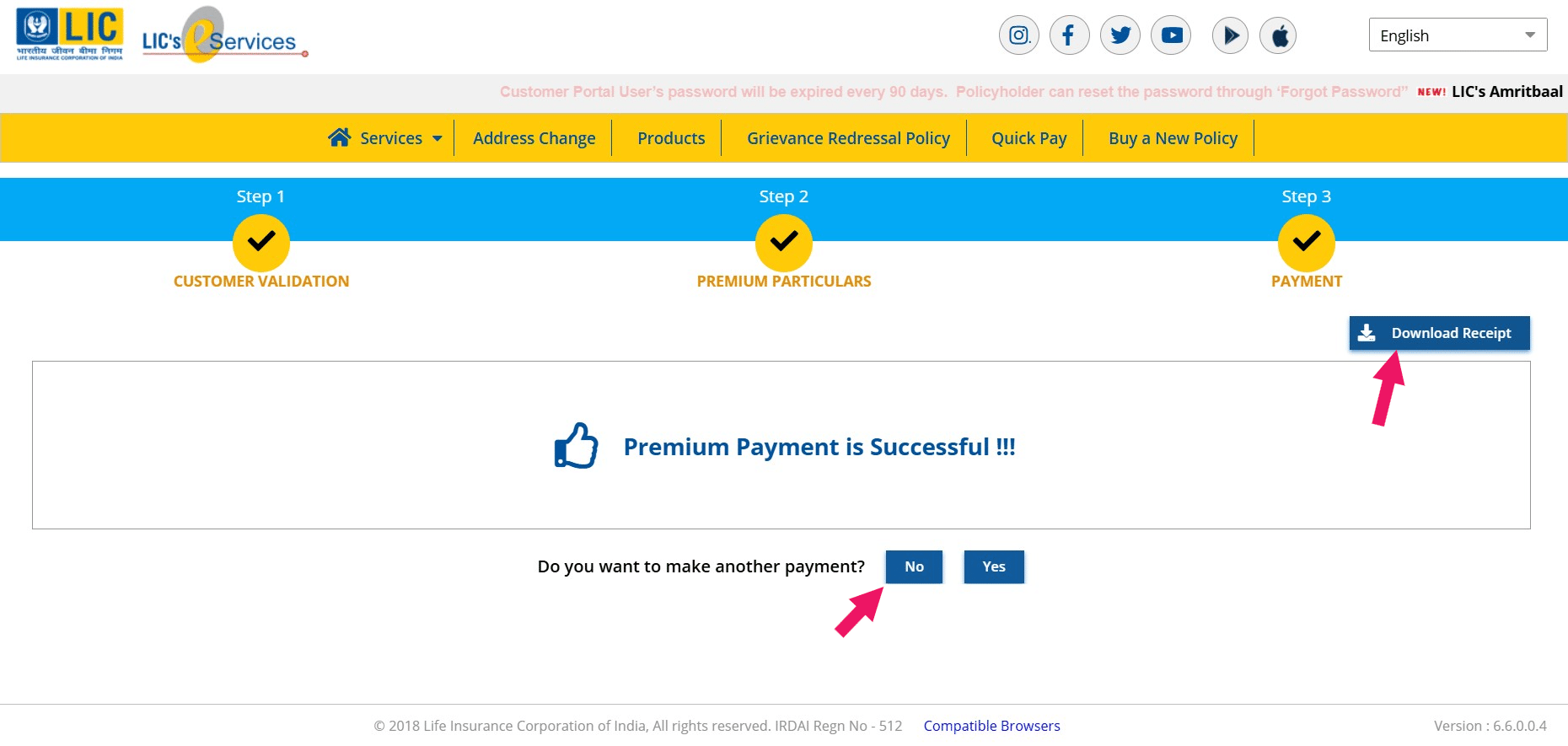
After successful payment, you can download the payment receipt by clicking the "Download Receipt"
If the payment is not successful, please try doing the payment again after a gap of atleast 30 minutes.