How To Add An Excel/CSV File To Chatbot
This guide will walk you through each step of the process for training your chatbot using an Excel or CSV file, providing clear instructions and helpful tips to ensure a smooth and efficient experience.
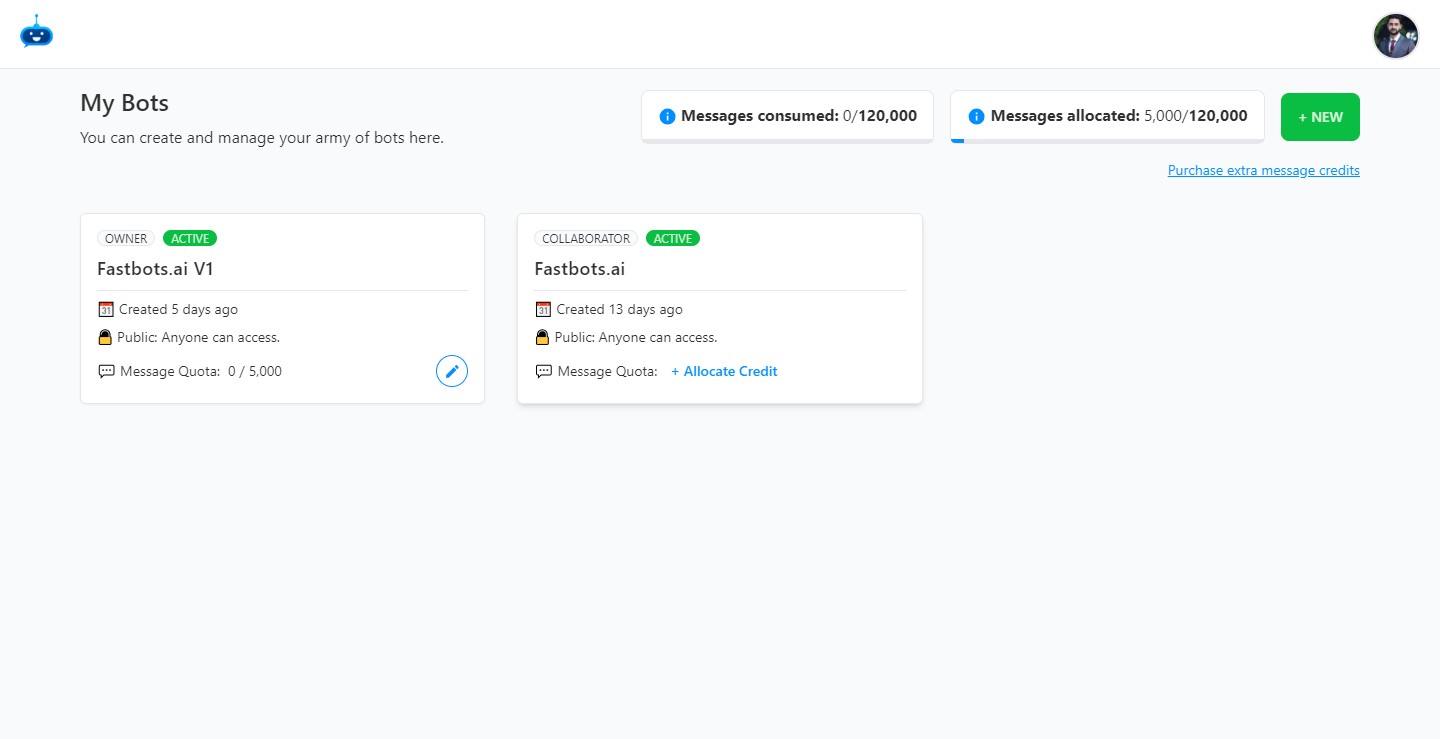
Navigate to https://app.fastbots.ai/
Click on the chatbot to open it.

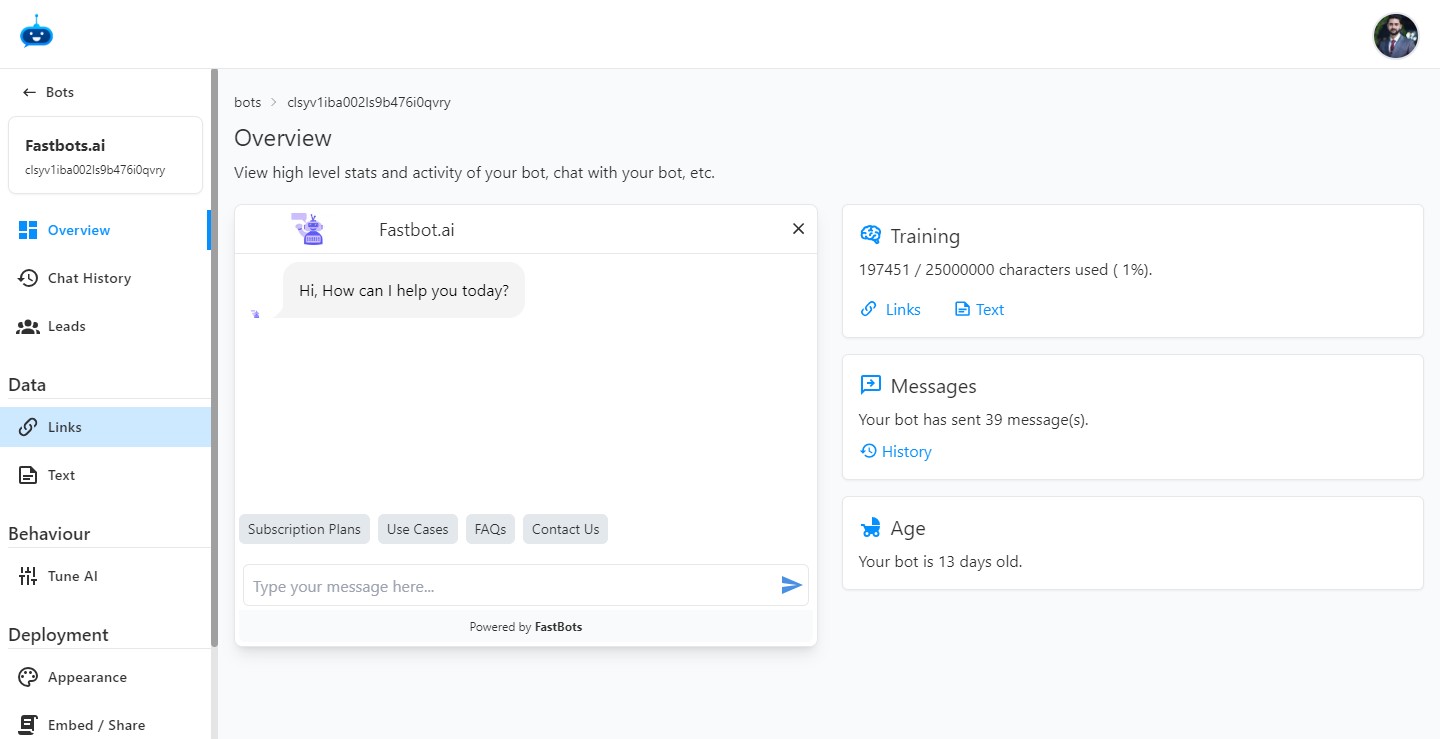
Click on the "Links" button to open this page.
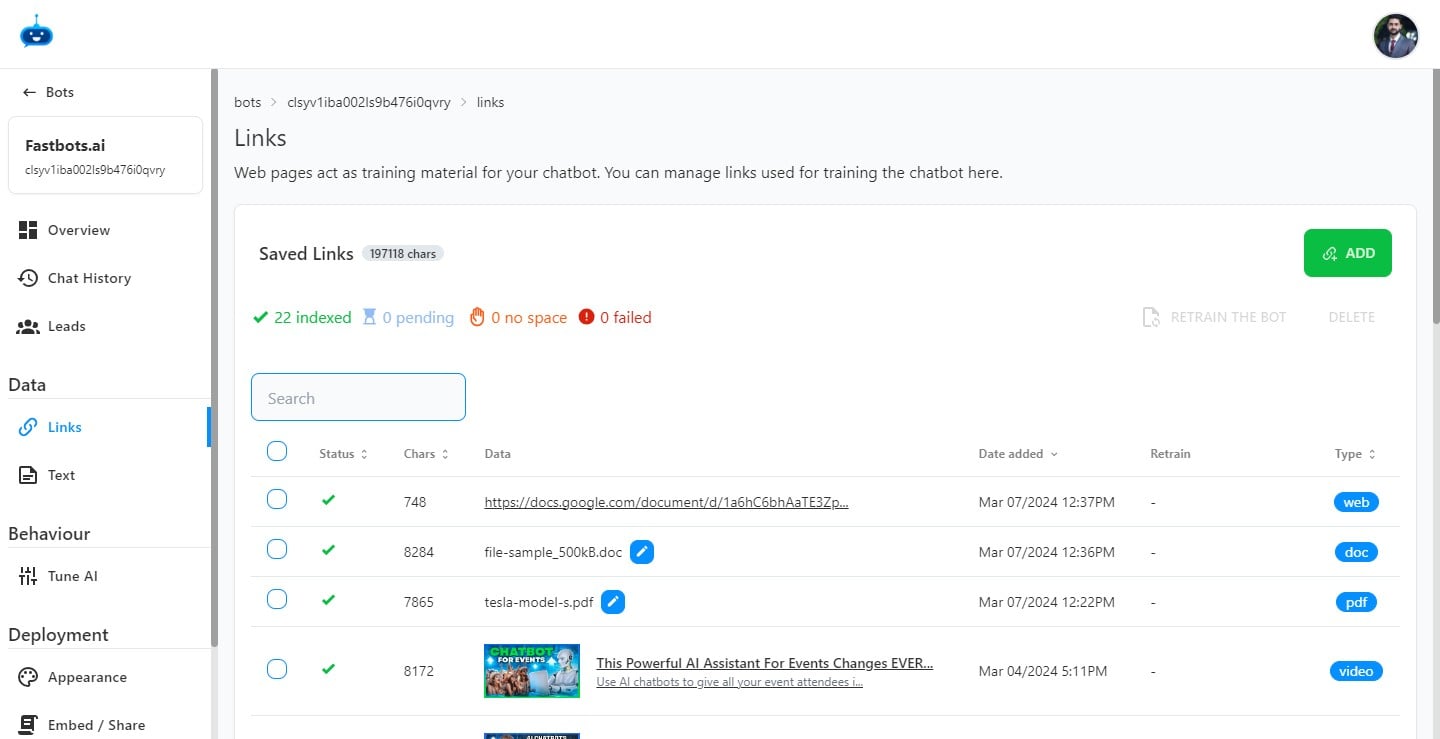
Click on the "Add" button.
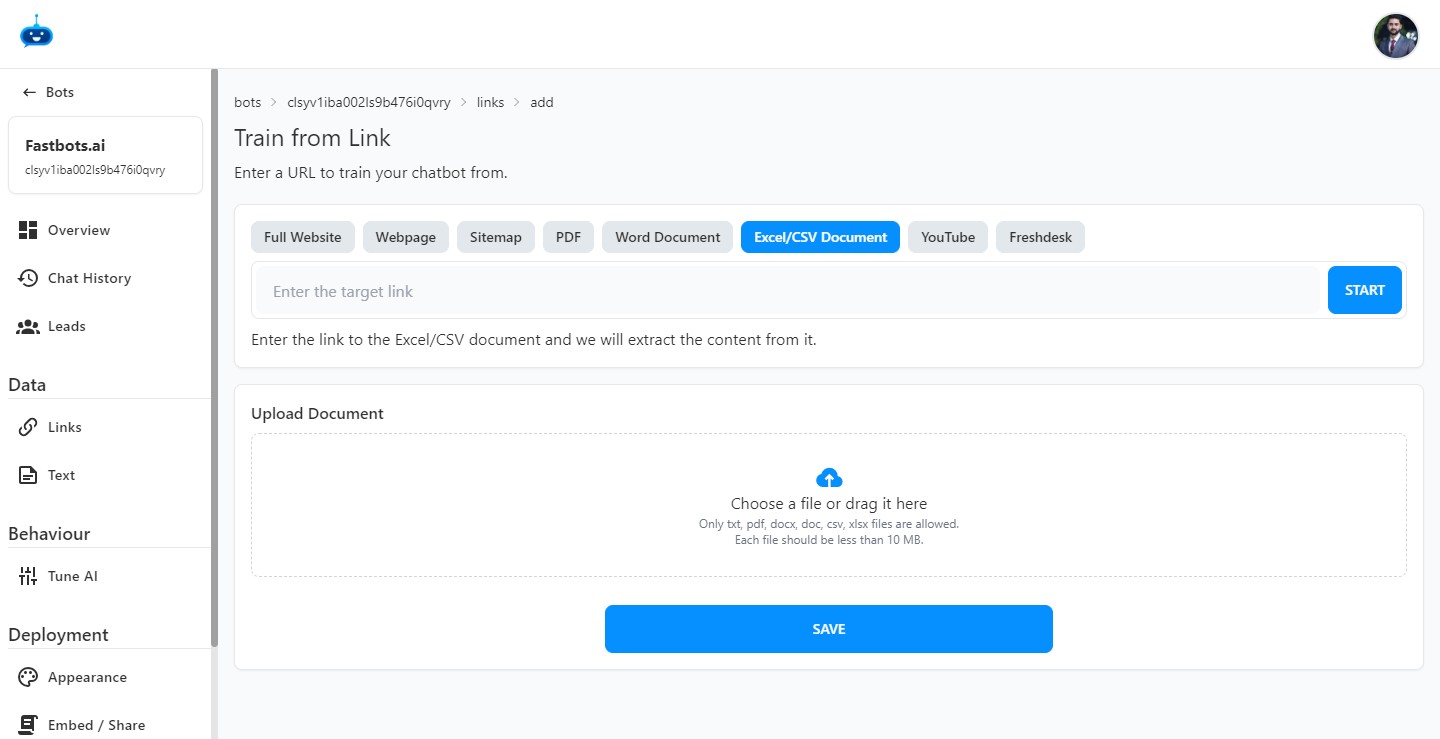
Select the "Excel/CSV Document" option. There are 2 ways to add an Excel/CSV file. The first one is to upload the file directly from your computer and the second is to upload the URL of the file.
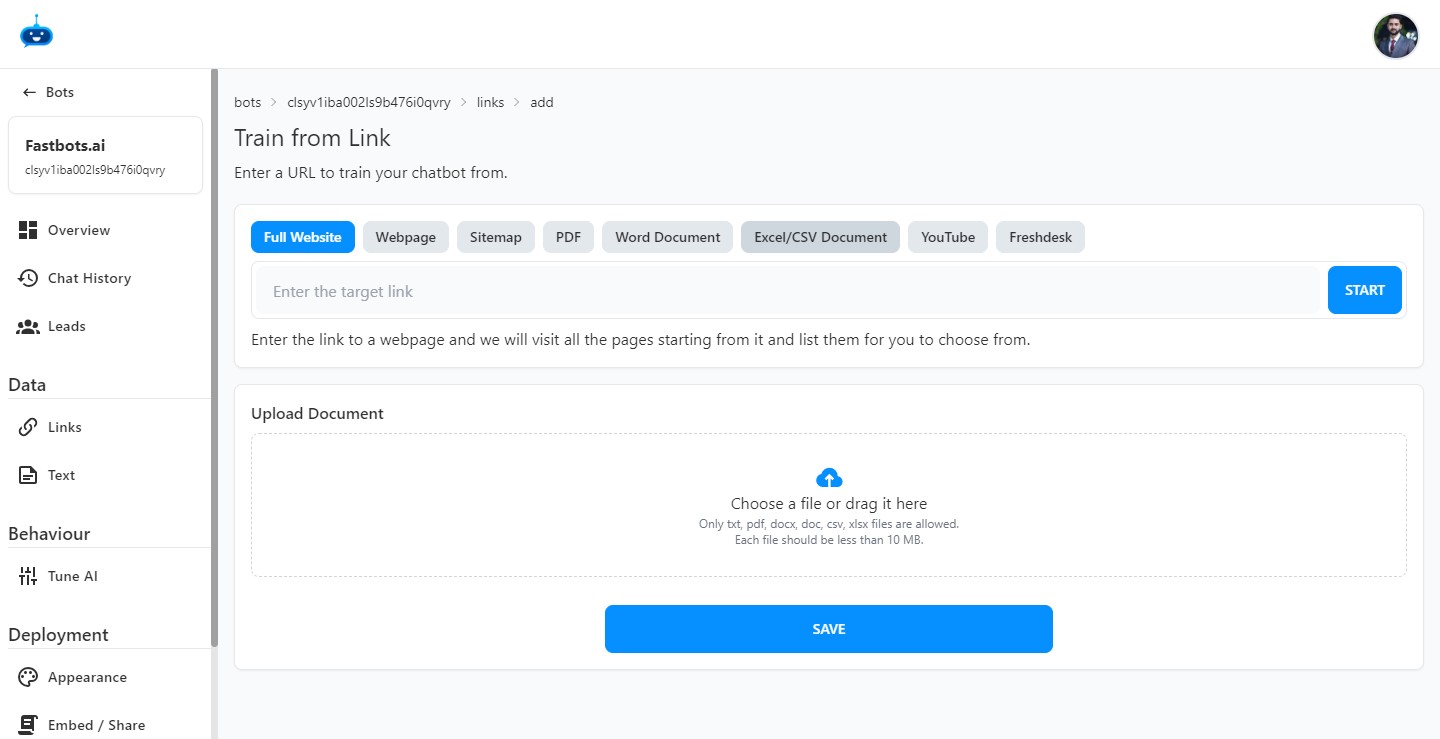
You can simply drag and drop the Excel/CSV file here.
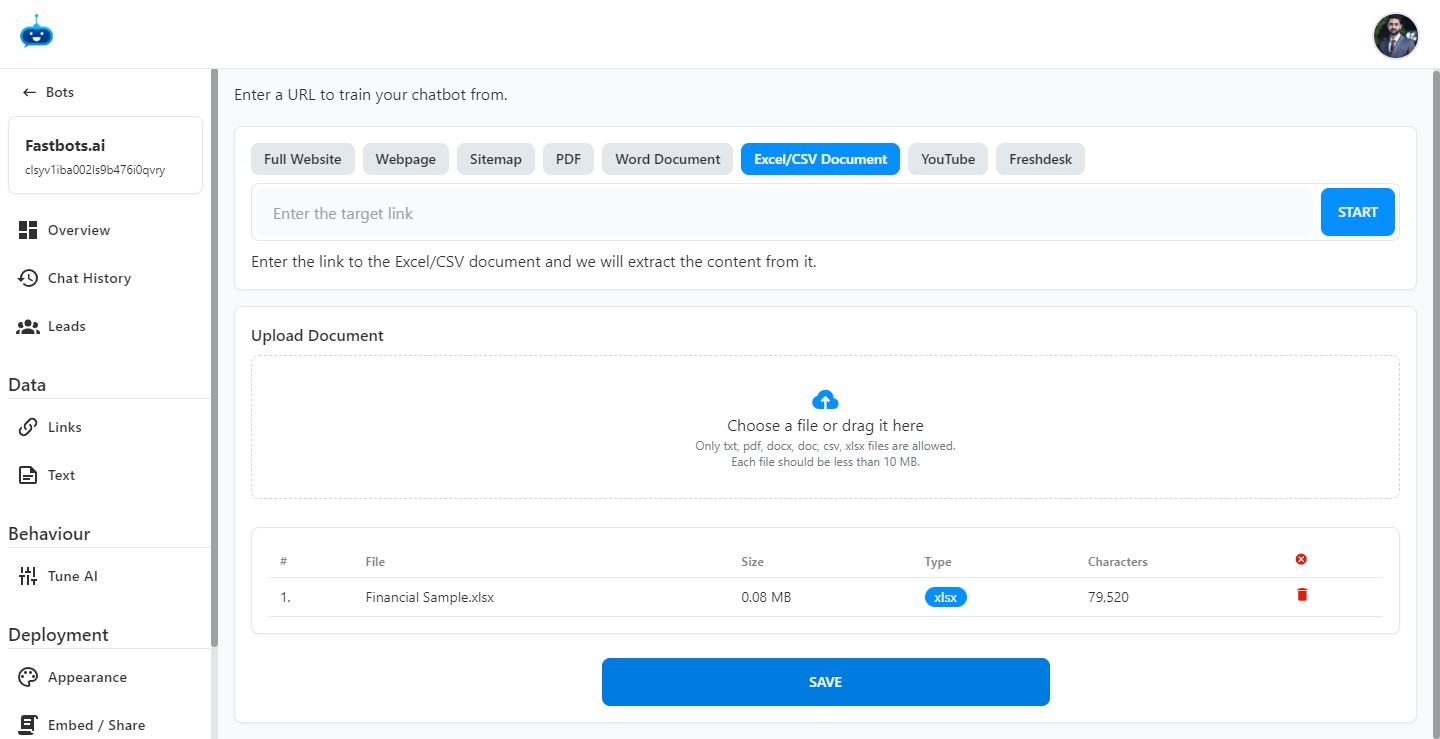
After adding the file, click on the "Save' button.
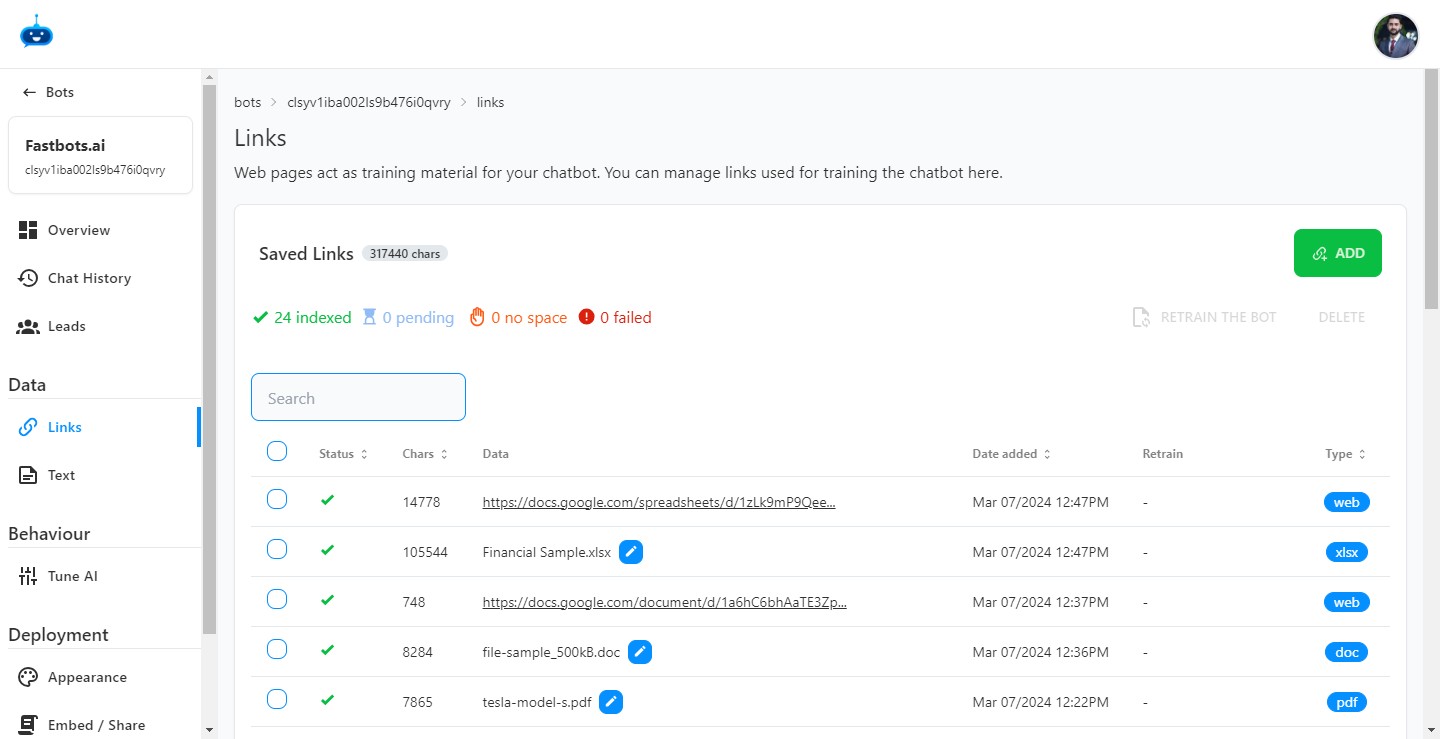
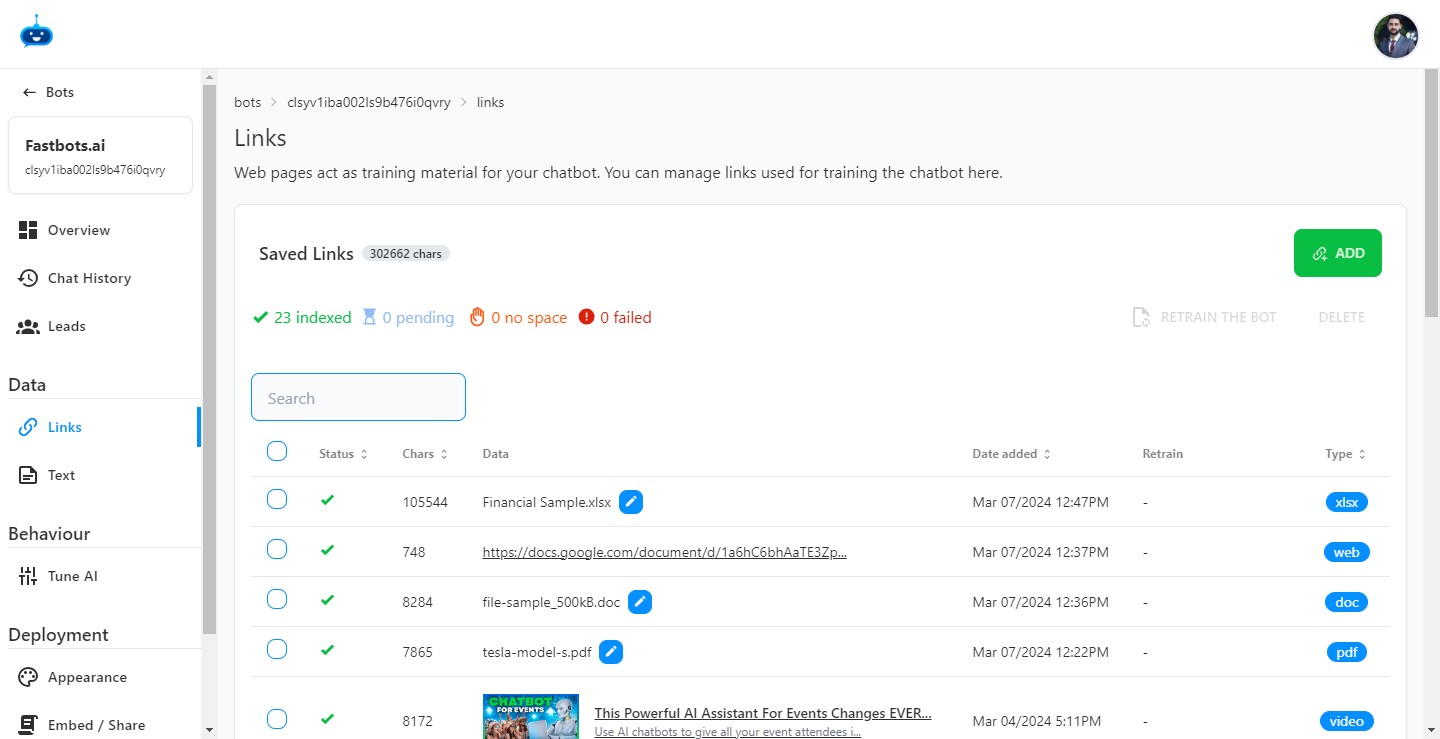
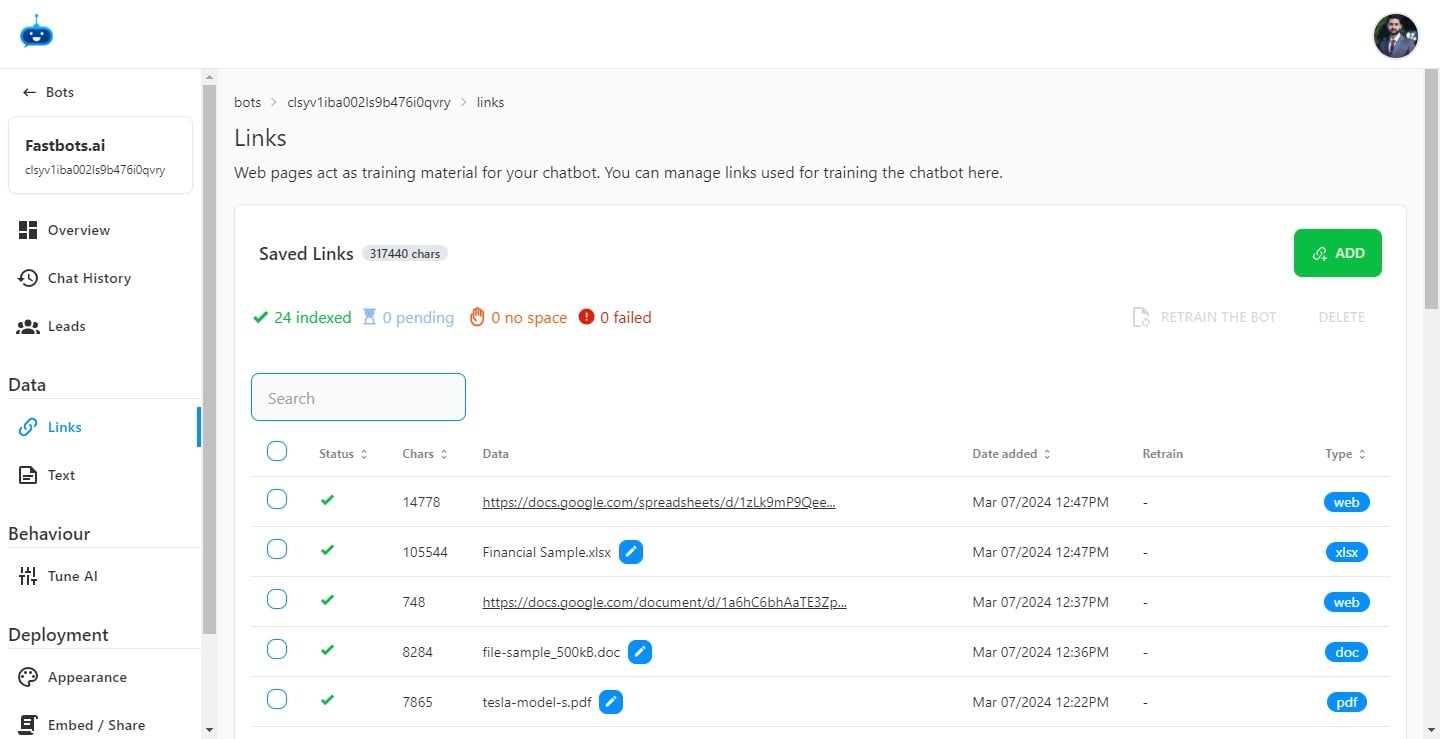
Once the file is uploaded successfully, you will see the "Green Tick" icon under the Status column on the Links page.
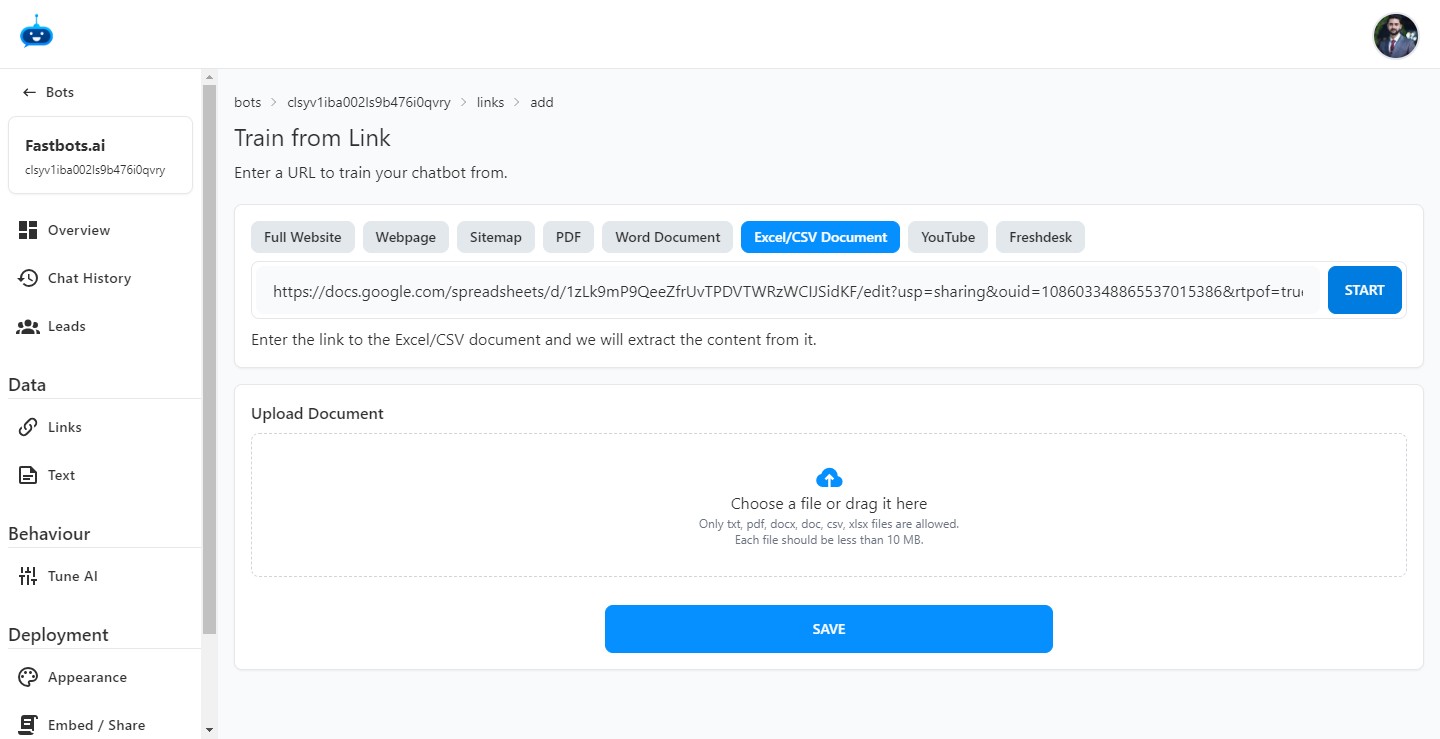
To upload the Excel/CSV file via URL, just enter the URL in this field.
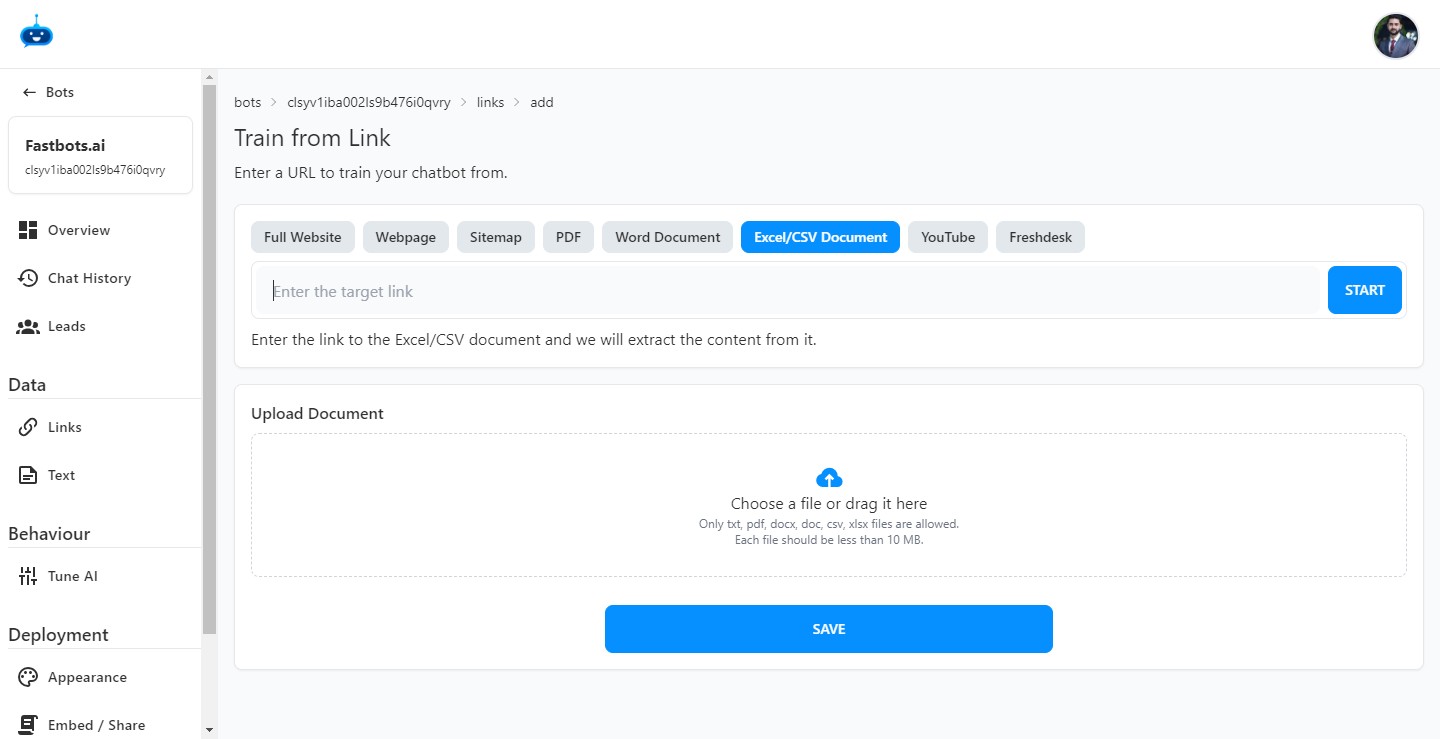
After adding the URL, click on the "Start" button.
Once the file is uploaded successfully, you will see the "Green Tick" icon under the Status column on the Links page.
Done 🚀