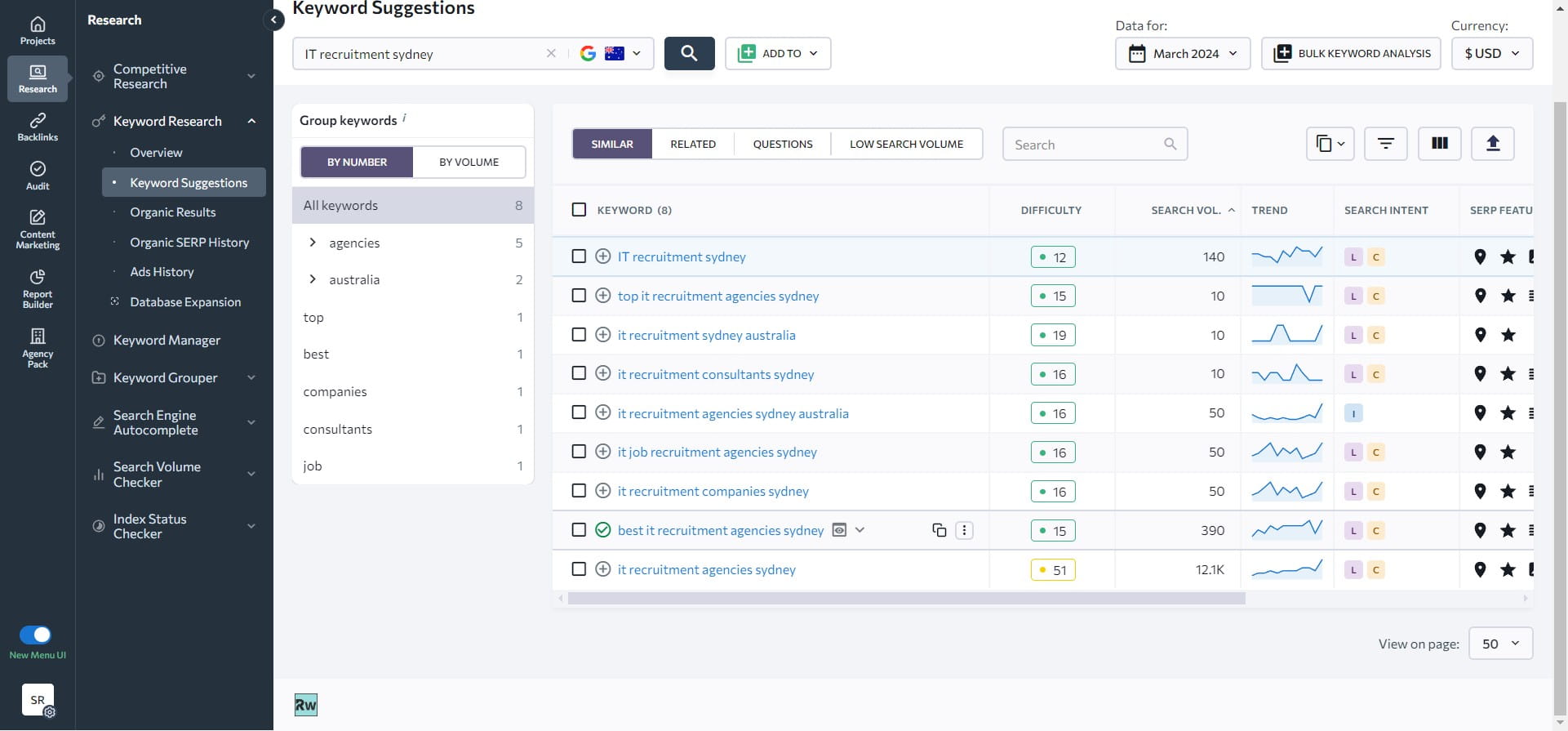
How to Select Keywords
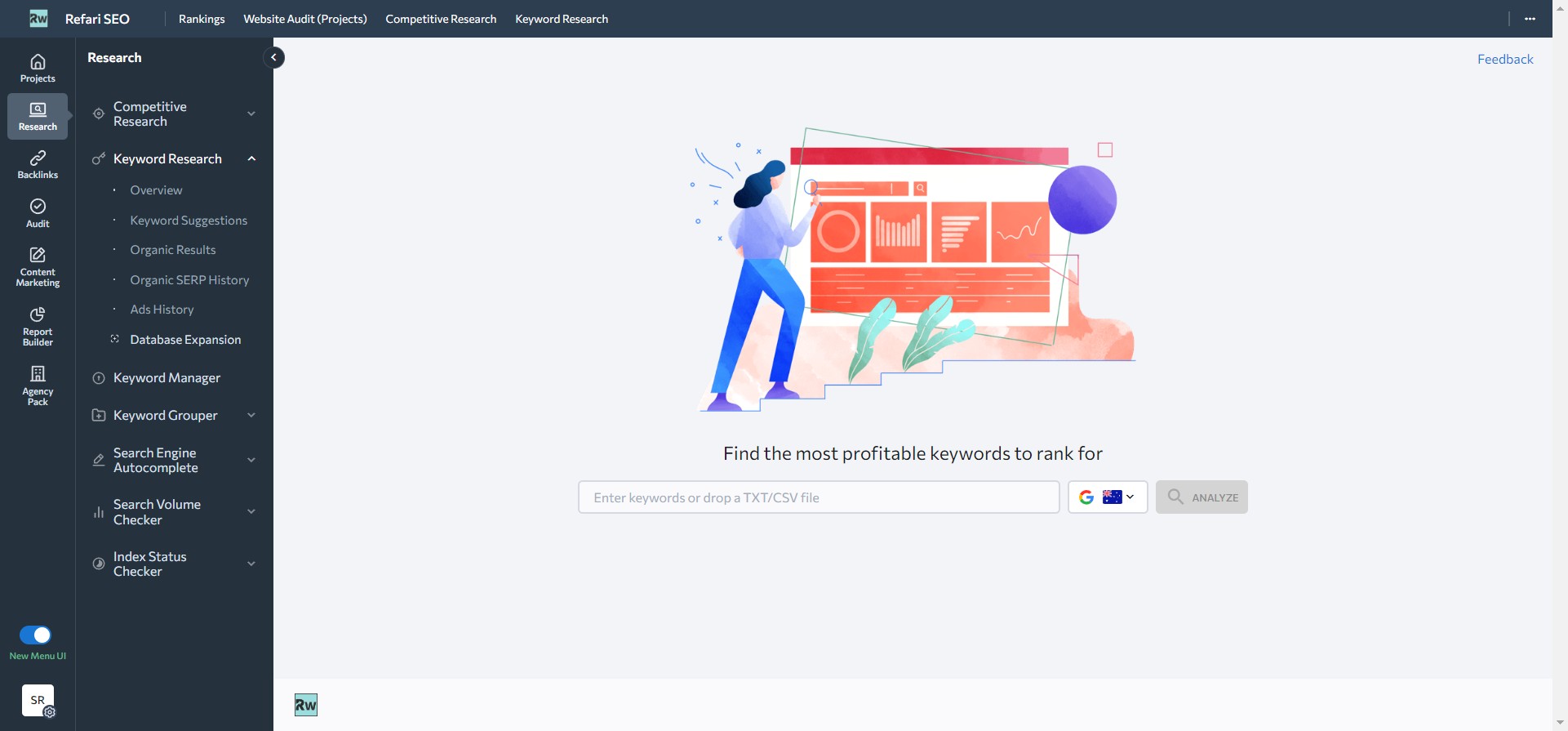
Navigate to the keyword tool dashboard.
Click on "Enter keywords"
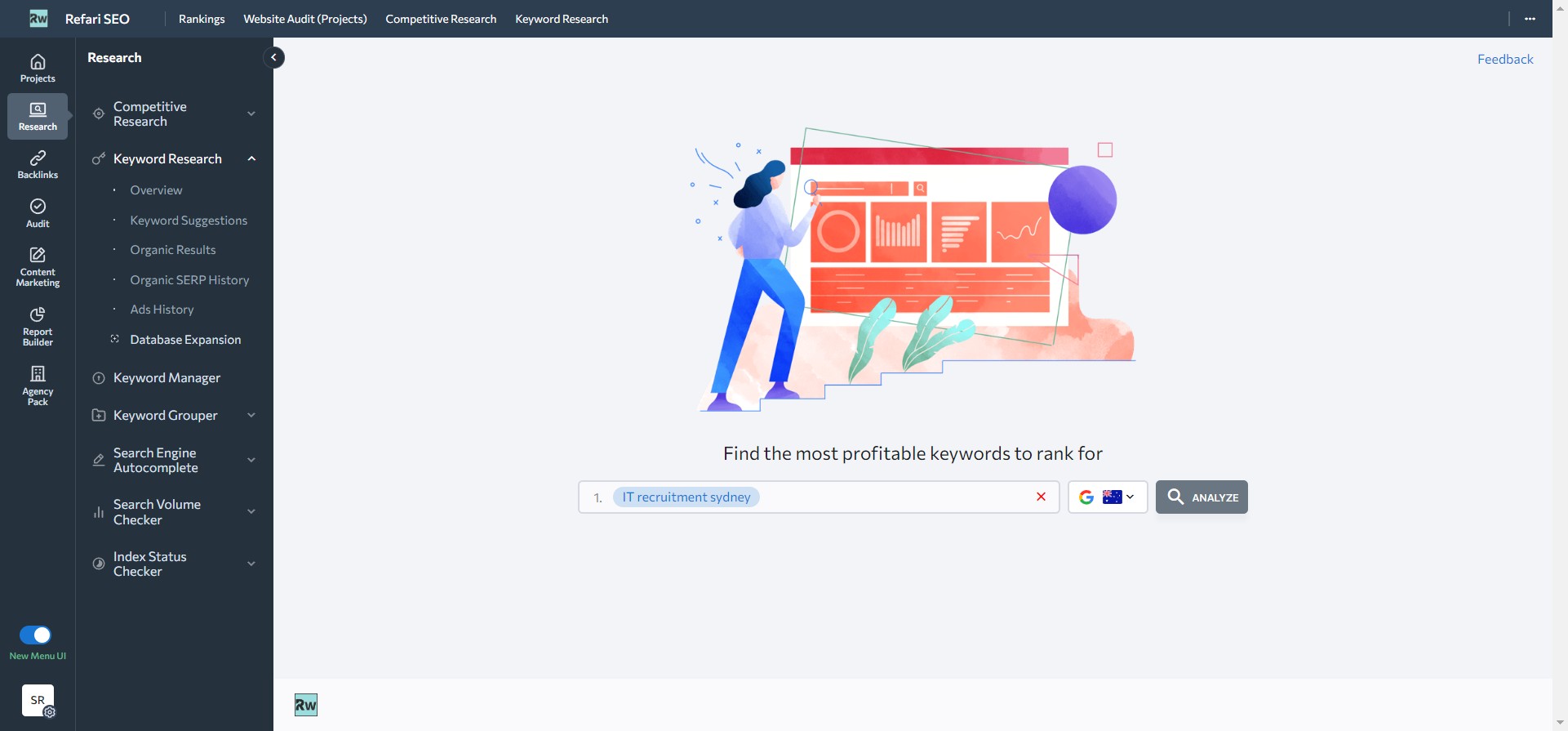
Type your keyword. In this case, "IT recruitment Sydney" and Click "Analyze".
Click "View Detailed Report".
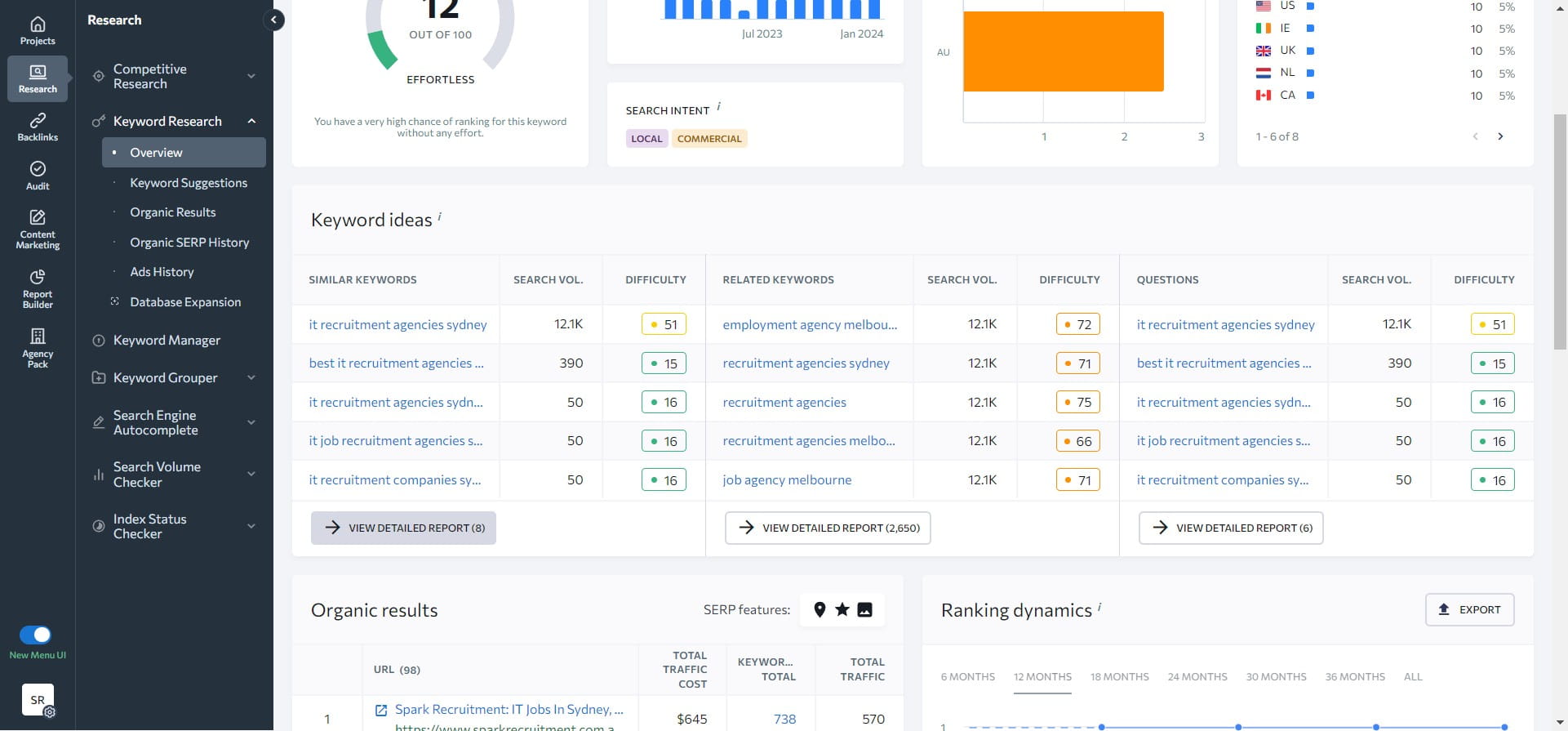
One of the first thing that you should notice is "search volume". Search volume is total number of monthly searches a query get on Google or any other search engine that you have selected. In our case, it is Google Australia. Higher search volume is prefered.
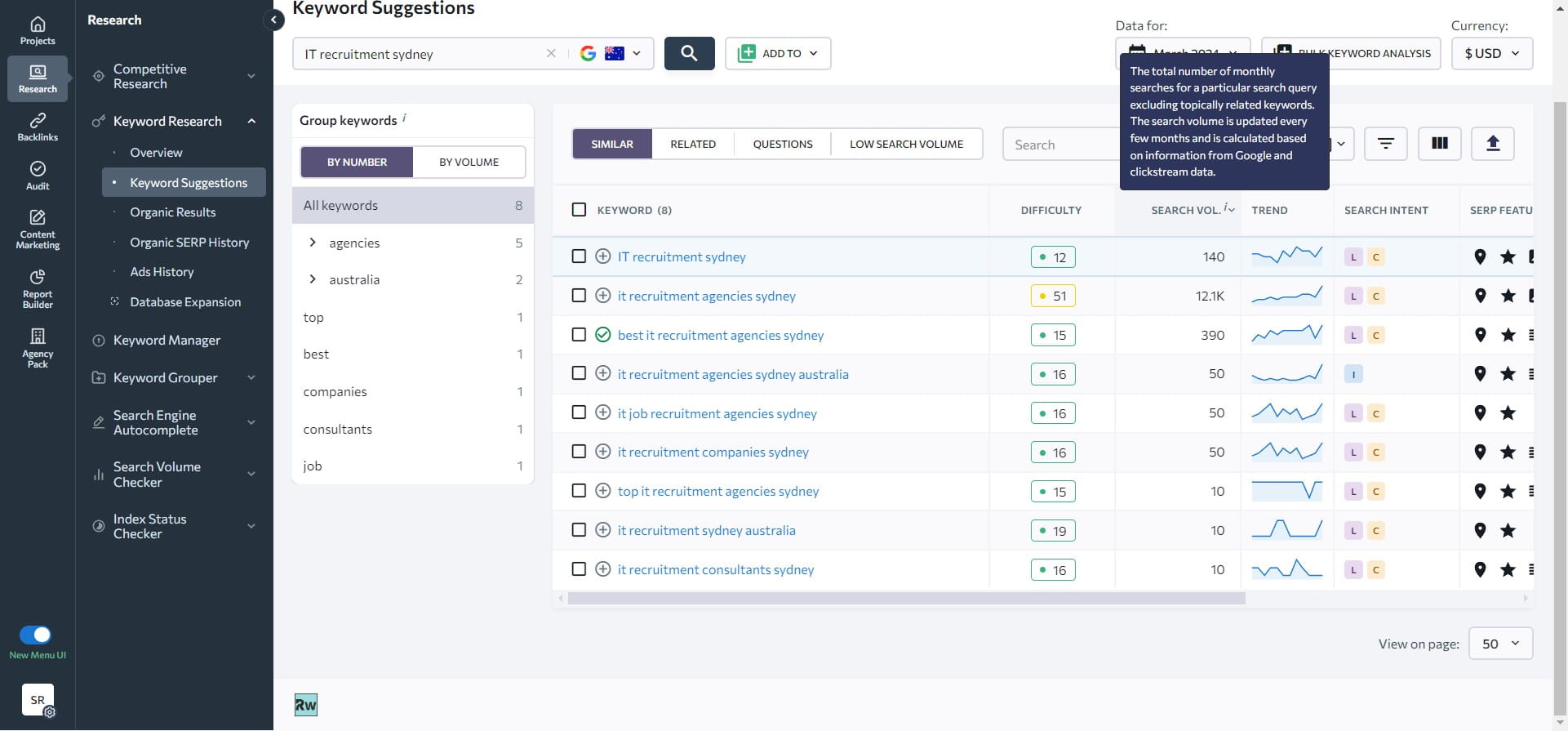
The keyword that has good search volume and low difficulty can be saved in your selected keywords list then.
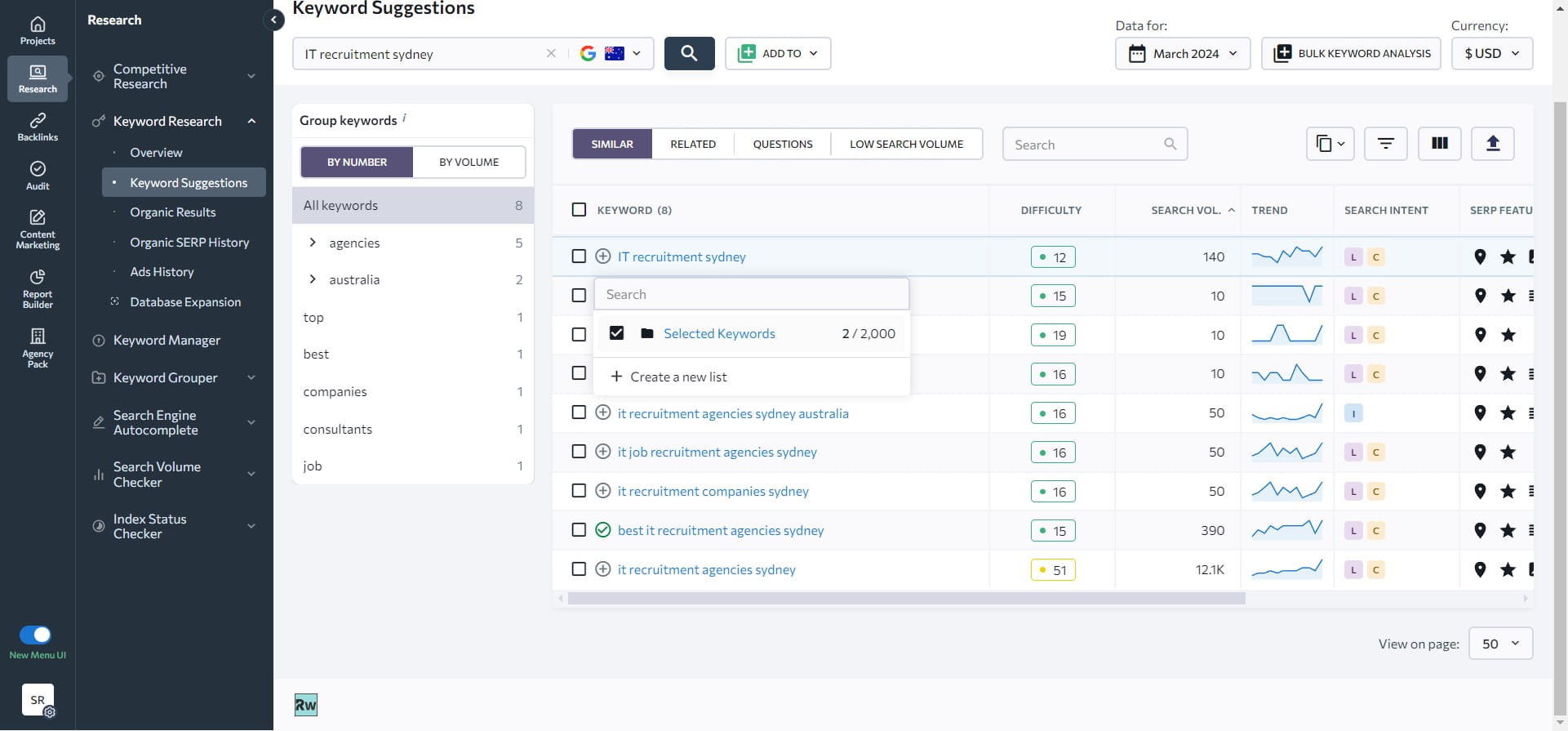
Any keyword highlighted in green is a signal that those keywords are suggested for SEO as they have low difficulty. The one in the orange and red can be selected but it will take more time and efforts to get your website to the top of Google for those.
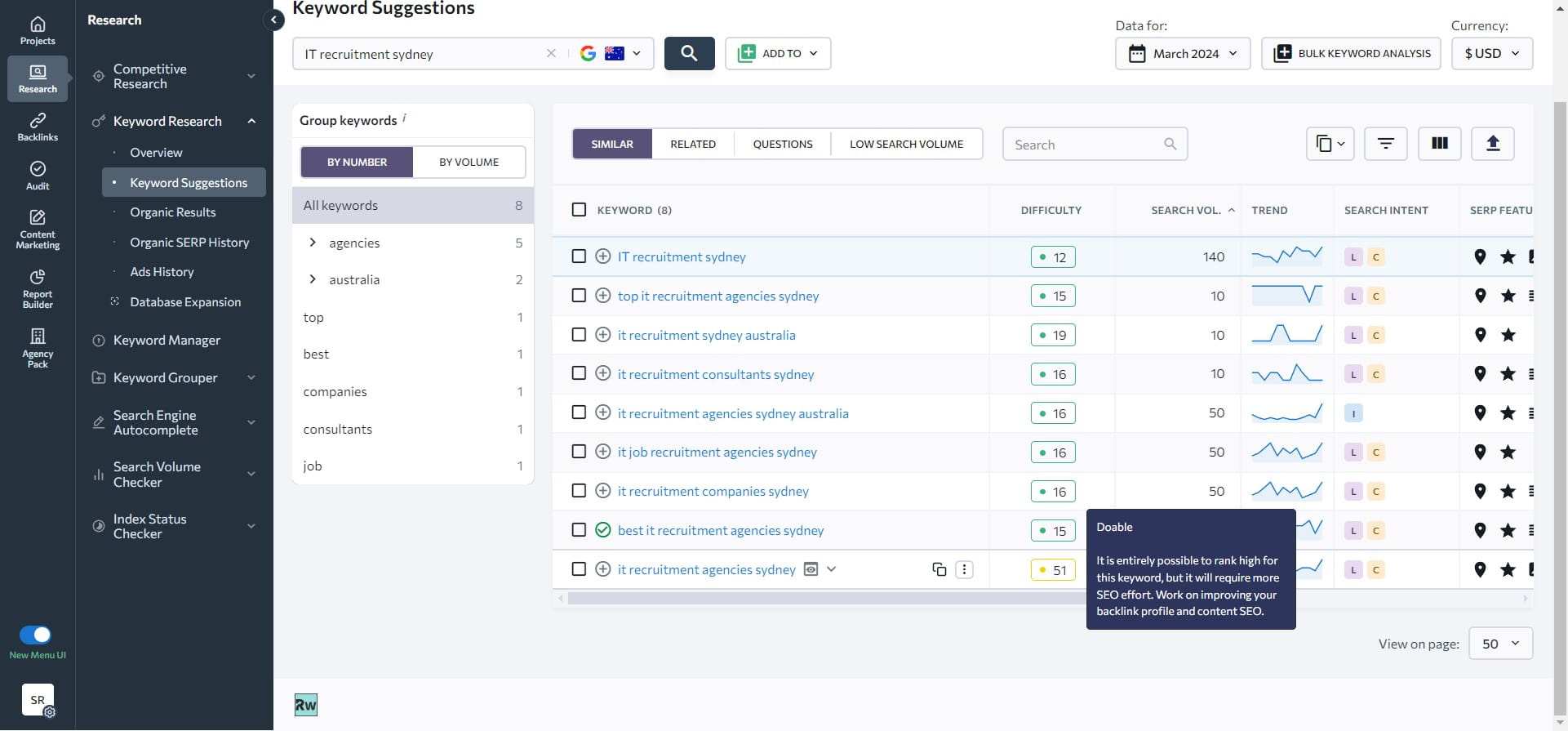
In the given example, "best IT recruitment agencies Sydney" is an ideal selection as it has low difficulty and decent search volume.