Interactive walkthrough software teaches people how to use a product by having them click through a task step by step, instead of reading about it or watching a video. It comes in two kinds: in-app tour tools that lay tooltips over your live app, and walkthrough builders that capture a process once and turn it into a clickable walkthrough you can share by link, embed or publish in a help center.
Which kind you need depends on who you're teaching and where they'll be when they need help. This guide covers both, the features that matter, and how to roll walkthroughs out so people finish them.
What is interactive walkthrough software?
Think of it as a GPS for software. A manual shows you the whole map; a walkthrough gives turn-by-turn directions while you drive. Each step highlights one thing to click, says what it does, and moves on once the person has done it.
A typical walkthrough might:
- Highlight a button with a short note on what it does.
- Ask the user to click a specific menu item to move to the next step.
- Branch to a different path depending on the user's choice, such as "I'm an admin" or "I'm a member".
- End on the finished result, such as a sent invoice or a saved report.
People mix up "product tour" and "walkthrough", but they're different experiences. A product tour points things out: here's the dashboard, there's the settings menu, click Next. The user watches. An interactive walkthrough makes the user do the task, so by the end they've created their first report rather than seen where the report button lives.
The two kinds of walkthrough software
The two kinds solve different problems, so decide which one you need before you compare tools.
In-app tours and digital adoption platforms
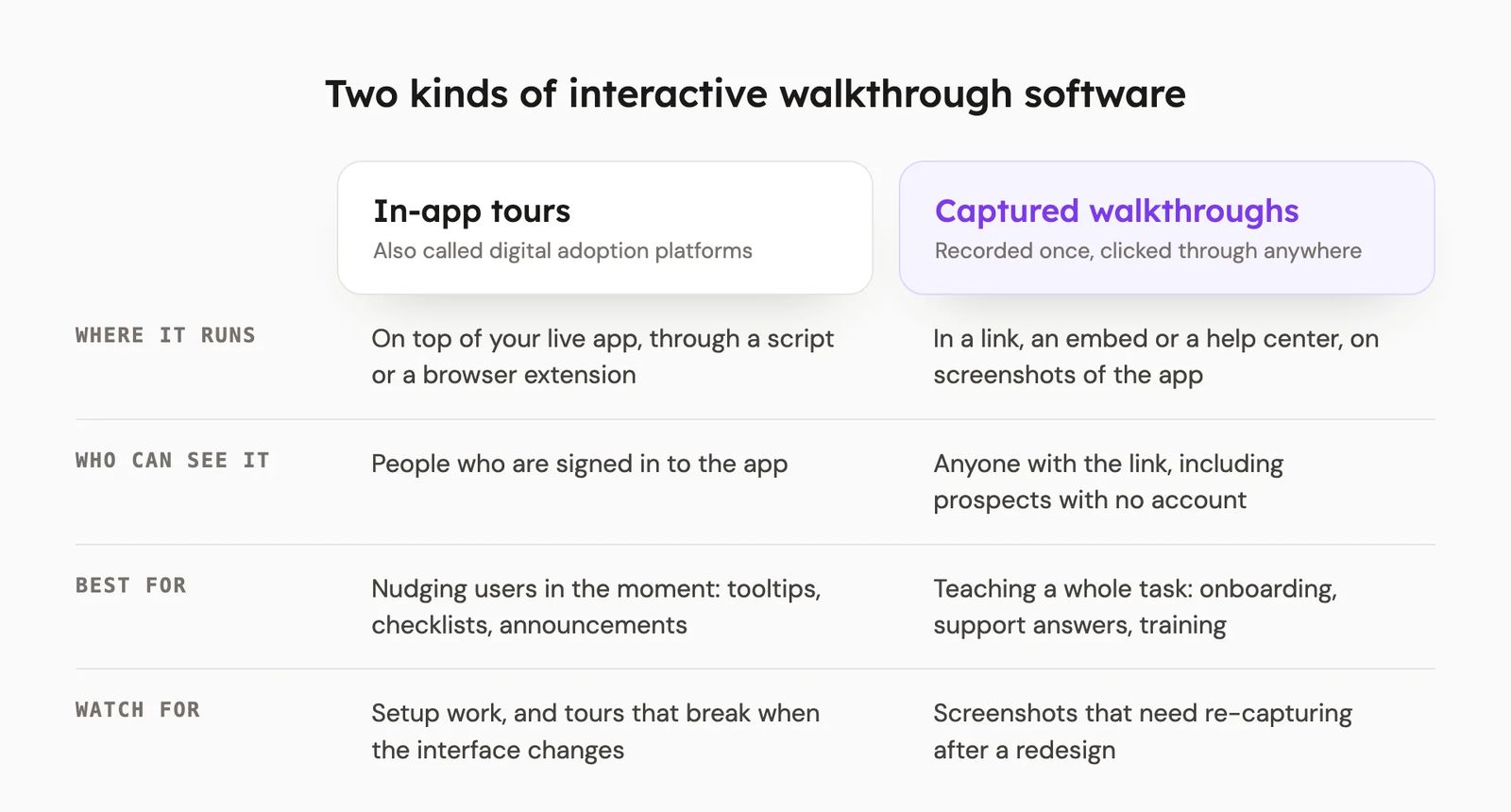
In-app tour tools add a layer on top of your live product. You install a script in your app (or, for third-party software such as a CRM, a browser extension), then build tooltips, pop-up modals, checklists and announcements that point at real buttons on the real screen. WalkMe, Whatfix, Pendo, Appcues and Userpilot work this way.
When companies use these tools on internal software, they're usually called digital adoption platforms (DAPs). The idea is the same: a new sales rep opening the CRM for the first time sees a tooltip pointing to "Create quote", then the next field lights up, and so on until the quote is done.
In-app tours are strongest at nudging people in the moment: announcing a new feature to the users who'd care, or showing a hint the first time someone opens a tricky settings page. The costs are setup (someone installs the script and maps the elements), and upkeep: when your interface changes, tours anchored to old elements can break or point at the wrong thing.
Captured walkthroughs
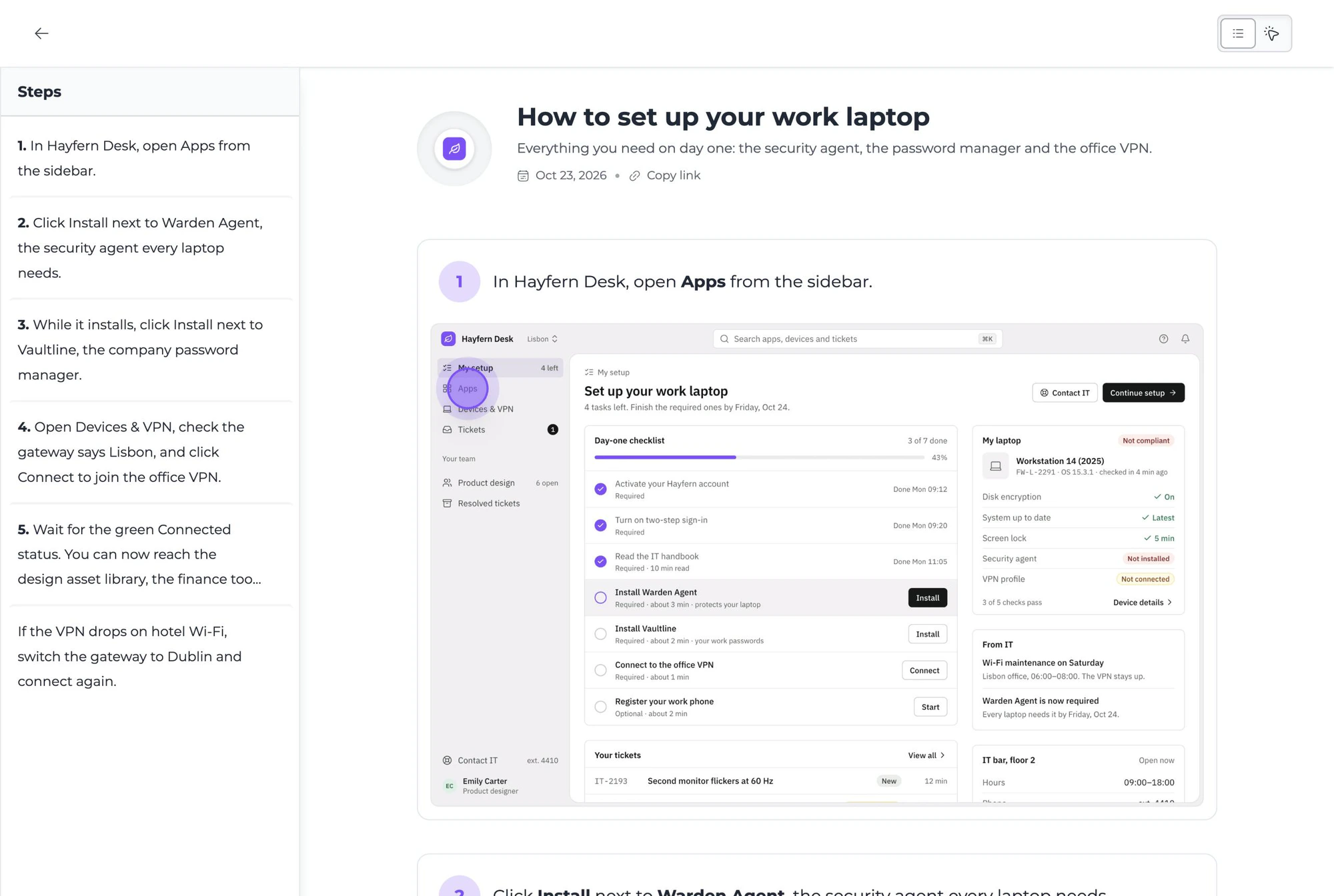
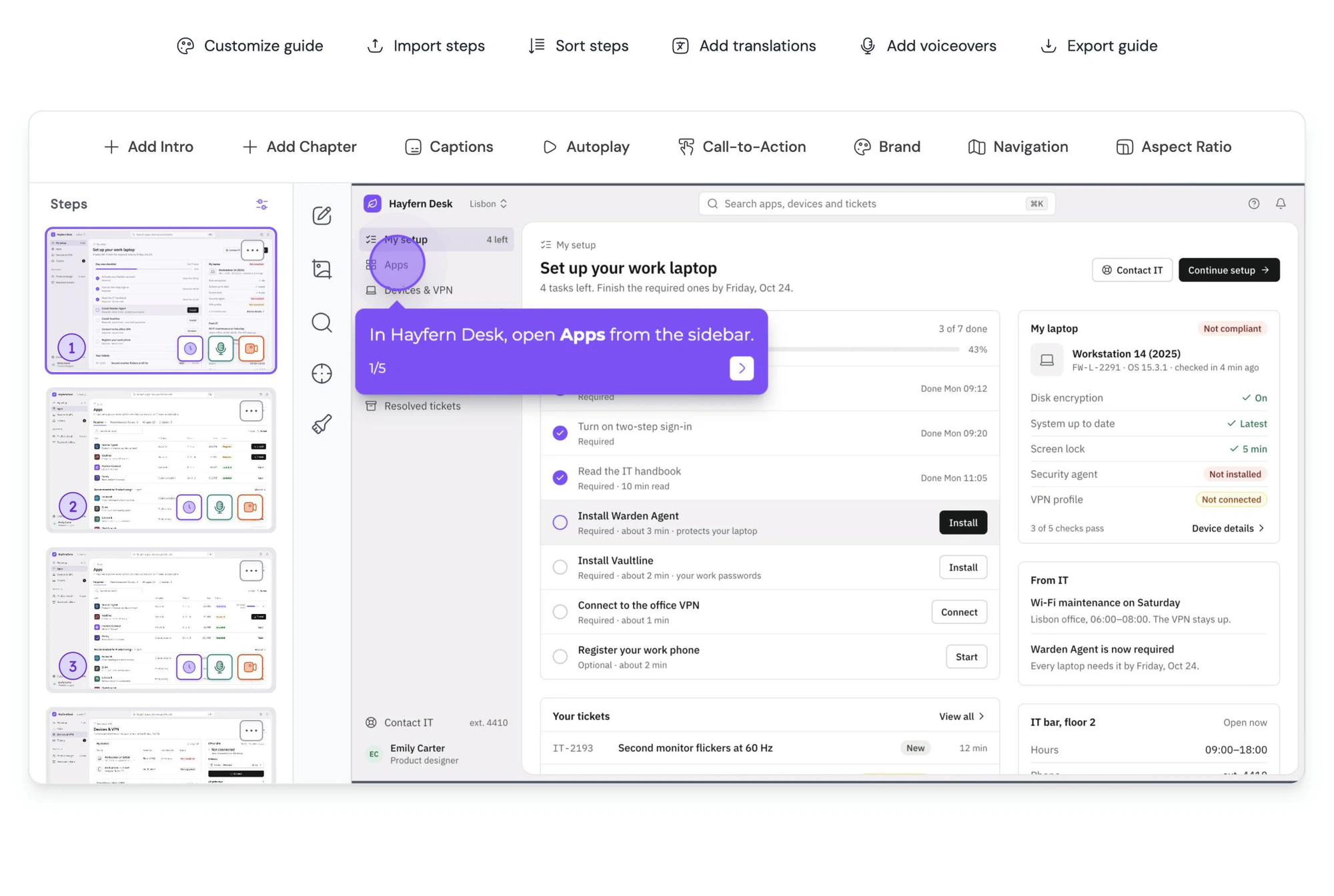
Walkthrough builders take a different route. You record a process once, in the browser or on the desktop, and the tool turns the screenshots into a click-through walkthrough with hotspots on each step. Guidejar, Arcade, Supademo and Storylane work this way.
Because the walkthrough lives outside your app, anyone can open it: a prospect with no account, a customer reading your help center, a new hire on their first morning. You share it by link, embed it in a page or a doc, or publish it in a help center. Nothing has to be installed in your product, and nothing breaks when a developer renames a button. The trade-off is that a redesign means re-capturing the affected steps.
Captured walkthroughs suit teaching a whole task from start to finish: customer onboarding, answers to common support questions, internal training and software walkthroughs for prospects.
What teams use walkthroughs for
Customer onboarding
New users need to reach their first win fast. A short walkthrough of the one task that delivers value, such as connecting a data source or sending a first invoice, gets them there without a call. Our guide to reducing time to value in SaaS covers how to pick that task.
Customer support
Look at your support queue and you'll find the same "how do I..." questions every week. Turn each one into a walkthrough and send the link instead of typing the steps again, or publish them in your knowledge base so customers find the answer before they write in.
Internal training
Training someone on a sprawling CRM or ERP usually means a senior teammate repeating the same session. A library of walkthroughs for the critical workflows (logging a lead, approving an expense, running payroll) lets new hires learn the right way by doing, and frees the senior people. An in-app tool can also guide employees inside the live software, if you're willing to install and maintain it across every tool you use.
Sales and marketing
A walkthrough on your website lets prospects try the key workflow without booking a call or signing up. Prospects who have clicked through the product arrive at the sales call with sharper questions. See interactive product demos explained for how sales teams use them.
What to look for in walkthrough software
| Feature | Why it matters | What to look for |
|---|---|---|
| No-code editor | The people closest to users (support, success, product) can fix a confusing step the same day, without a developer. | Visual editing of steps, text and highlights; publishing without a release. |
| Analytics | You can see whether people finish and where they give up. | Completion rates, drop-off by step, views by source. |
| Branching | One walkthrough can serve different roles or goals. | Buttons or choices that send people to different steps. |
| Targeting (in-app tools) | Experienced users don't see beginner tips. | Triggers by page, user role, plan or past actions. |
| Sharing and embedding (captured walkthroughs) | The walkthrough reaches people where they already are. | Share links, embeds in docs and websites, a help center. |
| Branding | The walkthrough looks like part of your product. | Your colors, logo and fonts; no vendor watermark on paid plans. |
| Easy updates | Products change every month. | Replacing one step or screenshot without rebuilding the whole walkthrough. |
Two practical checks while you trial tools: build one real walkthrough end to end and time it, and ask what happens to it when your interface changes.
How to build walkthroughs people finish
The classic mistake is a 20-step grand tour that shows off every feature. People tune out, close it and never reopen it. A few rules keep walkthroughs useful:
- One task per walkthrough: "Invite a teammate" in four steps beats "Tour of the platform" in twenty.
- Let people start it: Put walkthroughs where people look for help (a help button, a help center, a link in the onboarding email) rather than forcing a pop-up on everyone at first login.
- Show it at the right moment: The first visit to the Integrations page is the moment to show how to connect an integration.
- Write like a person: Use the words on the screen and drop internal jargon. "Click Export, then pick CSV" beats "Initiate the data export workflow".
- Fix the step where people drop off: If most viewers quit at the same step, that step (or the screen behind it) is confusing.
For longer help content, the same rules apply; see our guide to writing how-to guides that get results.
How to roll it out and measure the results
Start with one workflow that hurts: the support question you answer most often, the setup step where trials stall, or the internal process that keeps going wrong. One clear win makes the case for the next ten walkthroughs.
Before you publish, write down a baseline, then measure the same number after:
- Support tickets: How many tickets a week ask about this task?
- Task completion: How many new users finish the task, such as creating their first report?
- Walkthrough completion: How many viewers reach the last step, and where do the rest stop?
- Trial conversion: For onboarding walkthroughs, do more trial users go on to pay?
Find one or two teammates who know the process best and ask them to review the first walkthroughs; they'll spot a wrong step faster than anyone. Then treat walkthroughs like the product they describe: when the product changes, update the walkthrough.
Where Guidejar fits
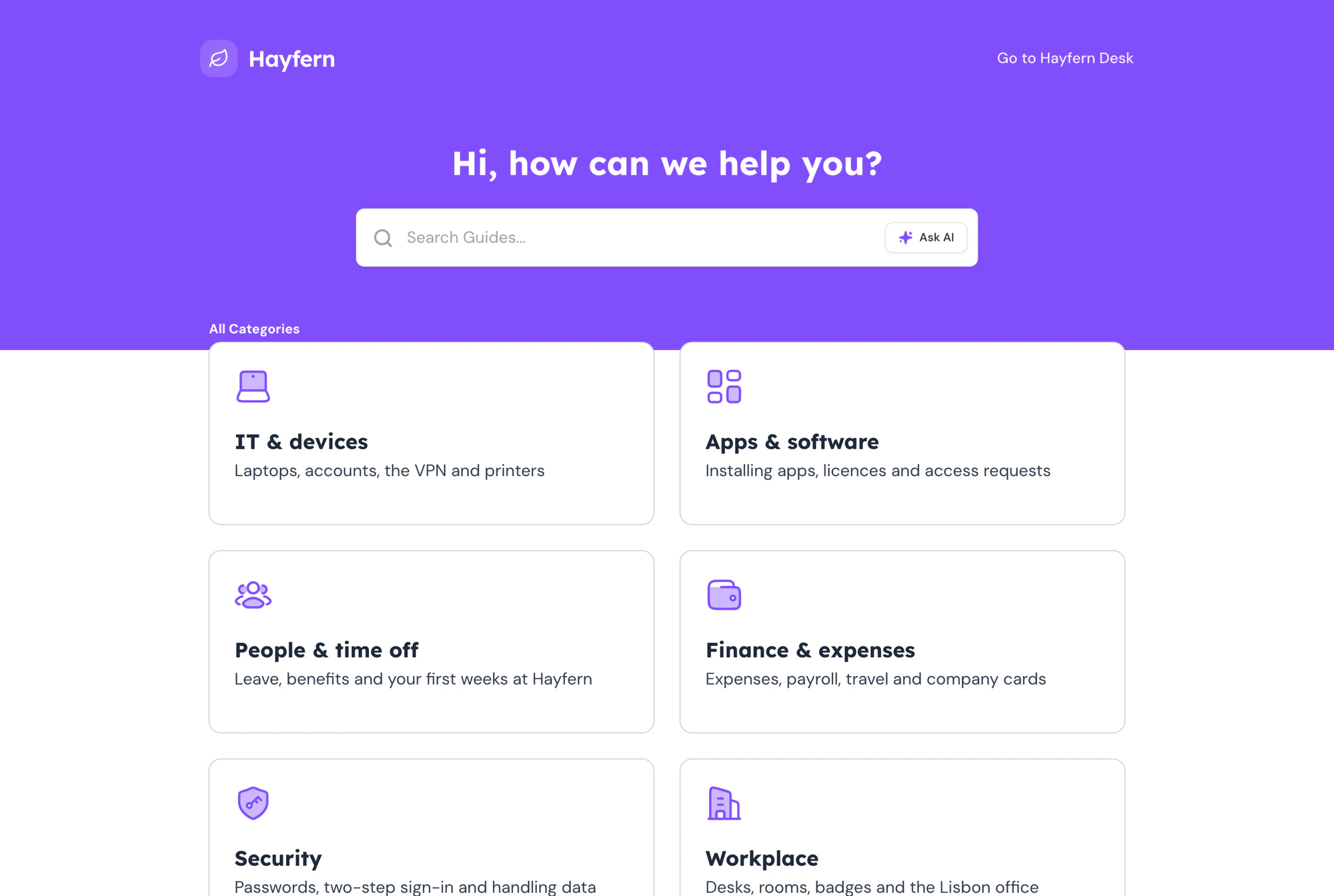
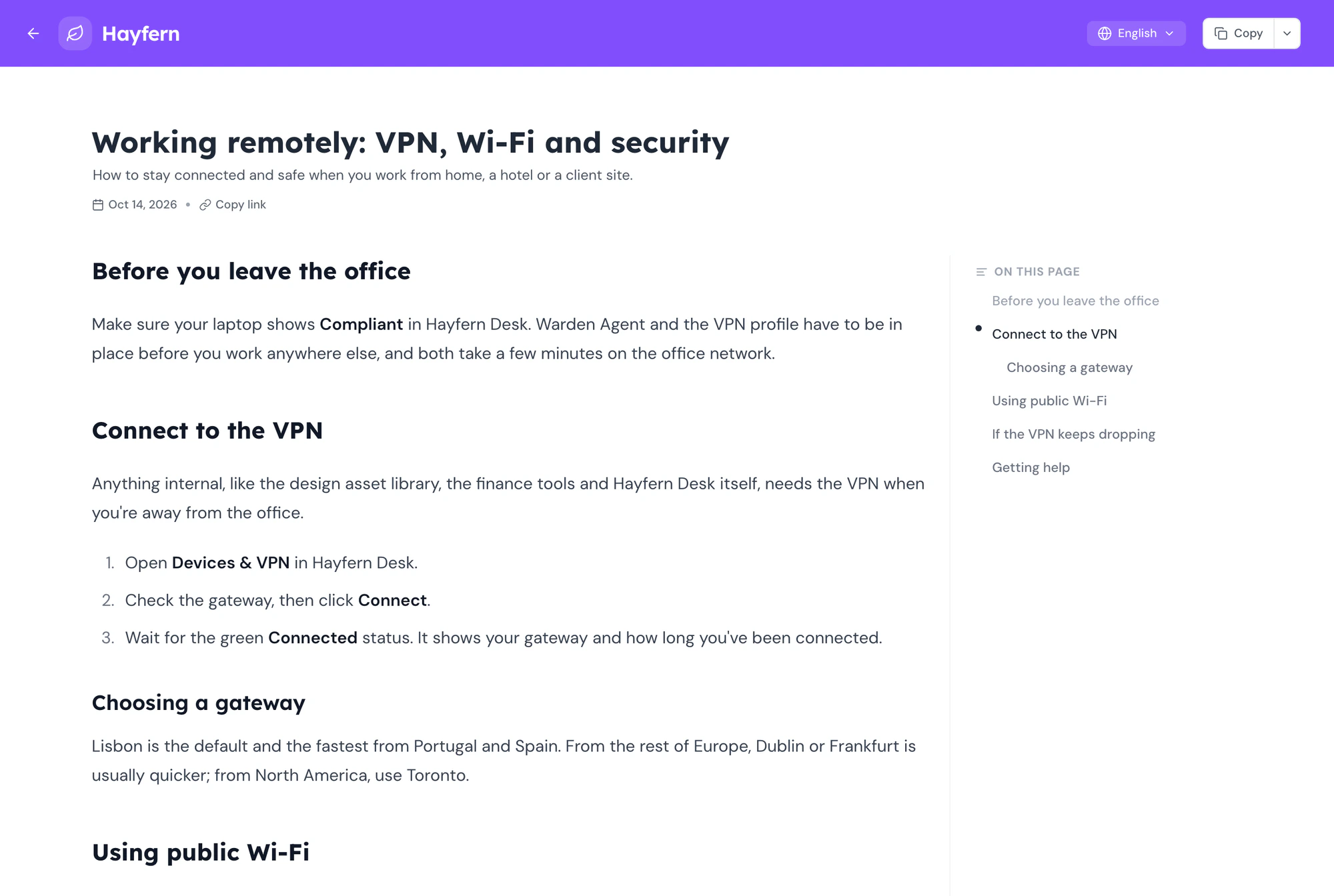
Guidejar is the second kind: a walkthrough builder. You record a process once and get a step-by-step guide and an interactive walkthrough from the same capture, so readers can scroll through the steps, click through the walkthrough, or both.
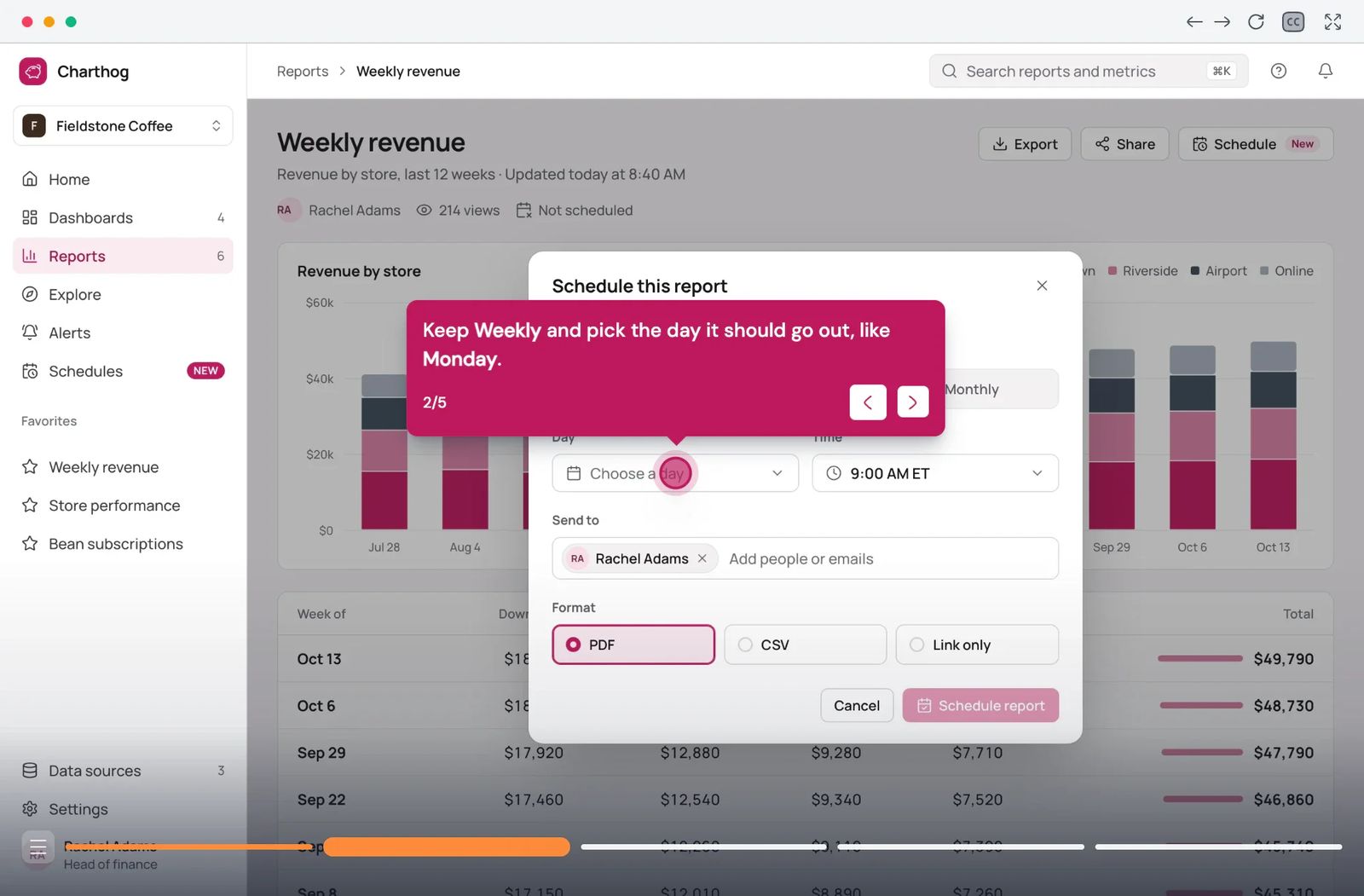
Walkthroughs get hotspots, conditional branching and chapters, and you share them by link, embed them in your app or docs, or publish them in a branded help center. The help center widget puts your guides one click away on any page of your app, and analytics show where viewers drop off. Our AI agent, Nila, writes the entire guide for you, step by step.
Guidejar doesn't place tooltips on your live interface or target them by user segment. If that's the job, an in-app tour tool is the right buy. If you want walkthroughs that anyone can open, from customers to prospects to new hires, see how Guidejar handles user onboarding. Plans start at $19 per creator a month, billed yearly ($27 paid monthly), and every paid plan has a 7-day free trial.
Frequently asked questions
- What is the difference between a product tour and an interactive walkthrough?
A product tour points things out while the user watches and clicks Next. An interactive walkthrough has the user do the task step by step, so by the end they have created the report or sent the invoice themselves rather than seen where the button is.
- Are interactive walkthroughs better than video tutorials?
They do different jobs. A video works for an overview of a concept or a whole product. A walkthrough works better for a specific task, because the viewer clicks each step instead of trying to remember what they watched.
- Do I need a developer to create walkthroughs?
Usually not. In-app tour tools need a script installed in your app once, then non-technical teams build tours in a visual editor. Captured walkthrough builders need no install in your product at all: you record the process in your browser and edit the steps.
- Will in-app walkthroughs annoy users?
They can if every user gets the same long tour at first login. Keep each walkthrough to one task, show it when someone reaches the relevant page, make it easy to close, and let people start walkthroughs themselves from a help button or help center.
- Is a digital adoption platform the same as an LMS?
No. A learning management system runs courses people take before they do the work. A digital adoption platform guides people inside the software while they work, with tooltips and walkthroughs on the live screen.
- Filed under
- Customer Onboarding