Product walkthroughs for user onboarding
Get new users to their first win faster. Show them how right inside your product, and keep answers close for everything that comes after.






7-day free trial on every paid plan
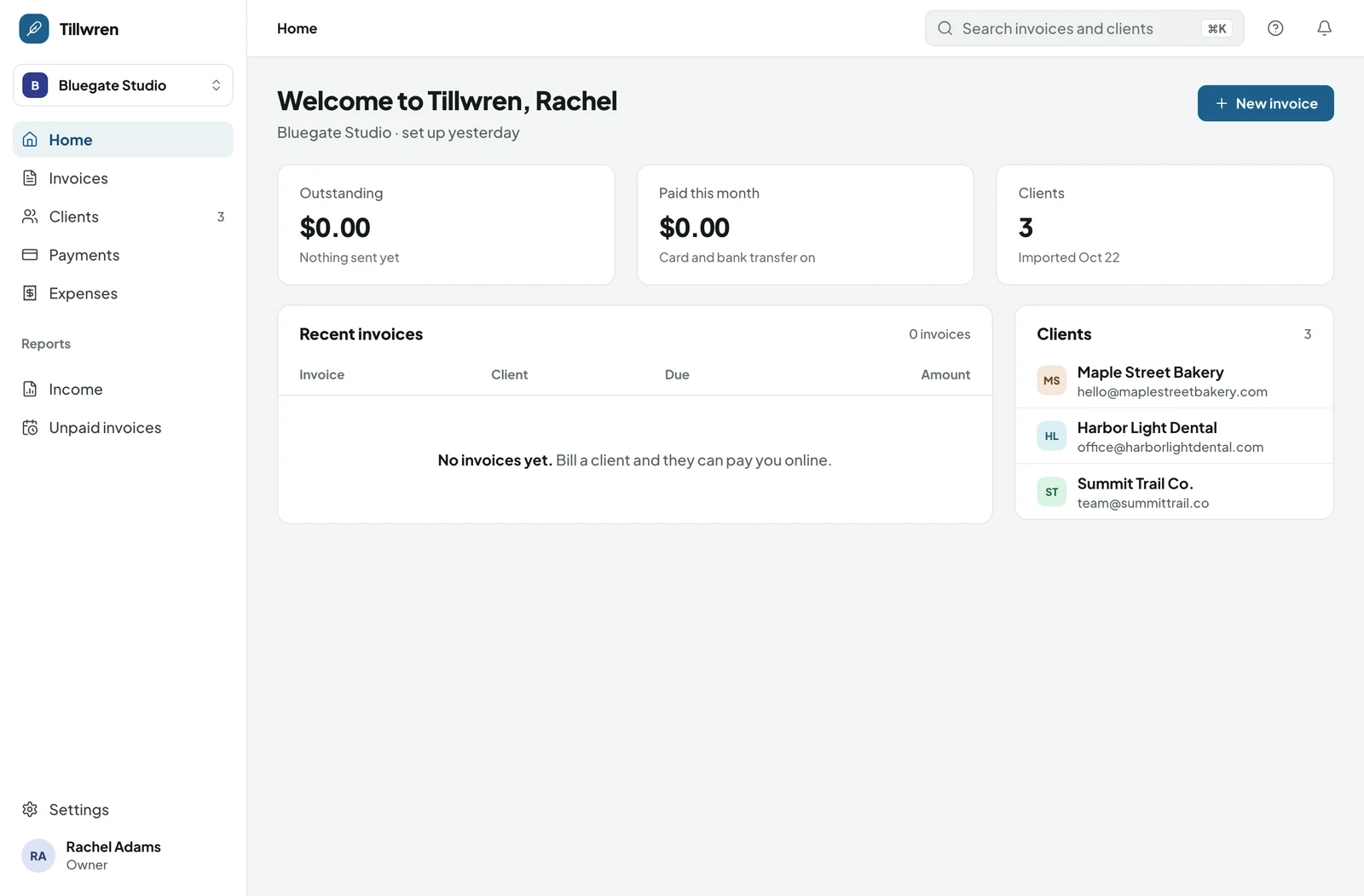
- Add your business details
- Send your first invoice
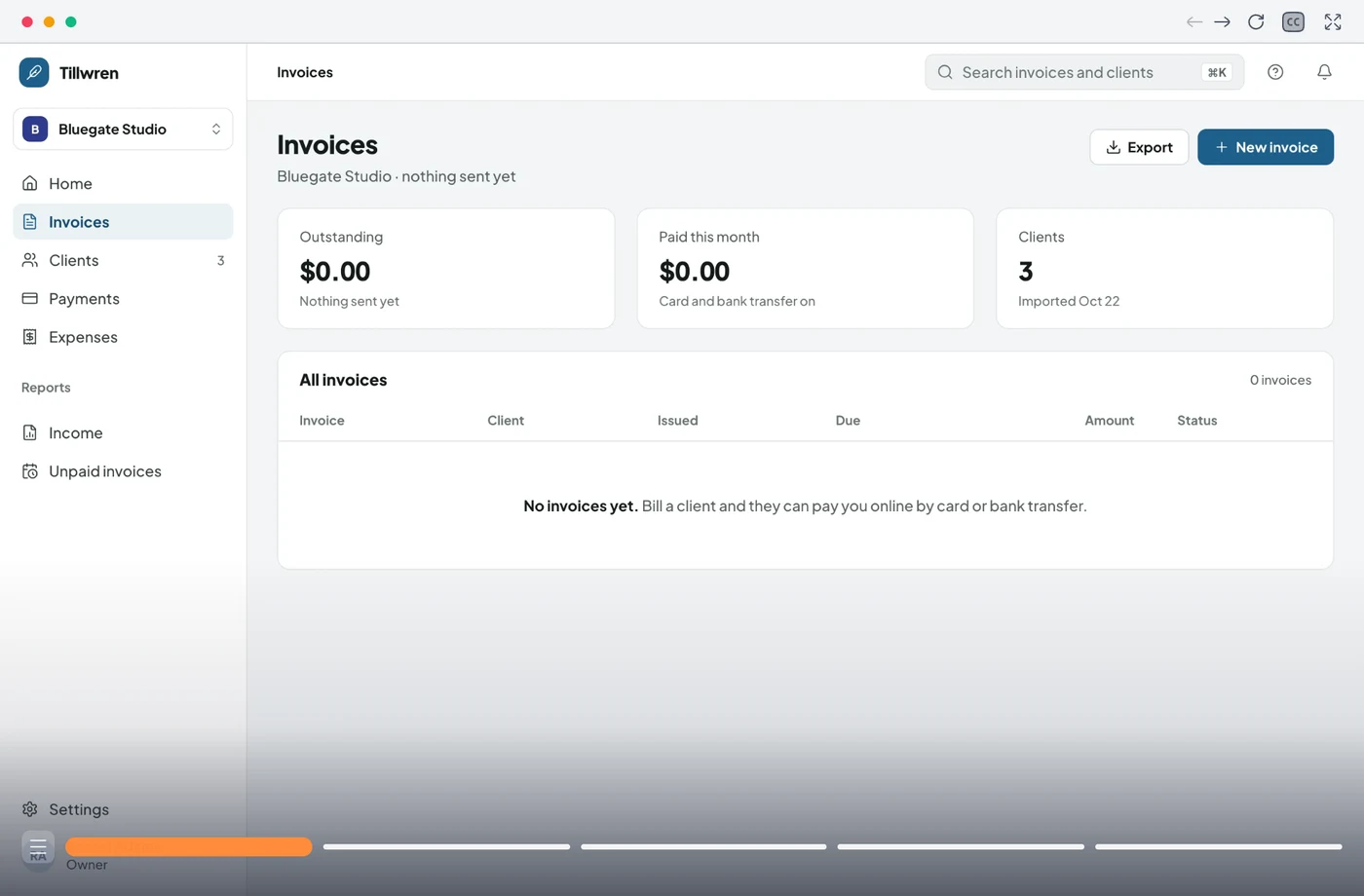
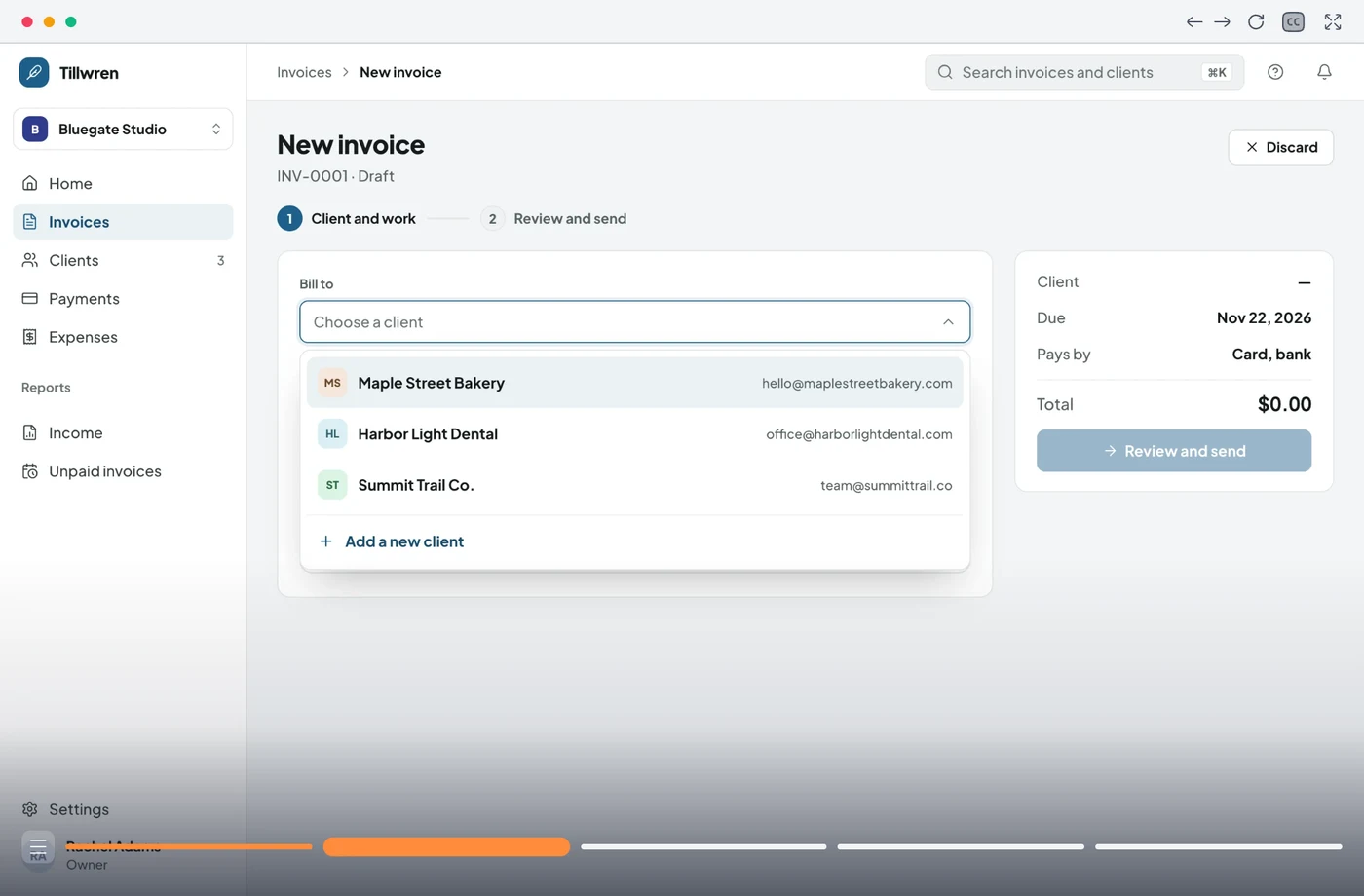
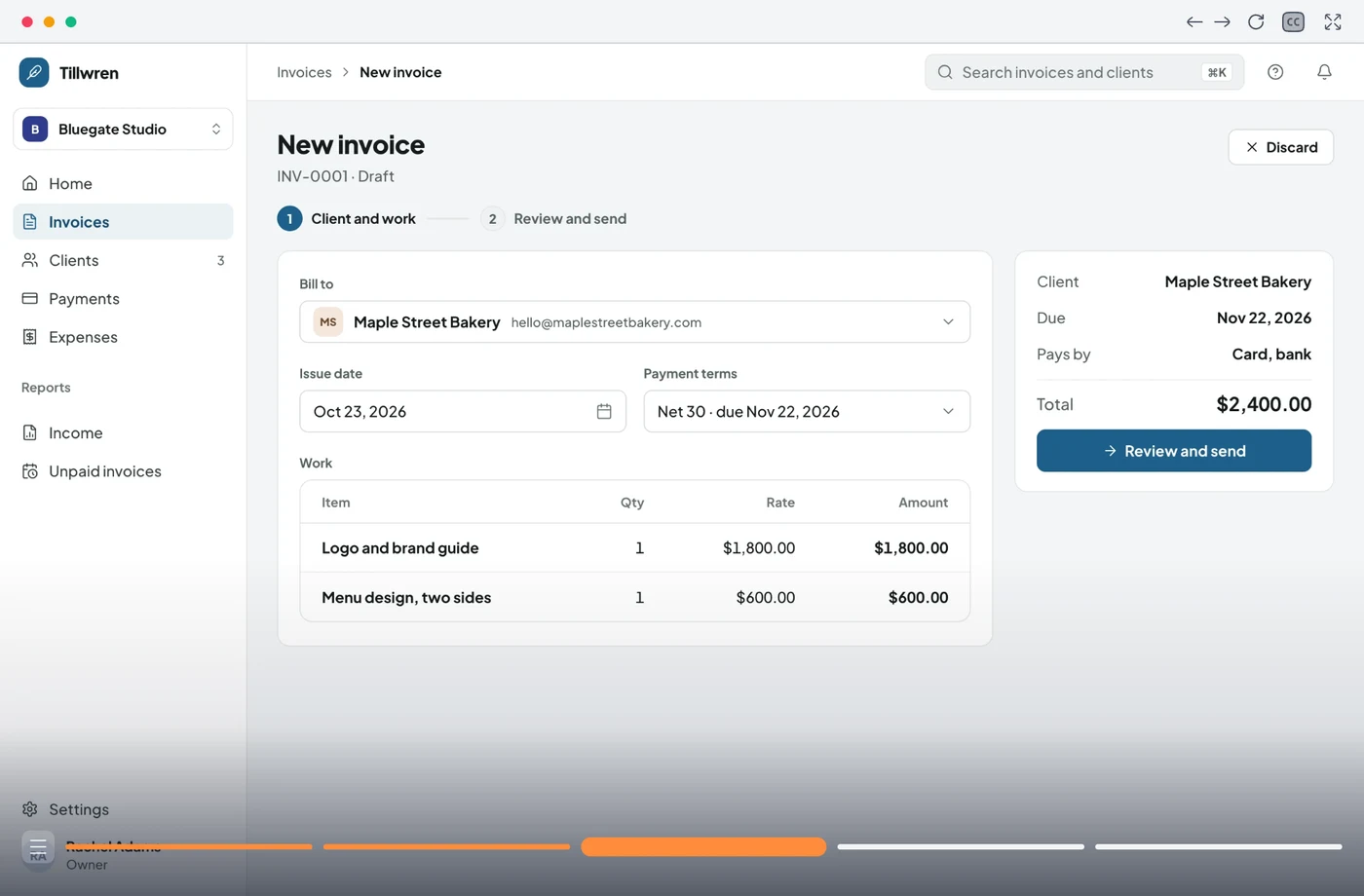
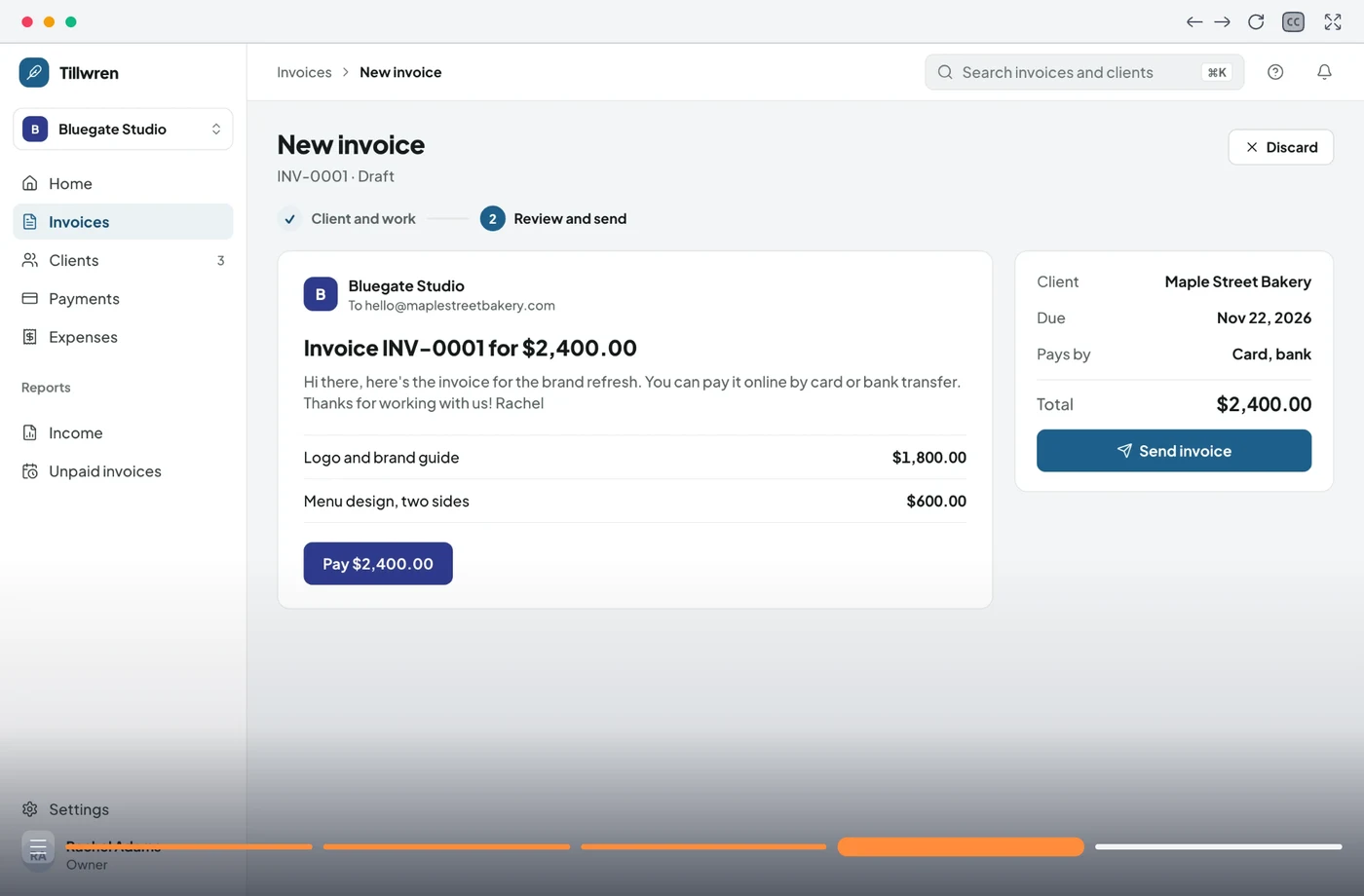
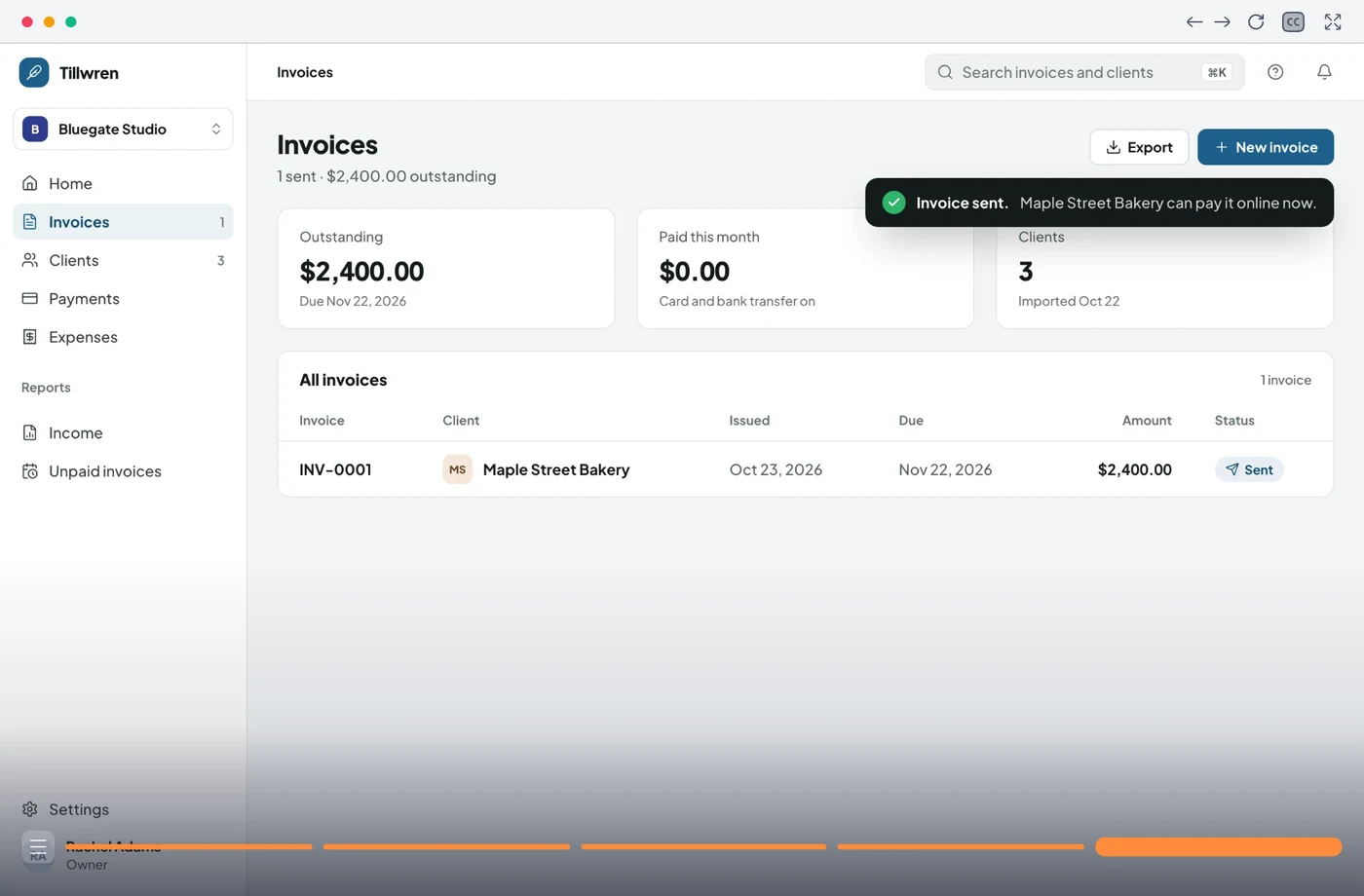
- Connect a payout account
- Invite your accountant
Trusted by teams worldwide










Why onboarding stalls
Signups are the easy part. Somewhere between the welcome email and the first result, new users get stuck, guess, or quietly stop coming back, and your team only hears about it in a ticket.
Slow time to value.
If the basics take three sessions to set up, plenty of users won't come back for a fourth. Every confusing screen between signup and the first result costs you activations.
Too much at once.
Tours that point at every button on day one get dismissed. People remember the thing they did, not the thing they were shown.
One path for everyone.
An admin setting up billing and a teammate joining a project need different first steps. A single onboarding flow wastes both of their time.
Answers live in the support queue.
When help isn't where users are, they open a ticket or book a call. Your team answers the same setup questions every week.
Made for new users and the team behind them
Help that shows up before the ticket does

Get new users to their first win
Show each new user the shortest path to the result they signed up for, right where they would otherwise get stuck. They learn it by doing it, so it sticks.
- Only the steps that apply to their role
- Right inside your product
- In their own language, wherever they are

Your success team stops repeating itself
The setup questions your team answers every week get answered once, inside the product. New customers find the answer on their own, and your calls go to the accounts that need them.
- Fewer "how do I" tickets
- Calls spent on the hard questions
- You'll know which step trips people up

How to onboard users with product walkthroughs
From first login to first win
Step 1 of 4
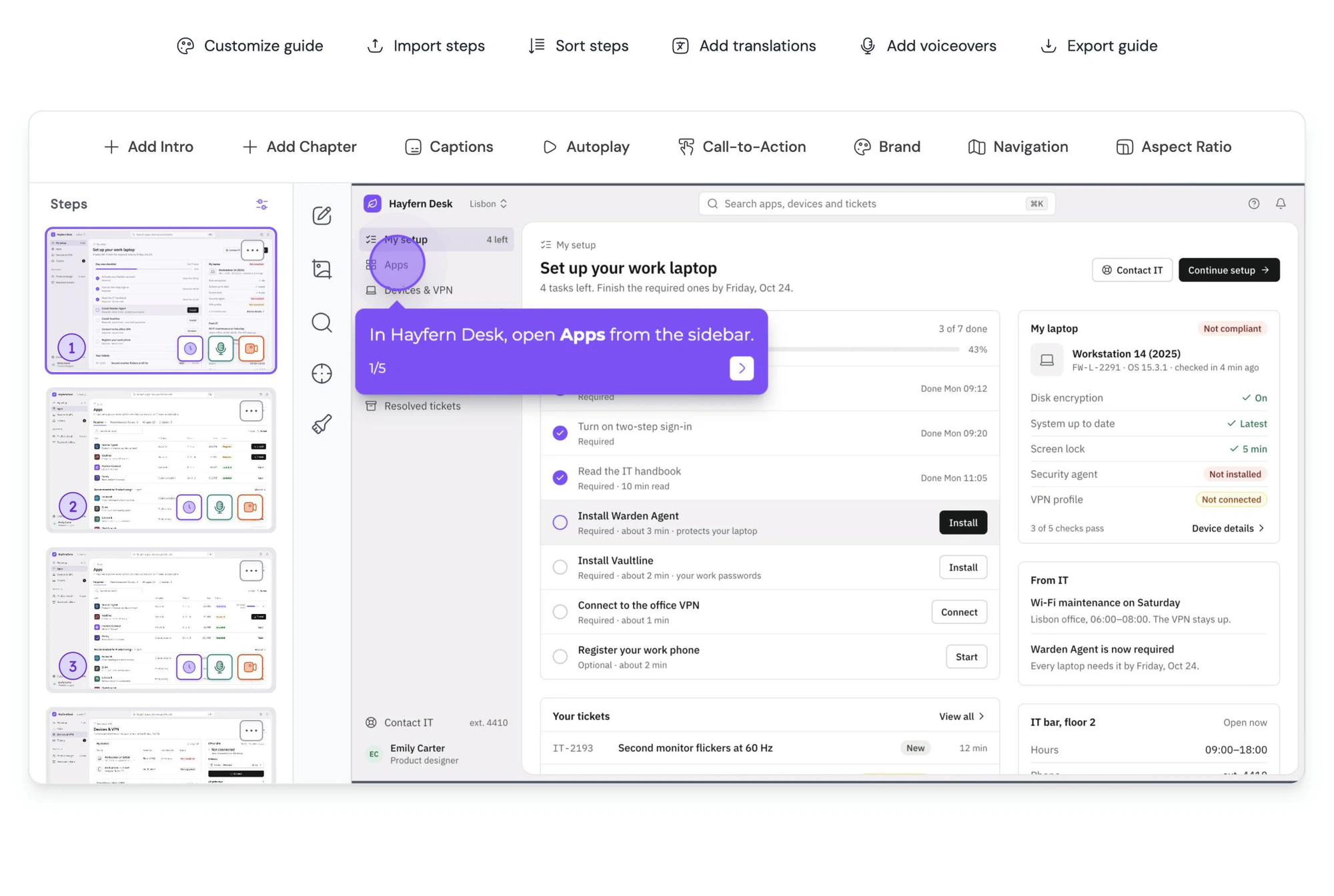
Record the shortest path once.
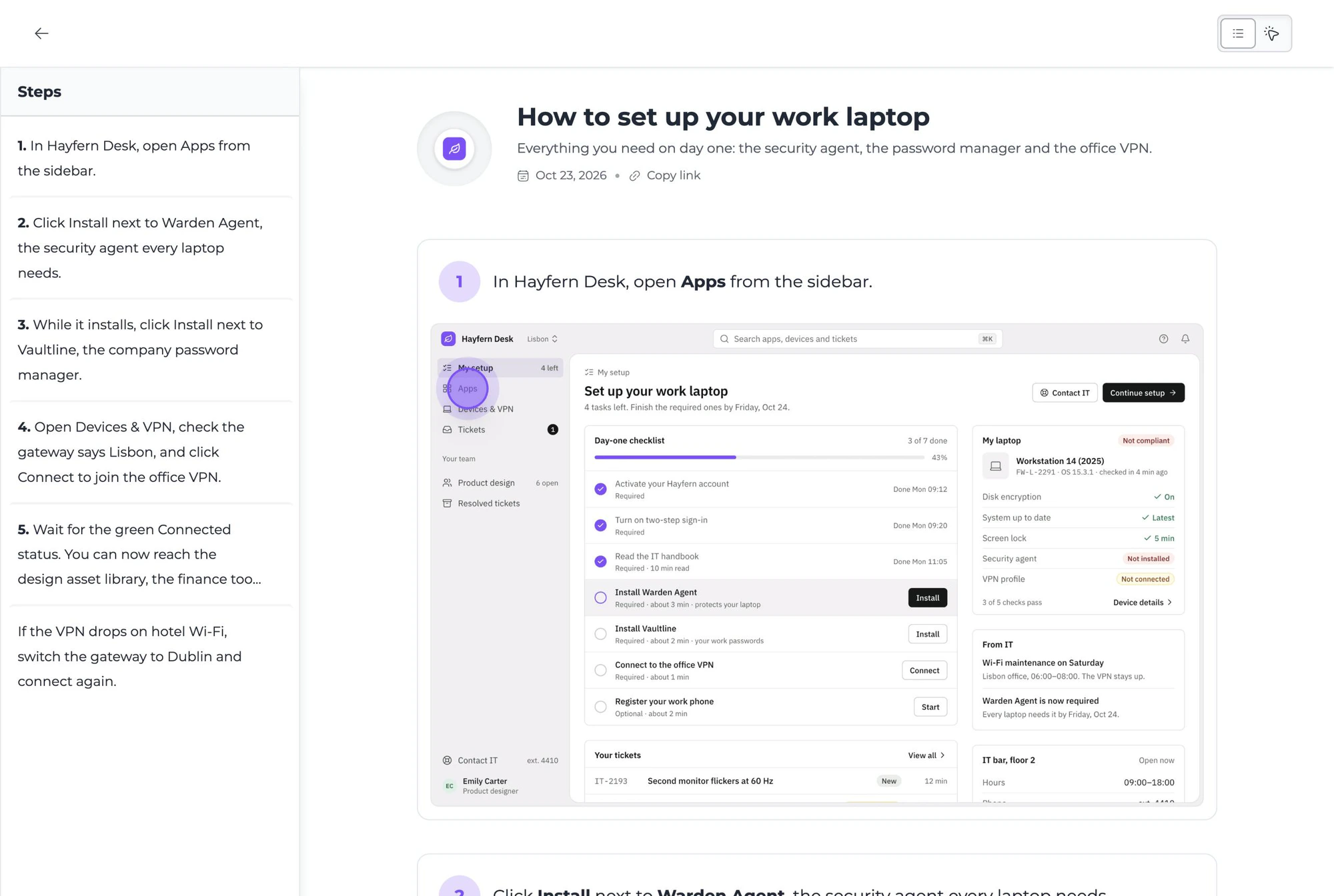
Click through setup the way a new user would, once. Every new user gets the same clear path to their first result, and you update it in one place.
Product walkthrough software
A path, a greeting and a language for every new user
Ask who they are on the first step and send each person straight to what they need. An owner might start with payouts while a teammate goes straight to their first task.
Explore Conditional branchingFill in each new user's name and company when the walkthrough opens, so it reads like it was made for them, from one walkthrough for everyone.
Explore Dynamic variablesTranslate a walkthrough into 35 languages in a click. Each new user sees it in the language their browser already speaks.
Explore AI translation
“Guidejar is our go-to platform for user onboarding!”
Frequently asked questions
Can’t find what you’re looking for? Email us at [email protected].Guidejar for other teams: Internal Wiki, Product Marketing, Sales Enablement, Customer Self-Service
They let new users learn by clicking through the real flow instead of reading about it, at their own pace and as often as they need. Walkthroughs that branch by role also skip steps that do not apply, so each user gets to a first result sooner.
Get each user to one useful result quickly, show only the steps that apply to their role, and keep help close by for later. Measure where people drop off and fix that step first. Short walkthroughs beat one long tour of every feature.
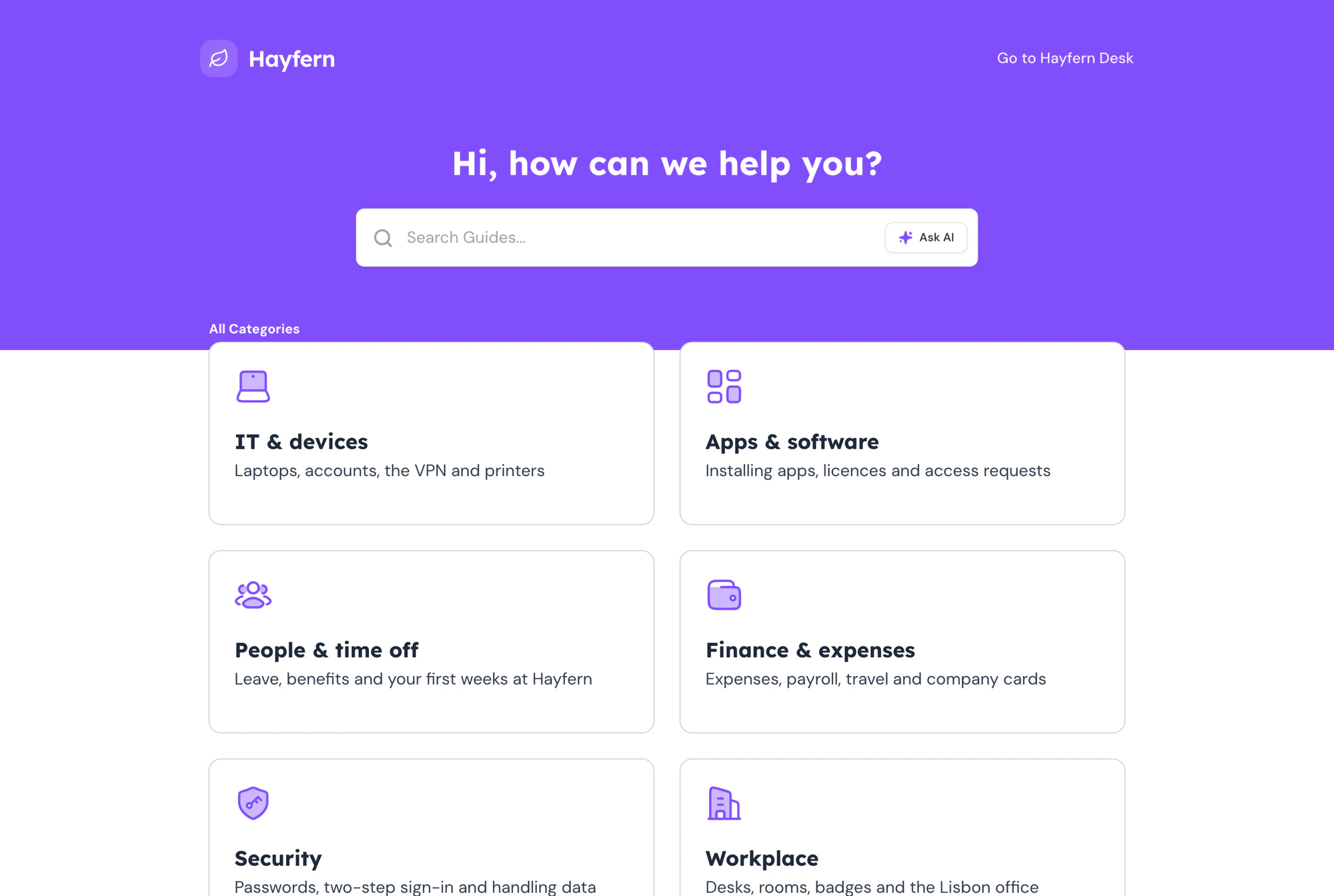
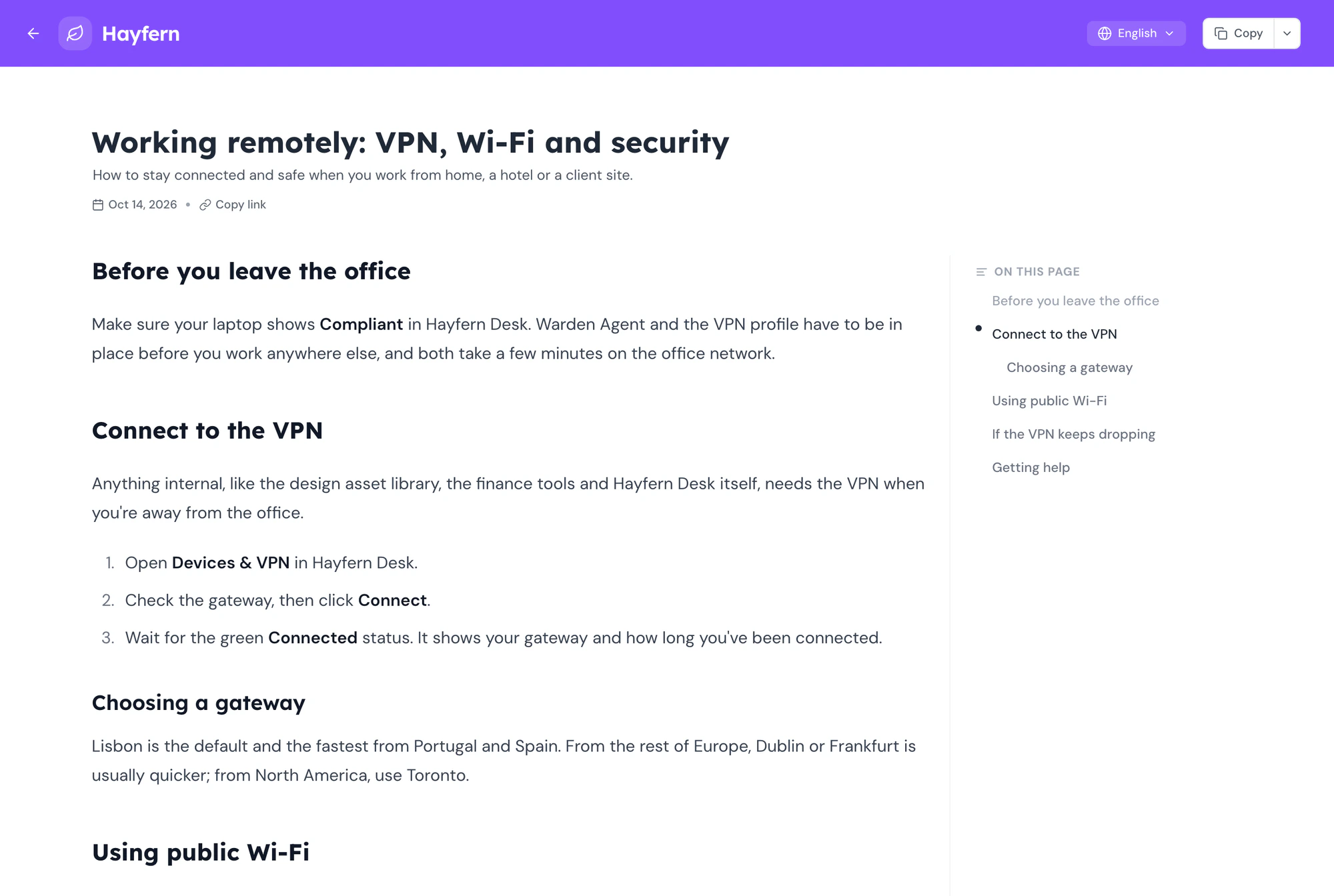
Guidejar walkthroughs are interactive guides made from real screenshots of your product. Users click through them in your app, an email link or your help center, and can come back to them later. The help center widget adds search and Ask AI inside your app.
Yes. Success teams use the same walkthroughs for kickoff checklists, data imports and admin training, published to a help center your customer can search. Each customer reads through the help center or a link, so they never add to your bill.
Yes. Buttons on a step can send each viewer to a different step or link, so admins, members and viewers each follow their own path.
No. Viewing is always free and needs no account. You only pay for the people on your team who create the walkthroughs.
When a screen changes, edit the affected step or re-record that part. Embeds, links and the help center show the new version straight away.
Plans start at $19 per creator a month on yearly billing, or $27 paid monthly. Every plan has a 7-day free trial, and you can learn more on our pricing page.
From first login,
To first win.
Show every new user how, right inside your product, and keep answers close for everything after.