Interactive sales enablement content
Send buyers a walkthrough they can click through before the call and share with their team after it, so everyone who weighs in sees the product exactly as you showed it.






7-day free trial on every paid plan
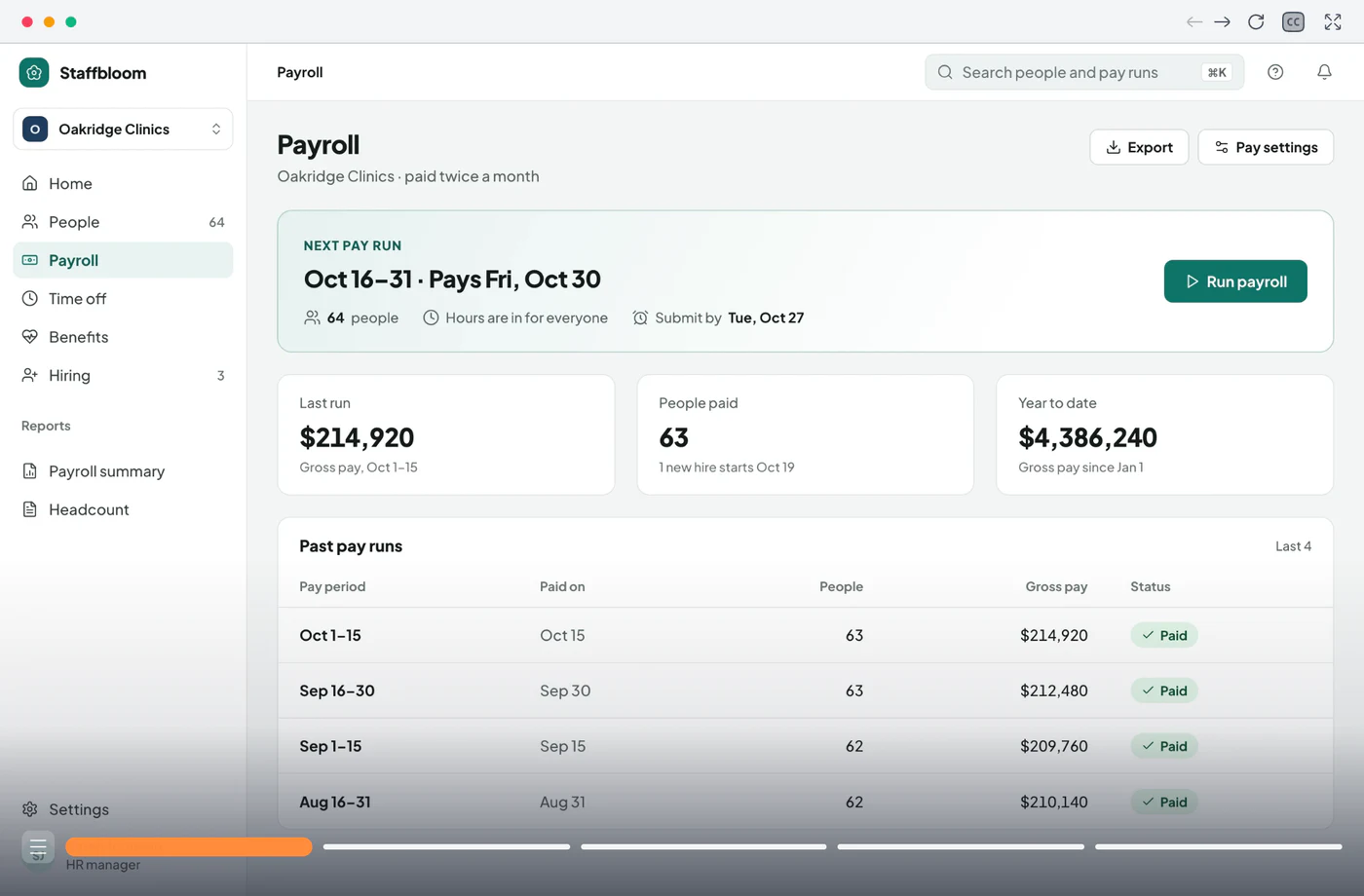
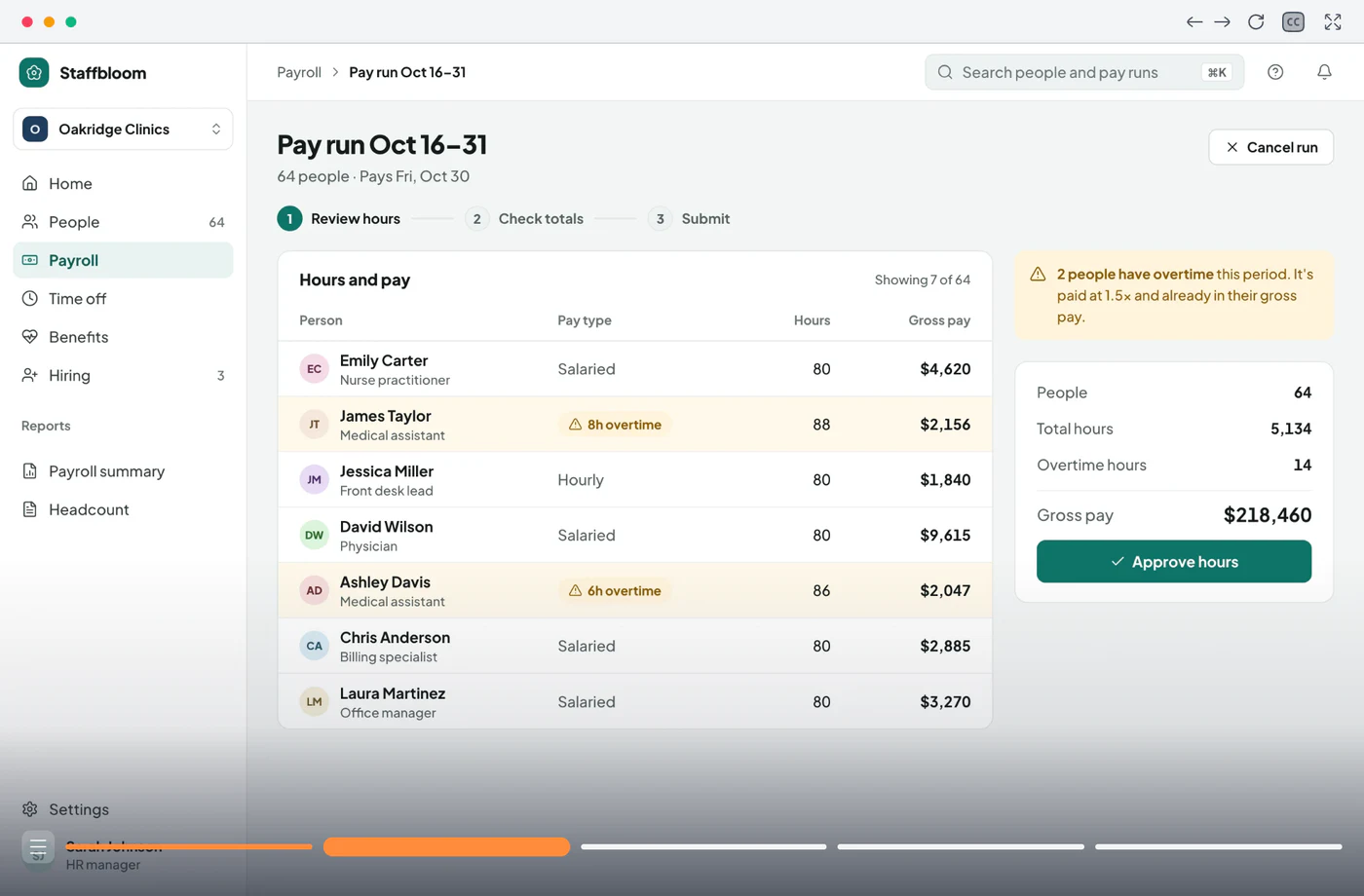
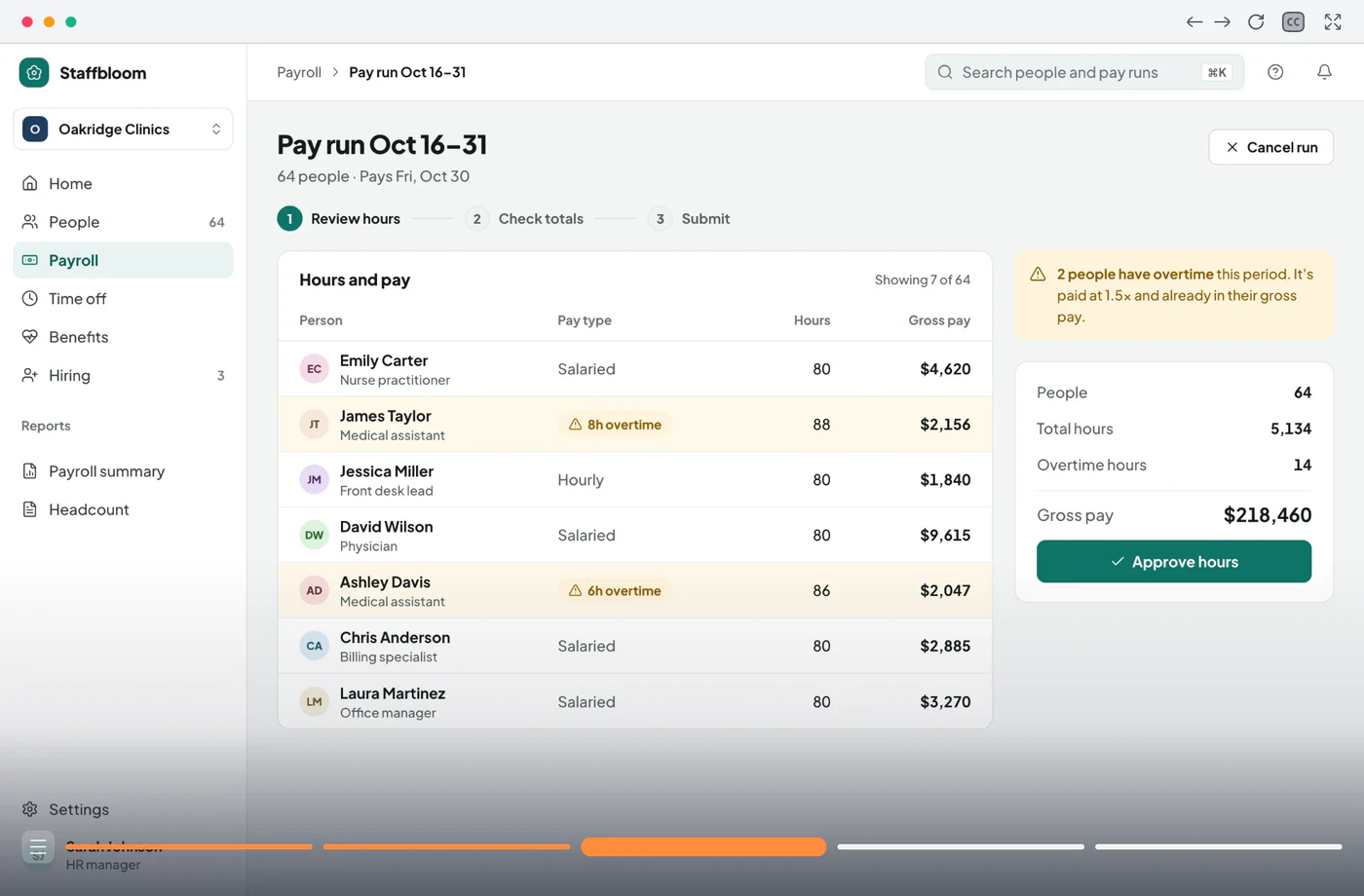
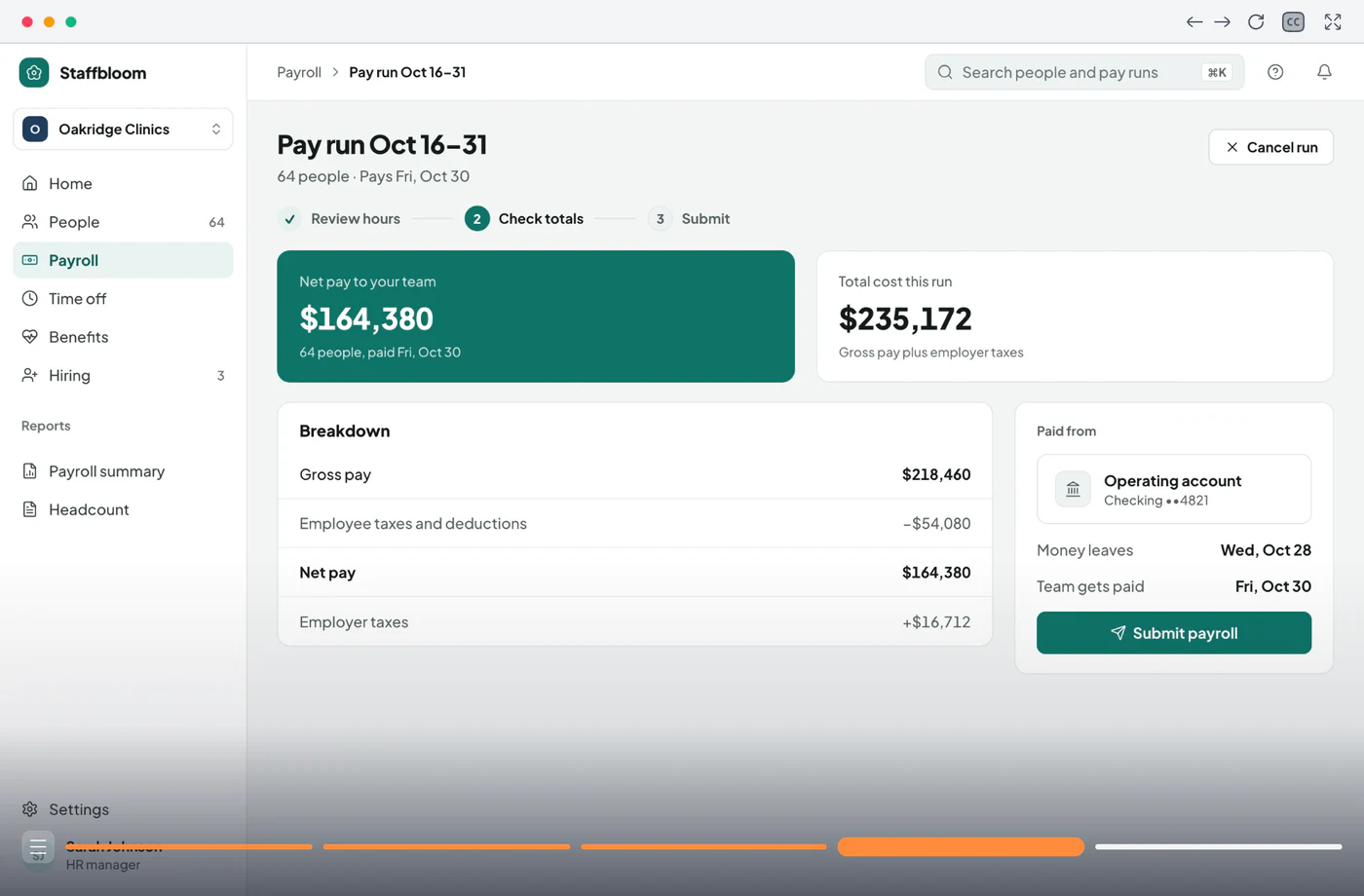
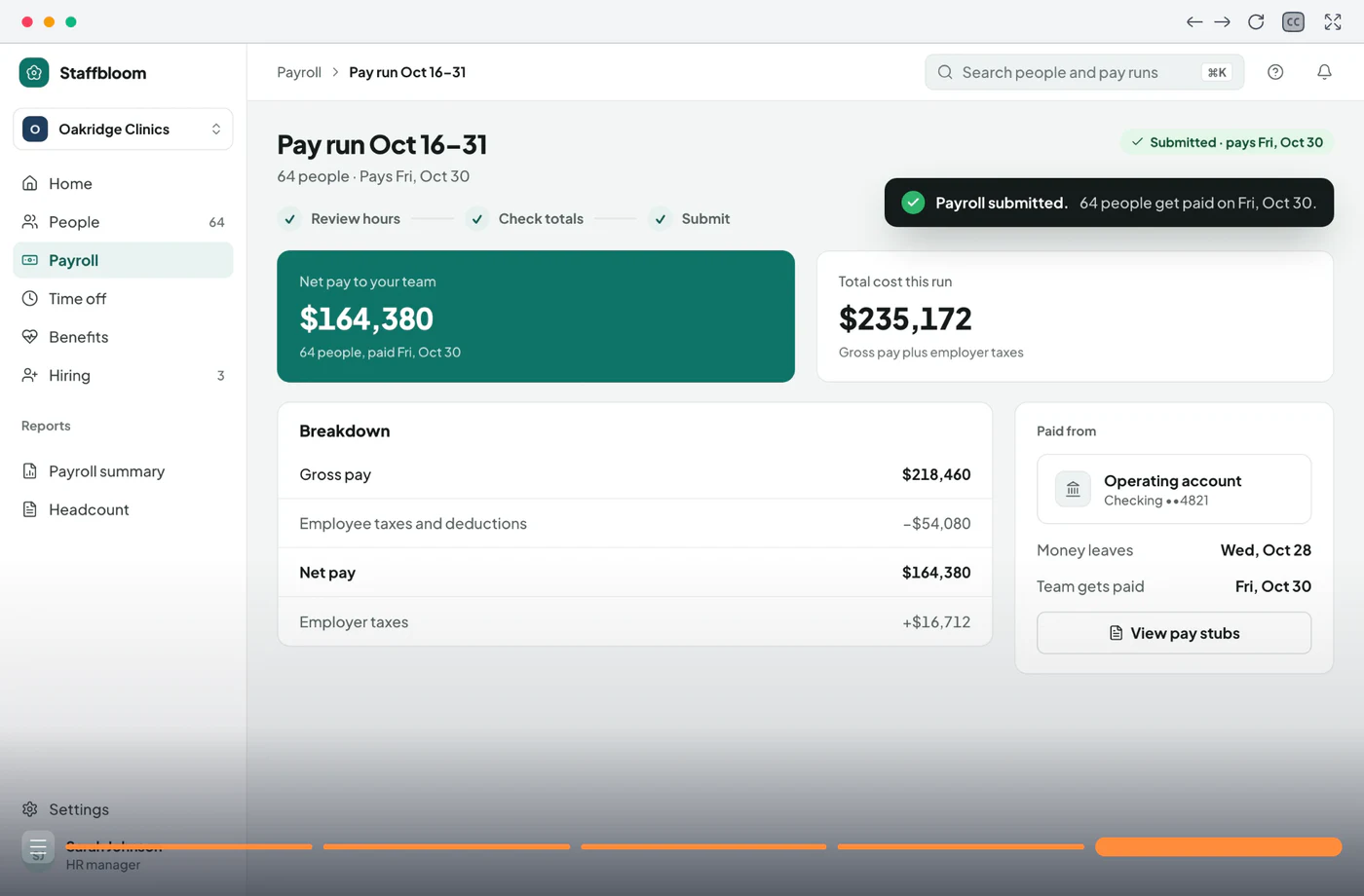
Open Payroll and click Run payroll for the Oct 16–31 pay run.
Trusted by teams worldwide












Where deals stall
Buyers rarely say no to the product itself. Between calls they lose the thread: what they saw blurs, the deck can't show how it works, and the people they need on board never saw it at all.
The story stops when the call ends.
Afterwards the buyer has your notes and a deck. Nobody can see the product again until the next meeting, and that meeting keeps moving.
Feature lists all look the same.
Ten tools in your category claim the same five capabilities. Prospects can't tell yours apart until they see how it works.
Every rep tells it differently.
Without shared material, each rep builds their own deck and their own version of the story. Buyers hear different things depending on who they talked to.
Champions can't retell it.
Your champion has to explain the product to everyone else who signs off. They weren't trained to sell it, and the call recording runs an hour.
For the meeting, and everything after it
Buyers see the product before and after the call

Show the flow that wins the deal
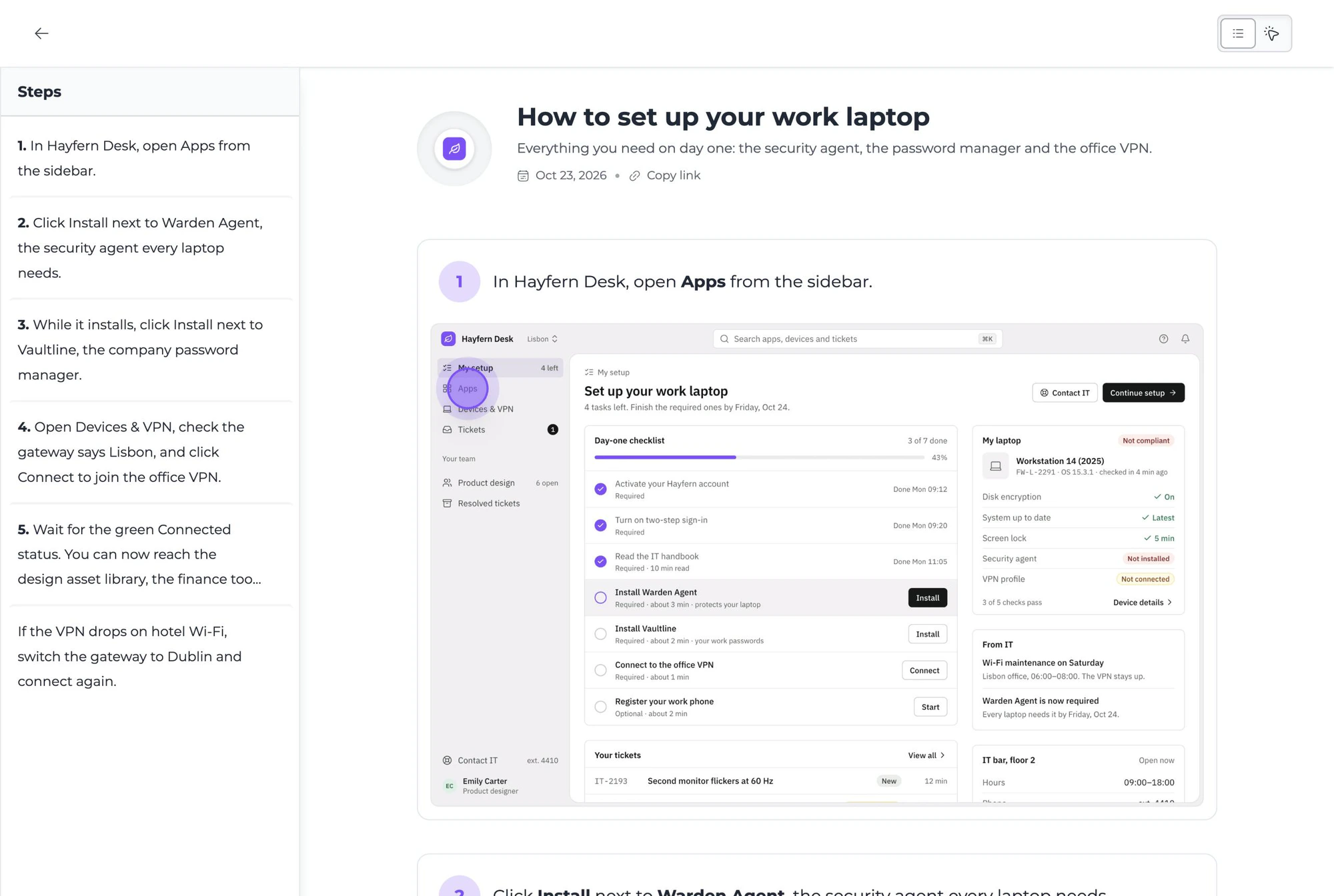
Swap the slide deck for the product itself. Click through the flow that wins deals right on the call, shaped around the buyer in front of you, so they see how it fits their day before you talk price.
- Every stakeholder sees the part they care about
- Looks and feels like your own product
- Buyers abroad read it in their own language

Help your champion sell it for you
Your champion has to win over people you'll never meet. Give them a walkthrough that explains the product as well as you would, in a couple of minutes and without booking another call.
- They can make your case without a slide deck
- Busy decision-makers get it in two minutes
- You'll notice when it starts getting passed around

How sales teams use product walkthroughs
Your best flow, in front of every buyer
Step 1 of 4
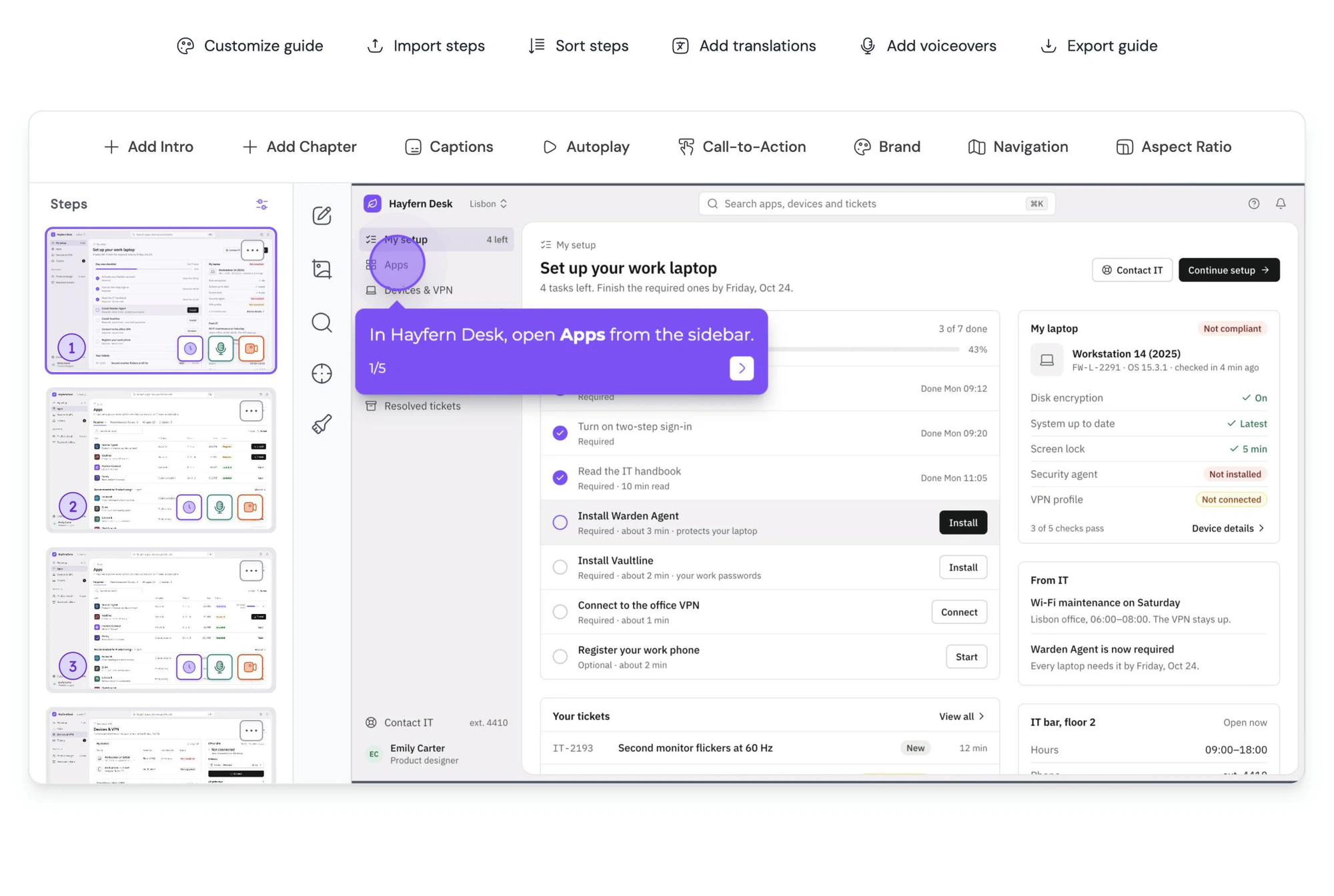
Record your best flow once.
Click through the flow that wins most deals, once. Every rep sends the same polished walkthrough, so every buyer sees your best version of it.
Built for the buying committee
A path for every role, and a door only they can open
Open with a question about who's watching, and send each person straight to the part they care about. A team lead might see the day-to-day flow while finance skips to pricing and IT to security.
Explore Conditional branchingAdd a short form to the walkthrough. It opens when someone is about to leave, and every answer lands in Guidejar with the email of the person who asked.
Explore FormsShare the walkthrough with specific people by email, add a password, or keep it open to anyone with the link. Change it at any point in the deal.
Explore Access control
“Instead of wasting hours on back-and-forth Loom videos or clunky documentation, I can spin up a crisp, interactive walkthrough in seconds.”
Frequently asked questions
Can’t find what you’re looking for? Email us at [email protected].Guidejar for other teams: Internal Wiki, Product Marketing, User Onboarding, Customer Self-Service
They are click-through versions of your product built from real screenshots, which reps send before or after a call. Buyers explore the workflow at their own pace and forward it to colleagues, so the product gets explained the same way every time.
Sales enablement content is the material reps use to explain the product and move deals forward: walkthroughs, FAQs, implementation plans and follow-ups. In Guidejar the most useful pieces are walkthroughs that buyers click through themselves.
Yes. Dynamic variables replace placeholders such as name or company with values from the share link, so one guide works for every account.
Yes. A share link opens for anyone who has it unless you've restricted the guide to specific people, so your champion can forward it to the rest of the buying team without anyone creating an account.
Yes. Share it with specific people by email, add a password, or keep it open to anyone with the link. You can change it at any point in the deal.
Yes. Add a form and it opens when the walkthrough starts or when the viewer is about to leave. Every answer is collected in Guidejar.
Only the reps who create guides. Anyone who only views them is free, from teammates in your workspace to buyers with a share link.
Plans start at $19 per creator a month on yearly billing, or $27 paid monthly. Every plan has a 7-day free trial, and you can learn more on our pricing page.
Your best call,
In every buyer’s inbox.
Give buyers, and everyone they bring in, the product the way your best rep shows it.