Turn what you know into a guidepeople can follow on their own
Write the steps once, add an image where it helps, and download a PDF that answers the question before anyone has to ask you.
Click to upload or drag image here
Supports: JPG, PNG, GIF (max 5MB)
What you get
Everything a how-to needs. Nothing to configure.
Whether it is a study guide, a quick manual or an internal how-to, the parts are the same: clear steps, the right pictures, and a file you can hand over.
- 01
Numbered steps
Add, reorder and delete steps. The numbering keeps itself right.
- 02
Image per step
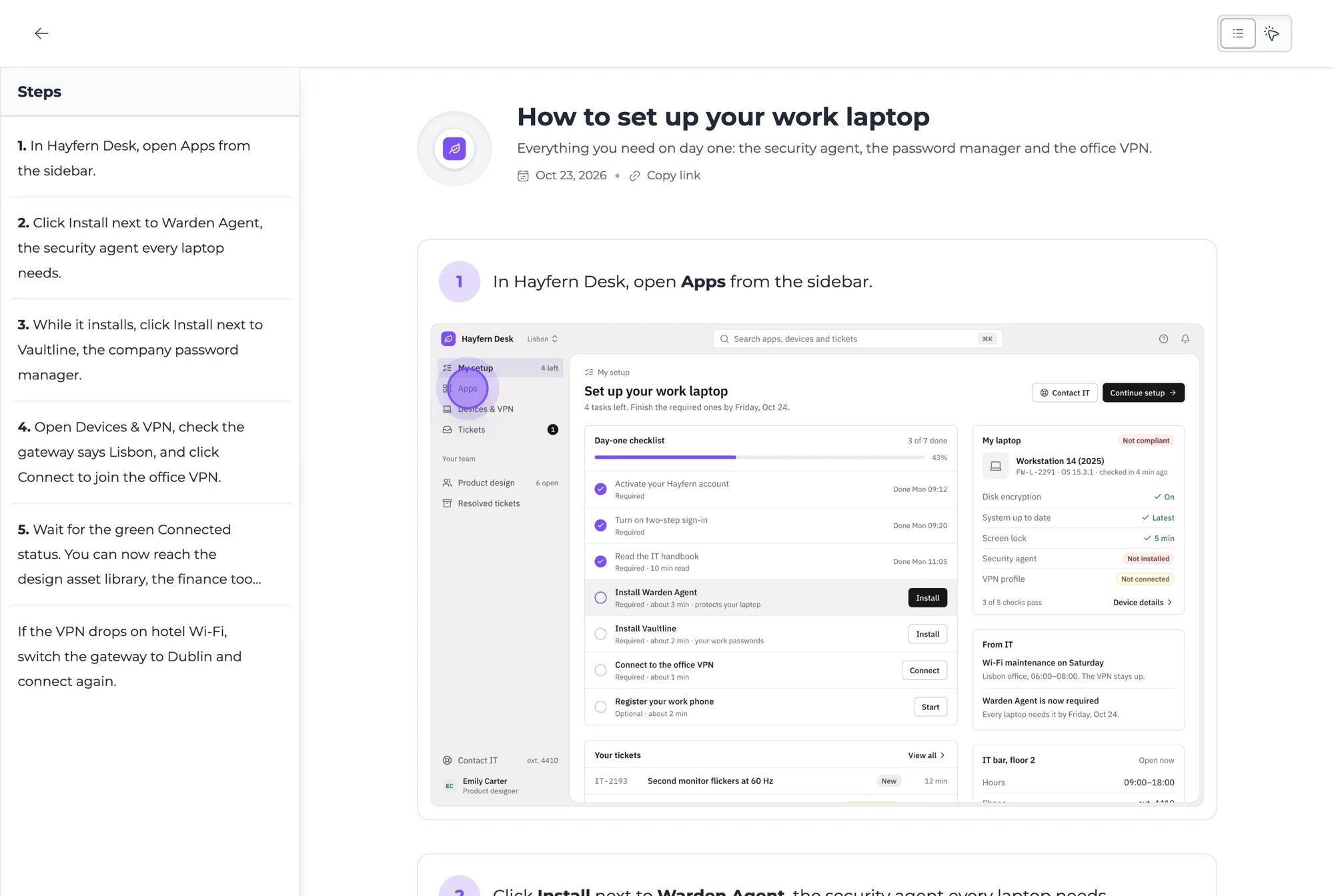
Show the screen, the diagram or the worked example next to the instruction.
- 03
Formatted text
Bold the key term, list the materials, link the source.
- 04
PDF export
One click gives you a clean document to print, email or upload.
- 05
Share anywhere
A PDF opens on every device, so the guide travels with the reader.
- 06
Minutes, not hours
No layout work. Write the steps and the guide is formatted for you.
How it works
Thirty seconds, start to finish.
Name the guide
A title and a short intro tell the reader what they will be able to do by the end.
Write the steps
One action per step, in order. Attach an image wherever a picture saves a paragraph.
Download the PDF
Share it with students, teammates or customers. It reads the same on every screen.
Why this one
Built for people who explain things for a living.
Write it once, share it forever
Teachers, support teams and product folks all have the same problem: the same explanation, given again and again. A guide turns it into a link. If you want the first draft written for you, try the AI study guide maker.
“I love how easy it is to capture, annotate, and share recordings, making it perfect for tutorials, demonstrations and team collaboration.”

Onboarding
Help new hires get up to speed with internal tools without booking a walkthrough.
Fewer support tickets
Turn the questions you answer every week into a guide you can link to instead.
Tutorials and SOPs
Document a repetitive task once, and stop re-explaining it in chat.
Lessons and study guides
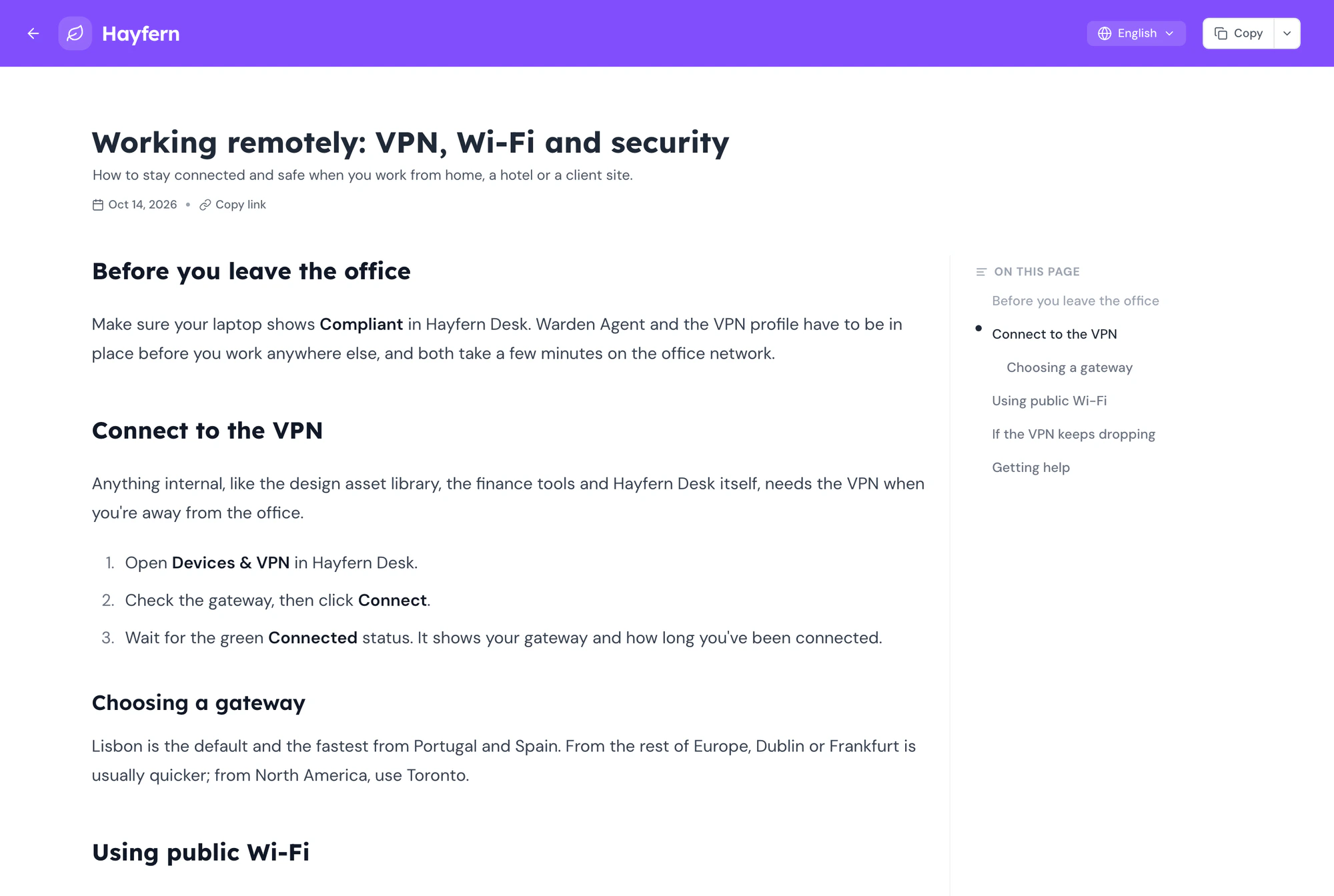
Students leave with a numbered PDF they can follow later, instead of a photo of the whiteboard.
Doing this a lot?
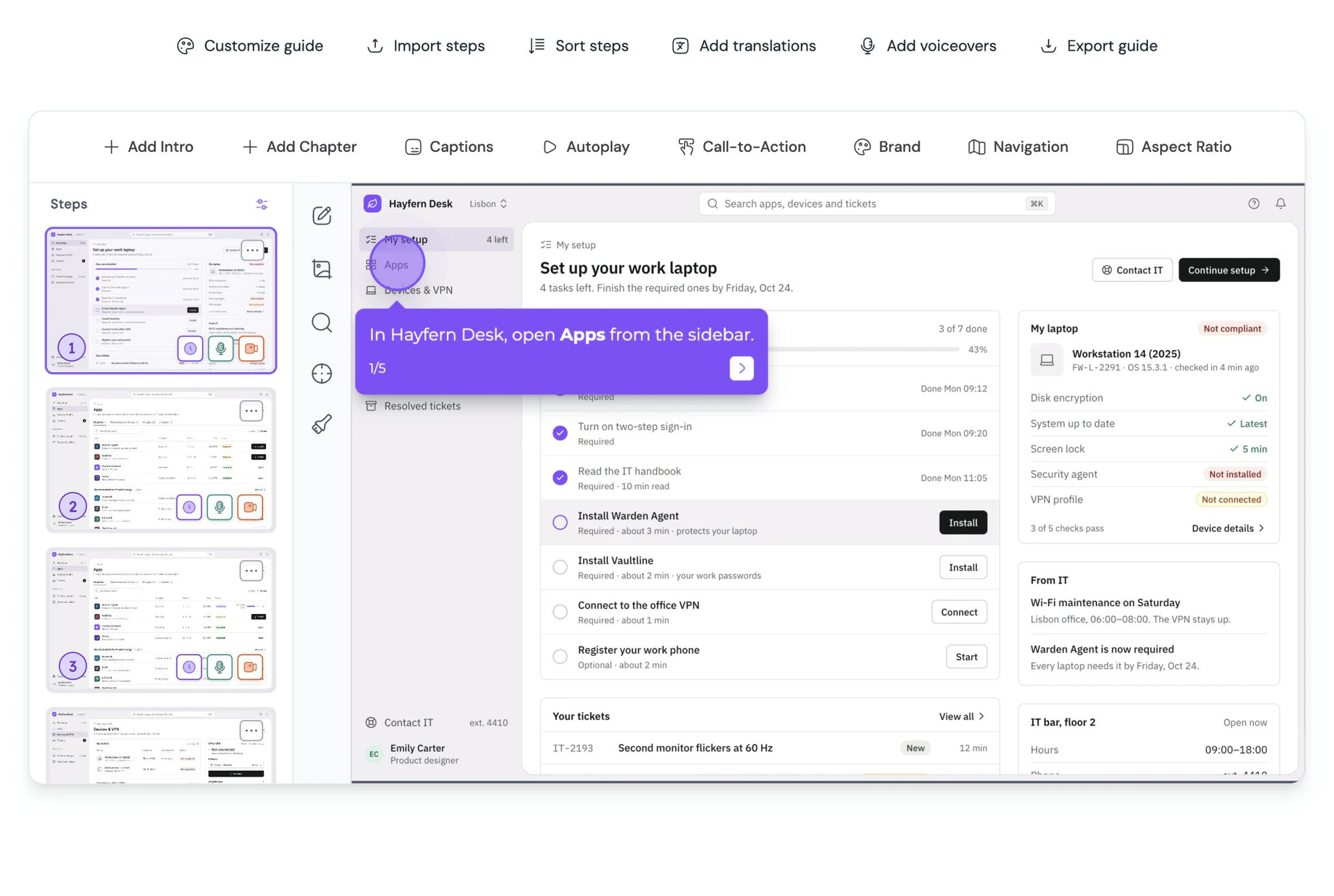
Guidejar writes the guide while you click through the task.
Record a workflow once with the browser extension. Every click becomes a step with its own annotated screenshot, ready to export as PDF or share as an interactive walkthrough.
FAQ
Questions, answered.
Yes. There is no account, no watermark and no cap on the number of guides you export. It is one of the free tools we publish alongside Guidejar.
Yes. Students and teachers use it to organize lessons into numbered sections with images and key points, then export a PDF for revision. There is also a dedicated AI study guide maker if you want the content drafted for you.
Yes. Every step accepts an image, which is placed alongside the text in the exported PDF.
A PDF with consistent formatting. It opens on any device and prints cleanly.
No. The guide is assembled in your browser and downloaded straight to your device.
That is what Guidejar is for. Its browser extension records your clicks and produces a step-by-step guide with every screenshot already captured and annotated, plus AI voiceover, translations and interactive walkthroughs.