AI Study Guide Maker
Study smarter,
not harder.
Create study guides in no time with Guidejar’s AI-powered study guide maker. It’s the fastest way to prep for exams and turn any topic into a helpful, easy-to-follow guide.
Why use Guidejar's AI study guide maker?
Build and Translate Study Guides in Minutes
Manually creating study materials can eat up hours. Guidejar’s AI study guide maker helps you generate structured, step-by-step guides instantly—and automatically translates them into multiple languages, so every student gets the version that works best for them. Save hours and focus on what really matters: teaching.
Capture Walkthroughs with Our Browser Extension
Skip the long videos. Guidejar’s Browser extension lets you capture each step as you go—clicks, typing, scrolls, and all. Perfect for creating quick, visual walkthroughs your students can follow at their own pace.
Make It Easy to Access — Online or Offline
Keep your study guides organized in a central, searchable workspace. Share them with a link, embed them in your LMS, or export to PDF for offline access and printouts—whatever works best for your students.
So, how does Guidejar work?
From "let me show you" to "here's the link" in three steps
Record
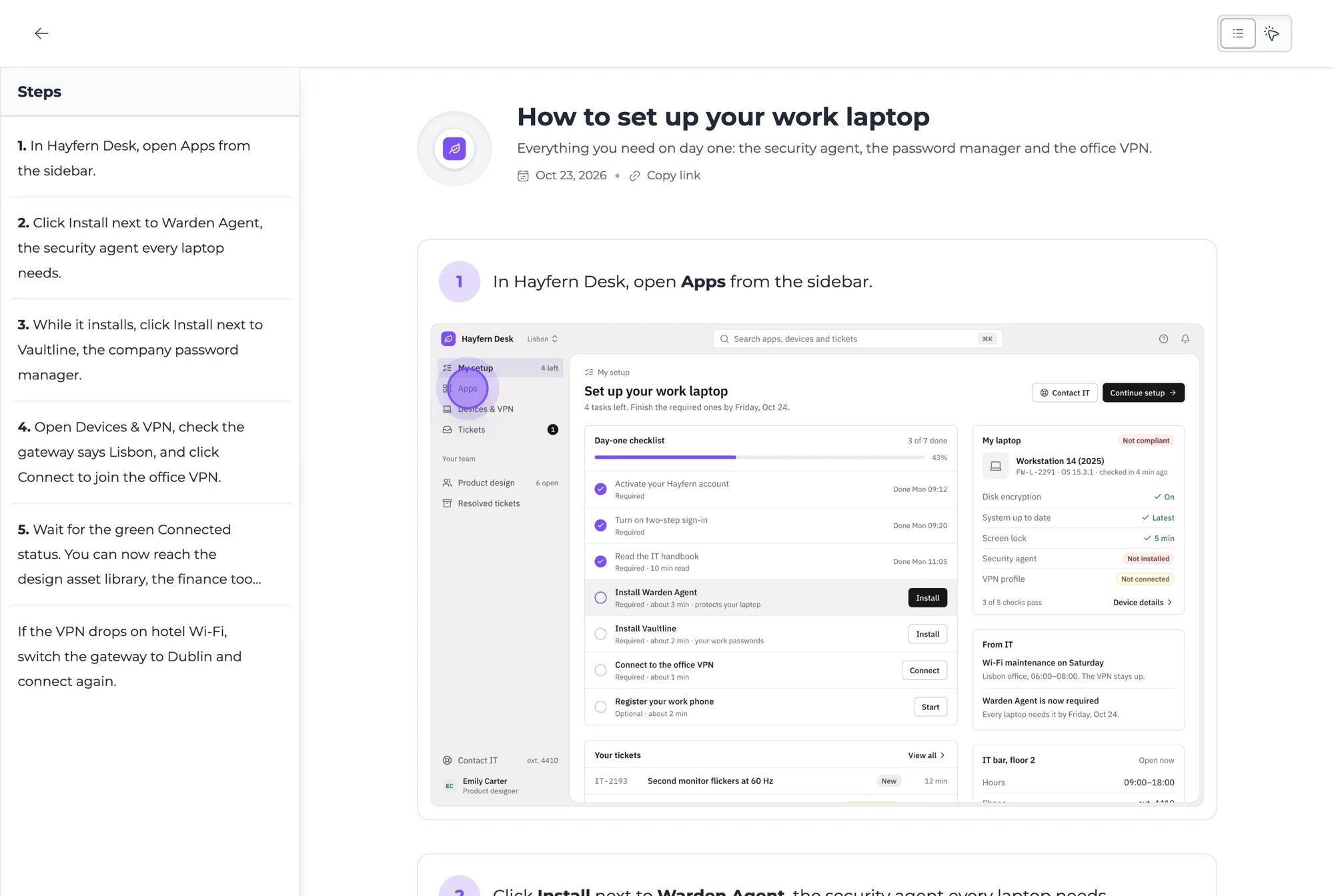
Click "Start Capture" on our Chrome extension or Desktop app, then simply walk through your process. Guidejar automatically records every interaction in real time. When you're finished, just click "Stop Capture" and your guide is instantly ready!
Customize
Edit steps, blur sensitive info, and highlight key details with pan & zoom effects. Add natural-sounding AI voiceovers, add chapters, create branching paths, seamlessly align the design with your brand, and much more.
Share
That's it! Share your guide effortlessly with your teammates and customers using links or embed it on your website.

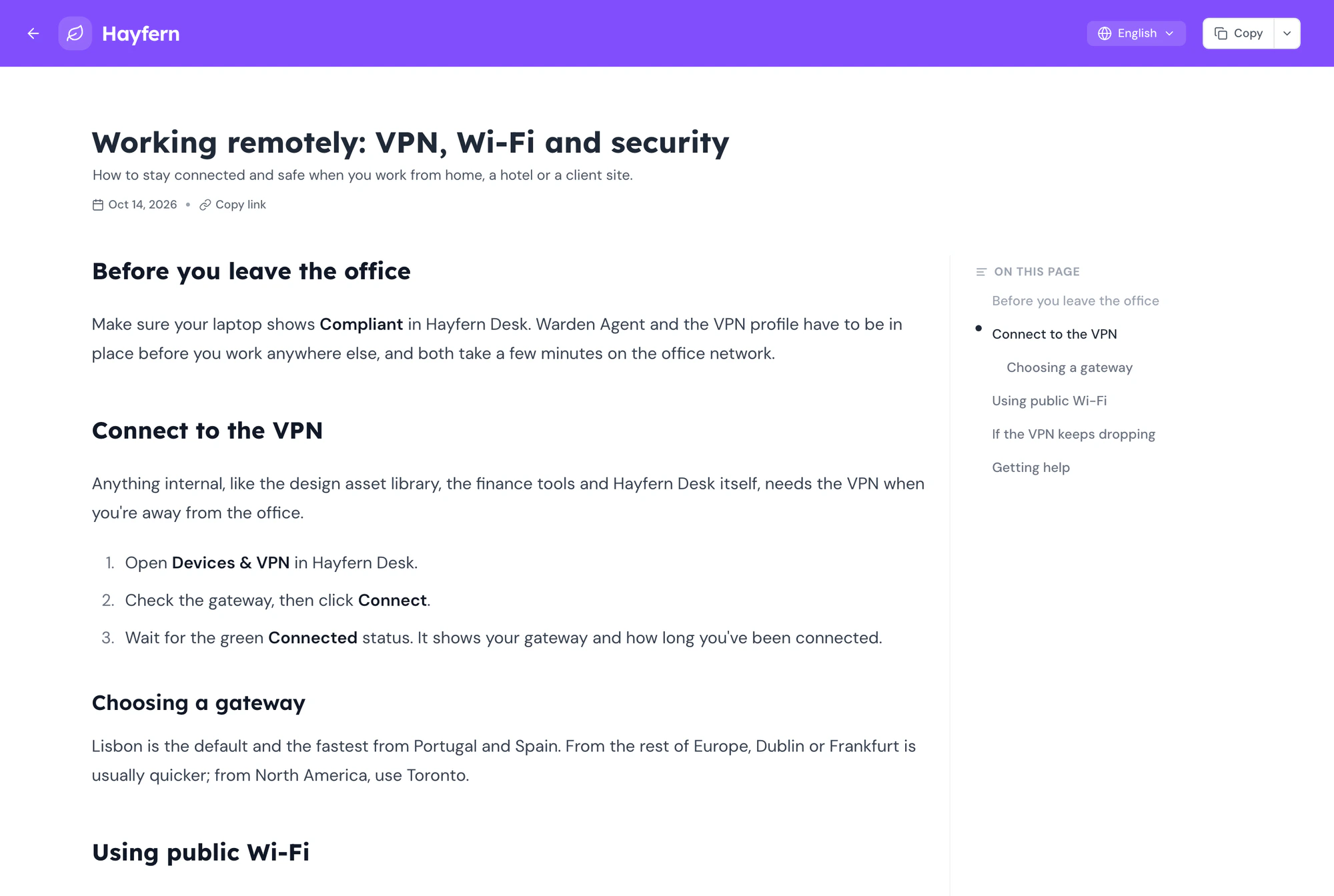
And, here's how good your guide will look...
Elegant, simple and beautiful!
Guidejar AI
Documentation, minus the parts
nobody has time for
You record the process. Nila writes it up in your tone, and the rest of Guidejar’s AI narrates it, translates it, hides sensitive details and answers questions about it. Your afternoon is yours again. Spend it on literally anything else.
Guidejar turns the processes your team explains over and over into guides that answer for you. Record a task once and share it as a step-by-step guide, an interactive walkthrough or a video, in a help center your team and customers can search. Teams use it for SOPs, product documentation, onboarding and support. See how teams use Guidejar.
Press record in the Guidejar browser extension or the desktop app and do the task as you normally would. When you stop, the guide is ready to share, with a screenshot and instruction for every step that you can edit, blur or annotate.
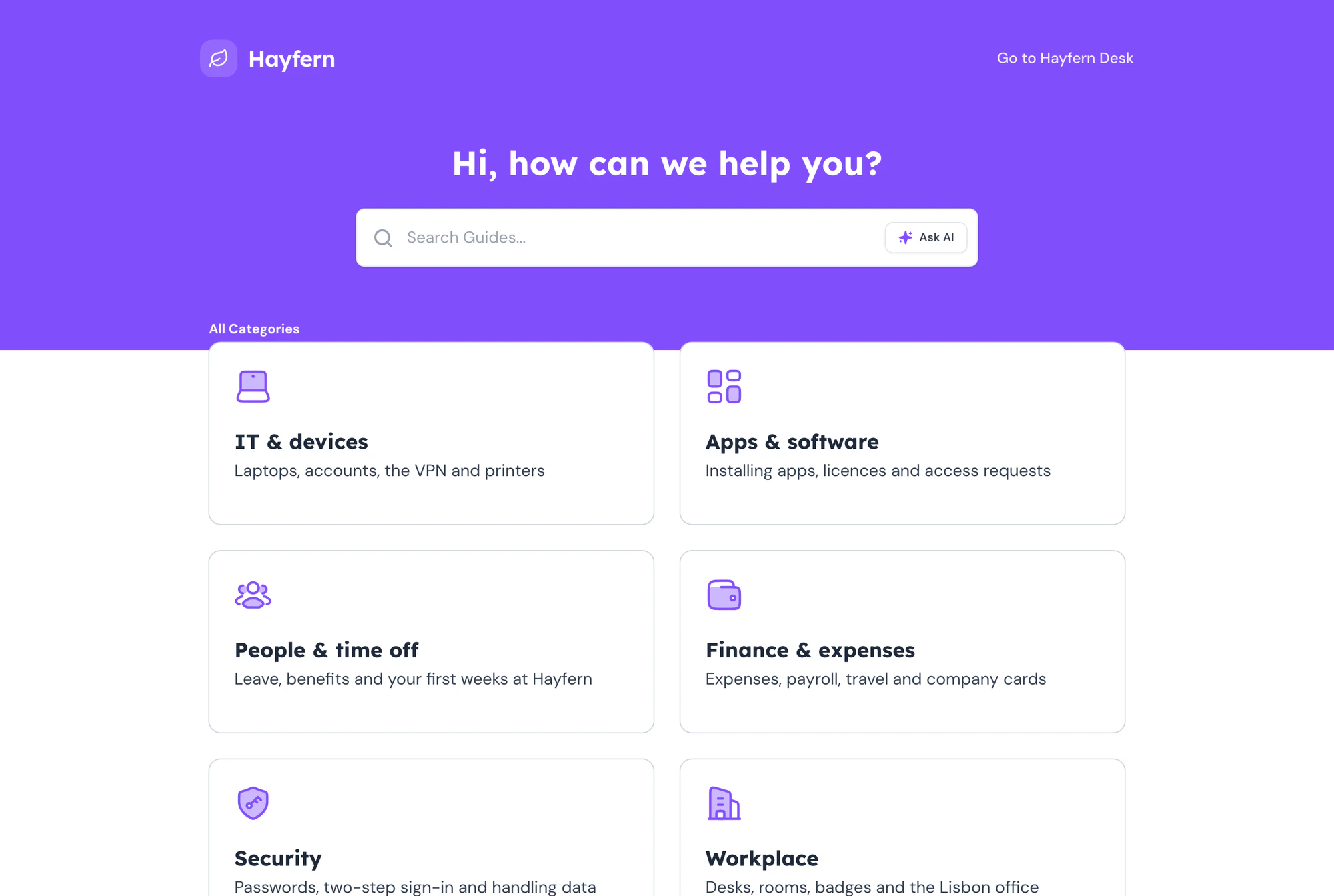
The step-by-step page lists every step with its screenshot, for skimming and coming back later. The walkthrough shows one step at a time with a hotspot on the exact spot to click.
Yes. Record each process once and it becomes a visual SOP in a searchable library. When a screen changes, edit that one step instead of re-recording, and every link, embed and help center shows the new version. See Guidejar can be used as an internal wiki.
Yes. Publish your guides and articles to a help center on your own domain, with search, categories and an Ask AI assistant that answers from your content and links to the guide it used. Use the customer-facing layout or the documentation layout for an internal wiki, behind a password or SSO if it is for employees only.
Yes, wherever people already look for help. Every guide has a share link and a QR code, embeds in any website or help docs, and pastes with its images into Notion, Confluence and Google Docs. You can also export it as a PDF, an offline HTML file, Markdown or an MP4 video, depending on your plan.
Yes. Guidejar AI turns the steps you recorded into clear instructions, adds a natural-sounding voiceover, and translates a guide into 30+ languages on the same link, so each reader gets it in the language their browser uses.
Only the people who work in your Guidejar workspace need a seat. Readers never do: anyone with a share link, an embed or your help center can read a guide without signing up, and views are unlimited on every paid plan.
Plans start at $19 per seat a month, with discounts for yearly billing, and every paid plan has a 7-day free trial. There is also a free plan to try it out. The pricing page lists what each plan includes.
Meet your new favorite AI study guide maker.
Guidejar helps you quickly build study guides that actually make studying easier. No fluff, just smart, focused content.