Turn a list of steps into a flowchartyour whole team can follow
Type the steps, mark the decisions, pick a layout, and download a diagram that fits straight into your docs or slides.
Drag from a handle to create the next node
Looking for a much easier way to document your processes?
Try GuidejarWhat you get
Everything a process diagram needs. Nothing it doesn't.
Most flowchart tools bury a simple job under a hundred shapes. This one draws process flows and does that one thing well.
- 01
Text to diagram
Type the steps as a list. The flowchart draws itself, boxes and arrows included.
- 02
Decision nodes
Add yes/no branches to show what happens when a check fails.
- 03
Vertical or horizontal
Flip the layout to fit a slide, a doc or a wiki page.
- 04
Your colors
Match the diagram to your brand or your slide template.
- 05
Edit in place
Rename a step and the diagram updates. No dragging boxes around.
- 06
PNG export
Download a sharp image ready for docs, decks and tickets.
How it works
Thirty seconds, start to finish.
List the steps
Write each step on its own line, in the order it happens. Mark decisions where the process forks.
Shape it
Pick a direction and a color. The diagram redraws instantly as you change anything.
Export the PNG
Drop it into the SOP, the onboarding doc or the slide where people will actually see it.
Why this one
Built for people who explain how work gets done.
A picture beats a paragraph
A process written as prose gets skimmed. The same process drawn as a flow gets followed. Teams use this to document SOPs, map customer journeys and plan projects without opening a design tool.
“Guidejar has streamlined our documentation process. The visual guides are so much clearer than text-based instructions.”

Onboarding that sticks
New hires follow a diagram faster than a wall of text. Give them the flow on day one.
Find the bottleneck
Once a process is drawn, the loop-backs and hand-offs that slow it down are obvious.
Doing this a lot?
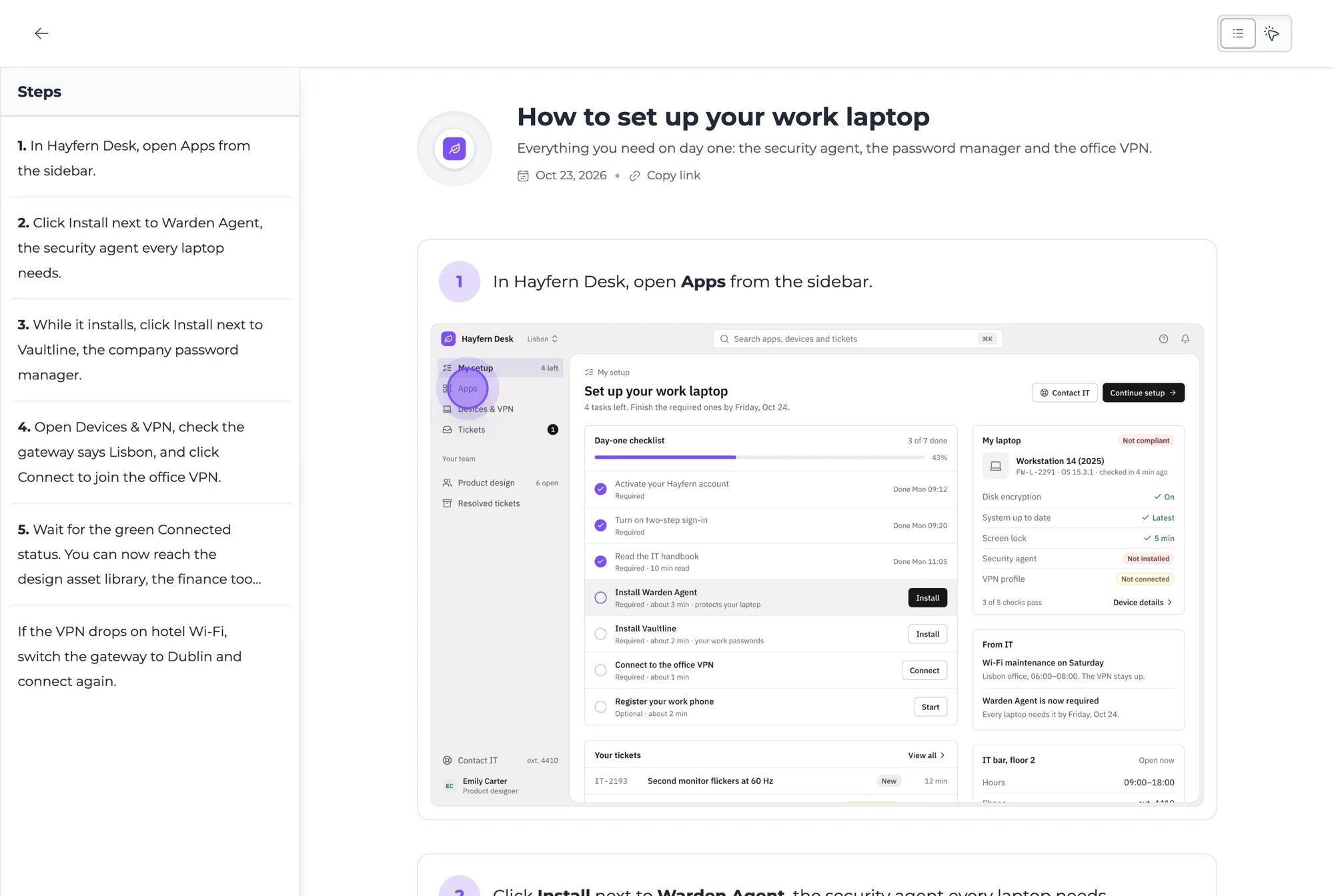
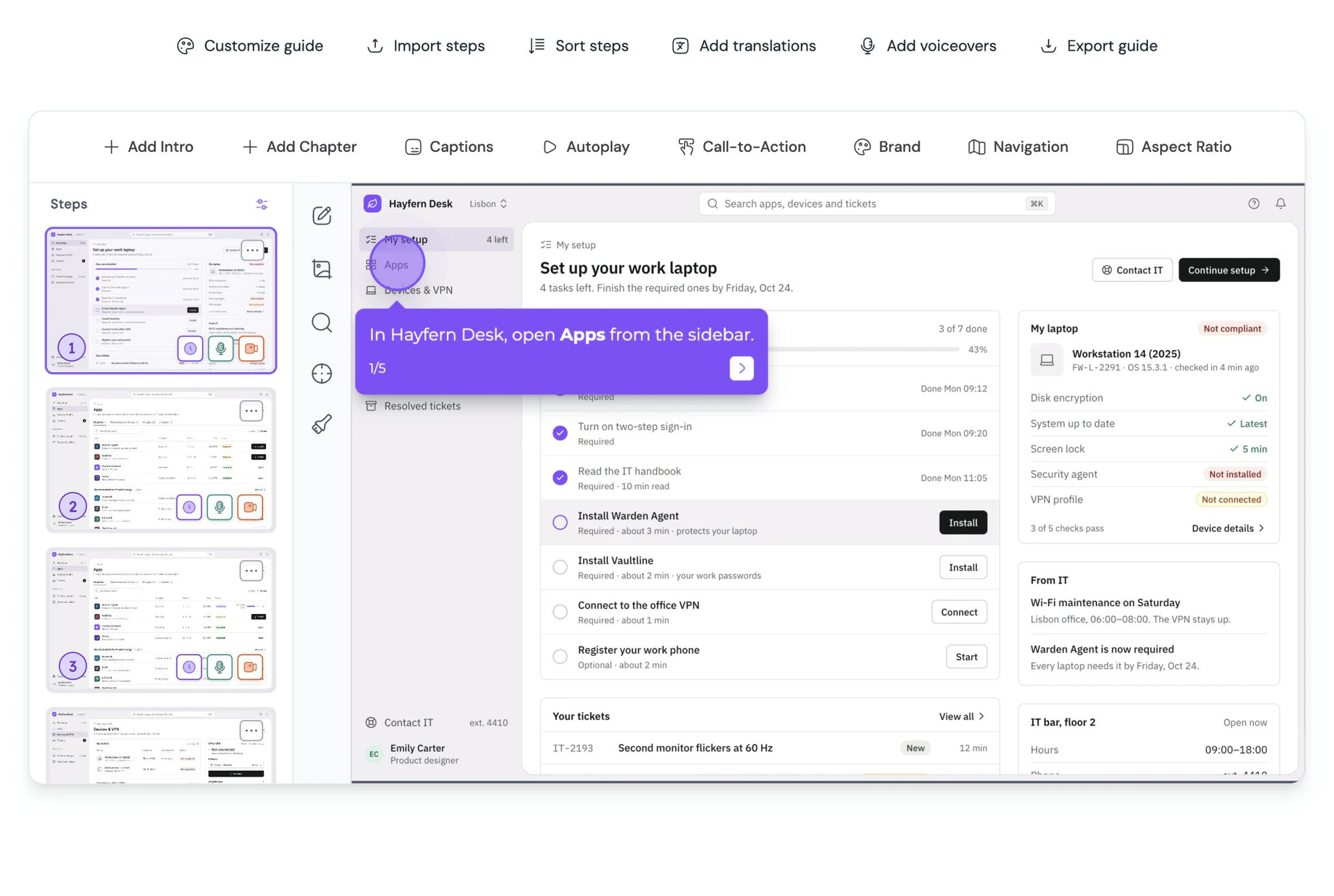
Guidejar turns the same process into a clickable walkthrough.
Record the workflow once with the browser extension. Every step becomes a real screenshot people can click through, with voiceover and translations on top.
FAQ
Questions, answered.
Yes. There is no account, no watermark and no limit on how many diagrams you export. It is one of the free tools we publish alongside Guidejar.
Linear workflows, decision trees with yes/no branches, and any process that runs top to bottom or left to right. It is built for process flows rather than general-purpose diagramming.
Yes. Mark a step as a decision and it becomes a diamond with conditional branches, so you can show what happens when a check passes or fails.
Diagrams download as a PNG image, which works in every document editor, slide tool, wiki and ticketing system.
No. The diagram is generated in your browser. Nothing you type is sent to a server.
That is what Guidejar does. It turns a workflow into an interactive walkthrough with real screenshots, AI voiceover and translations, which you can embed anywhere a static diagram would go.