Give a long document a mapreaders can actually navigate
Paste your content and get a numbered table of contents with anchor links, ready to drop at the top of the page.
This is not an AI tool!
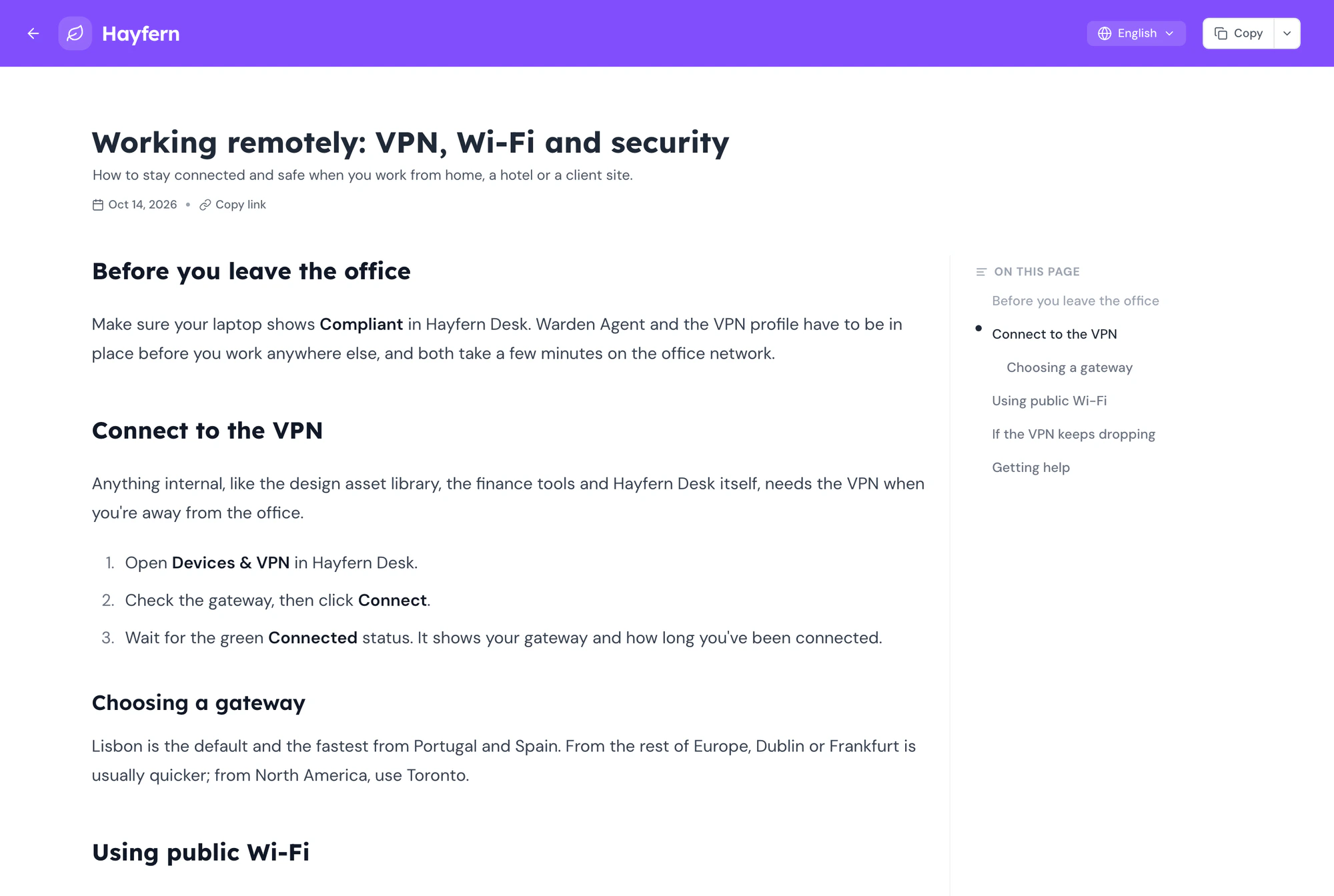
This tool extracts the headings (as it is) from your content and generates a table of contents. Try sample content to see how it works.
Table of Contents
- No headings found. Add some headings to your content above.
What you get
A table of contents that keeps up with the document.
Writing the outline by hand means rewriting it every time a heading changes. This one is generated from the headings, so it is always right.
- 01
Detects every heading
H1 to H6 are picked up automatically, nested the way your document is.
- 02
Numbered hierarchy
Sections and subsections get 1, 1.1, 1.2 so the structure reads at a glance.
- 03
Anchor links
Each entry links to its heading, so the table works when you paste it into a page.
- 04
Copy as HTML or text
Drop it into a blog editor, a wiki or a plain document.
- 05
Live as you edit
Change a heading and the table updates. No regenerate button.
- 06
Private
Your document stays in the browser. Nothing is uploaded.
How it works
Thirty seconds, start to finish.
Paste the document
Paste from Google Docs, Word or Notion. Headings come through with their levels.
Check the structure
Fix a heading level or two in the editor and the table reflects it instantly.
Copy it out
Paste the table at the top of your post, doc or knowledge-base article.
Why this one
Built for writers who publish long things.
Structure people can see
A table of contents does two jobs. It tells a reader whether the piece covers what they came for, and it lets them skip to it. Both make a long article more likely to be read to the end.
Long-form posts
Readers see the shape of the article before they commit, and jump to the part they need.
Better on search
Anchor links can surface as jump links in results, which lifts click-through.
Writing how-to articles?
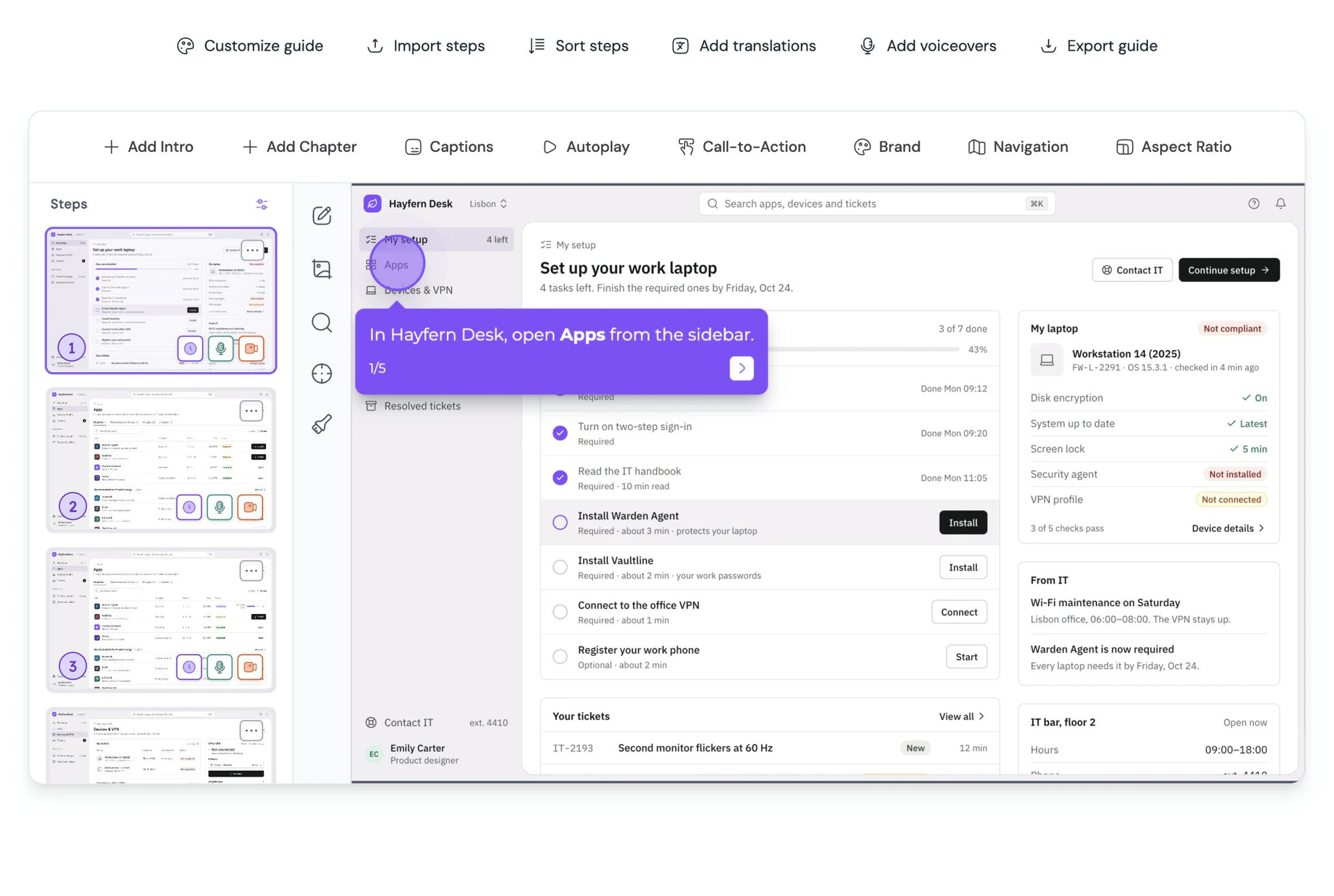
Guidejar drafts the whole guide, headings included.
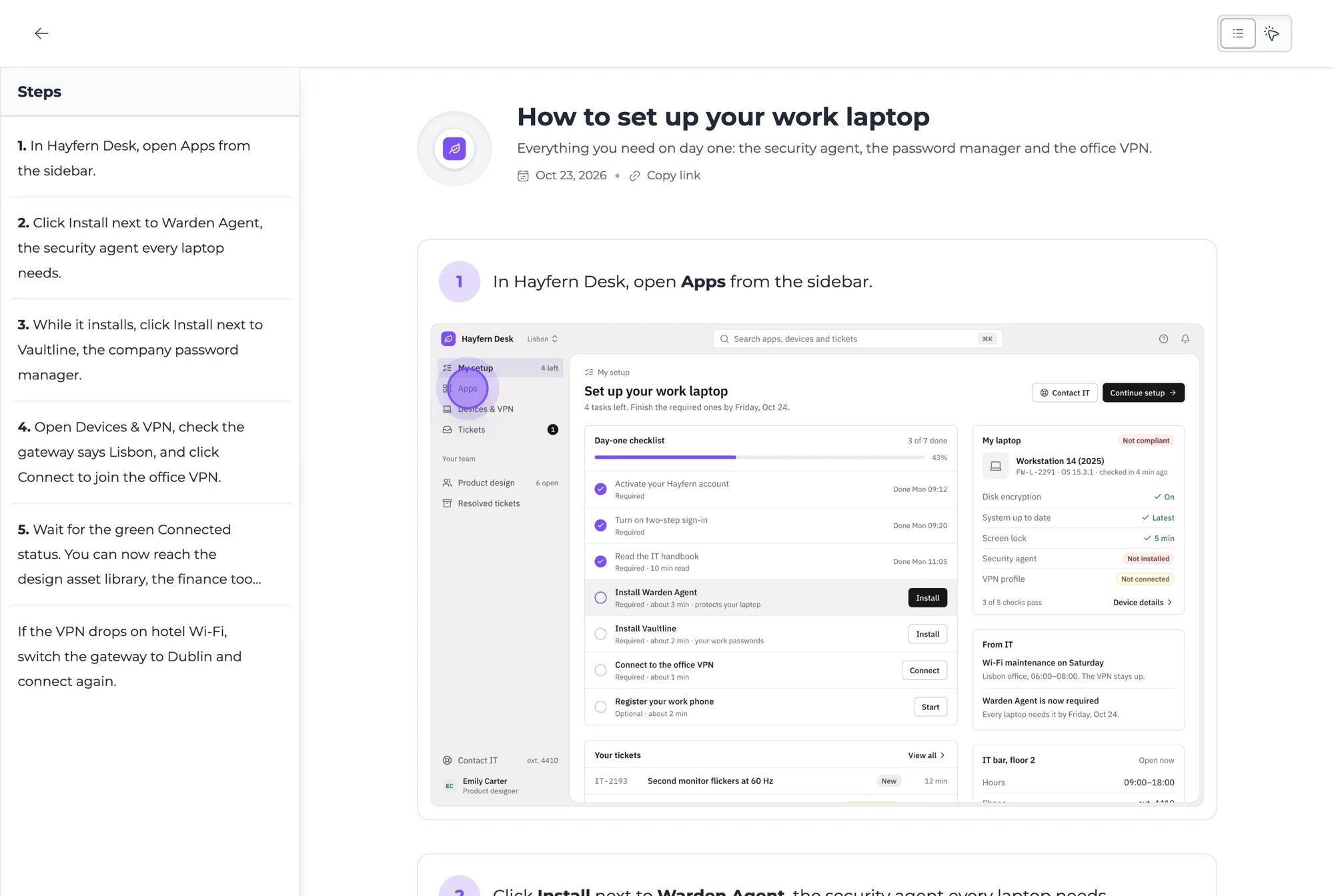
Record the task once and get a step-by-step article with screenshots, headings and captions in place. Add the table of contents and publish.
FAQ
Questions, answered.
All six HTML heading levels, H1 through H6. The table nests them according to their level, so an H3 under an H2 shows as a subsection.
Yes. Paste directly into the editor and the heading styles are preserved. If a heading comes through as plain text, set its level in the editor and the table updates.
A nested list with numbering and anchor links. It can be pasted as formatted content into most editors, or as plain text where formatting is not supported.
They link to ids generated from the heading text. Most CMSs and blog editors add matching ids to headings automatically. If yours does not, the numbered list still works as a plain outline.
No. The editor runs entirely in your browser and nothing you paste is sent to a server.