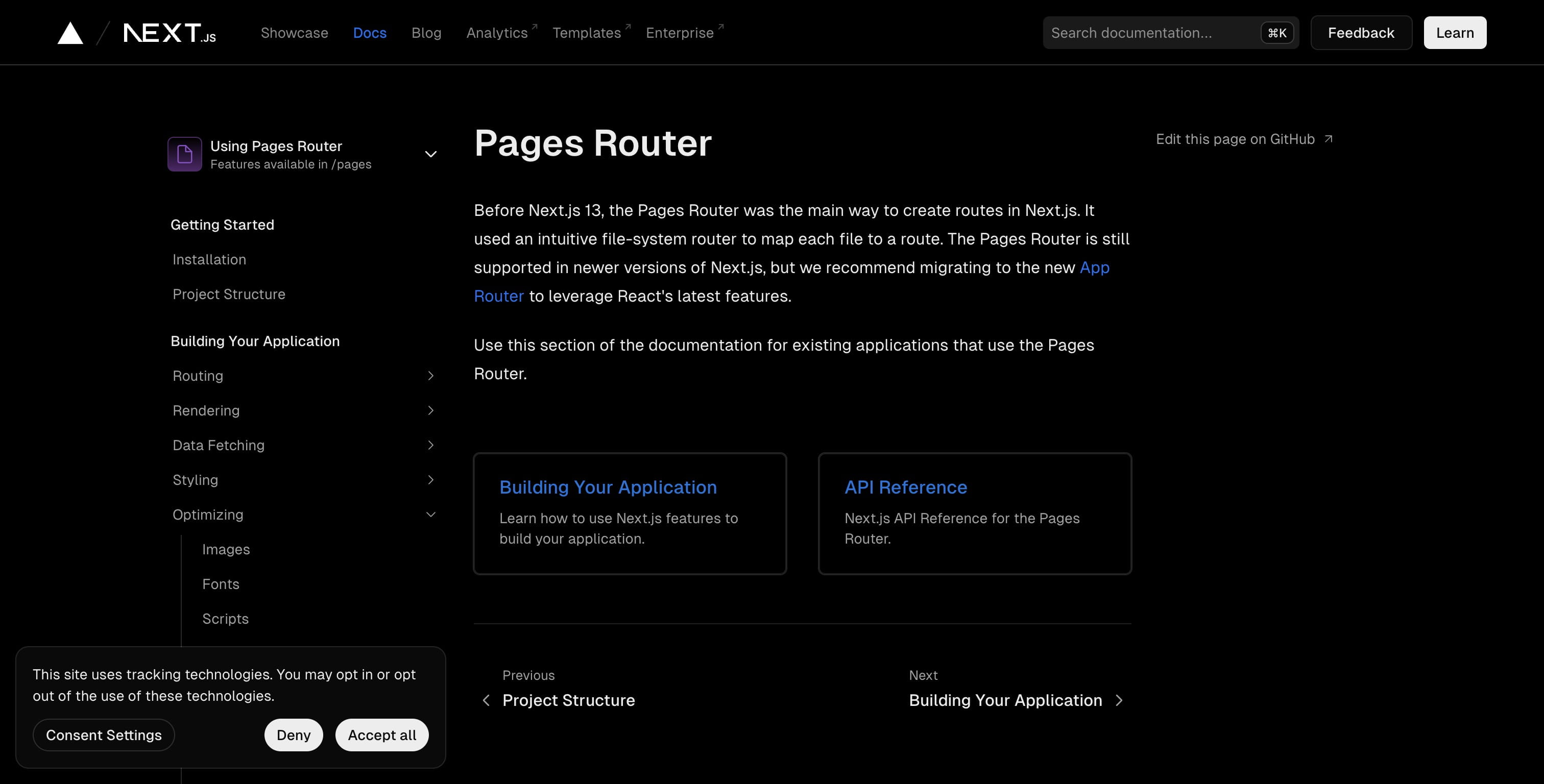
Building Your Application: Optimizing | Next.js
May 20, 2024●
2
Click on "Building Your Application"
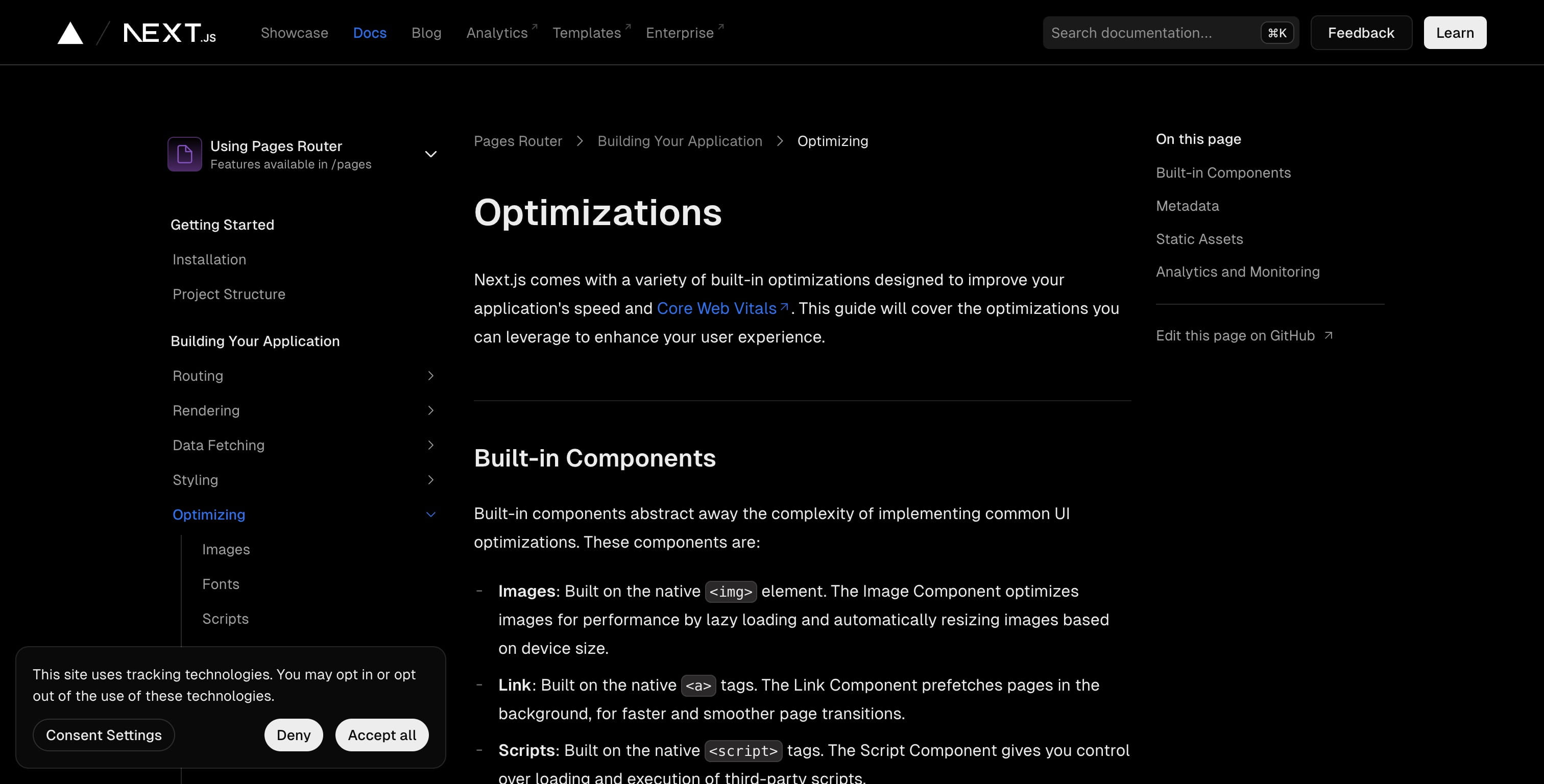

3
Click on "Pages Router"
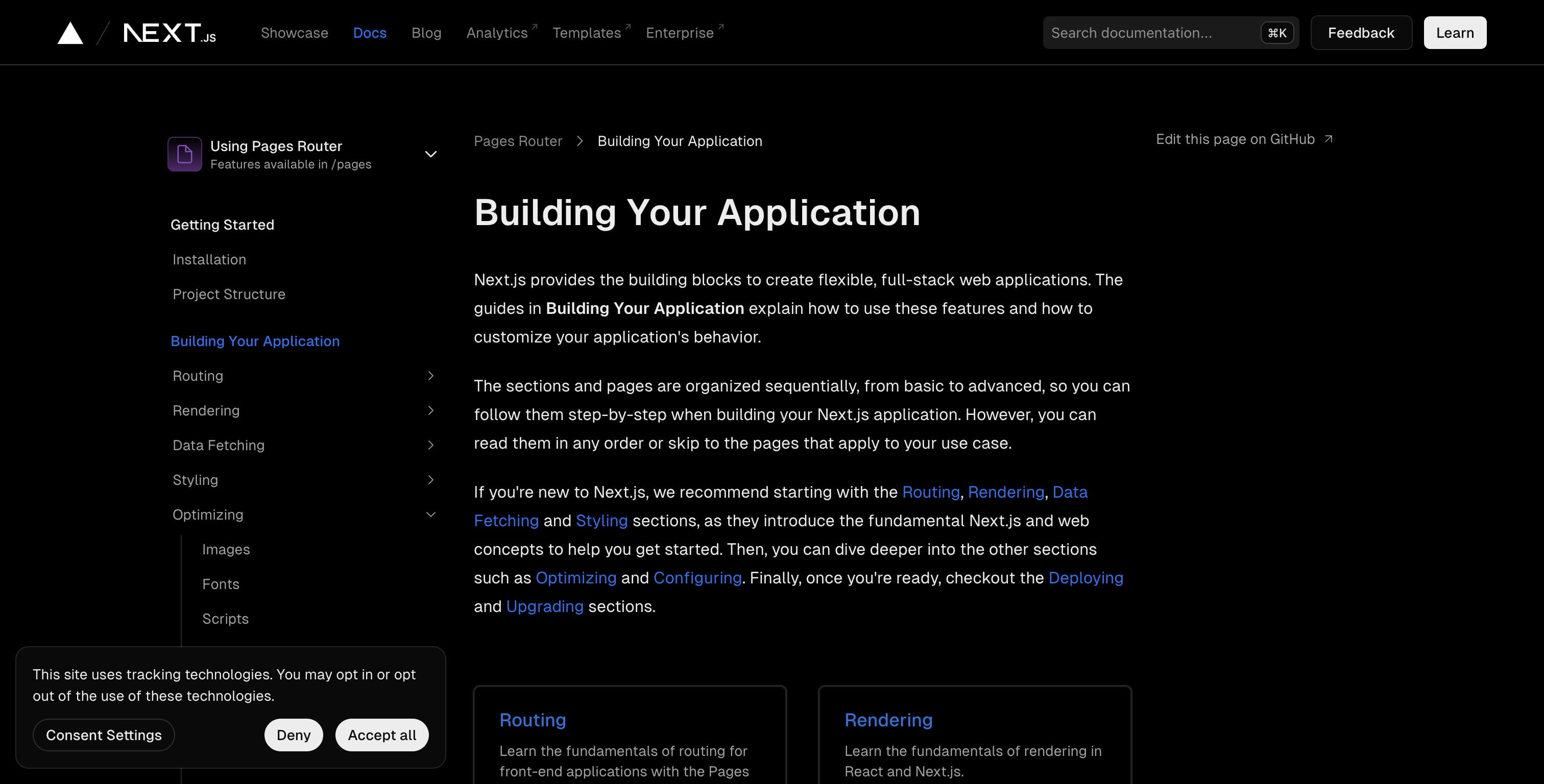
4
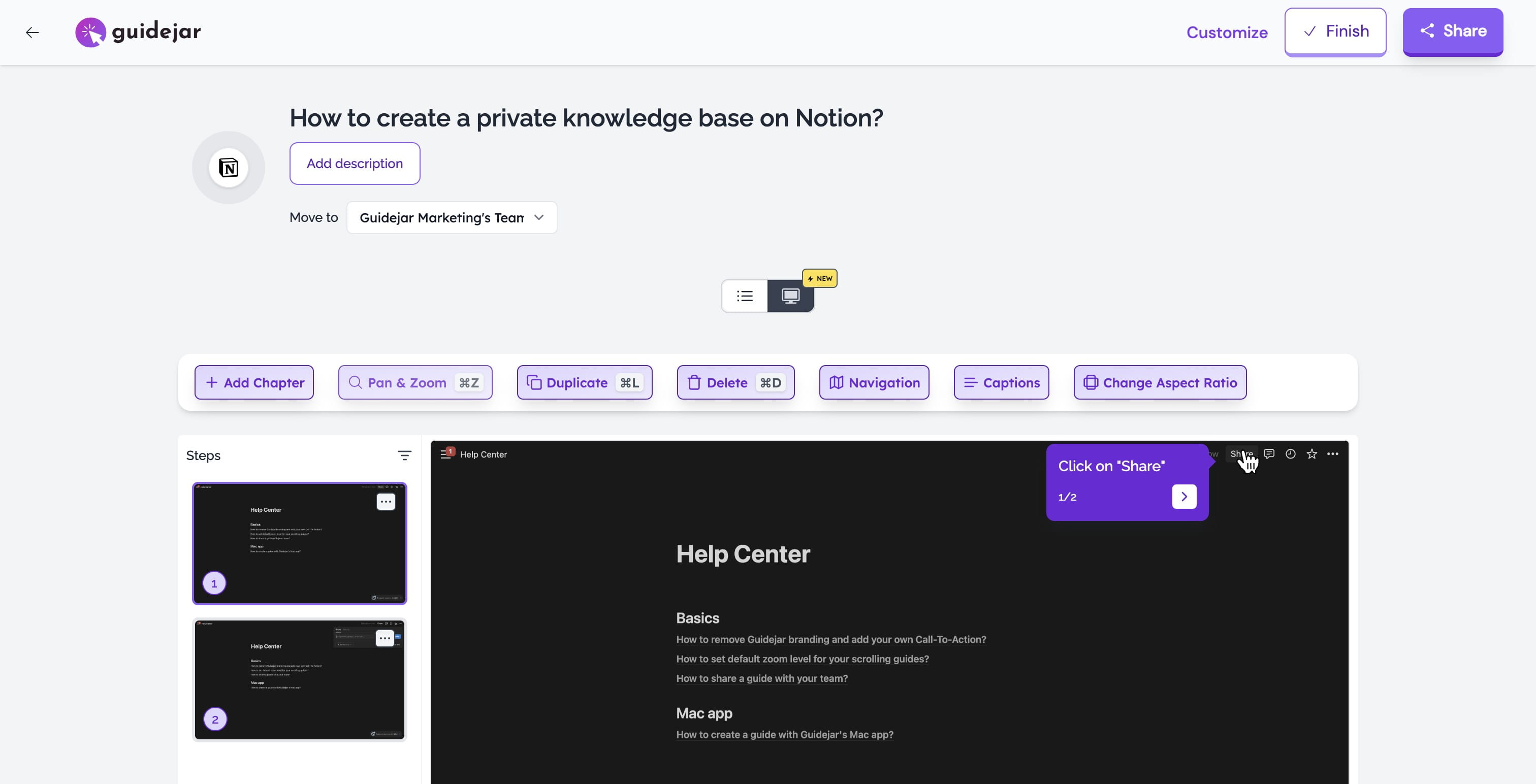
Head over to Guidejar (https://www.guidejar.com) and dive into the new Slide Editor.
) and dive into the **new Slide Editor**.](https://assets.guidejar.com/uploads/1c81b527-a0e5-47c0-b789-f857db6a3804/W0g0mQPq2sdhp3XcaY2BmPDvAl13/8dfa2577-530c-44fb-a67d-45ed59926a62/1707565678073.jpeg)
5
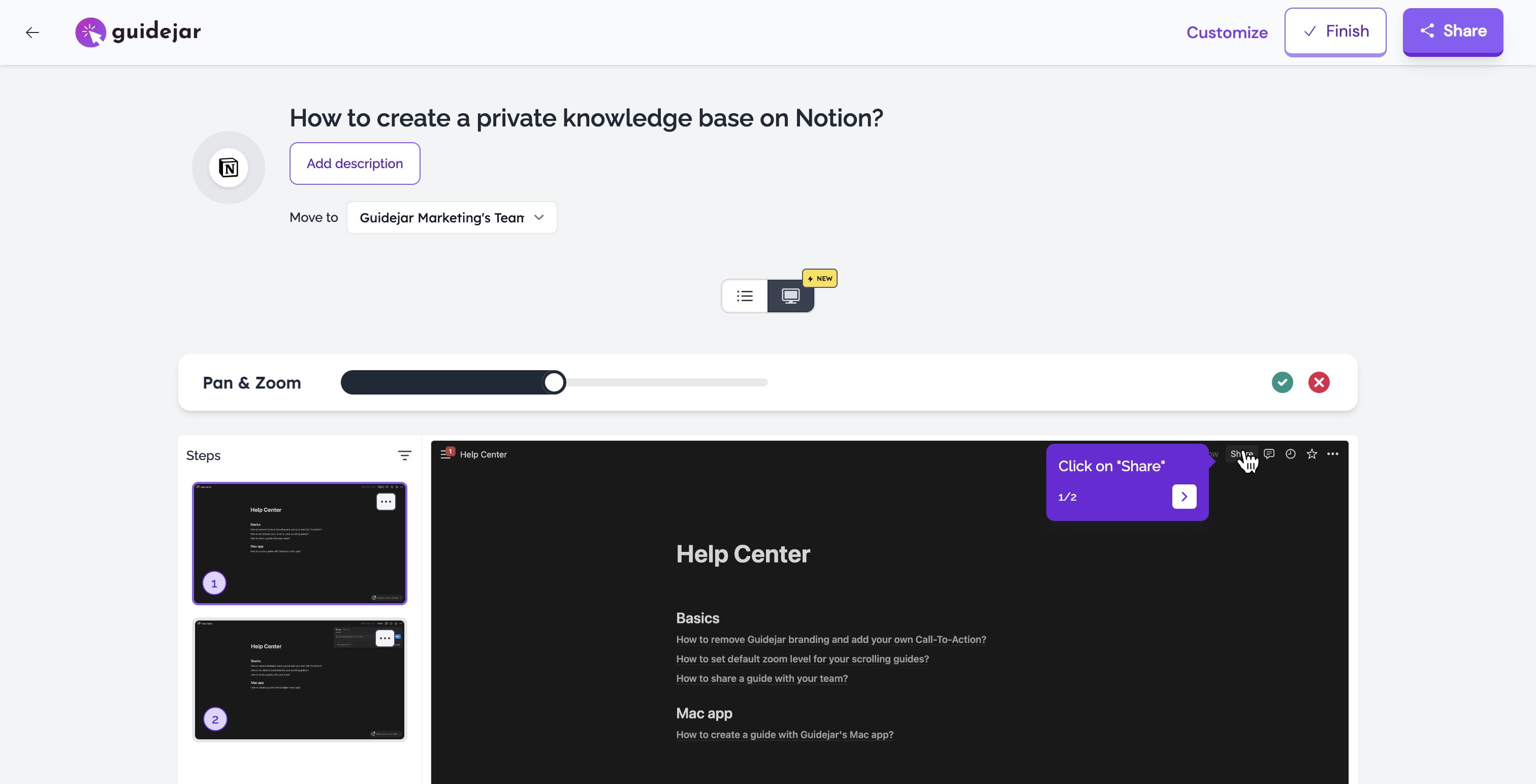
Click "Pan & Zoom".
6
Drag the slider to set the desired zoom level
7
Done 🚀