Turn everyday questions into interactive guides
Whether it’s your team or your customers, create interactive walkthroughs and step-by-step guides that make every process clear and easy to follow.






Trusted by teams worldwide








So, how does Guidejar work?
It's just so simple...
Record
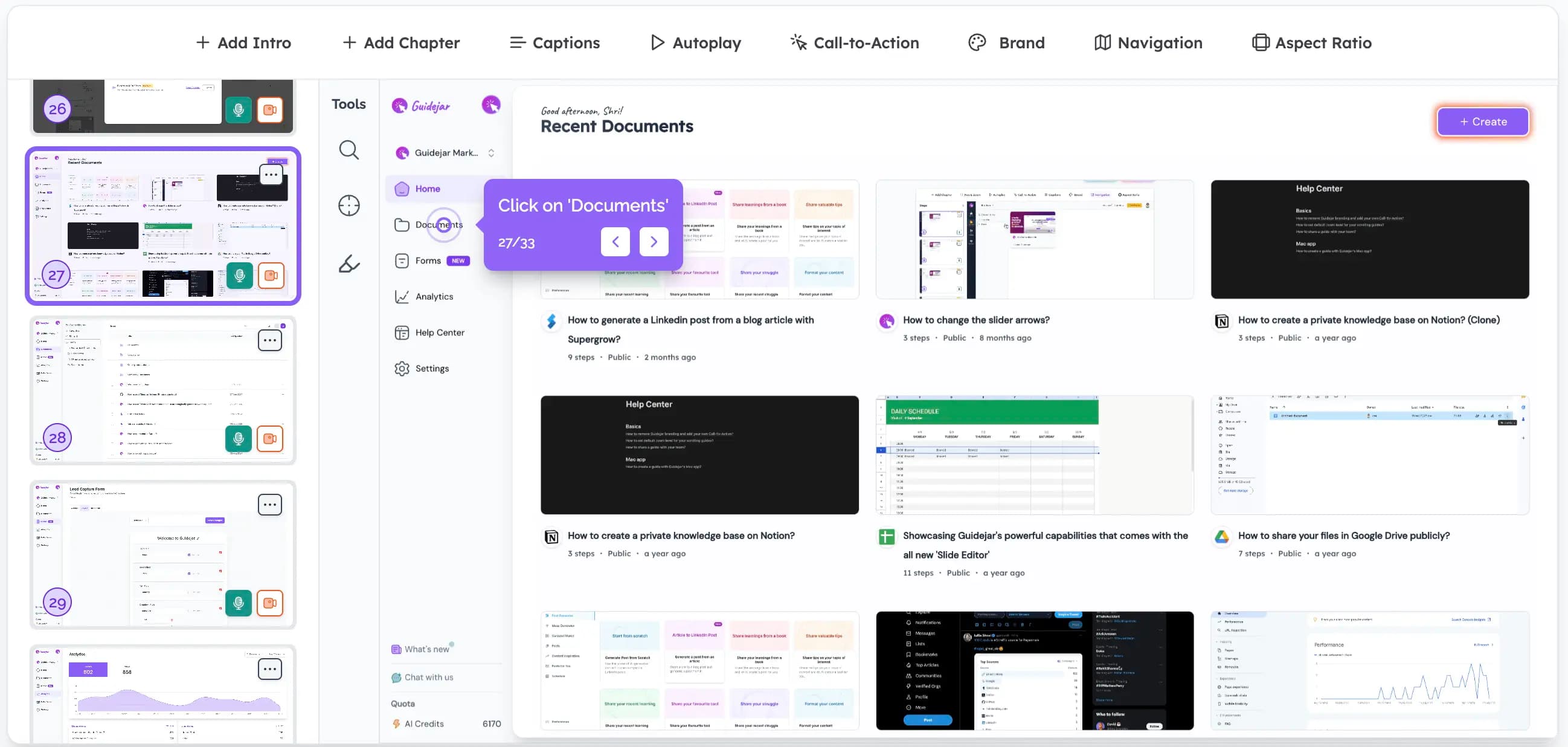
Click "Start Capture" on our Chrome extension or Desktop app, then simply walk through your process. Guidejar automatically records every interaction in real time. When you're finished, just click "Stop Capture" and your guide is instantly ready!Customize
Quickly edit steps, adjust click targets, and highlight key details with pan & zoom effects. Add natural-sounding AI voiceovers, add chapters, create branching paths, seamlessly align the design with your brand, and much moreShare
That's it! Share your guide effortlessly with your teammates and customers using links or embed seamlessly on your website.
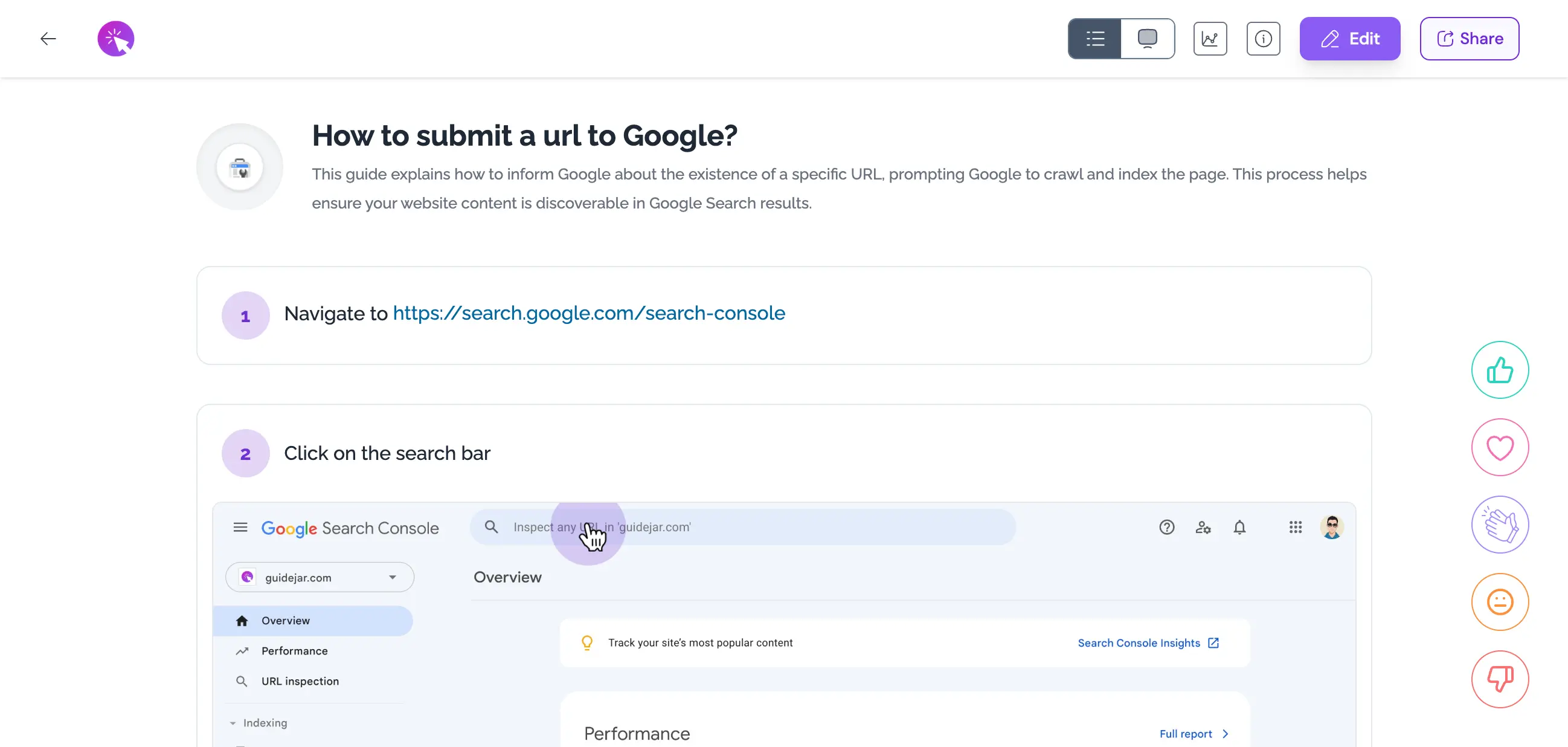
And, here's how good your guide will look...
Elegant, simple and beautiful!
How Teams Use Guidejar
Across Their Business
One tool — Built for more than one job.




Features your team will love
Guide Formats
Present your content in various formats like step-by-step guides, interactive walkthroughs, or video demos.
AI Translate
Translate your guides and make your content accessible to a global audience effortlessly.
AI Voiceover
Create professional voiceovers using AI for your product demos in seconds.
Chapters
Organize your demos into logical sections with Chapters. Use them as introductory slides for different parts of your content or as decision points for conditional branching, enhancing the structure and interactivity of your demos.
Conditional Branching
Build interactive guides with multiple paths for personalized exploration.
Access Control
Manage content access with flexible role-based permissions.
Dynamic Variables
Personalize your guides with dynamic variables. Tailor content to individual users effortlessly, creating more engaging and relevant experiences.
Help Center Widget
Embed your help center as a widget inside your website. Provide your users with instant access to your guides, articles, and FAQs.
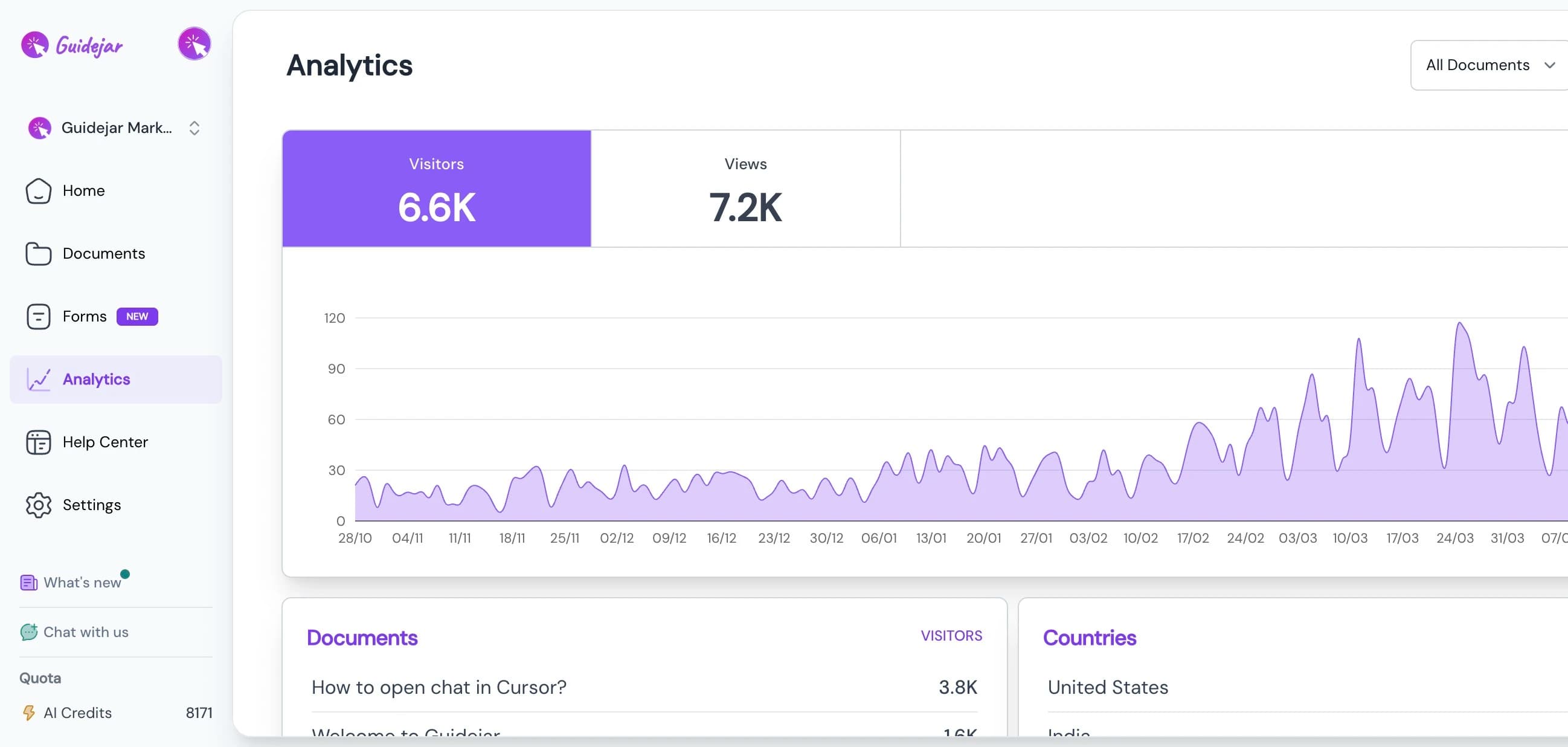
Analytics
Track user engagement with your guides and optimize your content for better user experience.
Embed anywhere on the web








Bring all your guides under one roof, empowering your employees (or) customers to find answers independently and get things done faster.
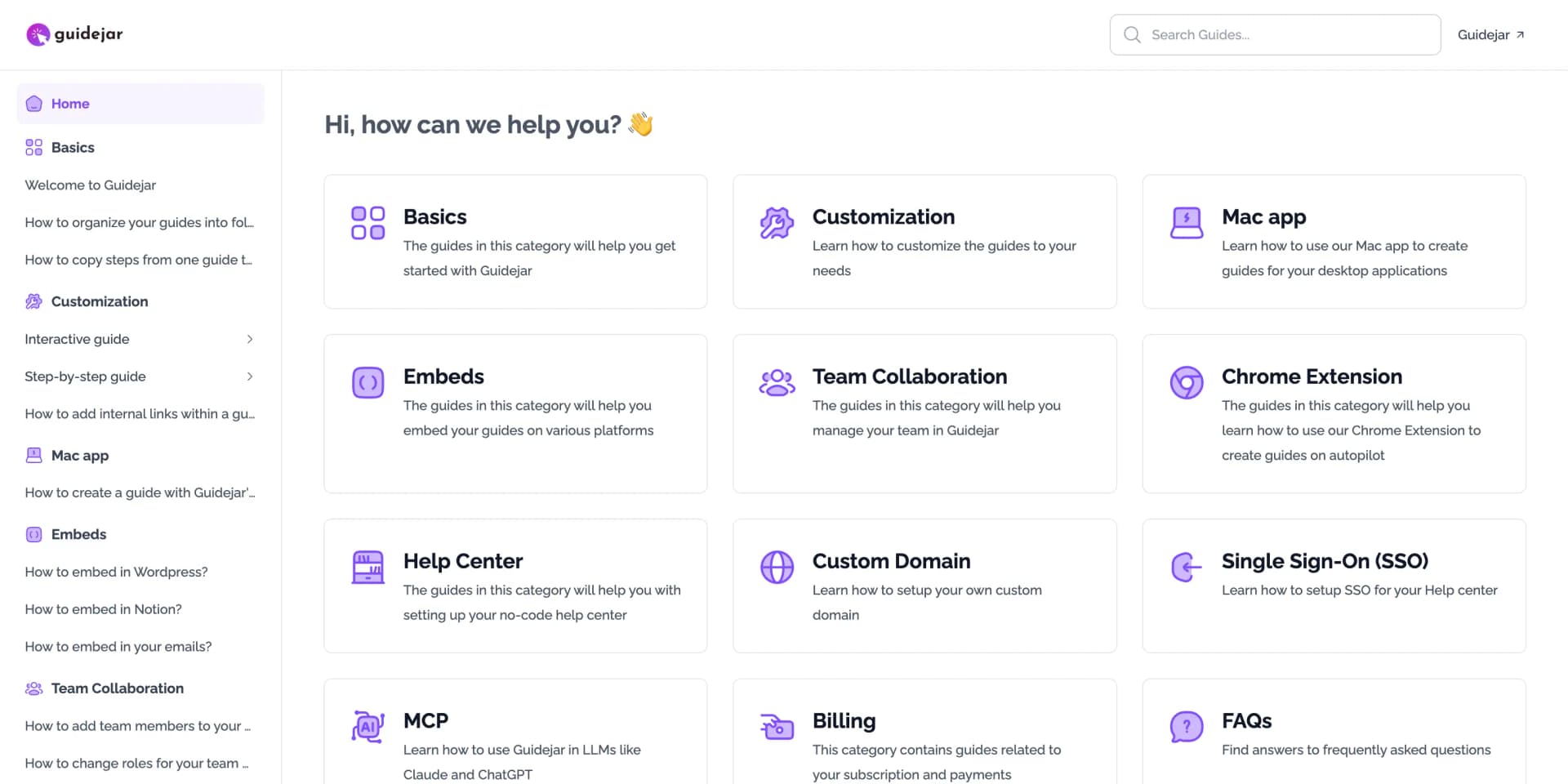
Multi Layouts
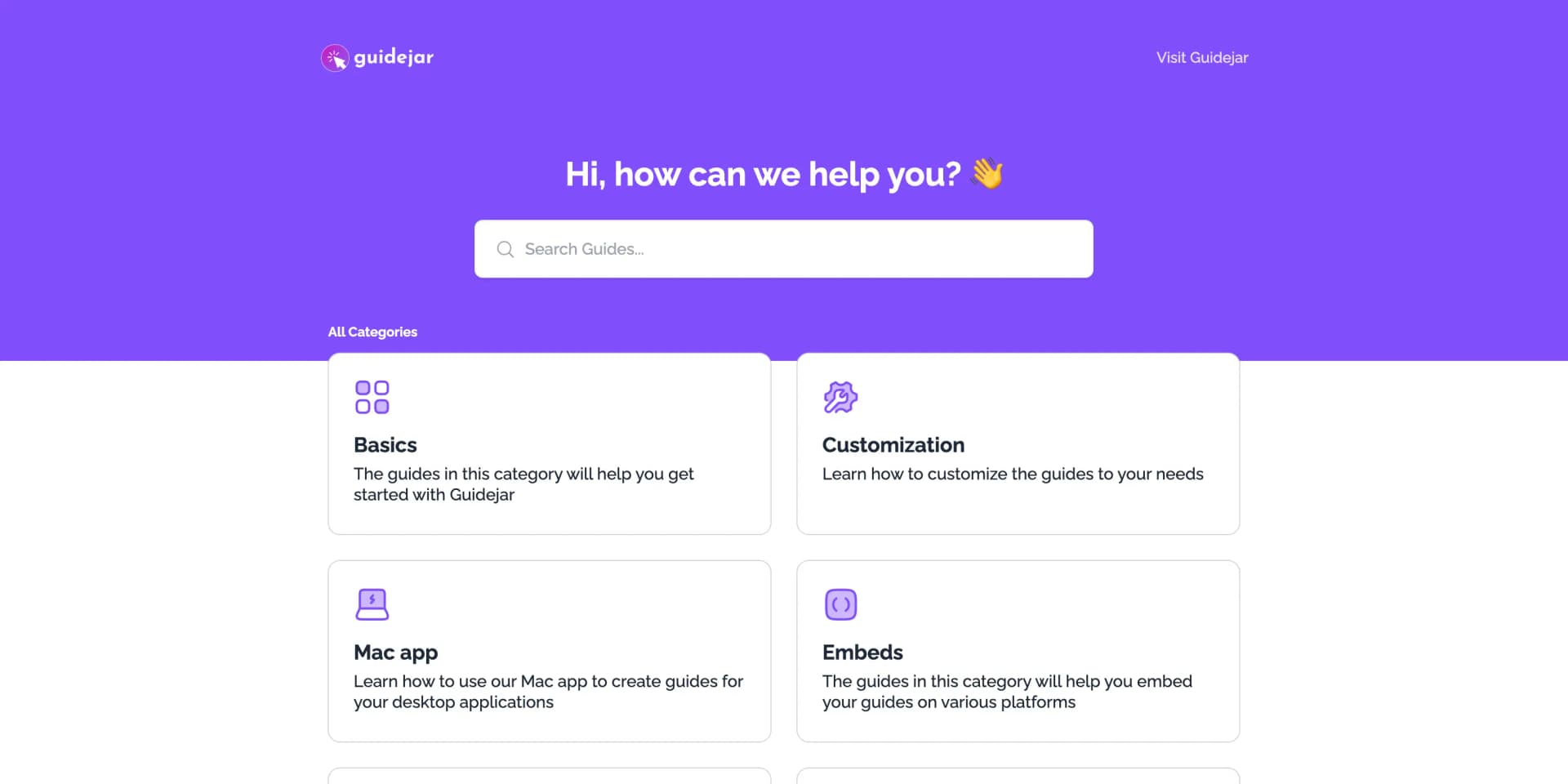
Two Layouts. One Powerful Help Center.
Choose between a clean, searchable layout optimized for customer-facing help centers and FAQs, or a structured layout designed for internal wikis and large knowledge bases.
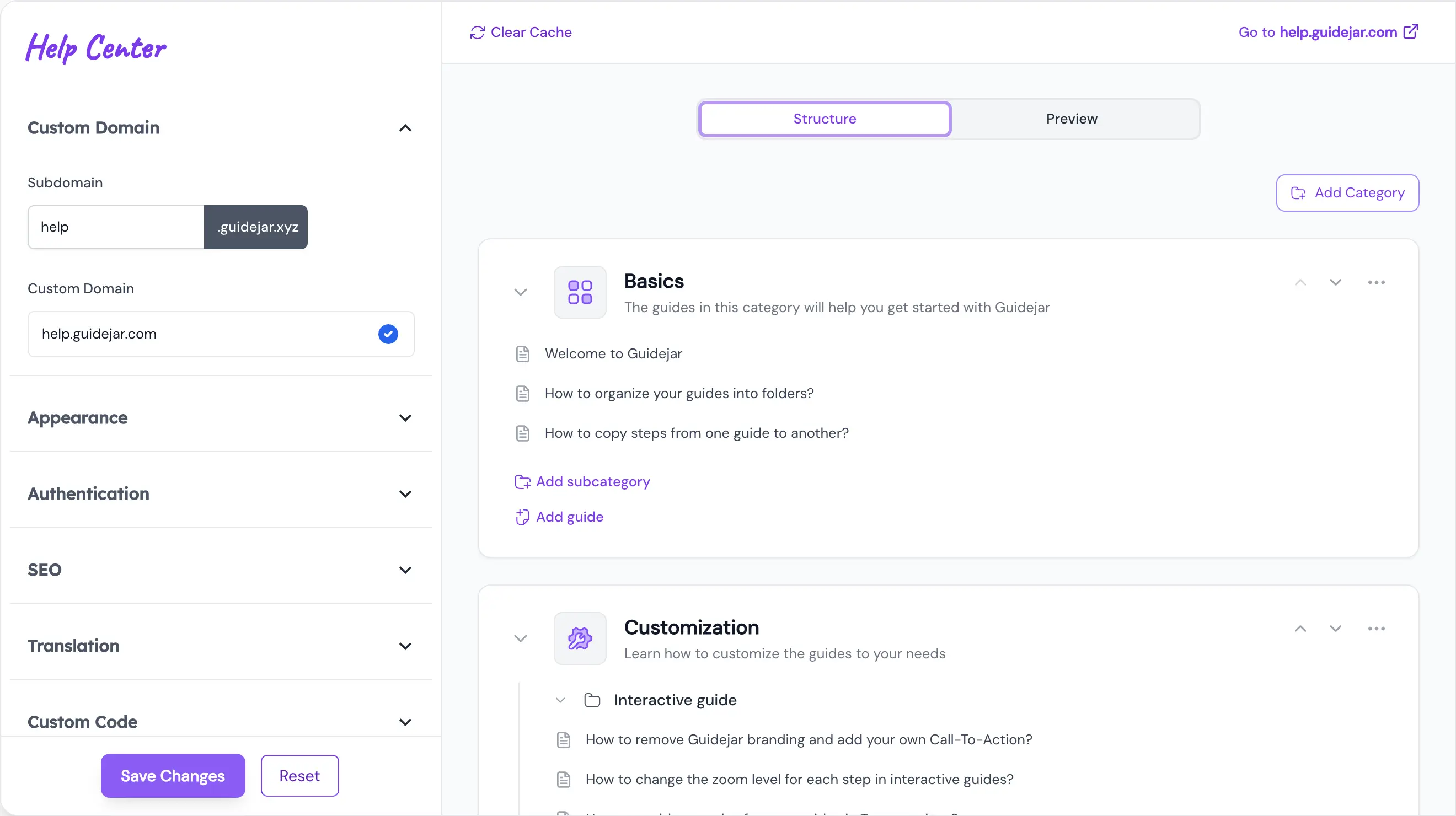
Quick setup
Drag, drop, publish
Build your help center with a simple drag-and-drop editor. Create and organize categories, move guides around, and preview changes instantly as you work.

Branding
Fully branded experience
Customize your help center with your logo, colors, and visual identity. Your help center should feel like a part of your product, not a third-party tool.
Custom Domain
Hosted on your domain
Publish your help center on your own domain with a simple setup and full control. Build trust and keep users inside your product ecosystem.

Authentication
Private when needed
Protect your help center with optional authentication and access controls. Safely share internal or sensitive documentation with the right audience.
Testimonials
Trusted by the best
The best companies, agencies and freelancers are educating their employees and customers with Guidejar
Frequently asked questions
If you can’t find what you’re looking for, email us at [email protected] or DM us at @useGuidejar
What is an interactive product demo?
An interactive product demo is a walkthrough of a software application that allows users to engage with the product in a hands-on manner. Unlike traditional video demos, interactive demos enable users to click, explore, and interact with the product in real-time, providing a more engaging and personalized experience.
Is the browser extension compatible with all major browsers?
Our browser extension is designed to be compatible with all chromium-based browsers like Google Chrome, Opera, Brave, Arc, Comet and Microsoft Edge.
Can Guidejar record guides for desktop applications?
Yes, Guidejar has a desktop app for both Windows and Mac that you can use to record guides for desktop applications. The desktop apps are available in the Plus and Business plans.
Can I invite my team members to collaborate on my guides?
Absolutely! Guidejar supports team collaboration by allowing you to invite team members to your workspace. You can assign roles to control access levels, ensuring that each member has the appropriate capabilities.
Can I embed the guides (or) demos into my website or help docs?
Yes! Guidejar lets you easily embed your demos into any website or help docs using a simple code snippet. You can even directly copy and paste how-to guides in apps like Notion, Google Docs etc.
Is there a limit on the number of guides I can create?
With the free plan, you can create upto 5 guides. Once you upgrade to any of our paid plans, there is no limit on the number of guides you can create.
What happens if I cancel my subscription mid-cycle?
You will still have access to the paid features until the end of the current subscription cycle. After that, your subscription will be cancelled and you will be downgraded to the free plan.
What will happen to my guides if I cancel my subscription?
The guides you've created will still be available in your account. However, you will not be able to access the paid features like Help Center, AI voiceover etc.
Will I be able to get a refund if I don't like the product?
Yes, if you're not satisfied with the product and cancel within the first 3 days of your subscription, we'll refund you the entire amount. No questions asked.

Stop repeating yourself,
Try Guidejar today.
Create how-to guides and interactive product walkthroughs without breaking a sweat — and say goodbye to repetitive questions.