Help Center Widget
Your help center is one click away on every page
Drop one script tag on your site and visitors get your guides, articles and "Ask AI" in a panel — without leaving what they were doing.
- 1 script tag
- No SDK, no build step
- 2 modes
- Full help center · AI chatbot only
- Works behind login
- Password, IP, SAML, Custom Auth
Two ways to embed
The whole help center, or just the AI chatbot
Pick the mode in your dashboard and just copy & paste the embed code.
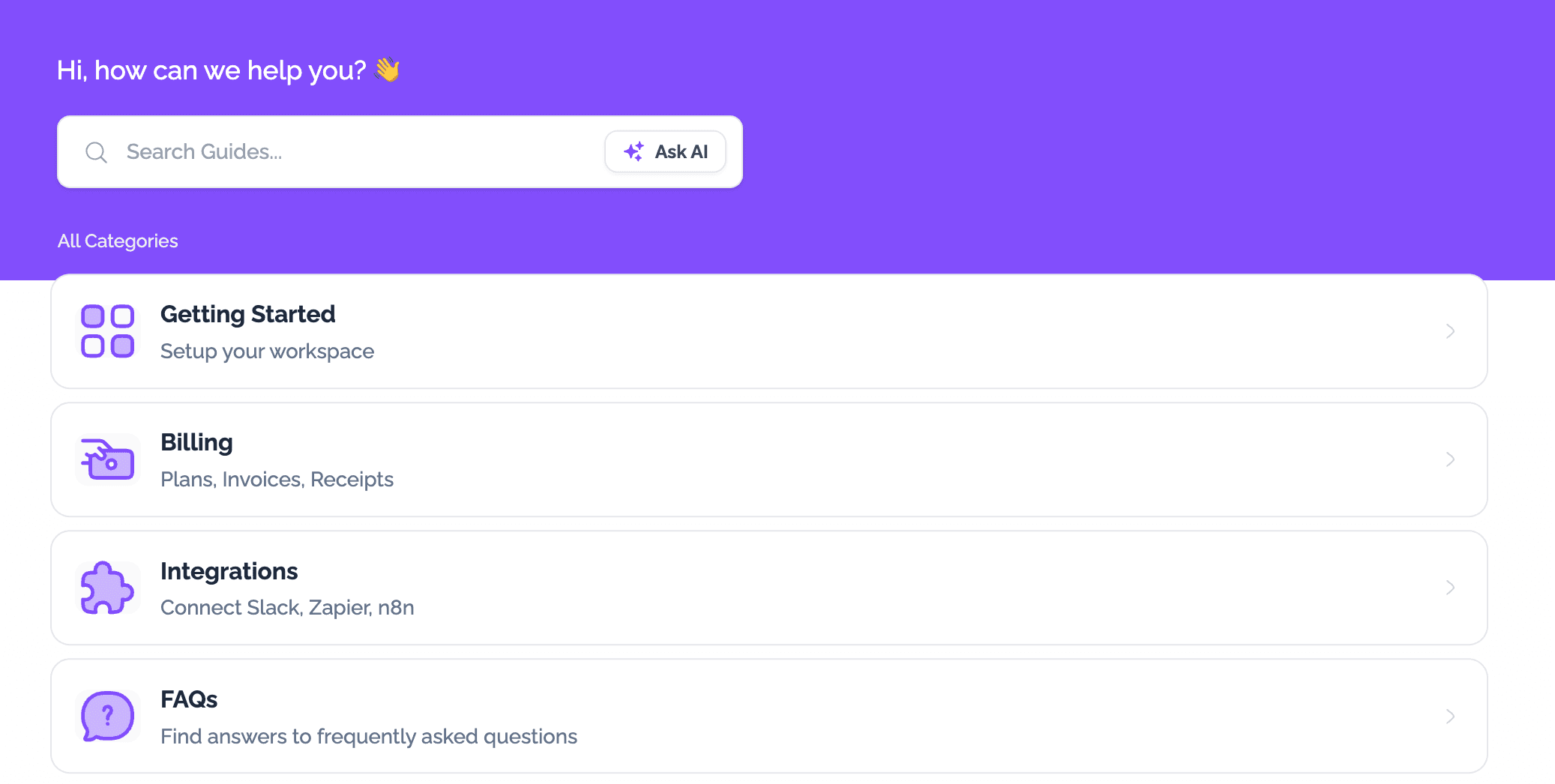
Full help center
Categories, guides, search, AI chatbot and everything else in a nice, compact panel. Visitors get their answer without ever leaving your page.
- Search finds guides and articles as they type
- Guides and articles open in the same widget
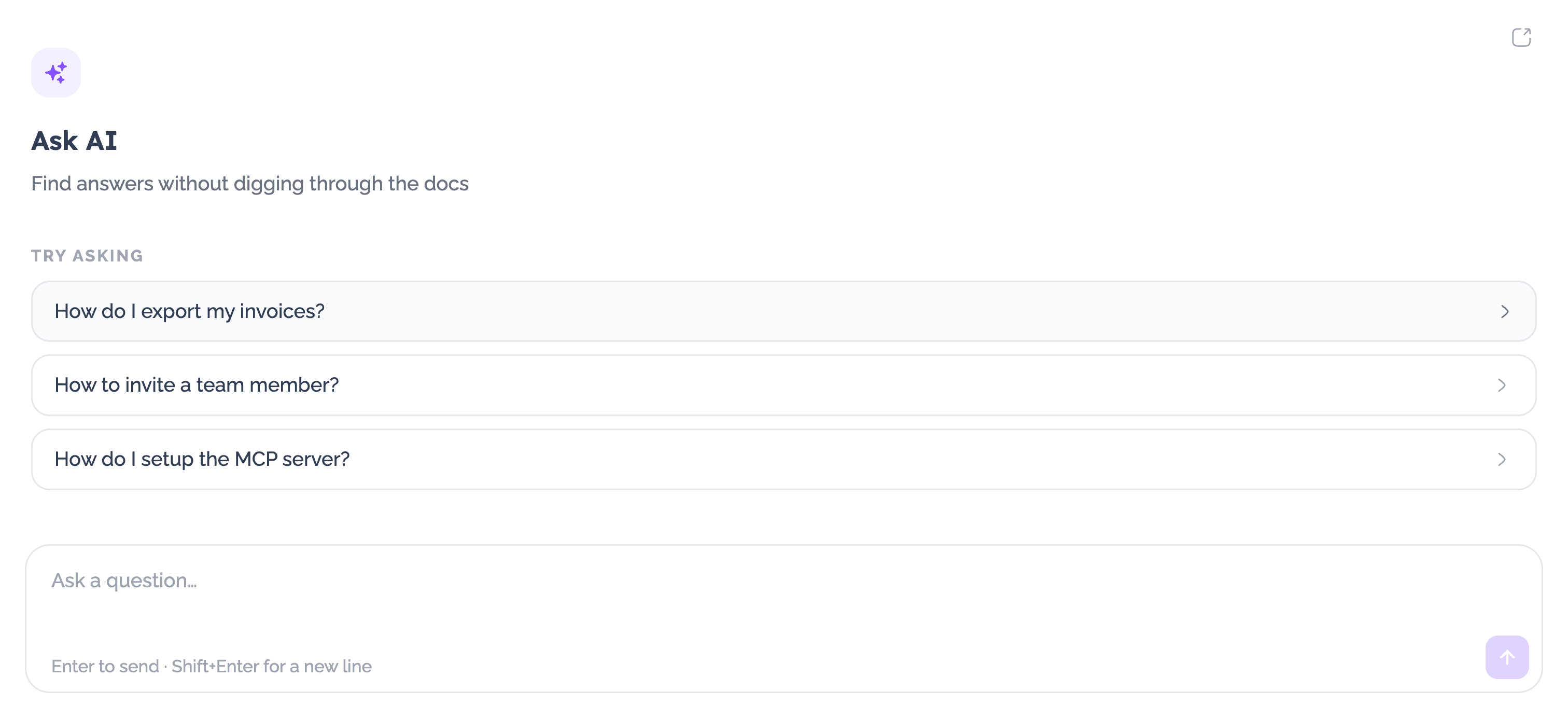
AI chatbot only
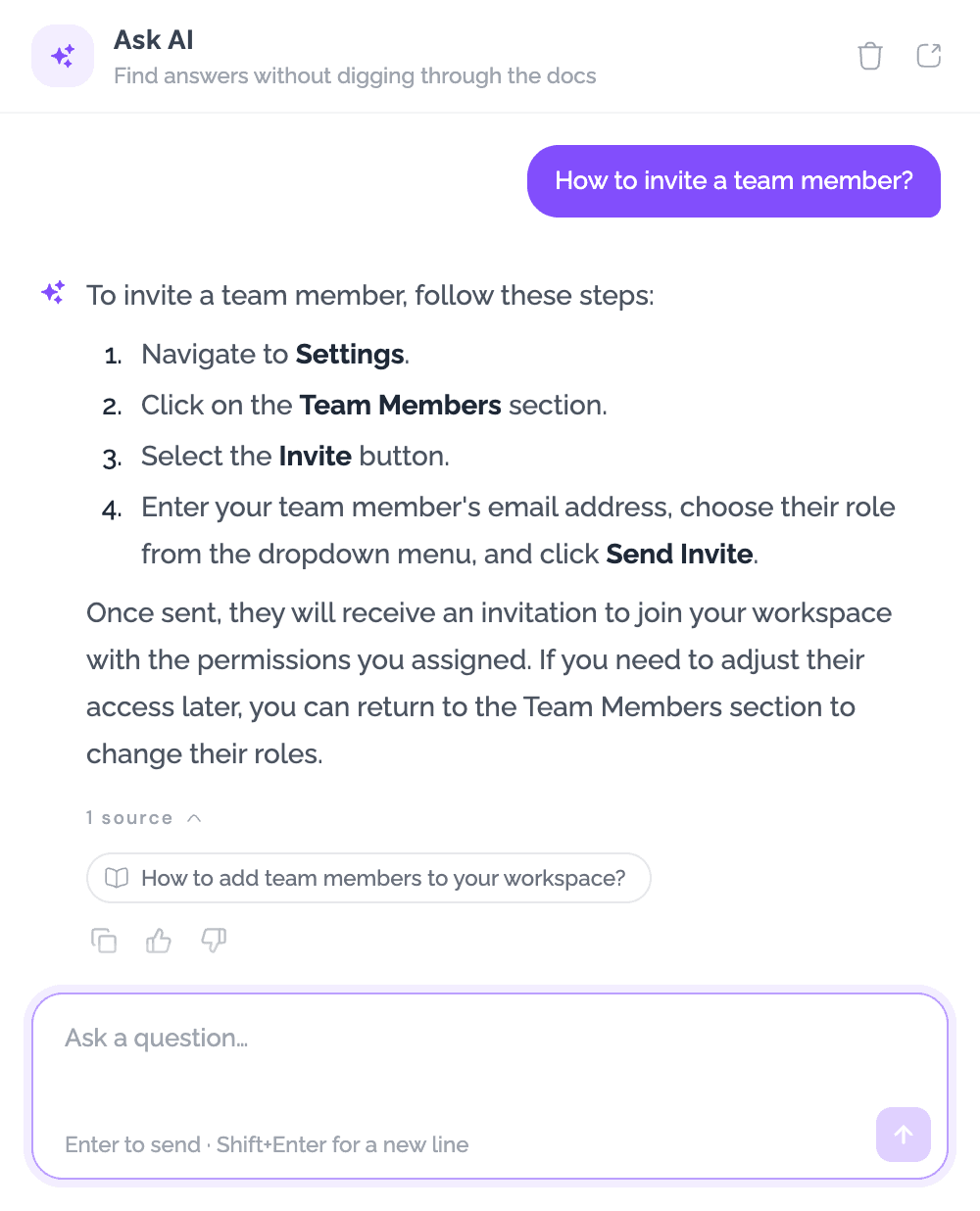
It answers in your voice, cites the guide it used, and declines questions it can’t answer from your content.
- Bring your own OpenAI or Anthropic key, or use ours
- Custom welcome headline, description and suggested questions
Placement
Put it where the question happens
Floating launcher
A round button in any corner. Opens a panel that resizes with the window.
Your own button
Use any button your already have in your site. The panel opens right next to it.
Install
Ready in the time it takes to paste
- 1Copy the snippet
Go to "Help Center" → "Widget" in your dashboard and set your widget preferences.
- 2Paste it in your site
Works with any framework, CMS or site builder like WordPress, Shopify, Wix, etc.
- 3That’s it!
Your widget is now live and will stay up to date automatically.
<script defer
src="https://cdn.guidejar.com/helpcenter-widget-dc17.min.js"
data-help-center-id="YOUR_HELP_CENTER_ID"
data-mode="chat"
data-position="bottom-right">
</script>
Why teams add it
Fewer tickets, no context switch
Answers at the moment of confusion
A visitor stuck on the billing page asks there — they don’t open a new tab, search, and give up.
Support sees fewer repeats
"Ask AI" handles the questions your guides already answer, and cites its source so people trust it.
One help center, everywhere
Your site, your app, your internal tools — one script, one place to update content.
Add the widget to your site today
The widget is included on Plus plan and above. "Ask AI" is available on Business and Enterprise plans.
Explore more