Conditional Branching
Let every viewer choose their own path
Add buttons to any step and send people where they need to go: the next step, a different part of the guide, or a page on your site. One demo covers every audience.
- 3 destinations
- Next step · any step · a link
- Any step
- Add choices wherever they make sense
Built into the steps you already have
Choices live on the step, not in a flowchart
Add a button, pick where it goes, done. There is no separate diagram to build or keep in sync.
Buttons on any step
Give a step as many buttons as it needs. Each one gets a label and a destination, and you can change either at any time without re-recording.
- Jump to the next step, any step, or a link
- Pick destinations from a list of your steps
Skip what doesn’t apply
A viewer who already finished setup jumps straight to the part they came for. Nobody sits through steps that aren’t for them.
- Route by role, plan, platform or intent
- End each path with a link to sign up, book a call or go back to choose again
Ways teams use it
One demo, every audience
By role
Admins see billing and permissions. Members go straight to their first project.
By platform
Mac, Windows or browser: each viewer only sees the install steps for their setup.
By intent
Browsers keep exploring. Buyers go to signup or booking the moment they’re ready.
How it works
Record once, branch in minutes
Capture the whole flow
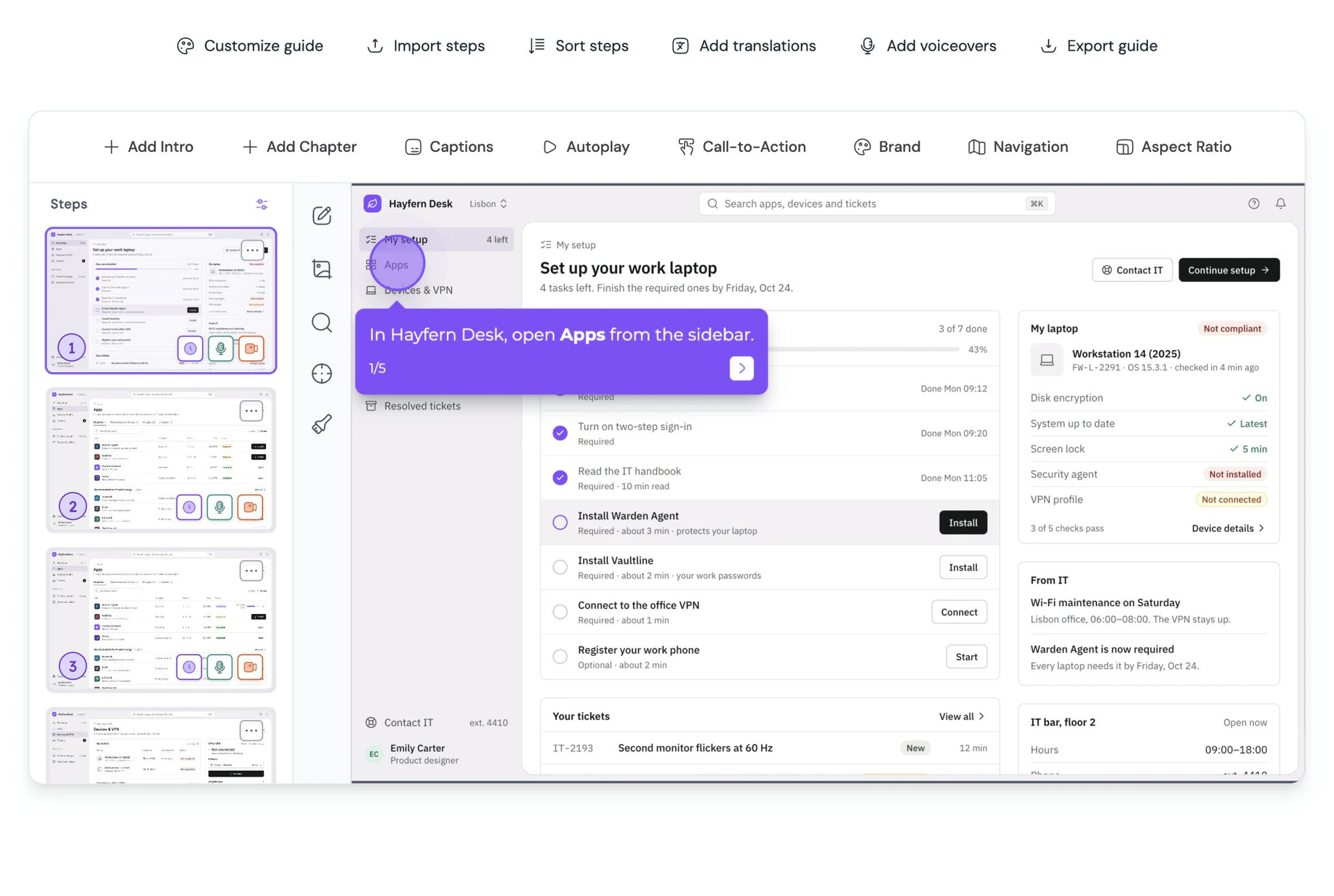
Record every path in one go, or append more steps later. The order you record in doesn’t matter.
Add buttons to a chapter step
Label each button and choose its destination: the next step, a specific step, or a URL.
Viewers pick their path
Share one link. Each viewer clicks through the version that fits them.
Why it works
Shorter demos that feel complete
People finish what they start
A demo that skips the parts a viewer doesn’t need is a demo they actually get to the end of.
One guide to maintain
No more admin version, member version and trial version drifting apart. Fix a step once.
A natural next step
Every path can end with a button to sign up, book a call or open the docs.
Build your first branching demo today
Conditional Branching is included on all paid plans.
Explore more
Other powerful features
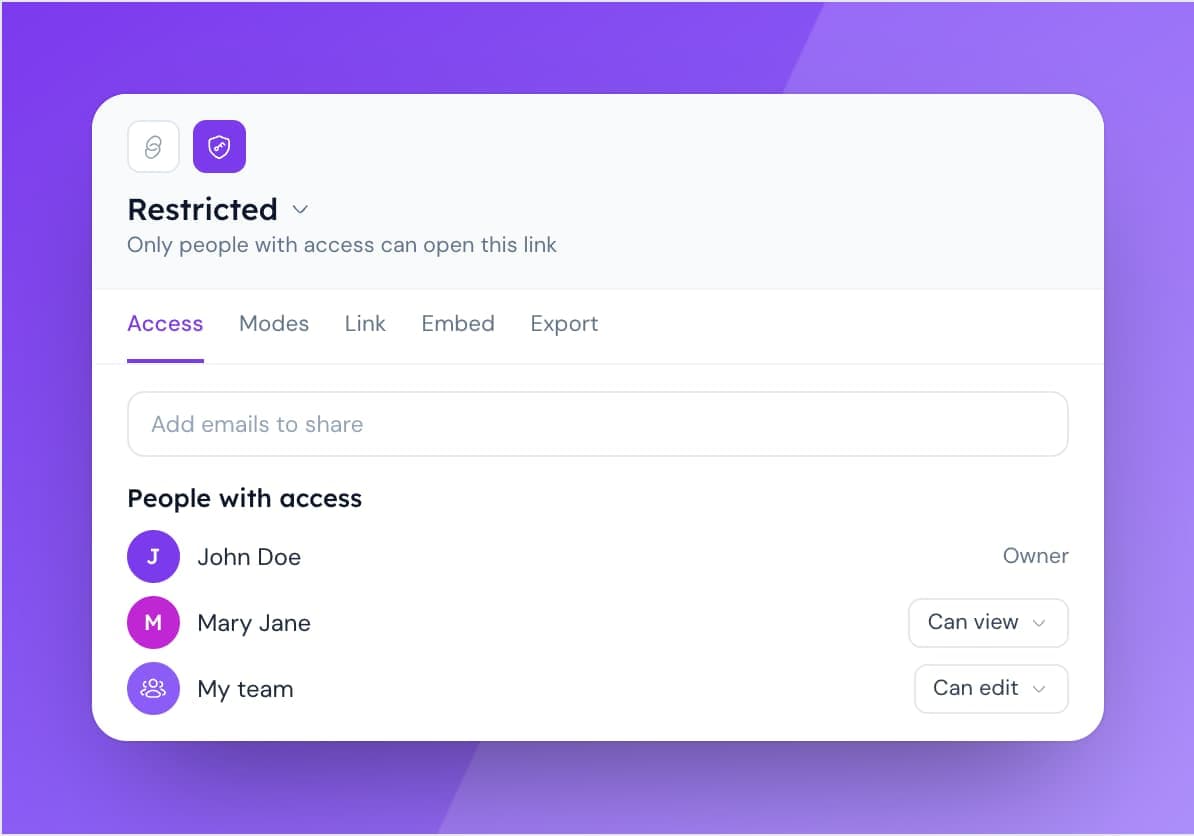
Access Control
Manage content access with flexible role-based permissions.
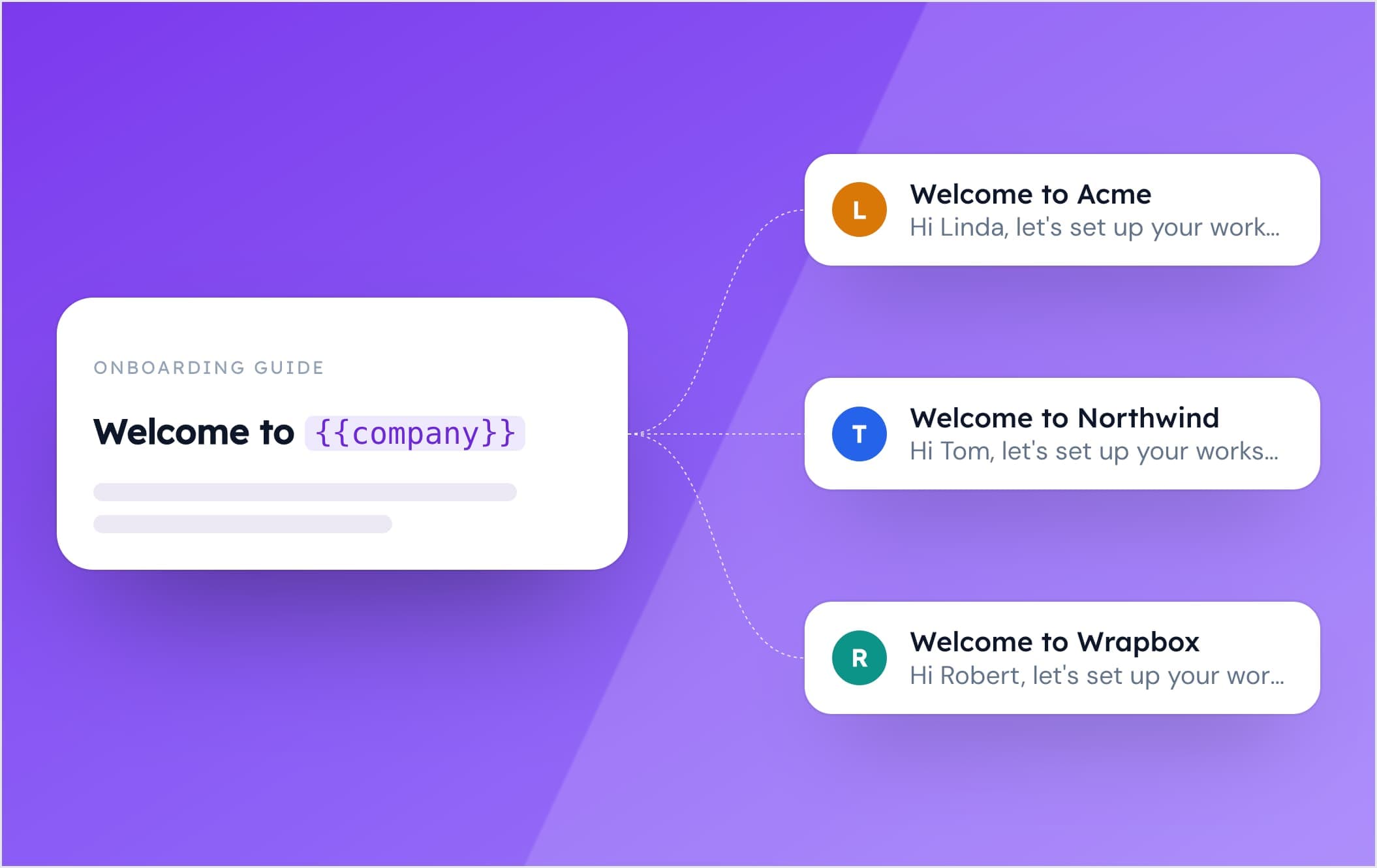
Dynamic Variables
Personalize your guides with dynamic variables. Tailor content to individual users effortlessly, creating more engaging and relevant experiences.
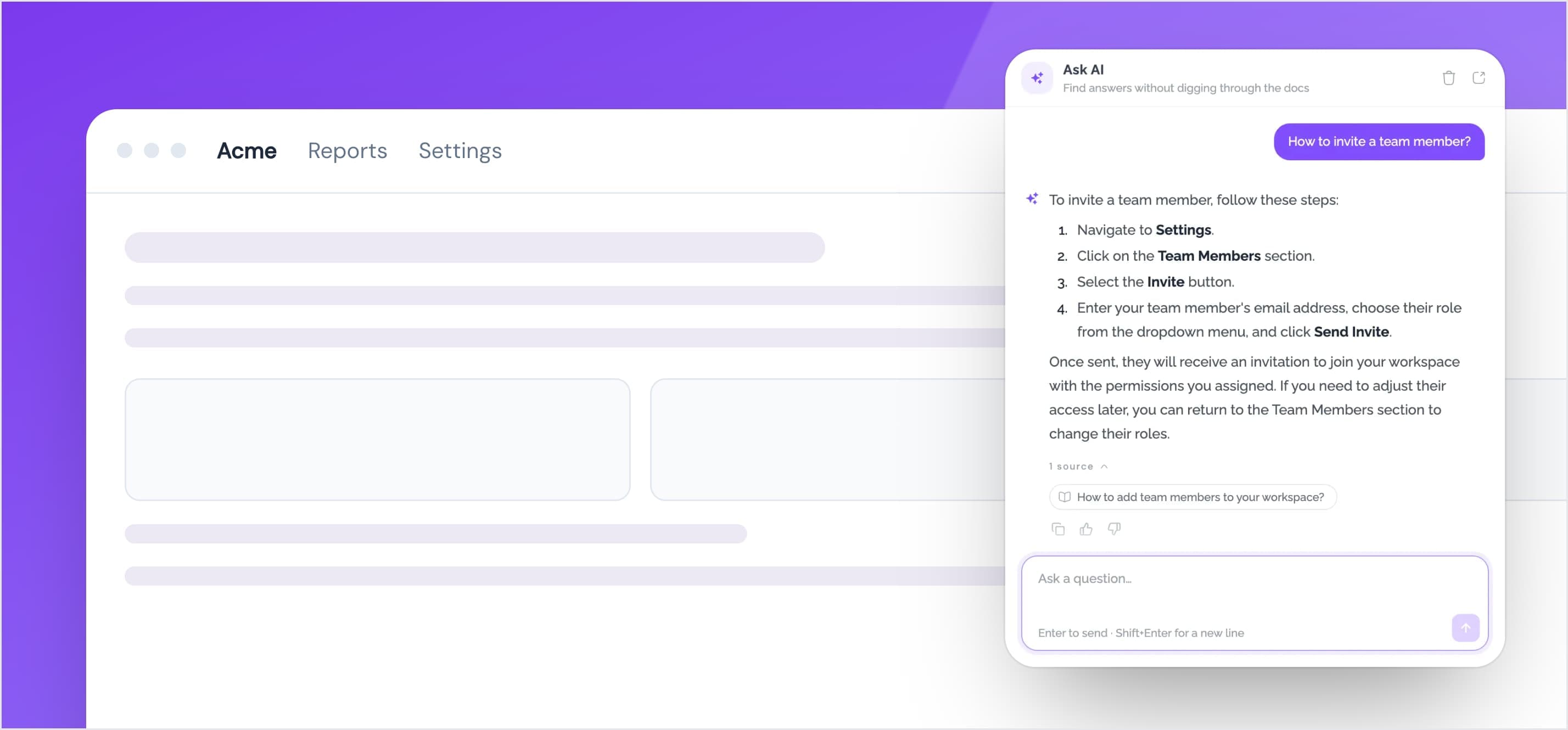
Help Center Widget
Embed your help center as a widget inside your website. Provide your users with instant access to your guides, articles, and FAQs.