Dynamic Variables
One guide, personalized for every visitor
Add {{variable}} in a title, a step, or a button. The same guide fills in each visitor's values — name, company, plan, or anything you pass.
- Two ways to fill
- A personalized link, or help center login
- Never a blank
- Set a fallback for missing values
Two ways to fill them in
Send a personalized link, or let login do it
Type the values yourself when you share, or have them filled in automatically for people signed in to your help center.
Personalized links
Enter the values in the share panel and copy a link made for that client. Send a different link to each client from the same guide.
- Set a default so the guide still reads well without one
- Change the guide once and every link stays current
Signed-in help centers
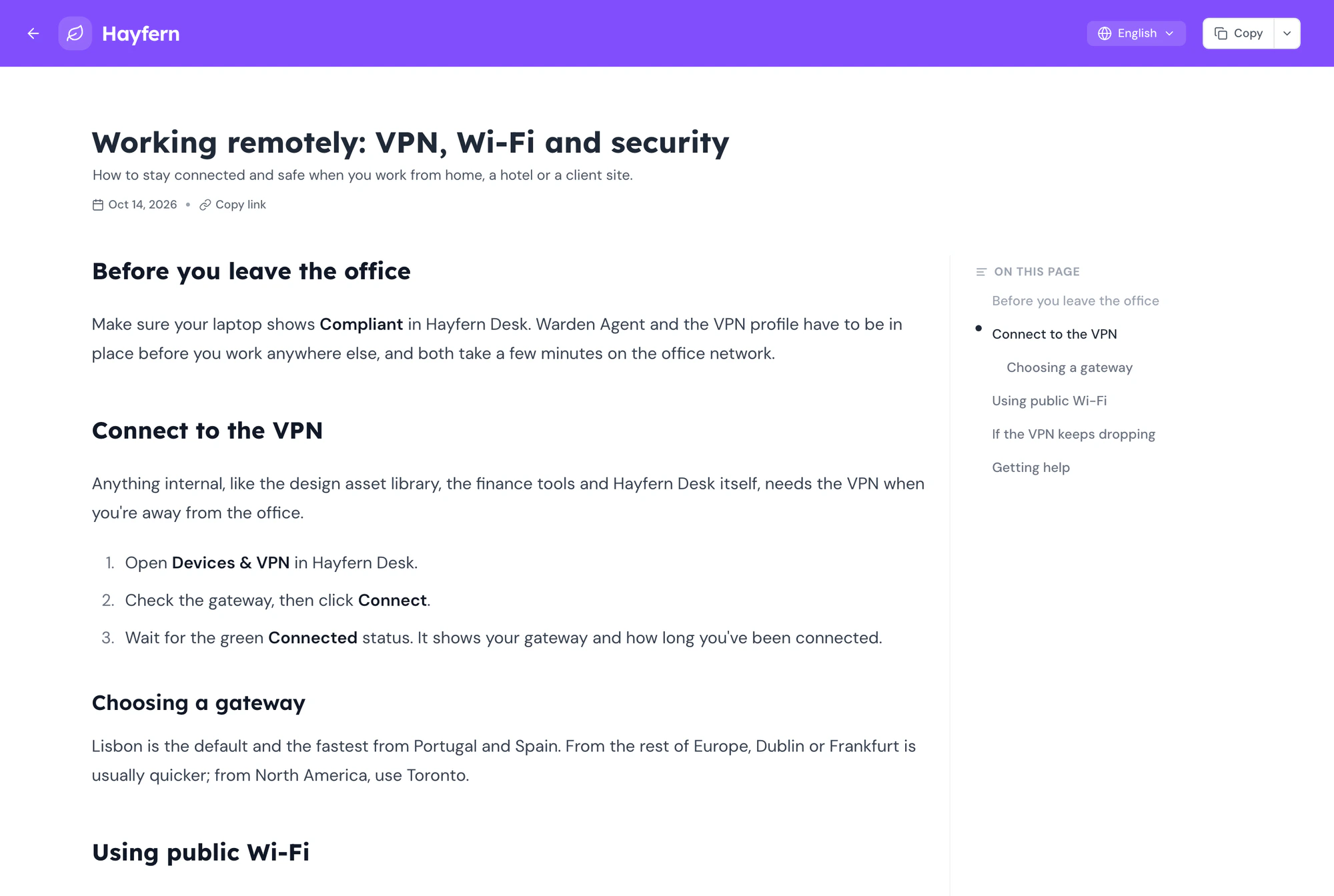
When your help center sits behind login, variables fill themselves from whoever is signed in. Their name, email, and anything else you pass along.
- Works with SAML and Custom Auth
- Nothing to set up per user
Works everywhere you write
Put a placeholder anywhere text goes
Steps and titles
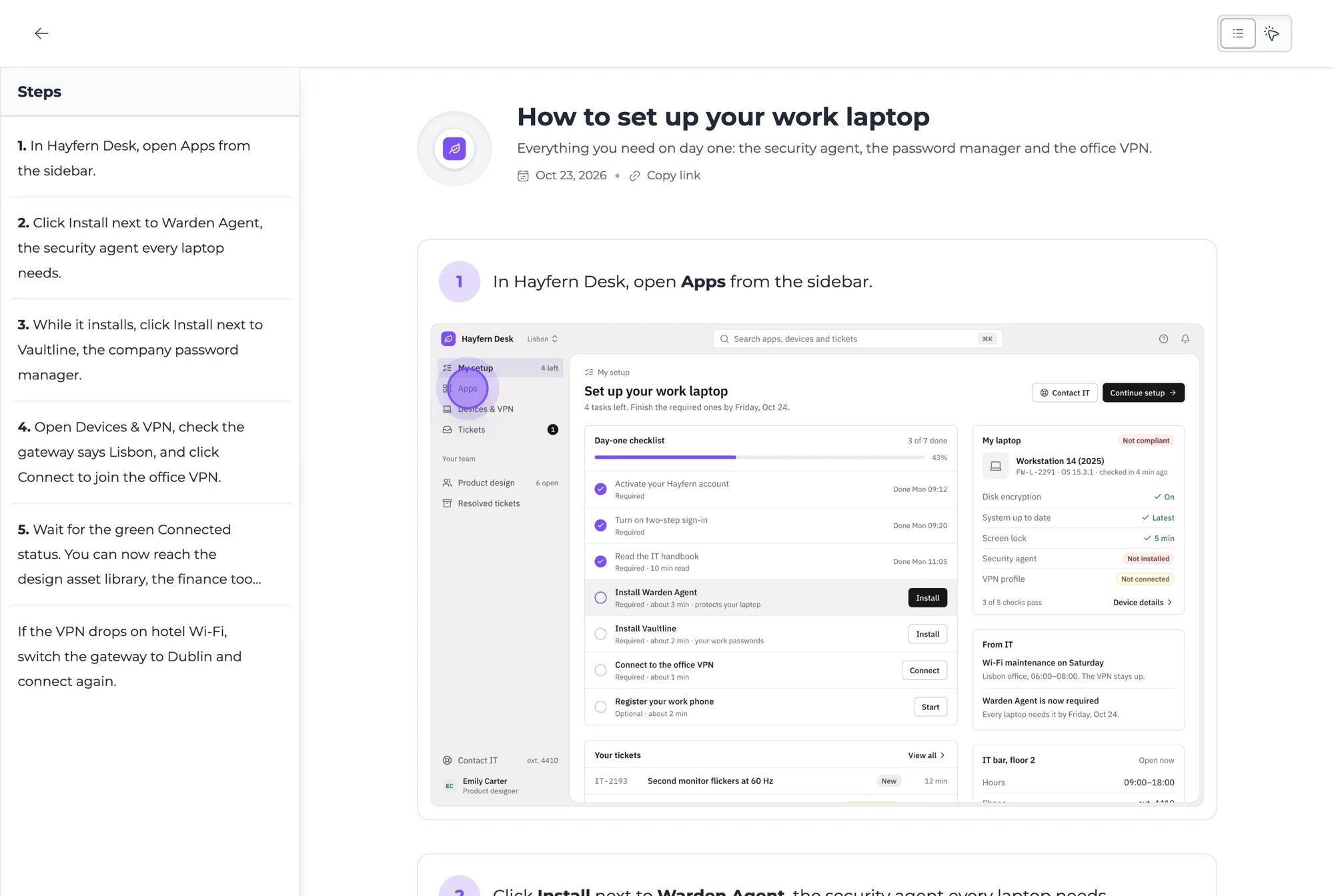
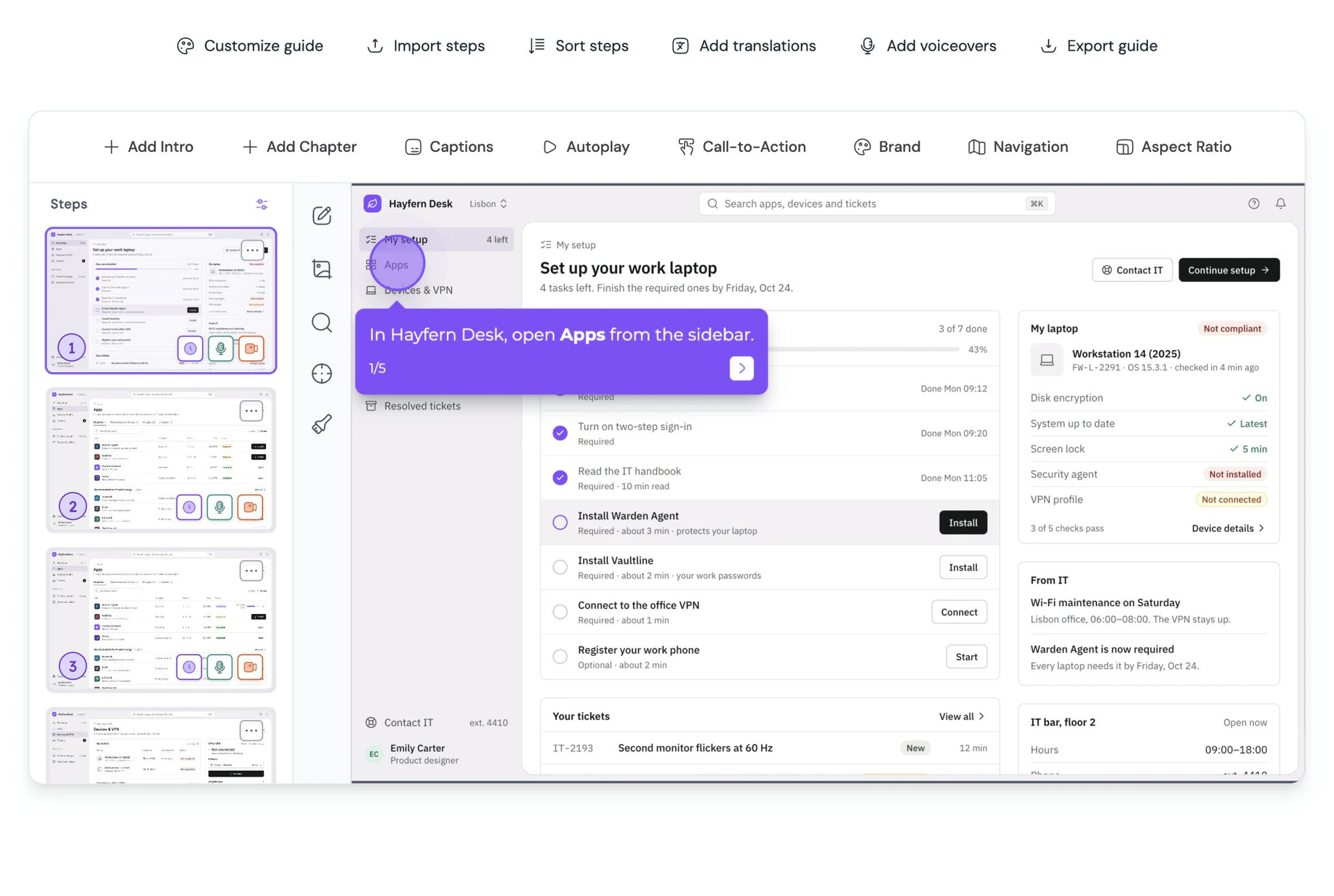
Guide titles, step instructions and descriptions read like they were written for that one person.
Buttons and CTAs
Button labels change per customer. So can the link behind them.
Help center
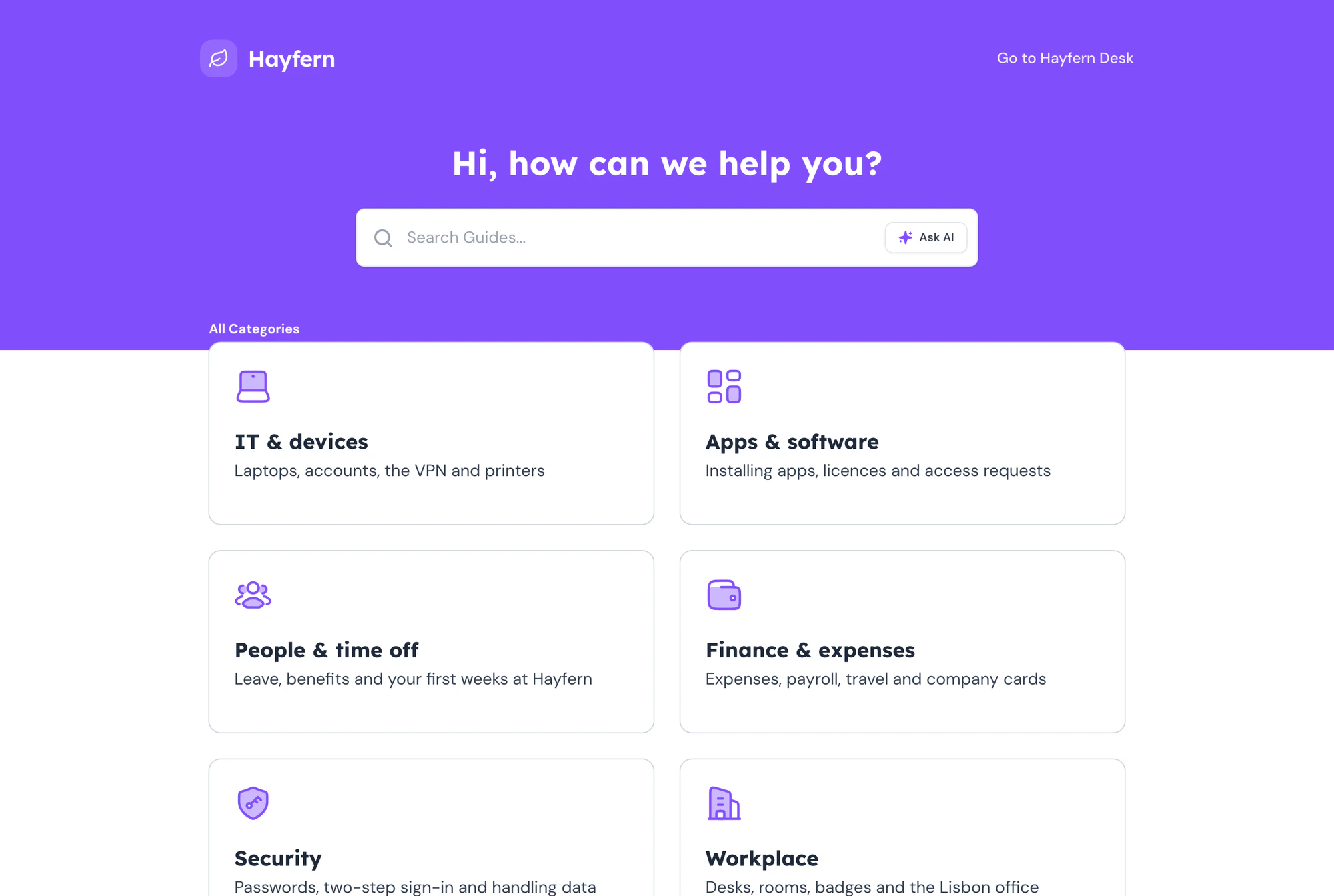
The headline, categories and articles greet signed-in users by name.
How it works
Three steps, no copies
Add a placeholder
Type {{name}} anywhere in your guide. Add a fallback like {{name | there}} for when no value is set.
Give it a value
Enter values in the share panel, or let your help center login supply them.
Send the link
Every customer opens the same guide and sees only their version.
Why teams use them
Personal, without the busywork
One guide instead of fifty
Agencies and customer success teams keep a single source of truth, and still hand every client something that feels made for them.
Onboarding that says their name
A walkthrough that greets people by name and points at their own workspace gets finished, not skimmed.
Edits land everywhere at once
Fix a step once and every personalized link, old or new, shows the fix.
Personalize your first guide today
Dynamic Variables are included on all paid plans.
Explore more
Other powerful features
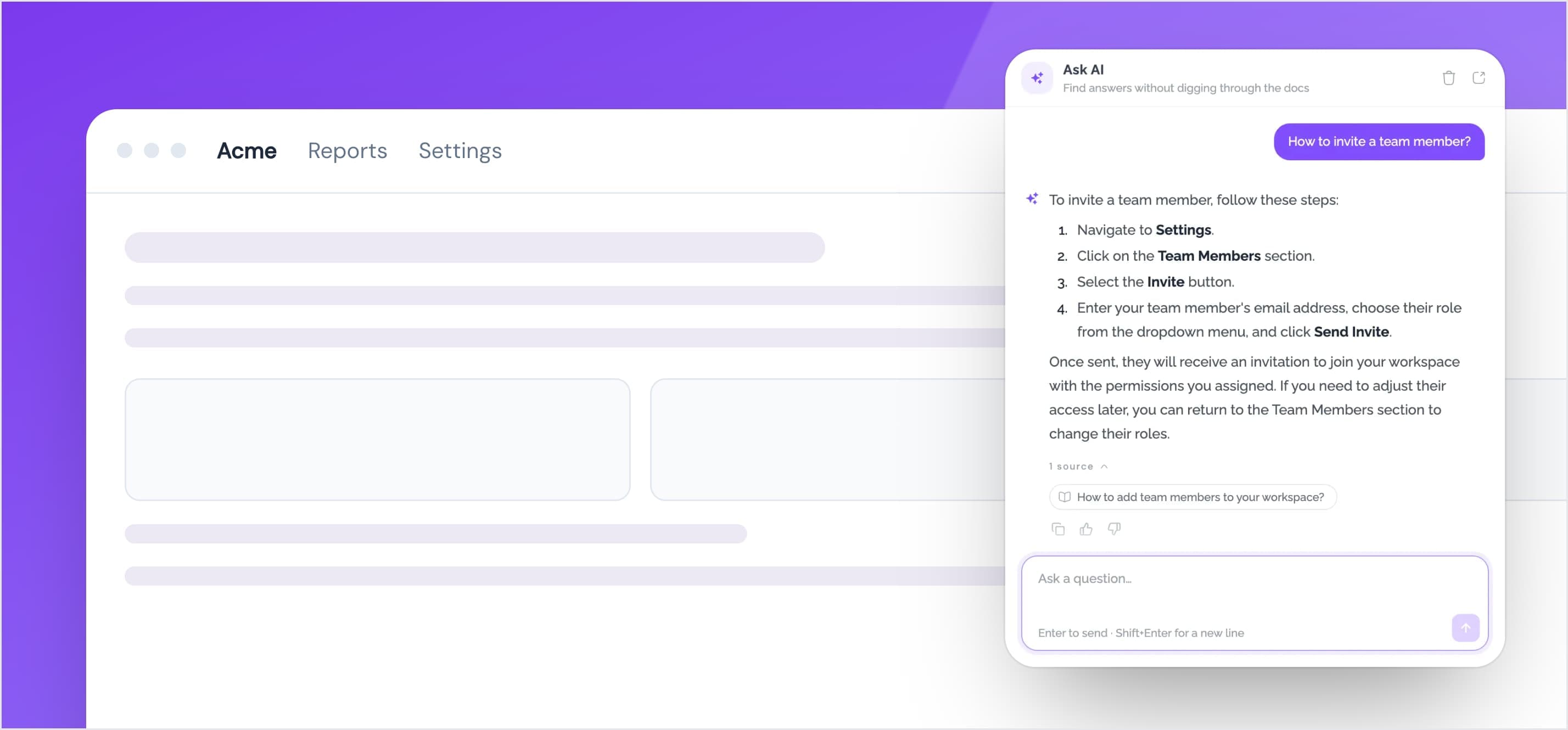
Help Center Widget
Embed your help center as a widget inside your website. Provide your users with instant access to your guides, articles, and FAQs.
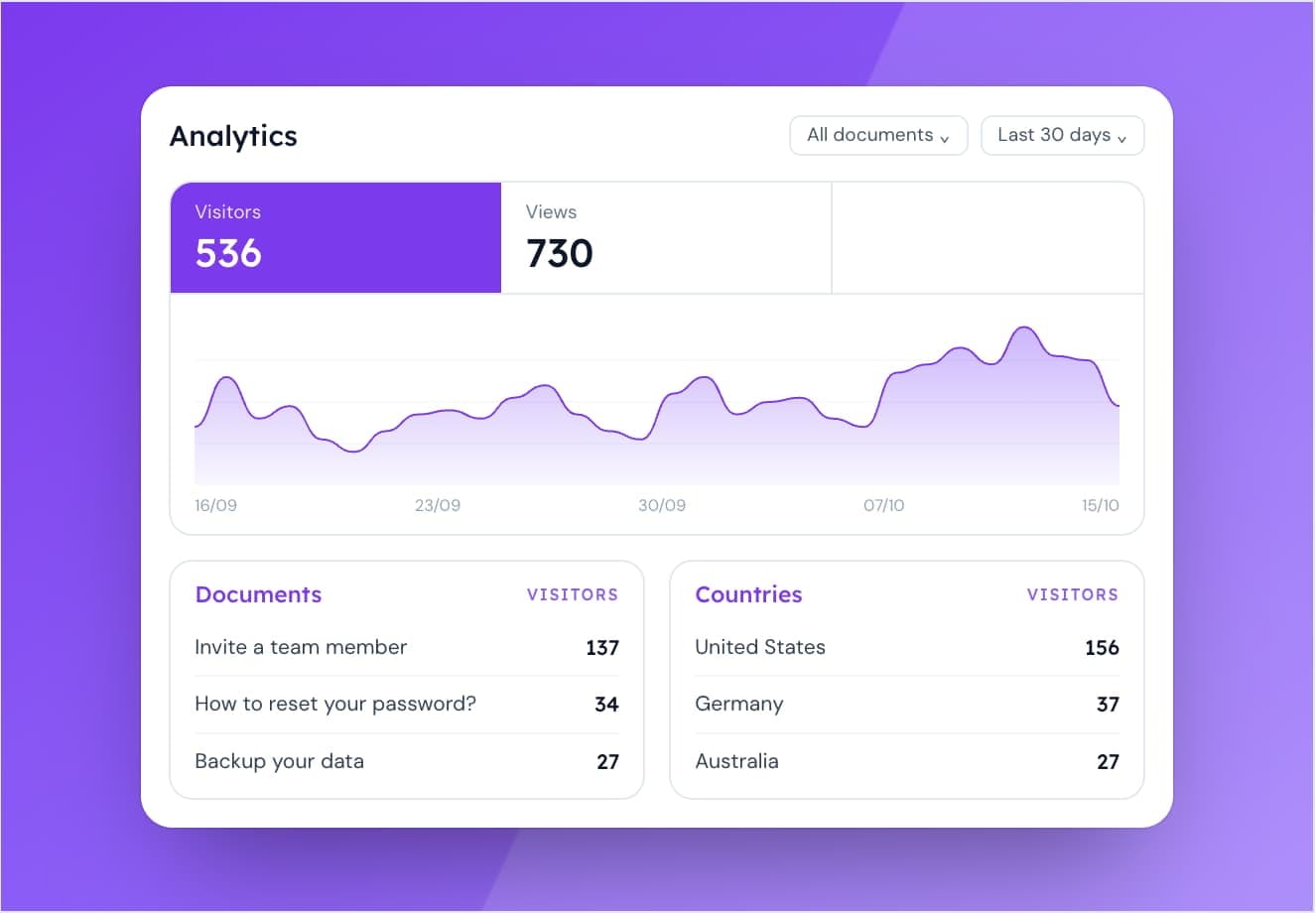
Analytics
Track user engagement with your guides and optimize your content.
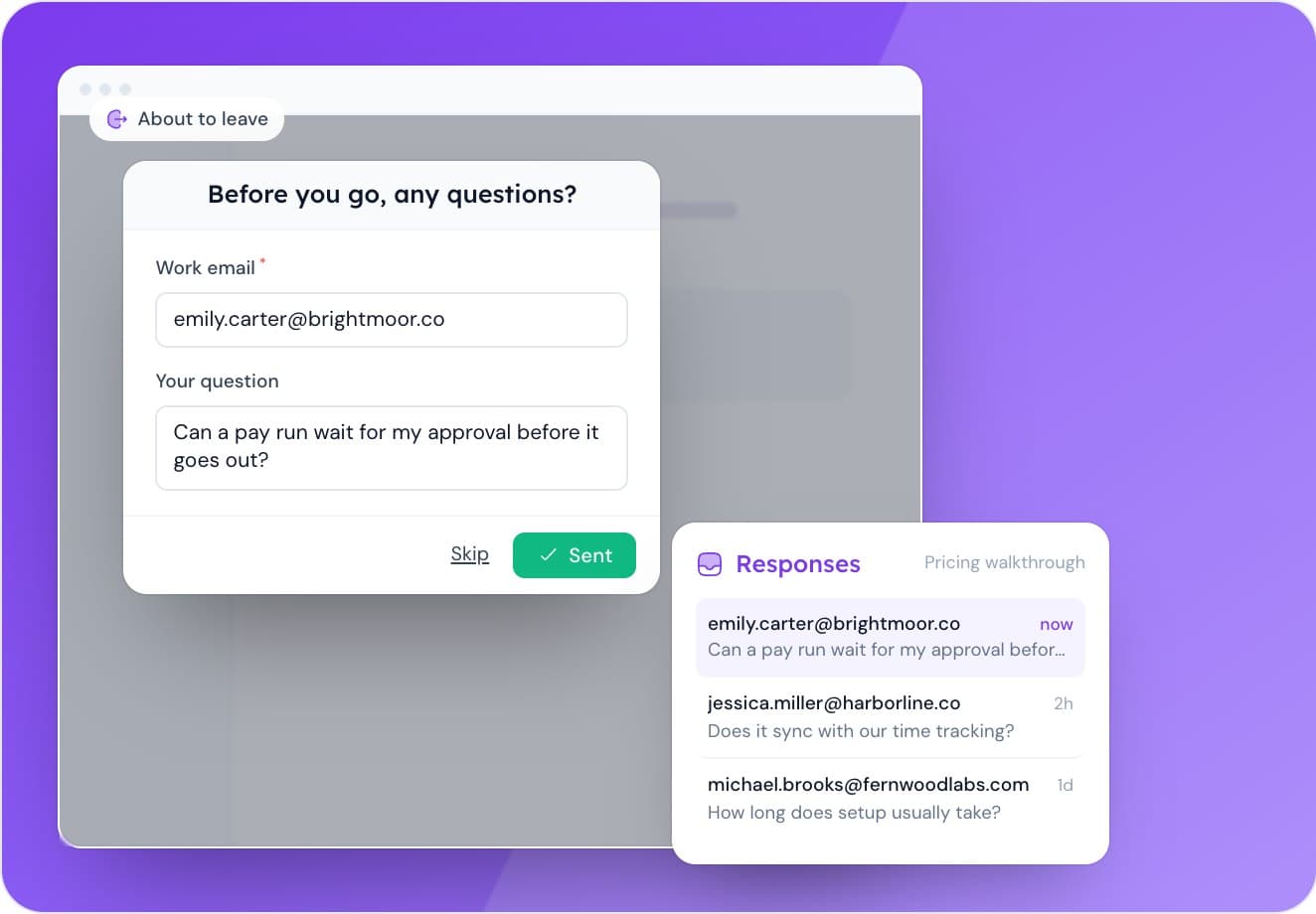
Forms
Capture leads, questions and feedback from the people reading your guides.