A standard operating procedure (SOP) is a written, step-by-step document that tells people how to carry out a recurring task the same way every time. A good SOP names the task, says why it matters and where it starts and ends, assigns who does each part, and lists the steps in order, often with screenshots.
Think of it as a recipe for a business task: whoever follows it, the result comes out the same. Teams use SOPs for anything that happens often, matters to customers or goes wrong when people improvise, from onboarding a client to processing a refund.
An SOP example: onboarding a new client
Client onboarding is a classic first SOP. It sets the tone for the relationship, and without a set process it's easy to forget the welcome email or the kickoff call. Here's what the SOP could look like:
| Part | Example |
|---|---|
| Title | New client onboarding |
| Purpose | Give every new client the same well-organized start, so they know what happens next and feel looked after from day one. |
| Scope | Starts when the client signs the contract. Ends when the kickoff call is done. |
| Roles | Account manager: all client communication. Project manager: internal setup. |
| Steps | 1. The account manager sends the welcome email (template A) within 2 hours of signing. 2. The project manager sets the client up in the project management tool. 3. The account manager sends a scheduling link for the kickoff call. 4. The project manager sends the pre-kickoff questionnaire 48 hours before the call. |
| Owner and review | Owner: head of account management. Reviewed every quarter. |
Everyone knows what to do, who does it and when. For more, see these SOP examples from real teams.
What goes into an SOP?
Every SOP answers the same questions: what, why, who and how.
- Title: says exactly what the SOP is for, such as "How to onboard a new freelance writer".
- Purpose: one or two sentences on why the process matters: "So new writers know our standards and can start their first assignment within a week."
- Scope: where the process starts and ends, and what it doesn't cover. The writer onboarding SOP might cover the contract and project tool setup, but leave payments to a separate accounting SOP.
- Roles and responsibilities: who does each part, so nobody assumes someone else has it.
- Required resources: the tools, logins and templates someone needs, with direct links.
- Steps: numbered, in plain language, each starting with a verb: "Click New Project", not "A new project is created".
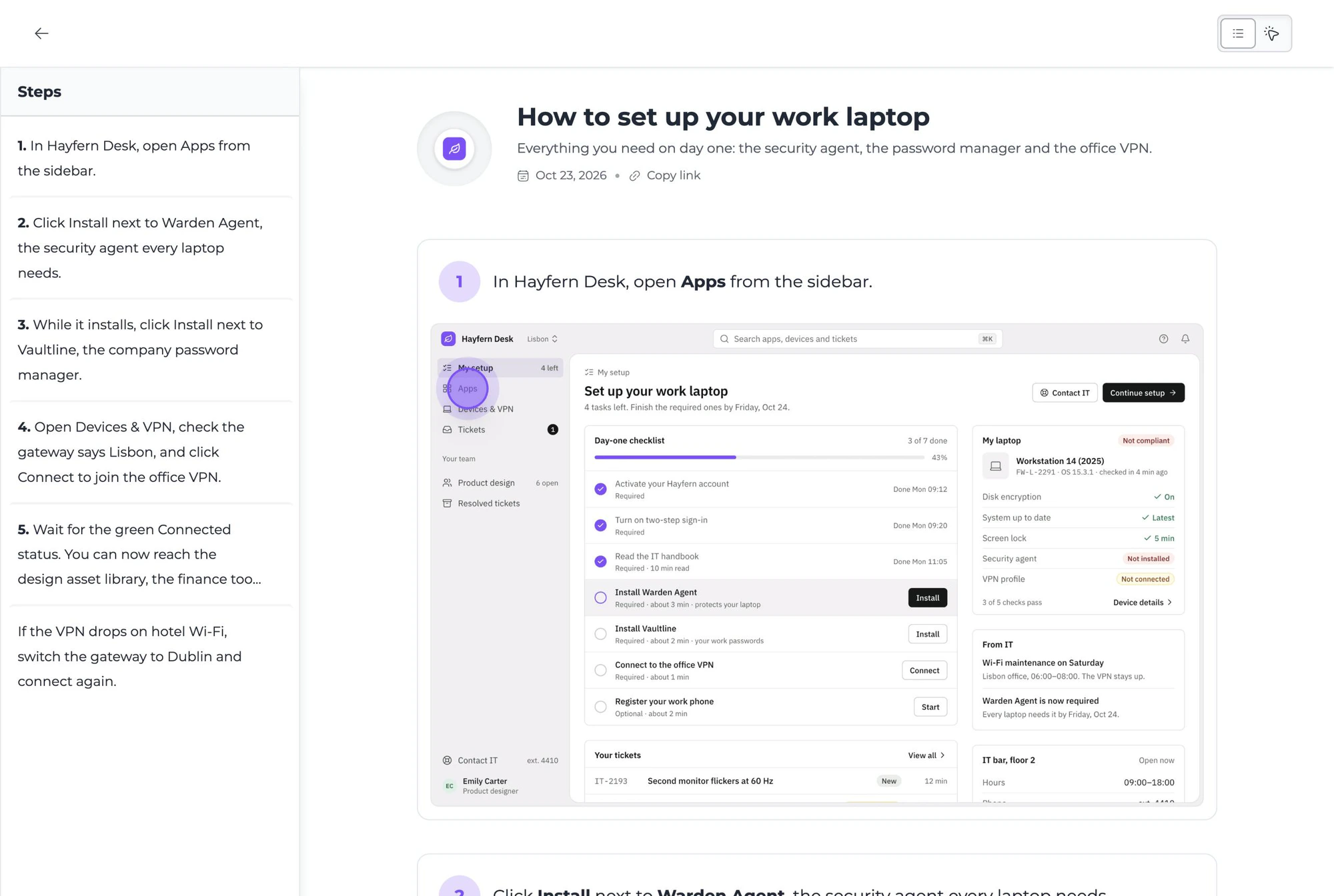
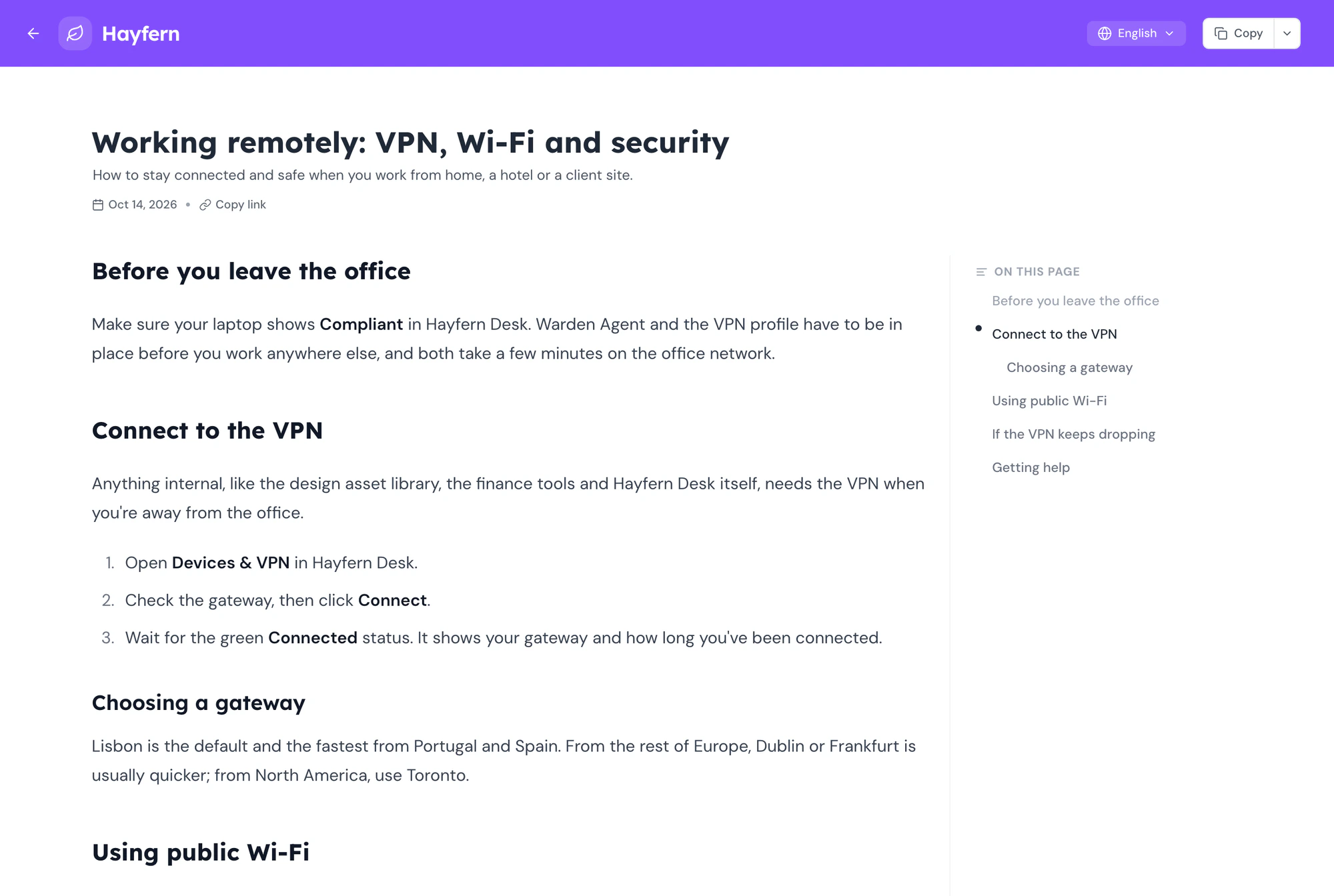
- Visuals: screenshots, diagrams or short screen recordings for the steps where showing beats describing.
- Owner and review date: who keeps the SOP accurate, and when it's next checked.
Our guide to creating SOPs your team will actually use shows these parts on a finished SOP, and the SOP template gives you a layout to fill in.
SOP vs checklist vs process map
These three get mixed up, but they do different jobs and often work together.
| Checklist | SOP | Process map | |
|---|---|---|---|
| Purpose | A reminder of what to do | How and why to do it | The big picture of a workflow |
| Detail | Minimal: "Check tires" | High: steps, roles, context, safety notes | Low: stages and decision points |
| Audience | Someone who already knows the task | Anyone, including a new hire | Anyone who needs the overview |
| Format | A to-do list | A structured document with purpose, scope, roles and steps | A flowchart |
A process map is the view from above: the stages of a workflow and where it branches. An SOP is the turn-by-turn directions for one part of it. Good SOPs often open with a small process map so the reader sees where the task fits. For drawing those, see our process mapping best practices.
Why use SOPs?
SOPs turn tribal knowledge, the know-how stuck in one person's head, into something the whole team can use. That solves a handful of common problems:
| Problem | What an SOP changes |
|---|---|
| Slow onboarding | New hires follow the SOP instead of asking a colleague at every step. |
| Repeated mistakes | Clear steps leave less room for error, and each fix goes into the document. |
| Inconsistent service | Customers get the same experience whoever helps them. |
| Lost knowledge | When someone leaves or goes on vacation, the process doesn't go with them. |
| Messy growth | New people slot into processes that already work. |
In regulated fields, SOPs aren't optional. US drug manufacturers must follow written procedures for production and process control under the FDA's current good manufacturing practice rules, and quality standards such as ISO 9001 expect organizations to keep documented information on how their key processes run.
How to create and maintain SOPs
The biggest mistake is writing SOPs alone. The people who do the work every day know the shortcuts, the common snags and the steps that look fine on paper but fail in practice. Write the SOP with them, test it on someone who has never done the task, and fix wherever they get stuck.
Then keep it useful:
- Store every SOP in one place: a wiki, a knowledge base or one shared folder. If finding an SOP takes longer than asking a colleague, people will ask the colleague.
- Use one format for all of them: then people know where to look in any SOP.
- Give each SOP an owner: one person responsible for keeping it accurate.
- Review on a schedule: at least once a year, and every quarter for processes that touch customers or money.
- Update it the moment the process changes: and make it easy for anyone to flag a step that's out of date. An outdated SOP is worse than none, because it teaches people not to trust the rest.
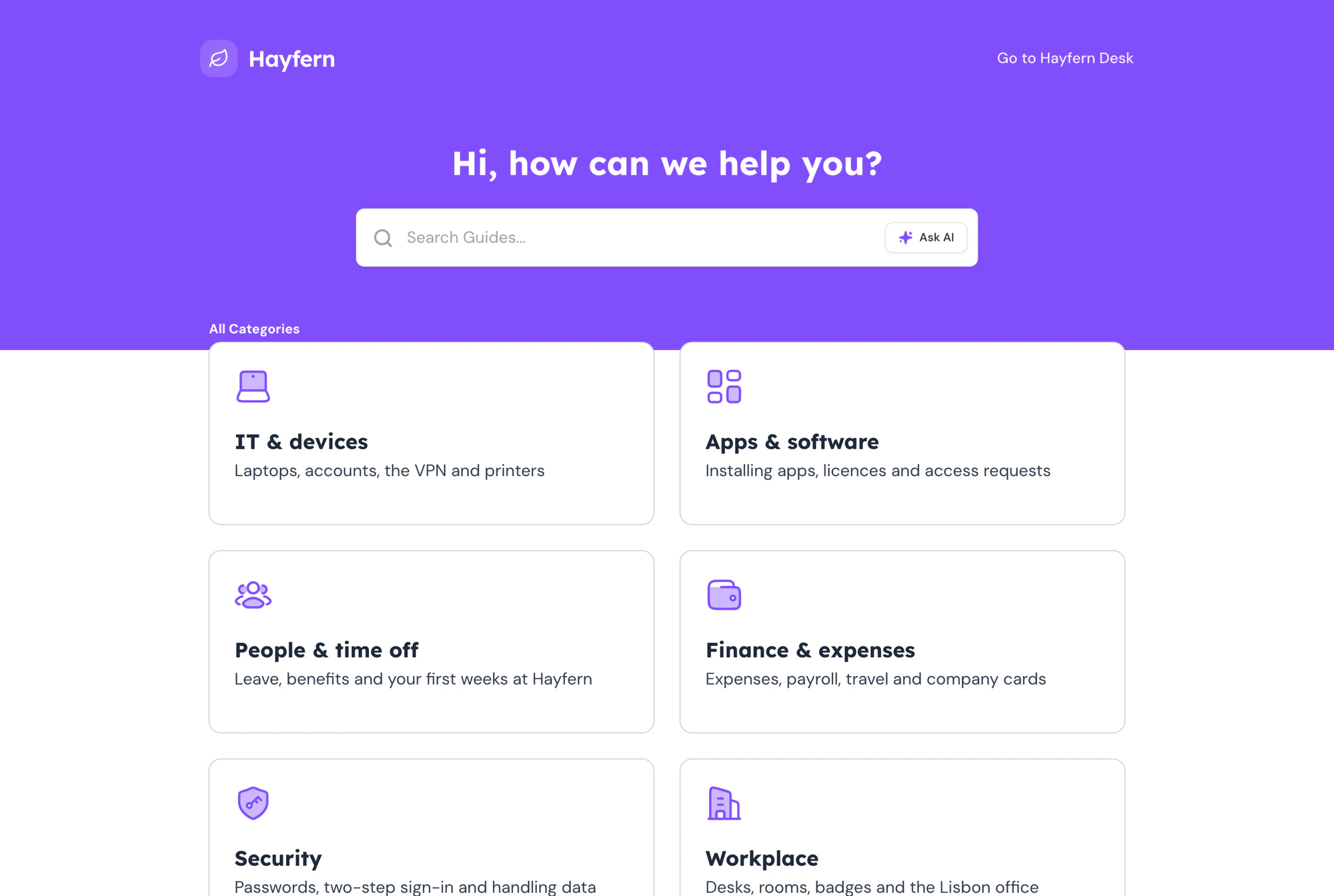
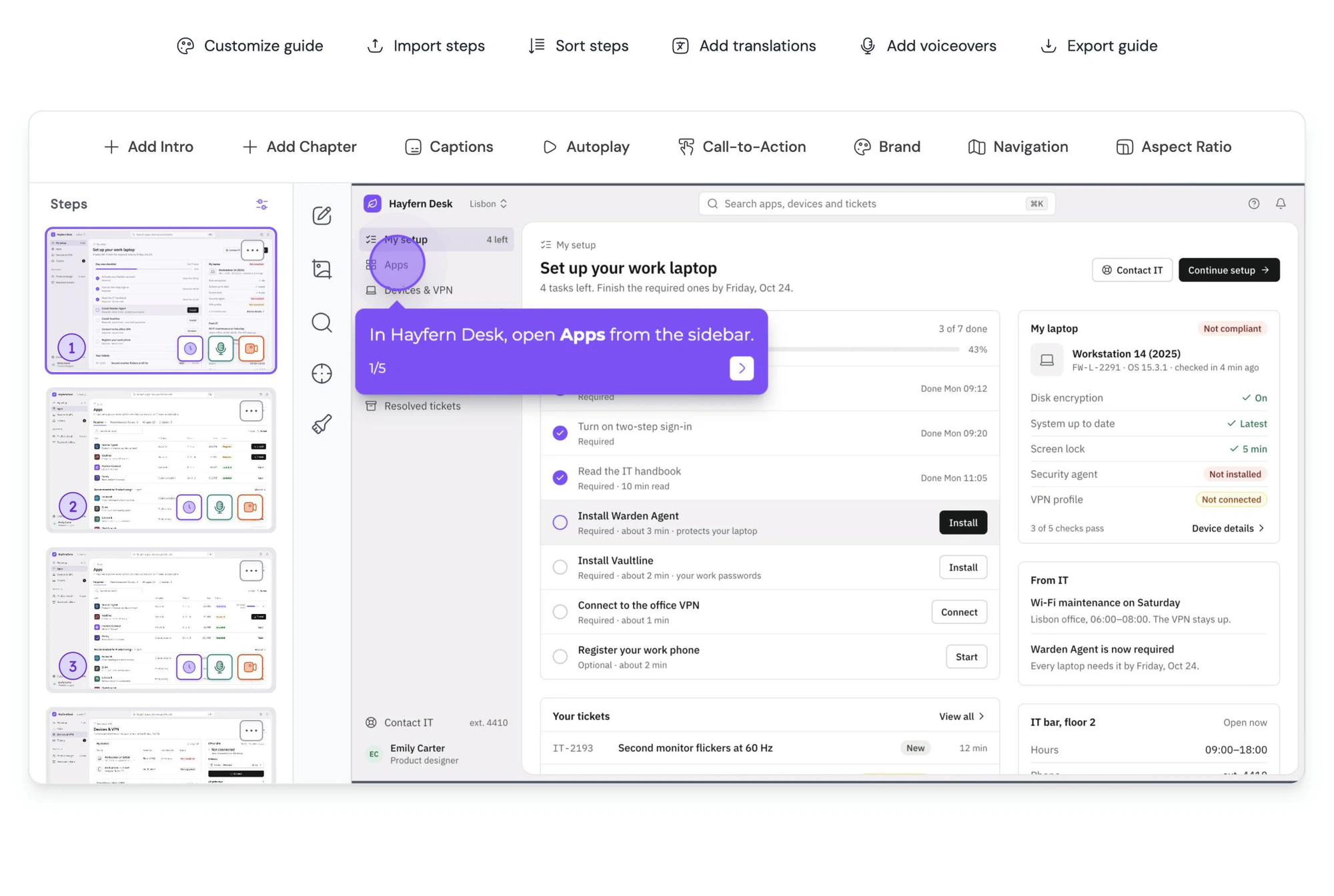
For software tasks, writing SOPs by hand from a pile of screenshots is slow, and they go stale every time the tool changes. With Guidejar, you do the task once and get a step-by-step guide with a screenshot for every step, which you can update in minutes when the tool changes. Your SOPs live in one searchable library or help center. See how teams run their SOPs and internal docs in Guidejar, or compare options in our roundup of SOP software for small businesses.
Frequently asked questions
- How long should an SOP be?
As long as the task needs and no longer. Submitting an expense report fits on one page; deploying a software update needs more detail and screenshots. If an SOP keeps growing, split it into several smaller SOPs, one per task.
- What's the difference between an SOP and a process map?
A process map is a flowchart of a whole workflow: its stages and decision points at a glance. An SOP is the turn-by-turn instructions for one task within it. Many SOPs open with a small process map so readers can see where the task fits.
- How often should SOPs be updated?
Review every SOP at least once a year, and every quarter for processes that touch customers or money. Update an SOP as soon as the process changes or a new tool is introduced, without waiting for the scheduled review.
- Who should write SOPs?
The people who do the work, with a manager overseeing the format. Frontline staff know how the task really gets done, so the SOP is more accurate, and people who helped write a procedure are more likely to follow it and keep it up to date.
- Filed under
- Documentation & SOPs