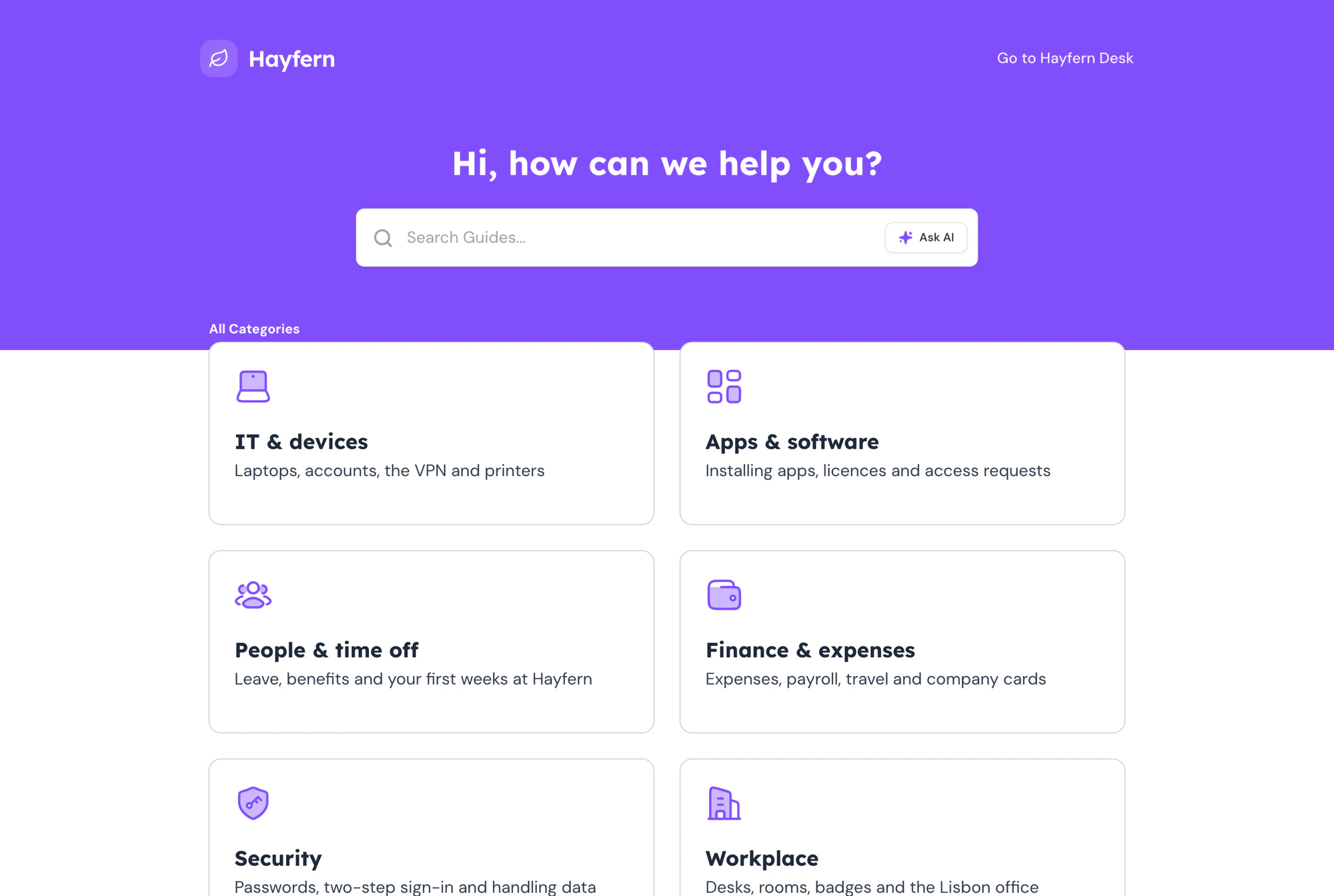
The best Guidde alternatives are Guidejar for step-by-step guides, interactive walkthroughs and a help center from one capture; Scribe and Tango for screenshot-based SOPs; and Supademo or Storylane if your "guides" are really product demos for buyers. Guidde is a strong tool for narrated video guides, but its AI voice, desktop capture, translation and customer-facing features sit on higher plans, which is the usual reason teams look elsewhere.
Below are five alternatives with current prices, their main features, what reviewers praise and complain about, and where each falls short. Prices were checked on each vendor's pricing page in late November 2026, and ratings come from G2 and Capterra on the same dates; confirm both before you buy.
Why teams look for a Guidde alternative
Guidde turns a screen recording into a narrated how-to video with a written step-by-step document alongside it. It does that well, and it has real strengths: viewers are free (only creators, admins and content managers pay), the Business plan lets you narrate as you record and have the voiceover cleaned up for you, and guides export to a long list of formats and tools. It's rated 4.8 out of 5 on G2.
The friction tends to come from plan limits:
- AI voice, desktop capture and interactive demos need the Business plan. Pro ($19 per creator a month billed yearly, $29 monthly) has no AI text-to-voice and captures in the browser only. Business is $39 per creator a month billed yearly ($59 monthly), and self-serve Business stops at five creators.
- Translation is Enterprise-only. Automatic multi-language translation isn't on any self-serve plan.
- No hosted help center on self-serve plans. Guidde's customer-facing portals are Enterprise; on other plans you export guides into a help center you already have.
- Video is slow to skim. A reader looking for step 7 has to scrub through the video or switch to the written doc. Updates are easier than they were, since you can now re-record a single step, but the video is still the main format.
If none of those matter to you, Guidde may still be the right pick, especially when polished video is the deliverable.
The 5 best Guidde alternatives
1. Guidejar
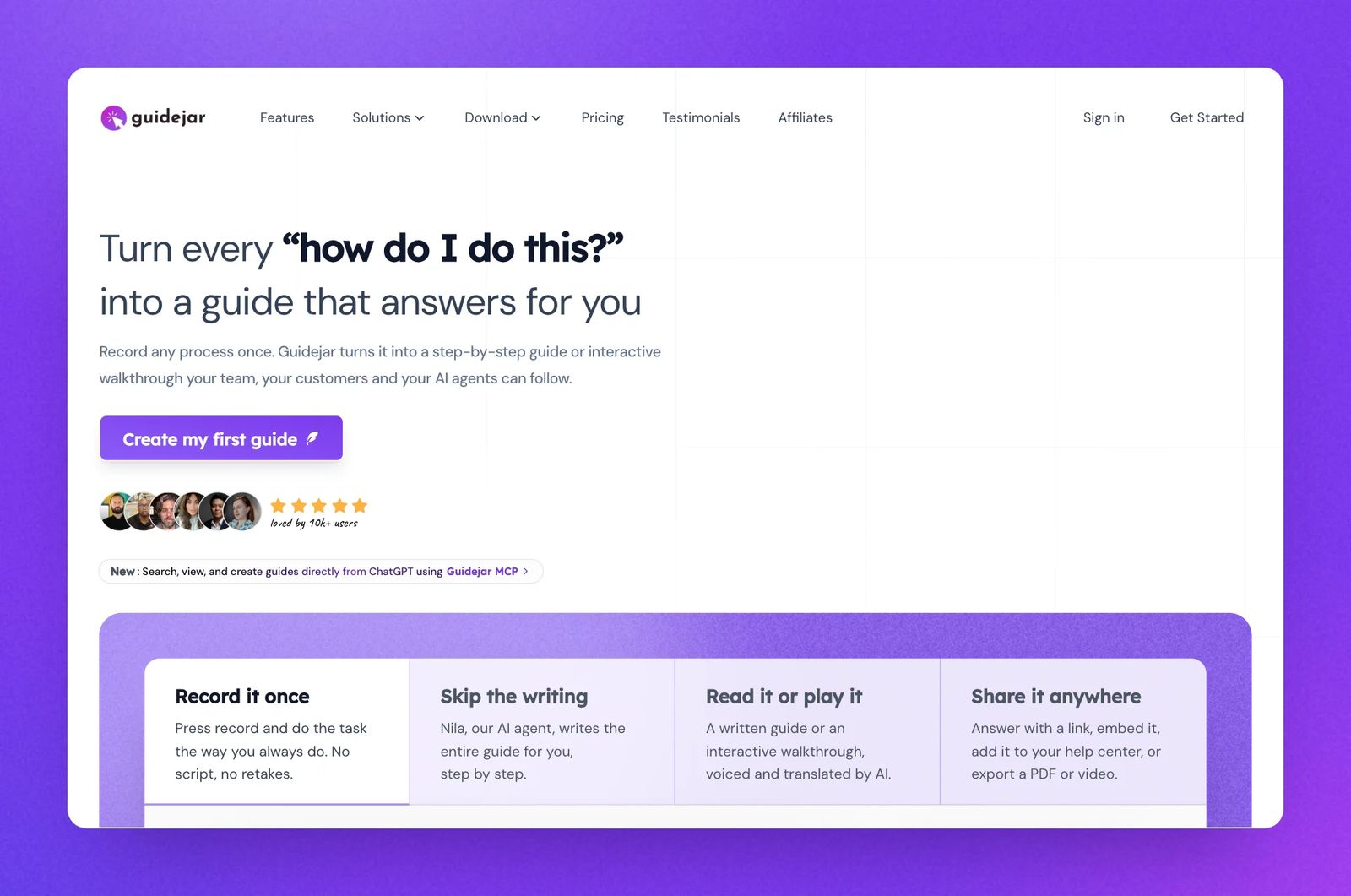
Best for: Teams that want step-by-step guides, interactive walkthroughs and a help center from one capture, without moving to a business tier for AI voice or translation.
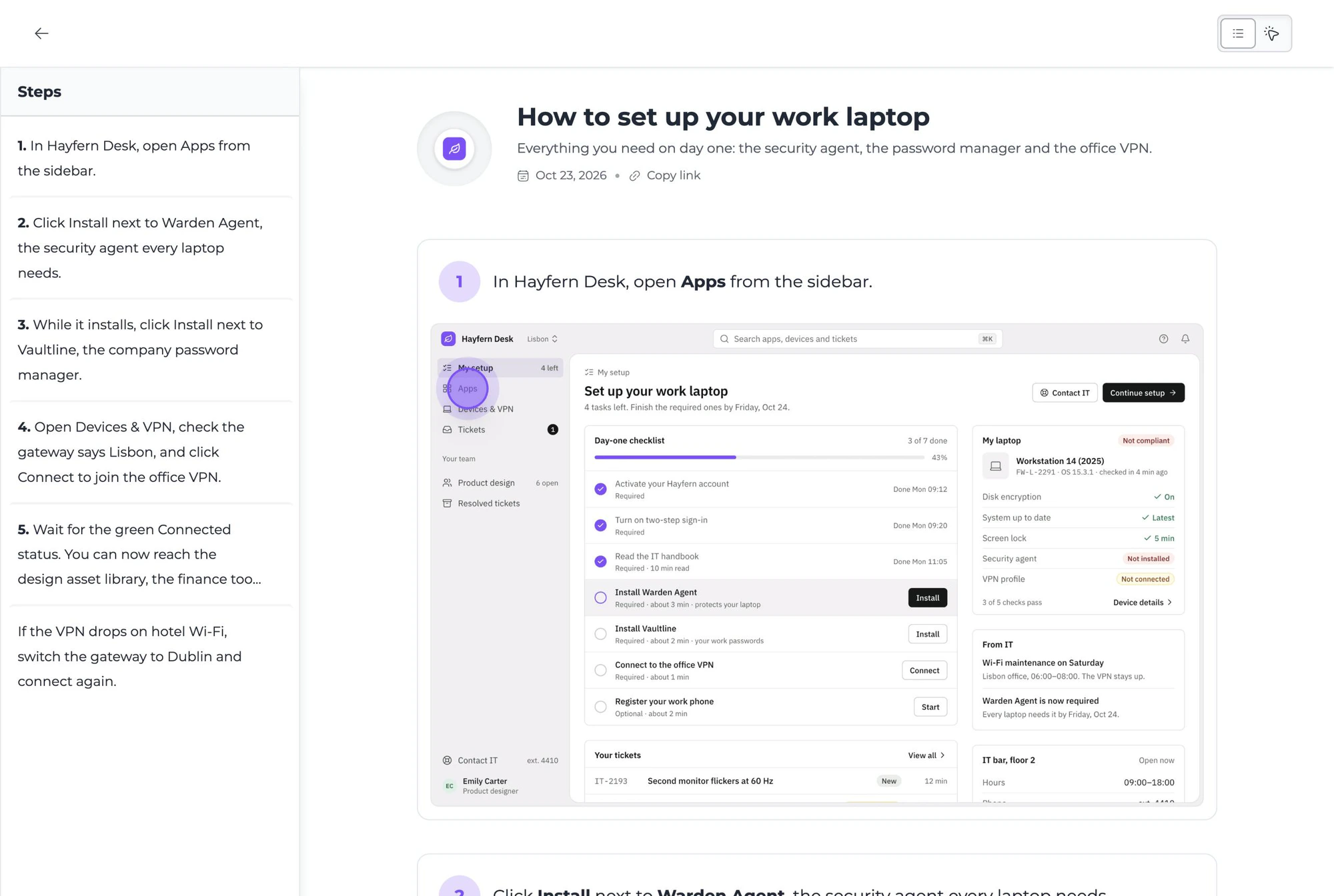
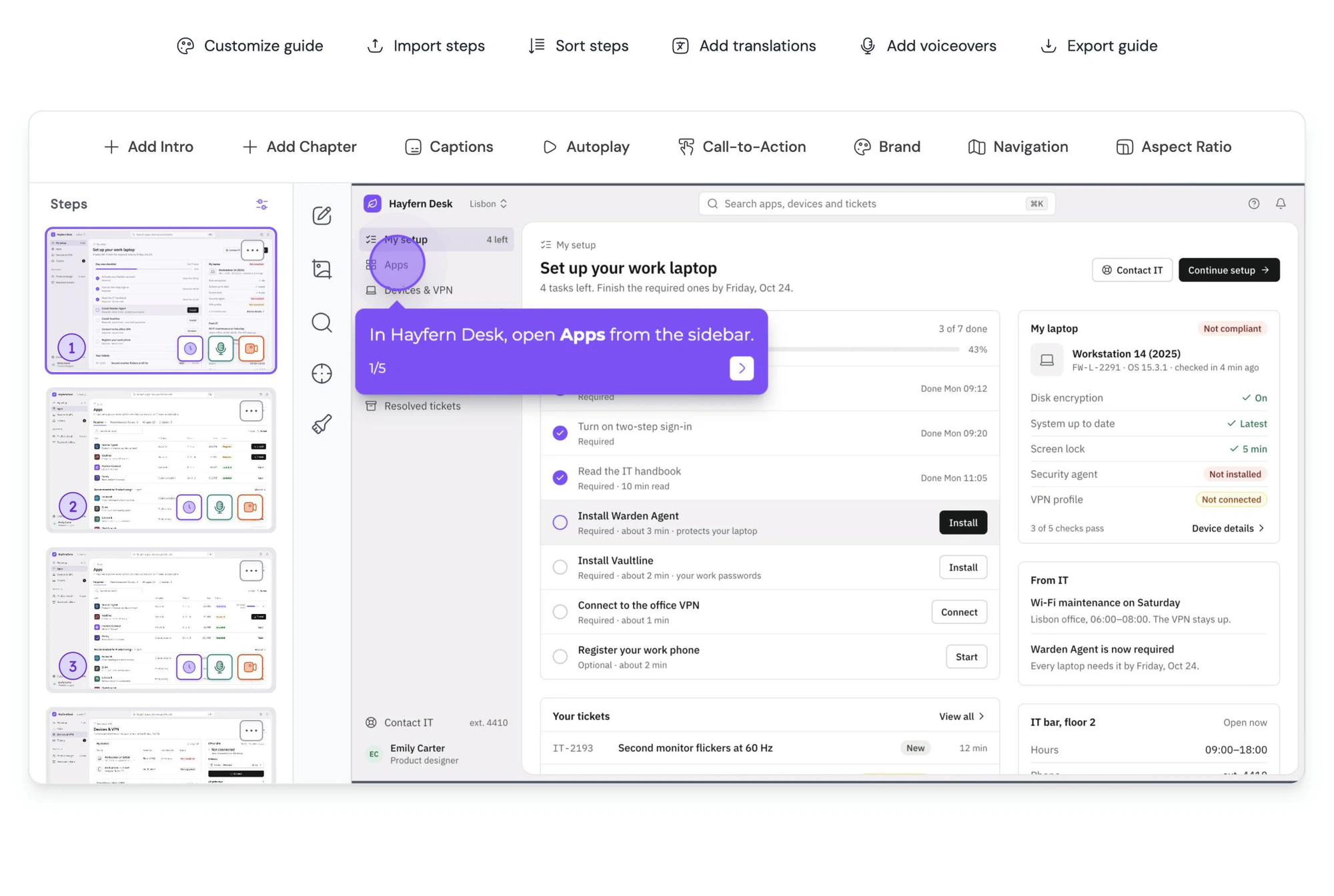
Guidejar records a process in the browser, or on the desktop from the Plus plan, and turns it into a step-by-step guide with annotated screenshots. The same guide works as an interactive walkthrough readers click through, and on Plus it can be exported as an MP4 video with voiceover and subtitles.
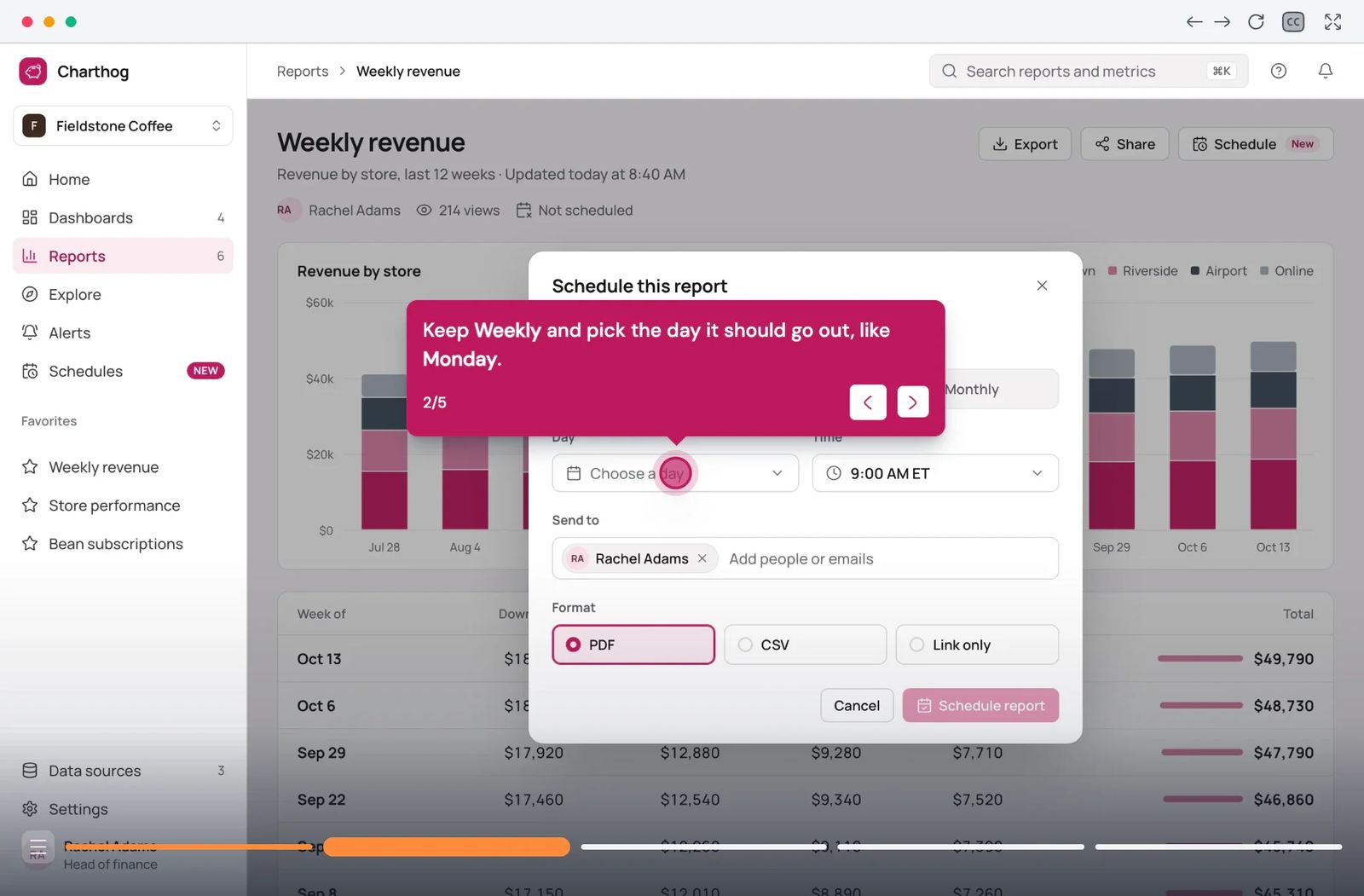
Key features:
- Guides and interactive walkthroughs from one capture, with hotspots, branching and chapters for longer processes.
- AI voiceover in 30+ languages and AI translation into 35 languages, both from the Pro plan. A translated guide keeps one link, and readers switch language inside it.
- Our AI agent, Nila, writes the entire guide for you, step by step.
- Browser capture in Chrome, Edge and other Chromium browsers on every plan, and desktop capture for native apps on Plus.
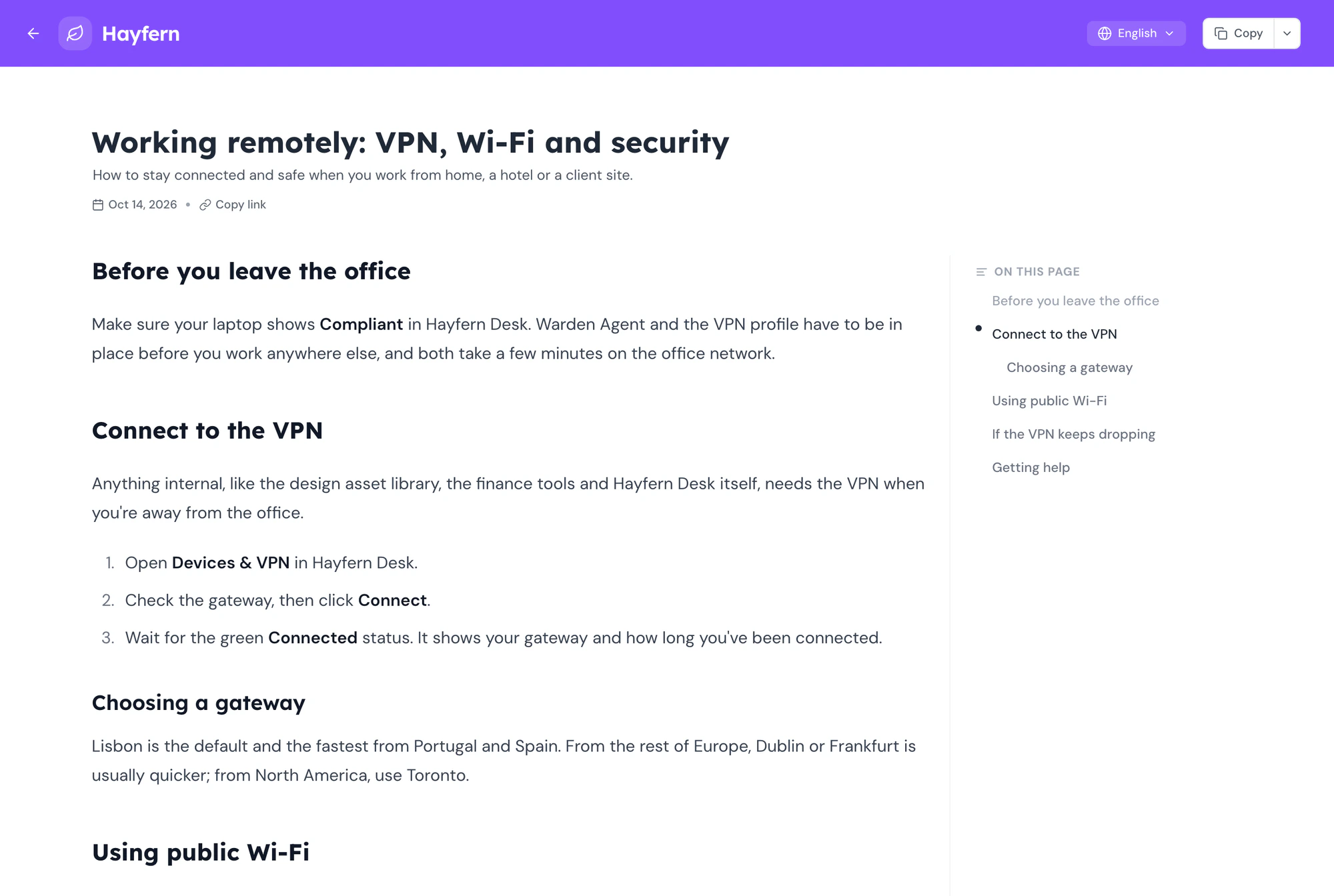
- A branded help center on your own domain, with search and access controls, on Plus and above.
- MP4 video export with voiceover and subtitles on Plus, and PDF export on every plan.
- Blur and annotations in the editor, and automatic PII redaction and voice cloning on Business.
- Analytics on views and on where viewers drop off in a walkthrough, on paid plans.
- Easy switching: Paste guides exported from Guidde as Markdown and Guidejar rebuilds them.
Pricing:
- 7-day free trial on every paid plan.
- Pro: $19 per creator a month, billed yearly ($27 paid monthly). Includes AI voiceover and translation.
- Plus: $25 per creator a month, billed yearly ($36 paid monthly). Adds the custom-domain help center, desktop capture and MP4 export.
- Business: $69 a month billed yearly for 5 creators ($99 paid monthly), then $15 per extra creator ($20 monthly).
- Enterprise: Custom, from 10 users, with SAML SSO.
- Workspace viewers are free on paid plans.
What reviewers say: Guidejar is rated 4.9 out of 5 on G2. Reviewers mostly mention how fast they can build a guide, how much they can customize it, and the support team. A couple want the AI features to go further, and a few want more help resources. It has far fewer reviews than Guidde or Scribe.
Pros:
- AI voiceover and translation on the entry paid plan
- Readers can skim the steps or click through them, instead of scrubbing a video
- One tool for internal SOPs and customer-facing help
- Free viewers on every paid plan
Cons:
- Video is an export of the walkthrough, not a full video editor like Guidde's
- The browser extension works in Chromium browsers only
- Desktop capture, the help center and MP4 export start on Plus
- A small review base so far
See the full Guidejar vs Guidde comparison.
2. Scribe
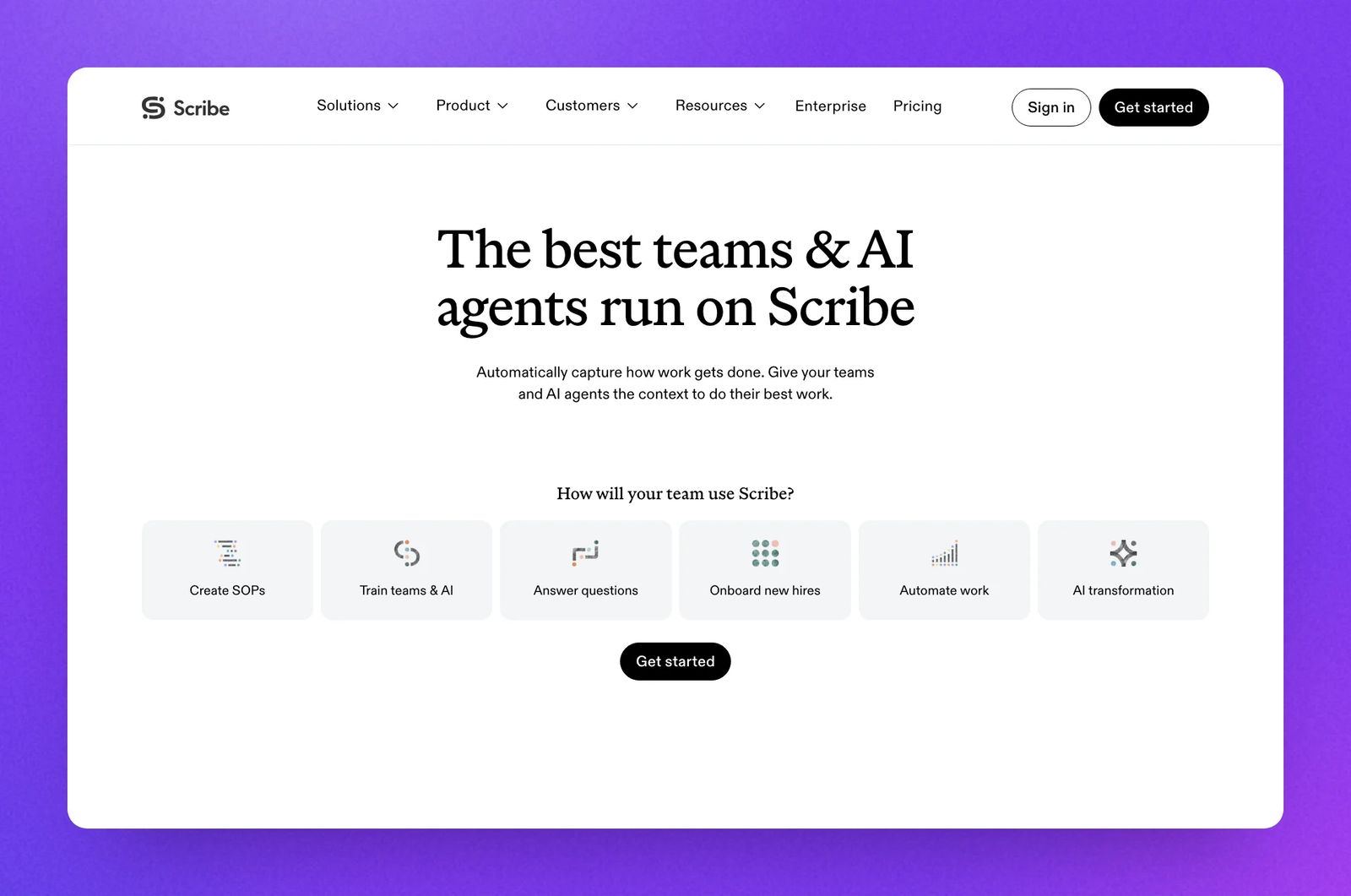
Best for: Teams documenting software processes as screenshot-based SOPs.
Scribe captures a process as you click through it and turns it into a written guide with screenshots. It's one of the best-known tools in the category and a natural pick if your team reads rather than watches. Since March 2026 every Scribe guide can also play as a narrated video with an AI voice, on every plan, though only as a link or embed, not an MP4 download.
Key features:
- Chrome and Edge capture on every plan, and desktop and mobile app capture on Pro.
- Narrated "Movies" with a choice of AI voice, captions and zoom, on every plan.
- Magic Edit, which rewrites unclear step text and merges duplicate steps (applying its edits takes a paid plan).
- Autocapture, launched in October 2026, which suggests guides from recurring work for a person to review.
- Import from PDF, Word or video files to start a guide, on Pro.
- Pages that combine several guides into one playbook, with tables, code blocks and comments.
- PDF, HTML, Markdown and Word exports plus a Confluence integration, on Pro.
- Automatic redaction of PII and PHI, SSO, translation and an MCP server, on Enterprise.
Pricing:
- Basic: Free, browser capture only, up to 10 guides and no exports.
- Pro Personal: $25 per seat a month billed yearly ($35 monthly).
- Pro Team: $13 per seat a month billed yearly ($17 monthly), five-seat minimum.
- Enterprise: Custom.
- Plans apply to the whole team, so upgrading upgrades everyone on it.
What reviewers say: Scribe is rated 4.7 out of 5 on G2 and 4.8 on Capterra. Reviewers say it saves hours of writing documentation and that it's easy to start, with one click to begin capturing and another to stop. The complaints are consistent: capture produces redundant screenshots and inaccurate text that need cleaning up, editing an existing guide is slow, basics like printing and desktop capture are paywalled, and support is mostly self-serve.
Pros:
- Fast, familiar screenshot guides
- AI-narrated video playback on every plan
- Desktop and mobile capture on Pro plans
- A large, well-reviewed user base
Cons:
- Translation and automatic redaction are Enterprise features
- Pro Team needs at least five seats, and the free plan has no exports
- Guides often need cleanup after capture
- No hosted help center
Guidejar vs Scribe · See also our Scribe alternatives.
3. Tango
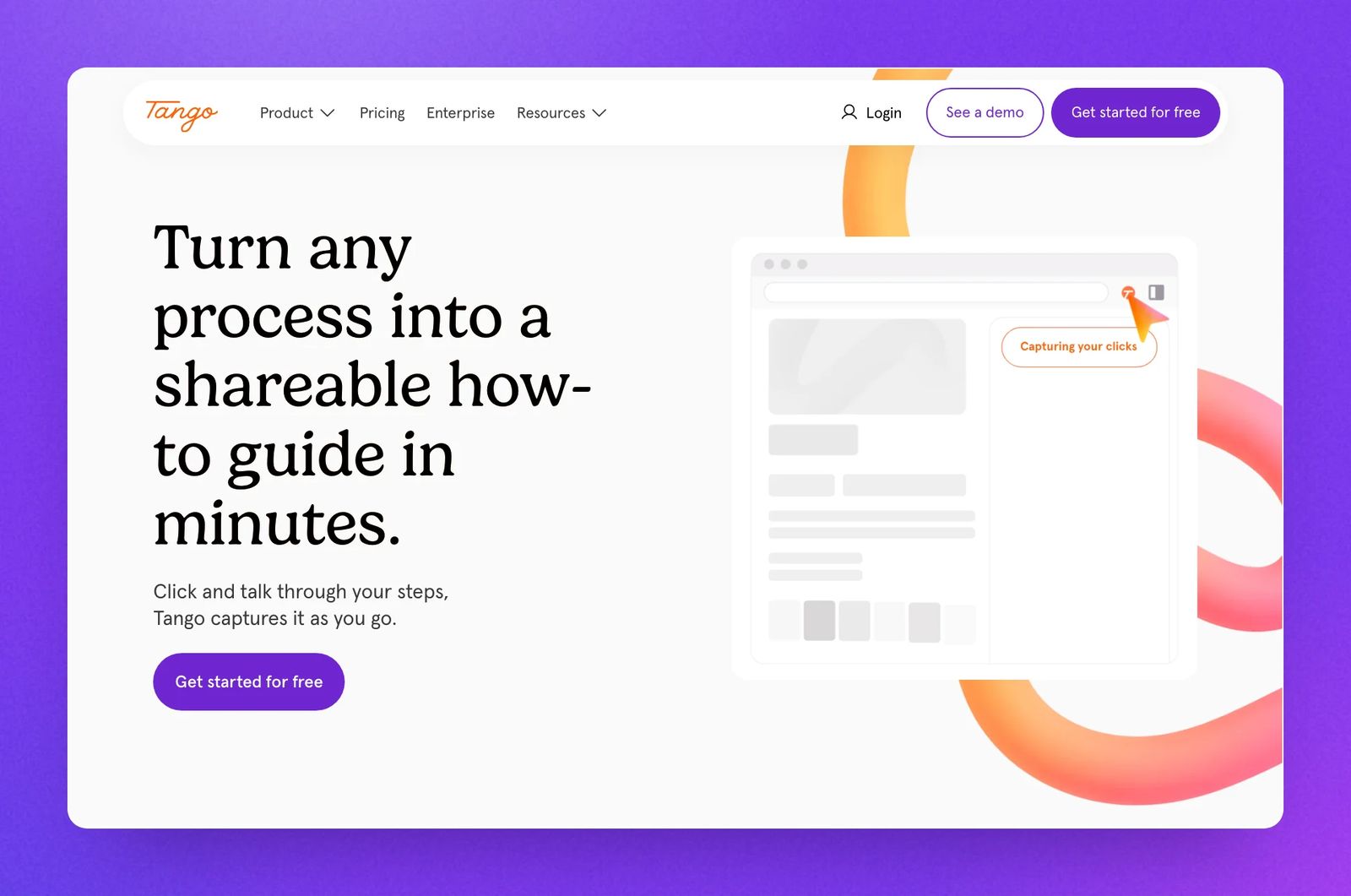
Best for: Teams of three or more that want quick screenshot SOPs at a low per-user price.
Tango captures your clicks and screenshots as you work and turns them into a step-by-step workflow you can share by link or embed. The free plan captures in the browser, and Pro adds a desktop app. Pro also turns a workflow into an embedded video with optional AI narration, which is the closest Tango gets to Guidde.
Key features:
- Browser capture on every plan, and desktop capture on Pro.
- Voice transcription: Talk while you capture and Tango writes the title, description and steps. On every plan.
- AI-written step text, plus screenshot annotation and blur, on Pro.
- Video embeds with a choice of two AI voices on Pro, which update when the workflow changes. They play as embeds, with no MP4 download.
- Guide Me, which lays the steps over the live app, usable on the free plan.
- PDF, HTML and Markdown export and viewer insights on Pro.
- Branching, translation into 15 languages, automatic redaction and SSO on Enterprise.
Pricing:
- Free: 5 shared workflows in total.
- Pro (1–2 users): $22 per user a month billed yearly ($30 monthly).
- Pro (3+ users): $15 per user a month billed yearly ($20 monthly).
- Enterprise: Custom, with branching, translation and in-app Pins.
- There's no free trial of Pro.
What reviewers say: Tango is rated 4.7 out of 5 on G2 and 4.6 on Capterra. Reviewers like how easy it is and how much time it saves on screenshots, and they mention the AI step text and automatic blurring. Reviewers also say it can miss steps on complex workflows, editing and customization are limited, and the price is high for freelancers and very small teams.
Pros:
- Quick to learn
- Low per-user price once you have three or more people
- AI-narrated video embeds on Pro
Cons:
- Every user is a paid seat; no free viewer seats
- Branching and translation are Enterprise-only
- Video is embed-only, with no file download
- Can miss steps on long or complex processes
4. Supademo
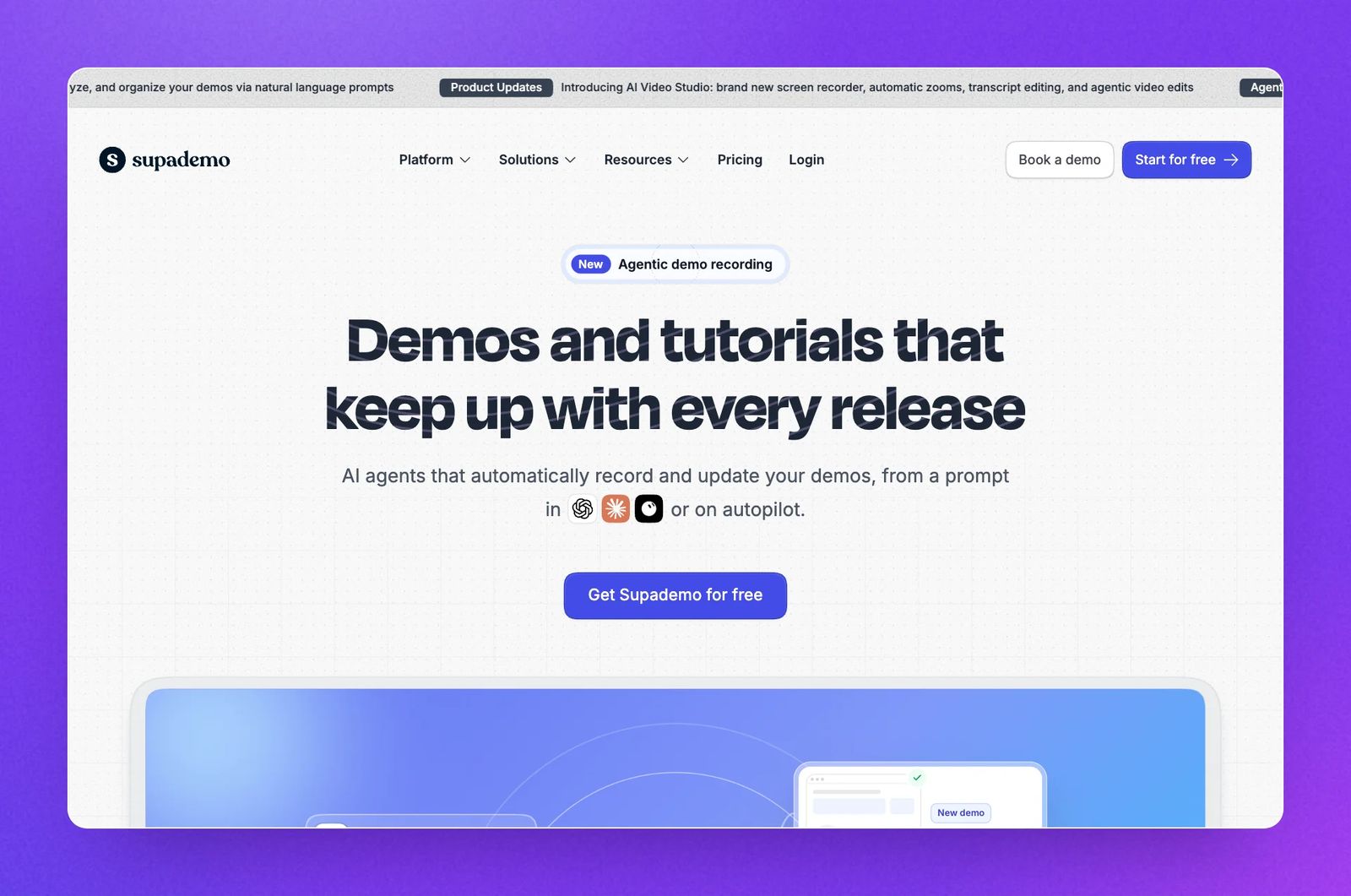
Best for: Sales and marketing teams building interactive product demos for prospects.
Supademo makes click-through demos of your product for landing pages, sales follow-ups and onboarding, with lead capture and engagement analytics. It also exports demos as written SOPs and, since October 2026, as SCORM packages on any plan, and its new AI Video Studio records narrated videos, so it overlaps with Guidde more than it used to.
Key features:
- A Chrome extension for screenshot or video capture, Mac and Windows apps on Scale and above, and a Figma plugin.
- AI voiceover, captions and translation into 50+ languages, on Scale and above. Voice cloning is on Growth.
- AI Video Studio for recorded videos with automatic zoom and editing by transcript, on every plan.
- HTML demos that copy your app's front end, on Business and above.
- Branching, dynamic variables, chapters and automatic blur.
- SOP export as a PDF or PNG, and SCORM 1.2 export, on every plan.
- Lead forms, analytics and CRM integrations on Scale and above.
Pricing:
- Free: 1 creator, 5 interactive demos.
- Scale: $38 per creator a month billed yearly ($50 monthly).
- Business: $199 a month billed yearly ($249 monthly), 1 creator included, plus $50 a month per extra creator.
- Growth: $350 a month billed yearly for 5 creators ($450 monthly).
- Enterprise: Custom, from 10 creators.
- 14-day free trial on paid plans.
What reviewers say: Supademo is rated 4.7 out of 5 on G2 and 4.5 on Capterra. Reviewers like how quickly they got started and single out the AI narration. They're less happy about a big price jump between tiers, branding locked on lower plans, steps occasionally skipped while recording, and limited variety in AI voices.
Pros:
- Strong for buyer-facing demos
- AI voiceover and translation from the first paid plan
- Lead capture and analytics built in
- SOP and SCORM exports on every plan
Cons:
- Built for sales demos more than internal documentation
- HTML demos need Business or higher
- Branding and analytics need a paid plan
- No hosted help center
5. Storylane
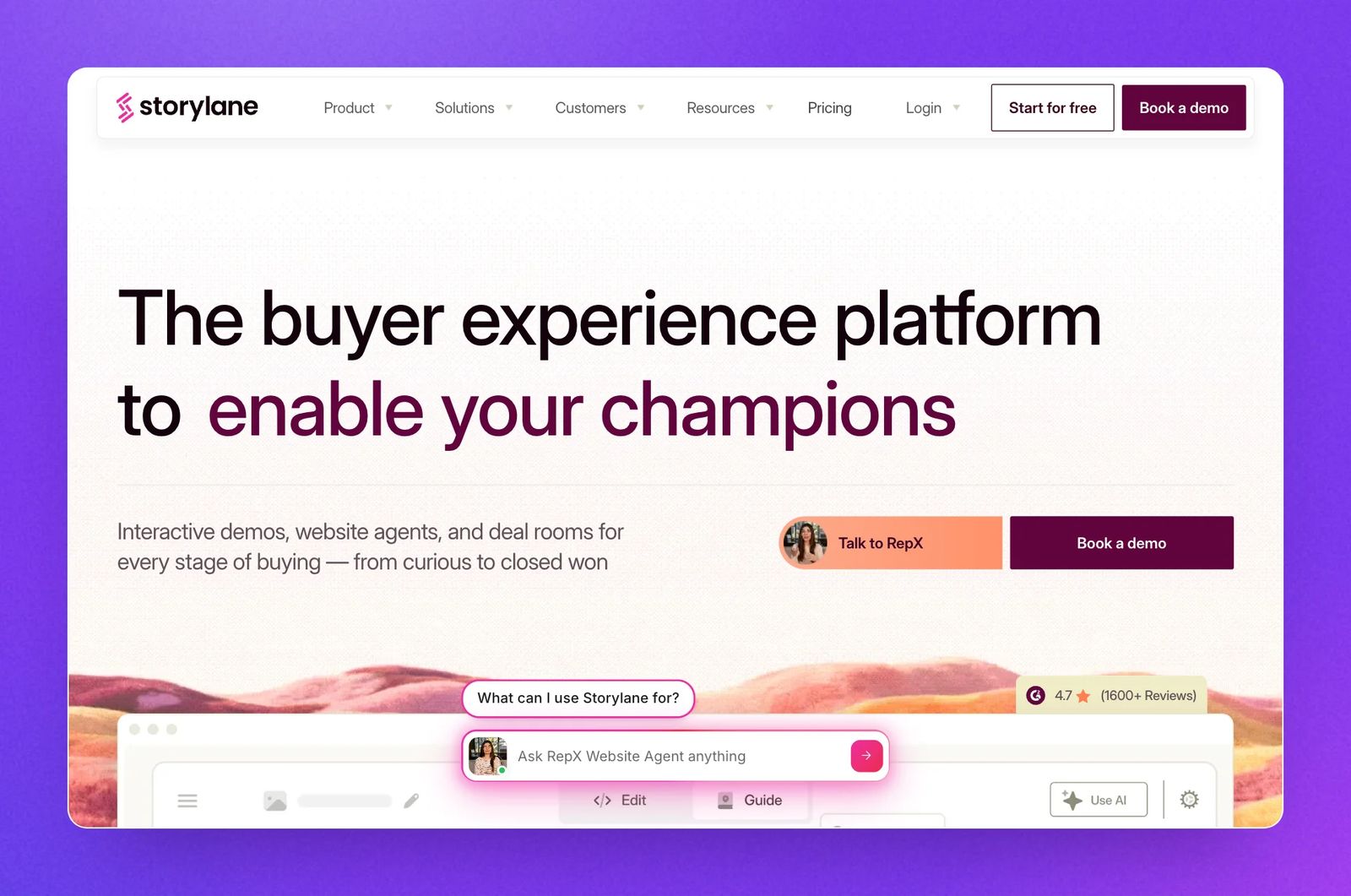
Best for: SaaS marketing teams building product tours, who want AI voiceover from the start.
Storylane builds guided product tours without code. Its free plan includes AI voiceovers, and Media to Demo turns a video or a set of screenshots into an interactive demo. Any demo can also be exported as a PDF, Word document or Markdown file.
Key features:
- A Chrome extension, Mac and Windows apps and a Figma plugin on every plan.
- AI voiceover on every plan, using monthly AI credits (200 a month on Free). Voice clones arrived in September 2026.
- Media to Demo, which splits an uploaded video or screenshots into steps with optional voiceover.
- Document export as PDF, Word or Markdown on every plan.
- HTML demos and personalization on Growth.
- Lead forms on Free, and user-level analytics and visitor identification from Starter.
- Multi-language demos, on request, and SSO on Premium.
Pricing:
- Free: 1 published demo.
- Starter: $40 a month billed yearly ($50 monthly) for 1 seat, plus $40 per extra seat.
- Growth: $500 a month billed yearly for 5 seats ($625 monthly), plus $100 per extra seat.
- Premium: $1,200 a month billed yearly for 10 seats ($1,500 monthly).
- Enterprise: Custom.
What reviewers say: Storylane is rated 4.7 out of 5 on G2 and 4.7 on Capterra. Reviewers praise how quickly they can build a demo without engineers and the analytics that show who to follow up with. On the downside, demos need manual updates when the product changes, the tier pricing is confusing, editing large demos is tedious, and some reviewers report bugs and slow support.
Pros:
- AI voiceover on every plan
- Free viewer seats
- Document export on every plan
Cons:
- The free plan keeps only one demo live
- A steep jump from Starter to Growth
- Translation is a Premium feature, on request
- Built for buyer-facing demos; written docs are an export, not a library
Guidde alternatives compared
| Tool | Best for | Main output | Starting paid price (billed yearly) | G2 rating |
|---|---|---|---|---|
| Guidde | Narrated video guides | Video plus a written doc | $19 per creator/mo ($29 monthly) | 4.8 |
| Guidejar | Guides, walkthroughs and help centers | Step-by-step guides and interactive walkthroughs, MP4 on Plus | $19 per creator/mo ($27 monthly) | 4.9 |
| Scribe | Screenshot SOPs | Written guides, with narrated playback | $25 per seat/mo; $13 per seat on Pro Team (5-seat minimum) | 4.7 |
| Tango | Screenshot SOPs | Written guides, narrated video embeds on Pro | $15–22 per user/mo | 4.7 |
| Supademo | Sales demos | Interactive demos | $38 per creator/mo | 4.7 |
| Storylane | Product tours | Interactive demos | $40/mo for 1 seat | 4.7 |
How to choose
- If narrated video is the deliverable and you have budget for Business, Guidde does that job well.
- If you want guides, interactive walkthroughs and a help center in one place, with AI voice and translation on a self-serve plan, choose Guidejar.
- If your team only needs screenshot SOPs, Scribe or Tango will cover it; compare their seat rules against your team size.
- If the audience is prospects, not users or employees, look at Supademo or Storylane.
Moving a library of guides? Our guide to writing SOPs your team will actually use is a good checklist for the rebuild, and our roundup of SOP software for small businesses covers more tools. If video is still part of the plan, see our guide to creating effective video guides.
Frequently asked questions
- Why do teams switch from Guidde?
Usually because of plan limits. Guidde's AI voiceover and desktop capture need the Business plan ($39 per creator a month billed yearly), translation is Enterprise-only, and a hosted customer-facing portal is Enterprise-only too. Some teams also find screenshot guides faster to skim and update than video.
- Which Guidde alternative has AI voiceover on a cheaper plan?
Guidejar includes AI voiceover in 30+ languages on every paid plan. Storylane includes AI voiceovers even on its free plan, though it is built for product demos rather than documentation, and Scribe plays every guide as a narrated video on all plans.
- What is the cheapest paid alternative to Guidde?
Guidejar Business, for any team where some people write guides and others read them. It costs $69 a month billed yearly for five creators, which works out to under $14 per creator, and each extra creator adds $15 a month. Workspace viewers are free, so people who only read guides cost nothing. Scribe Pro Team lists $13 per seat a month billed yearly with a five-seat minimum, and Tango Pro $15 per user, but both charge a seat for everyone in the workspace, including people who only read.
- Can I move my guides from Guidde to another tool?
Yes. Guidde exports guides to formats including Markdown, HTML, PDF and MP4 (file downloads need a paid plan). Guidejar can rebuild a guide from a Guidde Markdown export, so you don't have to re-record everything.
- Does Guidde charge for viewers?
No. Guidde bills only admins, content managers and creators; viewers can be added for free. Guidejar works the same way on paid plans, while Tango charges for every user.
- Filed under
- Documentation & SOPs