Guidde is one of the slicker ways to document a process, especially if you want video. Record a workflow and it produces a narrated how-to video and a synced written doc from the same capture, and its Magic Mic feature lets you just talk through the steps while it cleans up the "ums" into a polished voiceover. It's fast (they say 11x), and its seat model is genuinely clever: only creators pay, so viewers are free. If your deliverable is polished video for a big audience, Guidde earned its spot.
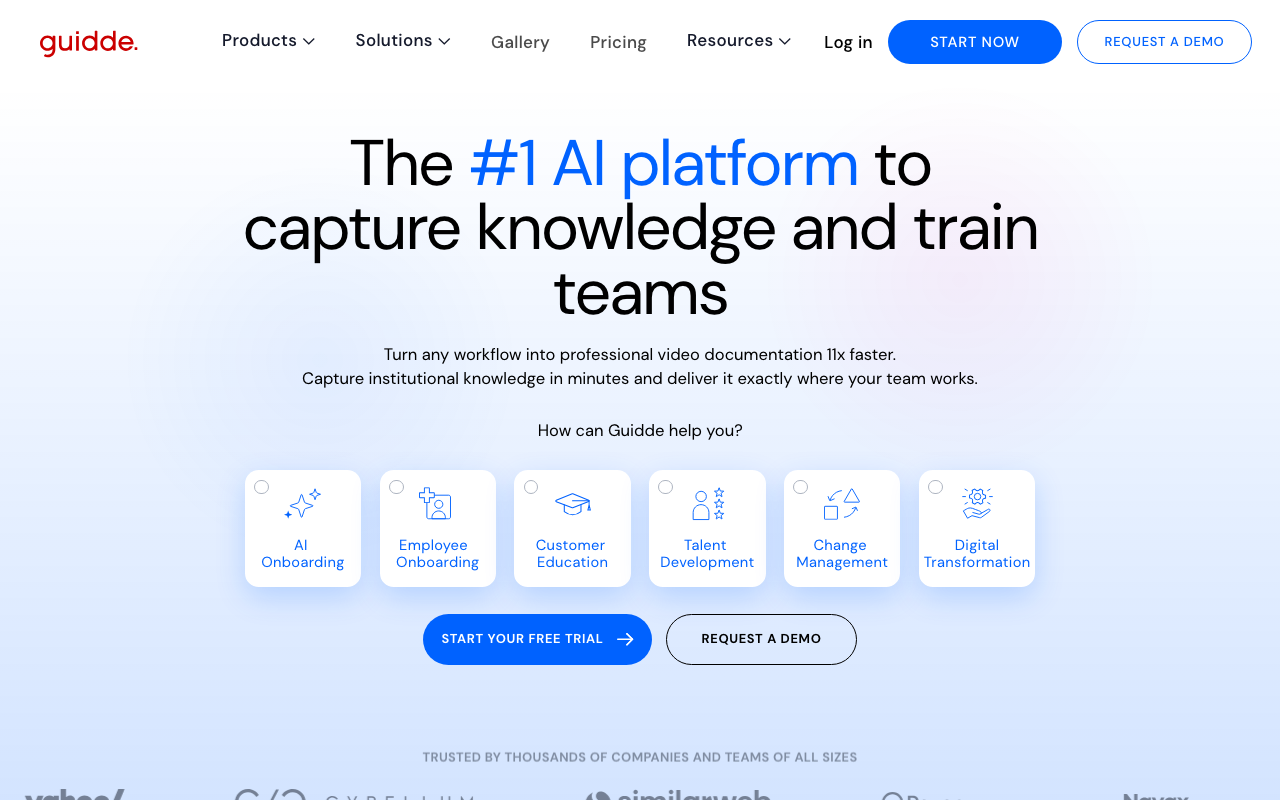
But a lot of what makes Guidde shine sits behind its higher tiers. AI voiceover, the thing most people come for, isn't on the $29 Pro plan at all; you need the $39 Business tier. Automatic translation is an Enterprise add-on. And for all its polish, Guidde's output is a linear video: the "Interactions" are clickable action links, not a walkthrough where a viewer clicks the real UI. There's no hosted branded help center of your own (its model is exporting into a knowledge base you already run, or the Enterprise Broadcast SDK), and no MCP server. If any of that matters to you, here's where to look.
How we picked
Every tool here does Guidde's actual job, capturing a workflow and turning it into something you can share, and has public pricing we checked in July 2026. That's why you won't see the filler other roundups lean on: screen recorders like Loom, onboarding-only adoption platforms, and standalone knowledge bases all solve a different problem. We build Guidejar, so it goes first, but we've been specific about where each of the others beats it.
Guidejar: the best all-round value
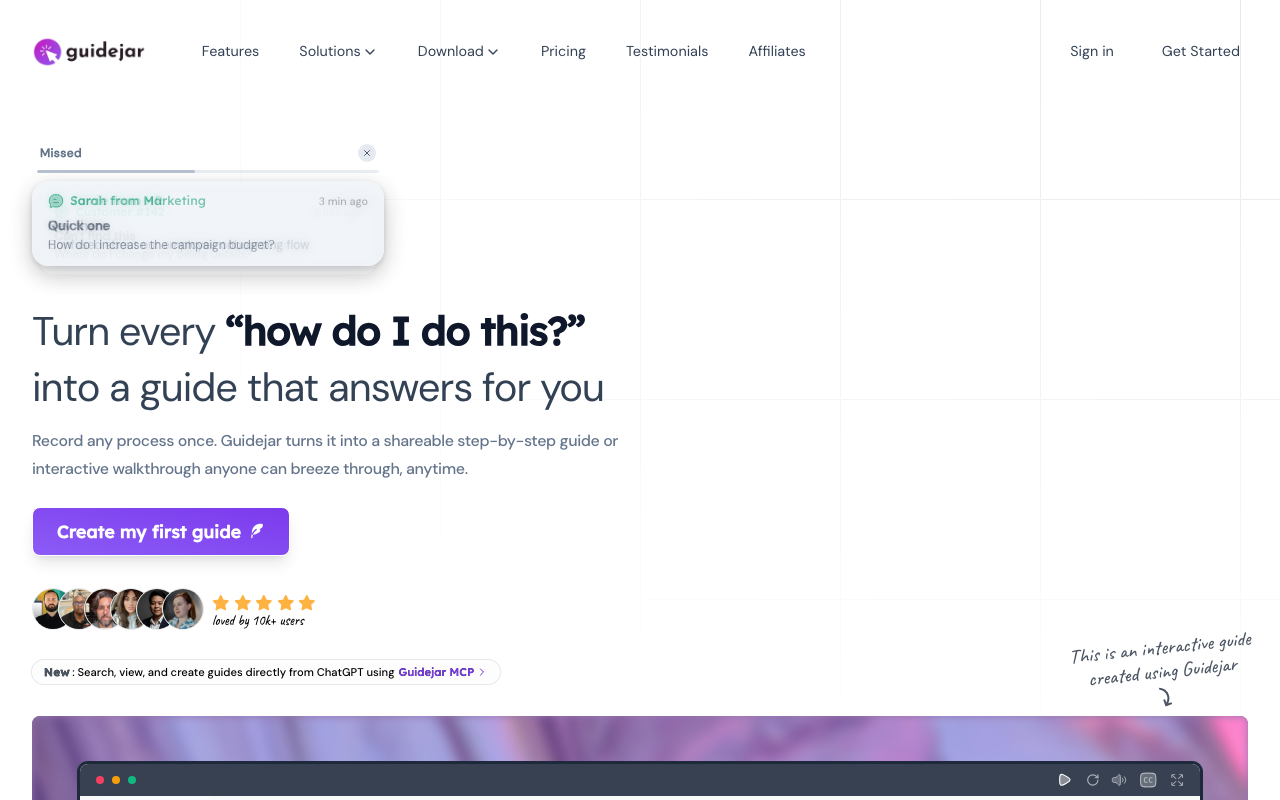
Guidejar does Guidde's core job, one capture into a narrated video with AI voiceover, and then keeps going. The same capture also publishes as an interactive Walkthrough View people click through and a written Scroll View that reads like an SOP, and the whole library lives in a branded help center on your own domain with Ask AI. Where Guidde exports its content into a knowledge base you run elsewhere, Guidejar is the hosted destination.
The bigger difference is what you pay to get there. AI voiceover is included on Guidejar's $19 Pro plan, where Guidde gates it to its $39 Business tier. Translation into 30-plus languages is self-serve on Pro, where Guidde's automatic translation is an Enterprise add-on. And Guidejar ships an MCP server so an AI agent can build your library from ChatGPT or Claude.
Best for: teams that want Guidde's video plus interactive walkthroughs and a hosted help center, with voiceover at the entry price.
Fair warning, since we're being honest: Guidde's free-viewer seat model is genuinely cheaper for a huge read-only audience, and its dedicated video editor (200-plus voices, avatars on Enterprise) goes deeper on pure video production than we do. Our free plan also tops out at 5 guides, enough to evaluate but not to run a library on.
See the full Guidejar vs Guidde comparison
Scribe: best for fast text and screenshot SOPs
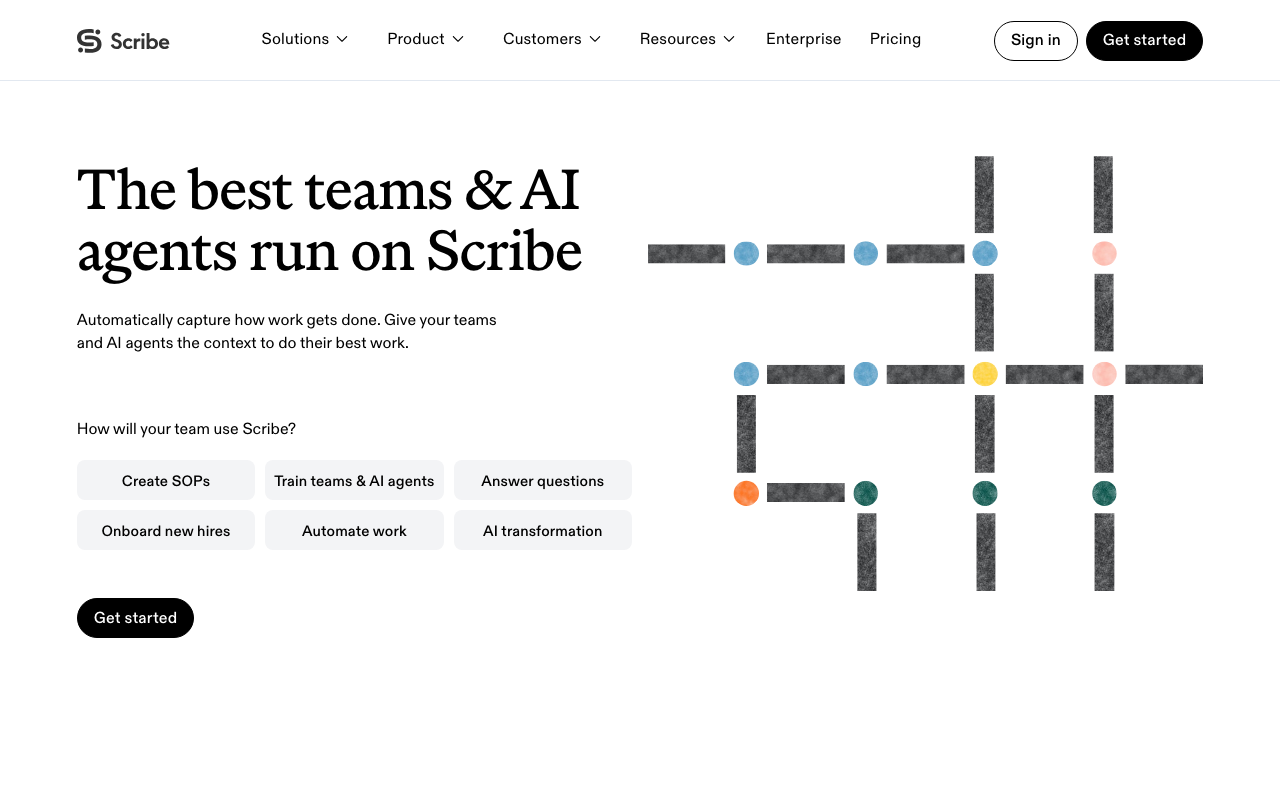
If video isn't actually the point and you just want a fast written guide, Scribe is the popular default. Install the extension, click through a workflow, and it writes a step-by-step screenshot guide automatically. It's everywhere (4.8 on G2 across hundreds of reviews), it just raised at a $1.3B valuation, and at the top end it brings real enterprise governance: enforced PII redaction, a 43-item integration directory, and SSO.
Best for: teams that want fast text-and-screenshot SOPs and enterprise governance, not video.
The trade-off is that Scribe is more limited on output than Guidde. Its free plan can't export at all, translation and the MCP server and SSO are all Enterprise-only, and there's no narrated video, no interactive walkthrough, and no branded help center of your own.
See the full Guidde vs Scribe comparison
Tango: best for in-app guidance
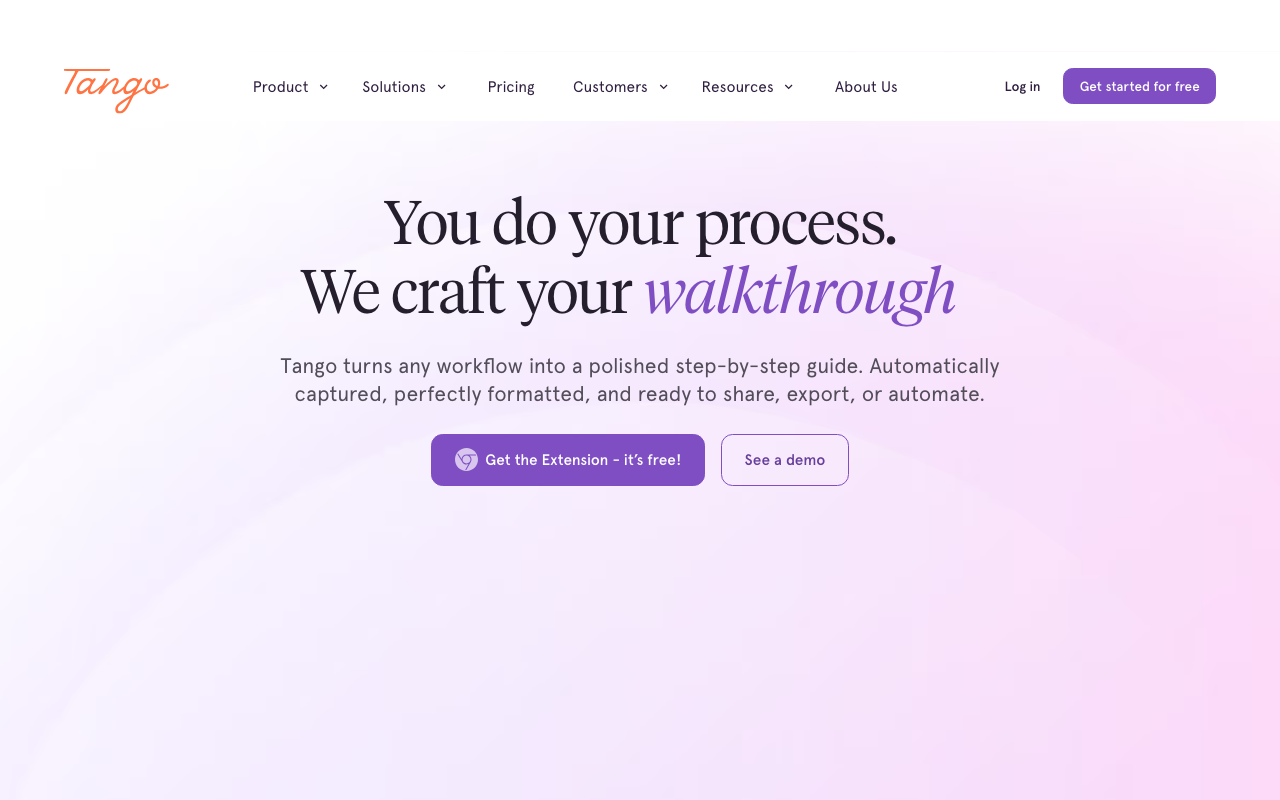
Tango captures a workflow like the others, then does something they don't: it guides people through the task live. Its Guide Me feature overlays a step-by-step walkthrough right on top of the real app, on every plan, so instead of watching a video in another tab people follow along in context. It's the closest thing on this list to a digital-adoption platform, and it has a free plan.
Best for: teams that want capture plus live, in-app guidance.
Worth knowing: Tango's advanced pieces, branching, translation, SSO, and its persistent Pins overlay, are all Enterprise-gated, and its video embeds aren't downloadable files and have no AI voiceover, so on the video front Guidde is stronger.
See the full Guidde vs Tango comparison
iorad: best for interactive tutorials
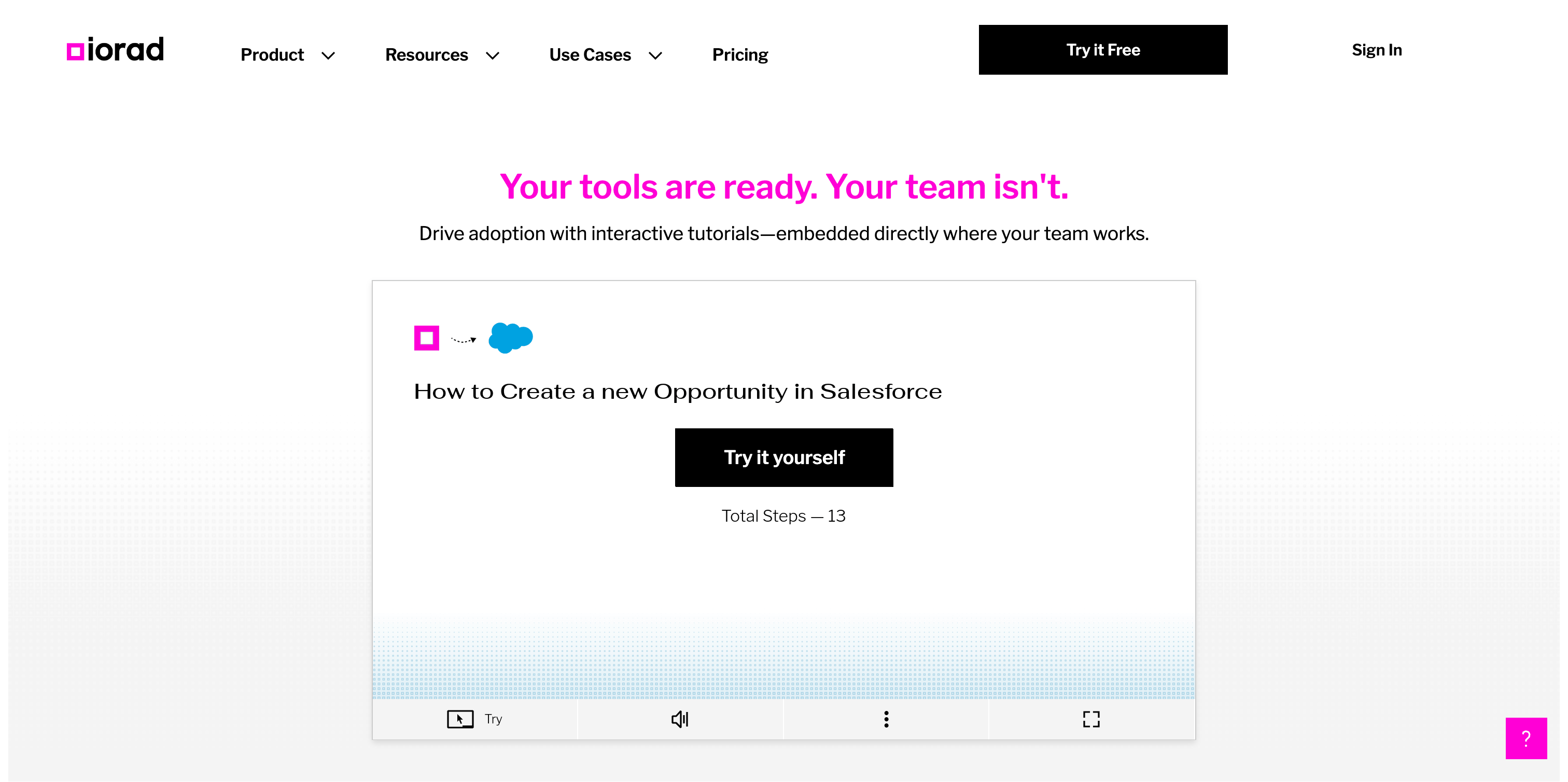
iorad turns one capture into six learning modes, Watch, Try, Scroll, Slide, Quiz, and Do, and the interactive ones are the whole point. In Try and Do the learner has to perform the actual on-screen action to move forward, and Quiz mode grades it. That's real practice, not a video to watch. Where Guidde shows people how, iorad makes them do it.
Best for: L&D and enablement teams that want interactive practice, not just a video.
The catch is cost. iorad is creator-priced but steep: $200 a month for a single creator and $500 for a team, well above Guidde's per-creator entry (though iorad does keep learners unlimited at every tier, including free).
See the full Guidde vs iorad comparison
Trainual: best for training management
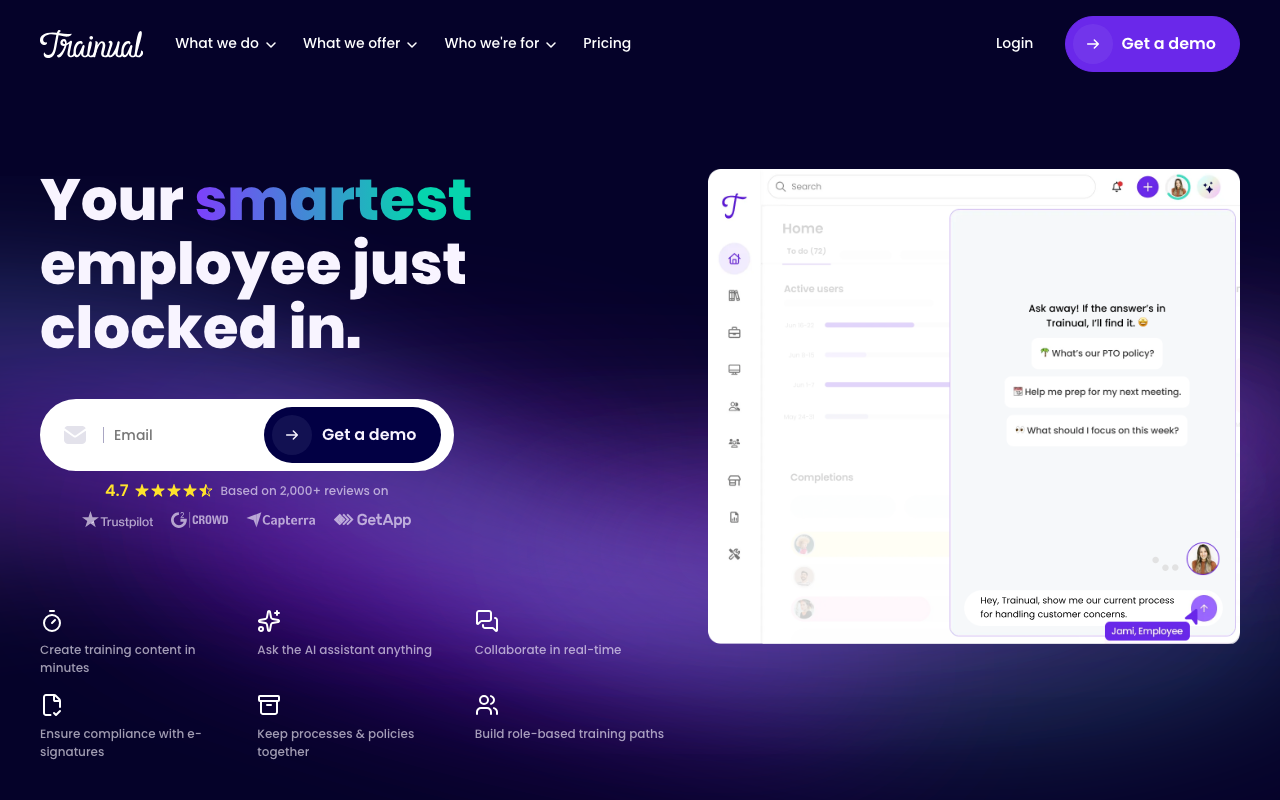
Trainual answers a different question than Guidde. It isn't really a capture or video tool; it's where you assign training by role, test people with scored quizzes, track who passed, capture e-signatures on policies, and host SCORM courses. If your real job isn't "make a polished video" but "onboard the team and prove they were trained," Trainual is built for exactly that.
Best for: teams whose core need is training management and onboarding, not producing videos.
Just know it's the heavier, managed end of this list: demo-gated with a $1,000 implementation fee and no free plan, and it has no capture of its own. You'd pair it with a content tool, Guidde or Guidejar, to actually make what it manages.
How to choose
If you want the widest tool for the money, Guidde's video plus interactive walkthroughs and a hosted help center, with voiceover at the entry tier, Guidejar is the value pick at $19 a seat. Prefer fast written SOPs over video? Scribe. Want to guide people through the app live? Tango. Building interactive practice for an L&D program? iorad. Running formal onboarding you have to prove? Trainual.
For most people leaving Guidde to get interactive guides and a hosted help center without the tier gating, Guidejar is the natural first stop. You can compare them head to head here.
Frequently asked questions
What's the best Guidde alternative?
It depends on the job. Guidejar is the best all-round value if you want Guidde's video plus interactive walkthroughs and a hosted help center, with AI voiceover at the entry tier. Scribe is best for fast text-and-screenshot SOPs, Tango for guiding people through the app live, iorad for interactive practice in an L&D program, and Trainual when your real job is managing training rather than making videos.
Is there a free Guidde alternative?
Yes. Guidejar, Scribe, Tango, and iorad all have free plans or free tiers. Trainual is the exception, with no free plan. Most caps are on how much you can create (Guidejar allows 5 guides, Tango 5 workflows), while iorad keeps learners unlimited even on free. Like Guidde's own free plan, they're best for evaluating rather than running a full library.
Which Guidde alternative is cheapest?
Guidejar, at $19 a seat with AI voiceover included, is the cheapest way to get Guidde's core video-and-voiceover job done, since Guidde makes you jump to its $39 Business tier for AI voice. Tango is close at $15 to $26 a seat, and Scribe runs $17 to $35 per creator. iorad is the priciest at $200 a month for one creator, and Trainual is demo-gated with a $1,000 setup fee.
Why look for a Guidde alternative?
Guidde is genuinely good at video, but a lot sits behind its higher tiers. AI voiceover is Business-only at $39 a creator, automatic translation is an Enterprise add-on, and its output is a linear video rather than an interactive walkthrough a viewer clicks through. There's also no hosted branded help center of your own and no MCP. Teams that want those, or that want voiceover without the $39 tier, look elsewhere.
Prices and features checked against each vendor's public pages in July 2026. Spot something out of date? Tell us and we'll fix it.