Guidejar turns the processes your team explains over and over into guides that answer for you. Record a task once and share it as a step-by-step guide, an interactive walkthrough or a video, in a help center your team and customers can search. Teams use it for SOPs, product documentation, onboarding and support. See how teams use Guidejar.
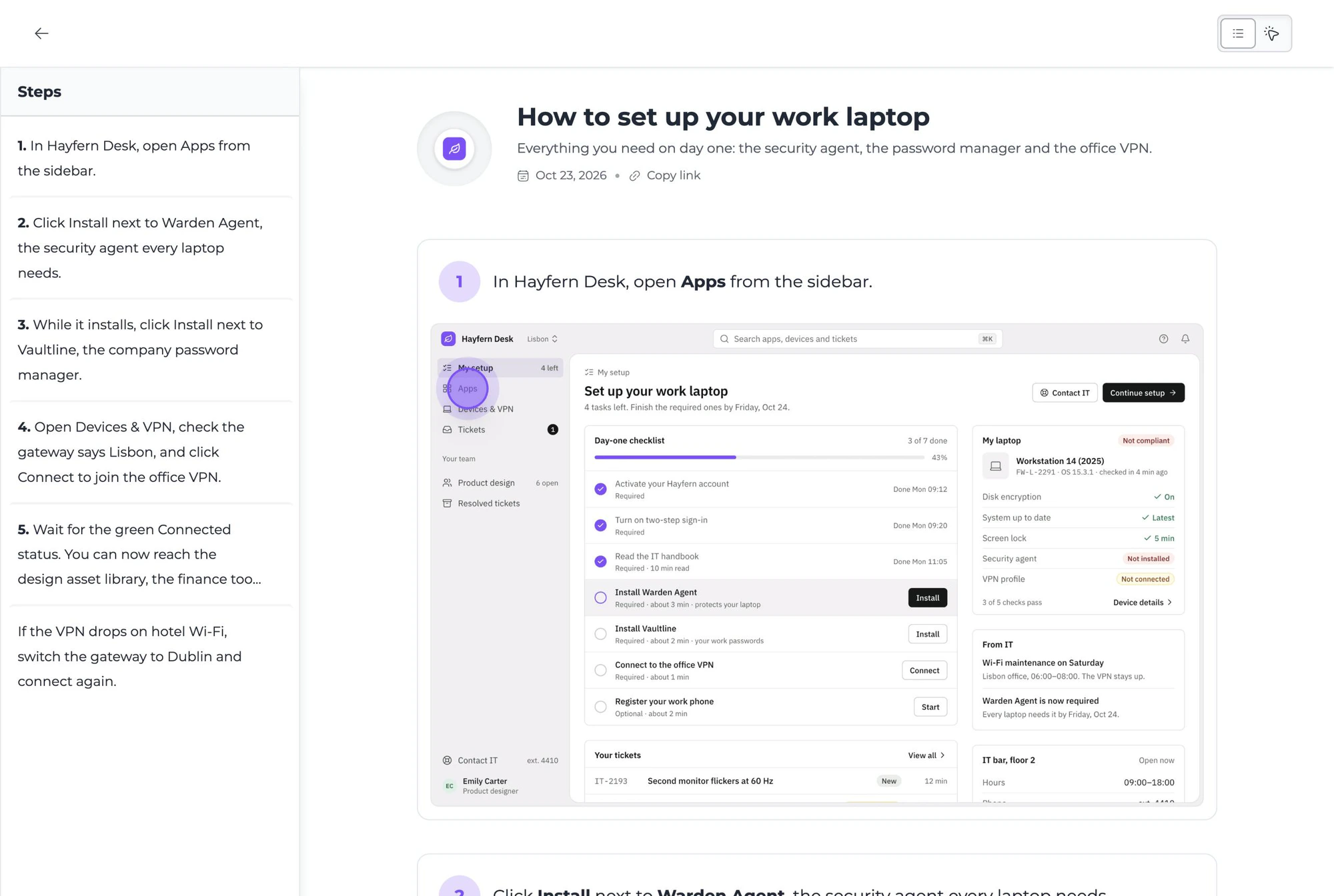
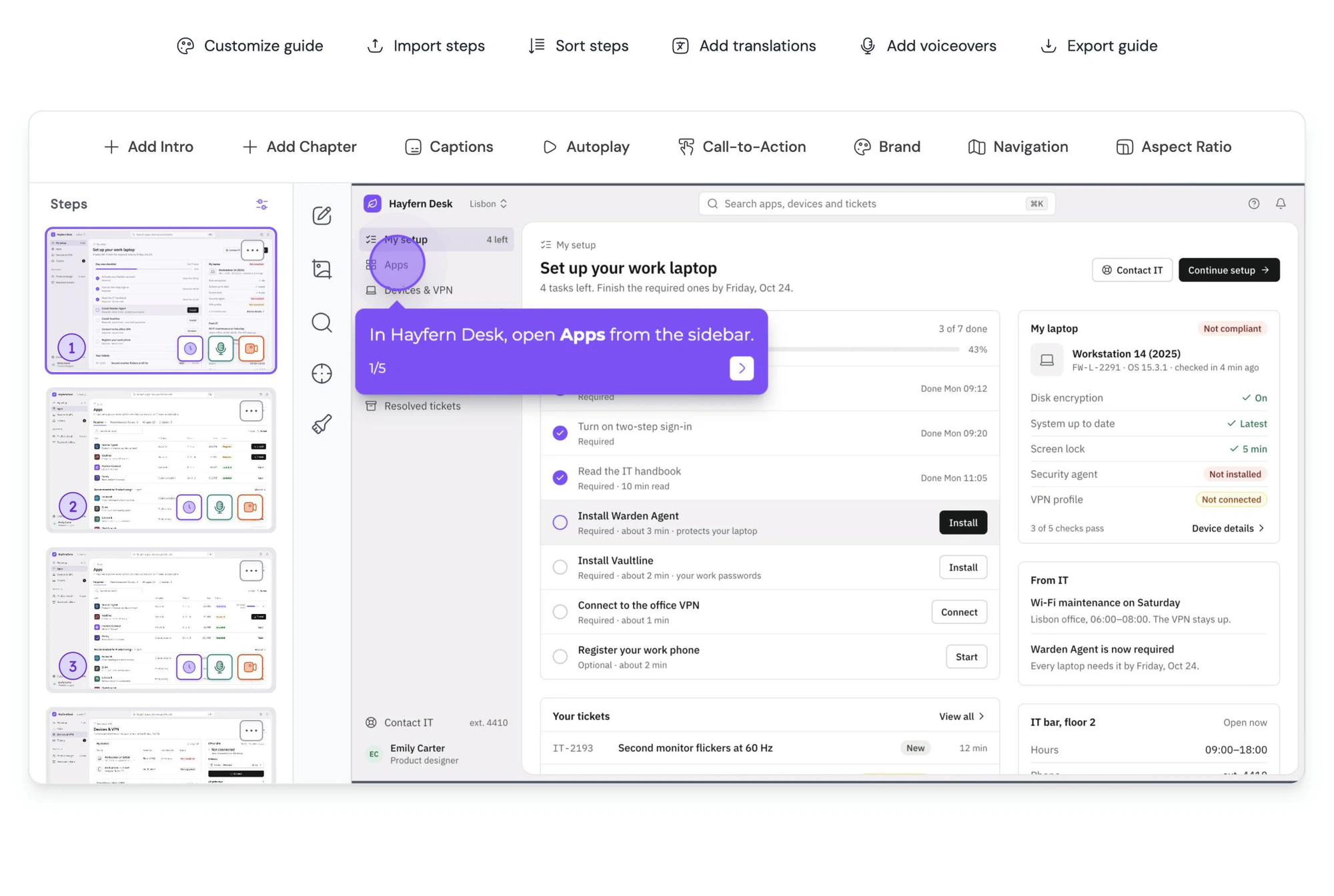
Press record in the Guidejar browser extension or the desktop app and do the task as you normally would. When you stop, the guide is ready to share, with a screenshot and instruction for every step that you can edit, blur or annotate.
The step-by-step page lists every step with its screenshot, for skimming and coming back later. The walkthrough shows one step at a time with a hotspot on the exact spot to click.
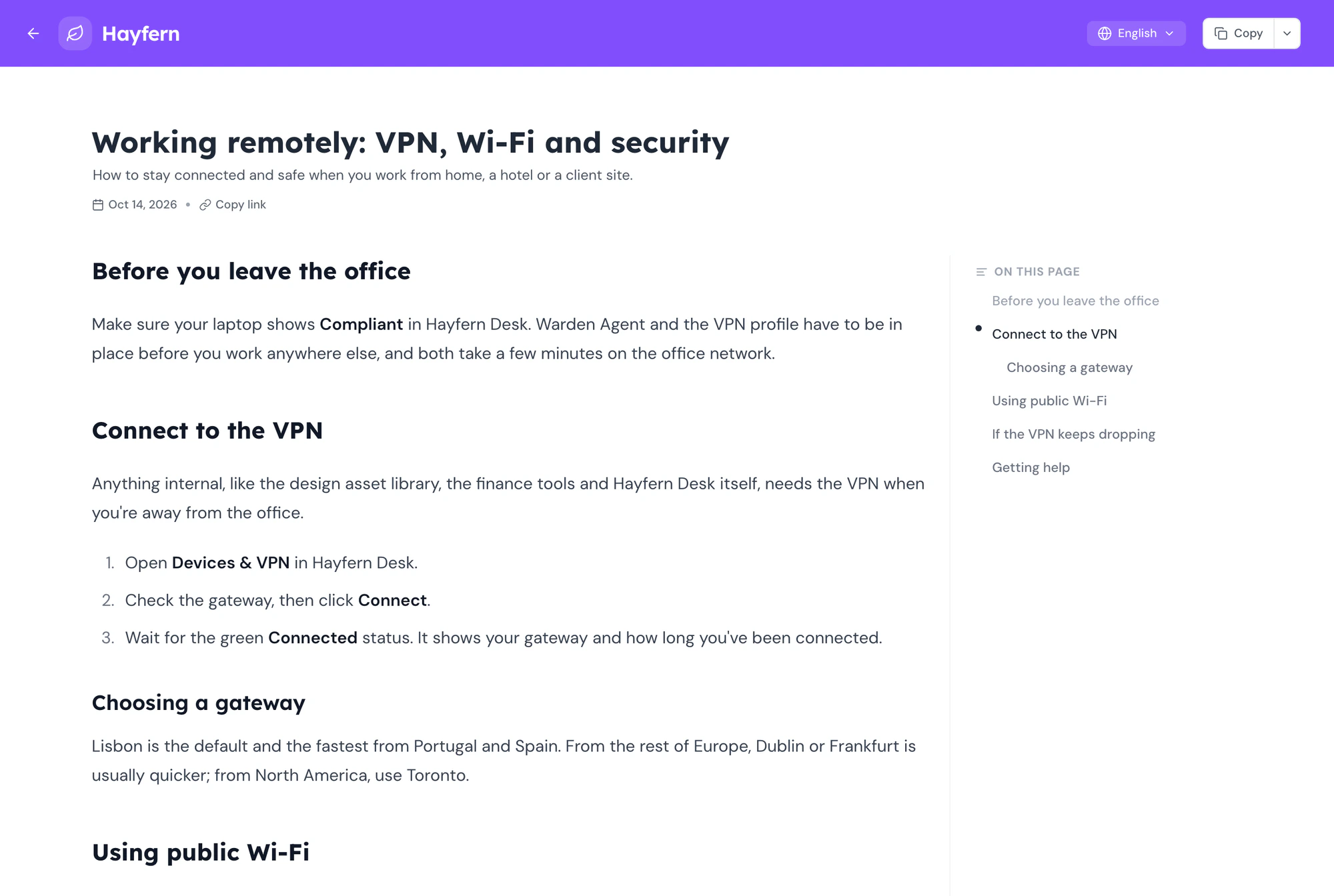
Yes. Record each process once and it becomes a visual SOP in a searchable library. When a screen changes, edit that one step instead of re-recording, and every link, embed and help center shows the new version. See Guidejar can be used as an internal wiki.
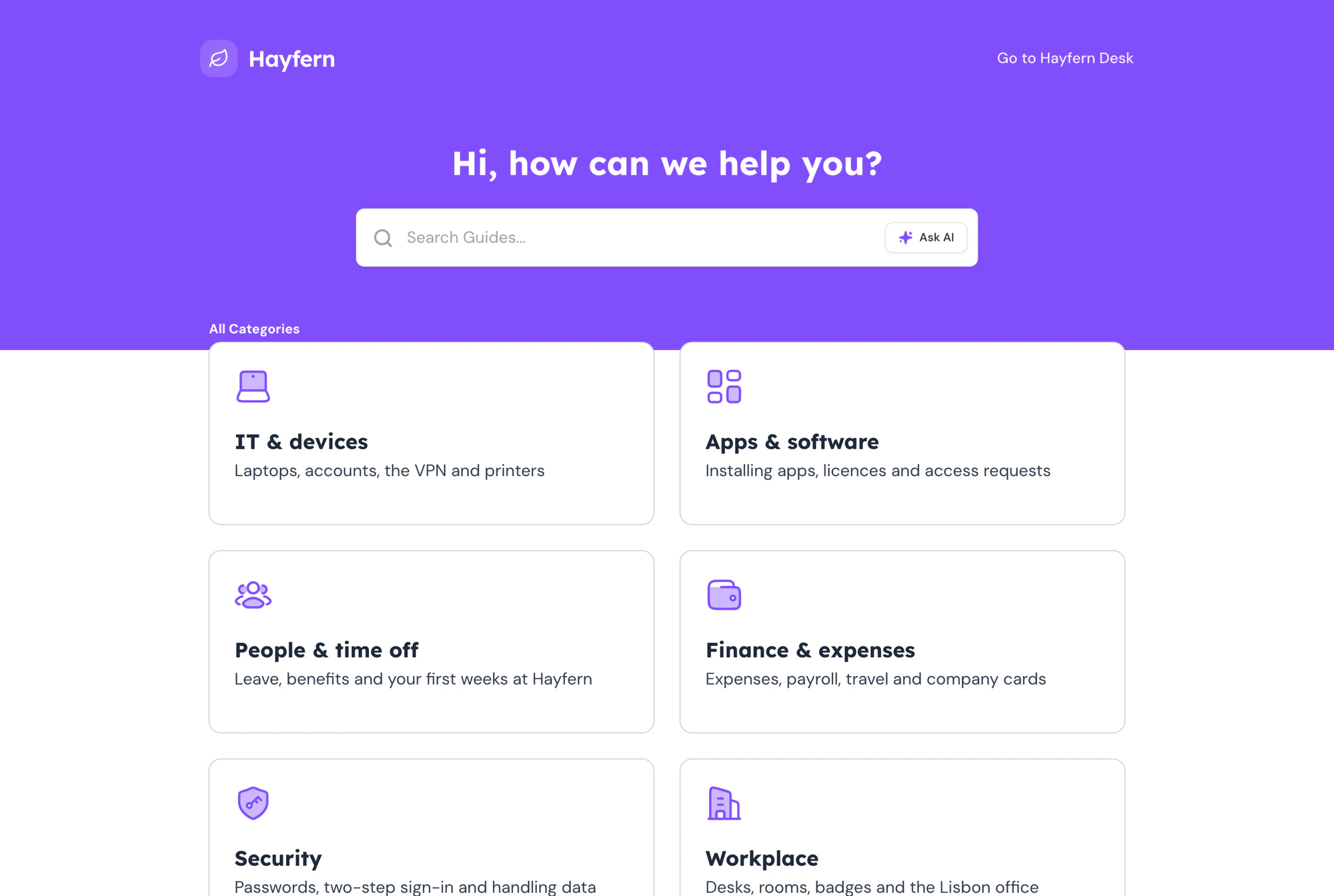
Yes. Publish your guides and articles to a help center on your own domain, with search, categories and an Ask AI assistant that answers from your content and links to the guide it used. Use the customer-facing layout or the documentation layout for an internal wiki, behind a password or SSO if it is for employees only.
Yes, wherever people already look for help. Every guide has a share link and a QR code, embeds in any website or help docs, and pastes with its images into Notion, Confluence and Google Docs. You can also export it as a PDF, an offline HTML file, Markdown or an MP4 video, depending on your plan.
Yes. Guidejar AI turns the steps you recorded into clear instructions, adds a natural-sounding voiceover, and translates a guide into 30+ languages on the same link, so each reader gets it in the language their browser uses.
You only pay for the people who create guides. Teammates who only view guides join your workspace for free, and anyone else can read through a share link, an embed or your help center without signing up.
Plans start at $19 per creator a month on yearly billing, or $27 paid monthly, and every paid plan has a 7-day free trial. There is also a free plan to try it out. The pricing page lists what each plan includes.
Yes. Every paid plan comes with a 7-day free trial with all of that plan’s features and its monthly AI credits. Start it from the upgrade screen after you sign up. With a work email you usually don’t need a card to start.
Your subscription starts on the plan you trialed, and you are billed from the day your trial ends. If you don’t want to continue, cancel before the trial ends and you won’t be charged.
You pay for each person who creates or manages guides. Everyone who only views guides is free, whether they are teammates in your workspace or people reading through a share link, an embed or your help center. You can add or remove creators at any time.
Yearly billing costs about 30% less than paying monthly. For example, $27 per creator a month becomes $19 per creator a month, billed once a year.
Yes. You can upgrade, downgrade or switch between monthly and yearly billing from your billing settings at any time. An upgrade gives you the new plan’s features right away.
You keep access to your paid features until the end of the current billing cycle. After that, your subscription ends and your workspace moves to the free plan. You won’t be charged again.
Every guide you created stays in your account, and your share links keep working. Paid features such as your help center, AI voiceover and video export stop at the end of your billing cycle, and come back as soon as you subscribe again.
Yes. If you cancel within the first 3 days of your subscription, we refund the full amount. Email [email protected] and we’ll take care of it.
AI credits pay for Guidejar AI: rewriting steps, voiceovers and translations. Each creator adds a monthly allowance, unused credits roll over and never expire, and you can top up 20,000 credits for $4.99 whenever you need more. The AI credits calculator estimates what your team will use.
Yes. Enterprise plan starts at 10 users. Contact sales to talk it through and get a custom quote.
Stop repeating yourself,
Try Guidejar today.
The next time someone asks "how do I do this?", send them a guide instead of a meeting invite.