Internal wiki software
Give your team one place to learn how work gets done, so new hires ramp up faster and nobody has to answer the same question twice.






7-day free trial on every paid plan
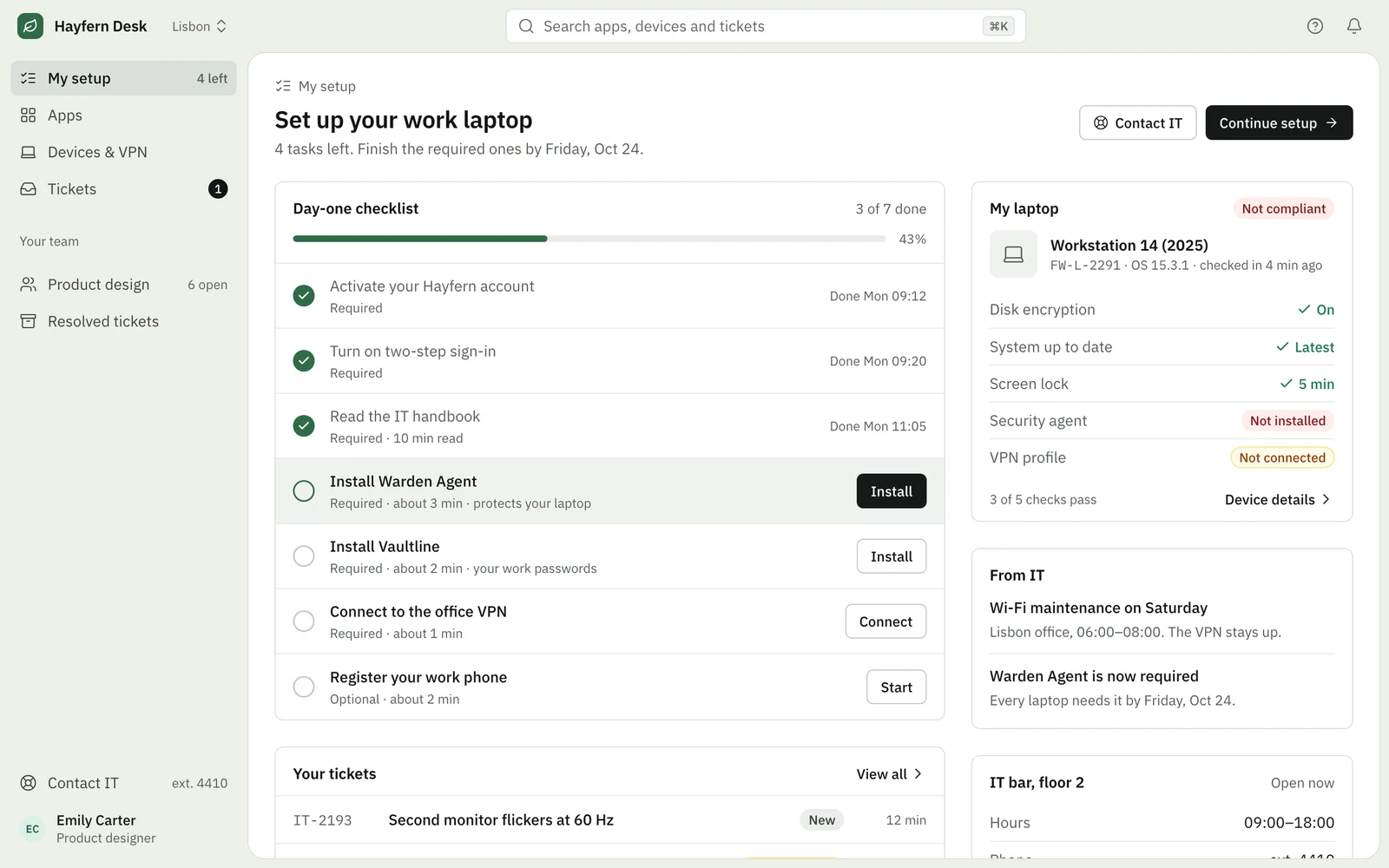
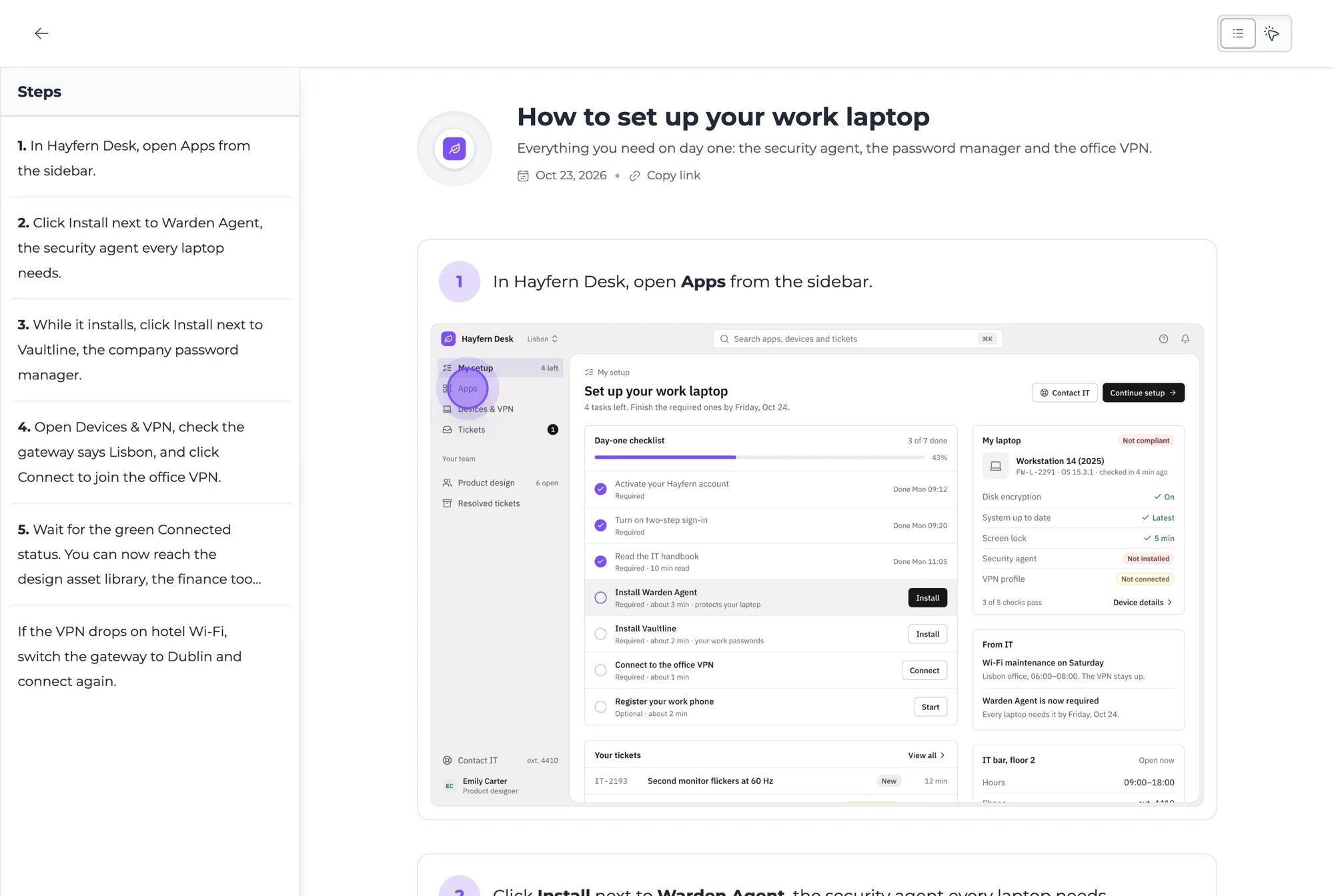
- 2Click Install next to Vaultline.
- 3Click Connect to join the office VPN.
Trusted by teams worldwide











Why company wikis stop getting used
Nobody sets out to build a wiki that gets ignored. It happens slowly, for the same four reasons.
Pages go stale.
A tool moves its menus, a policy changes, and the page still shows last year's steps. After the second wrong answer, people stop checking and go back to asking a colleague.
Walls of text.
A 2,000-word page is hard to follow halfway through a task. New hires and non-technical teammates need to see where to click, not read a description of it.
Knowledge lives in people's heads.
The one person who knows how to fix a payroll error is on holiday. The answer is in a chat thread from March, if it was written down at all.
Writing docs is nobody's job.
Documenting a process often takes longer than doing it. So it slips down the list, and the wiki drifts away from how work gets done.
Built for both sides of the handoff
The people who know, and the people who need to

New hires get answers on day one
Instead of waiting for someone to free up, a new hire opens the handbook, follows the setup guide at their own pace and gets it right the first time.
- Every onboarding task in one place
- Steps they can follow while they work
- Answers without interrupting a busy colleague

Experts explain it once, then get back to work
The person who knows the process shares it once. The next time someone asks, they send a link instead of booking a call.
- A guide drafted while you do the task
- Fix a step in minutes when a tool changes
- Each team owns and updates its own folder

How to create an internal wiki
From one recording to answers on demand, in four steps
Step 1 of 4
Record the process once.
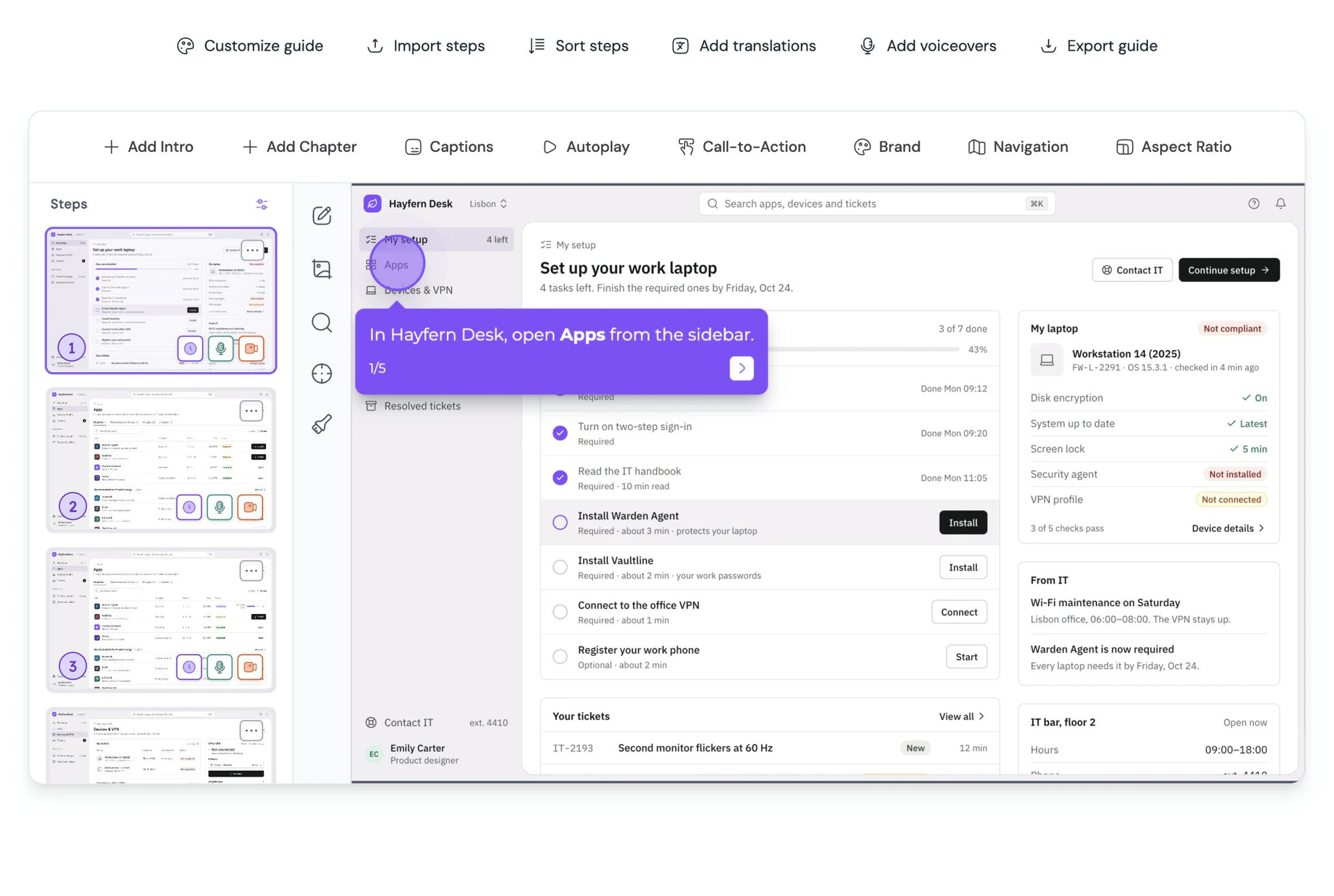
Start a capture and work through the task the way you always do. When you stop, the guide is already drafted, so nobody has to sit down and write documentation.
What makes a wiki people trust
For the answers your team can't afford to get wrong
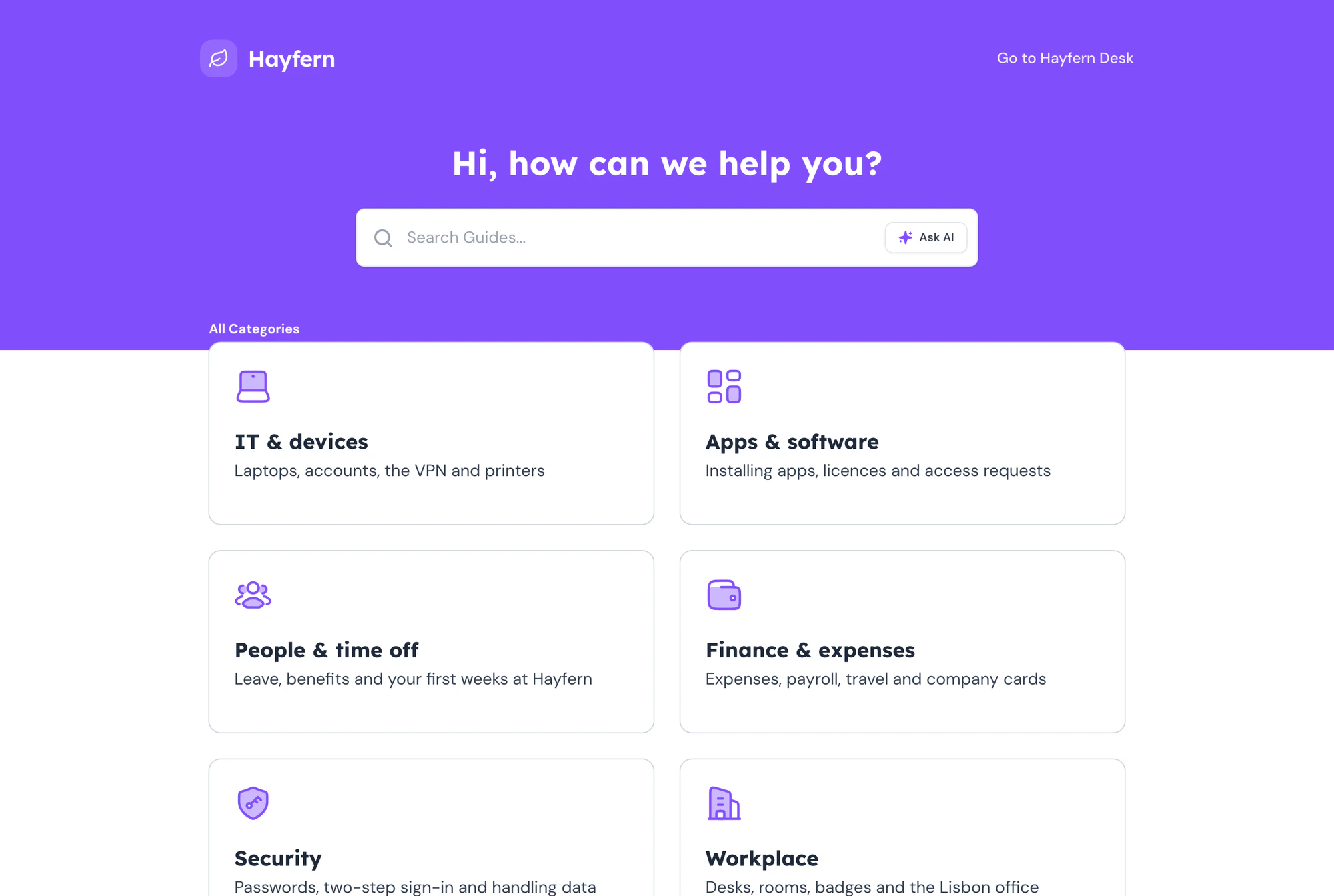
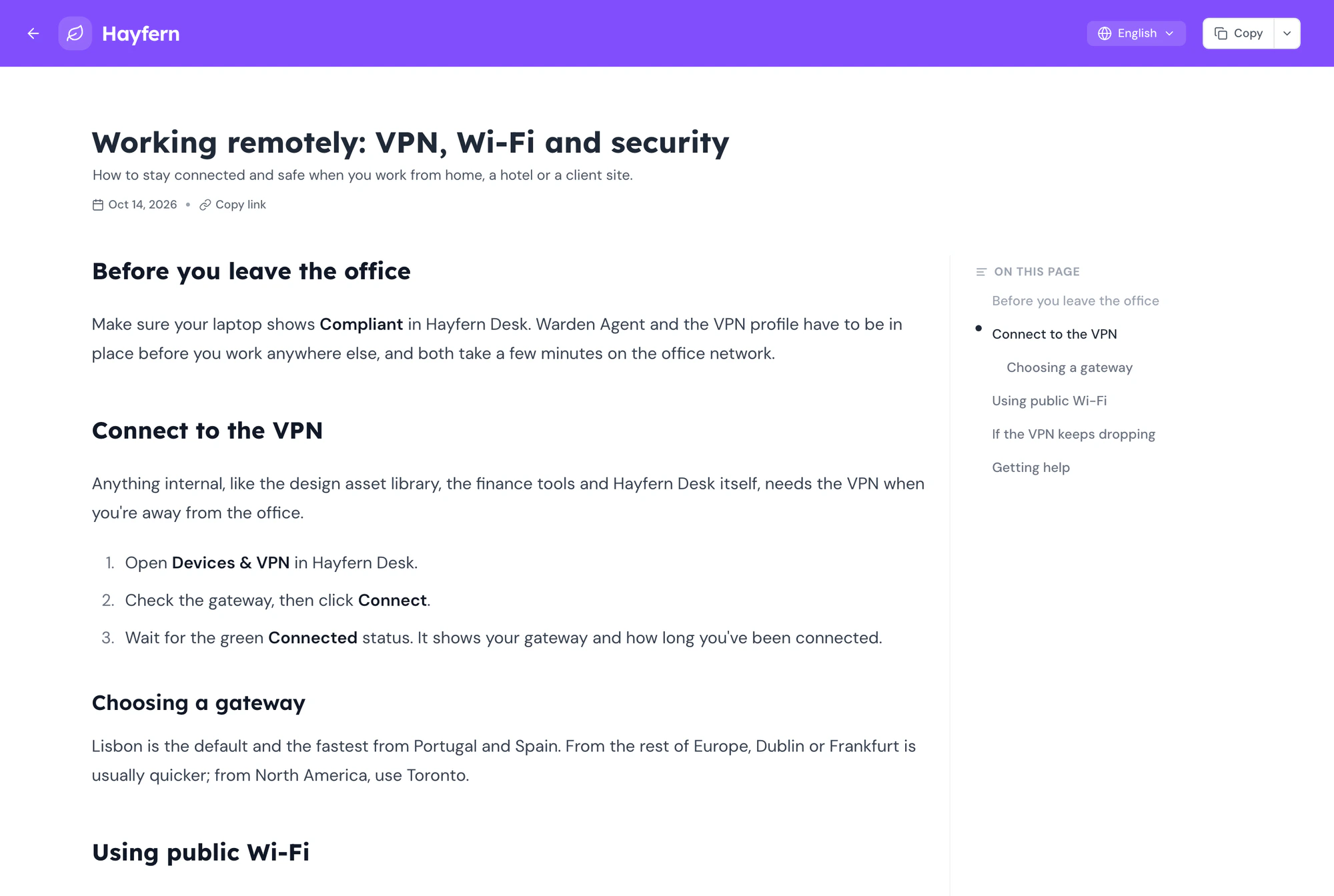
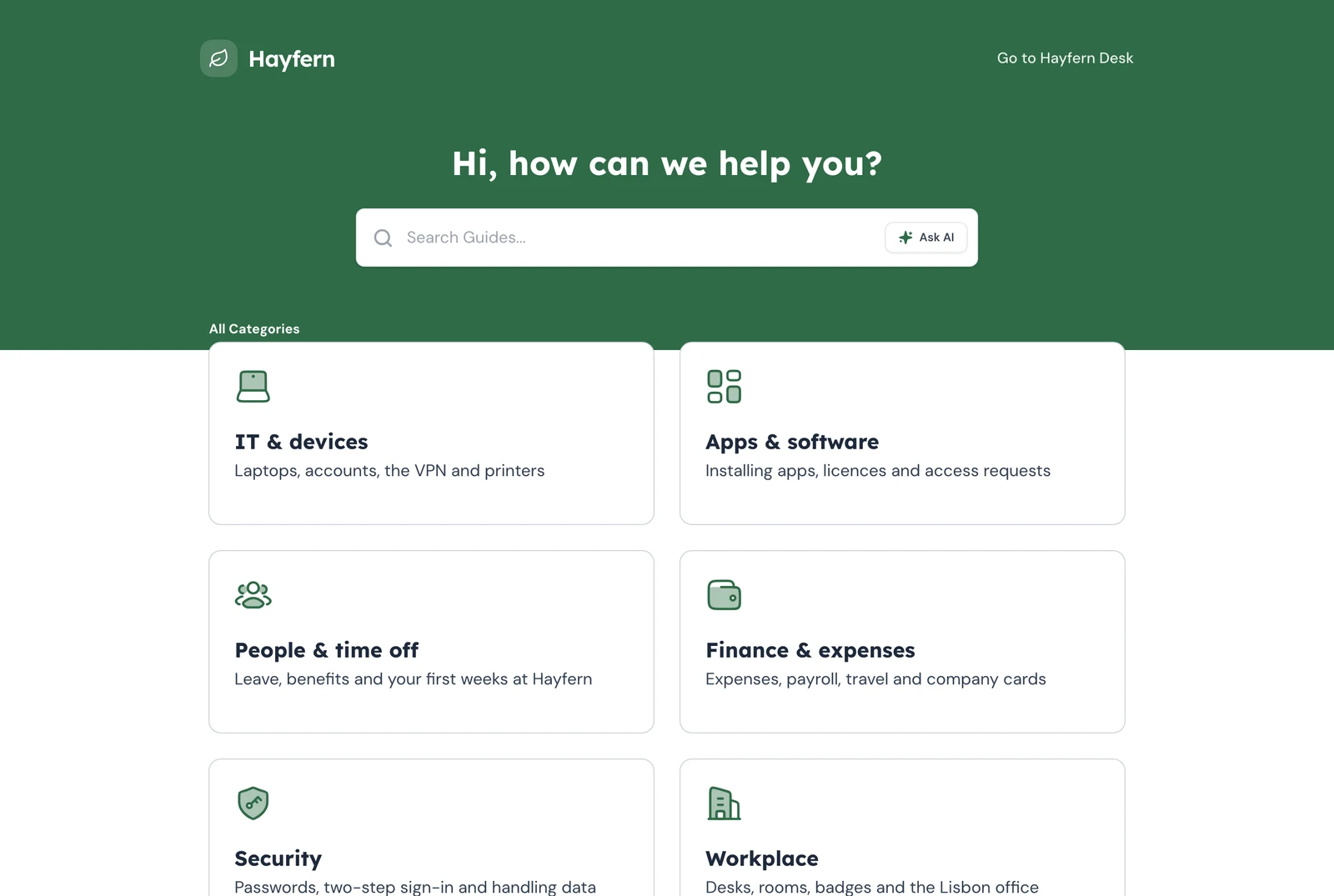
Publish the library as an internal knowledge base behind a password, an IP allowlist, your own login or SAML single sign-on. Colleagues reading through the help center don't need a workspace seat.
Explore Help centerEmails, phone numbers, account IDs and faces are found and blurred in every step before anyone reads the guide. Blur anything else by hand in the screenshot editor.
Explore Auto-redactEach teammate connects their own ChatGPT or Claude to the workspace and asks in plain language. The assistant answers from your guides and links to the full guide.
Explore AI assistant access
“It’s intuitive, easy to use, and it helps us create professional SOPs much faster than before.”
Frequently asked questions
Can’t find what you’re looking for? Email us at [email protected].Guidejar for other teams: Product Marketing, User Onboarding, Sales Enablement, Customer Self-Service
Internal wiki software is where a company keeps its how-to knowledge: processes, policies and tool instructions, in one searchable place. In Guidejar each entry is a step-by-step guide with screenshots, so people can follow it while they work.
Start with the ten questions your team asks most. Record each process once, group the guides into folders by team, and publish them as an internal knowledge base. Then ask each team to own its folder and fix a step when something changes.
They overlap. A company wiki is usually edited by everyone; an internal knowledge base is usually curated by a few owners and read by the rest. Guidejar works either way: anyone with a creator seat can write, and readers can browse the help center.
Yes. Each teammate can connect their own ChatGPT or Claude account to your Guidejar workspace and ask questions in plain language. They get answers from your guides and links to the full guide.
Everyone who you want to sign in to your Guidejar workspace needs a seat, including people who only view guides there. People who read your guides through the help center or a share link don't need one.
Yes. Share each guide with the whole workspace, specific people or keep it private just for you.
Plans start at $19 per seat a month with discounts for yearly billing. Every plan has a 7-day free trial, and you can learn more on our pricing page.
Stop answering the same question,
Let the wiki answer it.
Turn the answers stuck in chat threads and people's heads into guides your team can search, follow and ask about.